Welcome to Flick
Start your first film in Flick.
Join our Discord for real-time help, updates, feature requests, and feedback.
What is Flick?
Flick is an AI filmmaking platform built for storytellers.
Generate images and video, get inspiration, write a script, and edit your film in one place.
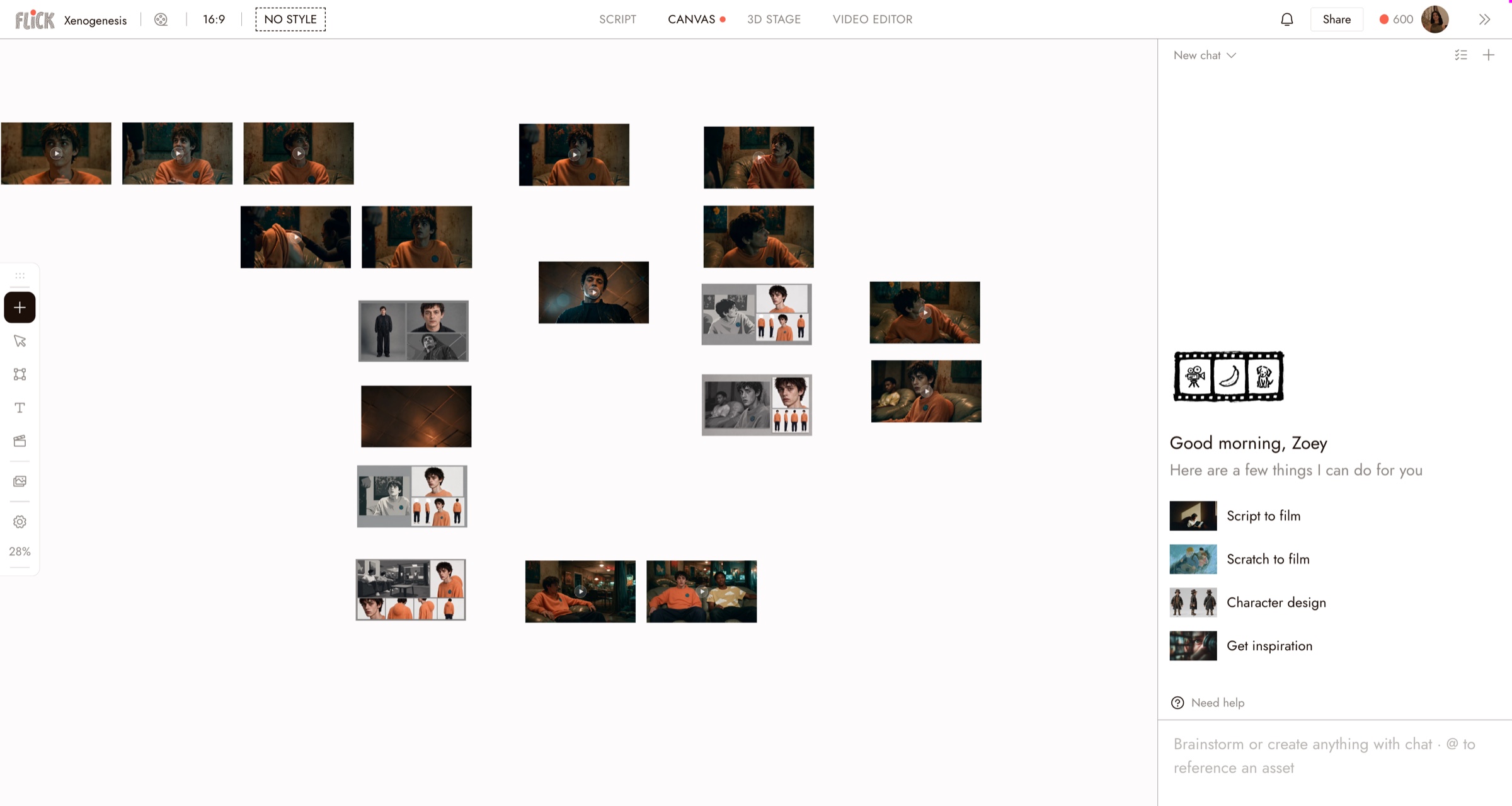
Use the canvas to plan scenes, work with references, and collaborate. Use the timeline to turn your clips into a film.
- Infinite canvas, chat, and AI creation
Organize scenes visually while generating and editing content directly on the canvas.
- Flickpedia
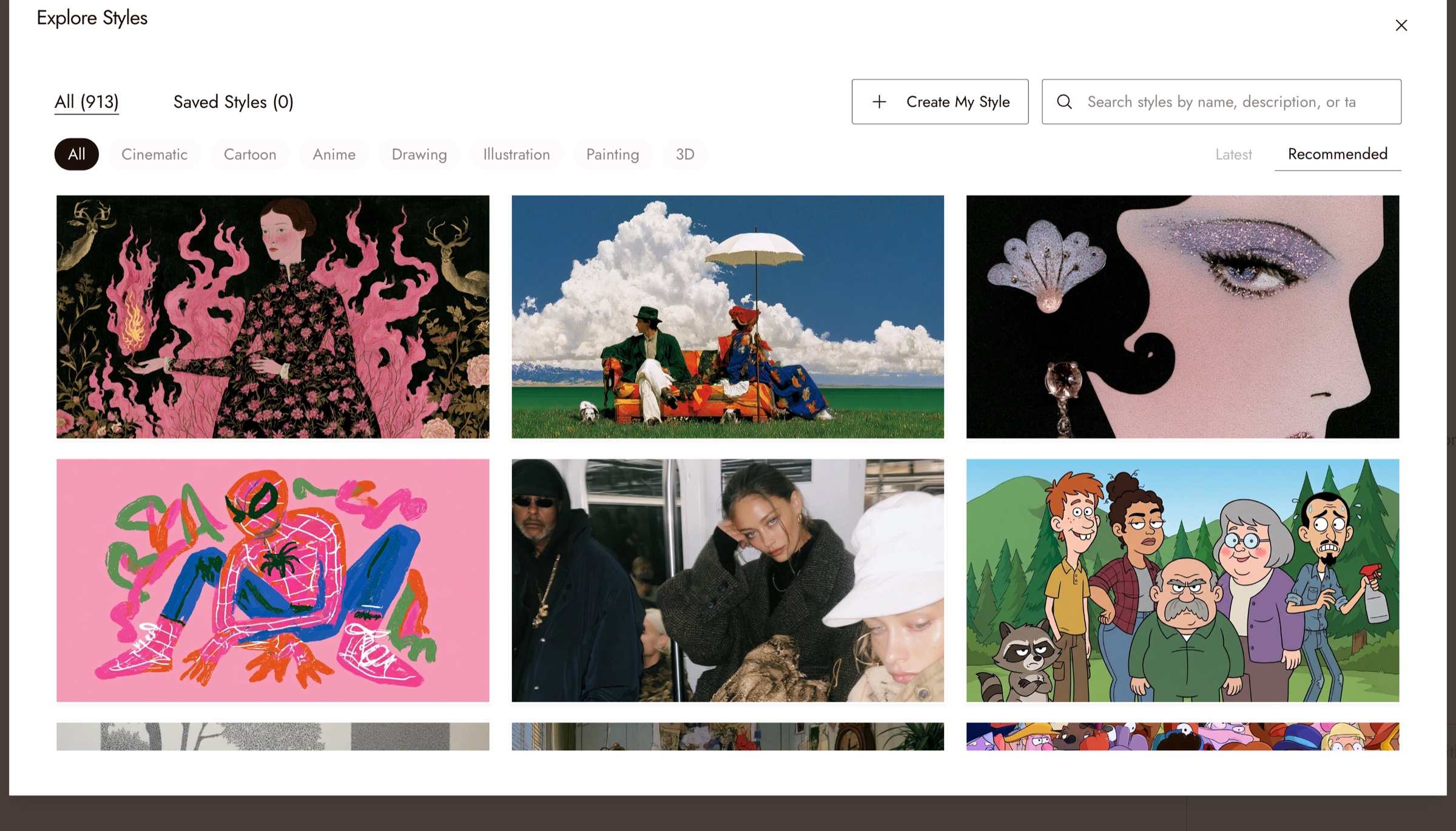
- Curated visual styles
Artist-crafted styles that help you reach a cinematic look quickly. See Visual Styles.
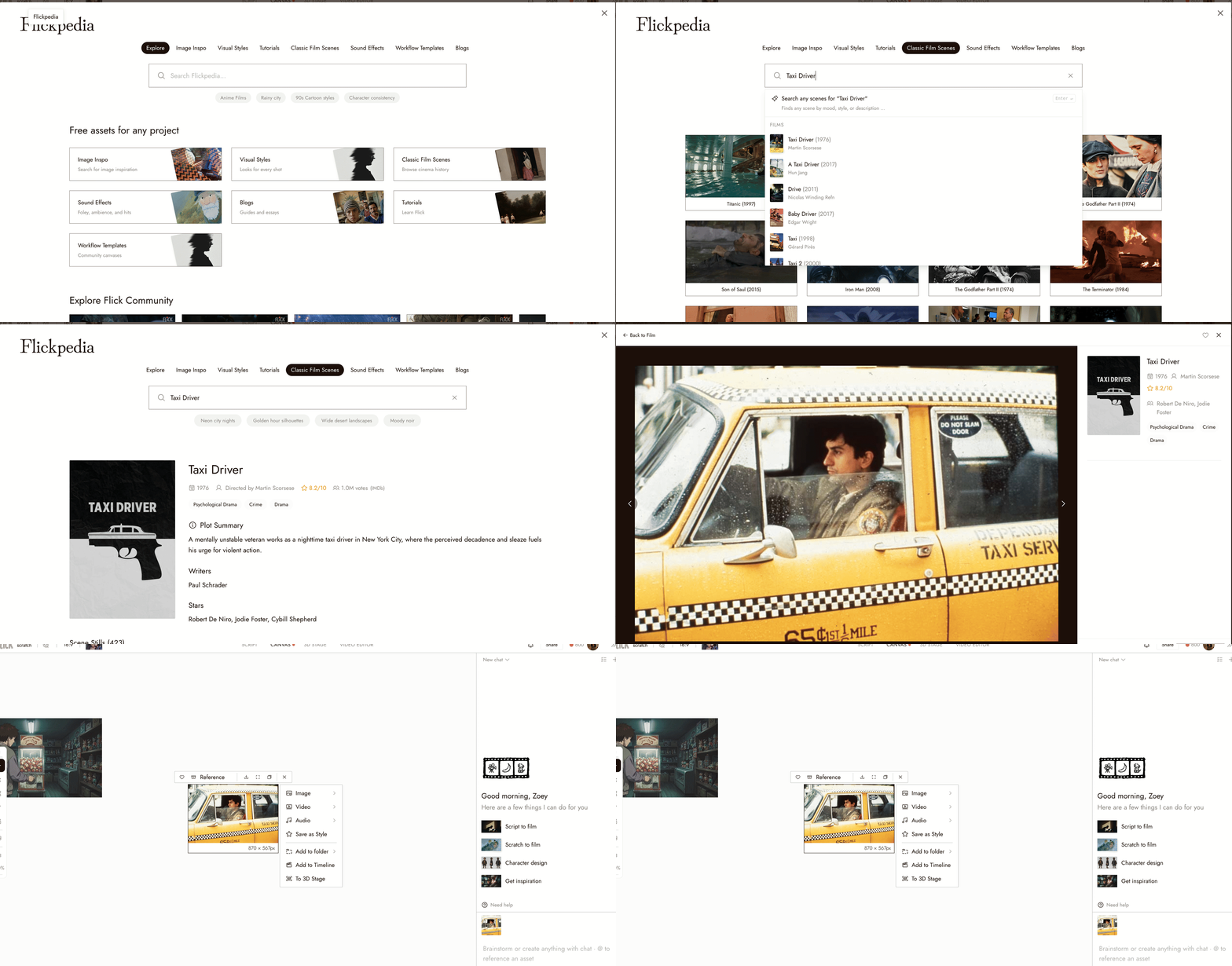
- 1M+ classical film scenes
Explore over a million film shots to find references and study cinematic language.
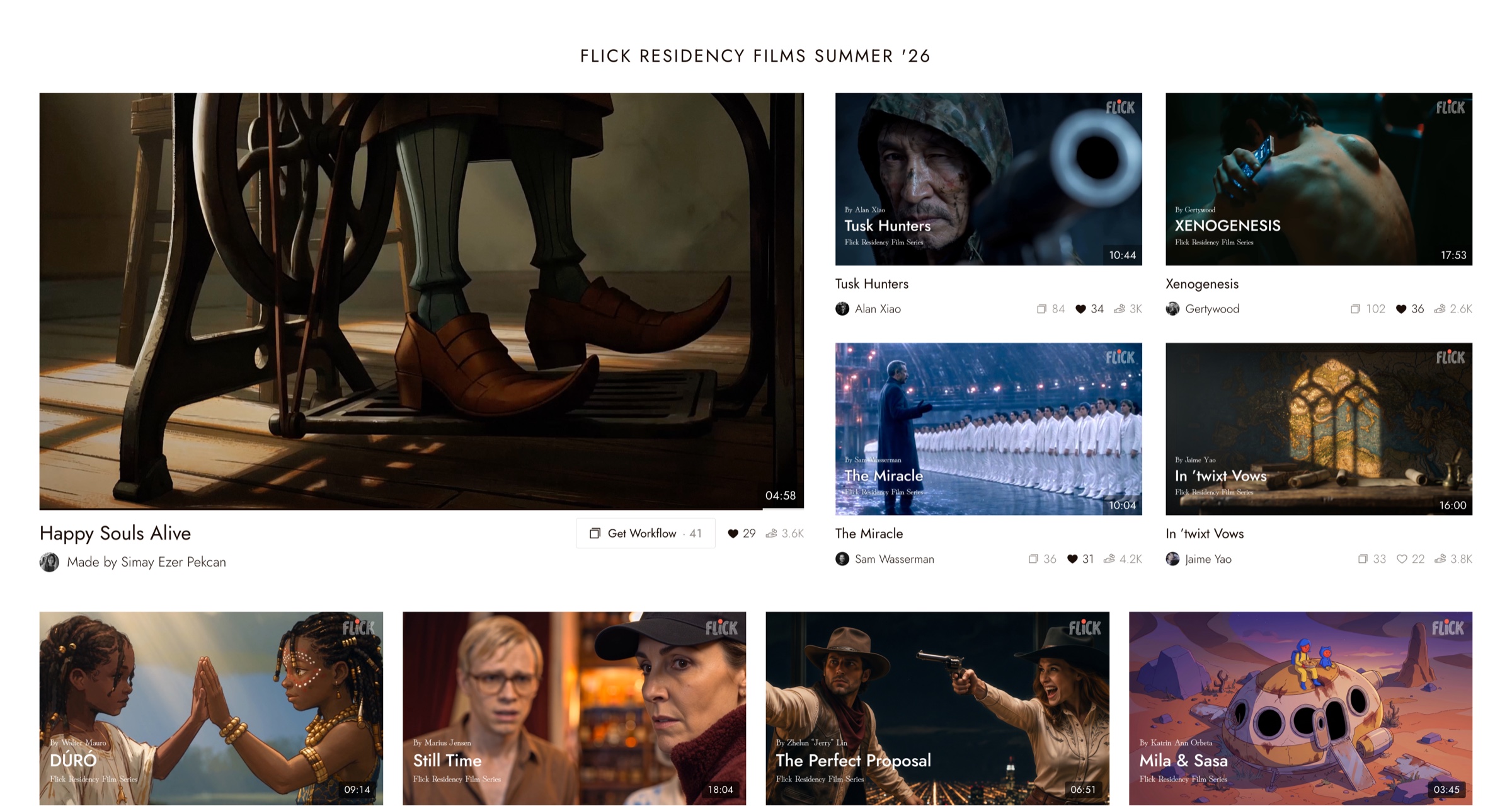
- Flick TV
Award-winning films with full behind-the-scenes workflows, so you can see how a result was actually made.
Start here
Start with a small idea and finish a short sequence. Review the whole cut before polishing individual images.
- Prepare. Read Before you generate to plan your scene and gather references.
- Make a short film. Follow Tell a small story in three shots to generate, edit, and add sound.
- Finish it. Use Export and download your film to produce a file you can watch outside Flick.
If you would rather explore the interface first, Create Your First Project walks through the canvas, and Navigation covers the controls and shortcuts.
How a film comes together
1. Plan what the audience should see
Write your idea in one sentence. Decide what changes during the scene, then give each shot a purpose. A shot might establish a place, reveal a detail, or show a character's reaction.
2. Create and compare images
A prompt describes what you want to generate. A reference is an image, video, or audio file that guides a supported generation.
Compare images as part of a sequence. Check that your character, location, and visual style work together before spending time on motion. See Generate Image and Edit Image.
3. Turn selected images into video
Decide what should move and what should remain stable. Start with one clear action per shot. Watch the whole generated clip before deciding to use it.
4. Edit the sequence
Use the timeline to choose the order and duration of your clips. Preview the cut to see whether it tells the intended story. Add sound and text where they help.
5. Export and review
Export produces a video file from your edited timeline. Watch the downloaded file before sharing it. See Export and download your film.
Find what you need
| If you want to... | Go to |
|---|---|
| Finish a first project | Tell a small story in three shots |
| Learn the canvas and its controls | Create Your First Project, Navigation |
| Generate or edit an image | Generate Image, Edit Image, Text Nodes |
| Keep a look or a character consistent | Visual Styles, Voice Consistency, Keep a character consistent across three shots |
| Write better prompts for a specific model | Image Generation Prompts Guide, Seedance Performance Guide |
| Build and film a 3D scene | 3D stage basic |
| Work with other people | Collaboration & Share, Workspaces |
| Understand credits and billing | Model Credit Costs, Cancellation, Receipt or Invoice |
| Know who owns what you make | Your content and rights |
Words you will see
- Project: The work you are developing in Flick.
- Canvas: The visual working area for arranging ideas and media.
- Node: An item on the canvas, such as media or text.
- Model: The generation system used for a particular task. Available settings and behavior depend on the model.
- Shot: One continuous view used to tell part of a story.
- Clip: A piece of media placed in an edit.
- Timeline: The editing area that controls when clips play and how long they last.
- Export: A video file made from the edit, ready to review outside Flick.
Improve one thing at a time
Results vary between attempts. Check whether the subject is clear, the character stays recognizable, and the action makes sense.
Then change one main input and compare again. For a practical lesson, try Keep a character consistent across three shots.