03. Keep your references consistent
Bring: Your brief and visual board. Make: A compact character and prop pack with a state checklist.
Continuity means the audience can follow the same people, objects, and place across shots. It does not mean nothing can change. A moved umbrella is the story; an extra umbrella appearing is a different problem.
Separate identity from the shot
Write the character's fixed description once. For the example:
An adult traveler with a short dark bob, a mustard raincoat, and a small brown shoulder bag.
Keep this separate from framing, action, and expression. A close-up changes what the camera shows, not who the person is.
Choose references where the relevant features are readable. A tiny face in a wide image is weak evidence for a facial close-up. A costume helps recognition from a distance, but does not establish facial identity on its own.
Use Character Reference for supported controls. A reference guides generation; it does not lock every feature perfectly.
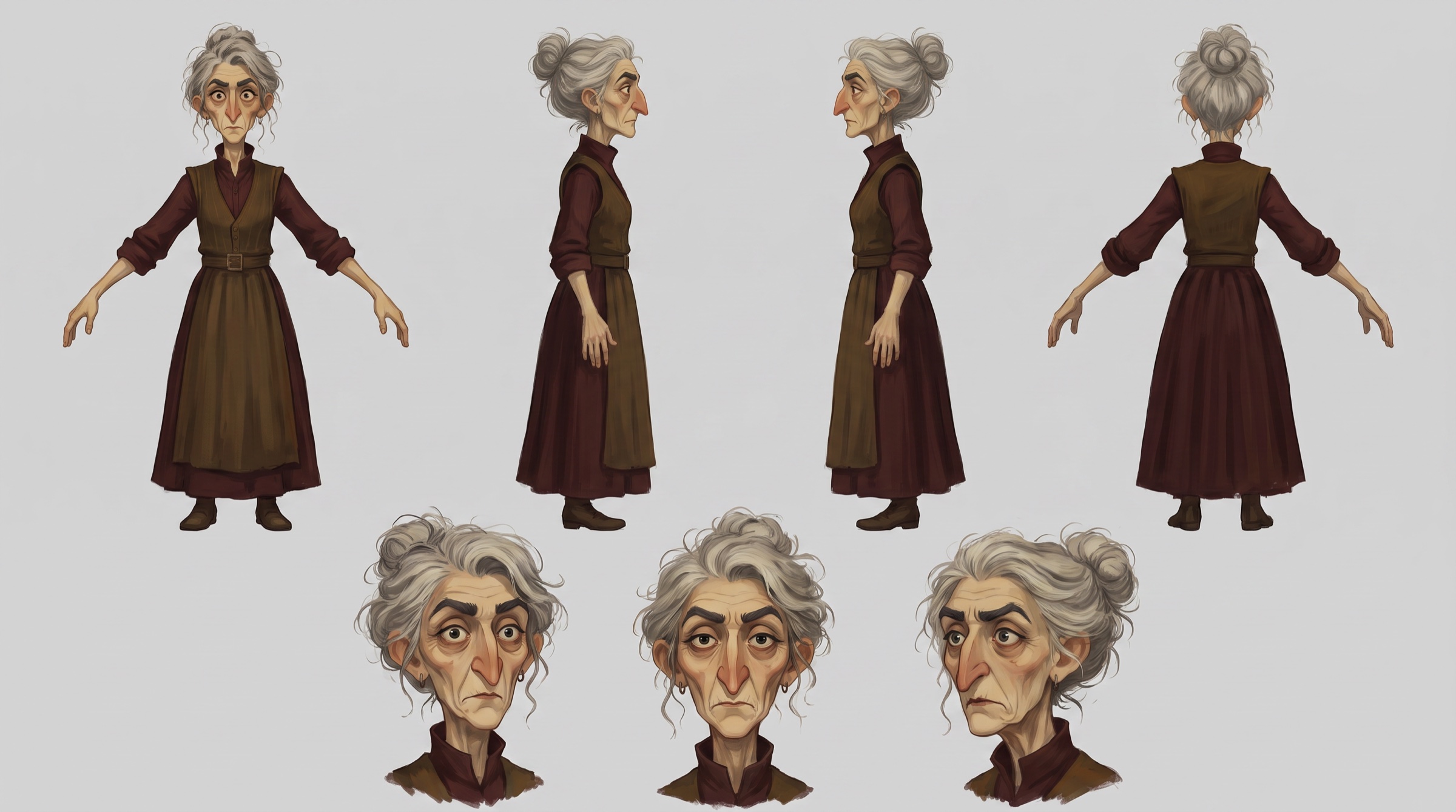
Track what changes
A state is the condition or position of something at a particular moment. Write only the states your film needs:
| Element | Keep recognizable | Intentional change |
|---|---|---|
| Traveler | Face, hair, coat, bag design | Brisk movement becomes a pause, then a deliberate gesture |
| Umbrella | Closed red fabric, curved wooden handle, size | On the bench, briefly in hand, then hanging on the hook |
| Bench and hook | Shape and position in the station | The bench becomes empty; the hook becomes occupied |
Compare object count as well as appearance. When the umbrella reaches the hook, it should no longer be on the bench. A reference that shows both states at once may be ambiguous; explain which one belongs to the current shot and inspect the result.
Give important details their own evidence
If the story depends on a watch, key, or piece of equipment, prepare a clear view of that detail. Do not assume a general portrait explains its design or how it is used.
For this film, the handle and hand contact matter more than an elaborate full-body turnaround. Keep references for the umbrella on the bench and on the hook if both appear. Keep the shoulder bag on the intended shoulder unless the action explains a change.
Check that scale makes sense: the handle fits a hand, the umbrella fits the hook, and the traveler fits the bench and doorway. More references are not automatically more helpful.
Test the views your edit needs
Compare a wide view, a medium view, and a close-up relevant to your shot plan. Reuse suitable images from the previous chapter.
- In the wide view, check silhouette, costume, and position in the location.
- In the medium view, compare face, hair, bag, and body proportions.
- In the close-up, check the detail that carries the moment: a look, a hand, or the umbrella handle.
An object or hand close-up does not validate facial consistency. Include a clear face view if the film needs one.
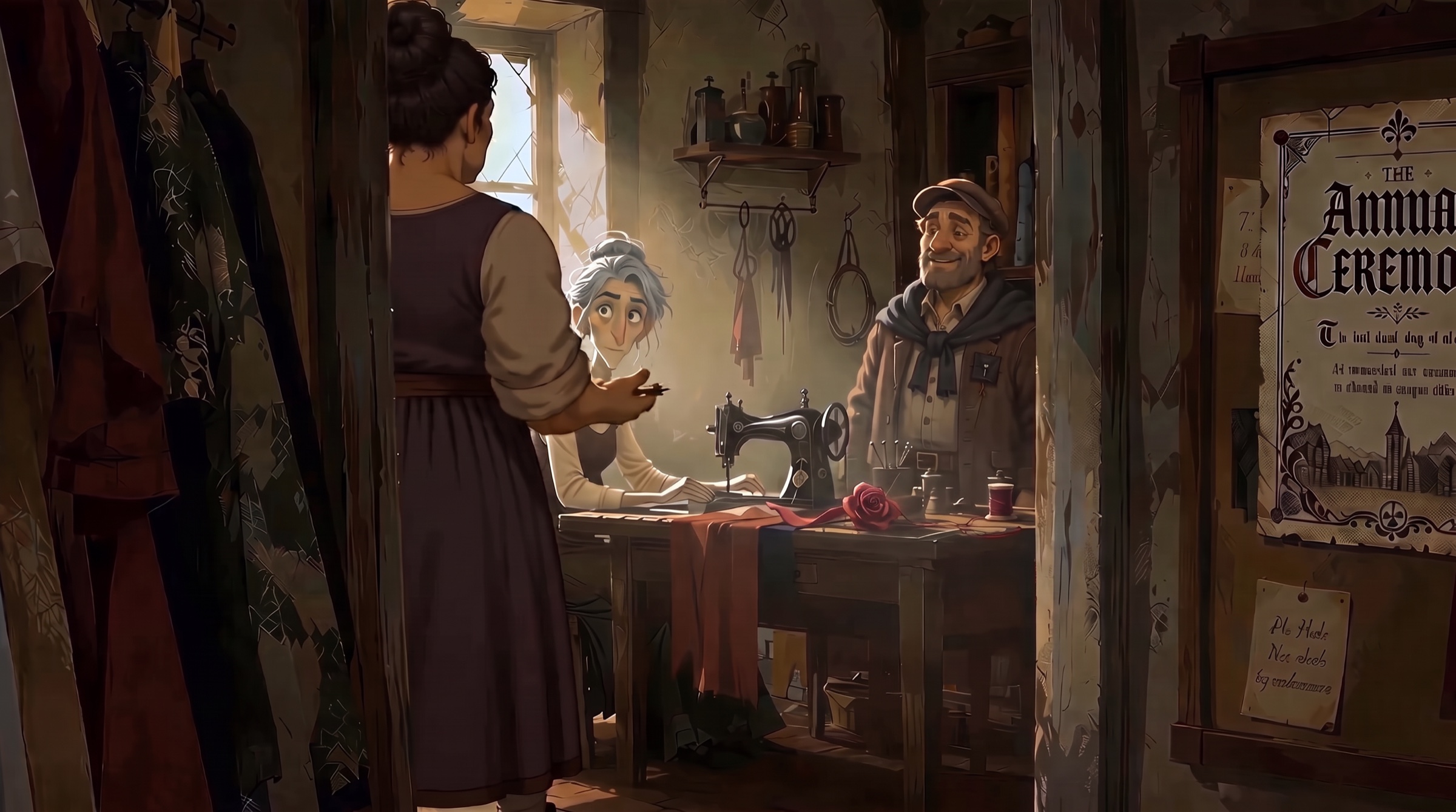
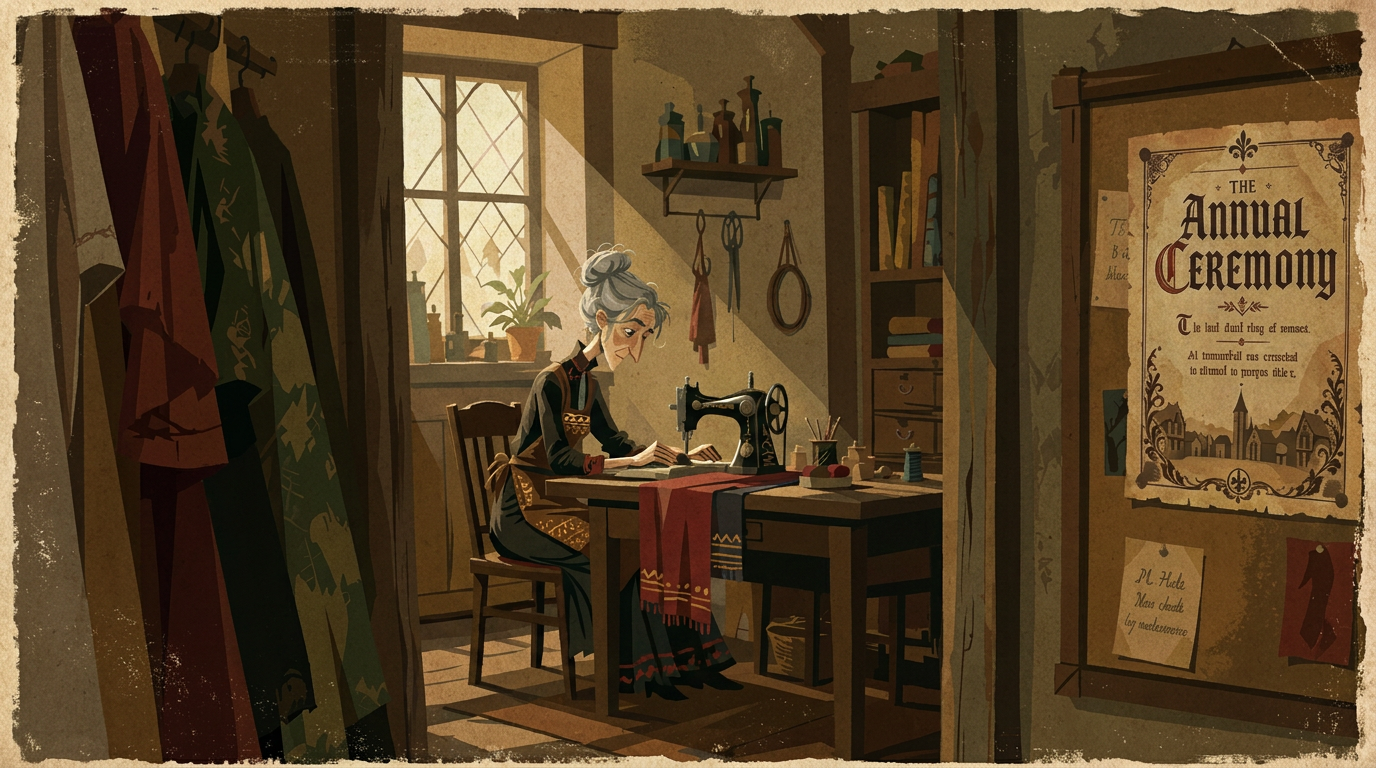
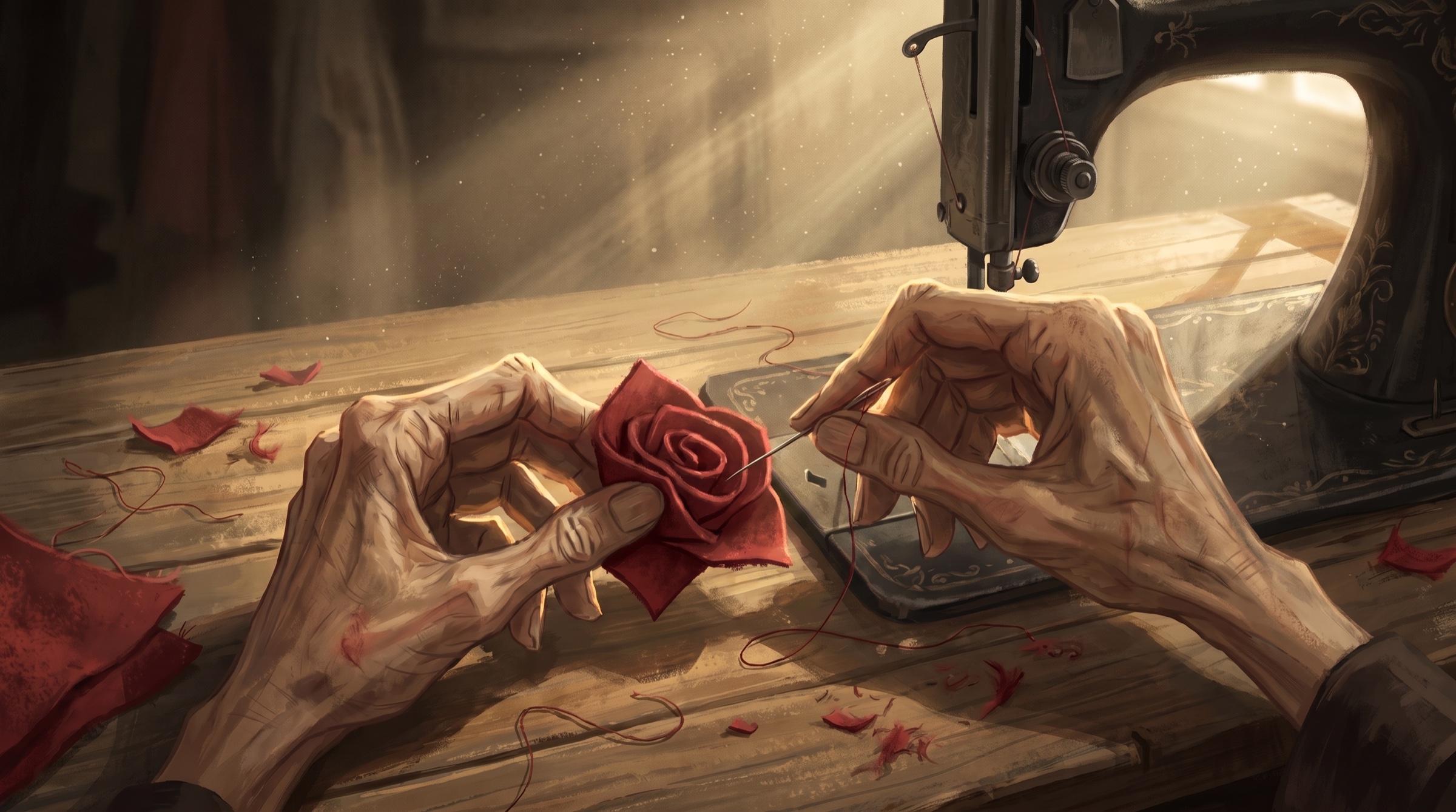
Use Generate Image with the inputs your selected model supports. Keep the prompt, references, model, and settings with each candidate so you can investigate differences.
Correct the cause of drift
If a face changes, check whether it was visible in the reference. If clothes change, check for conflicting descriptions. If a prop doubles, clarify its current location and the now-empty location. If only one detail fails, consider a local image edit before rebuilding everything.
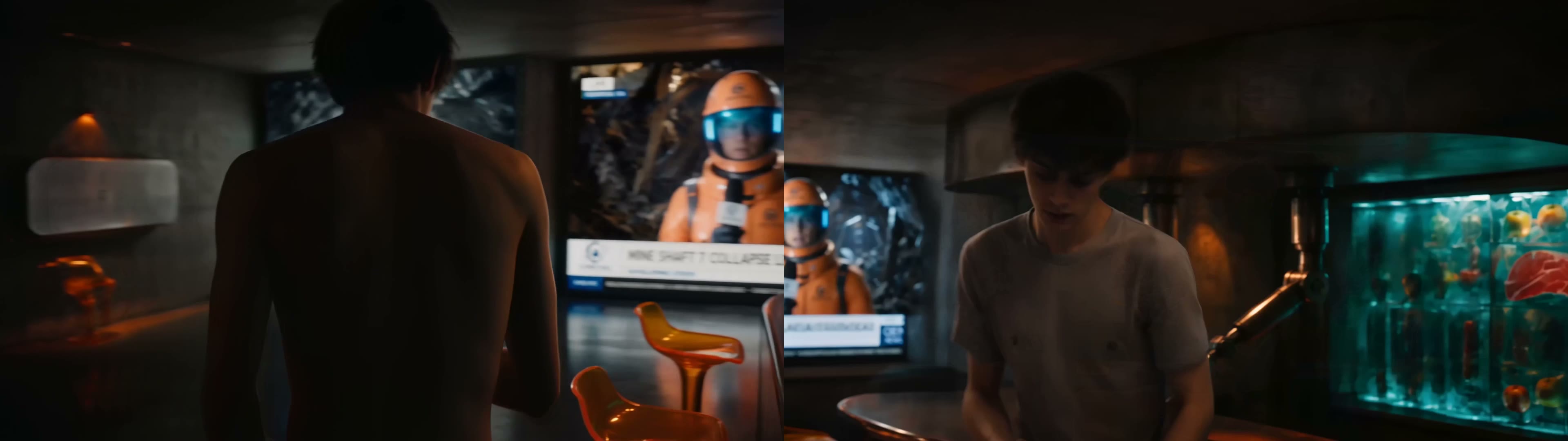
Change one main input, then review the whole result. Stop at your retry checkpoint if the same problem continues. A tighter shot or a simpler action may solve the scene more effectively than another near-identical attempt.
Before you continue
- I separated fixed identity from action, framing, and expression.
- I checked the umbrella's design, count, and location across its planned states.
- I compared the views my film needs and recorded any unresolved mismatch.