Classic Film Scenes
Use Classic Film Scenes in Flickpedia to study composition, lighting, and camera angles. Find a still, read its technique breakdown, and add it to your project's lookbook.
Before you start
Search by shot type, mood, or setting. Try "over-the-shoulder two-shot", "low-angle reveal", or "rainy night exterior". You can also search by film title.
Use film stills to study how a shot is built, not as material to publish. Create your own subject and scene.
Find a shot
- Click Flickpedia in the canvas top bar and open the Classic Film Scenes tab.
- Search by mood, style, color, director, or title, for example Taxi Driver or "moody noir", and select a still.
- Read the scene's Scene Description and its Techniques table: shot type, composition, lighting, camera angle, lens. Click Add to Canvas to bring the still in as an image node.
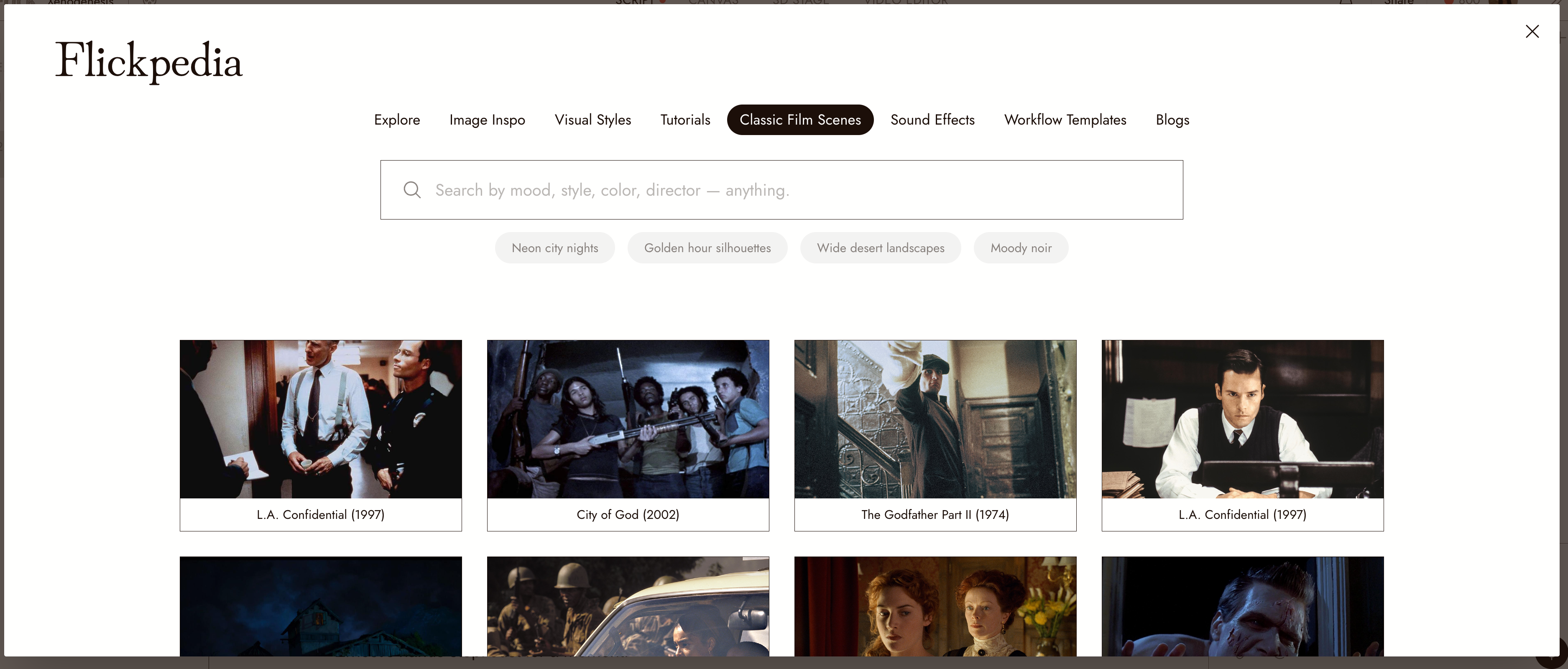
The Classic Film Scenes tab. Hovering a still shows its description, the Add to Canvas button (the plus), and a favorite heart.
Recreate a shot
- Select the frame on the canvas.
- Use the techniques table to plan your shot, or ask the agent to explain the composition, lighting, and lens.
- Ask for an image with your own subject and visual style. Specify the composition or lighting you want, then check the result.
Best practices
Borrow the construction, not the content. Composition, camera height, light direction. Not the actor, the set, or the costume.
Build a lookbook per project. Keep references in a locked section and choose the look before generating; see Sections and folders.
Plan camera movement in 3D. Use the still to guide a 3D Stage setup, then design the move; see 3D stage basic.
Review the result
- Your generated shot reads the way the reference does: same eye line, same weight in the frame.
- Nothing from the film itself carried over.
If something looks wrong
Search finds nothing. Try a mood or a look instead of the title, or the other way round. Not every film is in the library.
The generated shot copied the film. Say what to keep in construction terms, and describe your own subject fully.
I cannot find the frame I added. It landed as an image node near your current view; see Find your generations.
Next
- Generate Image to make your version.
- Visual Styles so the version belongs to your film.
- Build your visual world to turn references into connected locations, lighting and recurring objects.