06. Choose your takes
Bring: Candidate clips and your shot plan. Make: Selected takes and a sentence explaining each choice.
A take is a candidate version of a shot. Use this chapter when several versions are usable but you need to decide which belongs in the film. A beautiful image can still be the wrong choice.
For a damaged or failed shot, use 07. Fix the shot. You do not need to generate more candidates to complete this selection exercise.
Name the shot's job
Write what the audience needs to understand, not only what should appear in the picture. For S03:
The traveler notices the forgotten umbrella and decides to stop.
Separate the fixed requirements from the flexible choices:
- Must stay: The discovery is readable. The traveler, umbrella, location, and object state connect to the surrounding shots.
- Can change: Angle, composition, or the length of the pause, if they make the discovery clearer without changing its meaning.
This lets you judge an unexpected result without abandoning the story.
Compare a small set
Place two or three existing candidates side by side on the Flick canvas. Label them S03-A, S03-B, and S03-C, and keep each prompt, reference set, model, and settings beside it. Play each candidate in turn and compare the same story moment, not just the thumbnail. This is a manual review setup, not synchronized playback or an automatic ranking.
Compare each against the same questions:
- Can I understand the important action or detail?
- Does the performance create the intended feeling?
- Does it connect to the shots before and after it?
More detail, a larger camera move, or closer resemblance to the storyboard does not automatically make a better take. A dramatic portrait may hide the umbrella and fail the discovery.
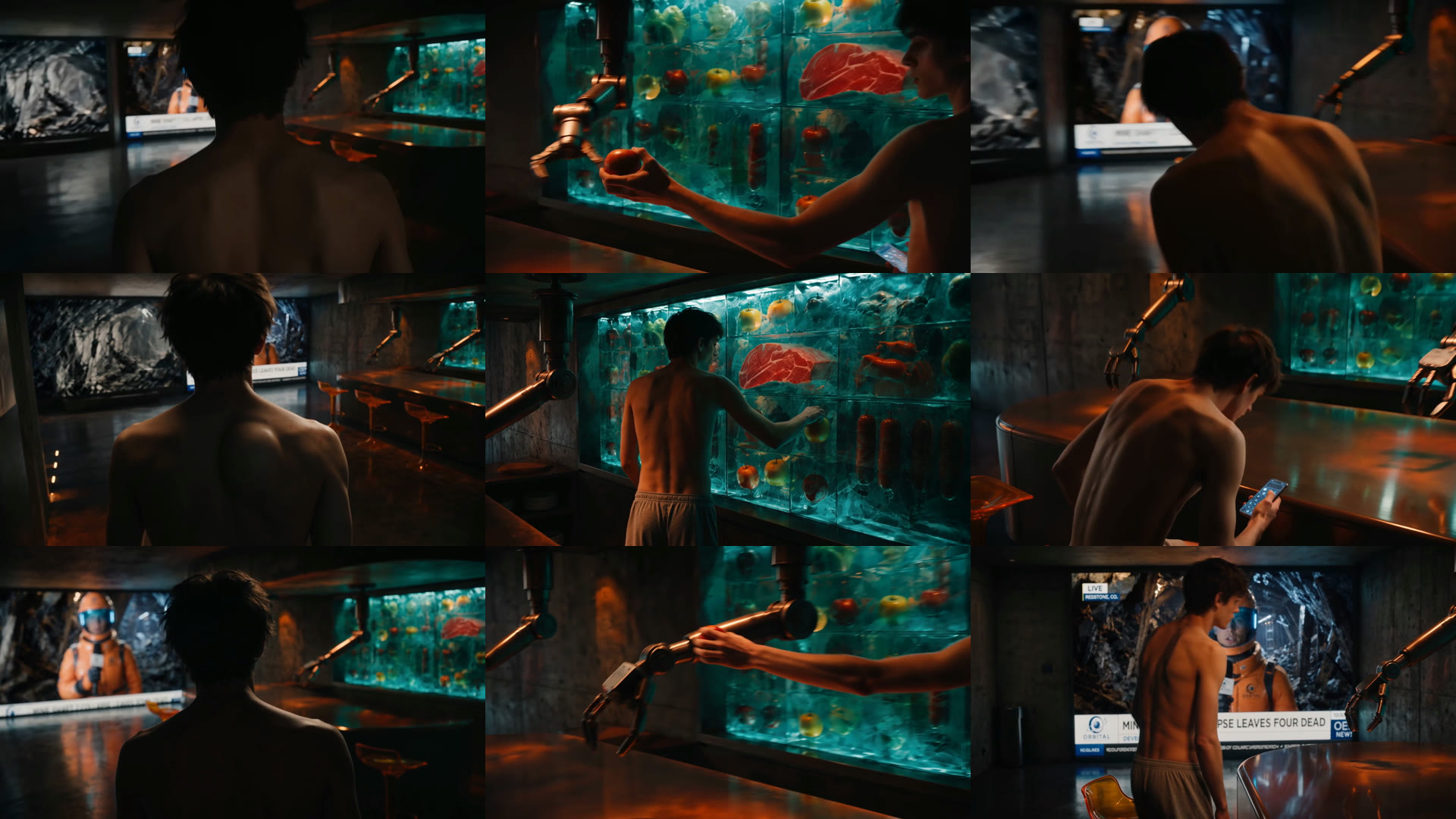
Give a useful surprise a fair test
A closer angle may reveal the umbrella better than the planned wide view. Test it. An invented owner entering the frame changes the story; keep that only if you deliberately want to revise the scene.
If the existing choices miss the moment, name the mismatch before another run. For example:
Keep the established traveler, station, and red umbrella. Try a framing that makes the discovery easier to notice. Do not add another character.
This is an example brief, not a tested prompt or a guarantee. Review supported inputs and the displayed cost in Generate Video, and stay within your retry limit.
Watch the take between its neighbors
Put each candidate between S02 and S04 using Add and reorder clips. Compare useful spans with Trim and split, rather than automatically keeping the entire generated clip.
Watch without reading the prompt. Does the glance lead toward the umbrella? Does the pause feel like a decision? Does the next hand movement follow naturally?
Ask someone else what they think happened before explaining your intention. A favorite image may need to go if it makes the sequence harder to understand.
Choose and move on
Record a reason that refers to the film:
Keep S03-B. The pause makes the discovery clear, and the glance connects to the umbrella view. A has a stronger camera move but hides the object.
Keep the other candidates and their notes. Stop comparing when the selected take communicates its job and fits the sequence. If none does, diagnose the missing information or defect in the next chapter rather than accumulating more versions.
Before you continue
- I arranged a small candidate set on the canvas and compared each against the same story job.
- I accepted or rejected an unexpected result for a specific reason.
- I watched the selected take between its neighbors and recorded why it belongs.
Next: 07. Fix the shot.