Find your generations
Cannot find a result after Run or Send? Check whether it is still running, finished off screen, or failed.
What you see while it runs
The source node shows the status: pending, processing, then done. Check the model picker for an estimated time. Video and higher-resolution results generally take longer.
You can keep working while generations queue and run.
Where it lands
The result appears as a new node connected to the node you generated from. On a busy canvas that can be outside your current view.
- Zoom out until the whole canvas is visible, then look for the newest node next to its source.
- If you asked the agent to generate, its reply links to the result. Click the link.
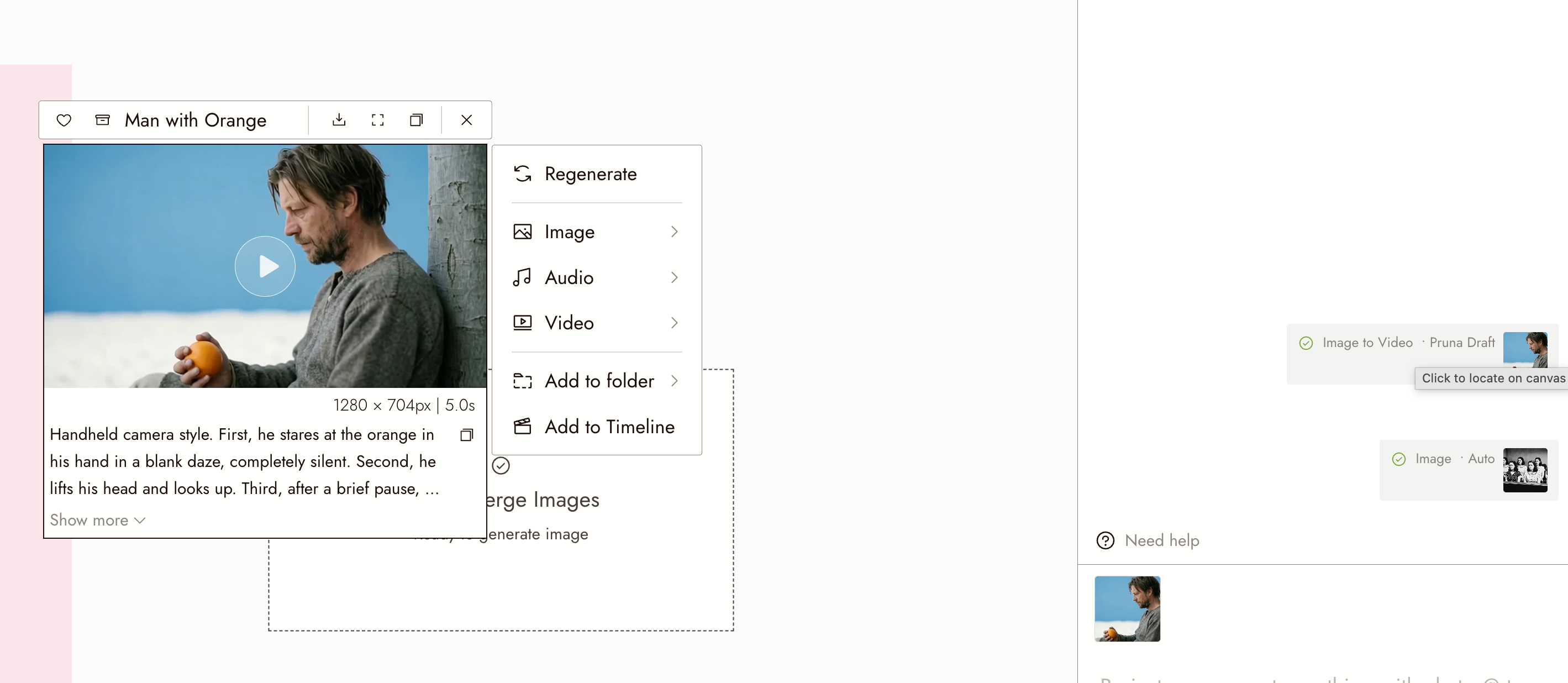
- Open Assets on the left toolbar. It lists every media node in the project, with Favorites, Archived, and Saved filters and a search box. Media you archived from the canvas is still here under Archived.
A batch produces several nodes side by side. If a model returns a grid, Flick splits it into separate images so each can be used on its own.
If it fails
A failed generation shows a failed status on the node and a message. Read the message before running again:
- A flagged request will fail the same way again. Change the prompt or the reference; see Why a generation was flagged.
- A rejected input, for example an image the model cannot use, needs a different input.
- A temporary error is worth one retry. If it fails twice with the same message, contact support with the message.
If something looks wrong
The status has not changed for a long time. Check the estimated time for that model. Video at high resolution can take minutes.
I see the status but no result. Zoom out; the result is next to the source node, possibly off screen.
I ran the same thing twice by accident. Both run and both cost credits. Wait for the first to finish before deciding whether to run again.
My canvas is full and I cannot tell what is new. Put each scene in a section and collapse the ones you are not working in; see Sections and folders.
Next
- Navigation for zooming out and finding nodes.
- Sections and folders to keep results with their scene.
- Talking to the agent to ask it where something is.