Ricevuta o Fattura
Scarica una ricevuta o una fattura
Scarica le ricevute e le fatture dell'abbonamento dalle tue impostazioni.
Scarica una ricevuta o una fattura
- Log in to your Flick account.
- Click your profile picture in the top-right corner and choose Settings.
- Select Billing and plans.
- Under Payment history, find the payment and download its receipt or invoice.
Lo screenshot qui sotto è di un piano a pagamento con pagamenti passati. Nel piano Free la sezione mostra Nessuna fattura ancora.
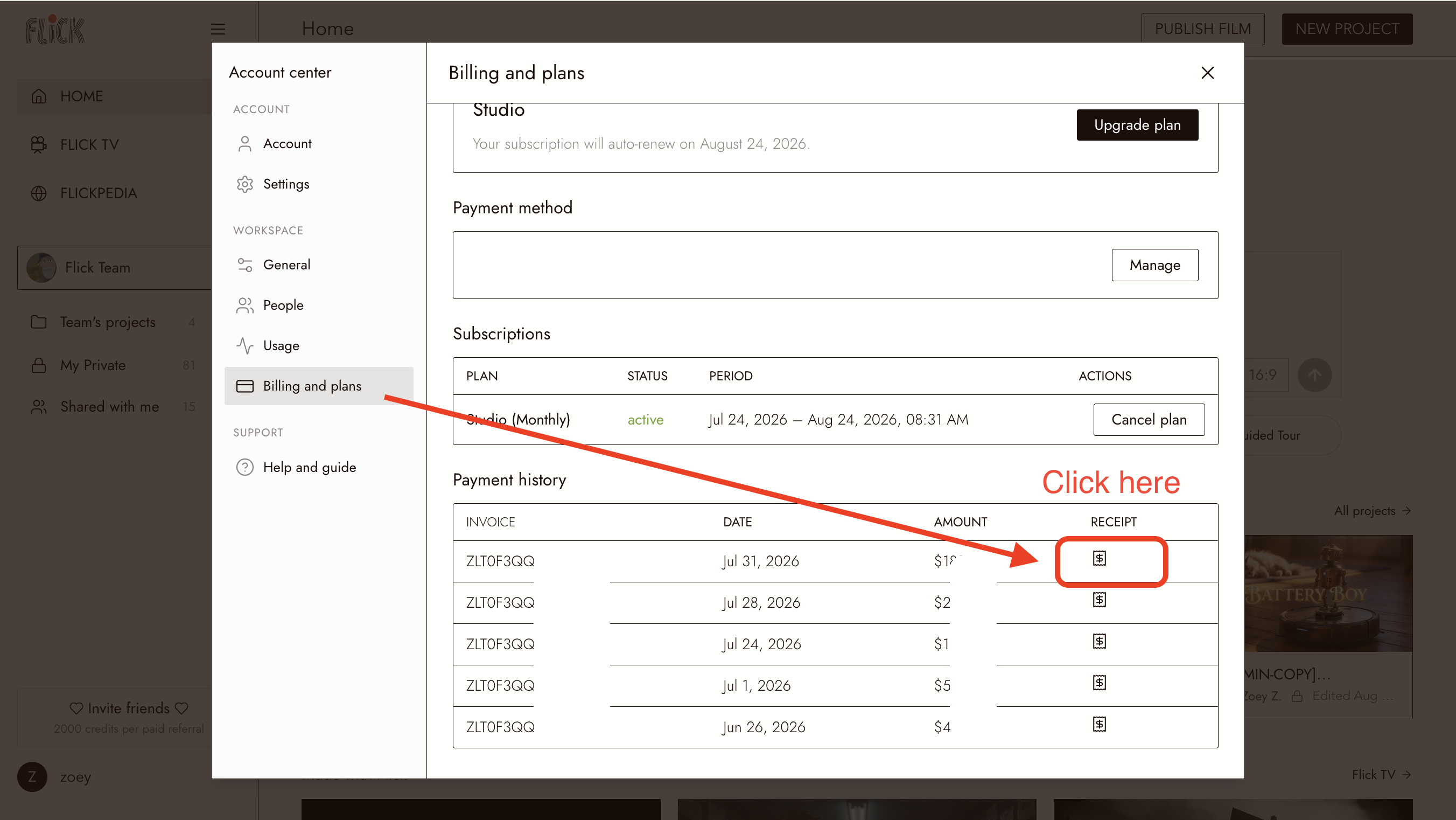
I registri dei pagamenti precedenti rimangono disponibili qui.