Nano Banana
Flick offers Nano Banana for image generation and editing. These are the rules for writing prompts that actually work with it.
Core rule
Longer prompts can mislead the model. If something is already clearly shown in the reference image, do not re-describe it in detail. Face, hairstyle, outfit, pose, composition, interior structure, and major material relationships should be locked with a simple 100% consistency sentence. Over-explaining existing reference content can make the model reinterpret it and hallucinate changes.
Only describe what changes, or what needs to be added because it is not shown in the reference. Do not repeat what is already visible in the image.
Lock the face
If the reference already shows the face, do not re-describe facial features, face shape, age impression, expression, freckles, makeup, or other visible facial details. Use:
facial identity 100% match the provided reference
facial structure 100% match the provided reference
facial features 100% match the provided reference
expression 100% unchanged
Lock the hairstyle and outfit
If the reference already shows the hairstyle and outfit, do not break them down into detailed descriptions. Use:
hairstyle 100% match the provided reference
outfit design, colors, and overall character styling 100% match the provided reference
Only add a specific note when something is not visible in the reference, when the generation keeps drifting, or when you explicitly ask for a change.
Avoid left / right
Nano Banana can confuse left and right. Use objective spatial descriptions or object relationships instead, such as:
- the side facing the window
- the side facing the camera
- upper frame
- lower frame
- foreground, background
- the edge near the character
Use short reference labels
- the provided sketch
- the provided character reference
- the provided face reference
- the provided outfit reference
- the provided base image
Lock composition, character, and camera
When locking composition, character, or camera, use clear 100% wording:
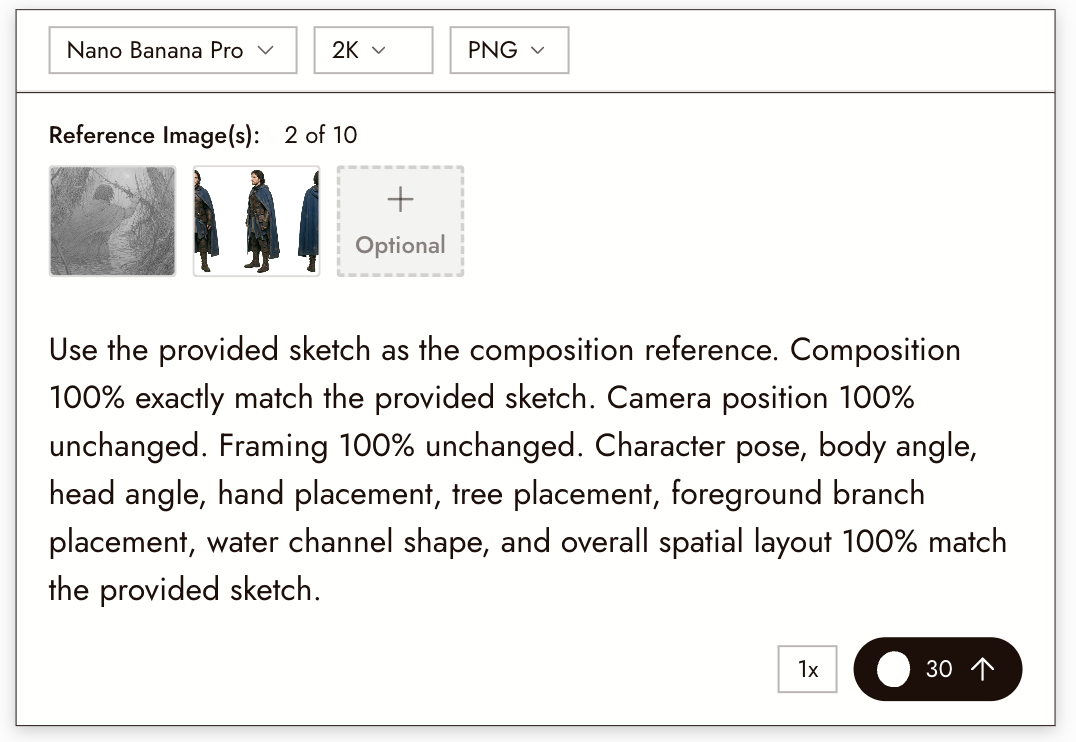
composition 100% exactly match the provided sketch
camera position 100% unchanged
framing 100% unchanged
character pose 100% match the provided sketch
facial identity 100% match the provided character reference
outfit design, colors, and overall character styling 100% match the provided outfit reference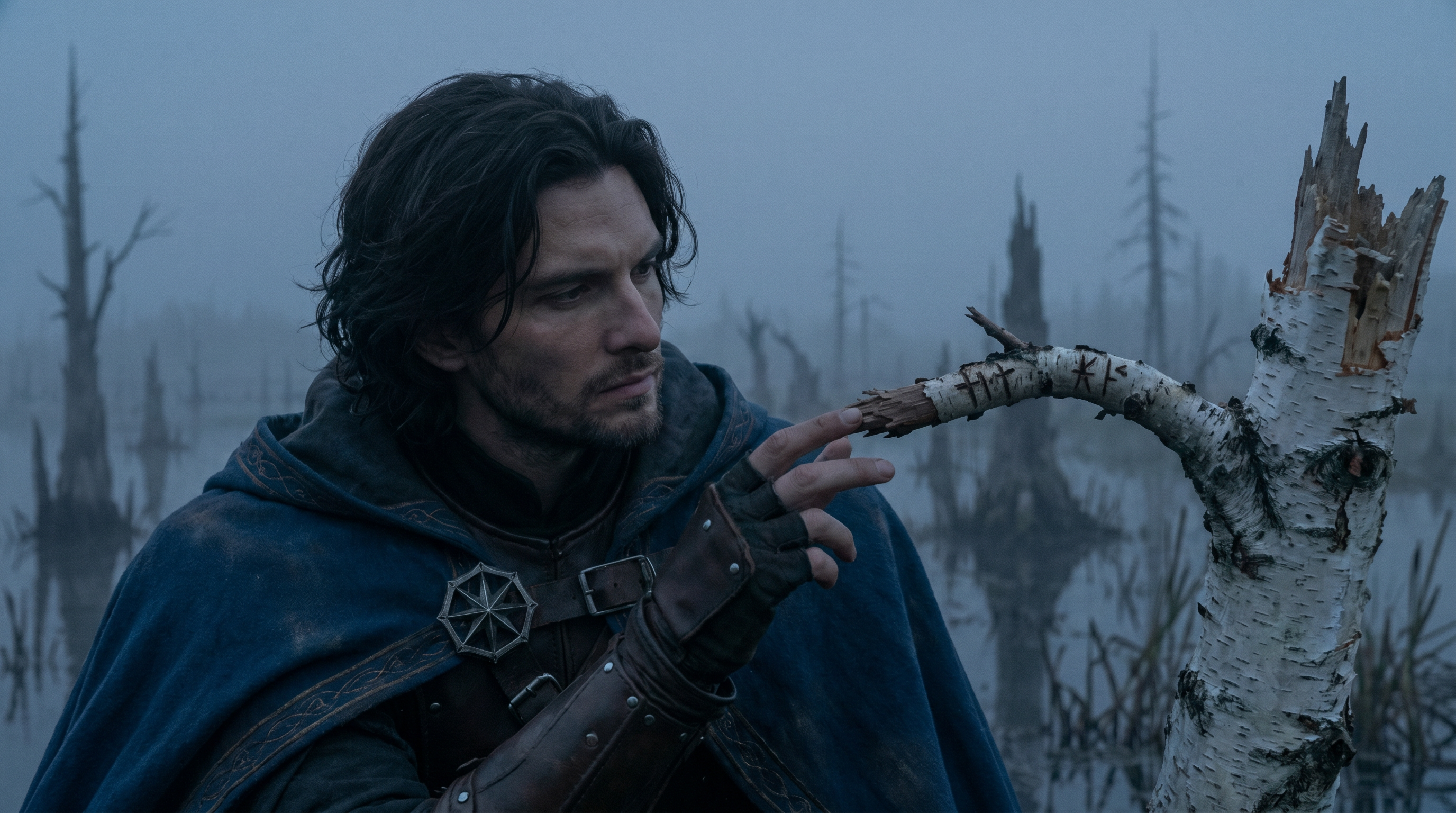
Avoid vague cinematic language
Do not write abstract phrases like "cinematic," "oppressive," "Black Mirror atmosphere," or "high-end feeling." Translate them into visible image details: light source direction, shadow structure, fog, material texture, depth of field, and visual layering.
Avoid open-ended words
Do not use open-ended words that make the model guess, such as "or," "could be," "maybe," or "similar to." Decide on one clear final result. Nano Banana has no memory, so each prompt should describe only the current final image. Avoid comparison phrases like "more than the previous version."
Avoid long negative lists
Use positive final-state descriptions whenever possible. For example, instead of writing "no glass," write:
the carriage window is a fully open window opening with no visible glass pane
Edit prompts
For edit prompts, use this structure:
Use the provided base image as the direct edit target.
Keep composition 100% unchanged.
Keep camera position 100% unchanged.
Keep framing 100% unchanged.
Only change [...].
Do not re-describe unchanged content.
Foreground, midground, background
Foreground, midground, and background can be described when their visual function matters, but do not over-explain what the reference already shows. Only write what affects the generation:
- foreground wool blanket heavily out of focus
- focus on the character's face
- background snowy forest extremely out of focus
- distant fog and soft bloom outside the window
Be specific about lighting
Define the light source, direction, bright areas, dark areas, and bloom:
- the carriage interior stays very dim
- the only clear light source comes from outside the window
- soft morning light passes through dense fog and falls on her face
- bright areas carry soft bloom
Write focus in a realistic camera way
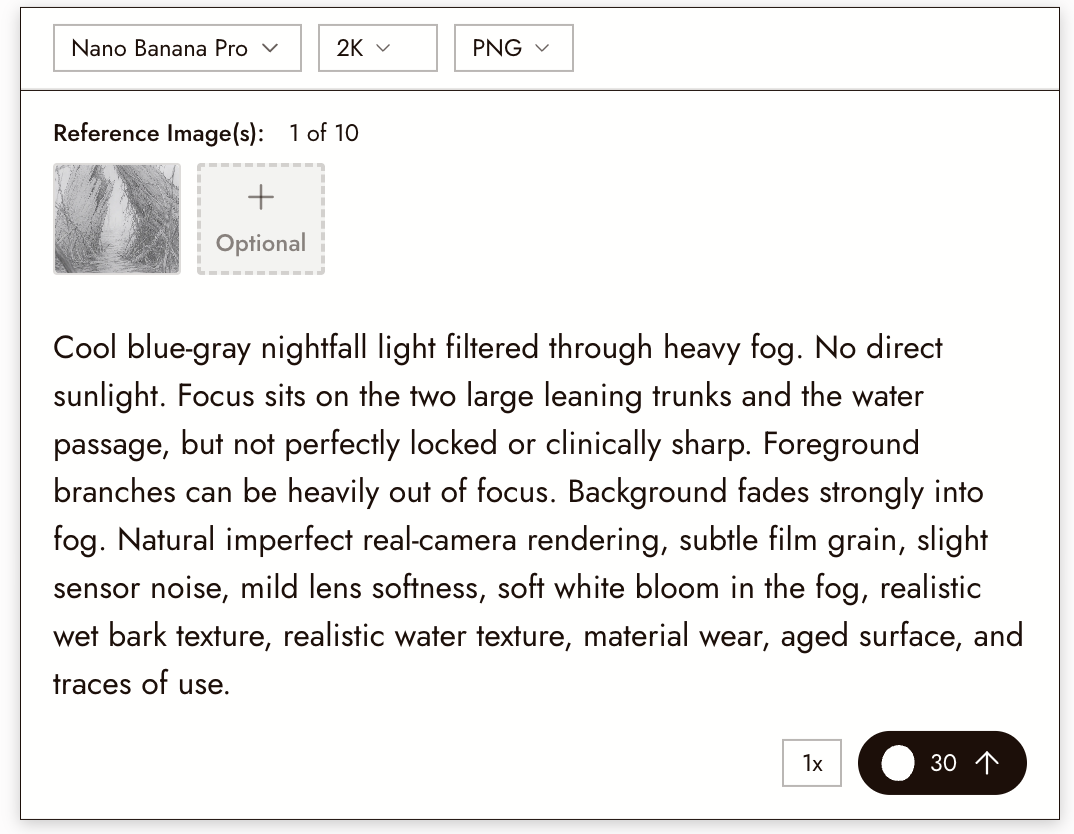
Do not just say sharp focus. Real lenses are not perfectly locked. Use:
- focus sits on the character's face, but not perfectly locked or clinically sharp
- the face is the clearest part of the frame, with slight natural real-camera softness and slight focus imperfection
- foreground and background are heavily out of focus
Keep in mind that this particular tip is best suited for live-action style. When generating with anime style, for example, it does not apply.
Less-AI treatment
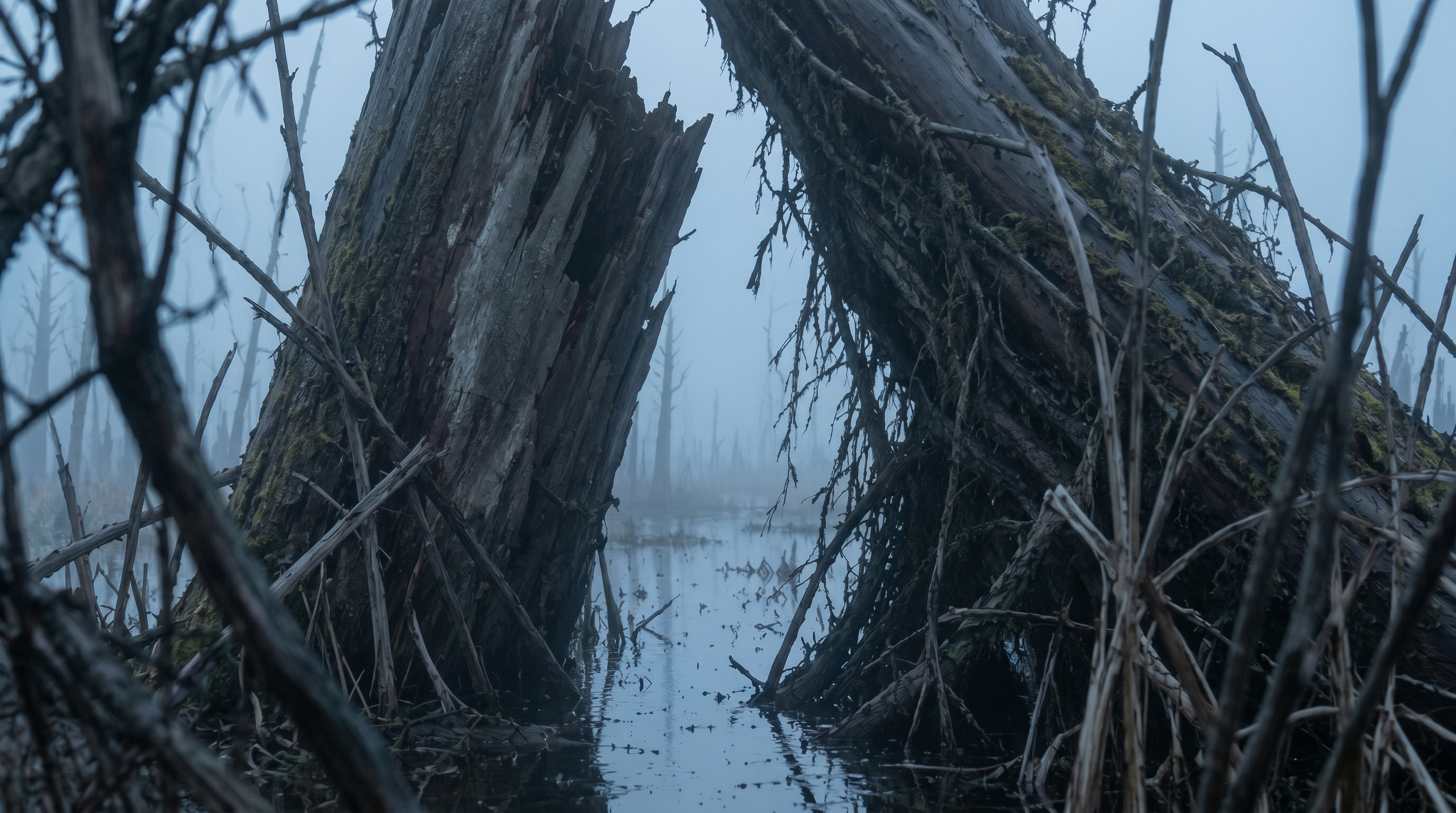
Less-AI treatment means adding real camera and real material imperfections so the image does not look too clean or smooth. Useful terms:
- subtle film grain
- slight chromatic aberration
- slight sensor noise
- mild lens softness
- soft white bloom
- very light indoor haze
- natural imperfect real-camera rendering
- realistic fabric texture
- realistic paper texture
- realistic skin texture
- visible pores
- freckles
- realistic wood texture
- realistic metal texture
- material wear
- aged surface
- use marks
For more realism, use a clearer real lighting structure instead of global soft light. Useful directions include: slightly harder light structure, slightly blown highlights, subtle lens defects, material wear, aging, and traces of use.
Keep prompts concise
Lock anything already visible in the reference with 100% match or unchanged language. Only describe new changes, missing details, lighting, depth of field, atmosphere, real-camera treatment, and specific fixes for problems that appeared in previous generations.
Related guides
- Generate images — the node where Nano Banana runs.
- Edit and Grade — Nano Banana Pro for surgical edits.
- Visual Styles — style application on top of prompts.
- Consistent AI Characters: The 2026 Guide — the long-form workflow this cheat sheet feeds into.