AI Webtoon Generator
WHY GENERATE WITH FLICK?
Lock your characters once. Flick generates vertical panels across every model, then animates them into video on one canvas.
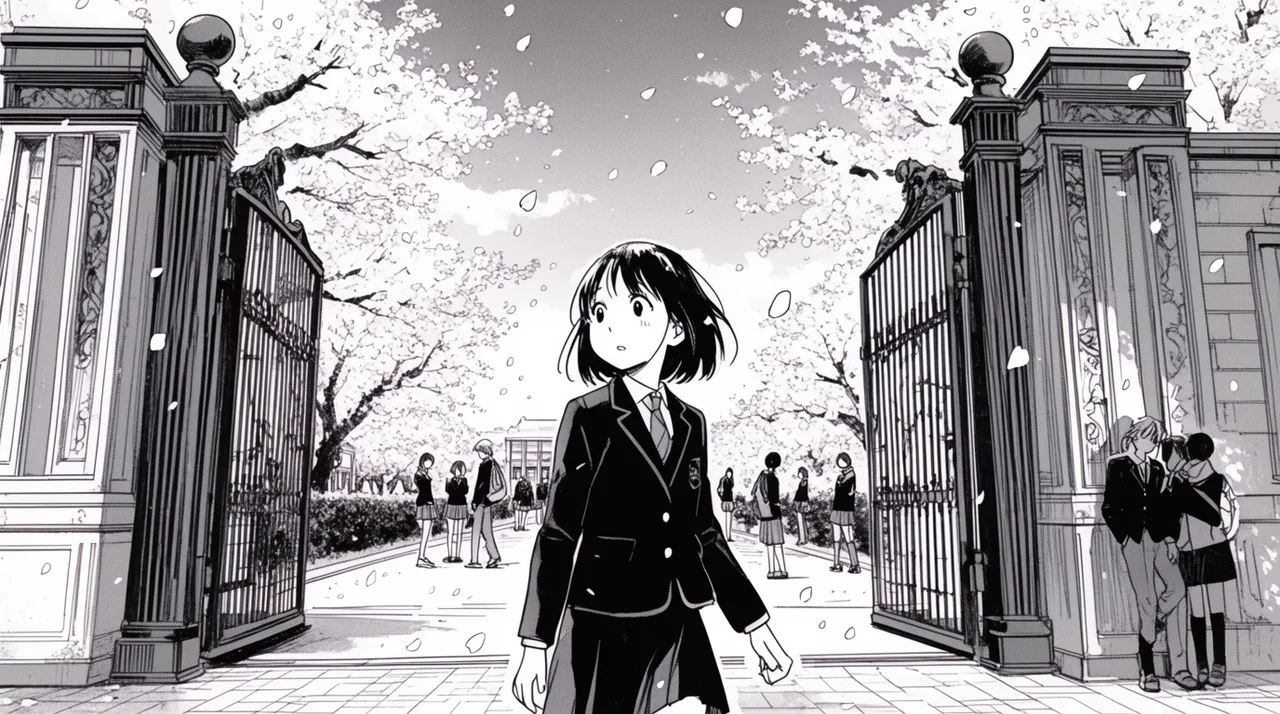
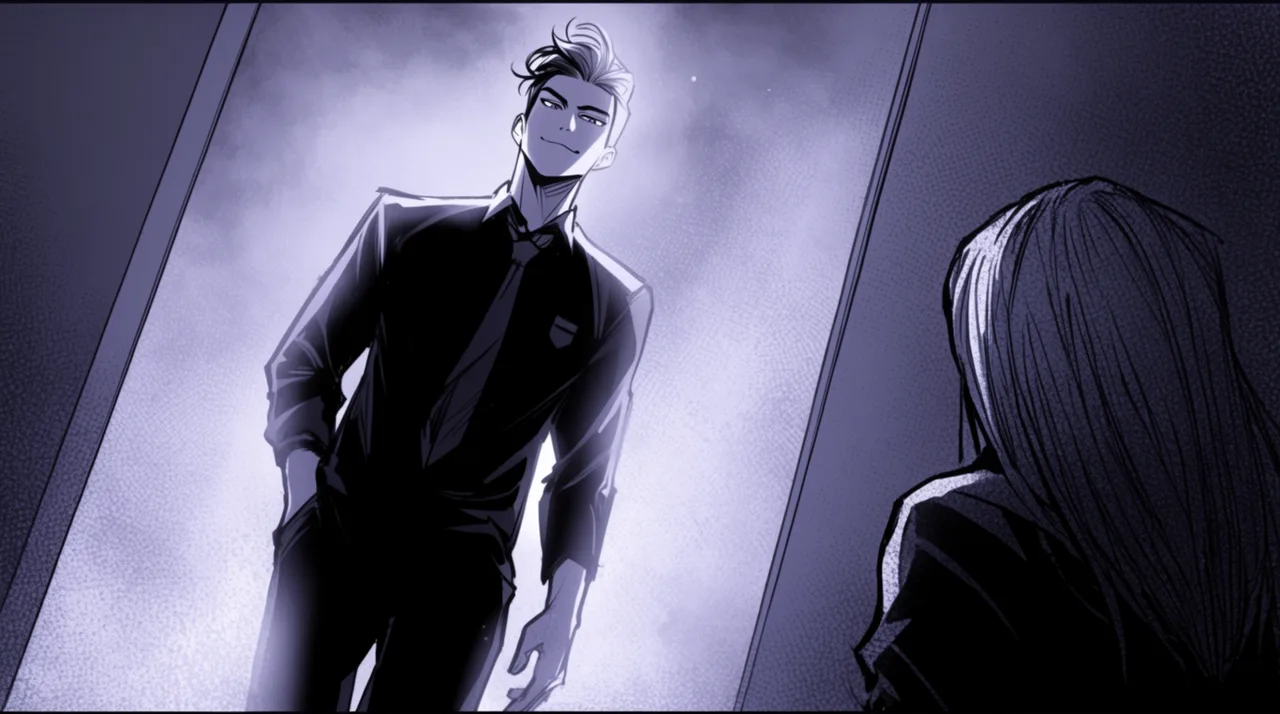
AI WEBTOON GENERATOR EXAMPLES


HOW IT WORKS
STEP 1
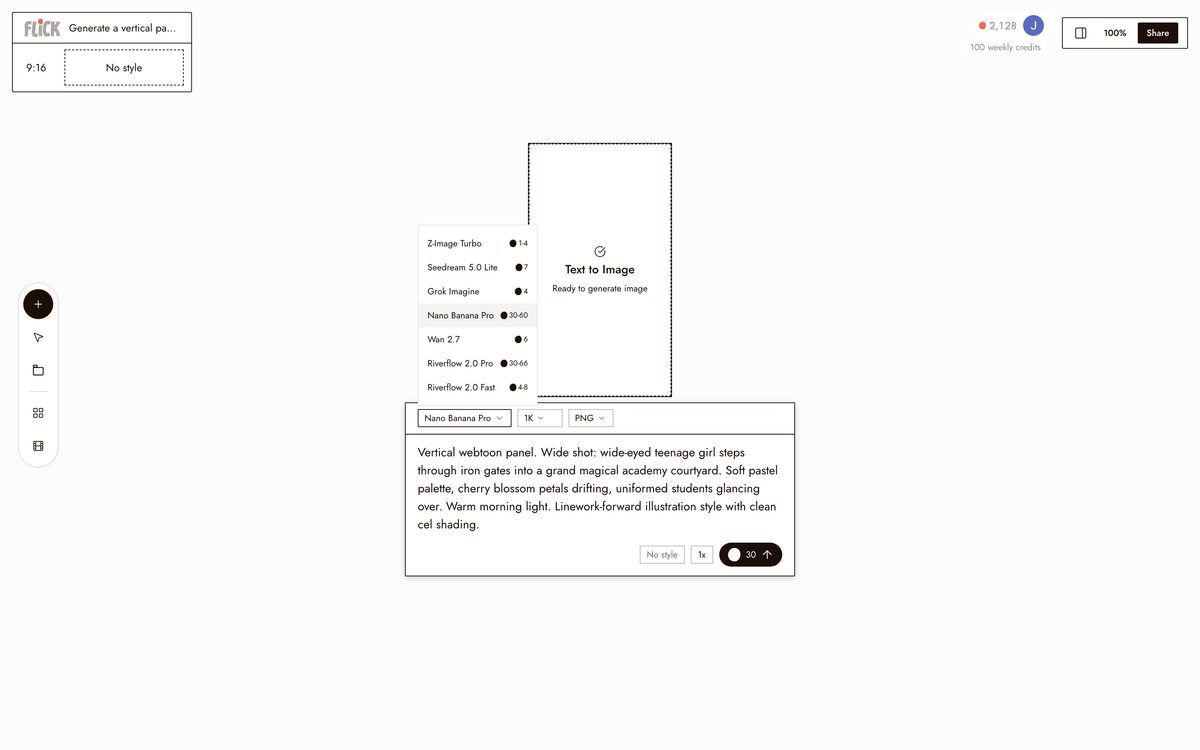
GENERATE A VERTICAL PANEL
Type the moment, the mood, the angle, and the color: a rooftop confession under city lights, soft webtoon palette, wide shot. A vertical panel lands on the canvas in that style.
Made in Flick STEP 2
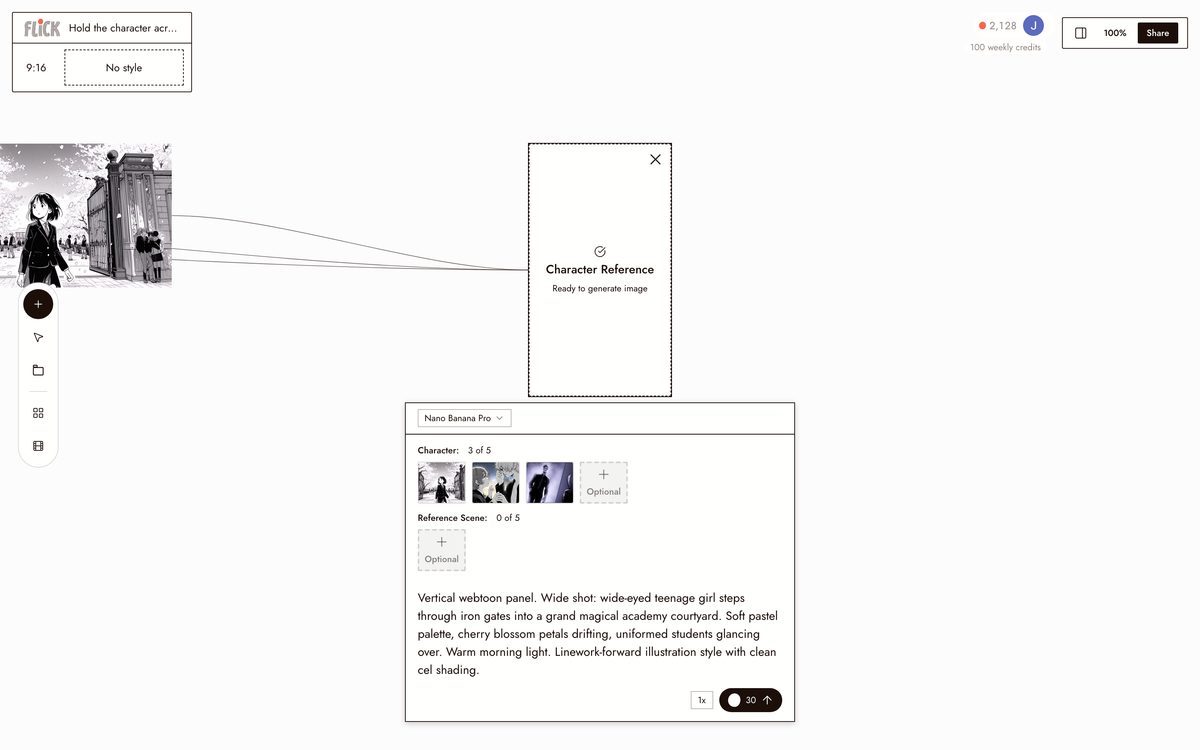
HOLD THE CHARACTER ACROSS PANELS
Upload a reference and click Character Reference, and Flick keeps that face and design in every panel down the scroll. Same character, same look, panel after panel.
Made in Flick STEP 3
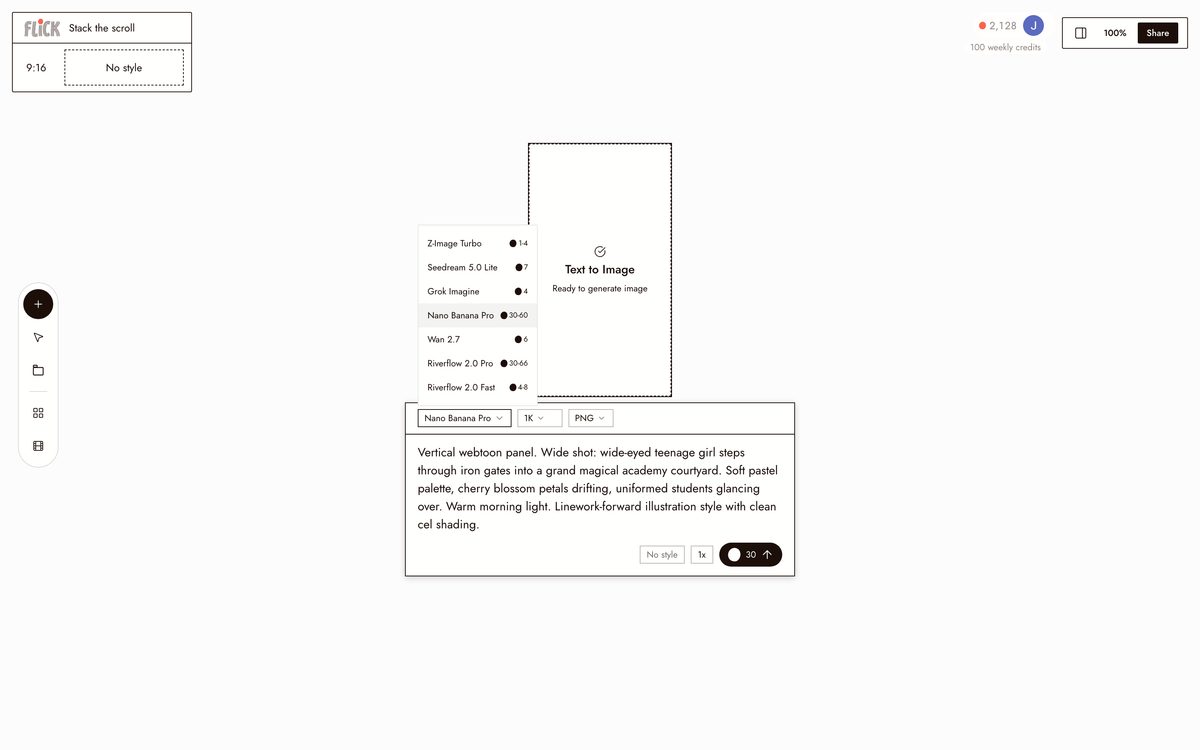
STACK THE SCROLL
Lay the panels out top to bottom on the canvas and read the episode as one continuous scroll. Reorder a beat or drop one in without regenerating the rest.
Made in Flick STEP 4
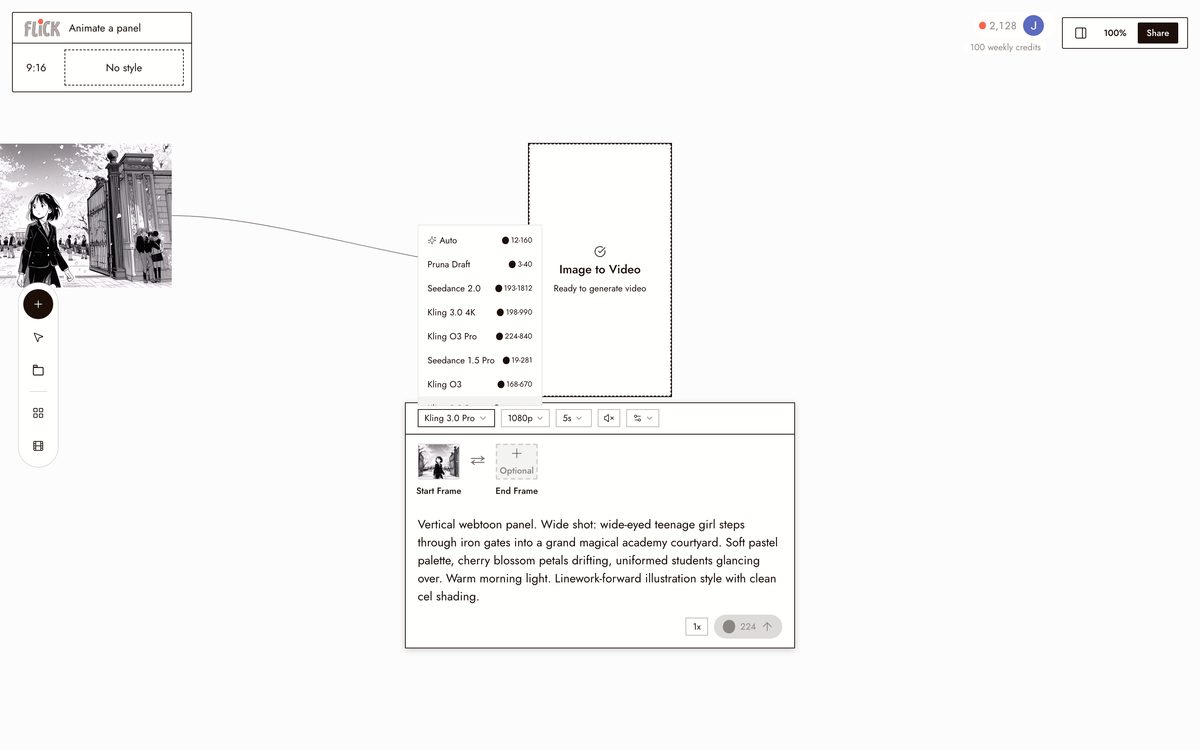
ANIMATE A PANEL
Select any panel, open its Video action, and send it to Kling for physics-driven motion or Seedance for a fast take. A still frame down the scroll becomes a moving moment, still in your palette and style.
Made in Flick


AI WEBTOON GENERATOR FAQS
WHAT IS AN AI WEBTOON GENERATOR?
An AI webtoon generator turns a story prompt into vertical comic panels styled for scroll-reading formats. Flick generates panels with webtoon-style color and composition, locks your characters across every panel with Character Reference, and animates any panel into video without leaving the canvas.
HOW DO I KEEP THE SAME CHARACTER ACROSS ALL MY PANELS?
Upload one reference image. Character Reference locks that character's face, outfit, and proportions into every subsequent generation. Change the angle, setting, or lighting and the character stays consistent. That consistency holds across every model on the canvas: Nano Banana Pro for stills, Kling for animated motion, Veo 3.1 for cinematic output.
CAN I ANIMATE MY WEBTOON PANELS INTO VIDEO?
Select any generated panel and send it directly into an image-to-video model. Use Kling for character motion and physics, Seedance for fast high-quality generation, or Veo 3.1 for cinematic quality with native audio and dialogue. No re-uploading, no switching apps.
IS FLICK FREE TO USE?
Flick has a free tier: up to 300 free credits (100 at signup plus 200 for joining our Discord) plus 100 weekly credits. That covers panel generation, Character Reference, and animation tests. Paid plans start at $5/month, or $4/month billed yearly, for more credits. Every image model, including Nano Banana and GPT Image, is on every plan, free included, and so are MiniMax H3 Fast, MiniMax H3 Max and Pruna Draft video. Kling, Veo 3.1, Seedance and the full video model list come with the Standard plan.
IS THE OUTPUT MINE TO USE?
Images and video you generate on Flick are yours to publish and monetize. Check the full terms for commercial use specifics. The output belongs to you, not Flick.
HOW IS THIS DIFFERENT FROM A WEBTOON PANEL TOOL OR IMAGE GENERATOR?
A standalone panel tool or image generator produces static images. Flick generates the panels, locks character identity across all of them with Character Reference, and animates selected panels into video on one canvas. The workflow runs from story prompt to animated sequence without re-importing assets or rebuilding your character from scratch.




TRY THE AI WEBTOON GENERATOR FREE