How to Keep a Character Consistent in GPT Image
GPT IMAGE
GPT Image has no saved-character feature, so consistency comes from method: keep every generation in one chat thread, re-feed your reference image, and re-anchor on the best output. It holds a look across a session but drifts over time.
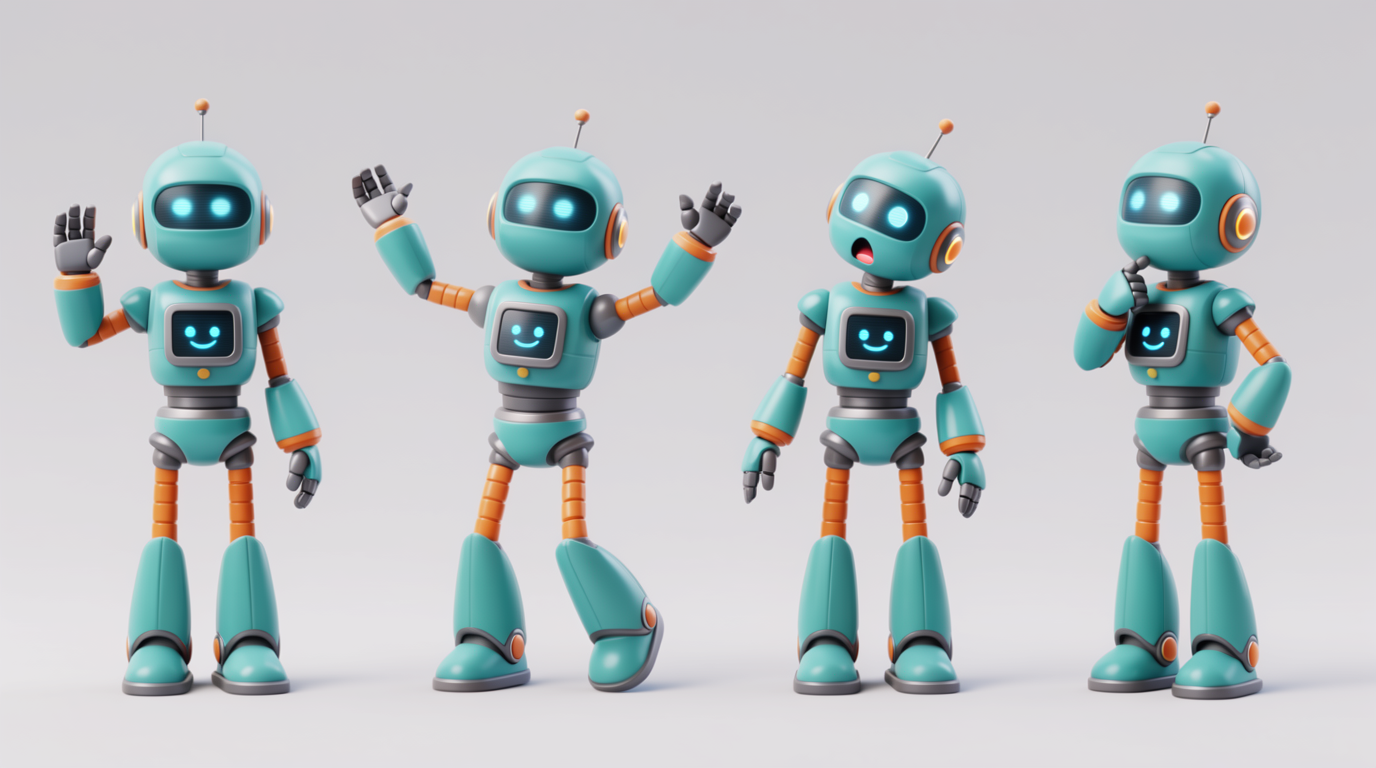
HOW IT WORKS
STEP 1
LOCK A REFERENCE IMAGE
Generate or upload one clear image of your character. This is the design every later prompt points back to.
STEP 2
WORK IN ONE THREAD
Keep all generations in a single chat thread so the model retains context about the character between prompts.
STEP 3
RE-FEED THE REFERENCE EACH TIME
For every new image, point to the reference and say to use the exact same character, same face and outfit.
STEP 4
RE-ANCHOR AND DESCRIBE DETAILS
Feed the best output back as the new reference and spell out the identity details the model tends to drop, like accessories and colors.
STEP 5
BRING IT TO LIFE IN FLICK
GPT Image makes stills only. Drop your locked character into Flick and animate it with Veo 3, Kling, or Seedance.
HOW GPT IMAGE HOLDS A CHARACTER
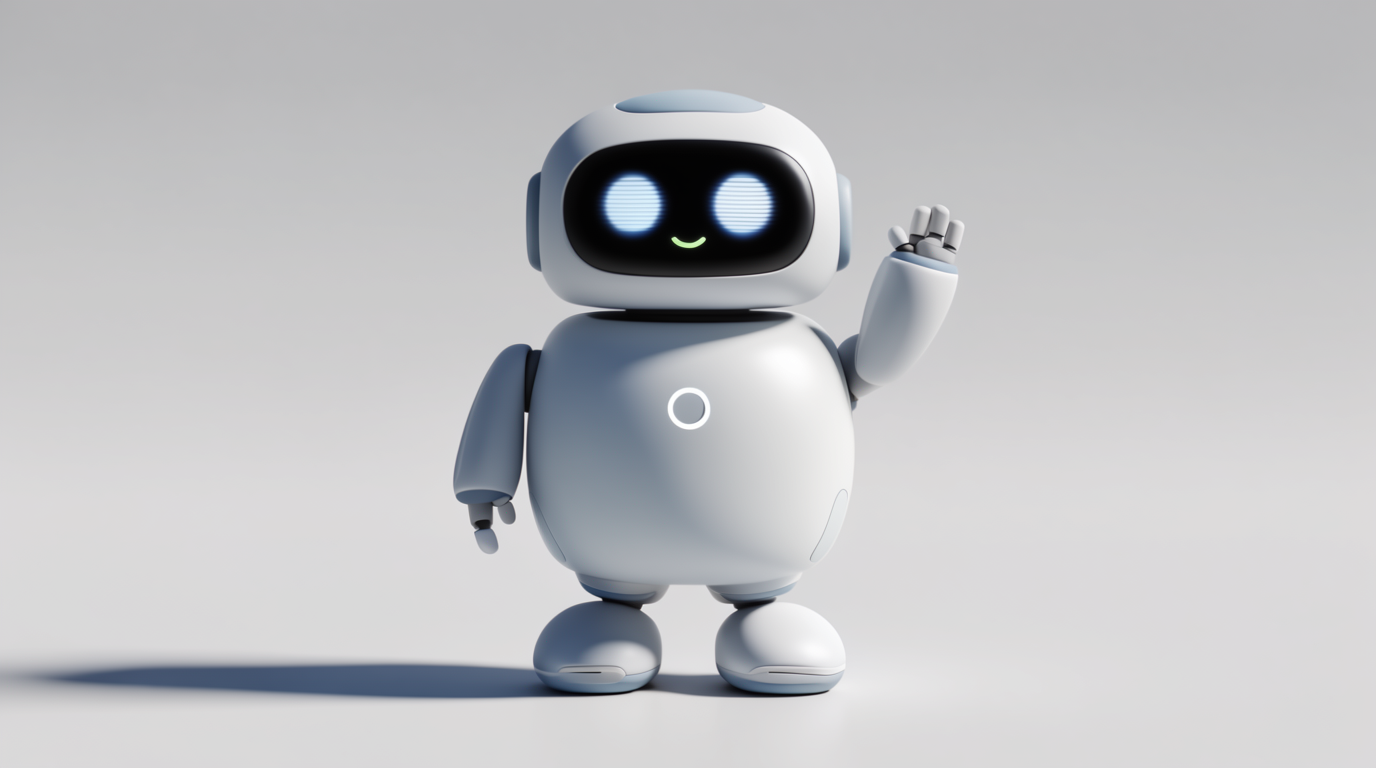
REFERENCE CONDITIONING
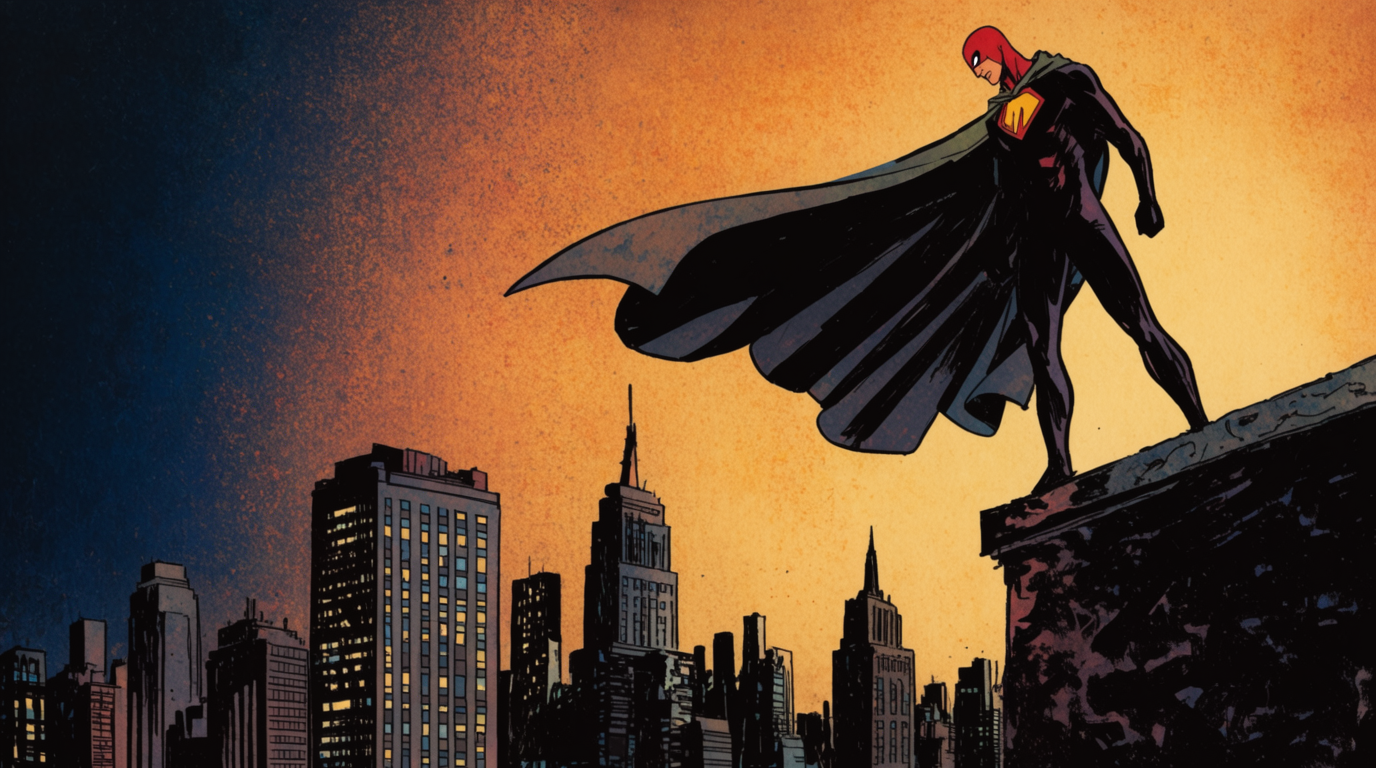
IN-THREAD CONTEXT
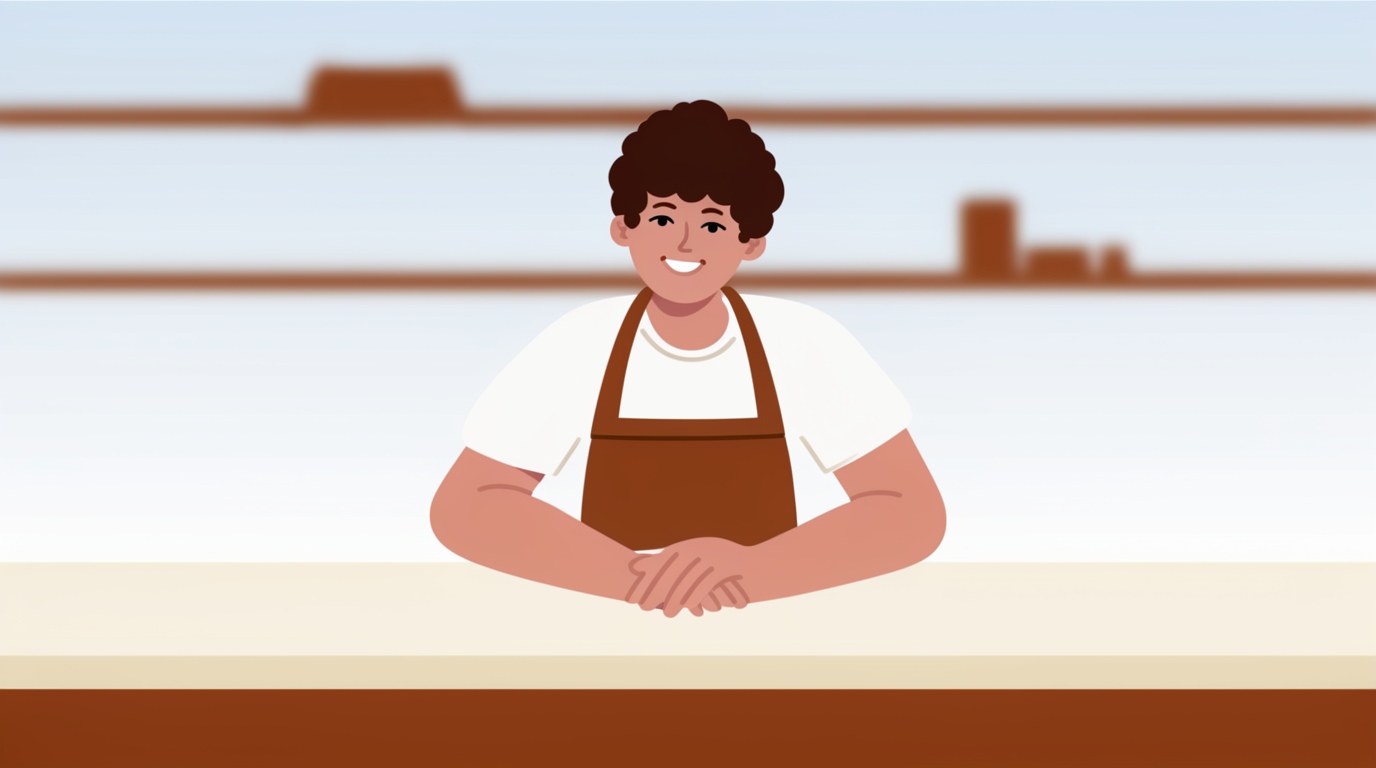
RE-ANCHOR ON OUTPUTS
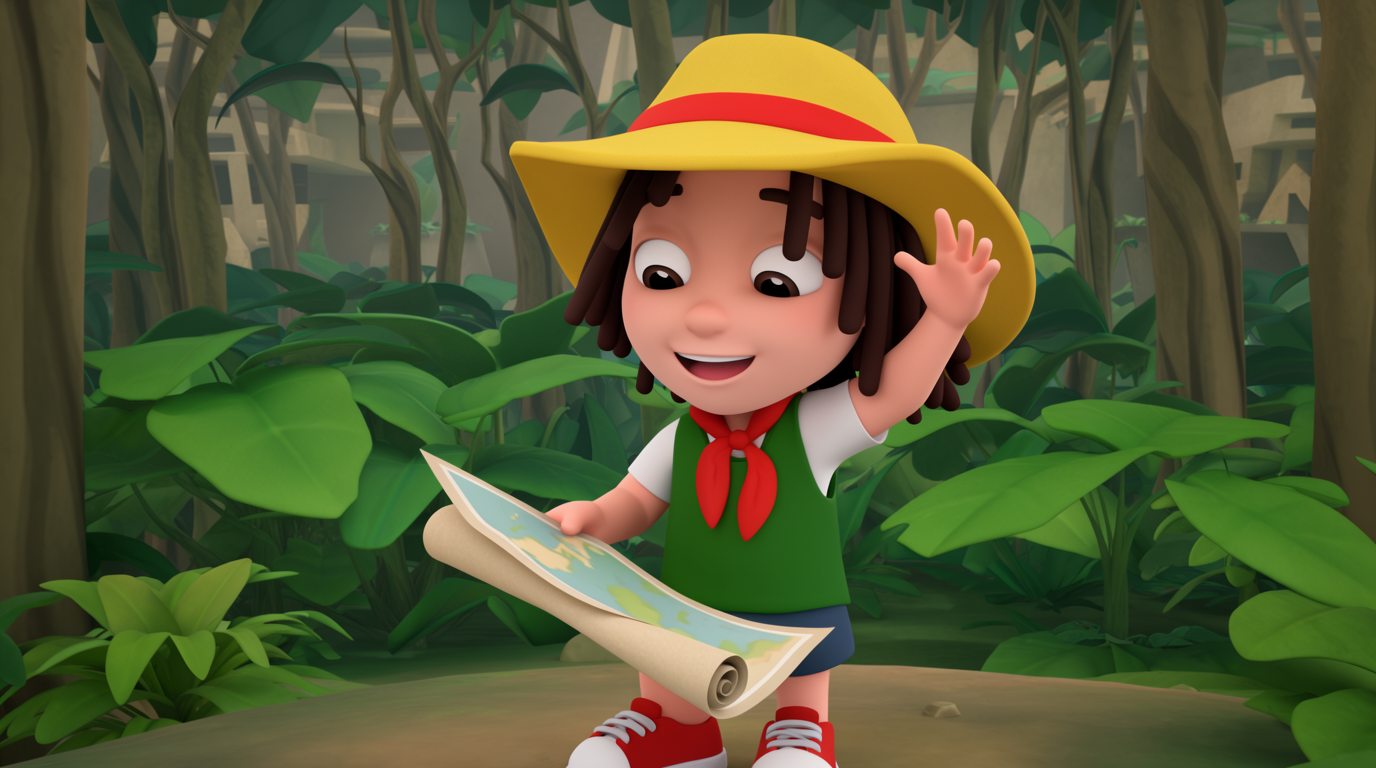
GPT IMAGE FOR CHARACTER CONSISTENCY: PROS AND CONS
Strengths
- Strong prompt adherence and excellent in-image text
- Conversational iteration makes re-anchoring easy
- Good at transforming and styling an uploaded reference
- Widely accessible inside ChatGPT, no special app
Limitations
- No persistent character; identity must be re-supplied each time
- Documented drift across sessions and after model updates
- Often drops accessories, exact colors, and spatial layout
- Only three fixed output sizes, less aspect flexibility than rivals
GPT IMAGE CHARACTER CONSISTENCY FAQS
DOES GPT IMAGE HAVE A SAVED-CHARACTER FEATURE?
No. There is no persistent character. Consistency comes from re-feeding a reference image and keeping generations in one chat thread.
WHY DOES MY GPT IMAGE CHARACTER KEEP CHANGING?
Each generation is conditioned anew, so identity drifts, especially across sessions or after model updates. Re-feed the reference, work in one thread, and re-anchor on good outputs.
HOW DO I KEEP DETAILS LIKE ACCESSORIES CONSISTENT?
Describe them explicitly every time. GPT Image often drops specific accessories, colors, and layout, so reinforcing them in the prompt helps.
WHAT OUTPUT SIZES DOES GPT IMAGE SUPPORT?
The API offers three fixed sizes: square, portrait, and landscape. There is less aspect flexibility than some image models.
CAN GPT IMAGE MAKE VIDEO?
No. It is image only. Lock the character as a still, then animate it in a hosted video model like Veo 3 or Kling.
IS THERE A MORE RELIABLE WAY TO KEEP A CHARACTER CONSISTENT?
Yes. Flick's Character Reference locks one character you reuse everywhere, instead of re-feeding a reference and fighting drift each prompt.
CONSISTENT CHARACTERS IN OTHER TOOLS
RELATED FLICK TOOLS
STOP FIGHTING DRIFT. LOCK YOUR CHARACTER ONCE.