AI Shot List Generator
WHY GENERATE WITH FLICK?
Most shot lists live in a spreadsheet. Flick breaks your scene into numbered shots, angle, framing, movement, then renders each one on the canvas.
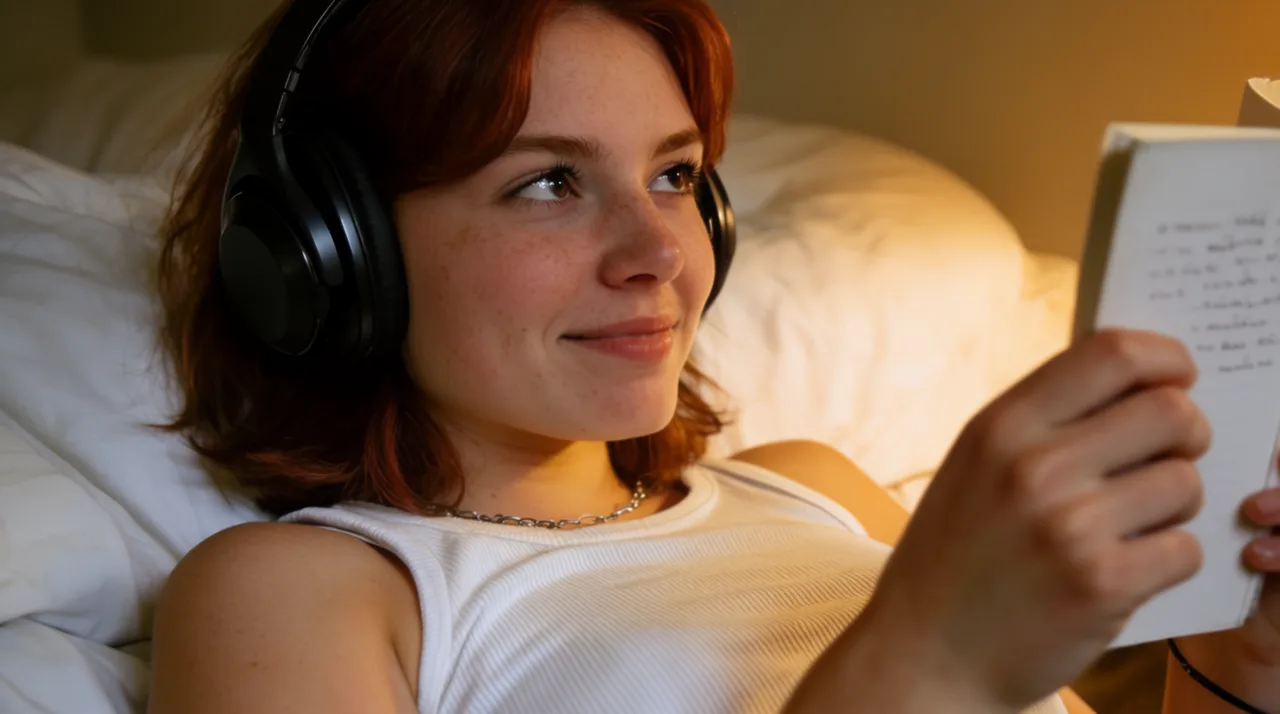
AI SHOT LIST GENERATOR EXAMPLES
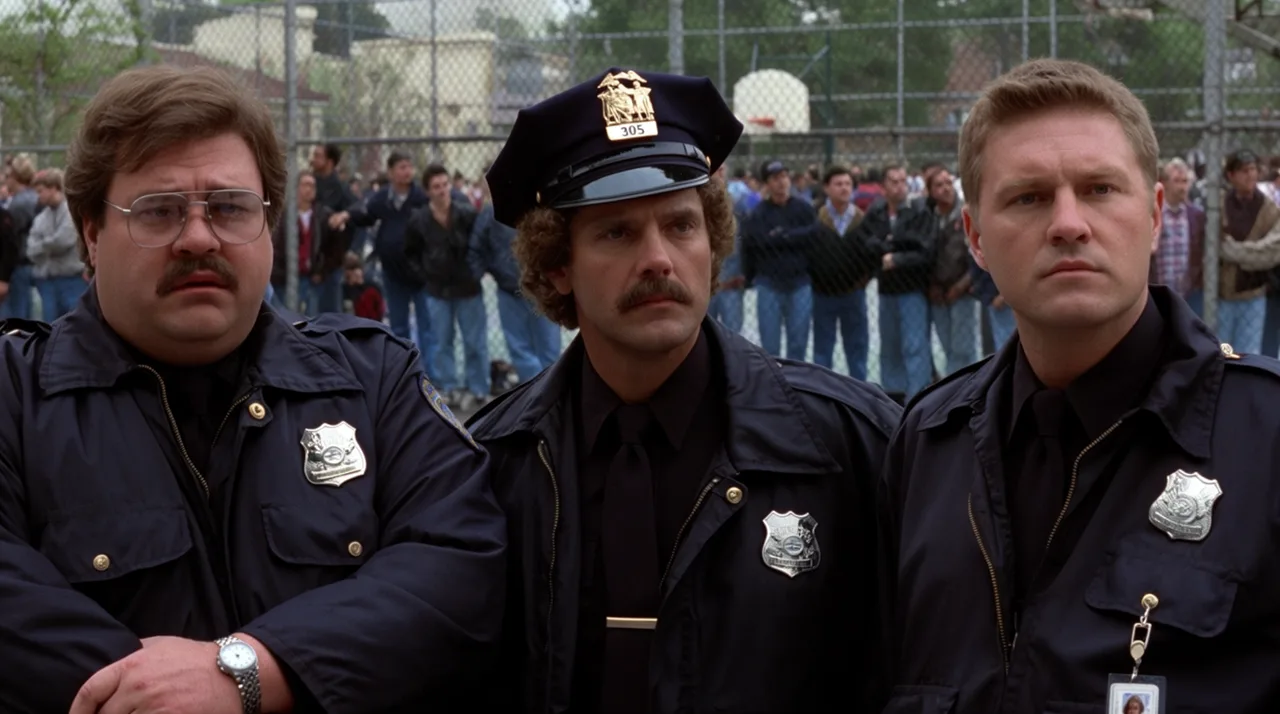
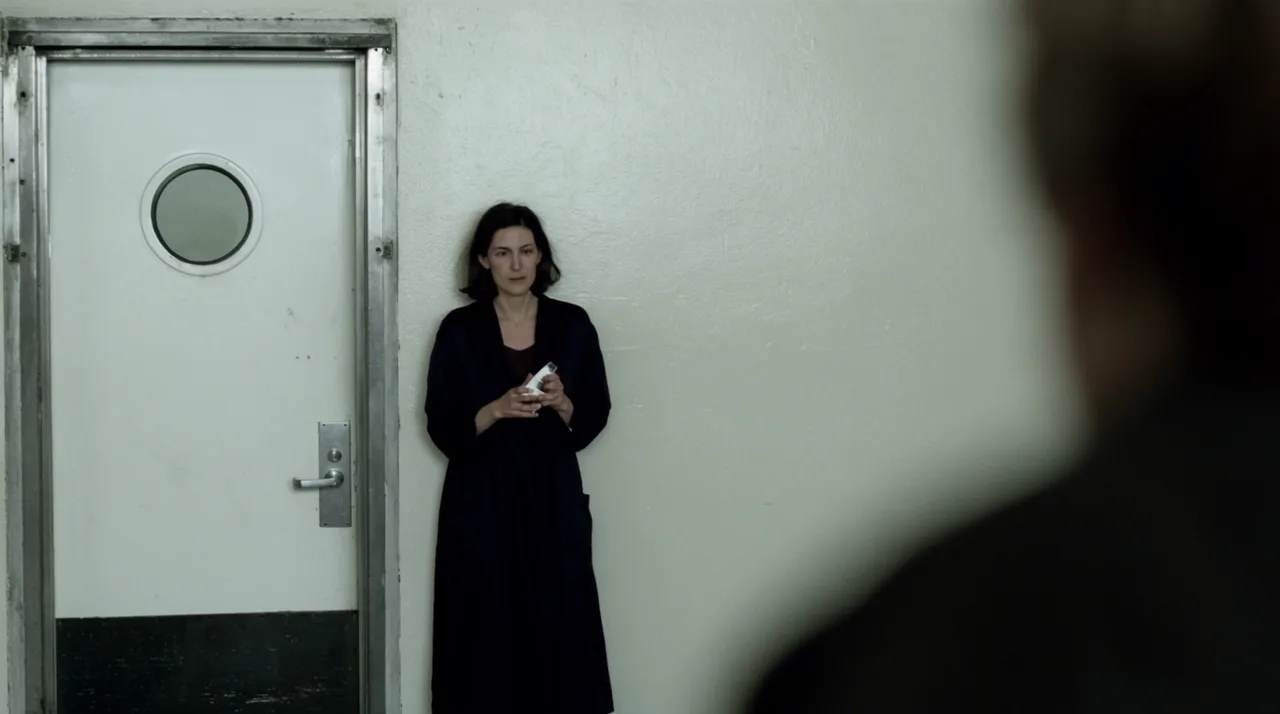
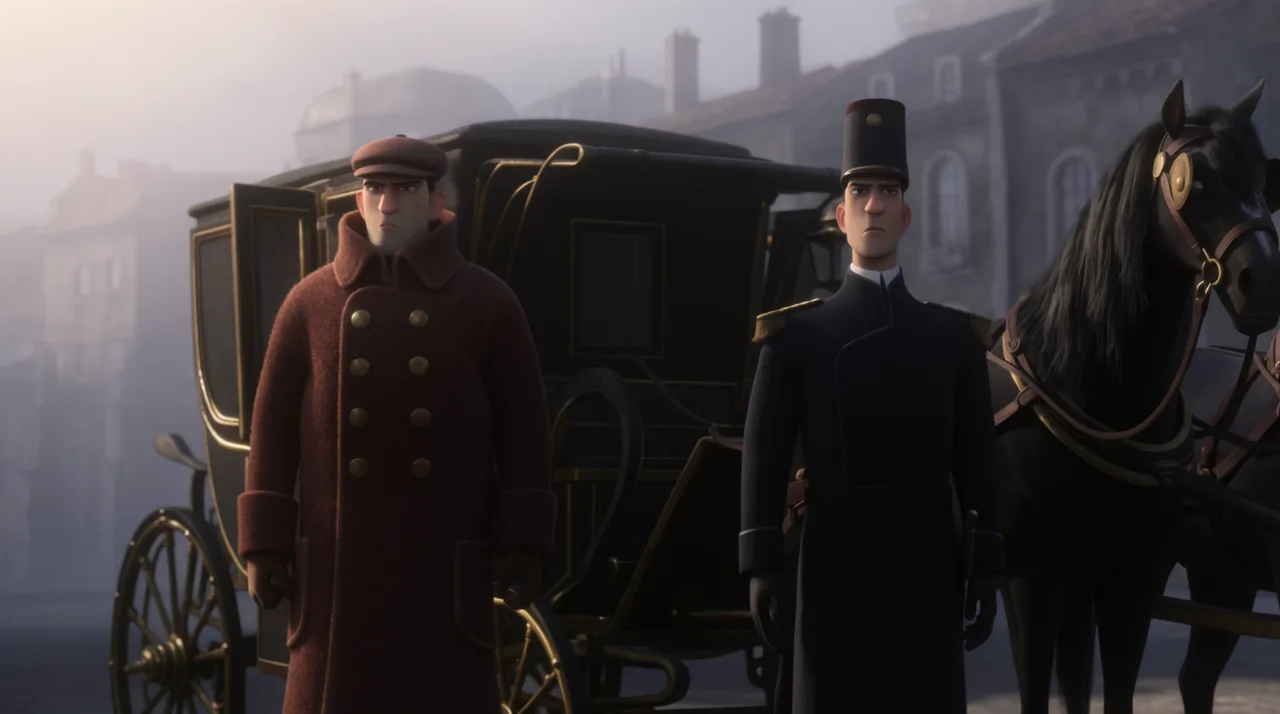
HOW IT WORKS
STEP 1
DESCRIBE YOUR SCENE
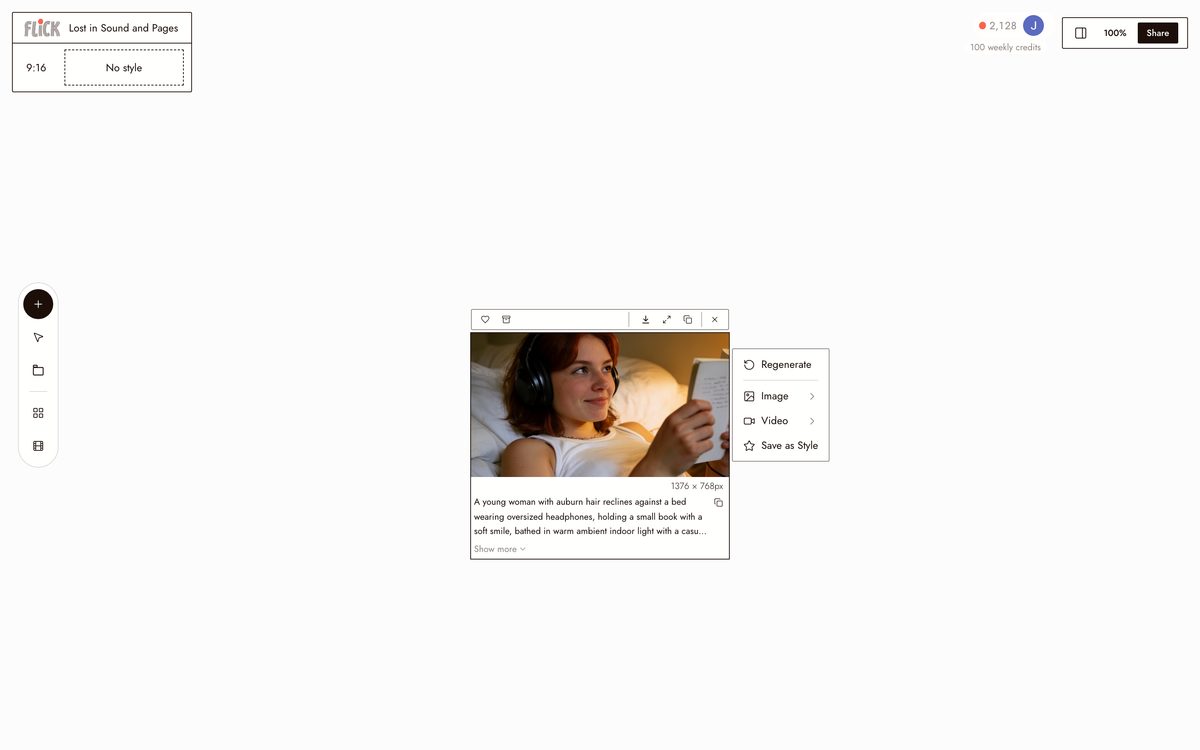
Type a scene description — location, time of day, mood, action. Flick breaks it into a numbered shot list with angle, framing, and camera movement specified for each shot.
Made in Flick STEP 2
REVIEW AND EDIT SHOTS
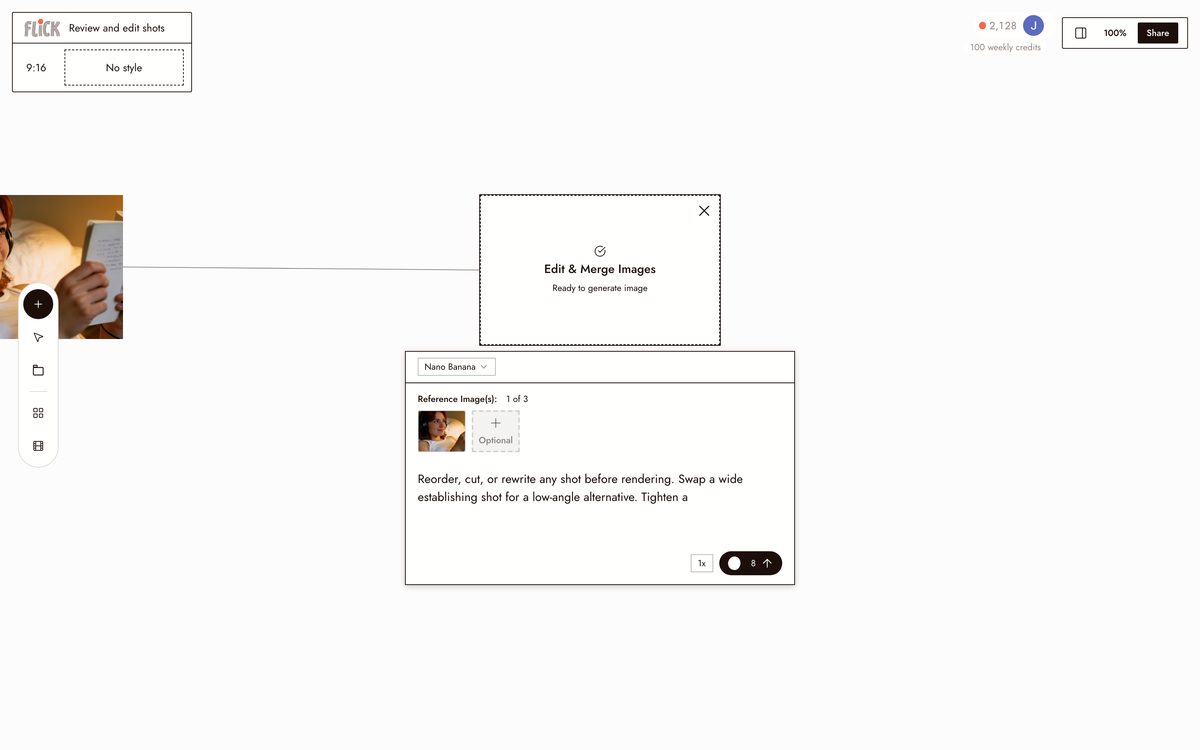
Reorder, cut, or rewrite any shot before rendering. Swap a wide establishing shot for a low-angle alternative. Tighten a close-up's framing without regenerating the whole sequence.
Made in Flick STEP 3
RENDER EACH SHOT ON CANVAS
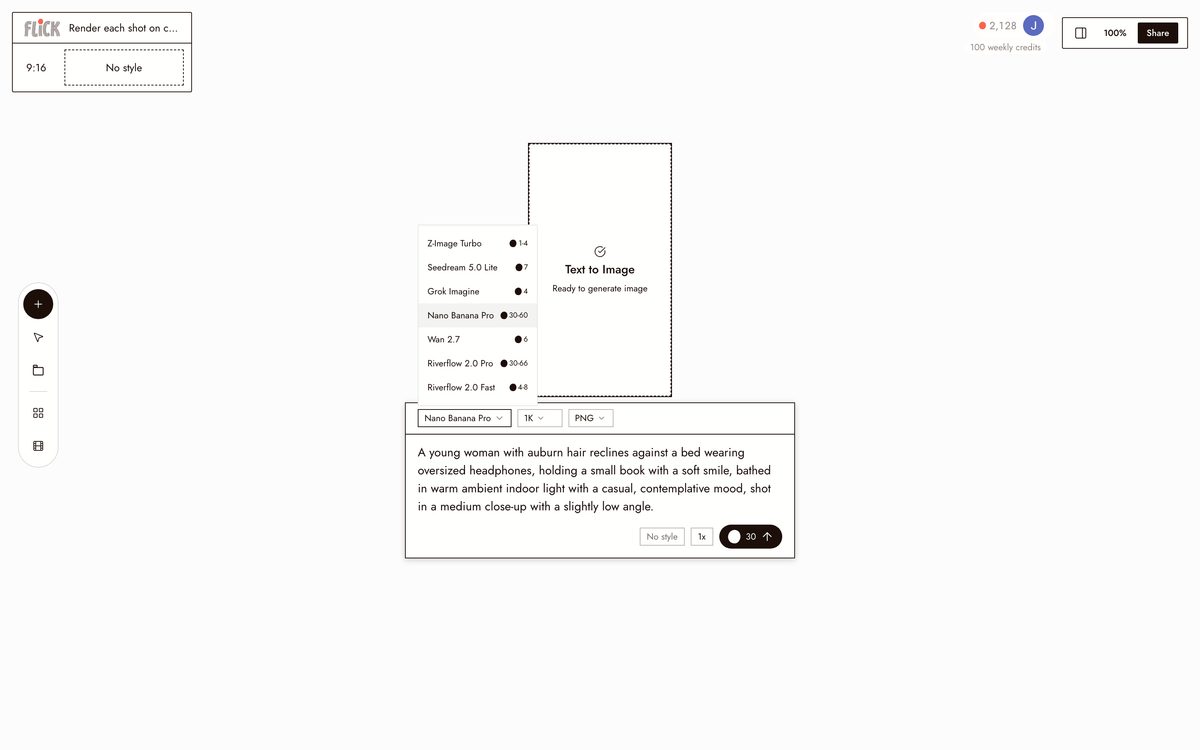
Route each shot to the right model. Nano Banana Pro for stills, Kling for motion and physics, Veo 3.1 for cinematic quality with native audio, Seedance for fast high-quality generation.
Made in Flick


AI SHOT LIST GENERATOR FAQS
WHAT DOES AN AI SHOT LIST GENERATOR ACTUALLY DO?
It breaks a scene description into a numbered shot list: angle, framing, camera movement, and subject for each shot. Flick renders each shot on the canvas using the right model for that shot type. The list becomes footage, not a spreadsheet.
HOW DOES FLICK PICK THE RIGHT MODEL FOR EACH SHOT?
Different shots need different models. Use Kling for believable motion and physics. Use Veo 3.1 for cinematic quality, native audio, or dialogue. Use Seedance to iterate fast without sacrificing output quality. You choose per shot from the canvas.
CAN THE SAME CHARACTER APPEAR ACROSS EVERY SHOT IN THE LIST?
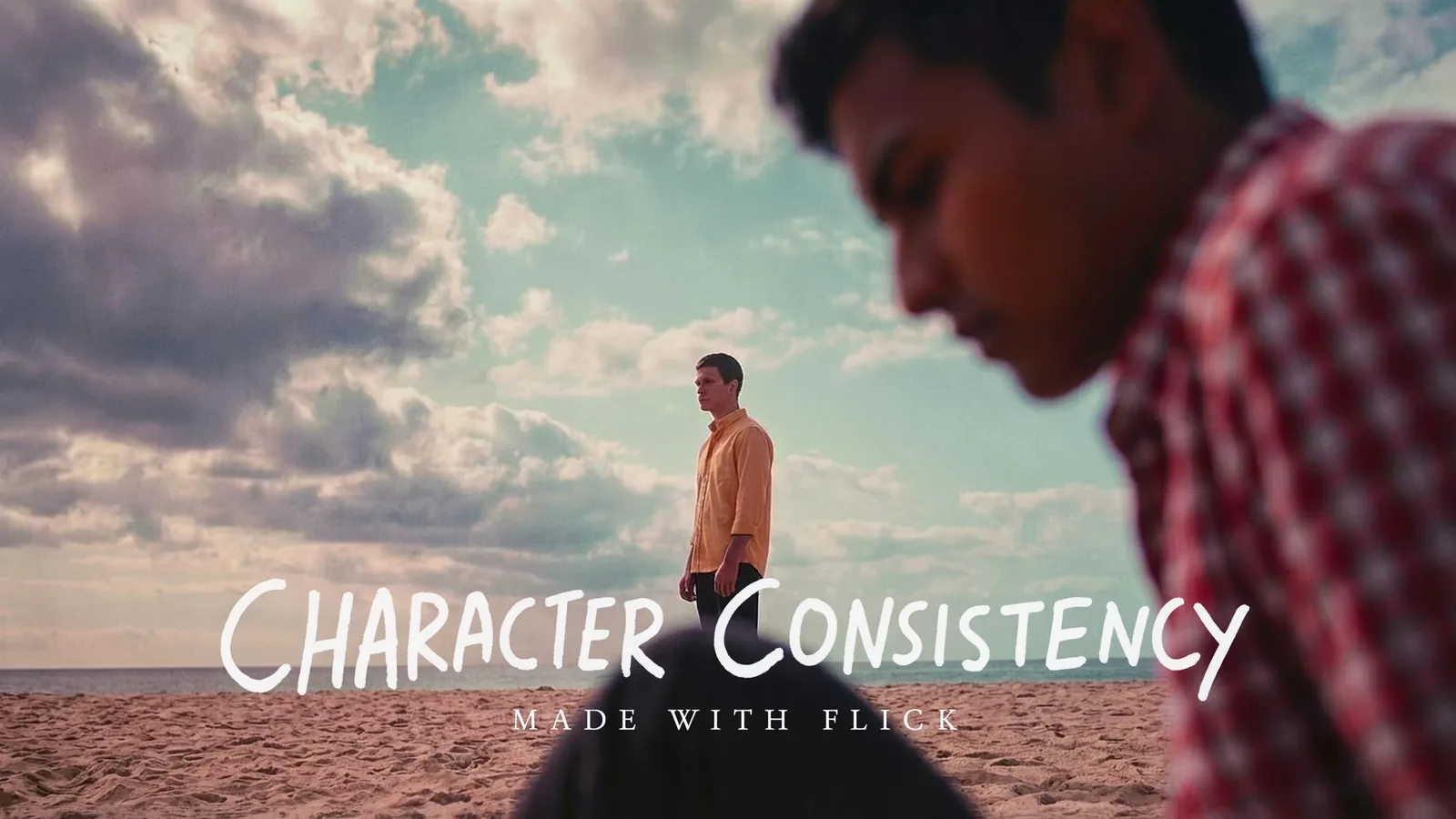
Lock a character once with Character Reference. Every shot in the list pulls that same face, outfit, and proportions: wide angle, close-up, over-the-shoulder, any model. Standalone shot-list tools cannot do that cross-model consistency.
IS THE AI SHOT LIST GENERATOR FREE?
Flick has a free tier. Generate a shot list, render a few shots, and test the canvas before spending anything. Beyond the free tier, Flick runs on credits, with a free tier and plans from $4/month.
DO I OWN THE SHOTS I GENERATE?
Shots you generate on Flick are yours to use commercially. Check the terms of service for full details. Output is not licensed back to Flick or the underlying model providers.
HOW IS THIS DIFFERENT FROM WRITING A SHOT LIST IN A SPREADSHEET?
A spreadsheet lists shots. Flick renders them. Type a scene description, get a numbered breakdown with angles and movements, then generate each shot on the canvas. No switching tools, apps, or tabs.



TRY THE AI SHOT LIST GENERATOR FREE