AI Film Generator
WHY GENERATE WITH FLICK?
Write your story, lock your characters once, and generate footage across Kling, Seedance, and Veo without rebuilding consistency from scratch.
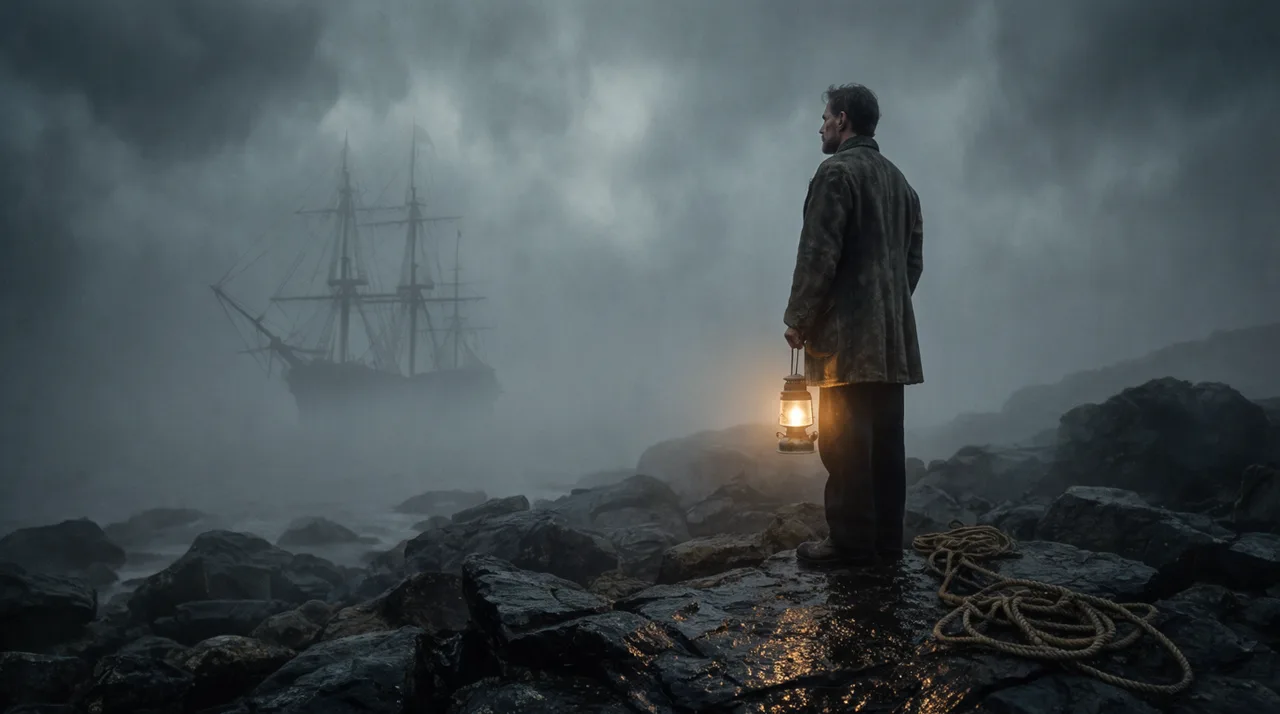
AI FILM GENERATOR EXAMPLES
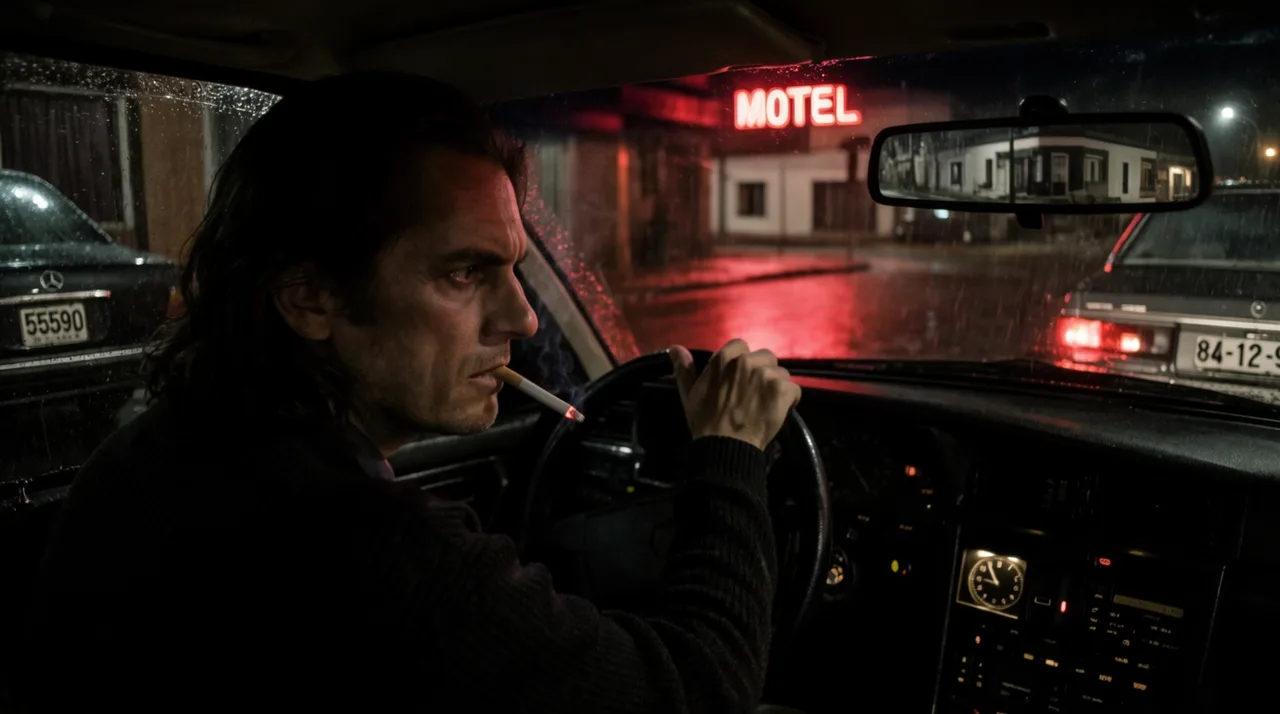
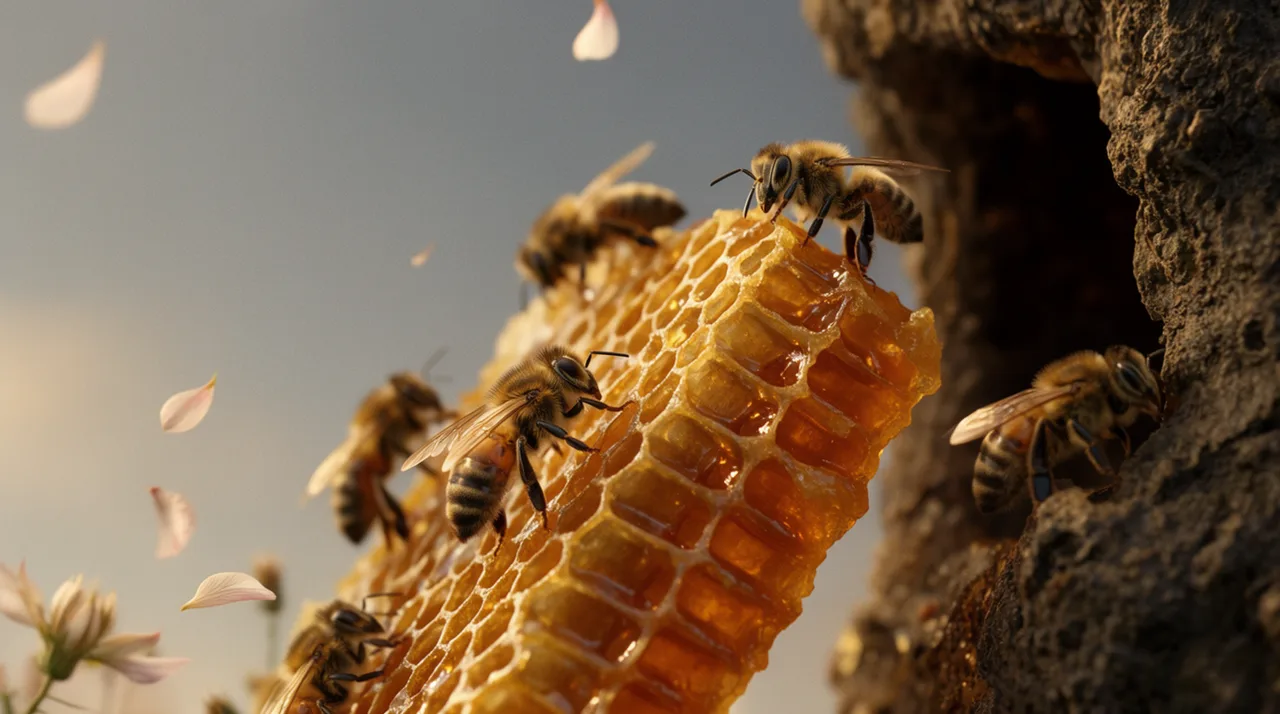
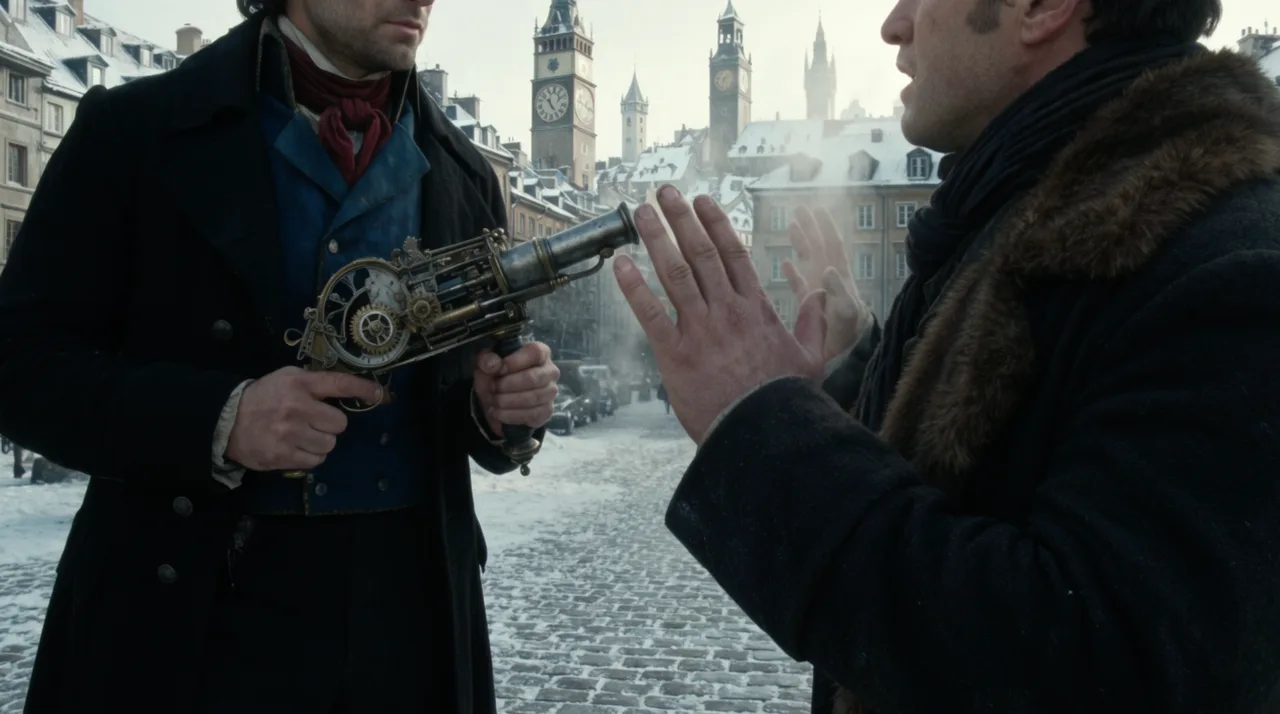
HOW IT WORKS
STEP 1
STORYBOARD THE FILM IN CHAT
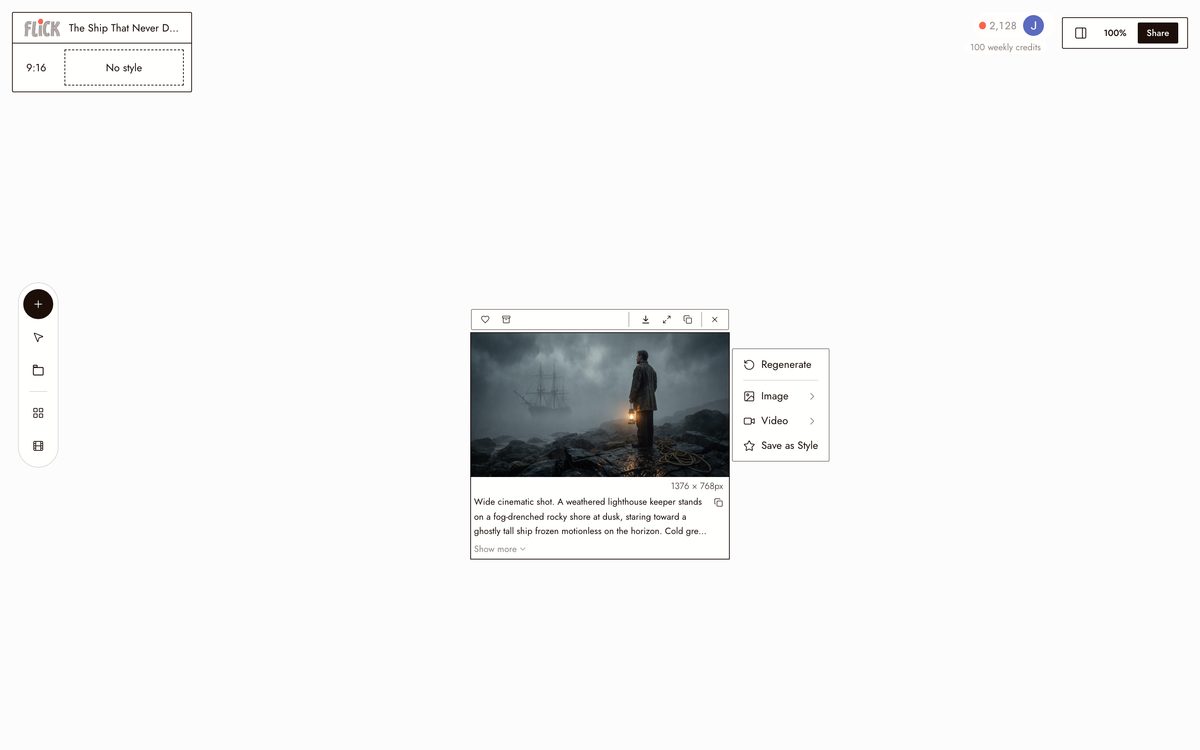
Describe the concept, the characters, and the tone, and Flick breaks it into a shot-by-shot storyboard before you generate a frame. You edit the plan first, then shoot to it.
Made in Flick STEP 2
GENERATE SCENE BY SCENE
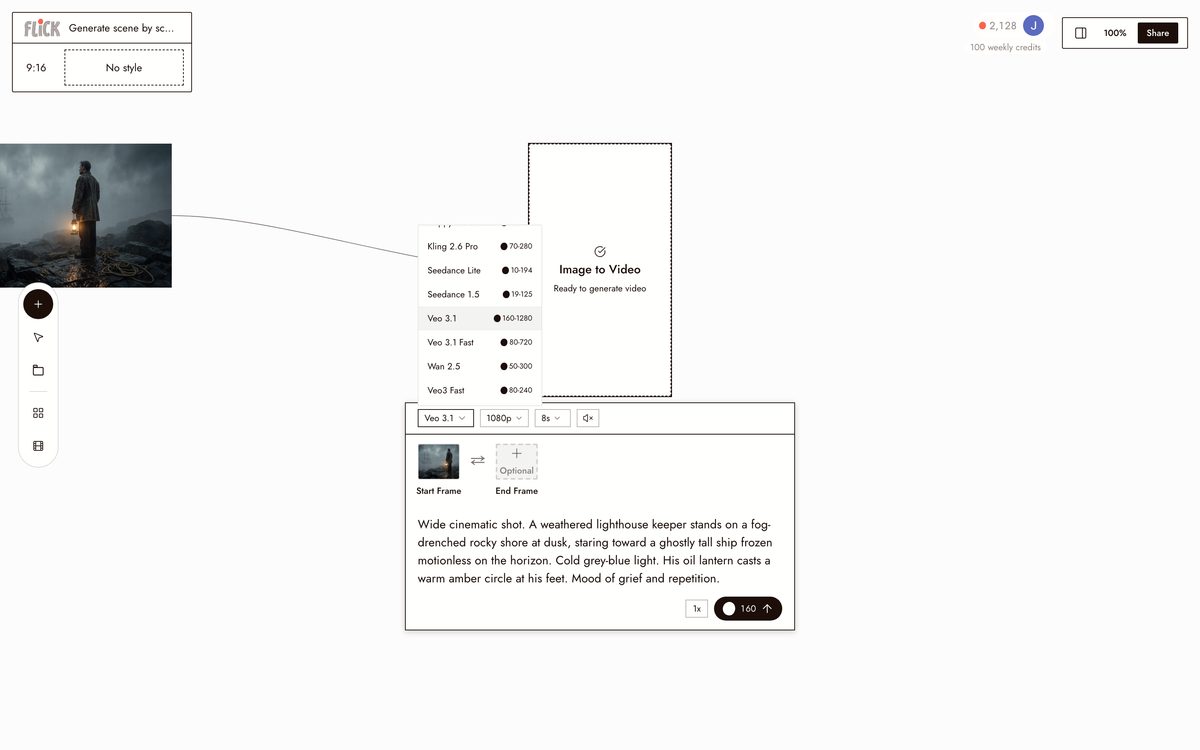
Pick a model per shot, Kling for motion, Seedance for speed, Veo 3.1 for cinematic footage with dialogue, and generate each scene on the canvas. Lock your lead with Character Reference so the same face carries whichever model you use, then refine any shot with an edit prompt.
Made in Flick STEP 3
CUT IT TOGETHER
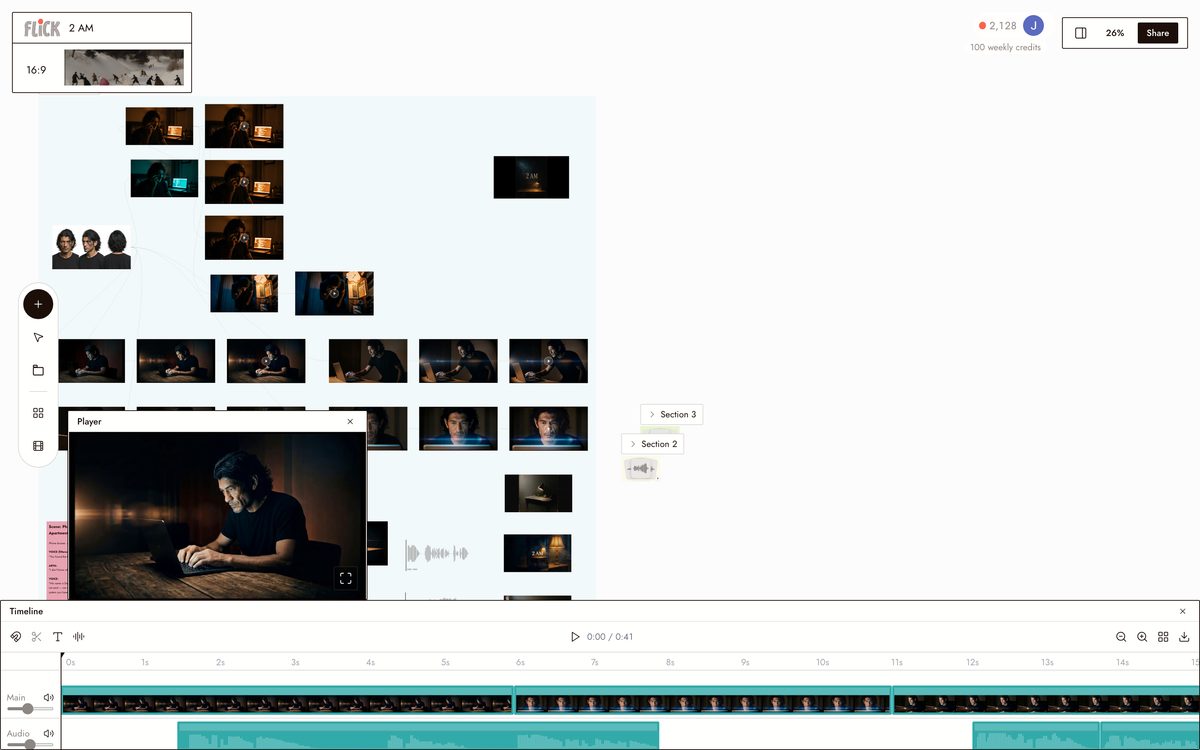
Trim the takes on the timeline and stitch the scenes into a film. The character and look you locked hold from the first scene to the last.
Canvas by Baskoro Schnyder


AI FILM GENERATOR FAQS
WHAT DOES AN AI FILM GENERATOR ACTUALLY DO?
It takes a concept and produces original footage, scene by scene. In Flick, you develop the story and storyboard in chat, then shoot each scene using Kling, Seedance, or Veo 3.1. Every shot is generated from scratch, not assembled from stock clips.
HOW DO CHARACTERS STAY CONSISTENT ACROSS SCENES?
Lock a character once with Character Reference. One reference image fixes the face, build, and costume across every scene you generate, on every model. Change the setting, the lighting, the angle. The character holds.
WHICH MODEL SHOULD I USE FOR EACH SCENE?
Pick based on what the scene demands. Kling handles motion and physics. Veo 3.1 delivers cinematic quality, native audio, and dialogue. Seedance is fast when you need to iterate quickly. All three are available on every Flick plan.
IS FLICK FREE TO USE?
Flick has a free tier: up to 300 free credits (100 at signup plus 200 for joining our Discord) plus 100 weekly credits, no credit card required. Paid plans start at $5/month for more credits per cycle. Every image model, including Nano Banana and GPT Image, is on every plan, free included, and so are MiniMax H3 Fast, MiniMax H3 Max and Pruna Draft video. Kling, Veo 3.1, Seedance and the full video model list come with the Standard plan.
IS THE FOOTAGE MINE TO USE COMMERCIALLY?
You own the output you generate in Flick. Check the Terms of Service for full detail. Generated footage is yours for personal and commercial projects.
HOW IS THIS DIFFERENT FROM A PROMPT GENERATOR OR STORYBOARD TOOL?
A prompt generator stops at the prompt. A storyboard tool stops at the frame. Flick writes the story, boards it, and generates actual footage on the same canvas. Go from concept to cut without switching tools or rebuilding character references.





TRY THE AI FILM GENERATOR FREE