How to Keep a Character Consistent in Midjourney
MIDJOURNEY
Midjourney locks a character's identity through Omni Reference: the --oref parameter, tuned with omni-weight (--ow). Supply a reference image, keep the weight balanced, and your character holds from shot to shot.
HOW IT WORKS
STEP 1
CREATE ONE CLEAN REFERENCE
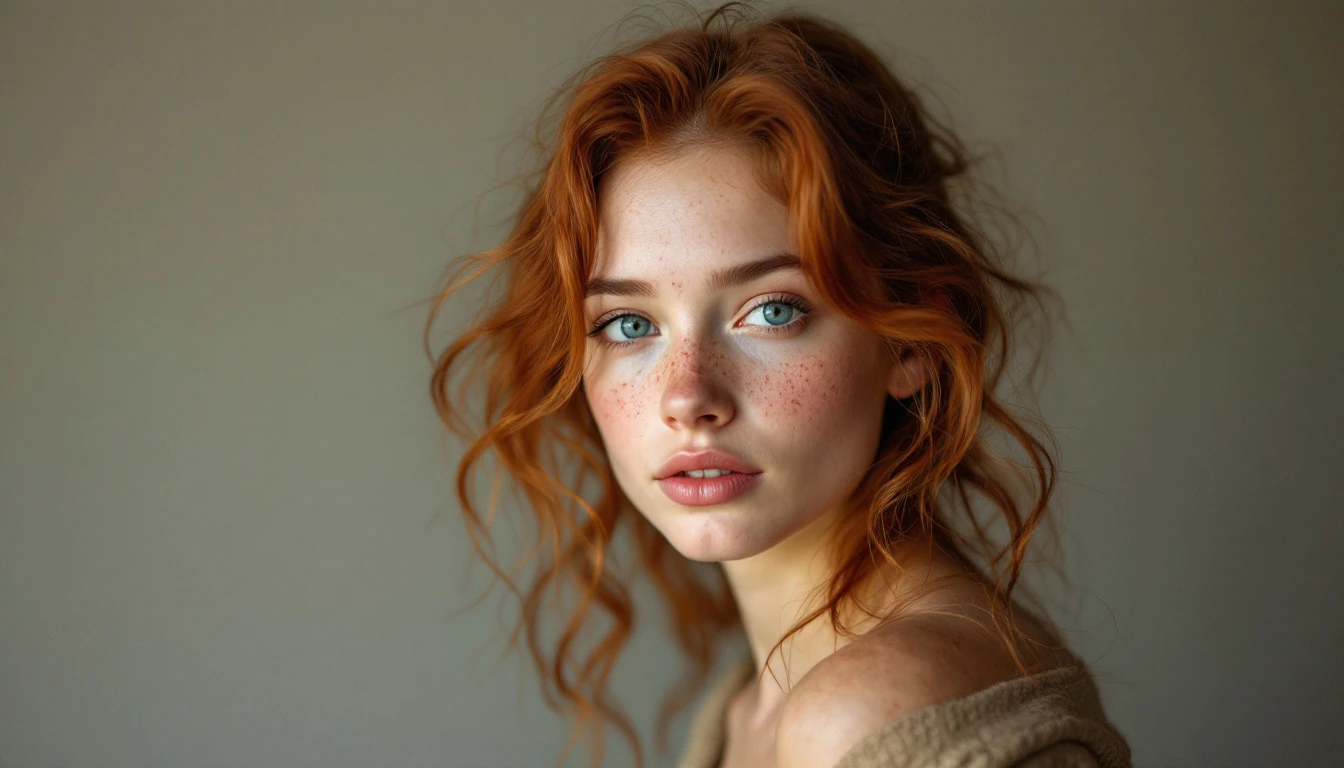
Generate or choose a single front-facing image of your character in a neutral pose and even lighting. This anchor is what every later shot matches.
STEP 2
ATTACH IT WITH --OREF
Upload the reference, copy its URL, and append the --oref parameter with that URL to every prompt. Keep the written character description identical each time.
STEP 3
TUNE OMNI-WEIGHT (--OW)
Set --ow between 200 and 400 to balance identity against the scene. Raise it if the face drifts; lower it if the scene feels too locked.
STEP 4
GENERATE YOUR SHOTS
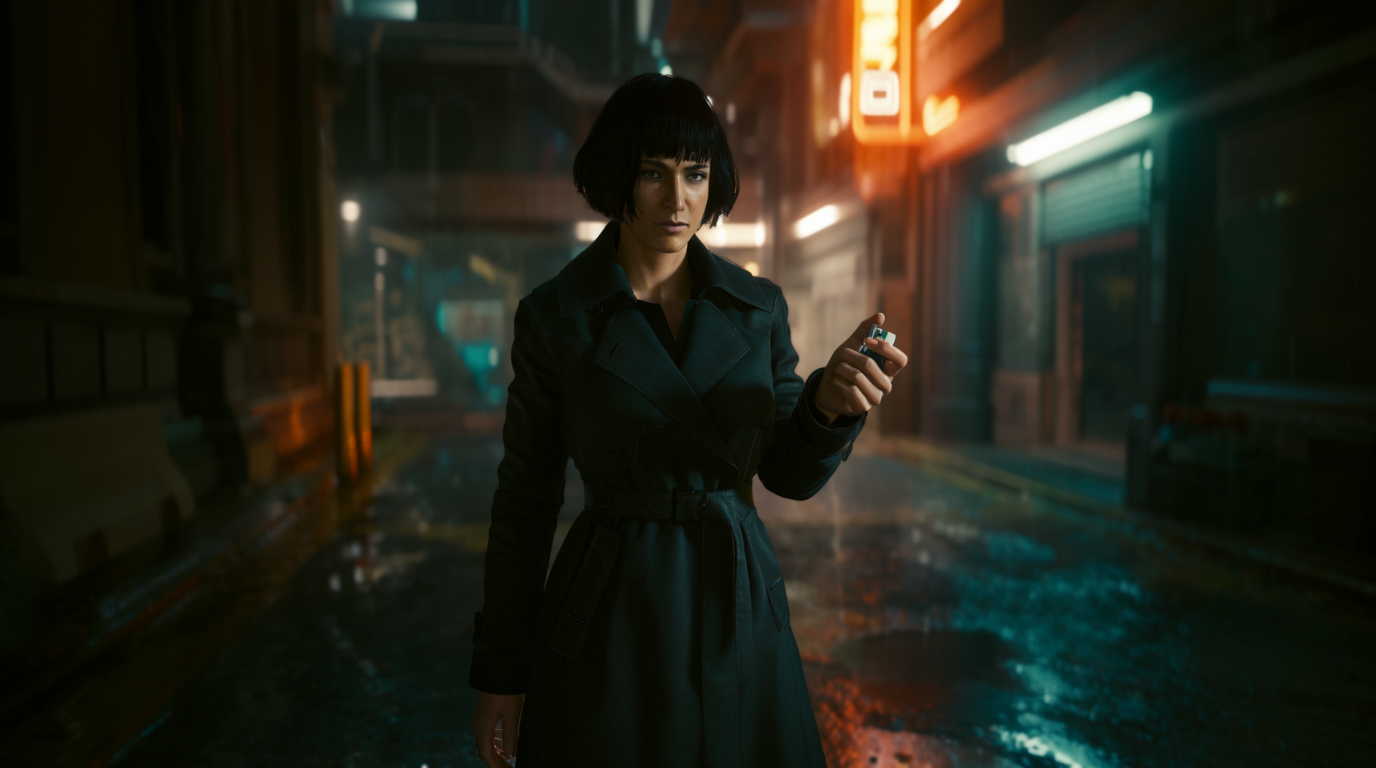
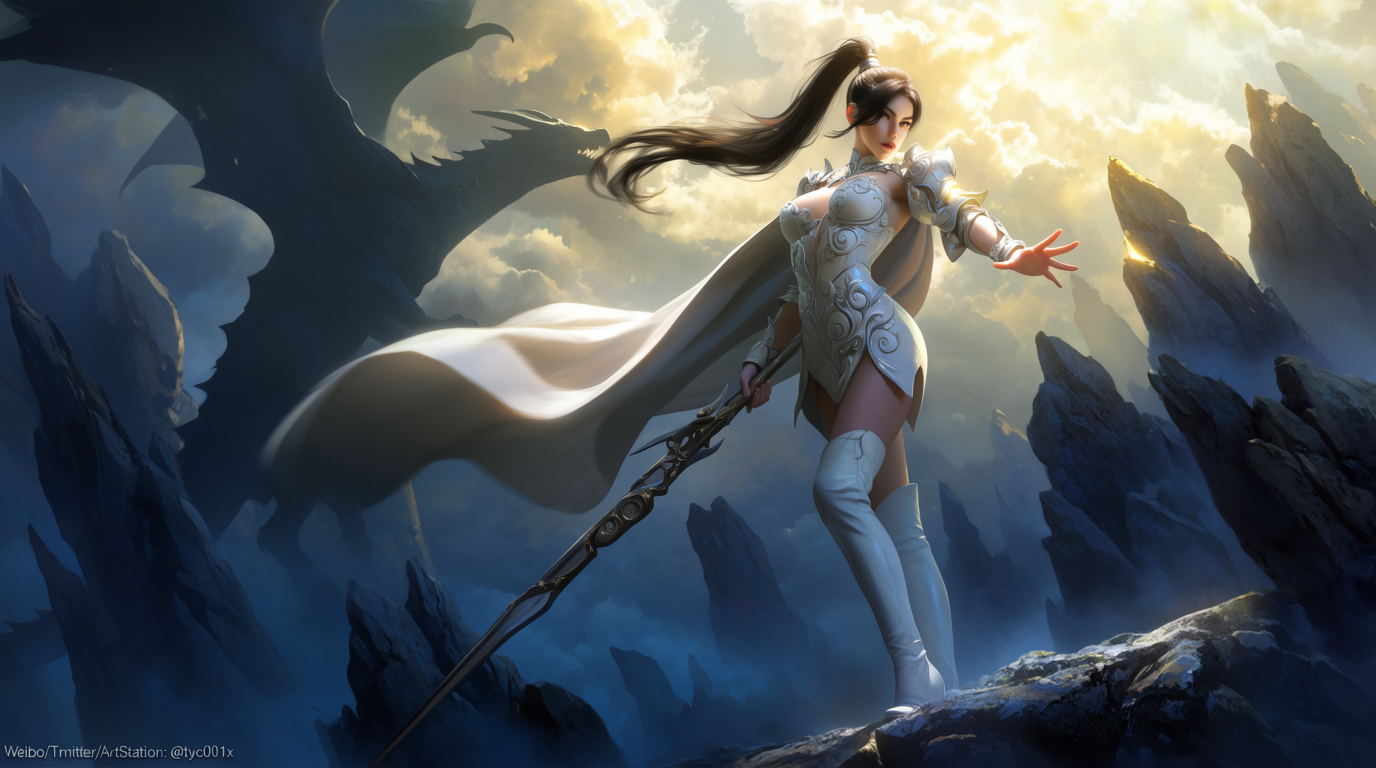
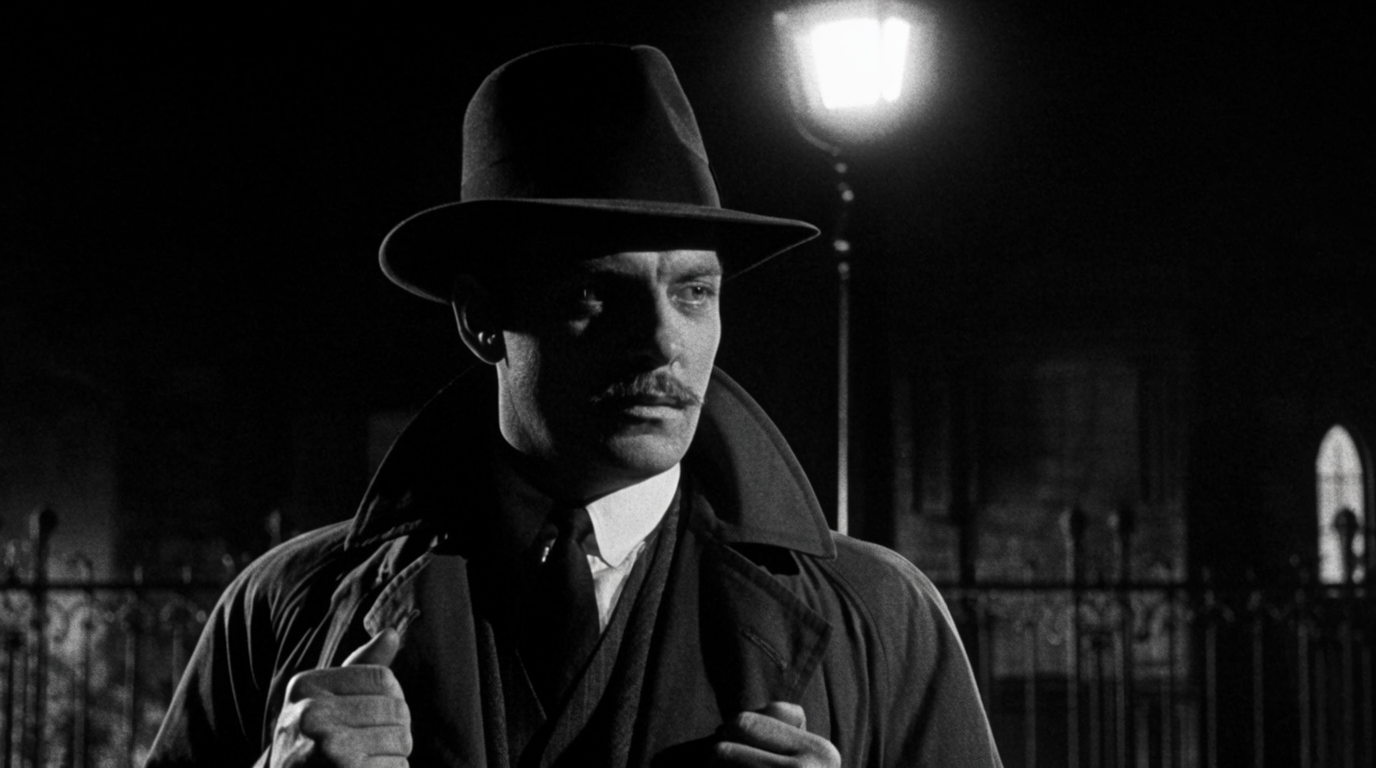
Change only the scene and action in the prompt, never the character description. Midjourney holds the identity across each new shot.
STEP 5
BRING IT TO LIFE IN FLICK
Midjourney's character lock is image-only. Drop your locked still into Flick and animate it with Veo 3 or Kling so the character carries into video.
HOW MIDJOURNEY HOLDS A CHARACTER
OMNI REFERENCE (--OREF)
--oref URL to every prompt. Midjourney matches the character's identity instead of re-rolling a face from scratch.TUNE OMNI-WEIGHT (--OW)
--ow (0 to 1000). 200 to 400 keeps the character recognizable while following the scene; push higher only when the face drifts.LOCK THE WRITTEN DESCRIPTION
MIDJOURNEY FOR CHARACTER CONSISTENCY: PROS AND CONS
Strengths
- Best-in-class image aesthetics and one of the widest style ranges
- Omni Reference needs no training or setup
- Fast iteration from a single reference image
- Excellent for stylized and painterly characters
Limitations
- Character lock is image-only; Midjourney's video model has no Omni Reference
- Omni Reference is approximate; it drifts on big scene or wardrobe changes
- No true multi-shot lock or scene memory
- Less precise than a trained LoRA
- You re-supply the reference on every prompt
MIDJOURNEY CHARACTER CONSISTENCY FAQS
WHAT IS --OREF IN MIDJOURNEY?
Omni Reference. You pass an image URL with --oref and Midjourney matches the character's identity in the new generation, rather than re-rolling a face from scratch.
WHAT --OW VALUE SHOULD I USE?
Start around 200 to 400. That keeps the character recognizable while still following your scene prompt. Push toward 500 or higher only when the face is drifting and you need a harder lock.
CAN MIDJOURNEY KEEP A CHARACTER CONSISTENT IN VIDEO?
No. Midjourney is image-only. Lock the character in a still, then animate it with a reference-to-video model like Veo 3 or Kling, both available in Flick.
DO I NEED TO TRAIN A LORA?
Not for most projects. A single good reference with --oref is enough. Train a LoRA in ComfyUI only when you are generating hundreds of shots and drift becomes expensive to fix.
WHY DOES MY MIDJOURNEY CHARACTER KEEP CHANGING?
Each generation is created from scratch, so small differences accumulate into drift. Attach the same --oref image, keep the written description identical, and raise --ow toward 400 when the face slips.
HOW MANY REFERENCE IMAGES CAN I USE?
Omni Reference works from a single strong reference. If you need several angles, generate a clean turnaround first and use the clearest front-facing frame as your --oref anchor.
DOES THE OLDER --CREF STILL WORK?
Character Reference (--cref) was the previous system. Omni Reference (--oref) supersedes it with stronger identity matching, so prefer --oref on current versions.
HOW DO I KEEP THE OUTFIT AND PROPS CONSISTENT TOO?
Wardrobe is where --oref drifts most. Describe the outfit explicitly in every prompt, raise --ow, and for exact continuity lock the look in Flick's Character Reference and carry it across shots.
CONSISTENT CHARACTERS IN OTHER TOOLS
RELATED FLICK TOOLS
TAKE YOUR MIDJOURNEY CHARACTER TO VIDEO.