Veo 3 alternatives for AI filmmaking
WHY LOOK FOR VEO 3 ALTERNATIVES
HOW TO SWITCH
STEP 1
1. BRING YOUR CHARACTER REFERENCES
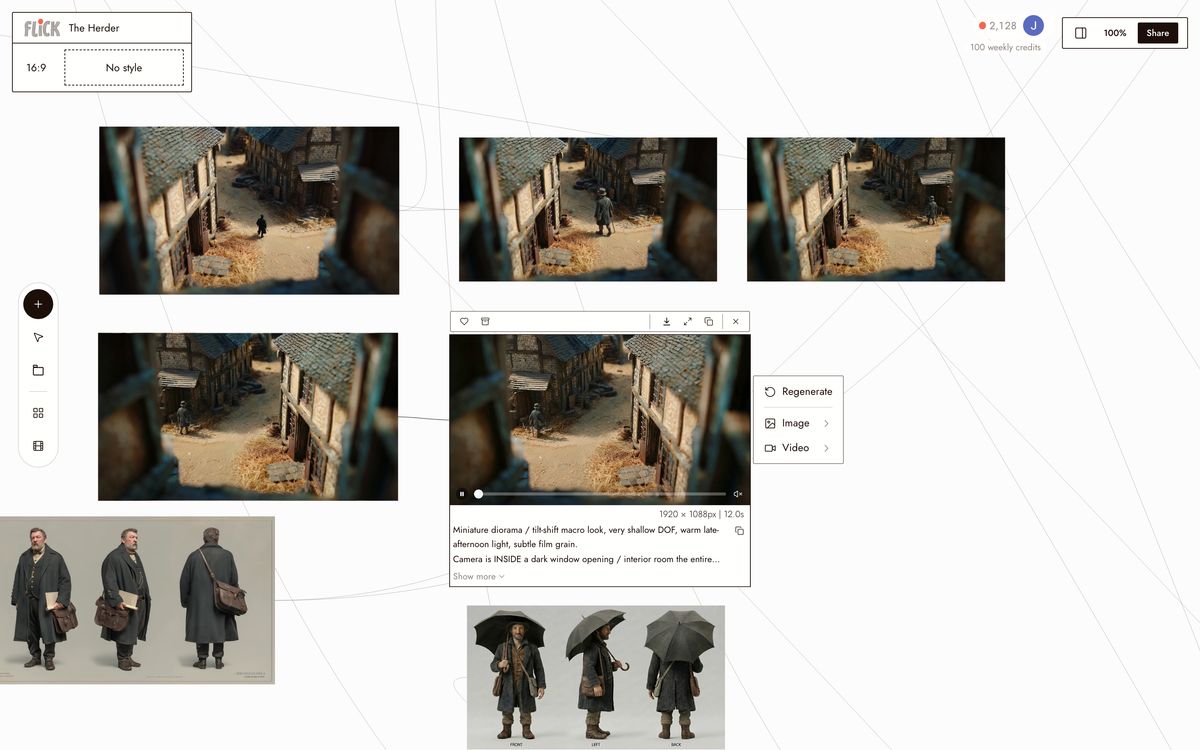
Upload the same reference images you use with Veo 3's Ingredients. Flick's Character Reference tool accepts any image — no reformatting or re-training required. Your existing references work immediately.
Canvas by Jaime Y. STEP 2
2. CHOOSE THE RIGHT MODEL FOR EACH SHOT
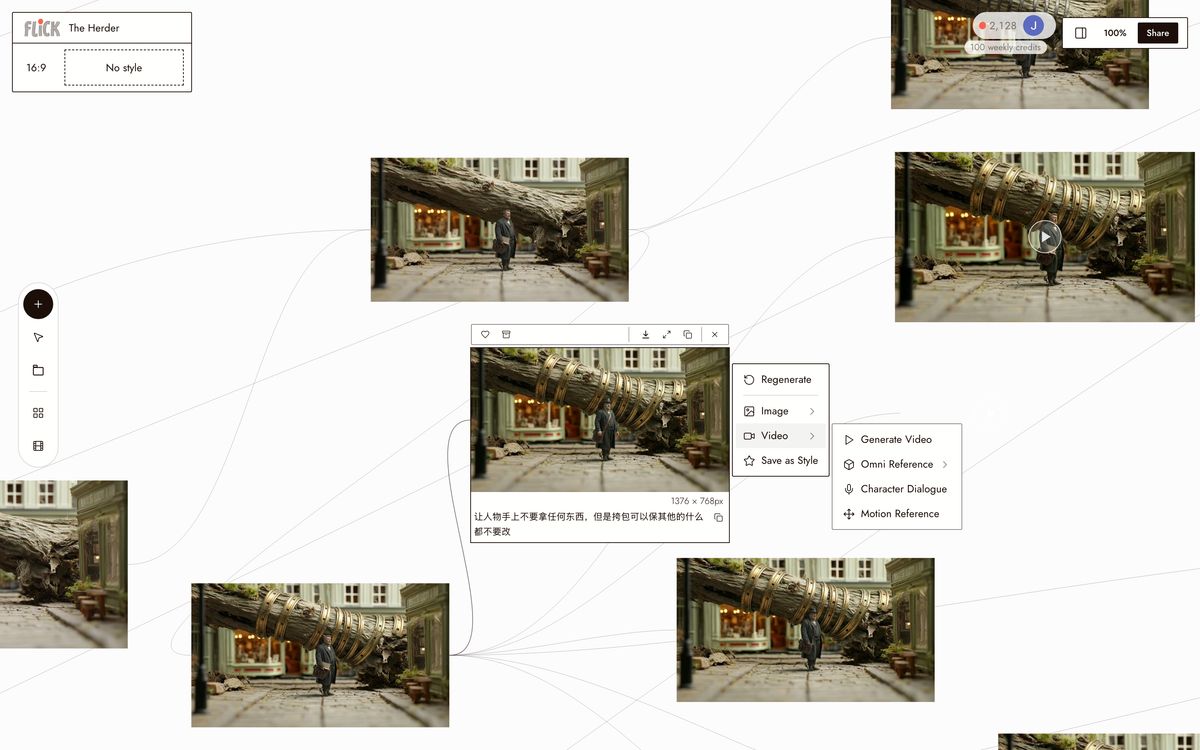
Use Kling for motion-heavy scenes. Use Seedance for dialogue. Use Nano Banana Pro for photorealistic stills. Switch models per shot without leaving the canvas. Veo 3 locks you into one model — Flick lets you pick.
Canvas by Jaime Y. STEP 3
3. GENERATE, REFINE, EXPORT
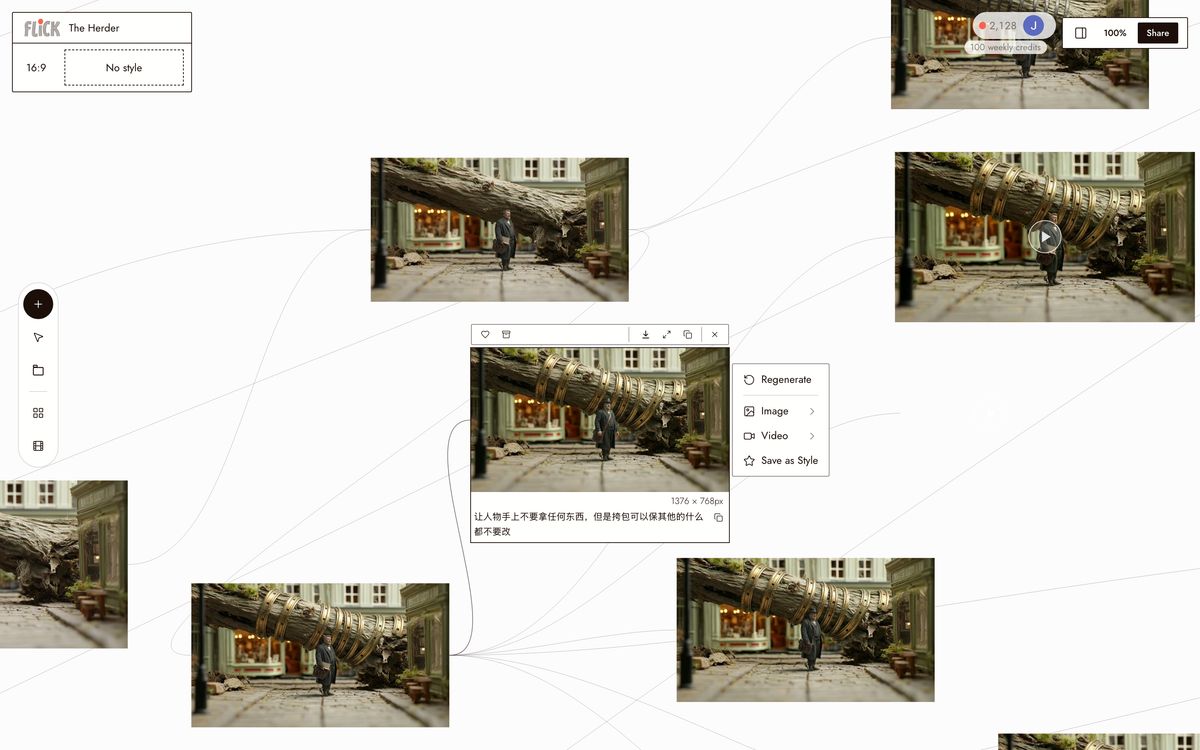
Generate your shots, chain clips for longer sequences, and assemble your final cut. Every model in Flick outputs at the same resolution and aspect ratio, so clips cut together cleanly regardless of which model rendered them.
Canvas by Jaime Y.


WHY CHOOSE FLICK

BREAK FREE FROM GOOGLE'S ECOSYSTEM
Veo 3's Ingredients system references up to 4 images, but only works inside Google's tools. Flick's Character Reference works across every model in the workspace — lock a character once, generate with Kling, Seedance, or Nano Banana Pro without re-uploading references. One character, every model.

GET BETTER MOTION PHYSICS
GENERATE VIDEO WITH SYNCHRONIZED DIALOGUE
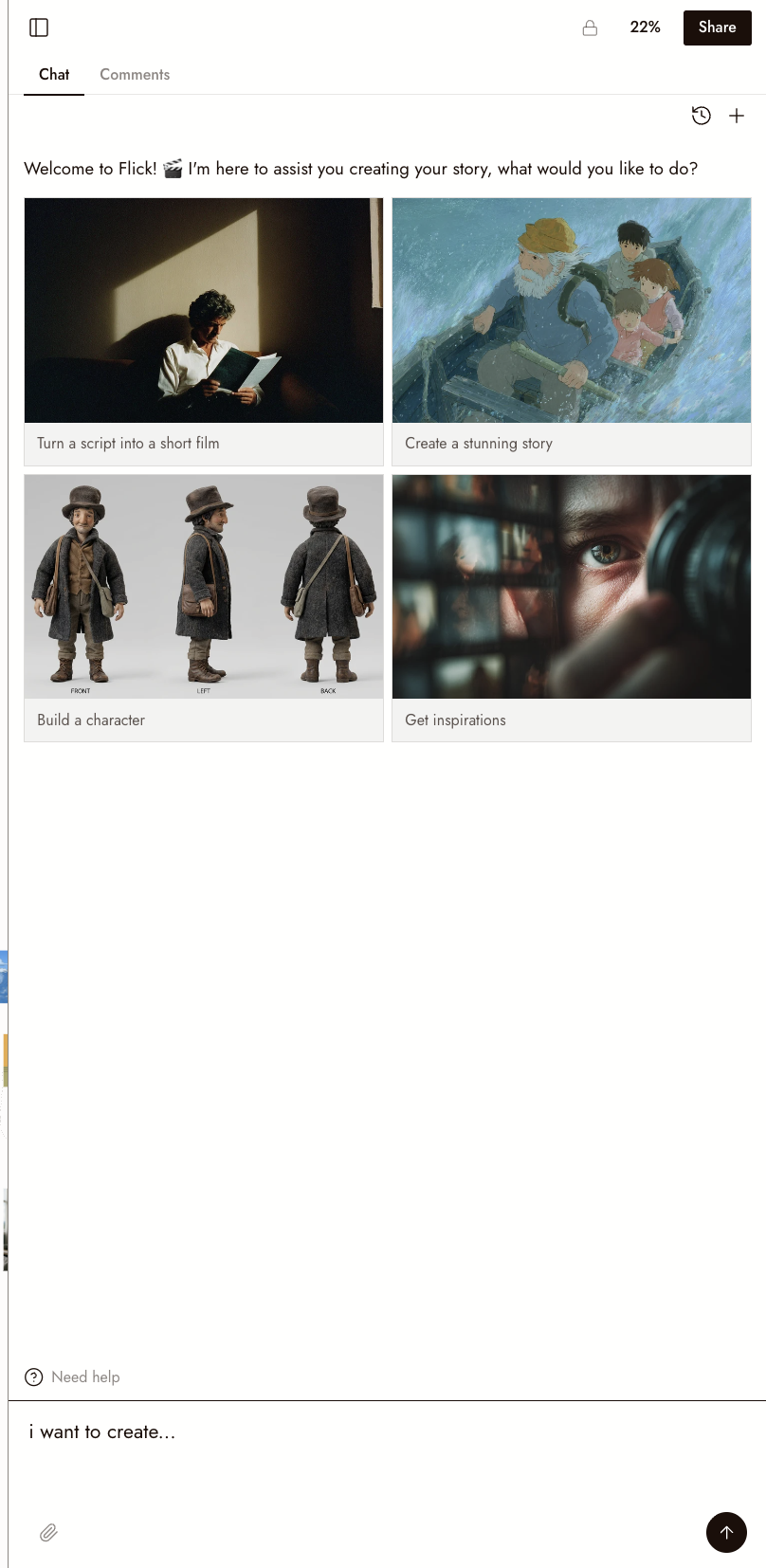
Seedance 2.0 in Flick accepts character reference images and an audio file in the same generation. Attach your character, your setting, and a voice clip — the model generates video of your character speaking that dialogue with lip-sync. Veo 3 has native audio but requires separate setup through Google's API.
THE BEST VEO 3 ALTERNATIVES, COMPARED
VEO 3 ALTERNATIVES FAQS
IS VEO 3 FREE?
CAN I USE VEO 3 INSIDE FLICK?
WHICH VEO 3 ALTERNATIVE HAS THE BEST CHARACTER CONSISTENCY?
WHICH ALTERNATIVE IS CHEAPEST?
WHICH ALTERNATIVE HAS THE BEST AUDIO?
WHAT IS THE BEST VEO 3 ALTERNATIVE FOR FILMMAKING?
CREATE YOUR FIRST AI FILM WITH FLICK