How to Keep a Character Consistent in Nano Banana
NANO BANANA
Nano Banana, Google's Gemini image model, is praised for character consistency: supply reference images of your subject and edit conversationally to place the same face in new scenes. Nano Banana Pro blends up to fourteen references and holds up to five subjects.
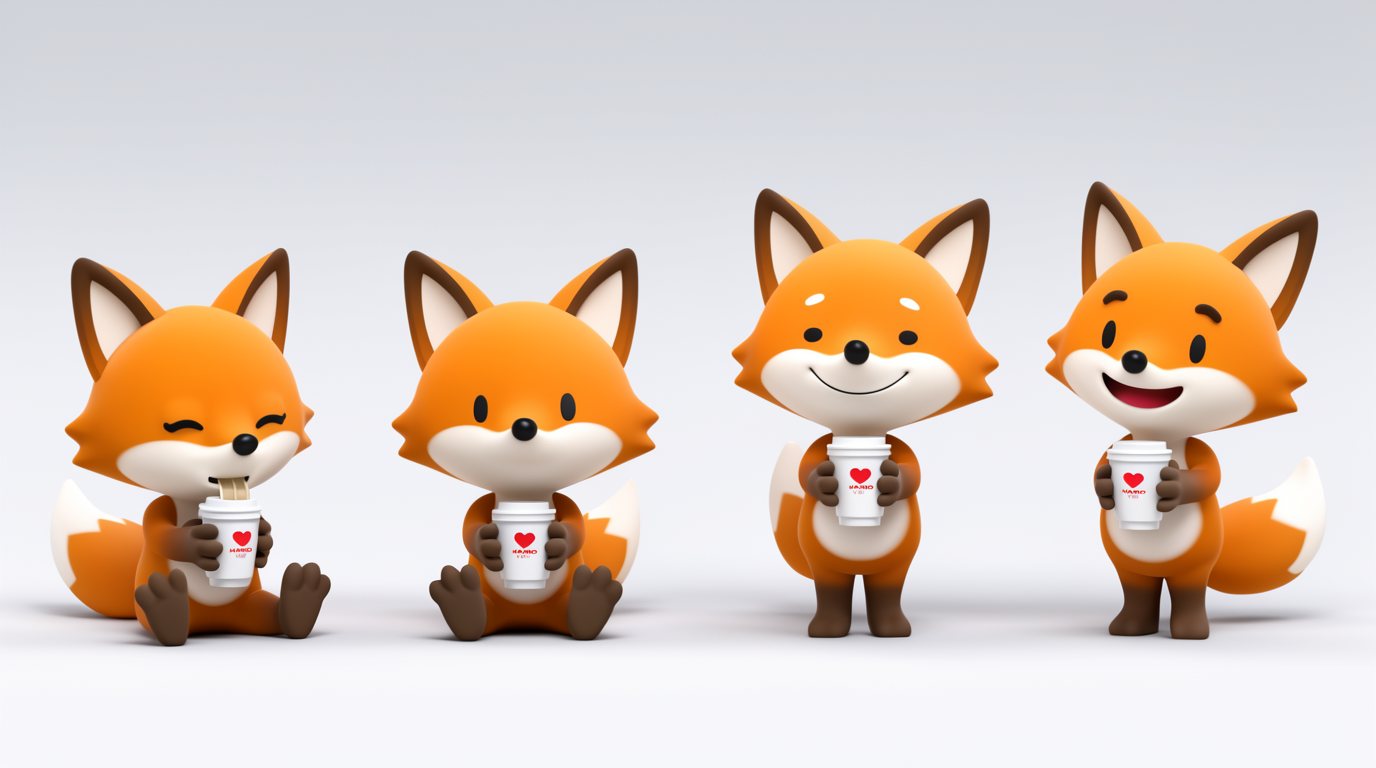
HOW IT WORKS
STEP 1
PROVIDE REFERENCE IMAGES
Give Nano Banana one or more clear images of your subject, a person, pet, mascot, or product, to define the identity.
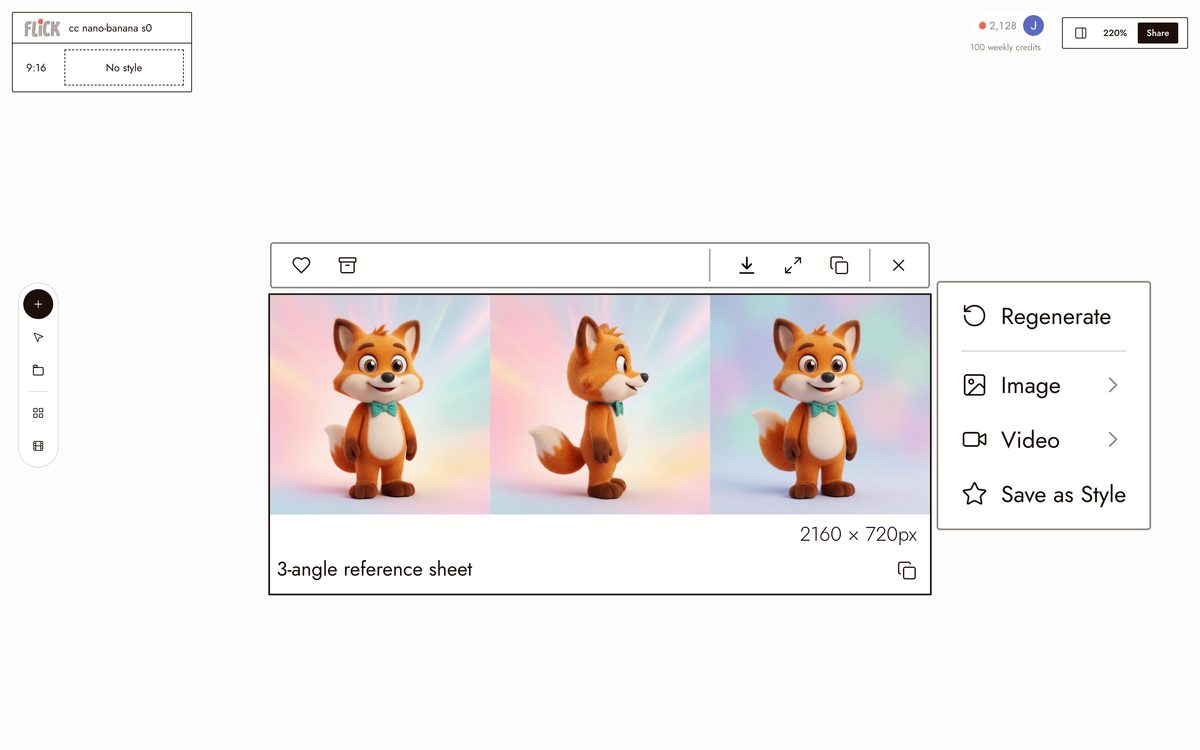
Made in Flick STEP 2
PROMPT THE NEW SCENE
Ask in natural language to place that same subject in a new scene or pose, telling it to keep the face and outfit.
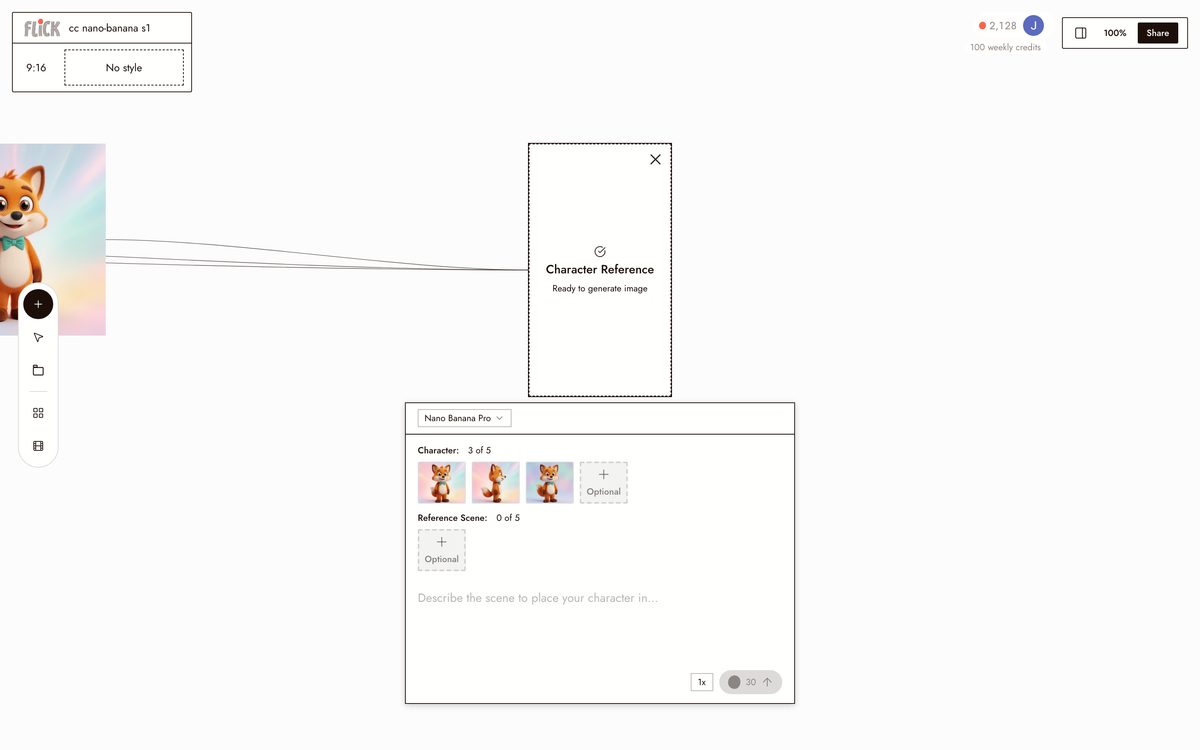
Made in Flick STEP 3
BLEND REFERENCES WITH FUSION
Combine multiple references, such as the character plus a wardrobe or background, into one image while preserving identity.
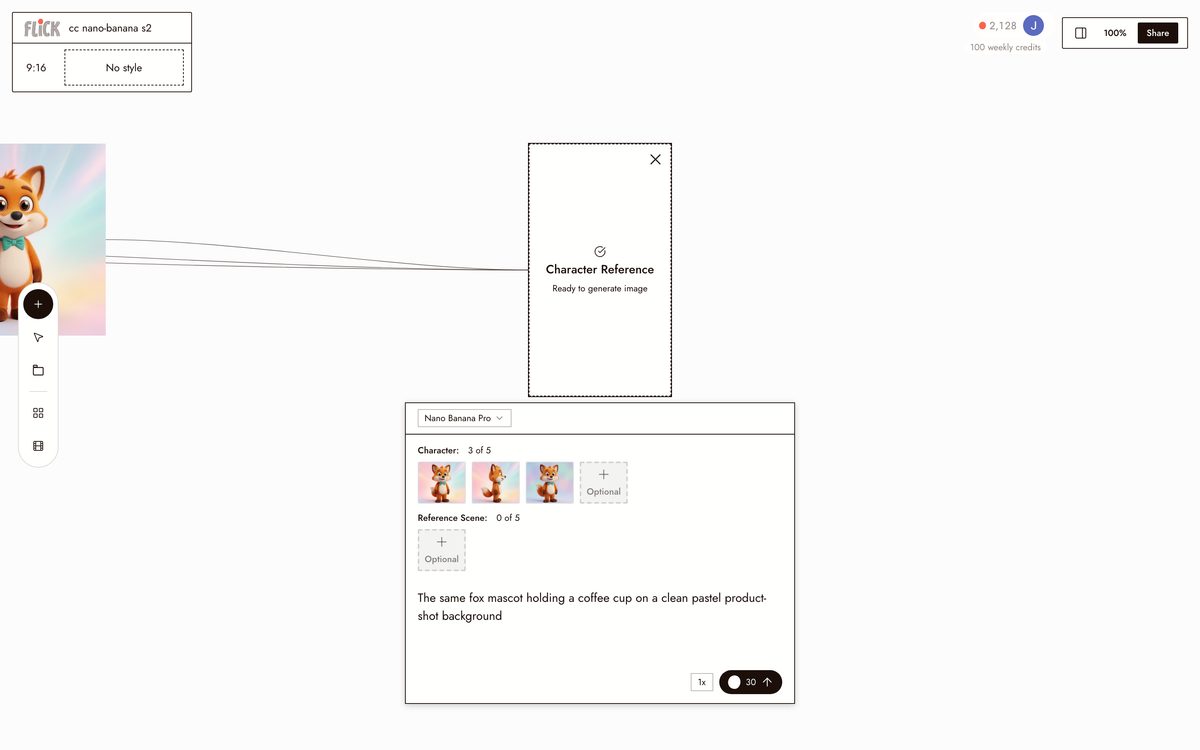
Made in Flick STEP 4
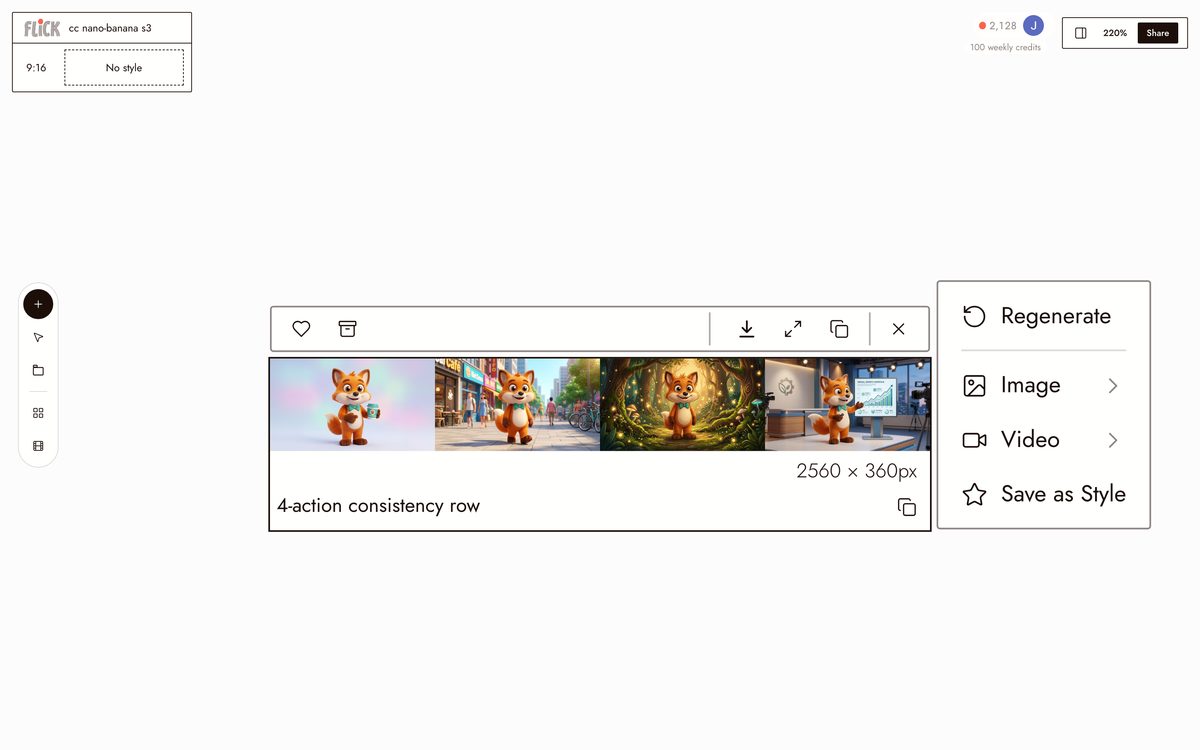
REFINE WITH CONVERSATIONAL EDITS
Iterate with edits like changing the lighting while keeping the face. Identity holds across edits, though it can soften after many changes.
Made in Flick STEP 5
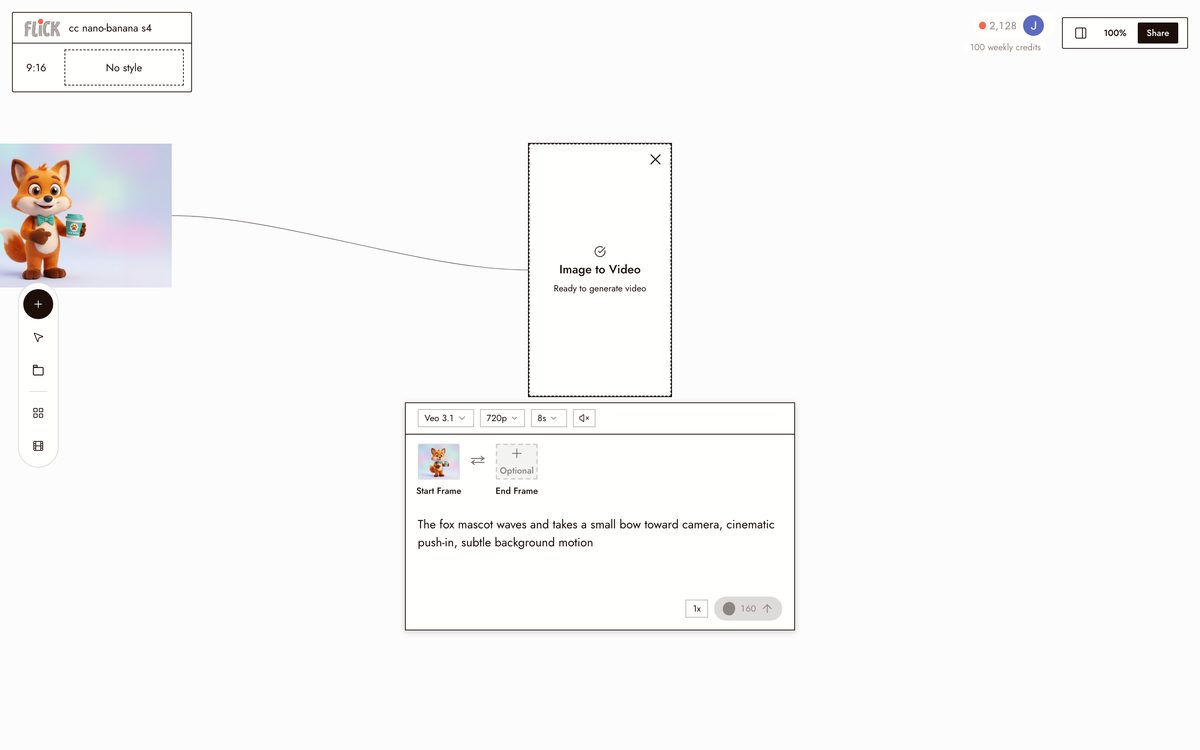
BRING IT TO LIFE IN FLICK
Nano Banana makes stills only. Drop your consistent character into Flick and animate it with Veo 3, Kling, or Seedance.
Made in Flick


HOW NANO BANANA HOLDS A CHARACTER
MULTI-IMAGE FUSION
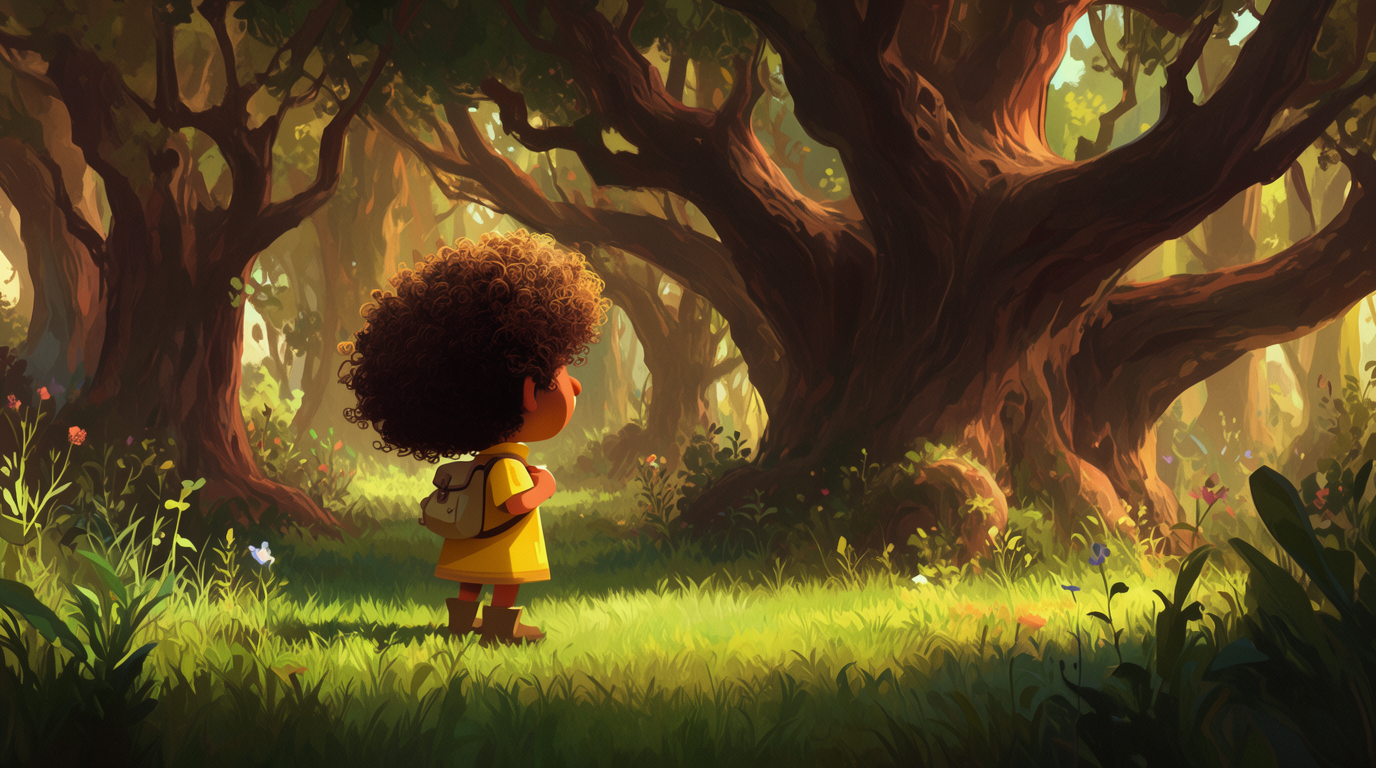
CONVERSATIONAL EDITING
NANO BANANA PRO
14 reference images, preserves up to 5 subjects, and outputs up to 4K, for richer multi-character consistency.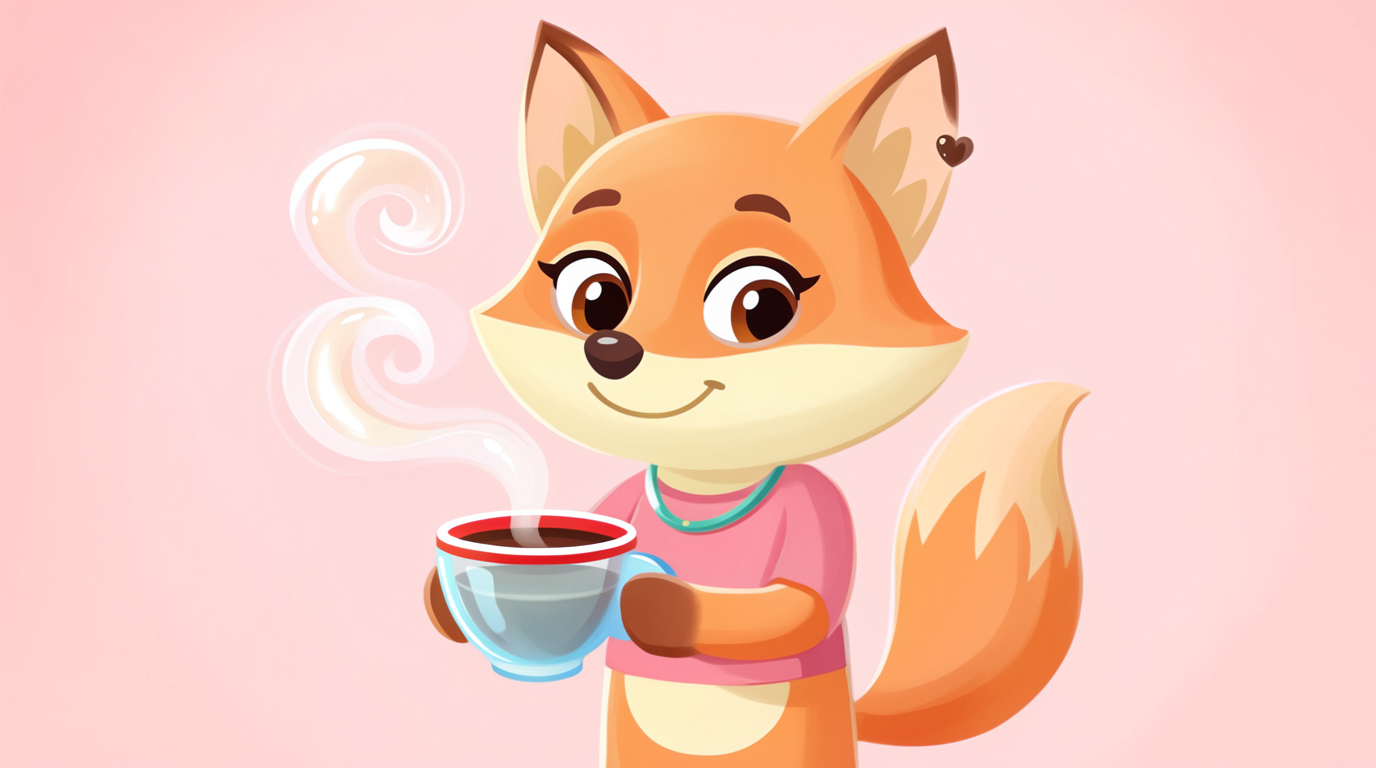

NANO BANANA FOR CHARACTER CONSISTENCY: PROS AND CONS
Strengths
- Best-in-class for keeping a subject consistent across edits
- Multi-image fusion blends several references in one shot
- Natural-language edits preserve identity while changing the scene
- Pro preserves up to five subjects and outputs up to 4K
Limitations
- Image only; identity does not natively carry into video
- Consistency degrades as you stack many edits or large pose changes
- Fine details like logos and exact accessories can still drift
- Reference-image limits differ between the Flash and Pro models
NANO BANANA CHARACTER CONSISTENCY FAQS
WHY IS NANO BANANA GOOD AT CHARACTER CONSISTENCY?
Gemini's image model maintains a subject's appearance across prompts and edits, and supports multi-image fusion, so the same face holds while you change scenes and poses.
HOW MANY REFERENCE IMAGES CAN NANO BANANA USE?
The Flash model works reliably from multiple references. Nano Banana Pro blends up to fourteen reference images and preserves up to five distinct subjects.
DOES IT KEEP THE CHARACTER CONSISTENT IN VIDEO?
No. Nano Banana is image only. Lock the character as stills, then animate them in a hosted video model like Veo 3 or Kling.
WHY DO SMALL DETAILS DRIFT?
Identity holds well, but fine details such as logos, text, and exact accessories can shift, especially after many stacked edits or large pose changes.
DO I NEED TO TRAIN ANYTHING?
No training. Consistency comes from supplying reference images and editing conversationally.
HOW DO I CARRY THE CHARACTER INTO OTHER TOOLS?
Lock it once with Flick's Character Reference, then generate across Nano Banana stills and Veo 3 or Kling video from the same reference.
CONSISTENT CHARACTERS IN OTHER TOOLS
RELATED FLICK TOOLS
CARRY THAT CONSISTENT FACE INTO MOTION.