How to Keep a Character Consistent in Veo 3
VEO 3
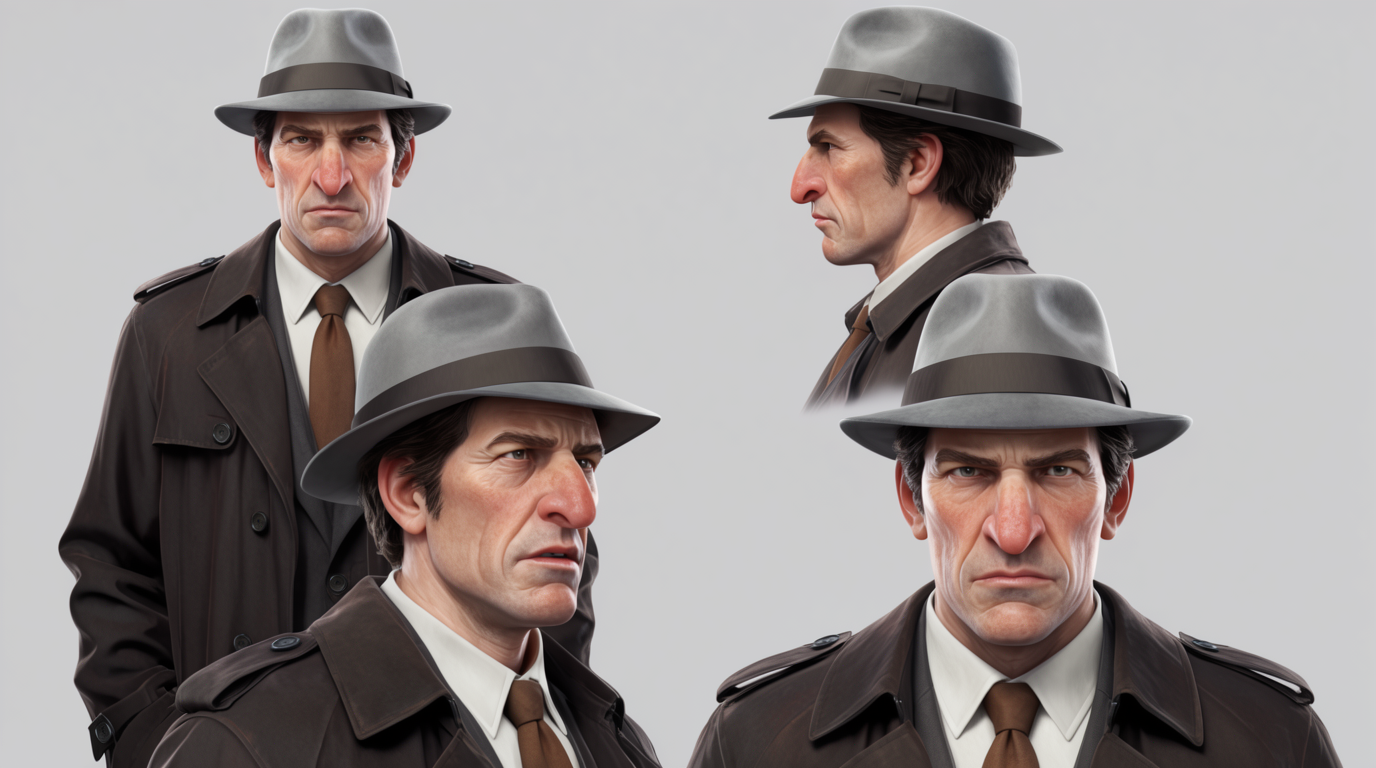
Veo 3.1 in Flick animates a starting image, so you keep a character consistent by feeding it the same character still each shot. Lock your character once in Flick, drop the still in as Veo's start frame, and use first and last frames to chain clips into a longer sequence.
HOW IT WORKS
STEP 1
LOCK YOUR CHARACTER FIRST
Veo 3.1 in Flick animates a starting image, it does not read character references itself. So build a reusable character first: generate it with a reference-capable model like Nano Banana Pro, or lock it as a Character in Flick.
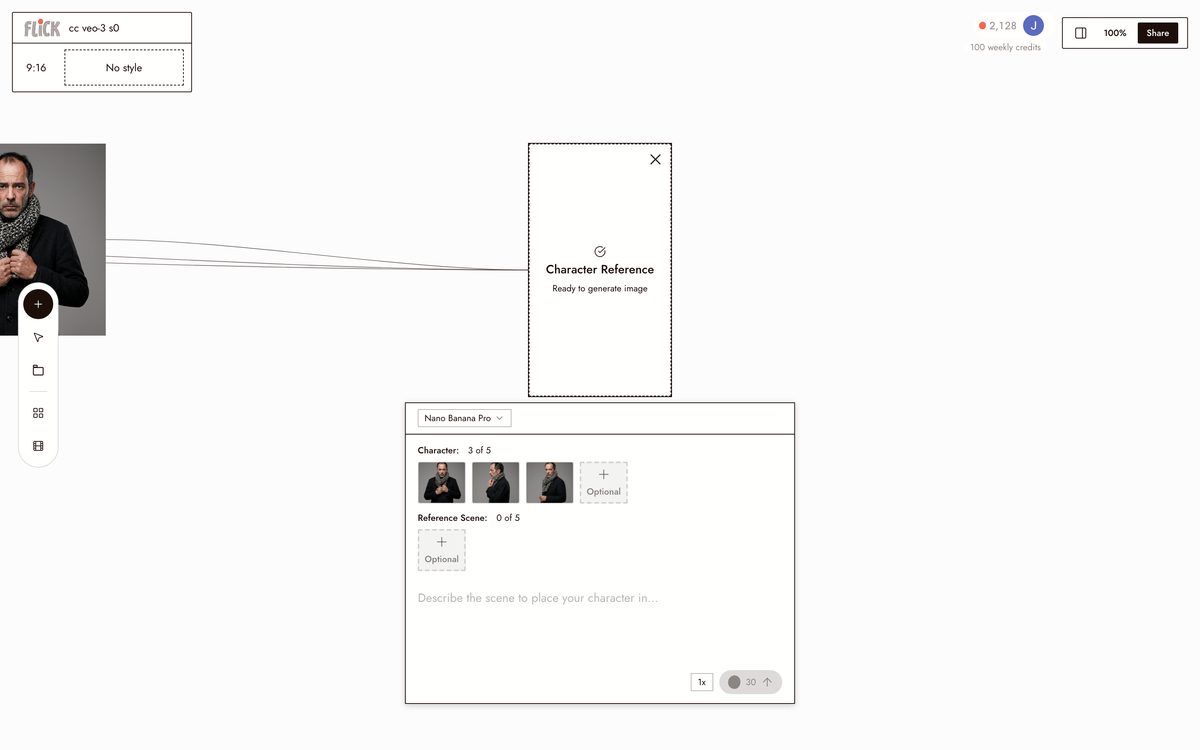
Made in Flick STEP 2
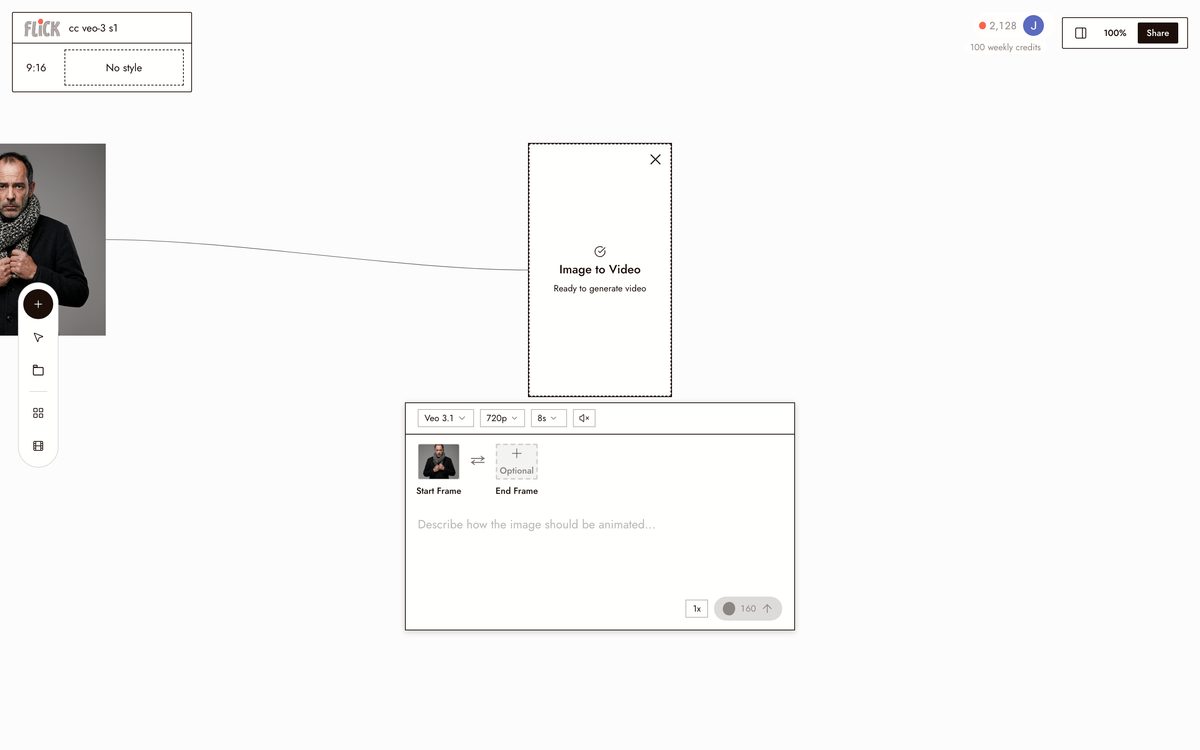
ANIMATE THE STILL WITH VEO 3.1
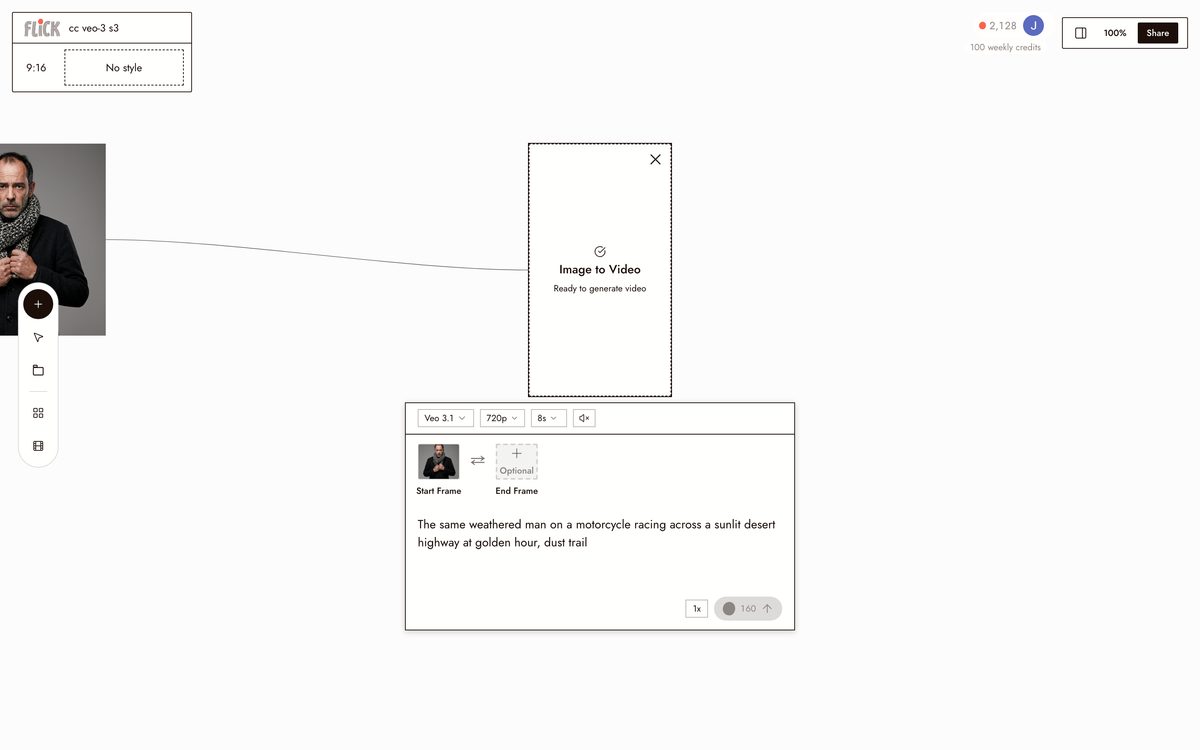
Open Veo 3.1 in Flick and set your character still as the start frame, then generate image to video. Veo animates that exact frame, so the identity carries straight into the clip.
Made in Flick STEP 3
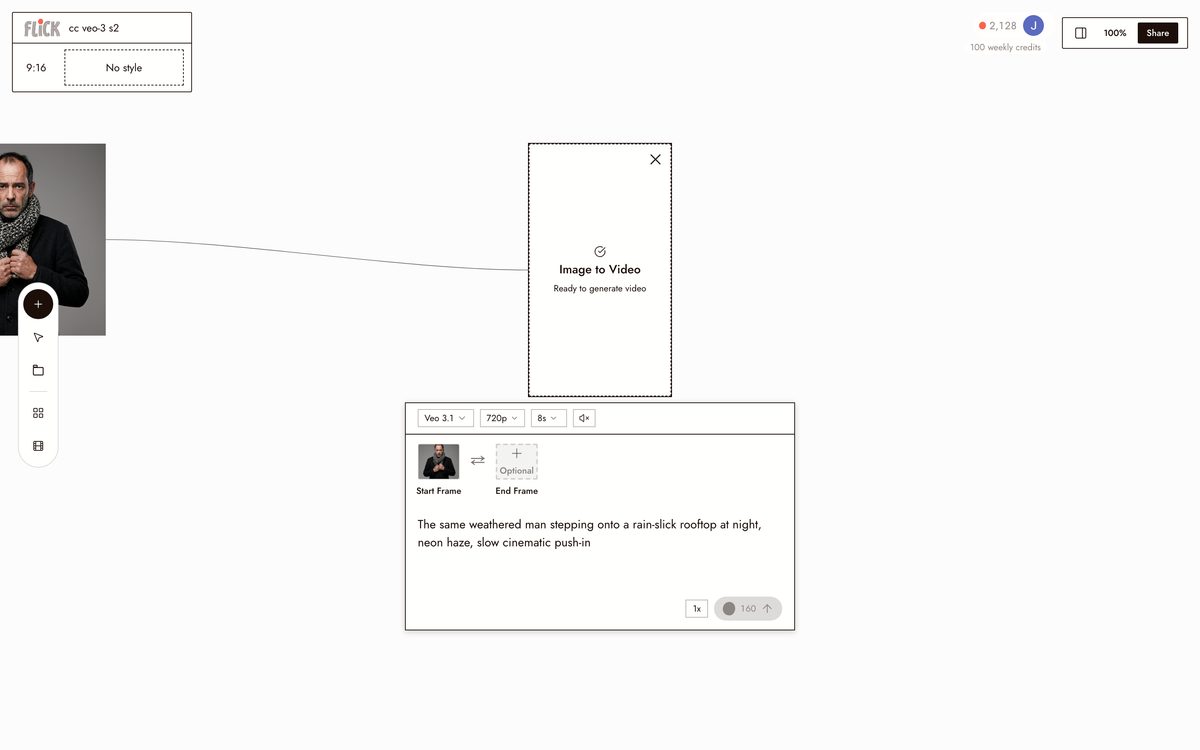
PROMPT THE ACTION, NOT THE FACE
Describe the scene and what the character does. The start frame fixes the look, so prompt the motion and setting, not the identity.
Made in Flick STEP 4
REUSE THE SAME STILL EACH SHOT
For every new shot, start from the same character still, or bracket the motion with first and last frames. Veo has no memory between generations, so the shared still is what keeps the character consistent.
Made in Flick STEP 5
EXTEND INTO A SEQUENCE
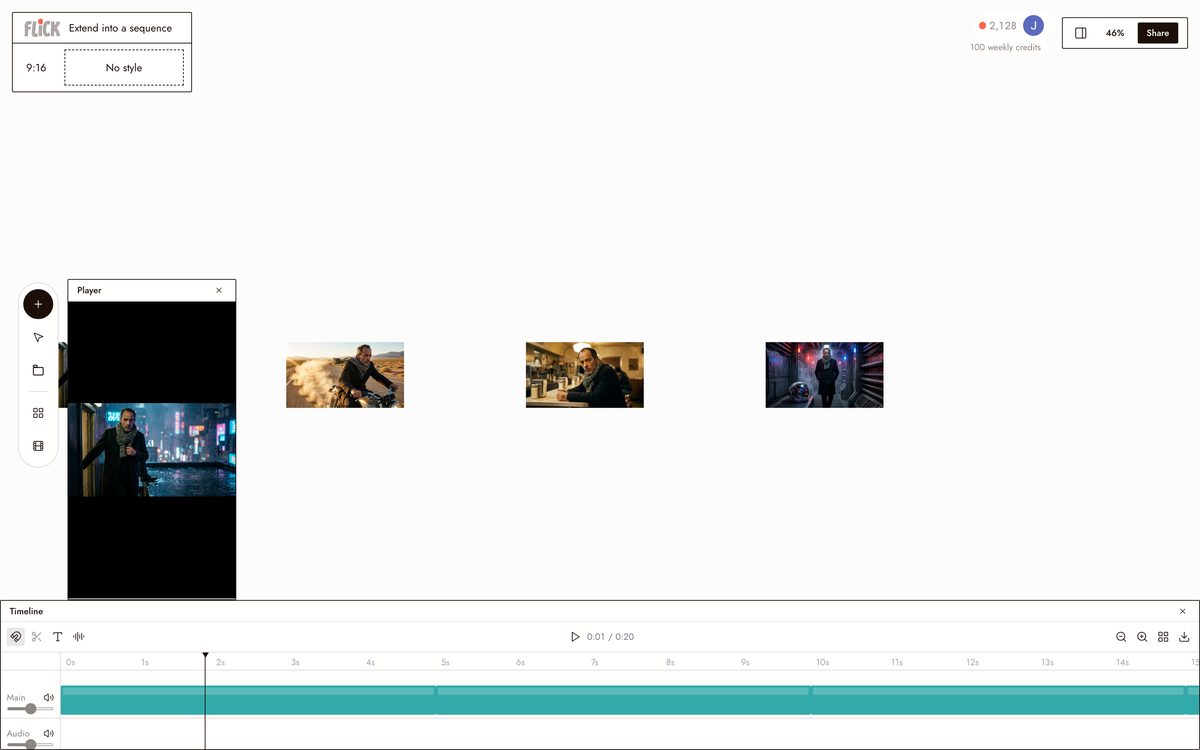
Use scene extension or first and last frame to chain clips into a longer take, carrying the same still across the cut.
Made in Flick


HOW VEO 3 HOLDS A CHARACTER
IMAGE TO VIDEO
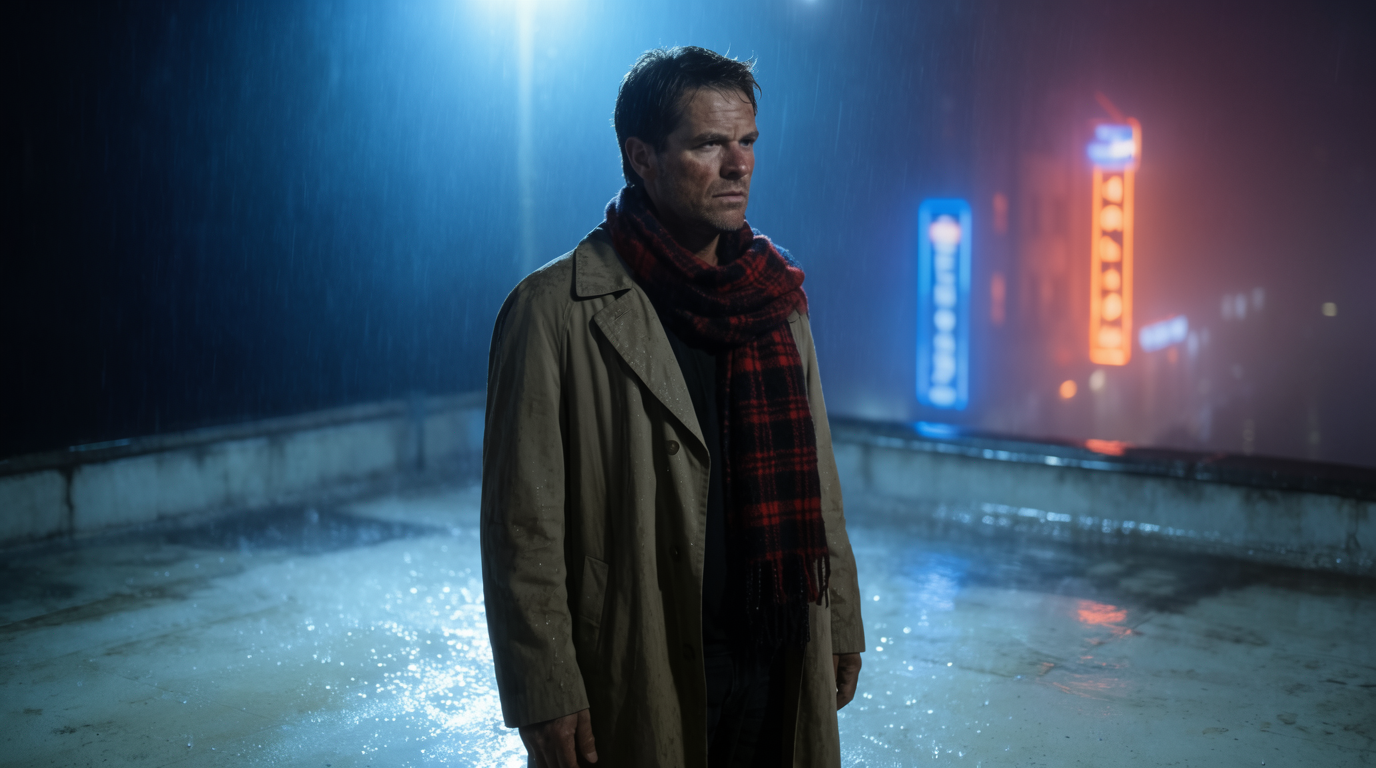
FIRST AND LAST FRAME
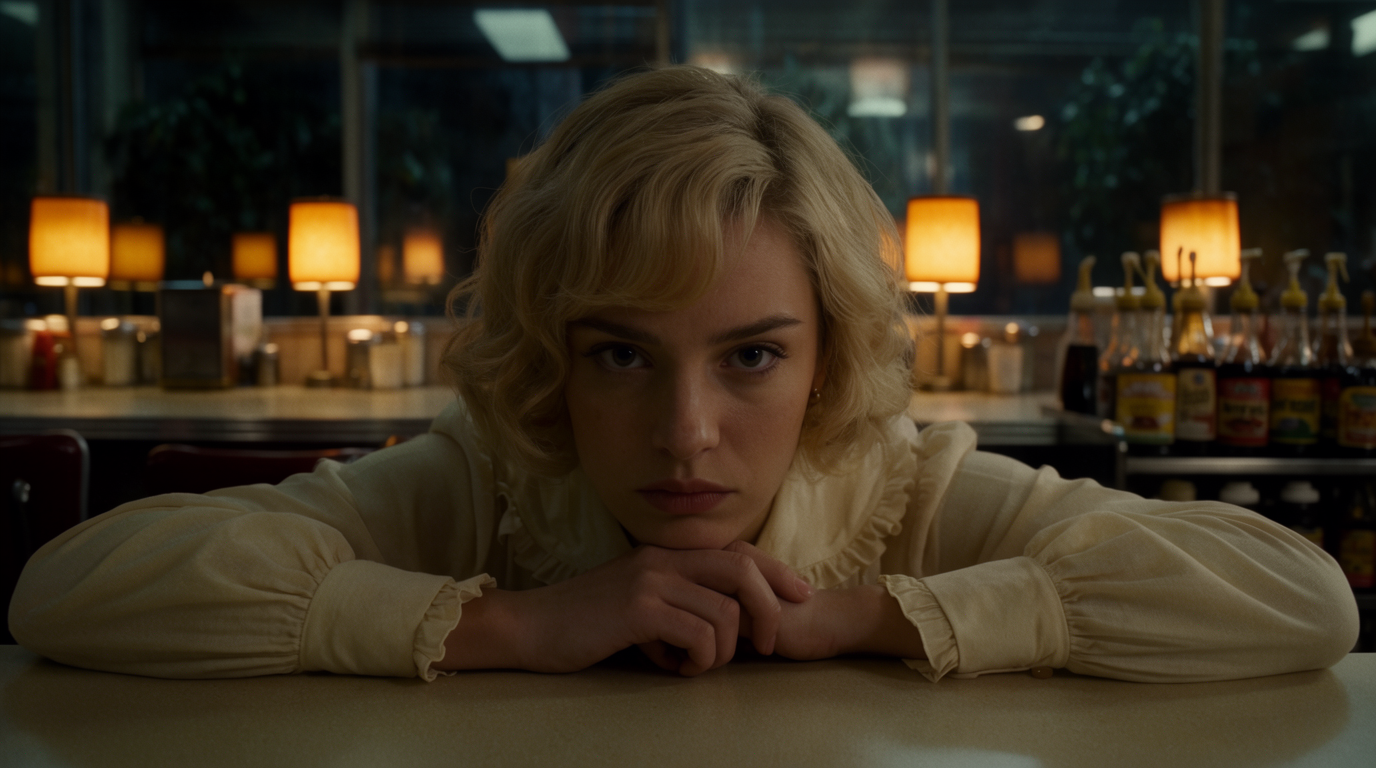
SCENE EXTENSION

VEO 3 FOR CHARACTER CONSISTENCY: PROS AND CONS
Strengths
- Reference images give explicit identity guidance, not prompt-only luck
- Character lock carries straight into video with synced native audio
- Scene extension and first or last frame enable multi-shot continuity
- 1080p and 4K output available for finished work
Limitations
- Only three reference images, fewer than Kling or Seedance allow
- No persistent character: you re-supply the references on every generation
- Default eight-second clips force chaining, where drift can accumulate
- The longest output and best controls live behind Flow, the Gemini API, and Vertex
VEO 3 CHARACTER CONSISTENCY FAQS
DOES VEO 3 TAKE CHARACTER REFERENCE IMAGES IN FLICK?
No. Veo 3.1 in Flick animates a starting image rather than reading character references. You keep a character consistent by generating a clean character still first, with a reference-capable model or Flick's Character, then using that still as Veo's start frame.
DOES VEO 3 REMEMBER MY CHARACTER BETWEEN GENERATIONS?
No. There is no persistent character. You start each shot from the same character still, and that reuse is what keeps the character consistent.
CAN VEO 3 KEEP A CHARACTER CONSISTENT ACROSS A LONG VIDEO?
Within an eight-second clip it holds well. For longer sequences, use scene extension or first and last frame and start each hop from the same character still, though identity can drift across many extensions.
DO I NEED TO TRAIN ANYTHING?
No training. You just need a clean character still to start from, which you can generate in Flick and reuse.
CAN VEO 3 INVENT A BRAND-NEW CONSISTENT CHARACTER FROM TEXT ALONE?
Not reliably. Veo holds a character best when you give it a prepared character still as the start frame rather than asking for a new identity from a text prompt.
HOW DO I CARRY THE SAME CHARACTER INTO OTHER MODELS?
Lock the character once with Flick's Character, then generate consistent stills and drive Veo 3, Kling, and Seedance from those, instead of re-supplying images to each tool separately.
CONSISTENT CHARACTERS IN OTHER TOOLS
RELATED FLICK TOOLS
LOCK ONCE, THEN EXTEND THE SHOT.