AI Character Generator
WHY GENERATE WITH FLICK?
Design a character once. Flick carries that face through Kling, Seedance, Veo, and every other model on the canvas.
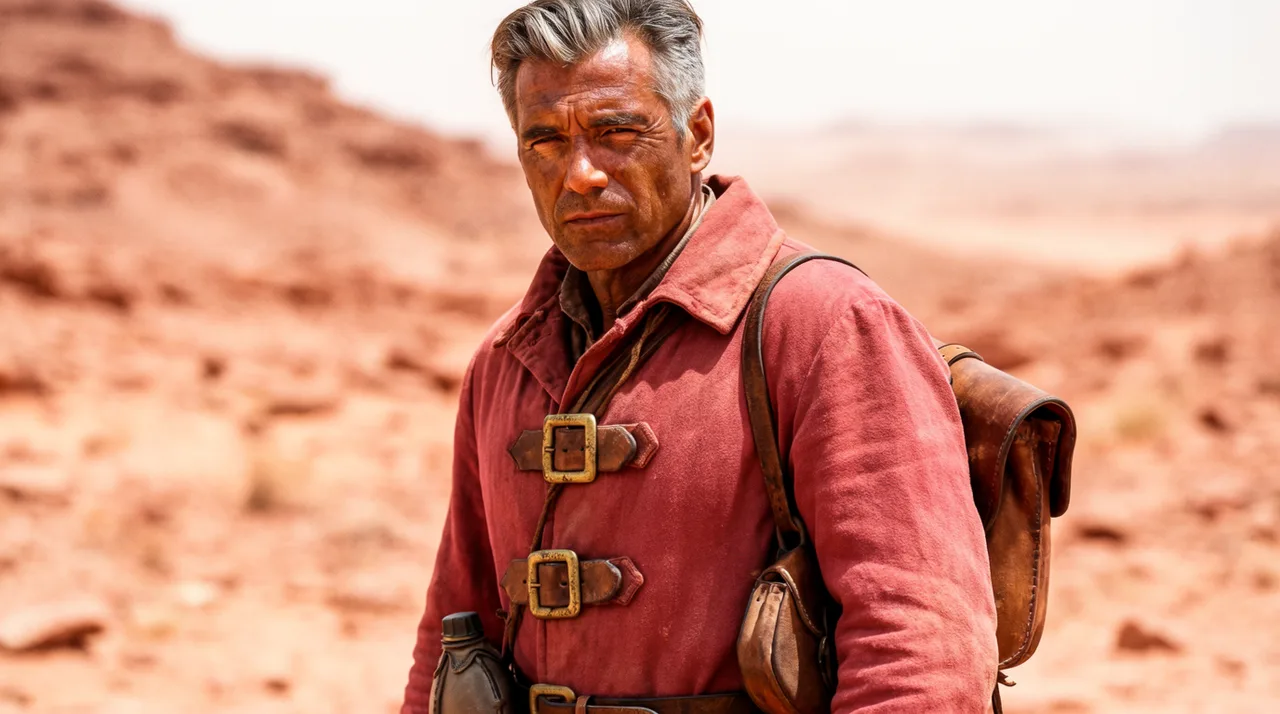
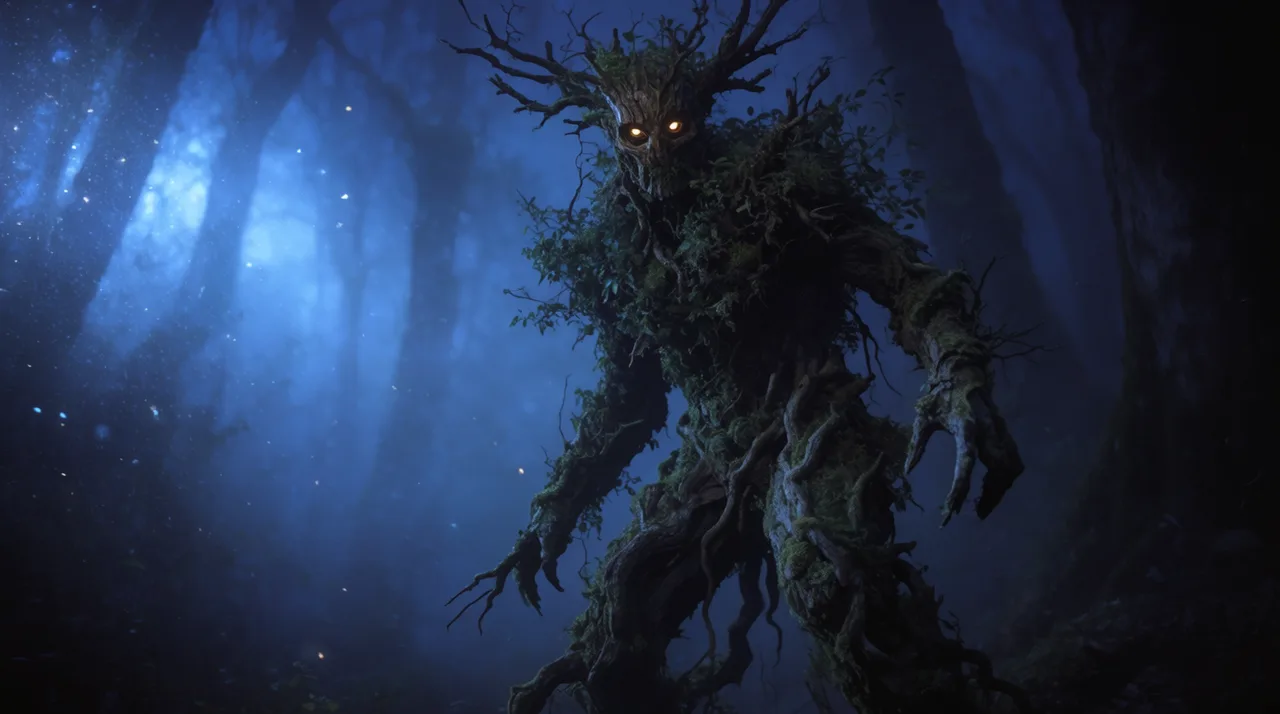
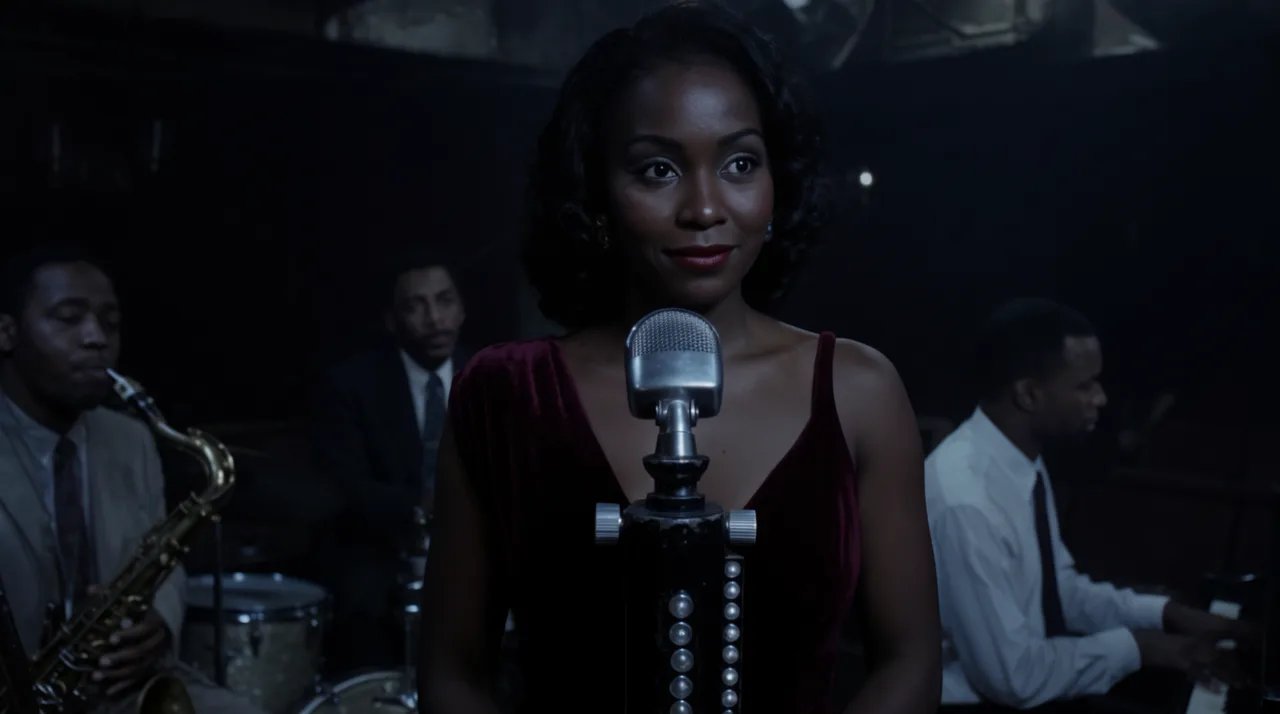
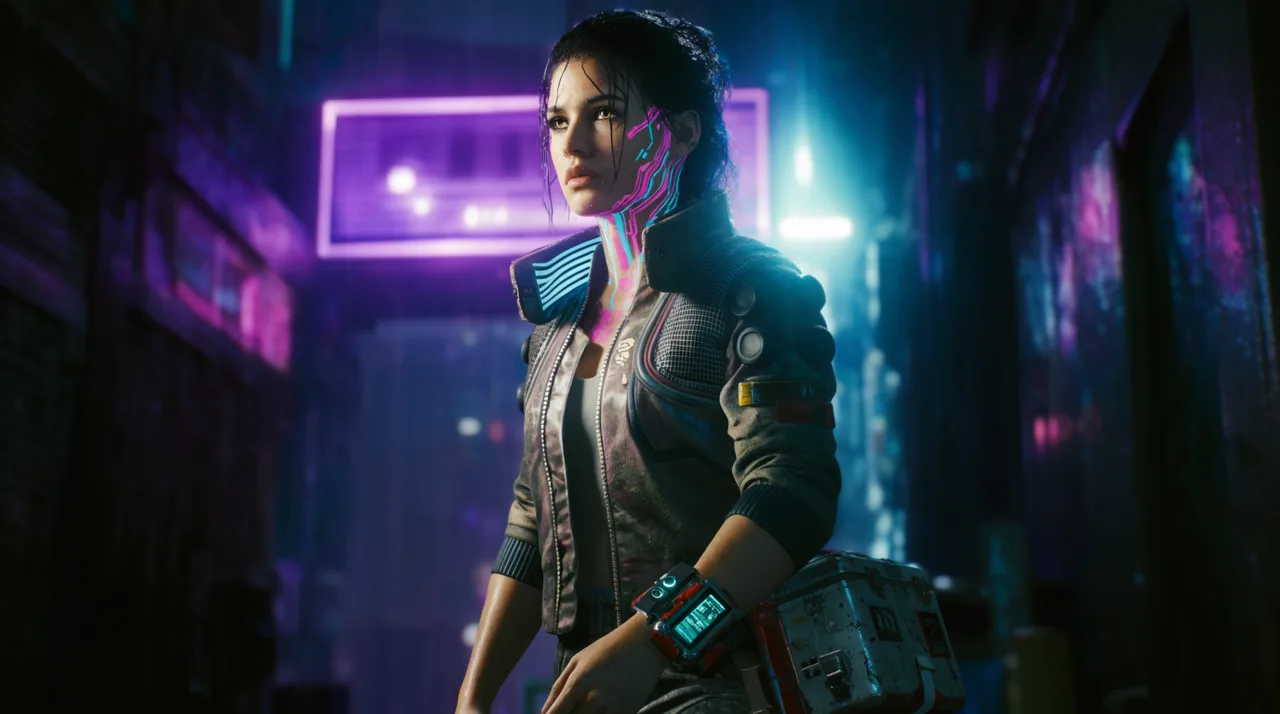
AI CHARACTER GENERATOR EXAMPLES
HOW IT WORKS
STEP 1
GENERATE YOUR CHARACTER
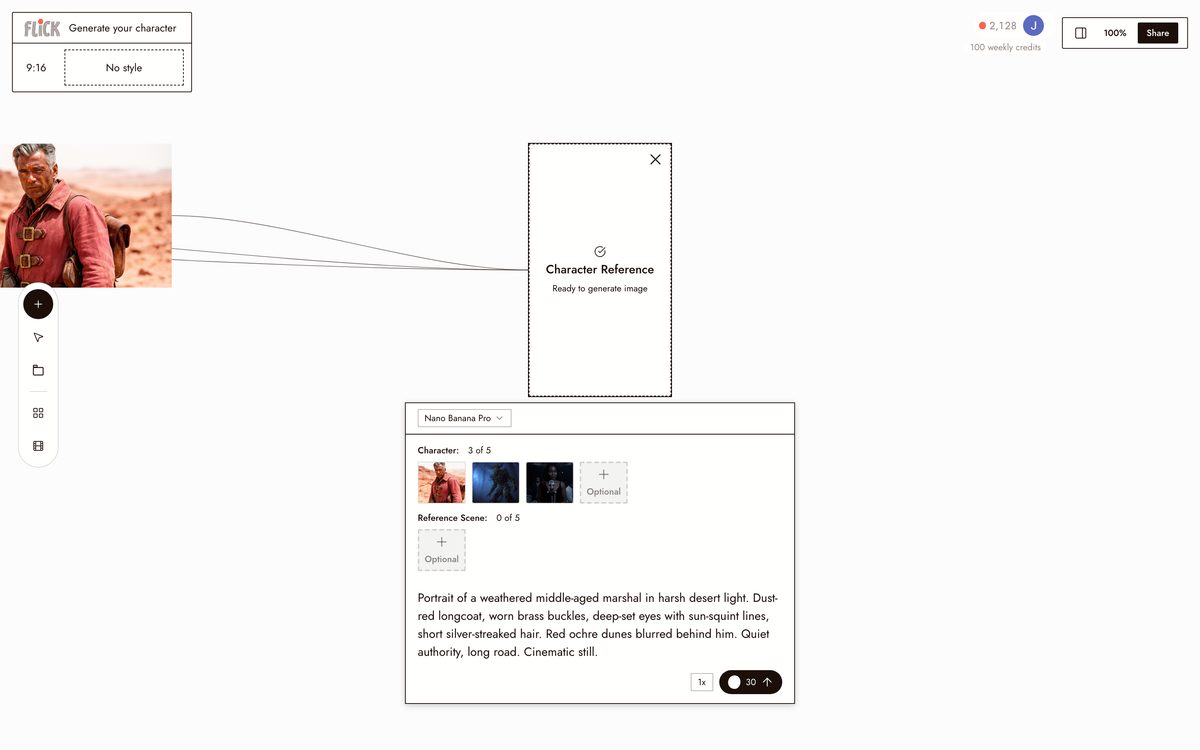
Type a prompt: a weathered space marshal in a dust-red longcoat, a forest spirit made of moss and bark. Nano Banana Pro returns a high-fidelity still you can build a whole cast around.
Made in Flick STEP 2
MAKE A CHARACTER SHEET
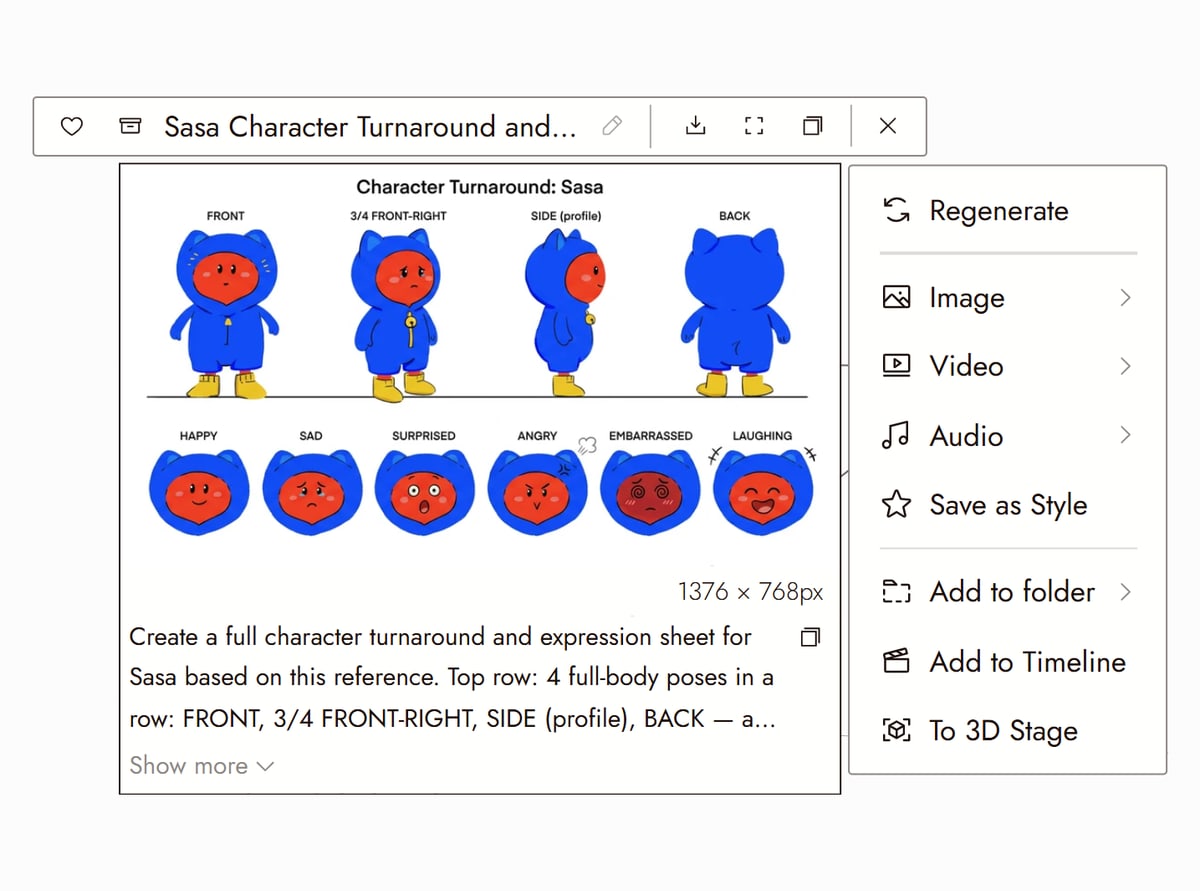
Once the still is right, ask for a character sheet from it: front, side and back views of the same character, plus a close-up of the face, on one plain background. Reference the sheet in new shots and the costume, proportions and face hold from every angle.
Canvas from Mila & Sasa (Flick Residency) STEP 3
LOCK THE IDENTITY, THEN SEND IT TO VIDEO
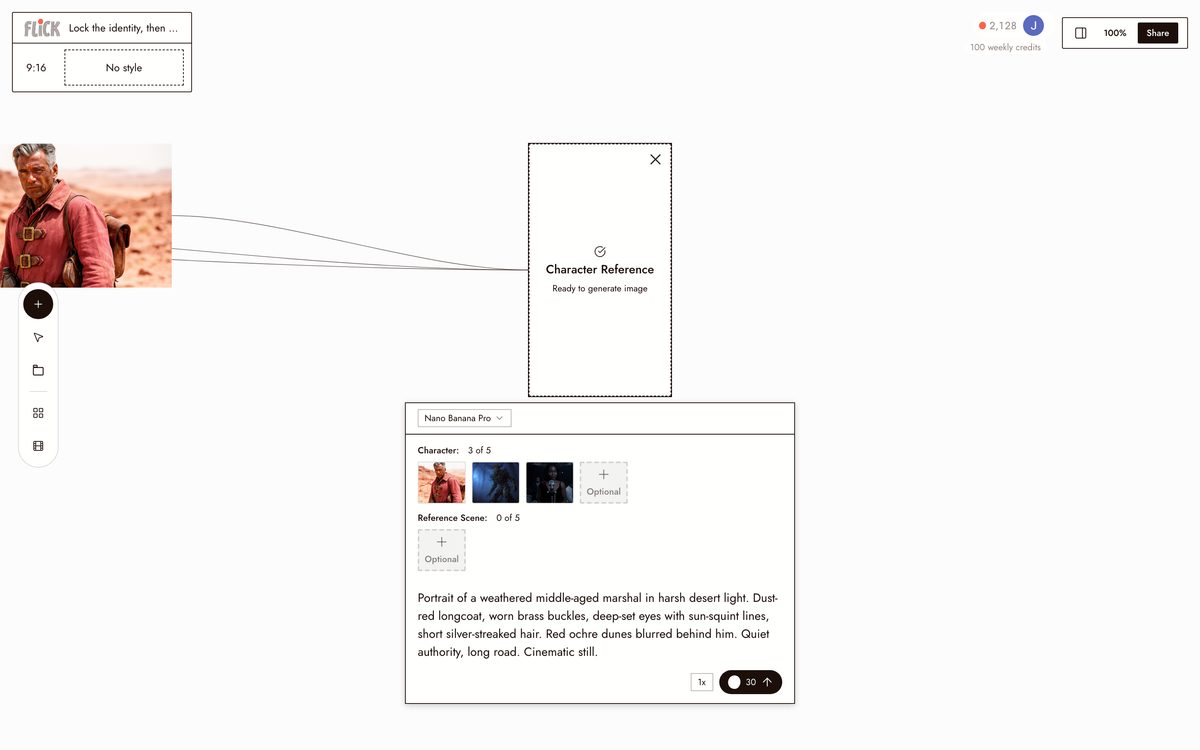
Click Character Reference on the still to make that face, costume, and style a reusable identity. Open the video menu and pick your model, Kling for motion, Seedance for speed, Veo 3.1 for cinematic color and audio.
Made in Flick STEP 4
CUT THE SHOTS TOGETHER
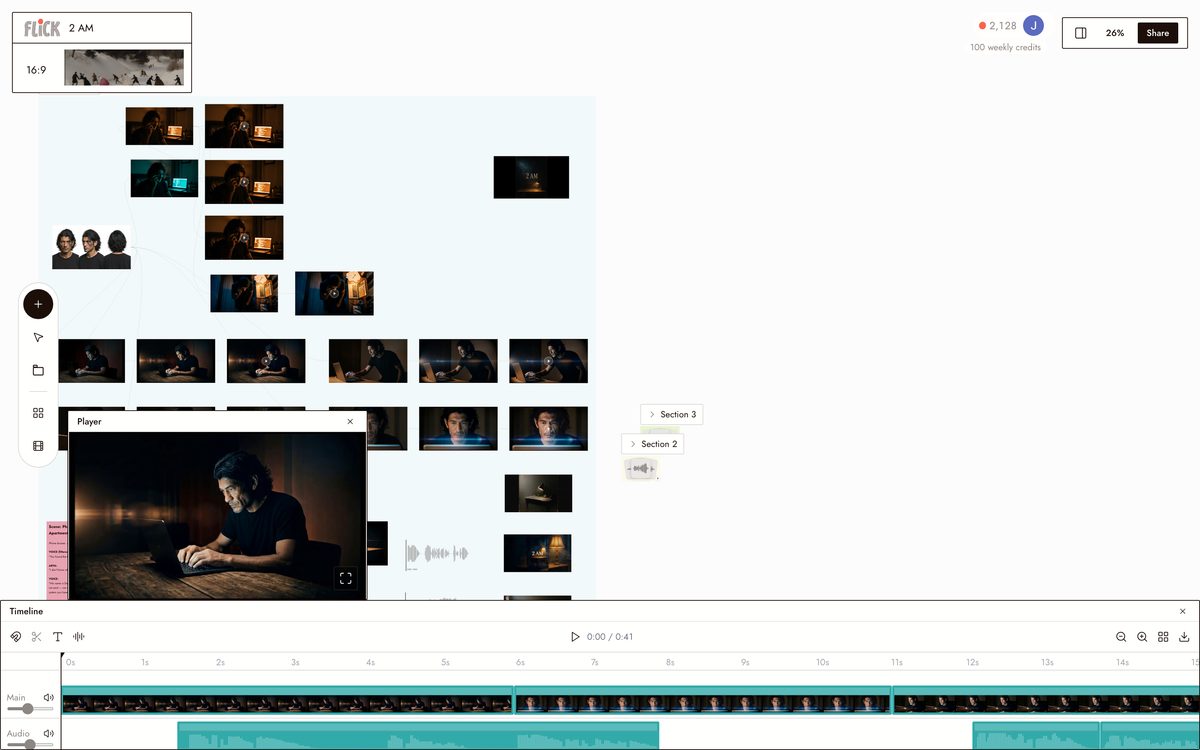
Reference the locked character in every new shot and it comes back the same without re-prompting. Trim the takes on the timeline and the same face carries the full sequence.
Canvas by Baskoro Schnyder


AI CHARACTER GENERATOR FAQS
WHAT IS AN AI CHARACTER GENERATOR?
An AI character generator builds a visual character from a text prompt. Describe the look, style, and costume, and the model outputs a still. Design in Nano Banana Pro, lock the result with Character Reference, and reuse that exact face and outfit across every image and video on the canvas.
HOW DOES CHARACTER CONSISTENCY WORK ACROSS DIFFERENT SHOTS?
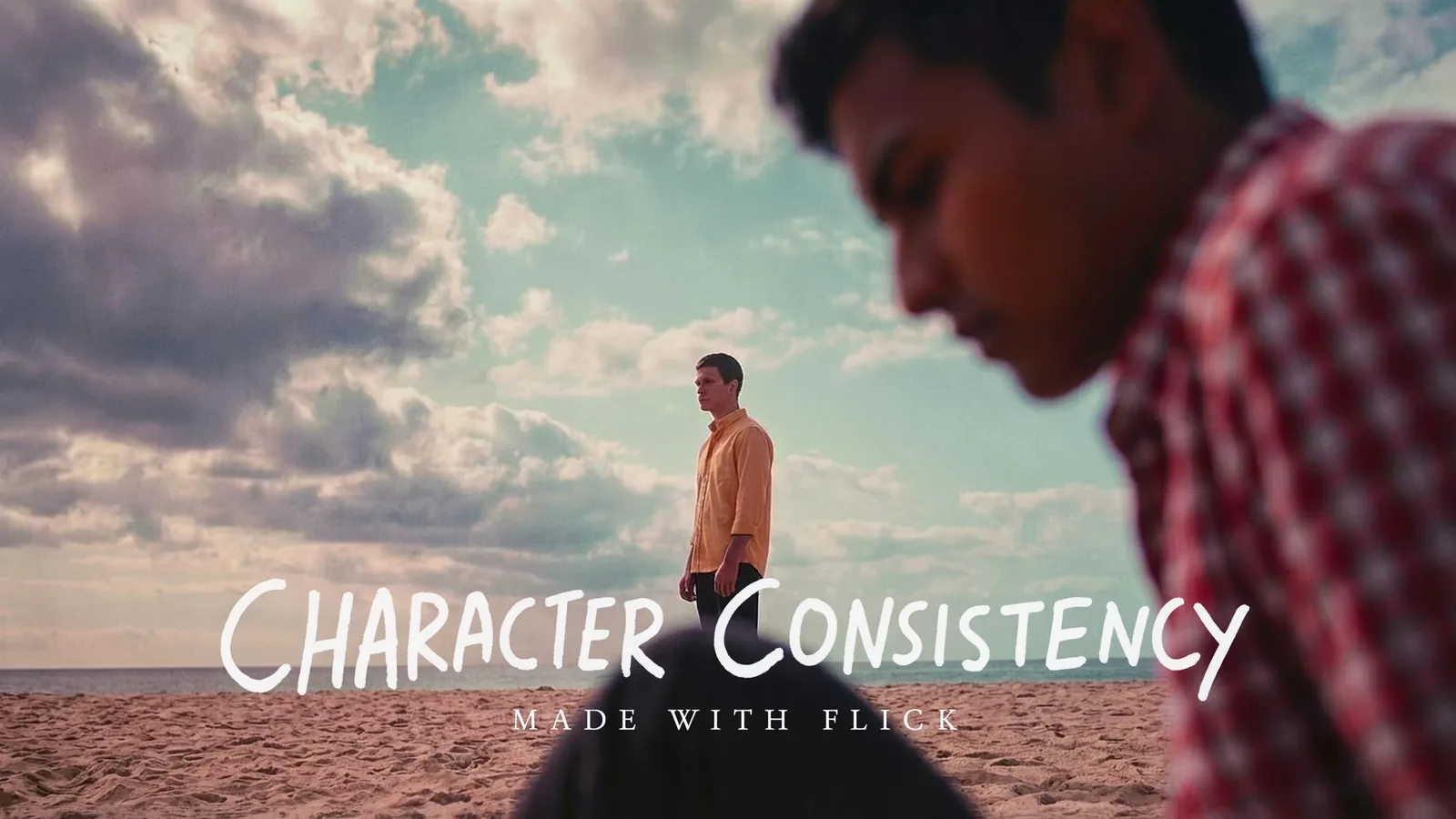
Generating one good character image is the easy part. Keeping that exact face across dozens of shots is the hard part. Flick's Character Reference locks a character's face, proportions, and costume from a single reference image, so every generation after that keeps the same identity across angles, lighting, and models.
CAN I ANIMATE MY CHARACTER AFTER GENERATING THEM?
Send any character still directly into a video model from the same canvas. Use Kling for motion and physics, Veo 3.1 for cinematic quality and native dialogue, or Seedance for fast, high-quality generation. The character reference carries into the video.
IS FLICK FREE TO USE?
Flick has a free tier: up to 300 free credits (100 at signup plus 200 for joining our Discord) plus 100 weekly credits, no credit card required. Every image model, including Nano Banana and GPT Image, is on every plan, free included, and so are MiniMax H3 Fast, MiniMax H3 Max and Pruna Draft video. Kling, Veo 3.1, Seedance and the full video model list come with the Standard plan. Paid plans start at $5/month for more credits per generation cycle.
DO I OWN THE CHARACTERS I GENERATE?
Characters and images you generate on Flick are yours to use commercially. You hold the rights to the output. Check Flick's terms for the full IP policy. Short version: what you make is yours.
HOW IS THIS DIFFERENT FROM A STANDALONE IMAGE OR CHARACTER TOOL?
Standalone image tools are built for stills. Flick designs your character, locks the look with Character Reference, then takes it straight into video with Kling, Seedance, or Veo on the same canvas, so the same face carries from a portrait to a moving shot without leaving the workspace.




TRY THE AI CHARACTER GENERATOR FREE