AI Movie Poster Generator
WHY GENERATE WITH FLICK?
Most poster tools give you a one-off image. Flick renders finished key art with Nano Banana Pro and locks your character so the poster matches your footage.
HOW IT WORKS
STEP 1
DESCRIBE YOUR POSTER CONCEPT
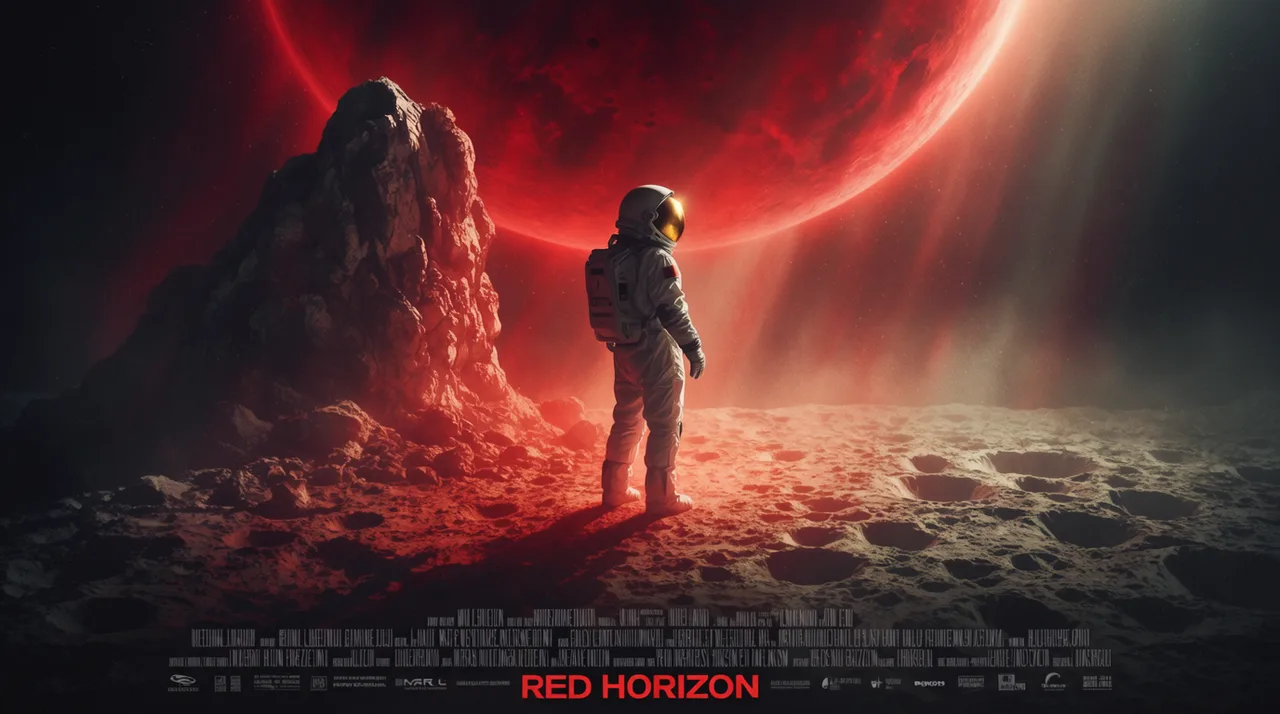
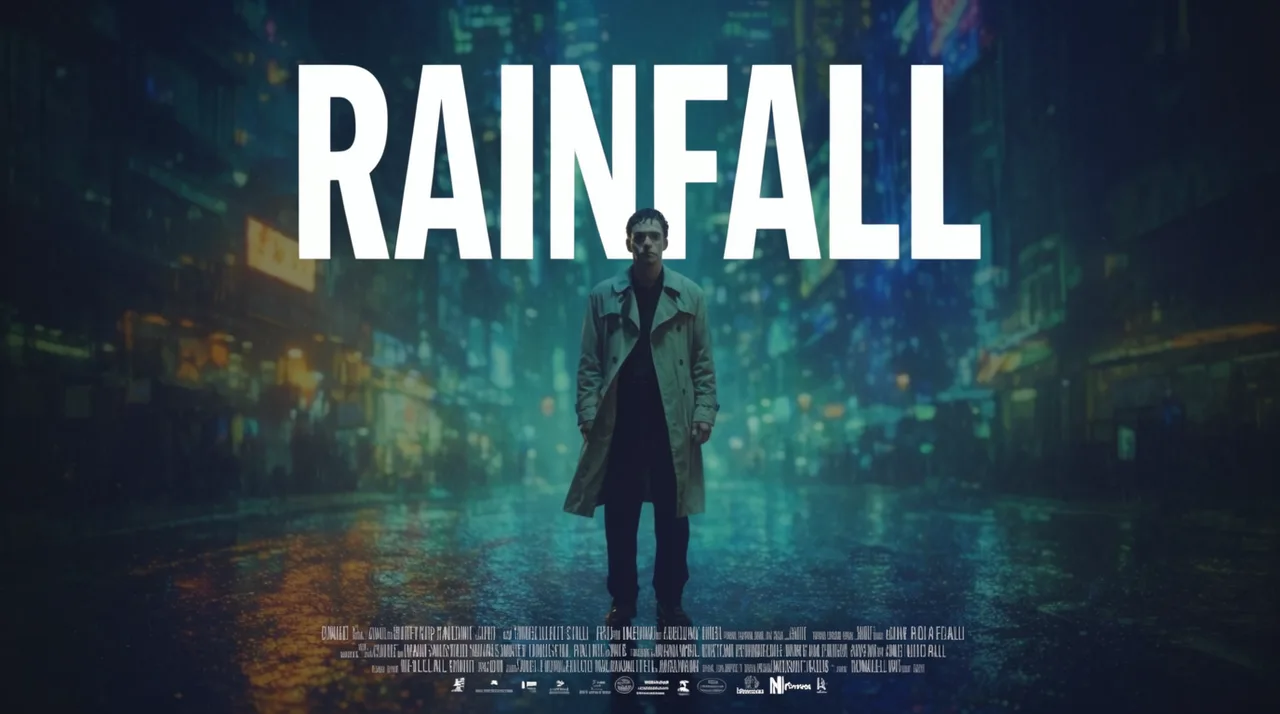
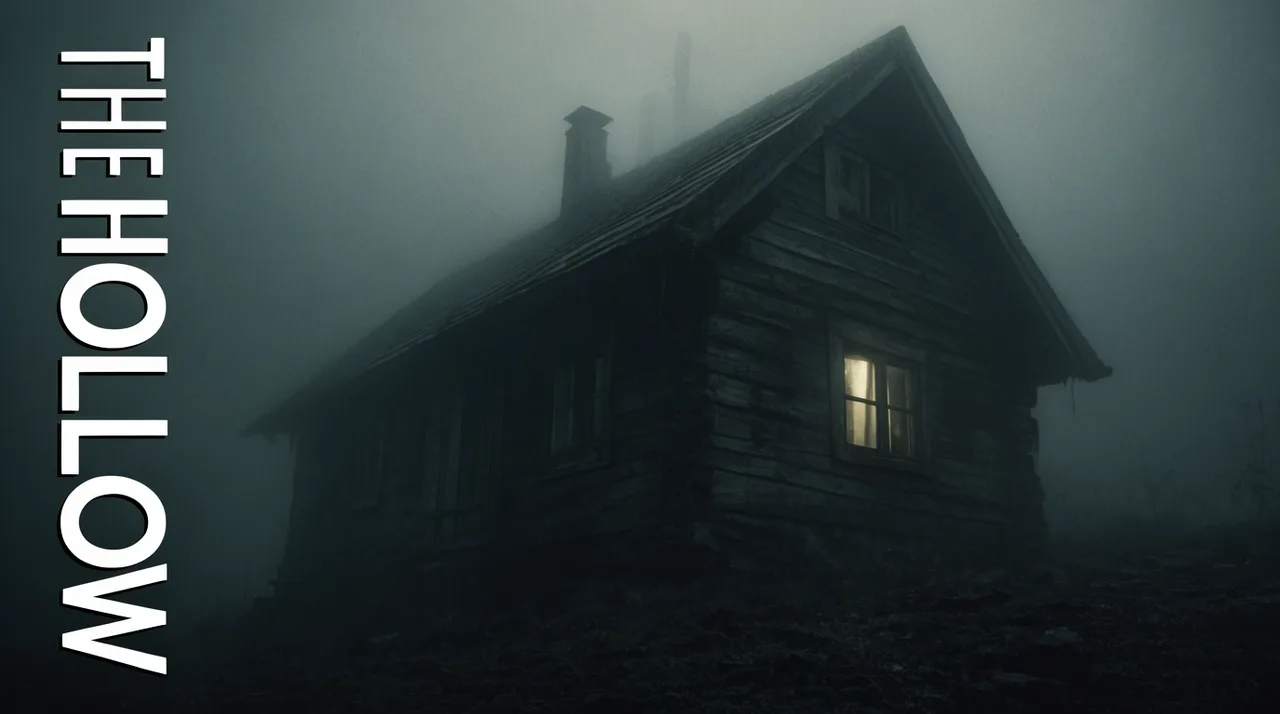
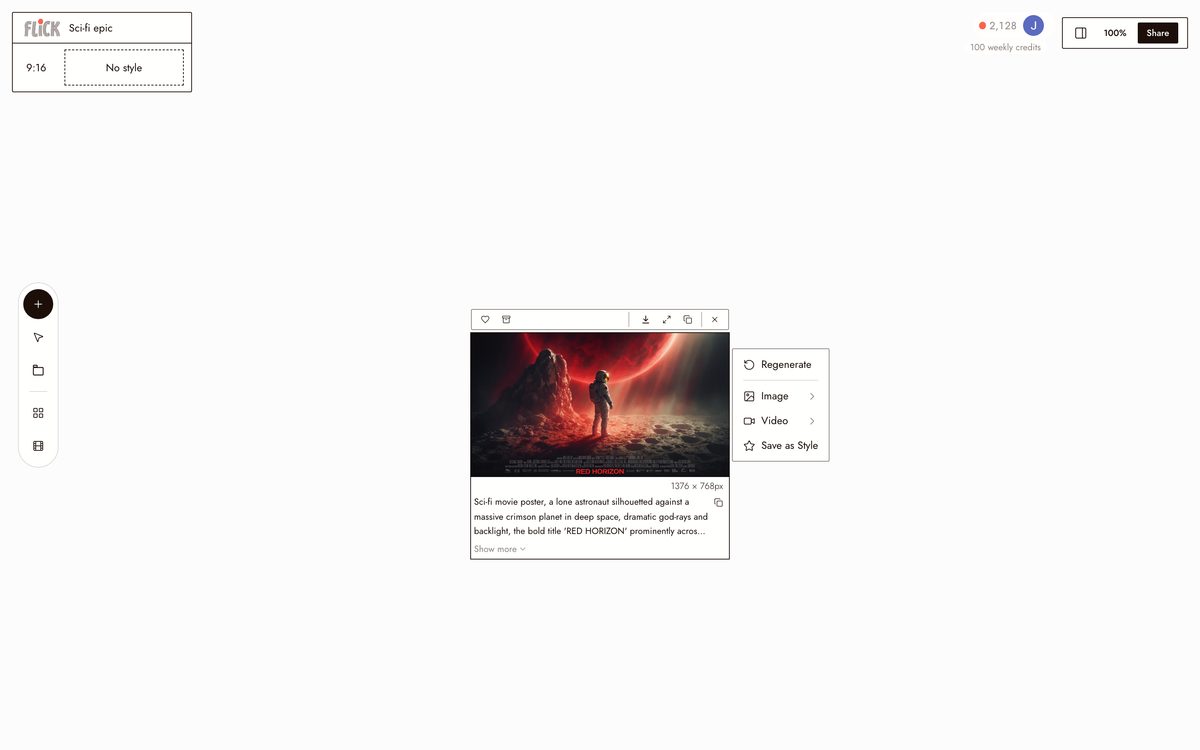
Type a prompt covering genre, mood, lighting, and composition. A silhouetted figure against a red planet, a rain-soaked neon sign, a fog-drenched cabin. Nano Banana Pro renders it as cinematic key art.
Made in Flick STEP 2
LOCK YOUR CHARACTER IDENTITY
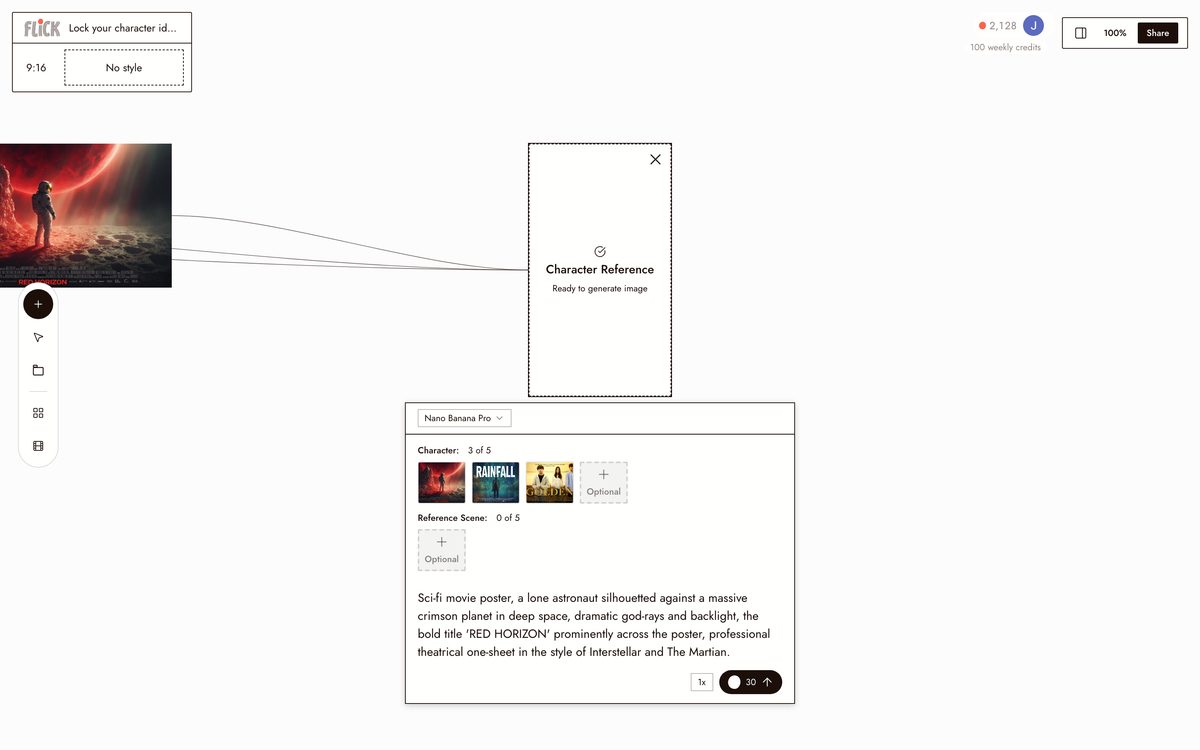
Upload a reference image and click Character Reference. Flick carries that face and look into the poster so the key art matches the character you are shooting, not a random stand-in.
Made in Flick STEP 3
USE THE POSTER ACROSS YOUR PROJECT
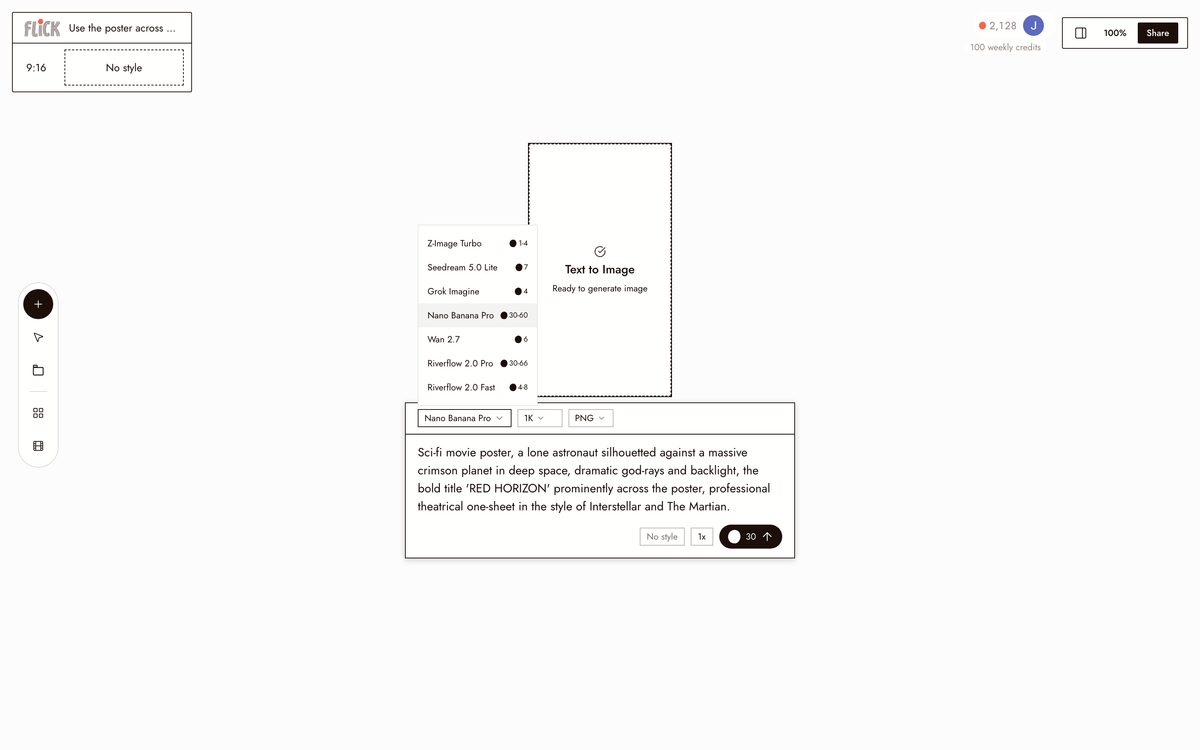
Generate stills and video clips from the same Character Reference on the canvas. Nano Banana Pro for additional key art frames, Kling or Veo 3.1 for the footage itself. Your poster and film share one consistent face.
Made in Flick


AI MOVIE POSTER GENERATOR FAQS
WHAT IS AN AI MOVIE POSTER GENERATOR?
An AI movie poster generator builds cinematic key art from a title and concept. Describe the character, setting, mood, and lighting, and the model returns a finished one-sheet with a typographic, poster-ready composition. Flick uses Nano Banana Pro for stills, then locks that character for use across every shot in your project.
HOW IS THIS DIFFERENT FROM OTHER POSTER TOOLS?
Most poster tools produce a one-off image. Regenerate with a different prompt and the character changes. Character Reference locks the character from the poster and carries that identity into every model in the workspace. The face on the poster matches the actor in your footage.
CAN I USE THE POSTER CHARACTER IN MY VIDEO?
Lock the character from the poster with Character Reference, then send it into any video model on the canvas. Use Kling for motion and physics, Veo 3.1 for cinematic quality with native audio and dialogue, or Seedance for fast high-quality generation.
IS THIS FREE?
Yes. Flick has a free tier: up to 300 free credits (100 at signup plus 200 for joining our Discord) plus 100 weekly credits, no credit card required. Generate posters, lock characters, and test models on it. Paid plans start at $5/month, or $4/month billed yearly, for more credits. Every image model, including Nano Banana and GPT Image, is on every plan, free included. Character Reference is on every plan.
IS THE OUTPUT MINE TO USE?
Images and video you generate in Flick are yours to use commercially. Check the terms of service for the specific models you use, as each hosted model may carry its own licensing conditions.
WHAT STYLES WORK FOR MOVIE POSTERS?
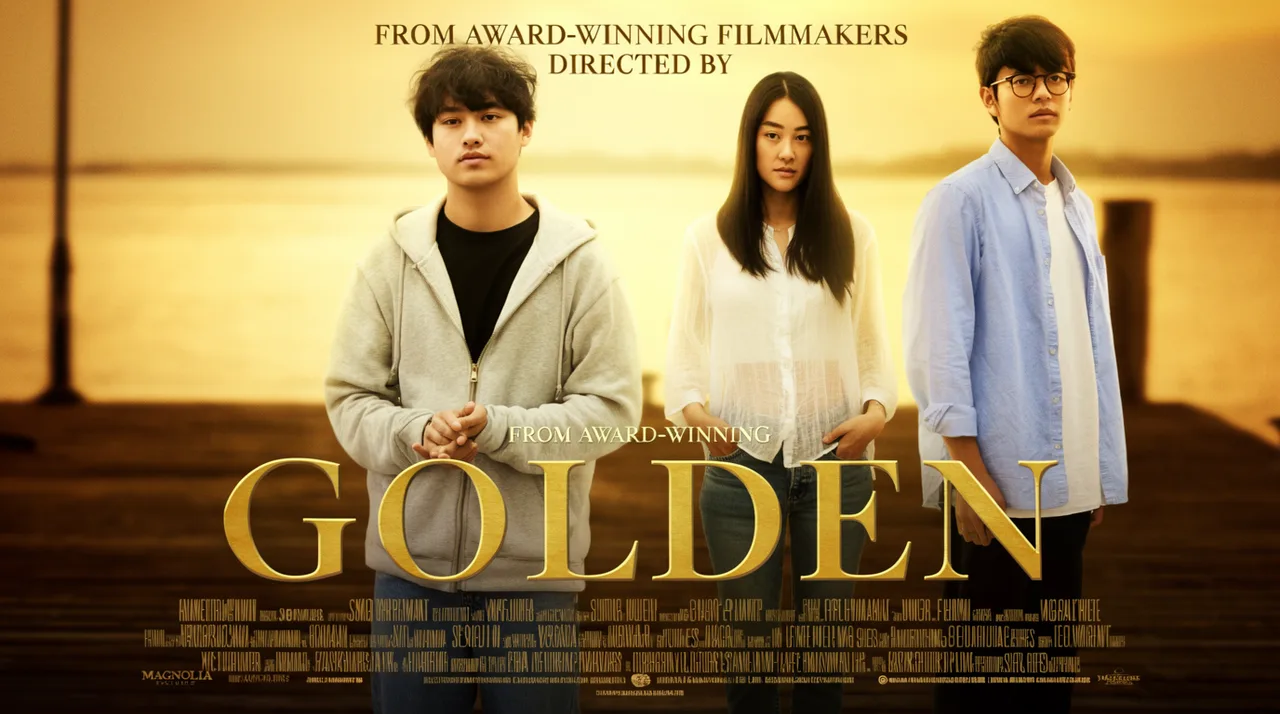
Nano Banana Pro handles cinematic key art, noir one-sheets, horror teasers, golden-hour drama, and sci-fi epic compositions. Write the mood and lighting directly into the prompt. Styles like backlit silhouette, rain-streaked neon, or fog-diffused cabin produce distinct poster aesthetics without switching models.




TRY THE AI MOVIE POSTER GENERATOR FREE