All comparisons

Sora Alternatives

Pick the right model for each shot. Kling, Veo 3.1, Seedance, Nano Banana Pro, all on one canvas, all sharing the same locked character. Sora keeps you in one app. Flick lets you build a scene across every model without losing your character between cuts.

GET STARTED

See it in action

We handle AI. You direct stories.

Cinematic short films

Build a complete short film shot by shot on one canvas. Lock your characters and locations once, then carry them across every cut. The finished piece reads as a single narrative, not a reel of disconnected clips.

Sci-fi and fantasy worlds

Render alien landscapes, sprawling fantasy cities, and atmospheric environments with cinematic depth. Most tools treat each prompt as a fresh start. Reuse the same world aesthetic across every shot so the setting feels like a real place.

Action and fight scenes

Stage fight choreography, chase sequences, and high-impact moments with physically convincing motion. Generate multiple takes of the same sequence. Cut the best angles together on the canvas.

Stylized and animated pieces

Set a visual register once, anime, claymation, graphic novel, oil-painted, and carry it through every shot. No tool-switching, no style drift. Your subject stays consistent from the first frame to the last.

How to switch

1

Upload your character reference

Open the canvas and attach a reference image to Character Reference. One upload locks your character's identity across every model in the workspace: Kling, Seedance, Veo 3.1, and Nano Banana Pro. No retraining, no per-model re-upload.
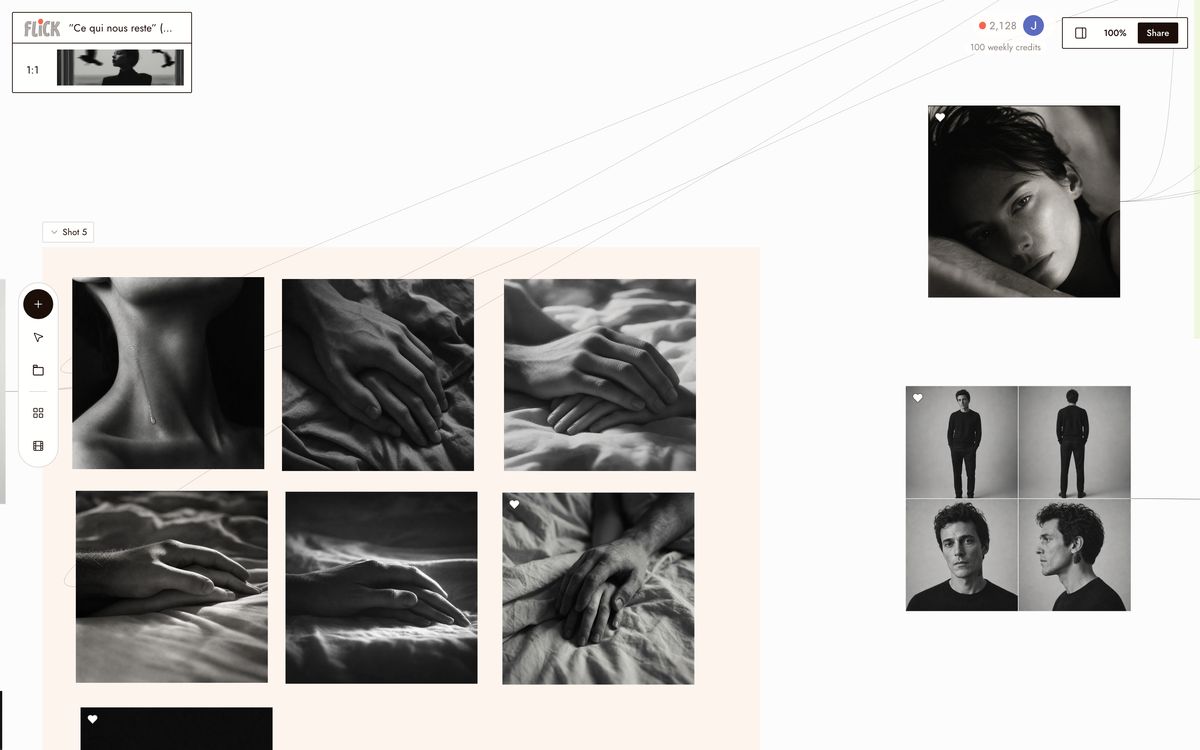
Upload your character reference
2

Route each shot to the right model

Pick the model that fits the shot. Kling 3.0 for motion and physics. Veo 3.1 for cinematic quality and native audio. Seedance 3.0 for fast high-quality generation. Switch models per node without leaving the canvas. Your character reference carries across every one.
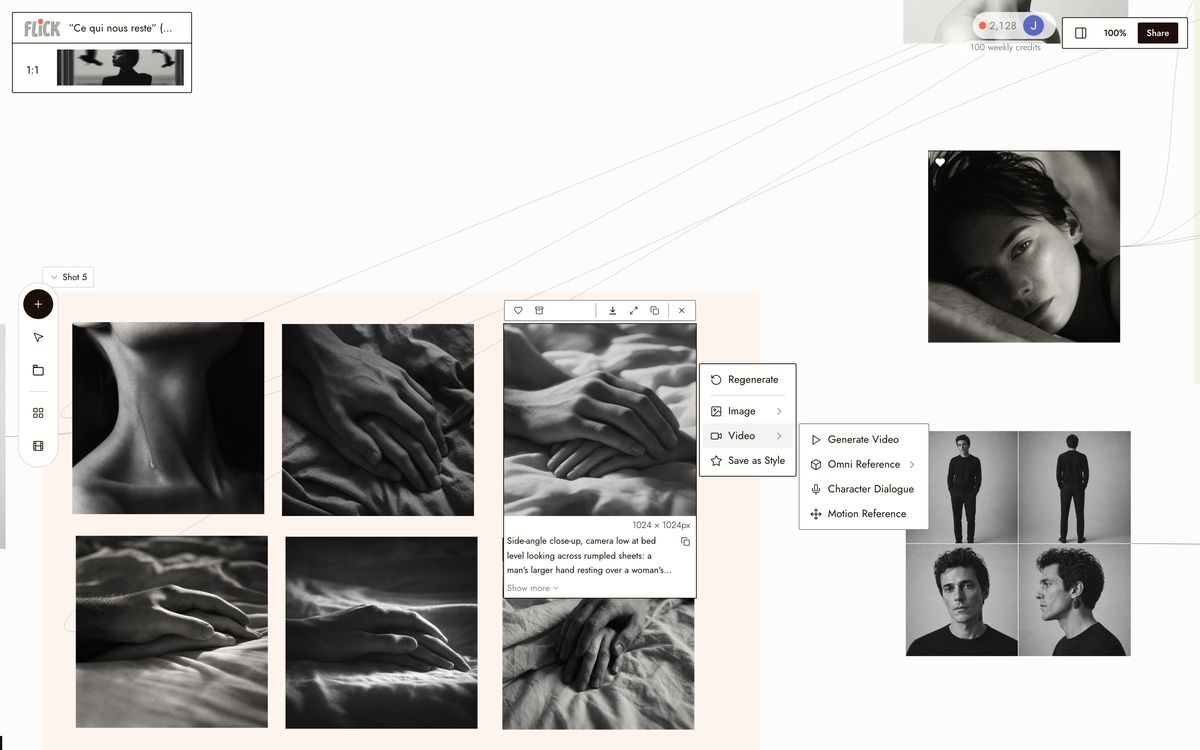
Route each shot to the right model
3

Chain clips and export

Connect nodes on the canvas to build the sequence. Every model in Flick outputs at a consistent resolution and aspect ratio, so clips cut together without reformatting. Export the full chain as a single MP4 file, ready for editing.
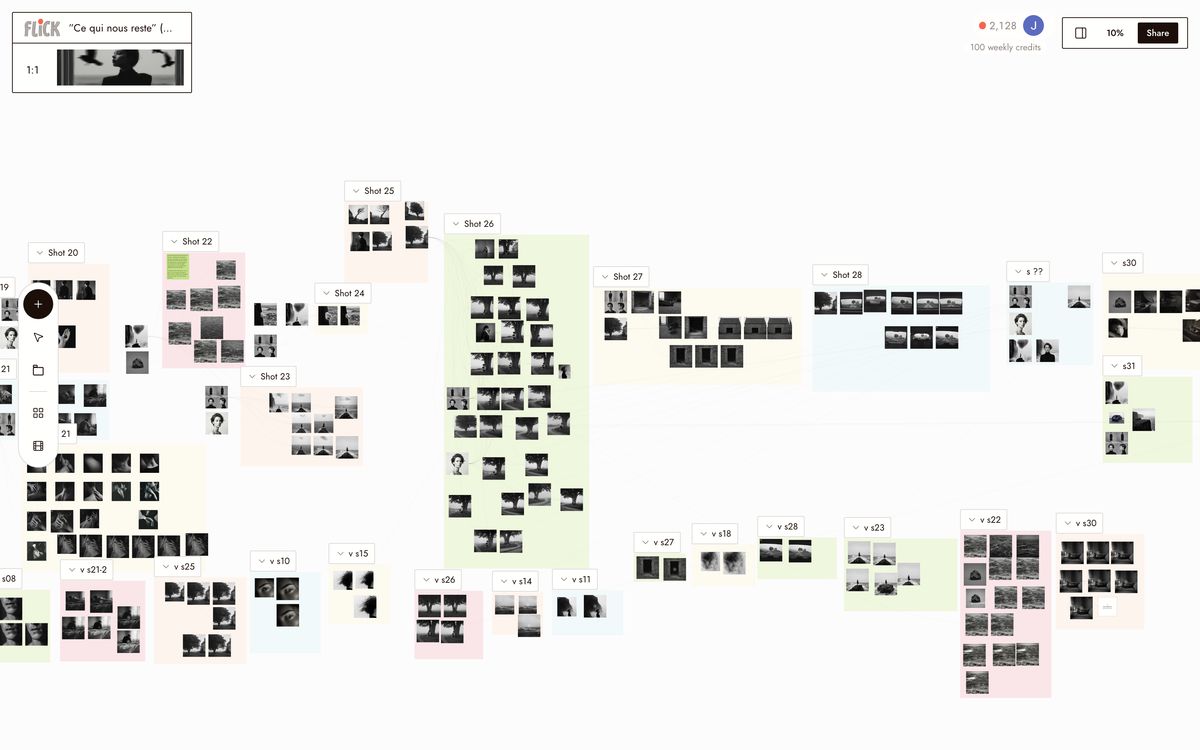
Chain clips and export

Why Choose Flick

Lock one character across every model

Lock one character across every model

Sora's character consistency stays inside the Sora app. Character Reference locks one face across Kling 3.0, Seedance 3.0, Veo 3.1, and Nano Banana Pro on a single canvas. Set it once, cut across models.
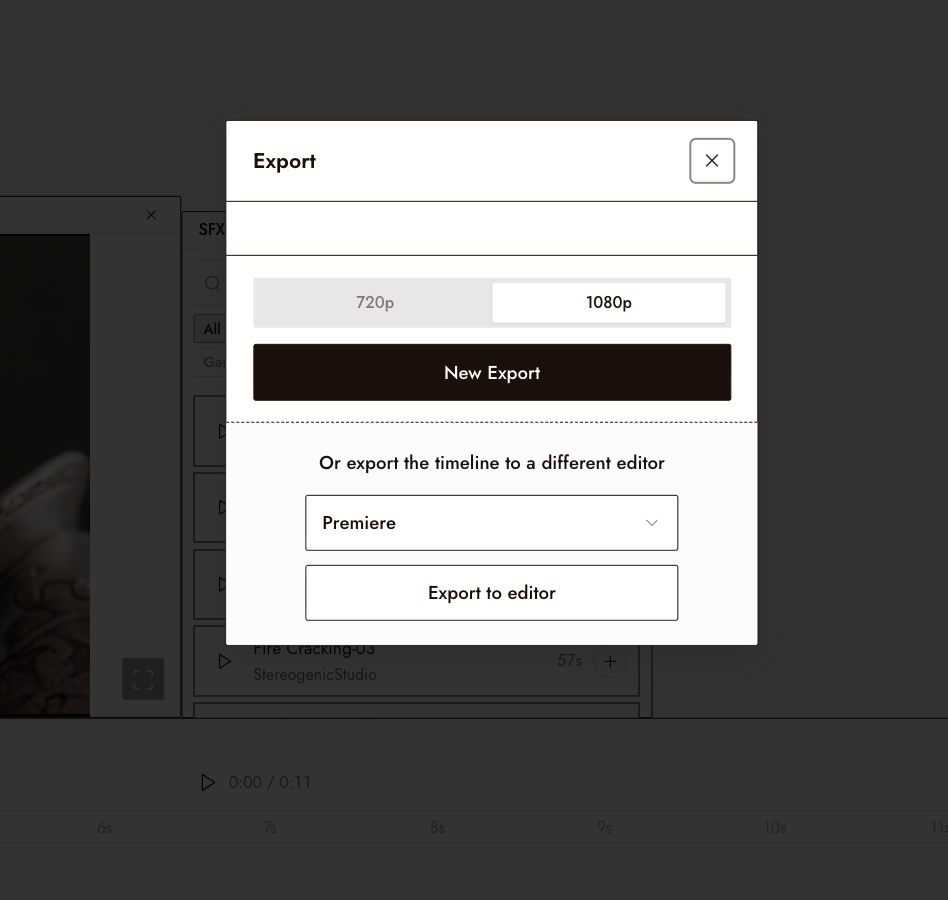
Every shot cuts together without a reformat

Every shot cuts together without a reformat

Flick outputs every model at a consistent resolution and aspect ratio. A Kling shot and a Veo 3.1 shot go straight into the same sequence. Sora outputs clips inside its own app with no canvas to sequence across models.
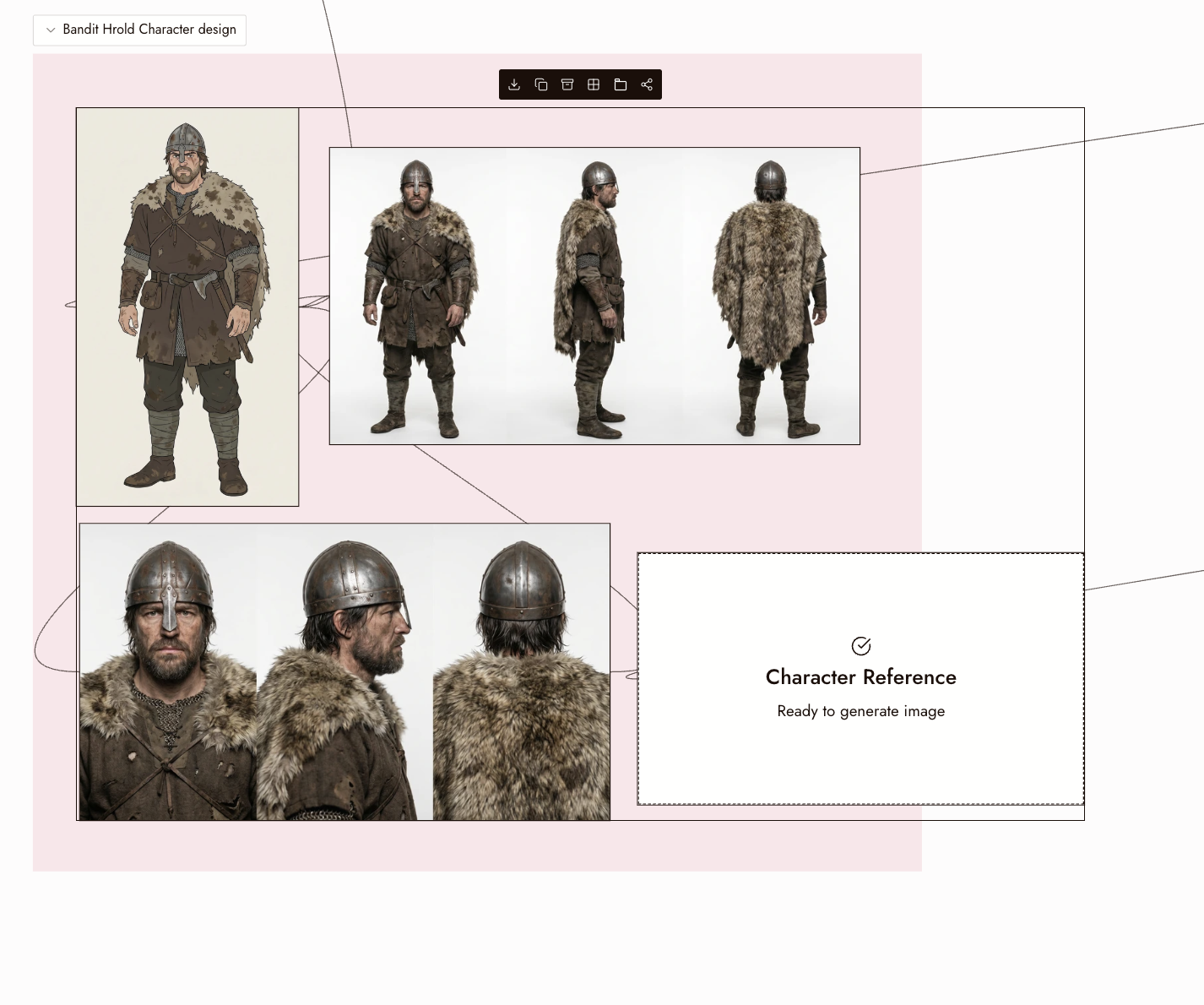
Attach references once, reuse them everywhere

Attach references once, reuse them everywhere

Set image, style, and character references on the canvas and pull them into every shot in the project. Flick has a free tier and credit-based plans with a free tier and plans from $4/month. Sora requires a paid subscription to generate meaningful output.

The Best Sora Alternatives, Compared

FeatureFlickSora 2
Character referenceCross-model (Kling, Veo, Seedance)App-locked, single-session only
Native audio / dialogueVia Veo 3.1 on canvasYes, synced natively
Prompt adherenceModel-dependentConsistent across generations
Model choiceKling 3.0, Veo 3.1, Seedance 3.0, moreSora 2 only
Pricing modelFree tier, then credit-based plansSubscription-gated (verify current tiers)
Canvas / multi-shot editingNode canvas; chain shots across modelsNo canvas; single-clip generation
Physics and motion qualityKling 3.0 for best-in-class motionStrong; comparable to top models

Explore more comparisons

Sora Alternatives FAQs

What is Flick?
Flick is an AI filmmaking studio: one canvas, every model, consistent characters across every shot. Route each clip to the model that wins it, Kling for motion physics, Veo 3.1 for cinematic quality and native audio, Seedance for fast high-quality generation, all inside one workspace.
What is Sora better for?
Sora 2 handles motion, audio, and dialogue from a single prompt with minimal setup, and its prompt adherence is among the strongest of any model right now. If you work entirely inside ChatGPT and want one tool for everything, Sora is genuinely good at that. The trade-off is a single app with no cross-model flexibility.
Does Sora have persistent character consistency across clips?
Sora's Cameo feature references a character, but that consistency is app-locked inside Sora and does not carry across other models. Flick's Character Reference locks one character identity across Kling, Seedance, Veo 3.1, and Nano Banana Pro in the same project. Define a character once, and it appears in every shot regardless of which model generated it.
Do I need a subscription to use Flick?
Flick has a free tier and credit-based plans with a free tier and plans from $4/month. Sora requires a paid ChatGPT subscription. Check OpenAI's current pricing page for the latest tiers.
Which Sora alternative has the best output quality for cinematic work?
Veo 3.1 produces cinematic quality with native synchronized audio and dialogue. Kling 3.0 leads on motion physics and complex movement. Route each shot to the model that serves it best rather than committing your whole project to one engine.
Can I chain clips into longer sequences in Flick?
Generate individual shots on the canvas, then chain them into a full sequence. Sora clips cap around 20 seconds per generation. On Flick's canvas, chain as many shots as the scene requires across any hosted model, maintaining the same character and aspect ratio throughout.

Create your first AI film with Flick

GET STARTED