AI Cinematic Video Generator
WHY GENERATE WITH FLICK?
Describe a shot. Flick generates it with lens and lighting control, then chains it into a sequence on the canvas.
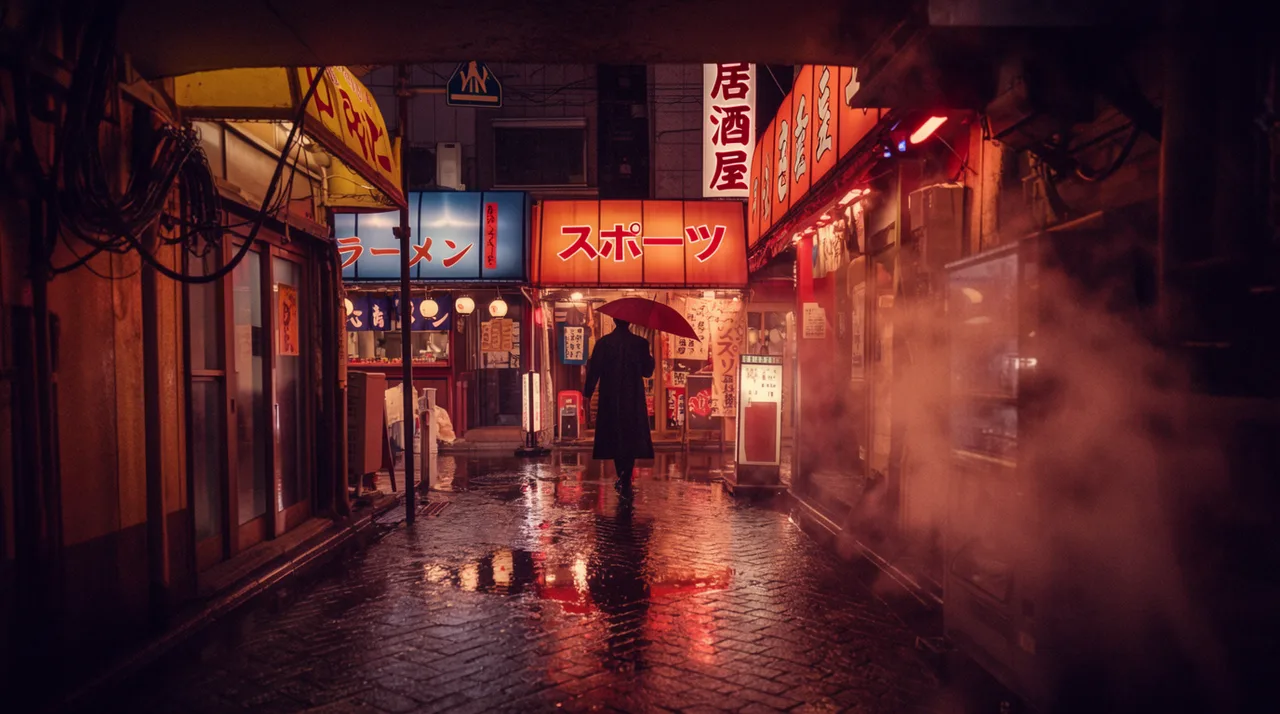
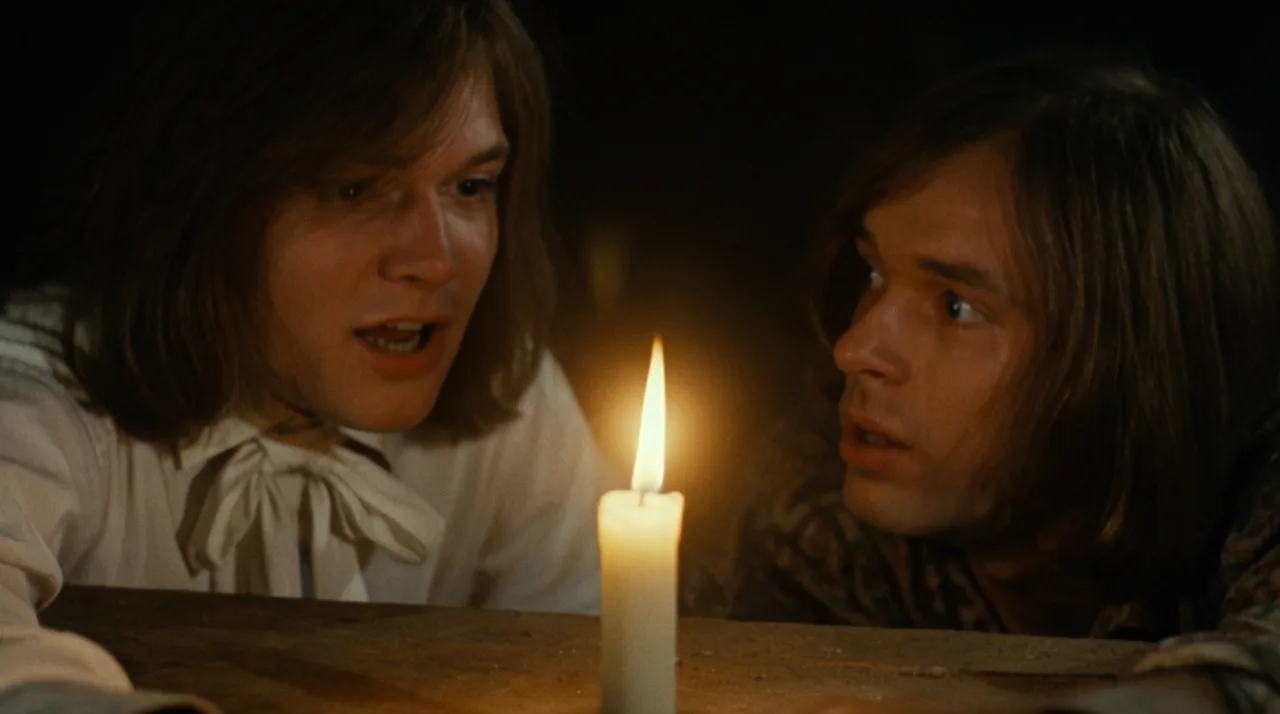
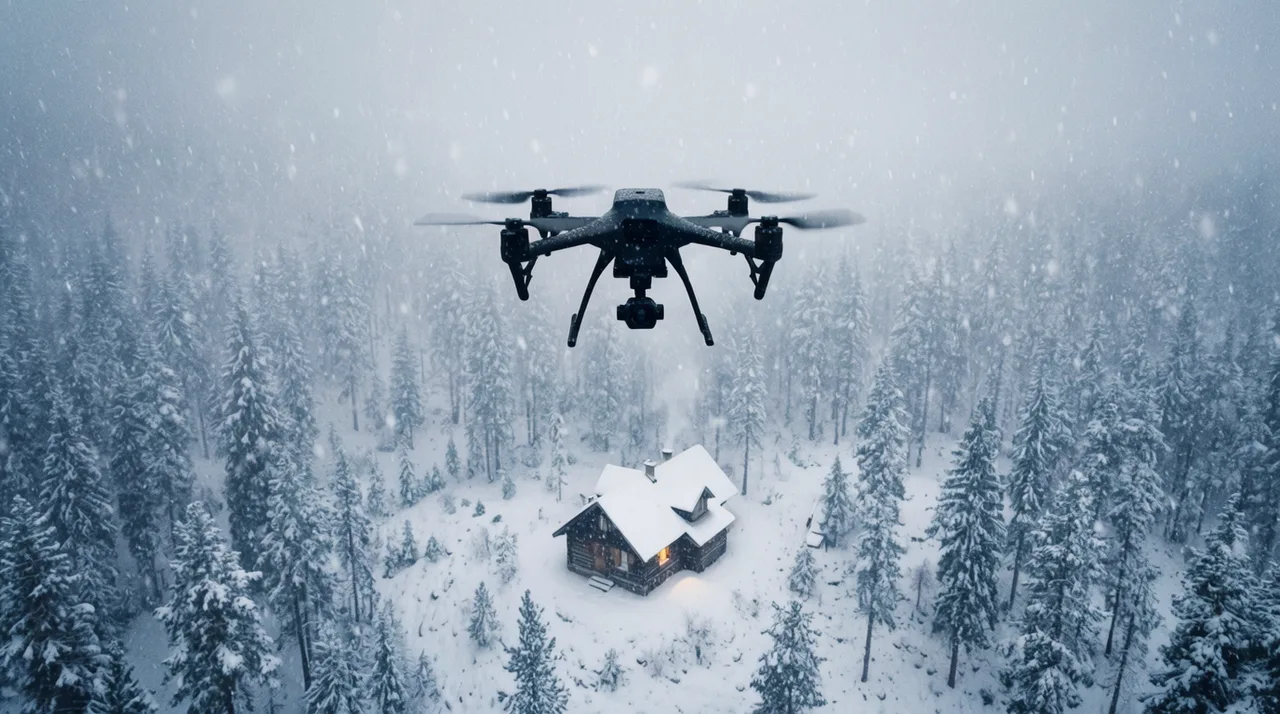
AI CINEMATIC VIDEO GENERATOR EXAMPLES

HOW IT WORKS
STEP 1
DIRECT THE SHOT IN THE PROMPT
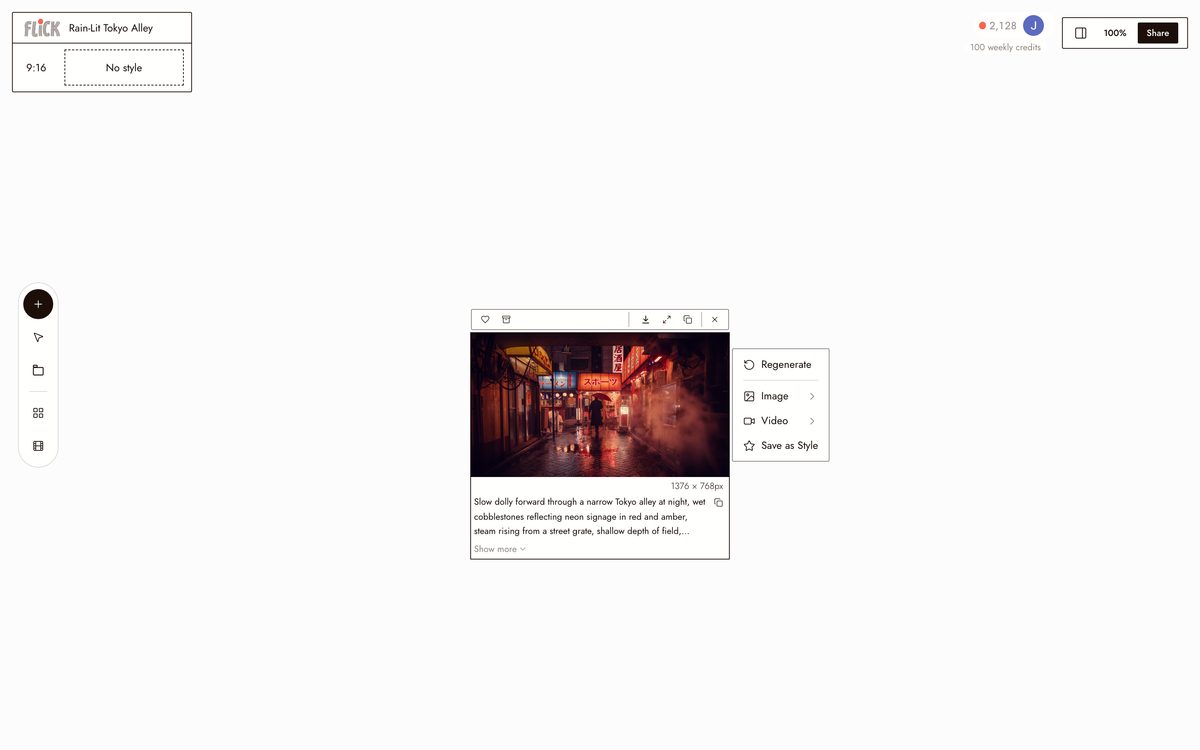
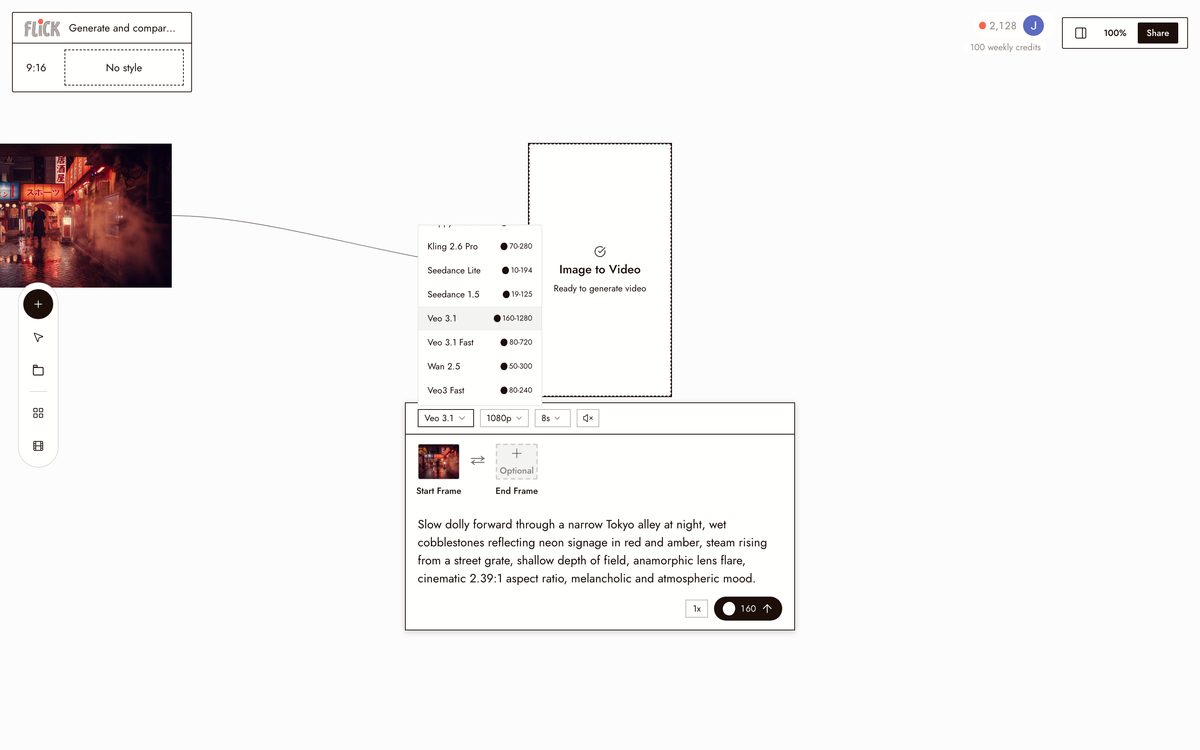
Put the lens, the light, and the camera move in one prompt: a slow dolly through a rain-lit Tokyo alley, anamorphic, neon on wet pavement. Flick hands that whole direction to the model instead of guessing at it.
Made in Flick STEP 2
GENERATE AND COMPARE MODELS
Send the shot to Veo 3.1 for cinematic color, native audio, and dialogue, or to Kling when it lives or dies on physics and camera control. Both run on the canvas, so generate from each and compare before you commit.
Made in Flick STEP 3
ASSEMBLE THE SCENE
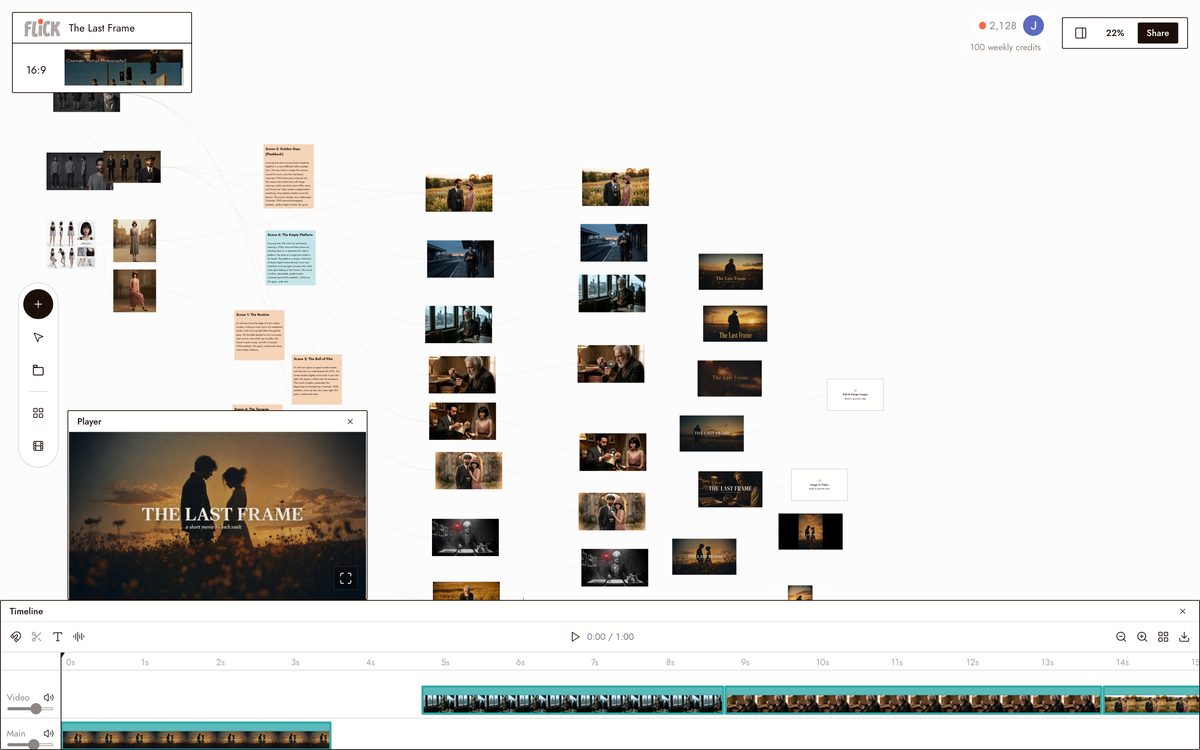
Lay the clips out in order on the canvas, trim the heads and tails, and stitch them into one continuous scene that holds its look from shot to shot.
Made in Flick


AI CINEMATIC VIDEO GENERATOR FAQS
WHAT IS AN AI CINEMATIC VIDEO GENERATOR?
It produces film-look video from a text prompt, with direct control over lens choice, lighting, and camera motion. Describe a slow dolly, a crane shot, or a handheld push, and the model returns a clip that matches that direction. Flick runs Veo 3.1 for cinematic quality with native audio and Kling for physics-driven motion. Both live on one canvas where you cut shots into a sequence.
HOW DO I CONTROL THE CINEMATIC LOOK OF A SHOT?
Put the direction in the prompt: lens focal length, lighting quality, camera movement, depth of field. "A sweeping crane shot over a desert caravan at dawn" gives the model enough to work from. Adjust the prompt on the canvas, regenerate. No separate tool required.
CAN I KEEP THE SAME CHARACTER ACROSS MULTIPLE SHOTS?
Character Reference locks a character's face, outfit, and proportions from a single reference image. Place that character in a rain-lit alley, then a candlelit interior, then a wide exterior. Identity stays consistent across every model on the canvas.
CAN I BUILD A FULL SCENE OR SEQUENCE, NOT JUST A SINGLE CLIP?
Generate each shot on the canvas, then stitch them into a sequence. Kling handles physics-driven motion shots. Veo 3.1 handles cinematic quality and dialogue. Chain as many clips as the scene needs, all at a consistent resolution and aspect ratio.
IS FLICK FREE TO USE?
Flick has a free tier: up to 300 free credits (100 at signup plus 200 for joining our Discord) plus 100 weekly credits, no credit card required. Every image model, including Nano Banana and GPT Image, is on every plan, free included, and so are MiniMax H3 Fast, MiniMax H3 Max and Pruna Draft video. Kling, Veo 3.1, Seedance and the full video model list come with the Standard plan. Paid plans start at $5/month for more credits per generation.
IS THE VIDEO I GENERATE MINE TO USE?
Video you generate on Flick is yours to use commercially. No watermarks on paid plans, no restrictions on client work or commercial projects. Check the terms of service for full details.




TRY THE AI CINEMATIC VIDEO GENERATOR FREE