How to Keep a Character Consistent in Sora
SORA
Sora 2 keeps a character consistent with Cameos: record a short video of a person, pet, or original persona once, then insert that saved identity into any new generation. It is built for people you can record, not photos of someone else.
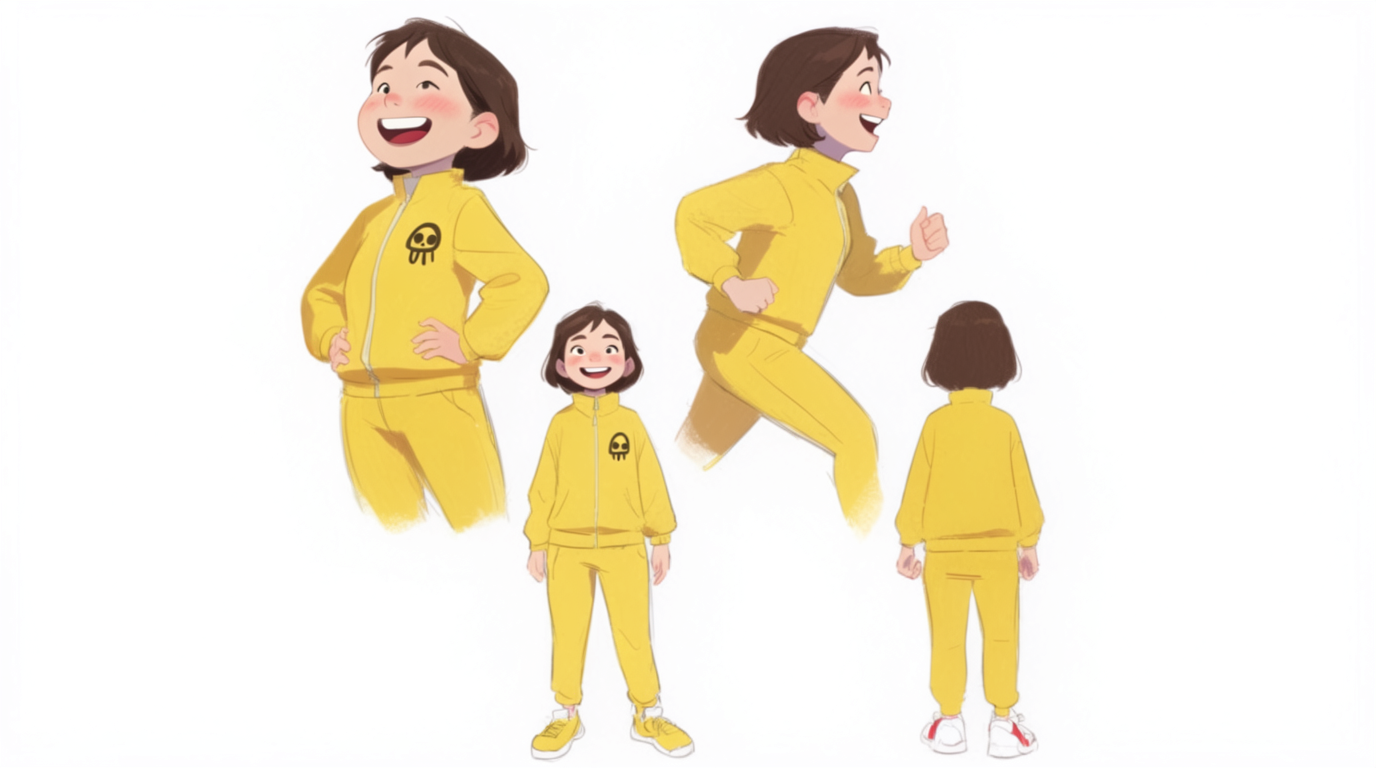
HOW IT WORKS
STEP 1
OPEN CREATE CAMEO
In the Sora app, go to your profile and start a new Cameo. This is where Sora builds the reusable identity.
STEP 2
RECORD THE REFERENCE VIDEO
Record a few seconds of the subject. For a self-cameo you turn your head and count aloud, which also confirms consent. For a pet or persona, upload short footage.
STEP 3
NAME IT AND SET PERMISSIONS
Give the Cameo a name and choose who can use it. Save it so it becomes a reusable character.
STEP 4
INSERT THE CAMEO INTO PROMPTS
Tag the saved Cameo in any new generation and Sora re-renders that identity into the scene, with synced voice for self-cameos.
STEP 5
KEEP CONTINUITY ACROSS SHOTS
Reuse the same Cameo for every shot in a sequence. For finer art direction, lock a character in Flick and carry it across other models too.
HOW SORA HOLDS A CHARACTER
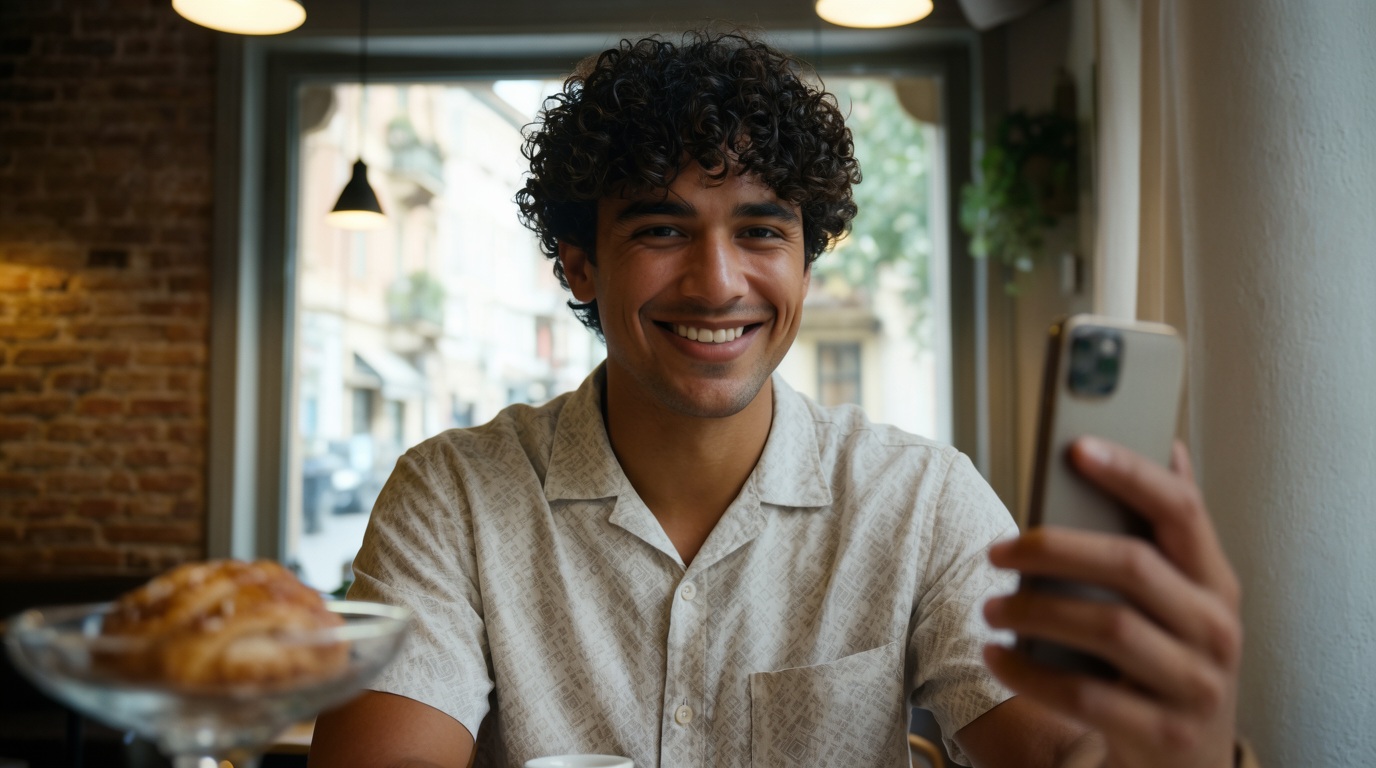
CAMEOS
Cameo into any prompt and it re-renders the same person, with synced voice for self-cameos.CHARACTER CAMEOS
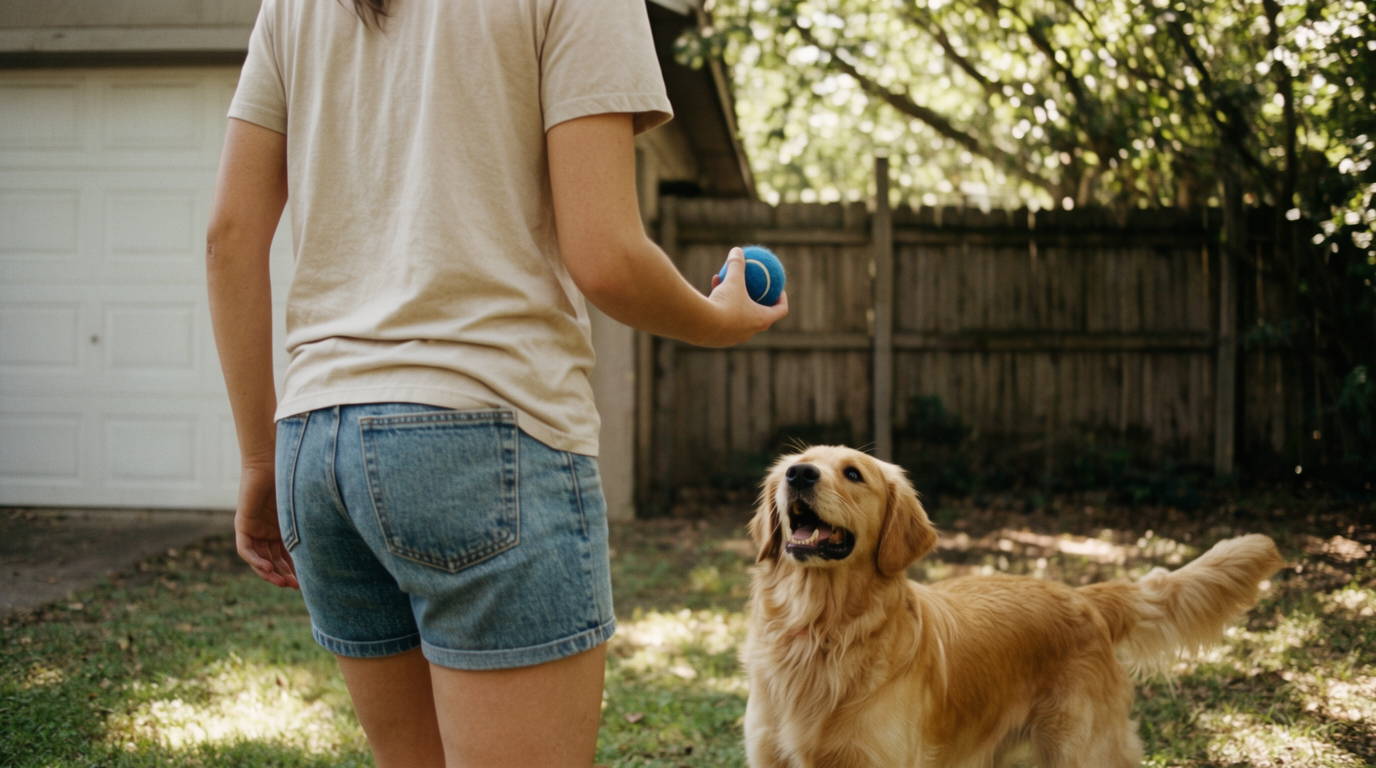
PERMISSIONS AND REUSE

SORA FOR CHARACTER CONSISTENCY: PROS AND CONS
Strengths
- Identity is stored from a verified video, giving strong cross-shot consistency
- Carries face, body, and voice into motion, not just a still
- Reusable across many generations once a Cameo exists
- Clear consent model and per-Cameo permission controls
Limitations
- Human Cameos need a self-recorded video; you cannot upload a photo of a person
- Creation is gated to the iOS app and a paid tier
- Policy blocks real-human likenesses without consent and copyrighted characters
- Identity still drifts in extreme poses, long clips, or the image-to-video fallback
SORA CHARACTER CONSISTENCY FAQS
WHAT IS A CAMEO IN SORA?
A Cameo is a reusable identity Sora builds from a short recorded video. Once saved, you insert it into new generations and Sora re-renders the same person, pet, or persona.
CAN I UPLOAD A PHOTO OF A PERSON TO MAKE A SORA CHARACTER?
No. Human Cameos require a self-recorded consent video. Sora blocks uploads of other people's photos and copyrighted character likenesses.
DOES SORA KEEP THE VOICE CONSISTENT TOO?
For self-cameos, yes. Sora carries the recorded voice into the generated scene along with the face and body.
DO I NEED A PAID PLAN?
Creating Cameos is gated to the Sora iOS app and a paid tier. Check current OpenAI terms for the exact plan requirements.
WHY DOES MY SORA CHARACTER STILL DRIFT?
Identity holds well in normal shots but can drift in extreme poses, long clips, or when using the weaker image-to-video fallback. Reuse the same Cameo for the most consistent results.
HOW DO I ART-DIRECT ONE CHARACTER ACROSS TOOLS?
Lock the look with Flick's Character Reference, then carry it across other video models so you are not limited to recording-based identities.
CONSISTENT CHARACTERS IN OTHER TOOLS
NO SELF-RECORDED CAMEO NEEDED.