All comparisons

Pika Alternatives

Pick the model that wins each shot. Flick puts Kling, Seedance, Veo 3.1, and more on one canvas, then locks a single character identity across all of them. Pika tops out before production demands do.

GET STARTED

See it in action

We handle AI. You direct stories.

Stylized and animated pieces

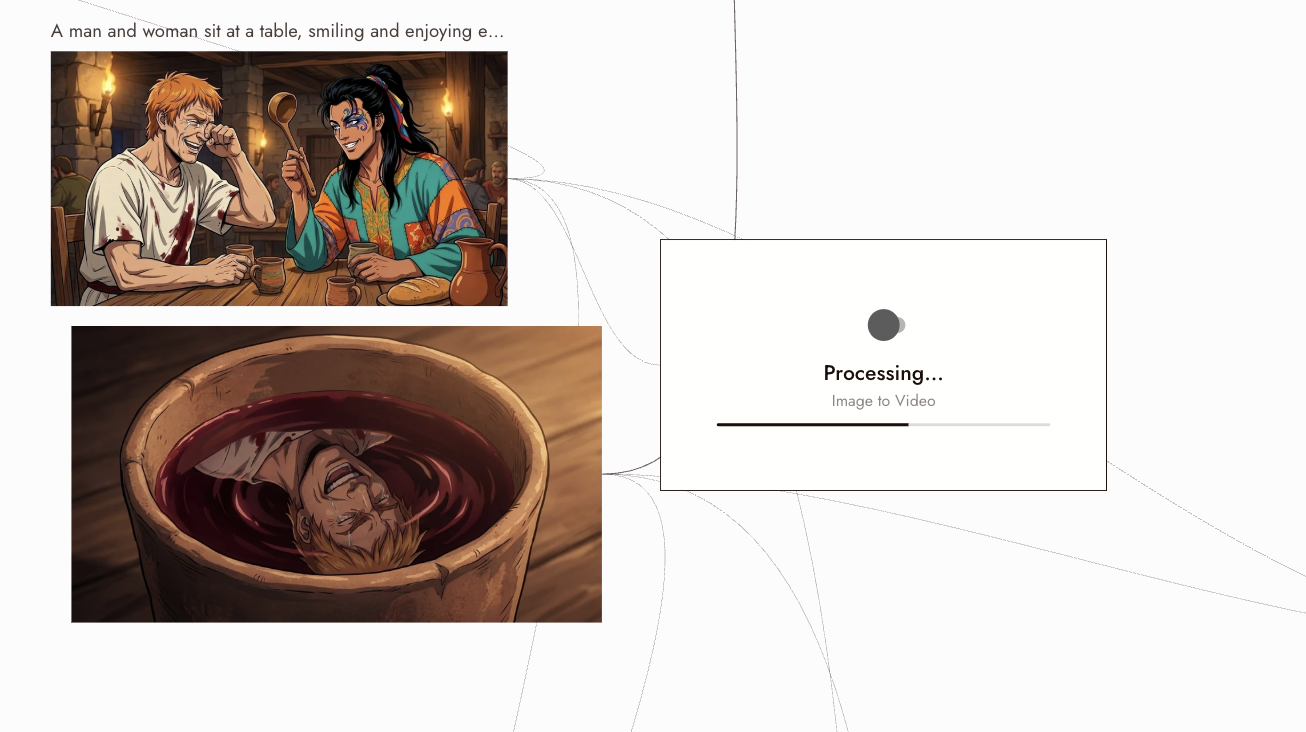
Switch between anime, claymation, ink wash, and stop-motion aesthetics within a single sequence. Each node on the canvas holds its own style setting. Same subject, shifting registers, one project.

Cinematic short films

Build a complete short film shot by shot on one canvas. Generate each scene, trim, and chain clips into a coherent sequence at a consistent resolution and aspect ratio. The whole edit lives in one workspace.

Character-driven stories

Lock a character's face, costume, and build from a single reference image. Carry that identity across every shot: close-up, wide shot, new location. The character reads as the same person throughout.

Action and fight scenes

Stage sequences where bodies carry weight, crowds move with physical logic, and cameras push through the action. Route action shots to the model with the strongest motion physics, then cut them directly into your timeline on the canvas.

How to switch

1

Pin your character once

Drop one clear reference image into Character Reference on the canvas. That single image locks your character's identity across every model in the workspace: Kling, Seedance, Veo 3.1, and the rest. No retraining, no per-model re-upload.
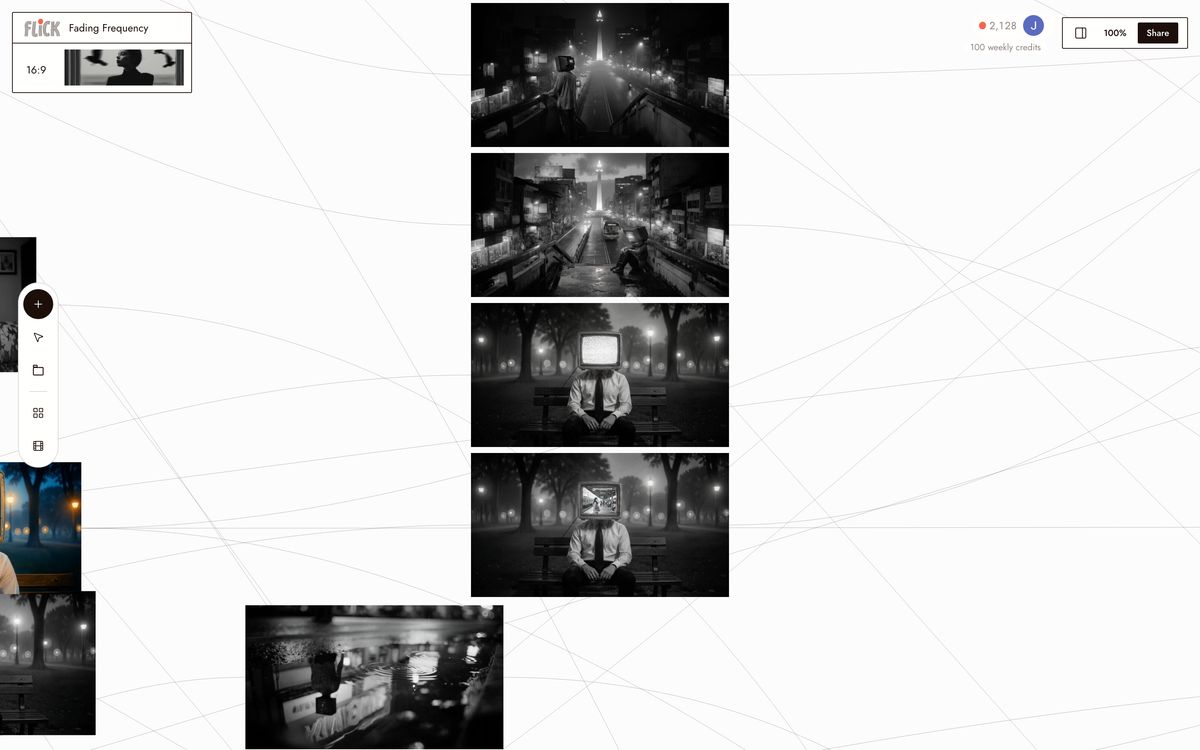
Pin your character once
2

Route each shot to its model

Add a node for each shot, then pick the model in the per-node selector. Motion-heavy shots go to Kling 3.0 for fluid physics. Cinematic wides go to Veo 3.1 for render quality and native audio. Fast-turnaround shots go to Seedance 3.0. Regenerate any single node without touching the rest of the sequence.
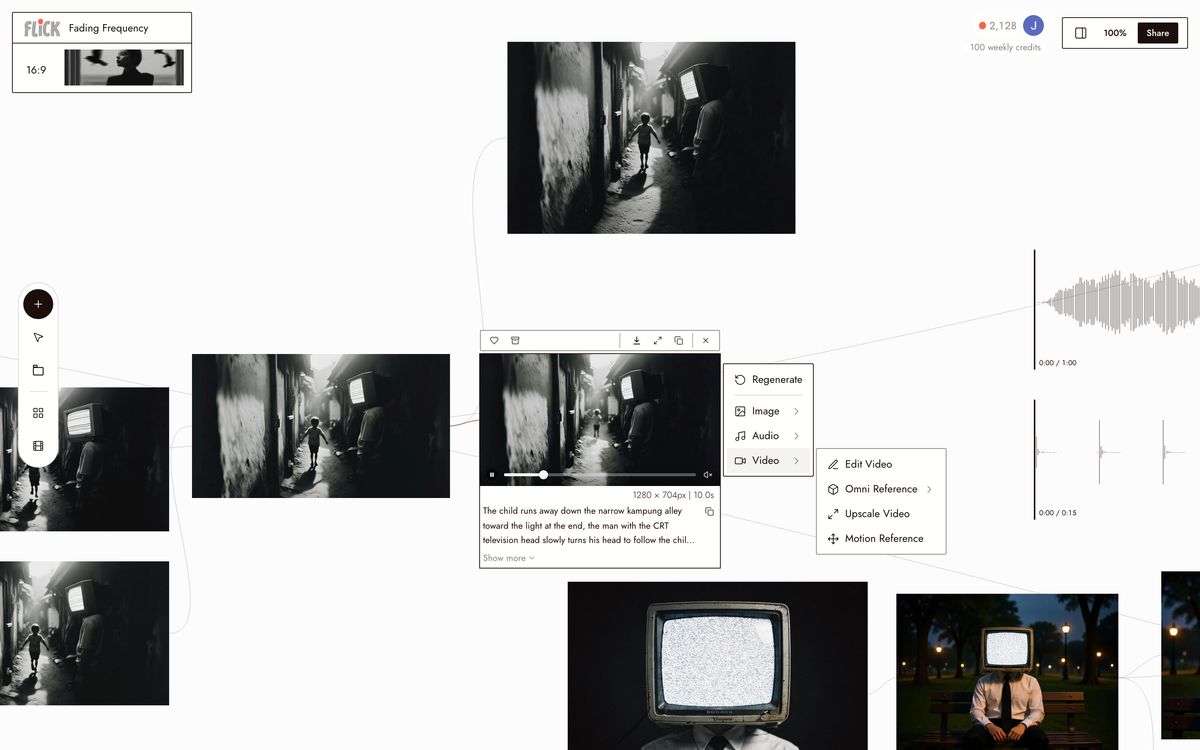
Route each shot to its model
3

Chain, refine, and export

Drag one node's output into the next to build a longer sequence. Trim individual clips on the canvas, swap the model on any shot that misses, then export. Every model outputs at a consistent resolution and aspect ratio, so cuts are clean regardless of which model rendered them.
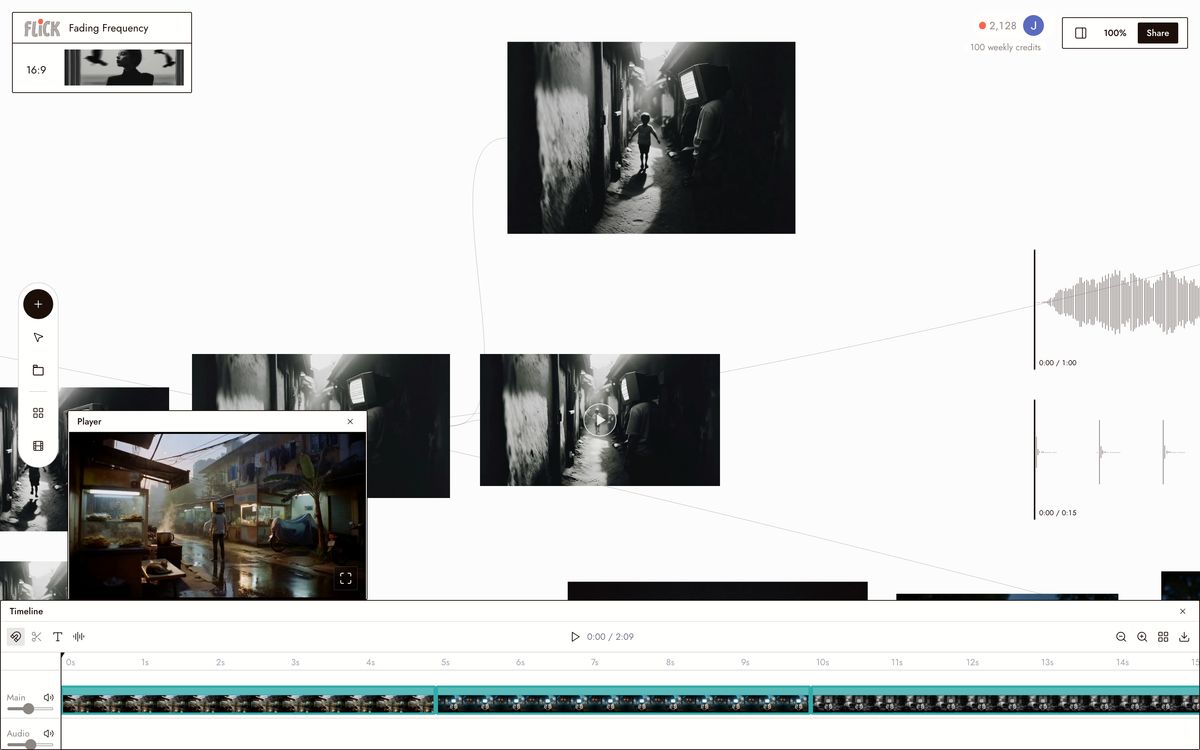
Chain, refine, and export

Why Choose Flick

Lock one character across every model

Lock one character across every model

Pika's Scene Ingredients keep a character inside Pika's own pipeline. Character Reference in Flick pins that identity across Kling 3.0, Seedance 3.0, Veo 3.1, and every other hosted model on the canvas. One reference image, every model.
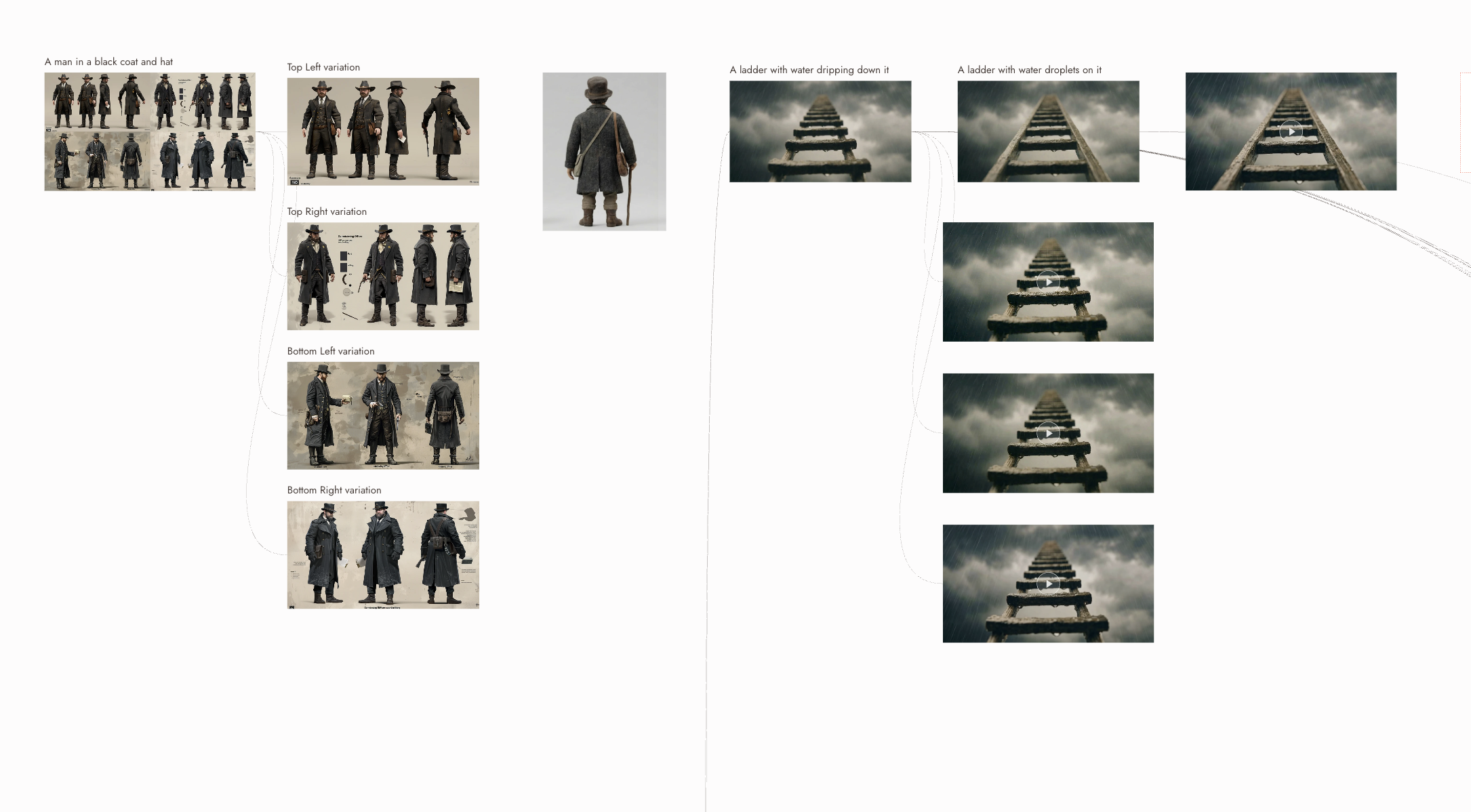
Direct every shot independently

Direct every shot independently

Each node on the canvas carries its own model selector, prompt, and reference settings. Change the model for one shot without rebuilding the rest. Route action scenes to Kling 3.0 for motion physics, dialogue shots to Veo 3.1 for cinematic quality and native audio, then trim and stitch the outputs in the same workspace.
Run multiple takes at once

Run multiple takes at once

Pika runs one generation at a time on its subscription plans. Flick runs multiple nodes in parallel. Fire three takes of the same shot across Kling 3.0 and Seedance 3.0 simultaneously, then compare them side by side before committing to an edit.

The Best Pika Alternatives, Compared

FeatureFlickPika
Models availableKling, Veo, Seedance, Wan, and morePika engine only
Character consistencyCross-model Character Reference: one character, every model on the canvasScene Ingredients, within Pika only
Motion physicsKling 3.0, top-tier fidelityImproved in 2.x, below Kling
Pricing modelFree tier, then creditsFree tier, subscription plans
Ease of useNode canvas, some learning curveFriendly UI, fast for social clips
Multi-model routingPer-node model selector on every clipNot available
Native audioDialogue and ambient sound via Veo 3.1AI sound effects available

Explore more comparisons

Pika Alternatives FAQs

What is Flick?
Flick is an AI filmmaking studio: a node canvas where you generate original cinematic footage across multiple hosted models — Kling 3.0, Seedance 3.0, Veo 3.1, Nano Banana Pro, and Wan 2.2 — with one Character Reference that keeps your characters consistent across every model in the same workspace.
What is Pika better for?
Pika is genuinely better for fast, casual social clips. Pikaffects and ingredient controls are approachable, and the UI gets something shareable in a few minutes. For a quick single-shot effect on a social post, Pika's workflow is faster than building a multi-node canvas.
Where does Pika fall short for production work?
Pika 2.5 clips run around 5 seconds before you need to extend, and its motion physics are weaker than Kling 3.0 on fluid body movement and camera dynamics. It also runs on a single engine, so you cannot route a dialogue shot to one model and an action shot to another inside the same project.
How does Flick's pricing model differ from Pika's?
Pika charges a monthly subscription whether you generate or not. Flick has a free tier and credit-based plans with a free tier and plans from $4/month. For bursty production work, heavy one week and nothing the next, a per-second model keeps costs proportional to output.
Can I use multiple AI video models in a single Flick project?
Pick Kling 3.0 for an action beat, Veo 3.1 for a cinematic wide with native audio, and Seedance 3.0 for fast high-quality coverage, all inside one canvas, all sharing the same Character Reference. Regenerate one node without rebuilding the rest of the sequence.
Which tool is better for character consistency across multiple shots?
Flick's Character Reference pins a character's identity across every hosted model, Kling, Seedance, Veo, Wan, so the same face and costume survive a model switch between shots. Pika's Scene Ingredients maintain consistency within a single session on Pika's own engine, but that identity does not carry into other models or a separate workspace.

Create your first AI film with Flick

GET STARTED