Runway Alternatives
WHY LOOK FOR RUNWAY ALTERNATIVES
HOW TO SWITCH
STEP 1
DROP IN A REFERENCE IMAGE
Open the Flick canvas and upload one image of your character. Character Reference reads it instantly, no retraining, no reformatting. That reference locks the identity across every shot and every model in the project.
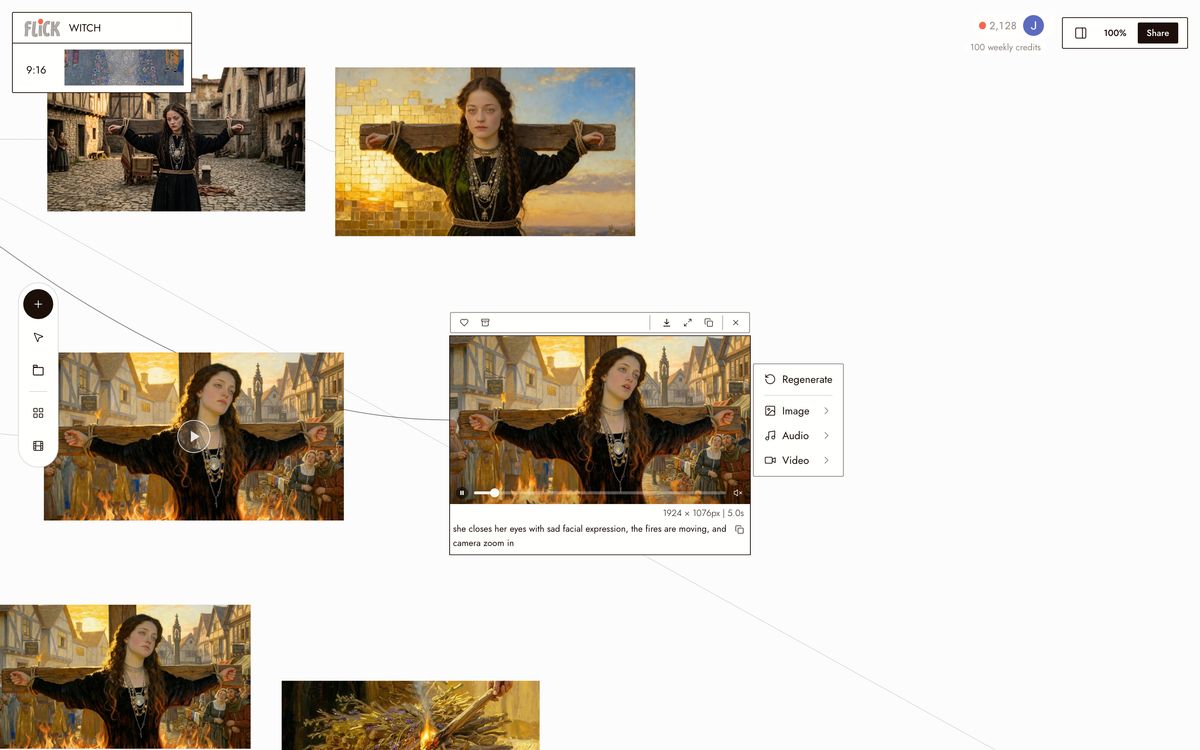
Canvas by Olivia Qiu STEP 2
ASSIGN THE RIGHT MODEL TO EACH SHOT
Select a node and pick the model the shot needs. Kling for motion and physics. Veo 3.1 for cinematic quality and native audio. Seedance for fast, high-quality generation. Nano Banana Pro for stills. Switch models per shot without leaving the canvas.
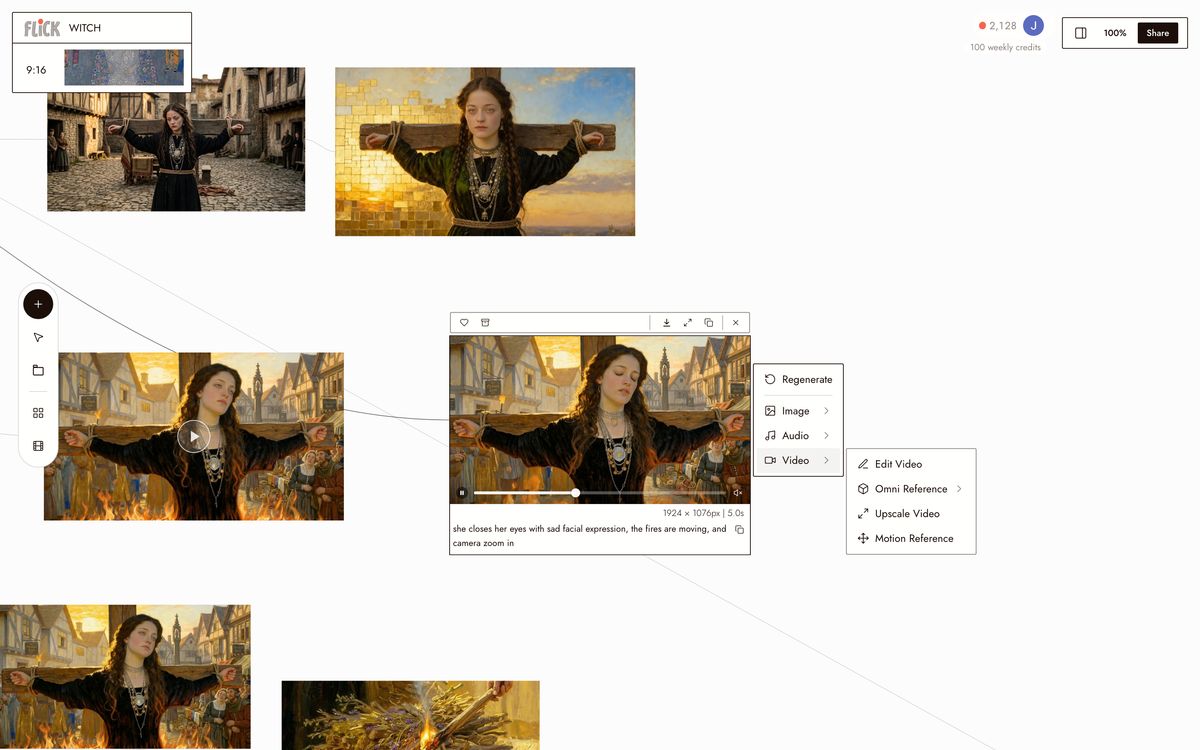
Canvas by Olivia Qiu STEP 3
CHAIN SHOTS INTO A FINISHED SEQUENCE
Generate each shot, then connect the clips on the canvas. Every model outputs at the same resolution and aspect ratio, so cuts are clean regardless of which model rendered them. Export the full sequence in one pass.
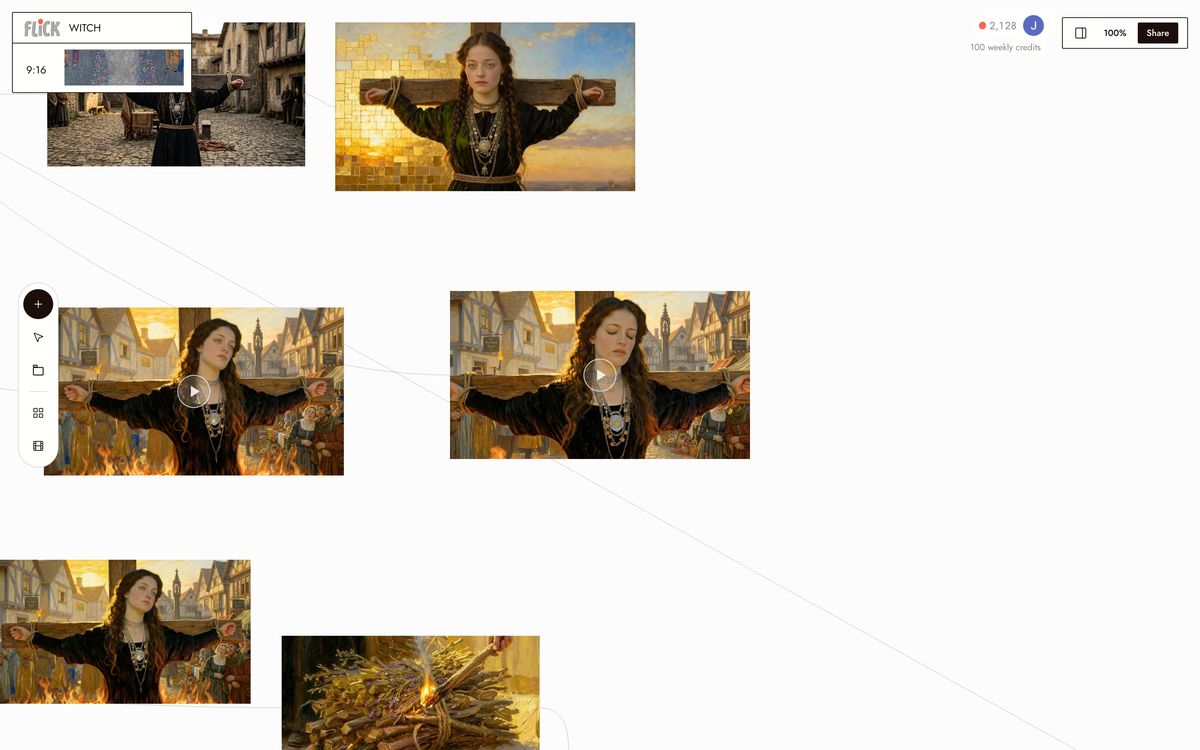
Canvas by Olivia Qiu


WHY CHOOSE FLICK

START FREE, THEN A PLAN THAT FITS
Runway gates most features behind a monthly subscription. Flick has a free tier, then a plan sized to your work, with credits deducted per generation. Run a shot with Kling 3.0 for motion or Veo 3.1 for cinematic quality, and spend credits only on what you generate.
NATIVE AUDIO AND DIALOGUE
Veo 3.1 generates clips with synchronized audio and spoken dialogue baked in. No separate step, no post-production alignment. Runway's audio tooling varies by version and workflow; Veo 3.1 in Flick ships it on the first render.
CONSISTENT, CLEAN EXPORT
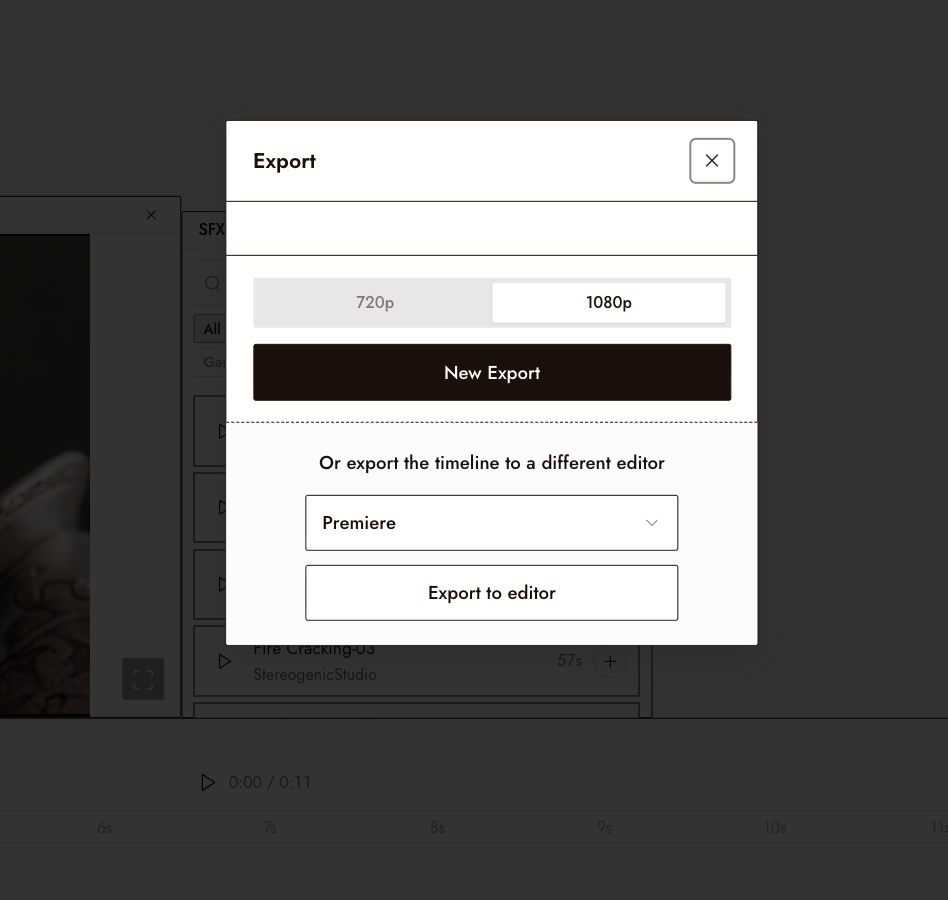
Every model on the Flick canvas outputs at a consistent resolution and aspect ratio. Switch models mid-project and a Kling shot and a Veo 3.1 shot cut together without reformatting. Mismatched resolutions are a per-platform problem; on Flick's canvas they are not.
THE BEST RUNWAY ALTERNATIVES, COMPARED
RUNWAY ALTERNATIVES FAQS
WHAT IS FLICK?
WHAT IS RUNWAY BETTER FOR?
HOW DOES FLICK'S PRICING DIFFER FROM RUNWAY'S?
DOES RUNWAY HAVE CHARACTER CONSISTENCY ACROSS SHOTS?
CAN I USE KLING OR VEO INSIDE FLICK INSTEAD OF RUNWAY?
IS FLICK JUST A WRAPPER AROUND OTHER MODELS?
CREATE YOUR FIRST AI FILM WITH FLICK