All comparisons

Kling vs Veo 3

Route each shot to the right model. Kling for motion physics, Veo 3.1 for cinematic quality and native audio. Character Reference locks your cast across both. One canvas, no switching tools.

GET STARTED

See it in action

We handle AI. You direct stories.

Cinematic short films

Route each scene to the model that serves it best. Kling for motion, Seedance for dialogue, Veo for cinematic quality. Character Reference holds your cast consistent from the opening wide to the final close-up, shot after shot on one canvas.

Sci-fi and fantasy worlds

Render alien landscapes, deep-space interiors, and sprawling fantasy cities across as many clips as the scene demands. Pin your environment references on the canvas. Every new clip matches the world you built in the last one, lighting, scale, and atmosphere included.

Action and fight scenes

Stage fight choreography and high-speed action with physically grounded motion: fabric, hair, impact, crowd dynamics. Pick the model that handles your specific motion challenge. Chain the clips on the canvas into a single scene without re-uploading or switching platforms.

Stylized and animated pieces

Most animation tools lock you to one visual style. Generate anime, claymation, graphic-novel panels, or painterly sequences by picking the model whose output matches your look. Stitch the clips into a finished animated piece at a consistent style and resolution, all on one canvas.

How to switch

1

Drop your character reference

Open a canvas in Flick and add one image to Character Reference. That image locks the character's identity across every model on the canvas, Kling 3.0, Veo 3.1, Seedance 3.0, and Nano Banana Pro. No retraining, no re-uploading per model.
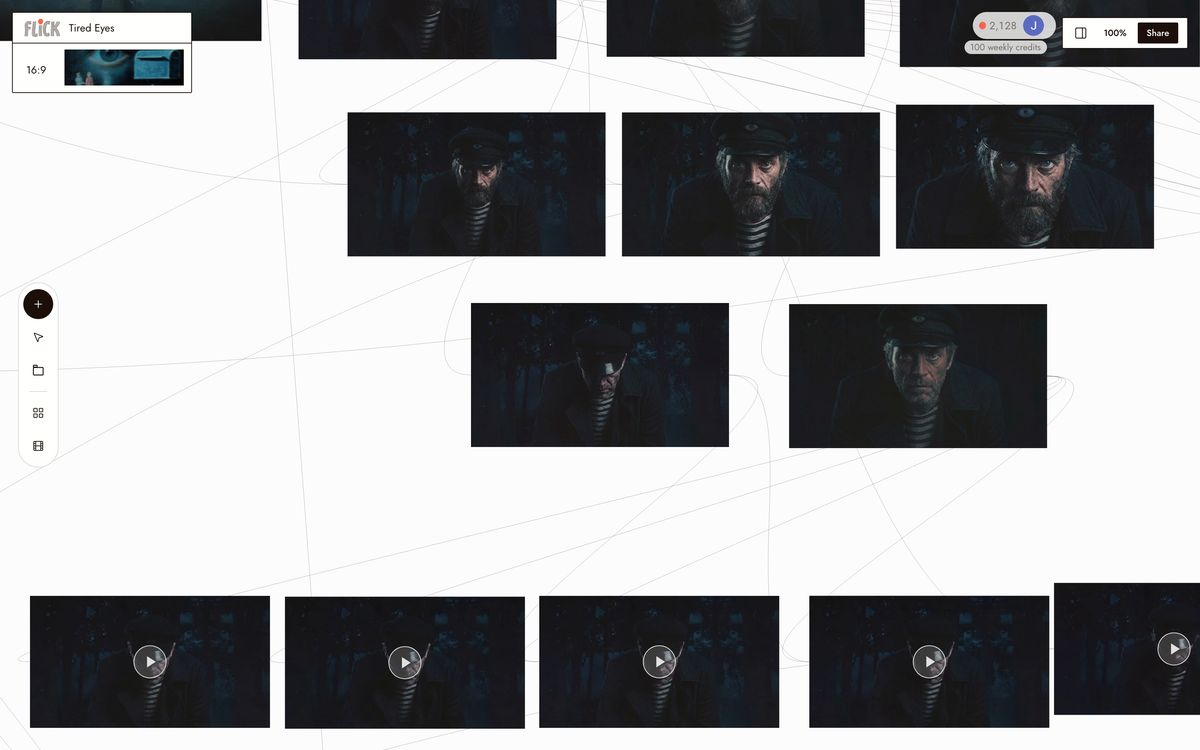
Drop your character reference
2

Assign a model per shot

Select each shot node and assign the model that wins it. Route motion-heavy shots to Kling 3.0 for physics and movement. Route cinematic or dialogue-driven shots to Veo 3.1 for native audio and cinematic quality. Each node holds its own model setting. Changing one shot does not touch the others.
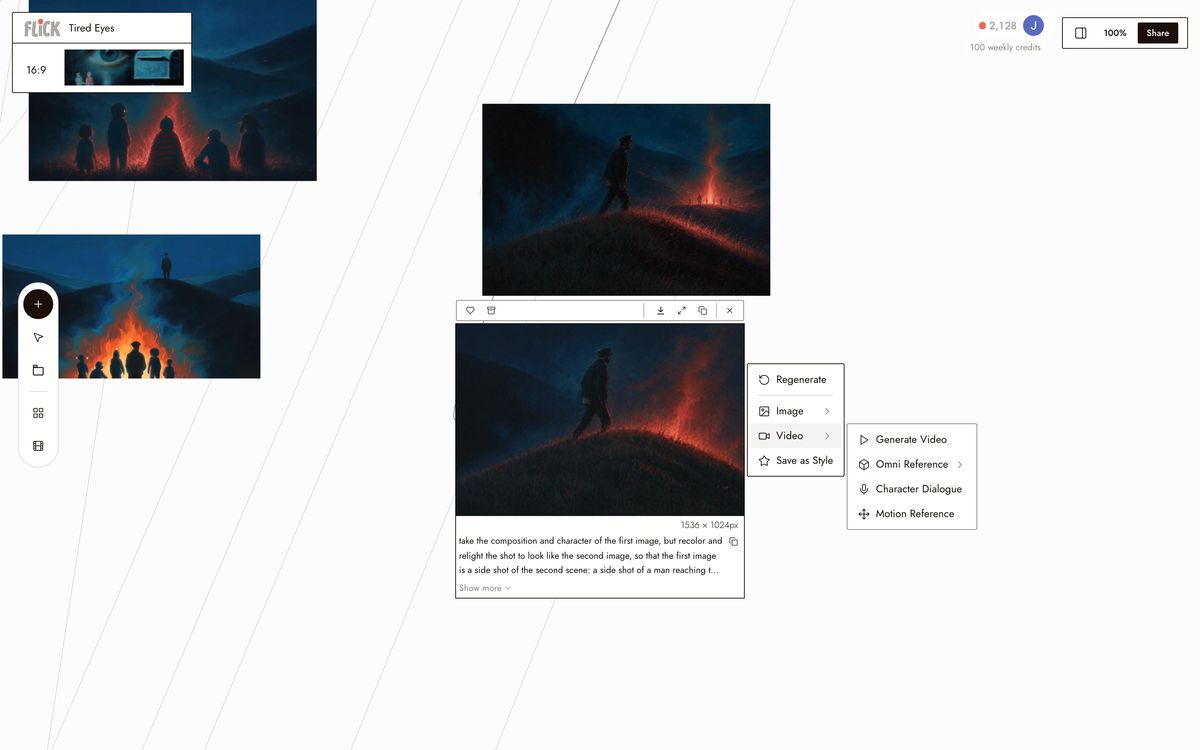
Assign a model per shot
3

Generate, trim, and export

Hit generate on each node. Trim clips directly on the canvas, then chain them into a sequence. Every model in Flick outputs at a consistent resolution and aspect ratio, so Kling and Veo 3.1 clips cut together without reformatting. Export the full sequence when the scene is locked.
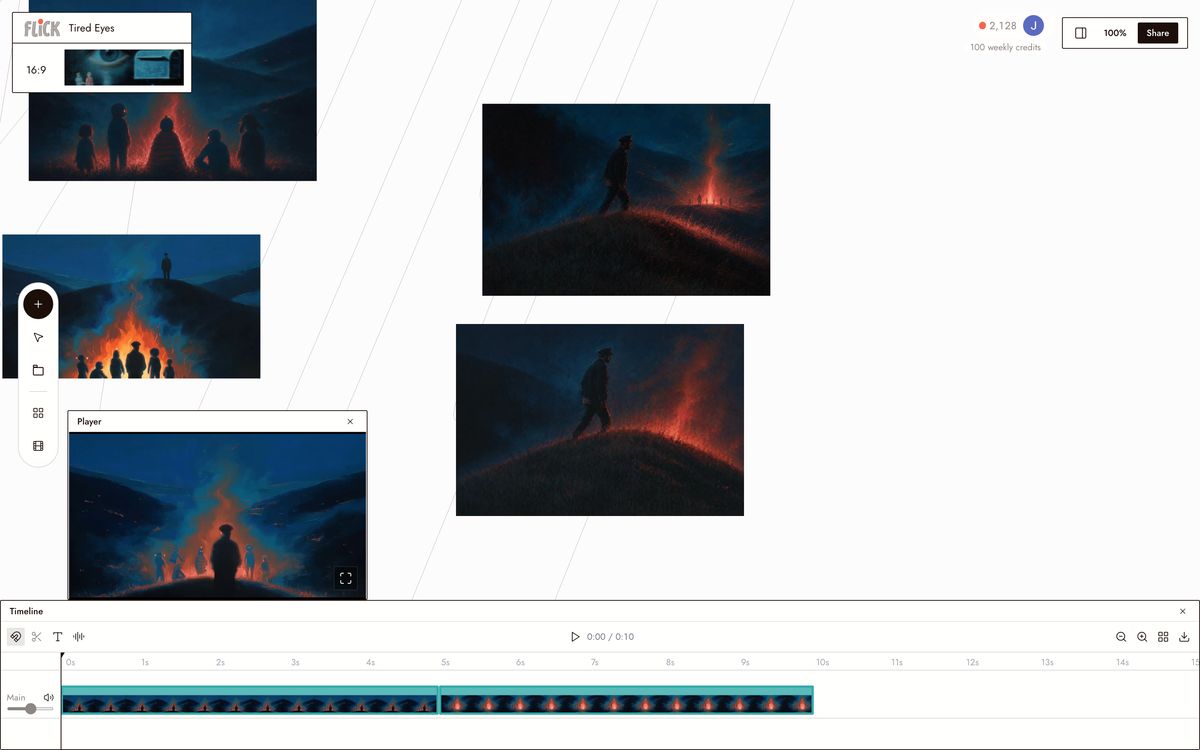
Generate, trim, and export

Why Choose Flick

Free tier, then simple credits

Free tier, then simple credits

Veo 3.1 and Kling gate models behind subscriptions or credit bundles. Flick has a free tier and runs on credits deducted per generation, a plan sized to your work, no plan tier blocking a model.

Lock one character across every model

Lock one character across every model

Character Reference sets a character's identity once and carries it across the entire workspace. Use Kling 3.0 for motion-heavy shots and Veo 3.1 for cinematic quality. Same face, same project, no re-prompting per model.
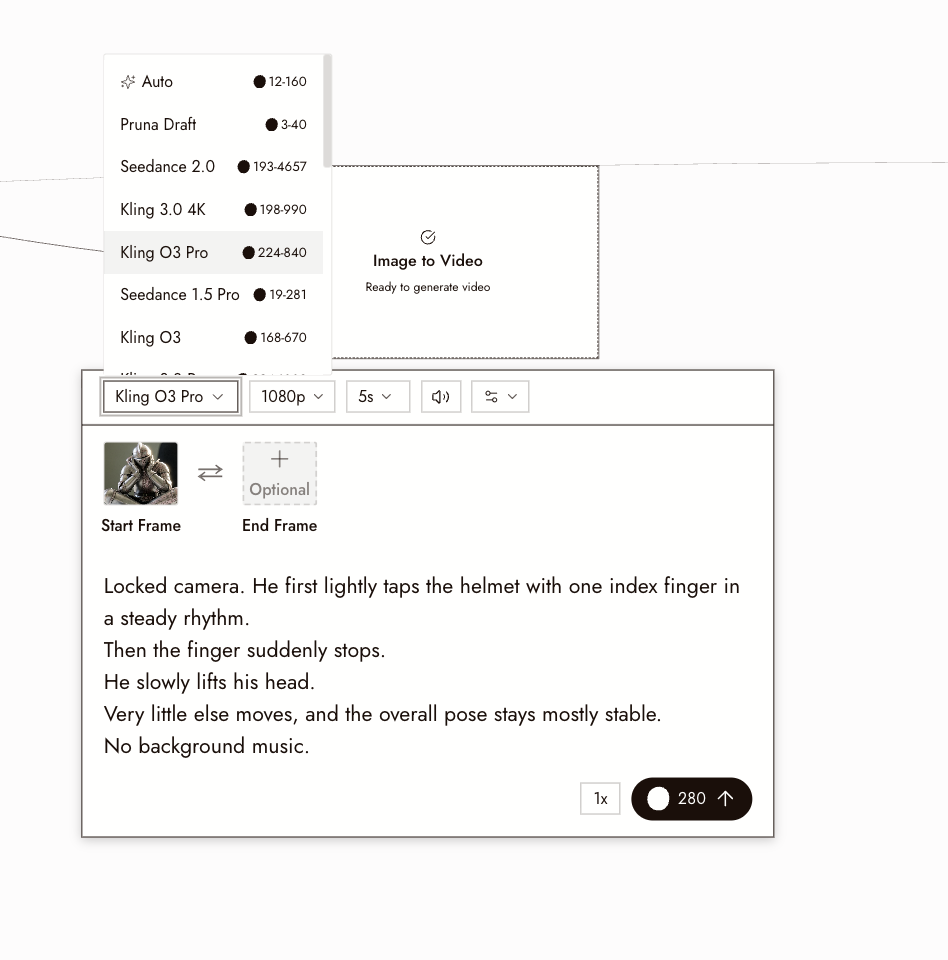
Route each shot to the right model

Route each shot to the right model

Picking Kling or Veo 3 means giving up what the other does best. Flick runs Kling 3.0, Veo 3.1, Seedance 3.0, Nano Banana Pro, and Wan on a single node canvas. Send each shot to the model that wins it.

The Best Kling vs Veo 3, Compared

FeatureFlickVeo 3.1
Models availableKling 3.0, Veo 3.1, Seedance 3.0, Nano Banana ProVeo 3.1 only
Native audio and dialogueRun Veo 3.1 on the canvas to get synced dialogue and soundYes, synced dialogue and sound
Motion physicsPick Kling 3.0 or Veo 3.1 per shot based on the motionStrong cinematic physics
Character consistencyCross-model Character Reference locks one character across every modelWithin Veo sessions only
Free tierYesNo standalone free tier
Pricing modelCredit-based, free tier from $4/moSubscription or API credit-based
Multi-model routingRoute each shot to the strongest model for that taskNot applicable, single model

Explore more comparisons

Kling vs Veo 3 FAQs

What is Flick?
Flick is an AI filmmaking studio: a node canvas where you generate original cinematic footage with consistent characters across multiple models in one workspace. Run Kling 3.0 for motion-heavy shots and Veo 3.1 for cinematic quality and native audio, same project, same character, no switching apps.
What is Veo 3 better for?
Reach for Veo 3.1 when a scene needs native synced dialogue and cinematic audio baked into the output. Google's model produces audio at the generation stage, no post-production audio pass required. Dialogue-driven shots and scenes where ambient sound must match the visuals belong on Veo 3.1 nodes.
What is Kling better for?
Kling 3.0 leads on motion physics. Fabric movement, liquid dynamics, and object collision render with physical weight that Veo 3.1 does not consistently match. Route action sequences, slow-motion impact shots, and anything where physical realism in motion is the priority to Kling.
Do I have to choose between Kling and Veo 3?
Not inside Flick. Both models run on the same canvas. Assign Kling 3.0 to motion-heavy nodes and Veo 3.1 to dialogue or cinematic close-up nodes. Character Reference locks the same character identity across both models, so cuts between them hold together.
How does pricing work for running both models?
Flick has a free tier and runs on credits, with a free tier and plans from $4/month. Kling and Veo 3.1 each bill by credits or subscription tiers on their own platforms, so you commit to one model's plan. Flick's per-second model means you pay only for the shots you actually render, across whichever models you use in a given project.
Which model handles character consistency across shots?
Neither Kling nor Veo 3.1 maintains character identity across the other's outputs by default. Flick's Character Reference solves this at the canvas level, locking one character across Kling, Veo 3.1, Seedance, and Nano Banana Pro in the same project.

Create your first AI film with Flick

GET STARTED