How to Keep a Character Consistent in Stable Diffusion
STABLE DIFFUSION
Stable Diffusion has the deepest toolkit for character consistency. Train an SDXL LoRA for a fully repeatable identity, or use IPAdapter FaceID and InstantID for a fast, training-free face from a single reference.
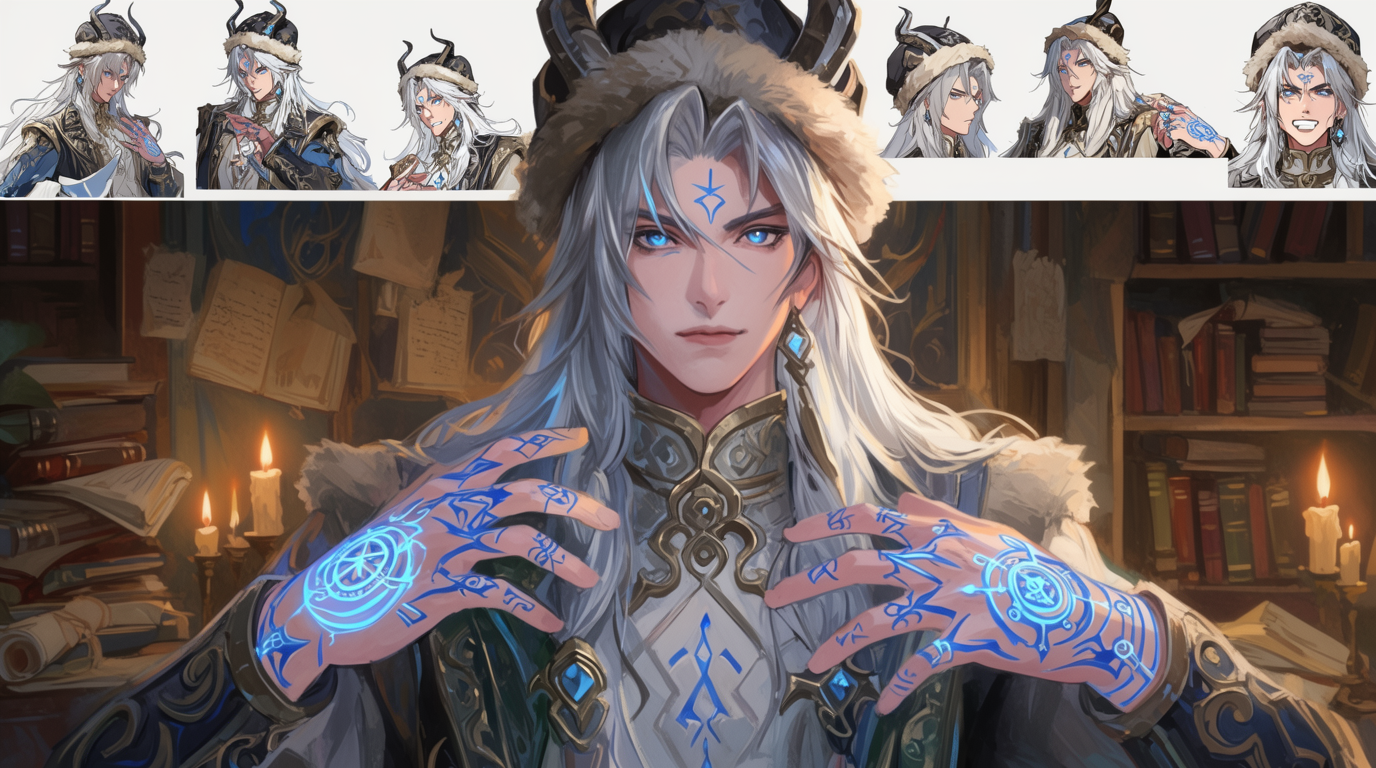
HOW IT WORKS
STEP 1
CHOOSE YOUR PATH
For a fully repeatable identity, plan a LoRA. For a fast face from one image, use IPAdapter FaceID or InstantID on SDXL.
STEP 2
TRAIN A LORA OR LOAD AN ADAPTER
Train an SDXL LoRA on 20 to 50 images with a unique trigger token, or wire an IPAdapter FaceID node and feed it your reference face.
STEP 3
LOCK POSE WITH CONTROLNET
Add a ControlNet OpenPose node so the pose and composition stay fixed while you change the scene around the character.
STEP 4
GENERATE AND REFINE
Call the trigger token or reuse the reference in each prompt. A face-restore or detailer pass tightens the likeness shot to shot.
STEP 5
BRING IT TO LIFE IN FLICK
Stable Diffusion makes stills only. Drop your locked character into Flick and animate it with Veo 3, Kling, or Seedance.
HOW STABLE DIFFUSION HOLDS A CHARACTER
LORA AND DREAMBOOTH
LoRA or DreamBooth model on images of your character and a unique trigger token for a fully repeatable identity across any prompt.IPADAPTER FACEID AND INSTANTID
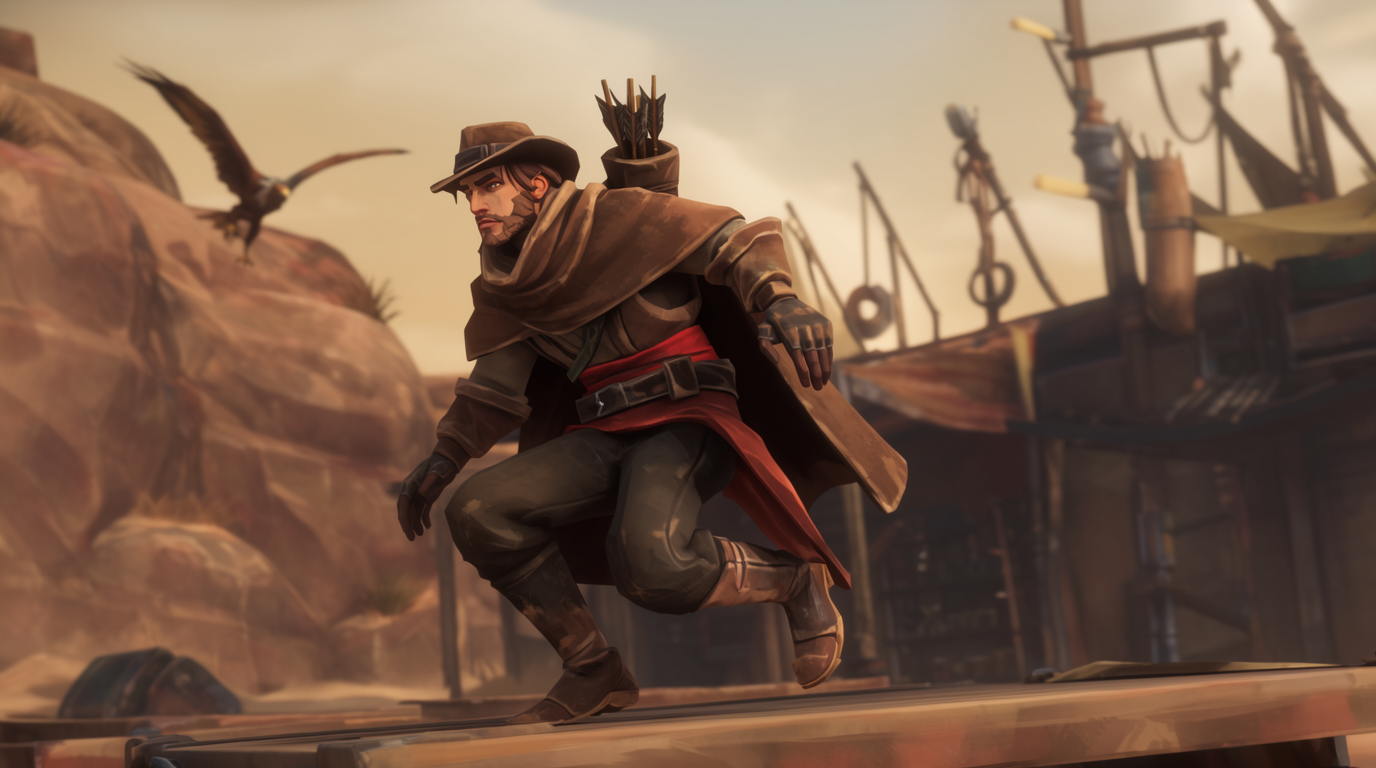
IPAdapter FaceID or InstantID, then place it in new scenes.CONTROLNET FOR POSE



STABLE DIFFUSION FOR CHARACTER CONSISTENCY: PROS AND CONS
Strengths
- The most mature, best-documented ecosystem with a huge model library
- Free and local; LoRAs are tiny, shareable, and reusable across prompts
- Two valid paths: fast no-train adapters or deep LoRA fidelity
- Runs on more modest GPUs than Flux, especially SD 1.5 and SDXL
Limitations
- LoRA and DreamBooth need dataset prep and hours of GPU training
- Adapter-only methods still drift on hard angles and styles
- Setup complexity: InsightFace, ControlNet models, and training configs
- Image only, so a character must be animated in a separate video model
STABLE DIFFUSION CHARACTER CONSISTENCY FAQS
WHAT IS THE BEST WAY TO KEEP A CHARACTER CONSISTENT IN STABLE DIFFUSION?
For a fully repeatable identity that survives any prompt, train an SDXL LoRA or DreamBooth model. For a fast face from a single image, use IPAdapter FaceID or InstantID.
HOW MANY IMAGES DO I NEED TO TRAIN A CHARACTER LORA?
An SDXL character LoRA works well with about 30 to 50 images, with 12 to 20 as a workable minimum, captioned with a unique trigger token.
CAN I KEEP A CHARACTER CONSISTENT WITHOUT TRAINING?
Yes. IPAdapter FaceID Plus and InstantID give a training-free face from one reference image, though they can drift on hard angles and big style changes.
IS A FACE SWAP LIKE REACTOR ENOUGH?
Not on its own. Face swapping pastes a face onto an existing body and scene; it does not control build, hair, or wardrobe. Real consistency comes from a LoRA or identity adapter.
CAN STABLE DIFFUSION MAKE VIDEO?
Not natively for this workflow. Lock the character as a still, then animate it in a hosted video model like Veo 3 or Kling, both available in Flick.
IS THERE A SIMPLER PATH?
Yes. Flick's Character Reference locks a character from one upload with no training or GPU, then carries it across stills and video.
CONSISTENT CHARACTERS IN OTHER TOOLS
RELATED FLICK TOOLS
SKIP THE TRAINING RUN. LOCK YOUR CHARACTER ONCE.