How to Keep a Character Consistent in ComfyUI
COMFYUI
ComfyUI holds a character by stacking nodes: an IPAdapter FaceID adapter for identity, ControlNet for pose, and a FaceDetailer pass to sharpen the face. No training needed, but it takes a careful graph and a capable GPU.
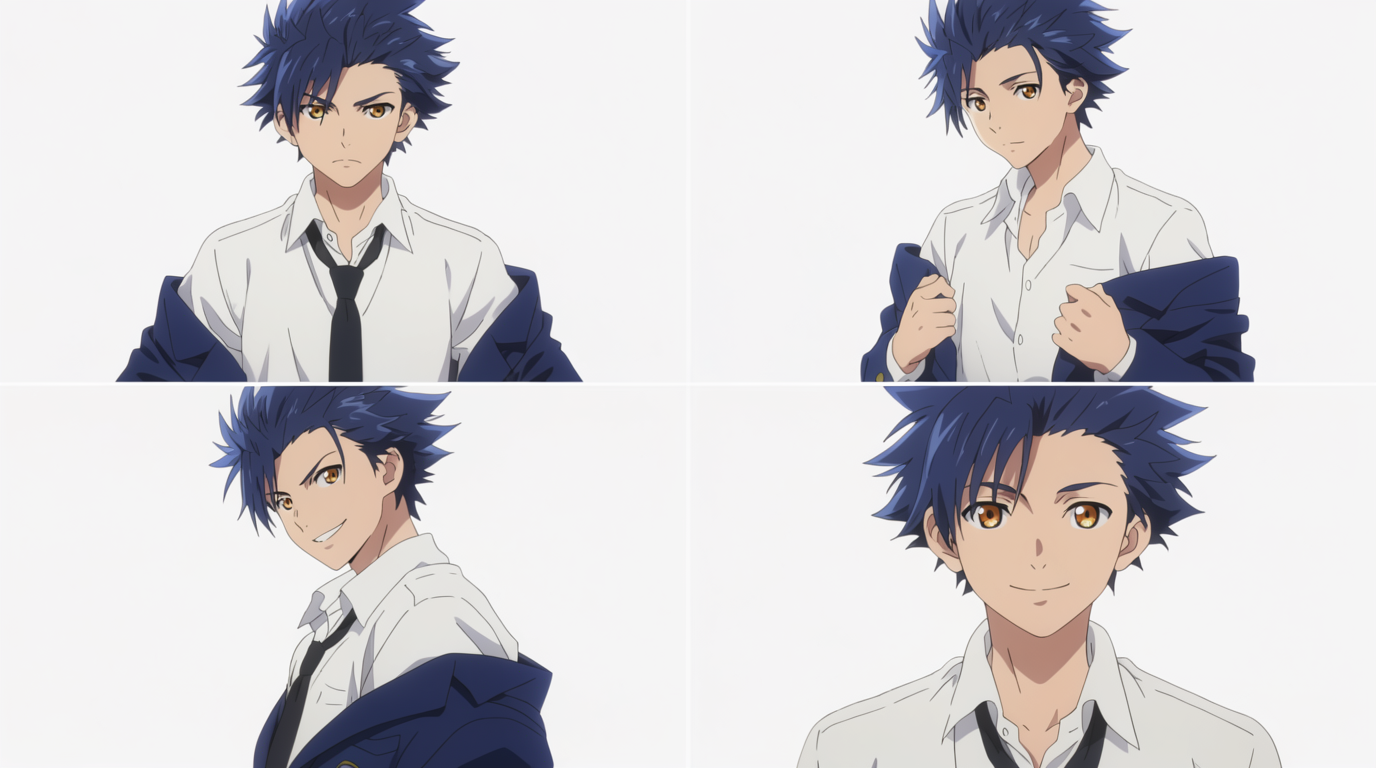
HOW IT WORKS
STEP 1
LOAD AN SDXL CHECKPOINT
Start from a photoreal SDXL checkpoint like RealVisXL or Juggernaut; they hold anatomy and identity far better than SD 1.5 for character work. Run DPM++ 2M Karras at 25 to 30 steps and keep the base at 1024, since IPAdapter and InstantID were trained at SDXL scale and drift at smaller sizes.
STEP 2
ADD AN IPADAPTER FACEID NODE
Wire in an IPAdapter FaceID Plus v2 node, load the CLIP-Vision and FaceID LoRA it expects, and feed it one clean reference face. Hold the weight around 0.7 to 0.8: lower and the prompt takes over and the face drifts, higher and identity locks but the expression stiffens. Stack InstantID beside it when the face has to hold at hard angles.
STEP 3
LOCK POSE WITH CONTROLNET
Feed a pose skeleton into a ControlNet OpenPose node so the body and framing stay fixed while only the setting changes. Add a Depth or Canny ControlNet at low weight (0.3 to 0.5) to also hold composition, but keep total ControlNet strength under about 1.0 so it does not fight the IPAdapter.
STEP 4
REFINE WITH FACEDETAILER
Route the output through a FaceDetailer node (Impact Pack) to crop, re-diffuse, and re-anchor the face at full resolution, fixing the melting eyes and mouth SDXL gives you at distance. Keep the same reference and a fixed seed across generations, and hold FaceDetailer denoise around 0.4 so it sharpens without inventing a new face.
STEP 5
BRING IT TO LIFE IN FLICK
ComfyUI stops at stills, and the graph, the custom nodes, and the GPU are yours to maintain. Drop your locked character into Flick and animate it with Veo 3, Kling, or Seedance, and Character Reference carries the same face into video with no adapter stack to wire.
HOW COMFYUI HOLDS A CHARACTER
IPADAPTER FACEID PLUS
IPAdapter FaceID Plus v2 node and it biases every generation toward that identity using face embeddings, no training required.INSTANTID AND CONTROLNET
FACEDETAILER PASS
FaceDetailer node to refine and re-anchor the likeness after the main generation, tightening consistency shot to shot.
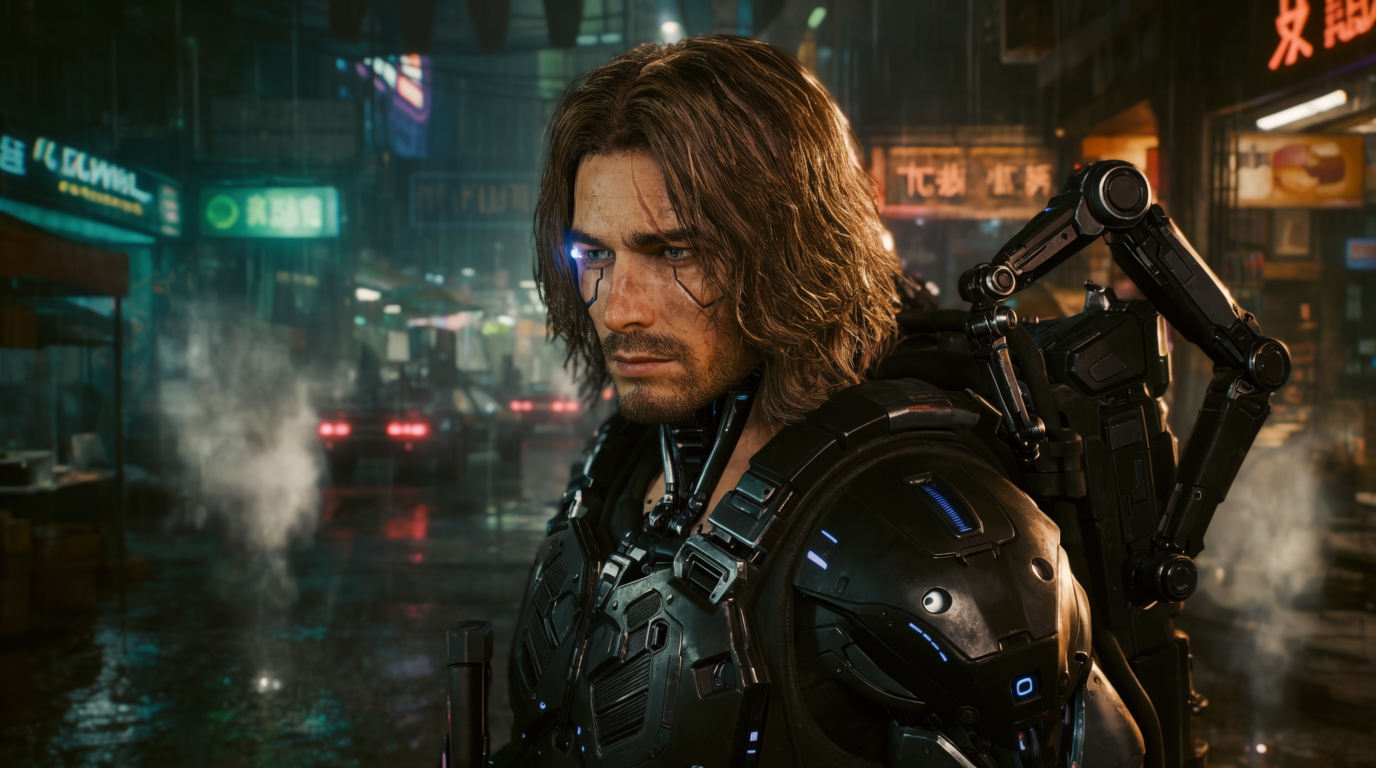
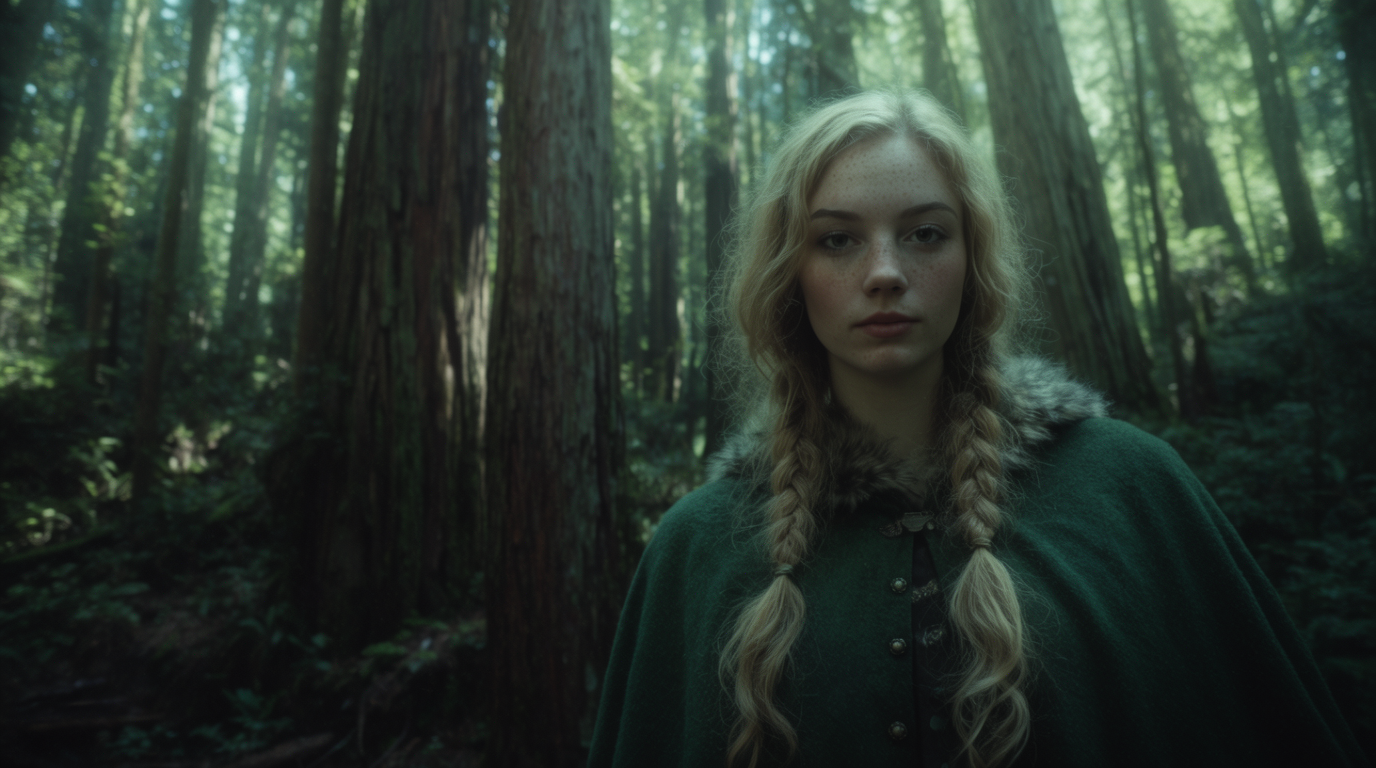

COMFYUI FOR CHARACTER CONSISTENCY: PROS AND CONS
Strengths
- Free and fully local, no per-image cost
- Maximum control: identity, pose, style, and face-fix as separate nodes
- No training needed on the IPAdapter or InstantID path
- Huge community library of ready-made workflows
Limitations
- Steep node-graph learning curve and frequent broken custom nodes
- Dependency setup is fiddly: InsightFace, ONNX, and model downloads
- Needs a capable NVIDIA GPU for SDXL and Flux graphs
- Image only, and adapters still drift on hard angles and expressions
COMFYUI CHARACTER CONSISTENCY FAQS
WHAT IS THE BEST COMFYUI WORKFLOW FOR CONSISTENT CHARACTERS?
The common 2025 path is an SDXL checkpoint with IPAdapter FaceID Plus for identity, ControlNet for pose, and a FaceDetailer pass to sharpen the face.
DO I NEED TO TRAIN A LORA IN COMFYUI?
Not necessarily. IPAdapter FaceID and InstantID give training-free identity from a reference image. Train a LoRA only when you need the deepest, most repeatable fidelity.
WHAT IPADAPTER WEIGHT SHOULD I USE?
Around 0.7 to 0.8. A weight of 1.0 tends to look burned in and stiff, while 0.5 loses the likeness.
WHY DOES MY CHARACTER STILL DRIFT?
Adapters bias toward the reference but do not guarantee identity. Hard angles, extreme expressions, and big style changes still cause drift; reuse the reference, seed, and a FaceDetailer pass to reduce it.
CAN COMFYUI MAKE VIDEO?
Not natively for this workflow. Lock the character as a still, then animate it in a hosted video model like Veo 3 or Kling, both available in Flick.
IS THERE A SIMPLER WAY TO KEEP A CHARACTER CONSISTENT?
Yes. Flick's Character Reference locks a character from one upload with no node graph or GPU setup, then carries it across stills and video.
CONSISTENT CHARACTERS IN OTHER TOOLS
RELATED FLICK TOOLS
SKIP THE NODE GRAPH. LOCK YOUR CHARACTER ONCE.