AI Manga Generator
WHY GENERATE WITH FLICK?
Prompt a panel, lock your characters with Character Reference, then push them into motion with Kling or Seedance.
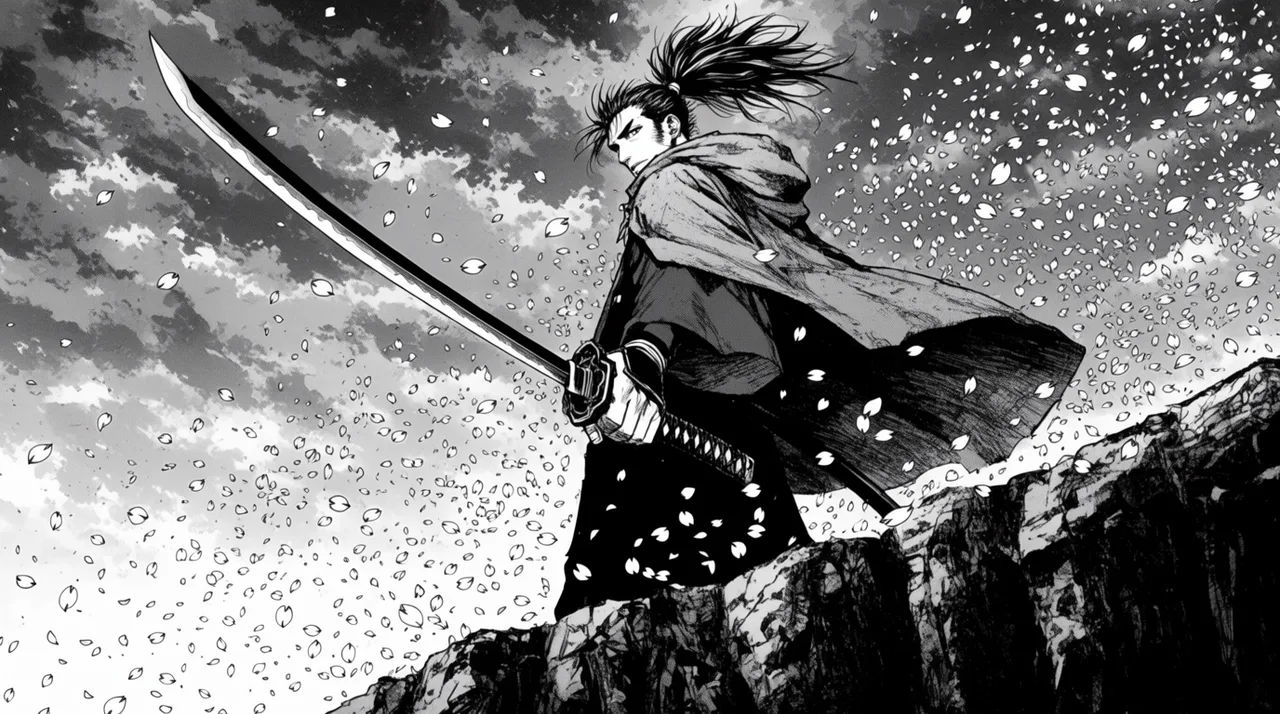
AI MANGA GENERATOR EXAMPLES
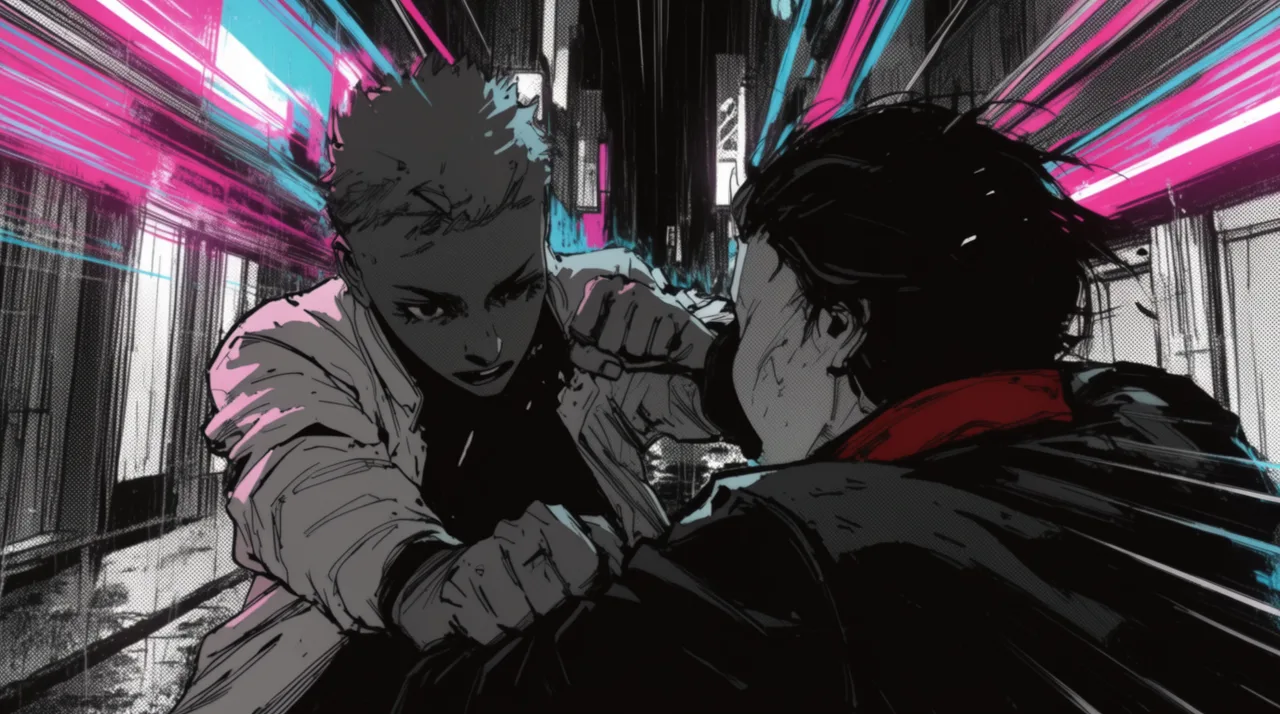
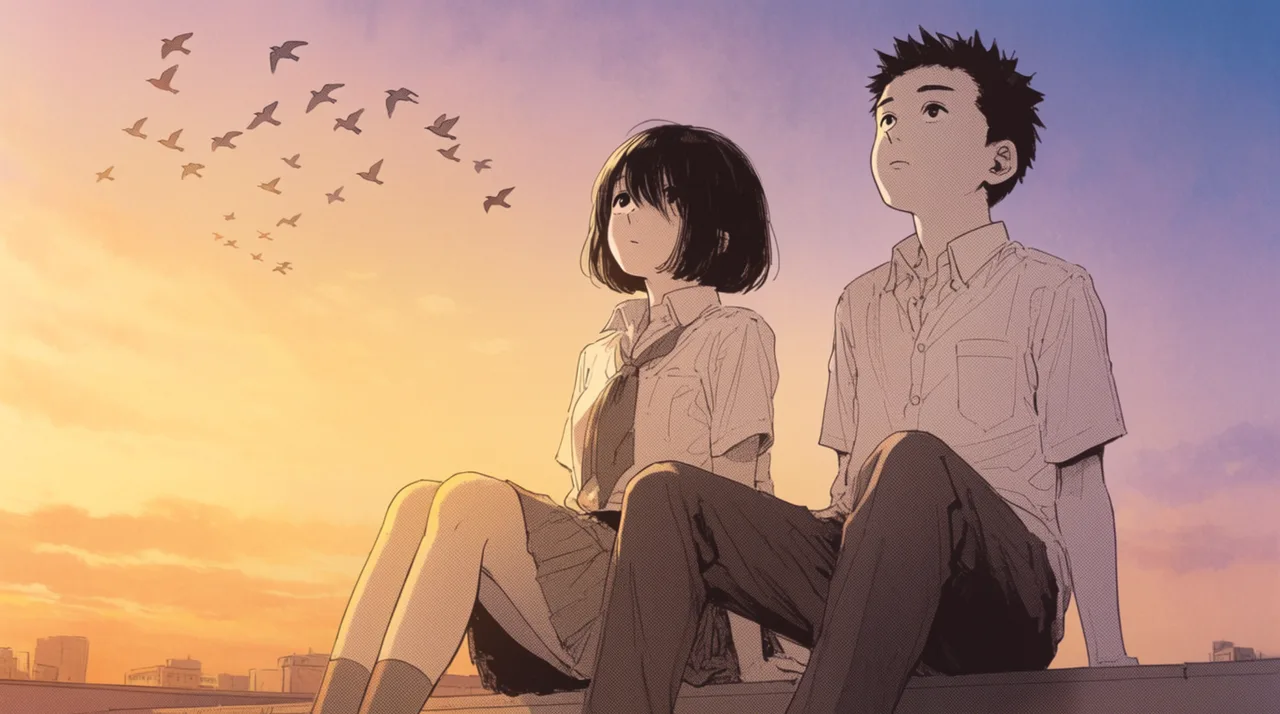
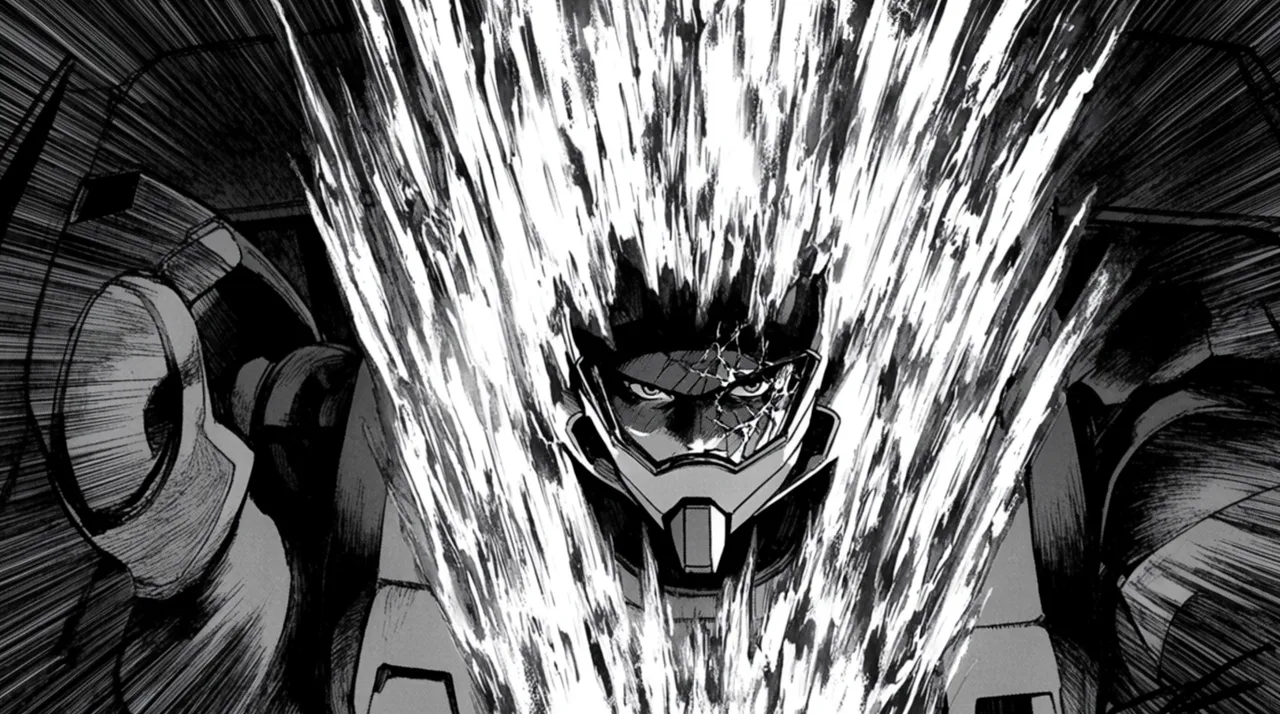
HOW IT WORKS
STEP 1
GENERATE THE PANEL
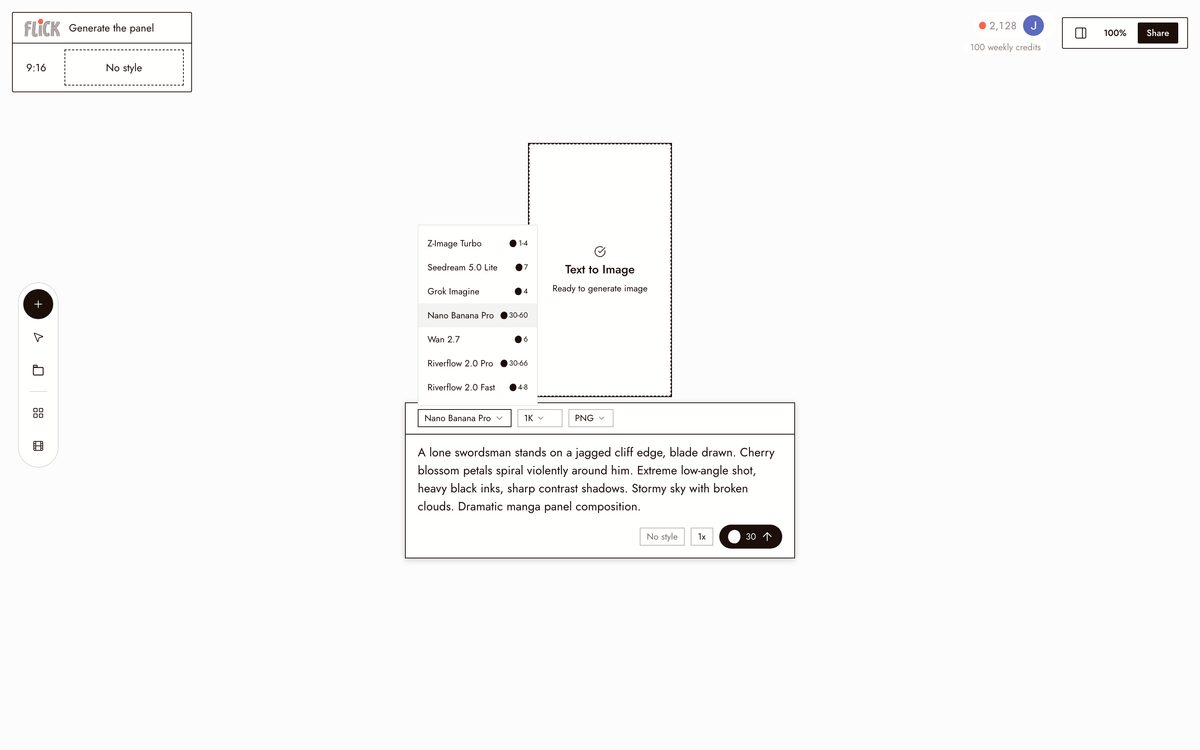
Name the setting, the mood, and the manga style in one prompt: a lone swordsman against a storm of petals on a cliff. It lands on the canvas as a finished panel in the style you chose.
Made in Flick STEP 2
LOCK THE CHARACTER
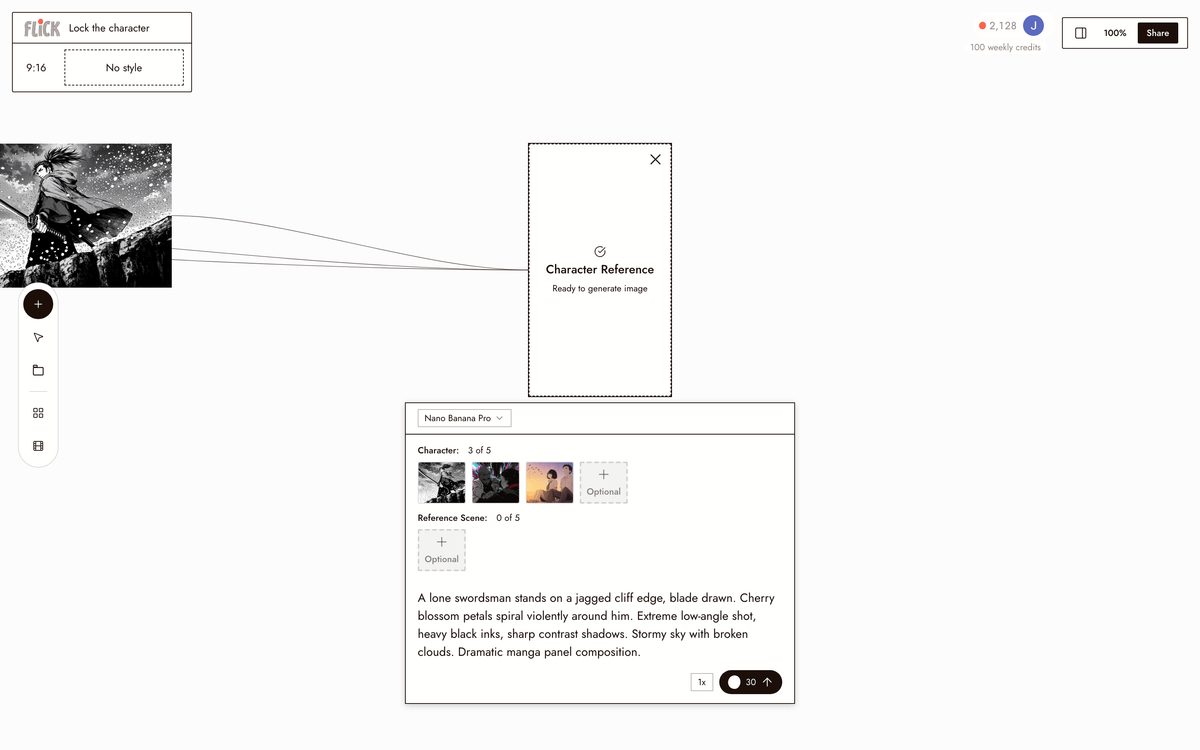
Upload a reference and click Character Reference, and Flick carries that face and design into every panel. Refine any panel with an edit prompt without breaking the character you set.
Made in Flick STEP 3
BRING THE PANELS TO LIFE
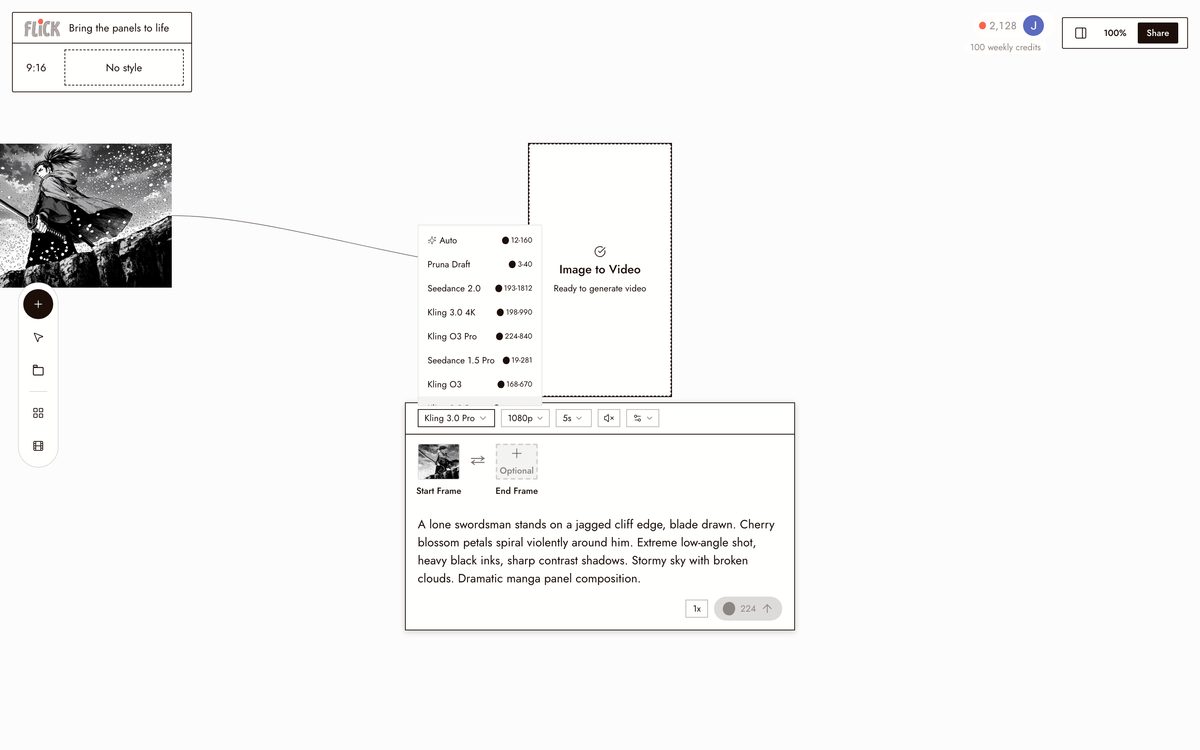
Send a panel to Kling for dynamic motion or Seedance for a fast take, and the static frame becomes an anime-style clip. Trim the clips on the timeline into a moving sequence, same character throughout.
Made in Flick


AI MANGA GENERATOR FAQS
WHAT IS AN AI MANGA GENERATOR?
An AI manga generator takes a text prompt or photo and outputs manga-style panels: high-contrast linework, speed lines, screentone shading, dramatic framing. Flick generates those panels on a canvas, locks characters with Character Reference, and animates them into video using Kling or Seedance. One workspace, start to finish.
CAN I KEEP THE SAME CHARACTER ACROSS MULTIPLE PANELS?
Upload one reference image. Character Reference locks that character's face, proportions, and outfit across every panel you generate. Change the scene, angle, or lighting and the character holds. That lock carries into video when you animate the panels.
CAN I ANIMATE MY MANGA PANELS INTO VIDEO?
Select any panel on the canvas and send it into an image-to-video model. Use Kling for motion and physics, Seedance for fast high-quality generation, or Veo 3.1 for cinematic quality with native audio and dialogue. The anime-style character reference carries through into the clip.
IS FLICK FREE TO USE?
Flick has a free tier: up to 300 free credits (100 at signup plus 200 for joining our Discord) plus 100 weekly credits, no credit card required. Every image model, including Nano Banana and GPT Image, is on every plan, free included, and so are MiniMax H3 Fast, MiniMax H3 Max and Pruna Draft video. Kling, Veo 3.1, Seedance and the full video model list come with the Standard plan. Paid plans start at $5/month for more credits.
IS THE OUTPUT REALLY MINE TO USE?
Images and video you generate in Flick are yours to use commercially. Review the full terms at flick.video/terms for specifics on rights and permitted uses.
HOW IS THIS DIFFERENT FROM A STANDALONE MANGA OR IMAGE GENERATOR?
A standalone manga generator outputs a static panel and stops there. Flick generates the panel, locks your character with Character Reference so every subsequent panel matches, then animates the result into video on the same canvas. You go from still to animated scene without switching tools or re-describing your character.




TRY THE AI MANGA GENERATOR FREE