AI Comic Generator
WHY GENERATE WITH FLICK?
Prompt once, generate panels with locked character identity, then animate each panel into video on the same canvas.
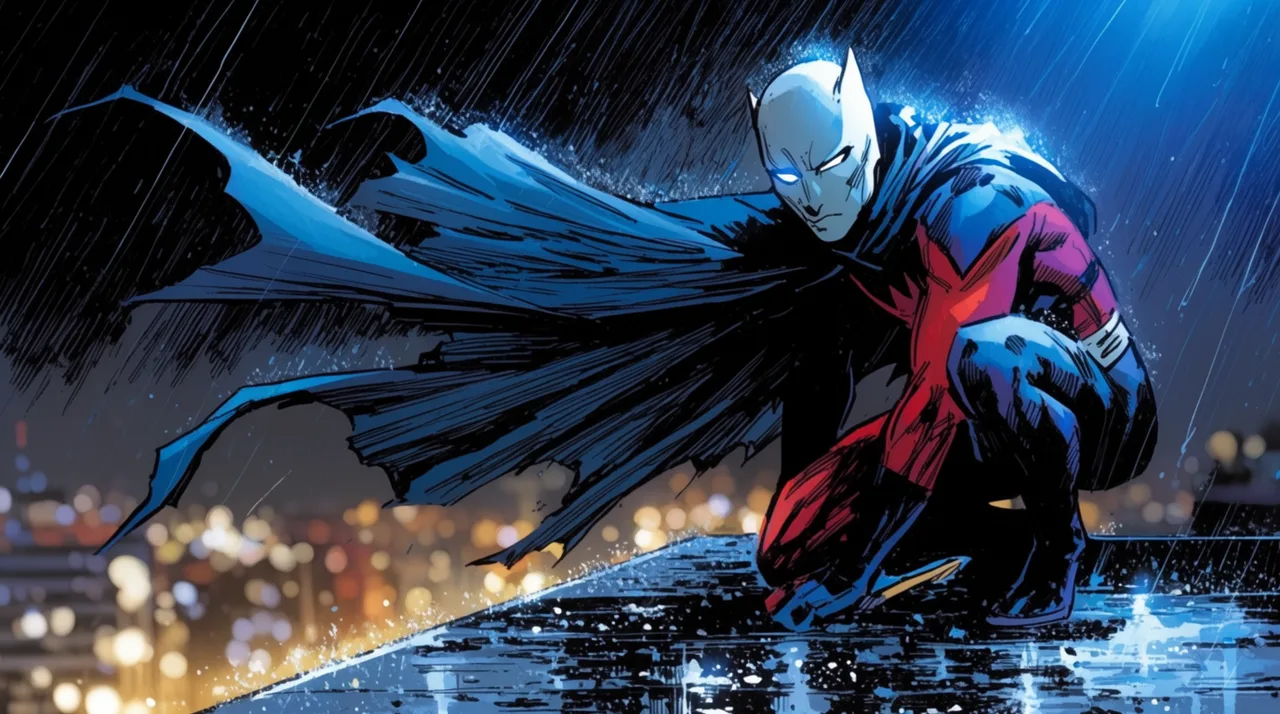
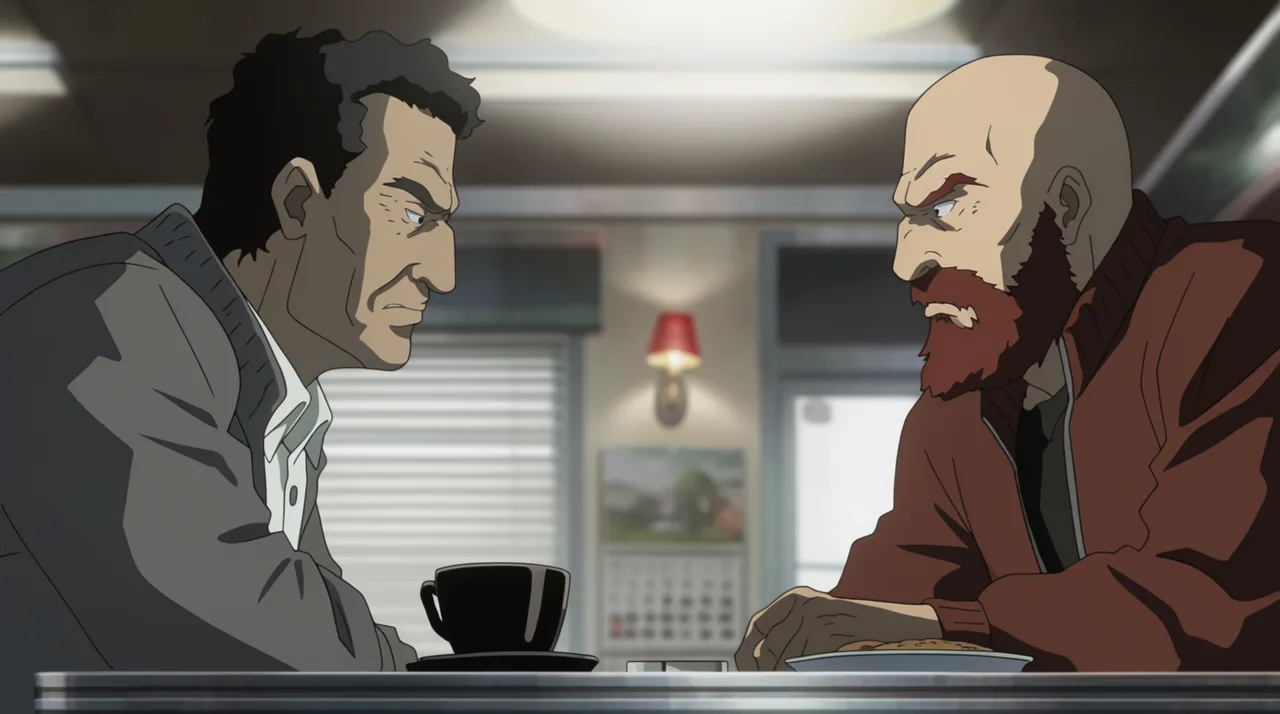
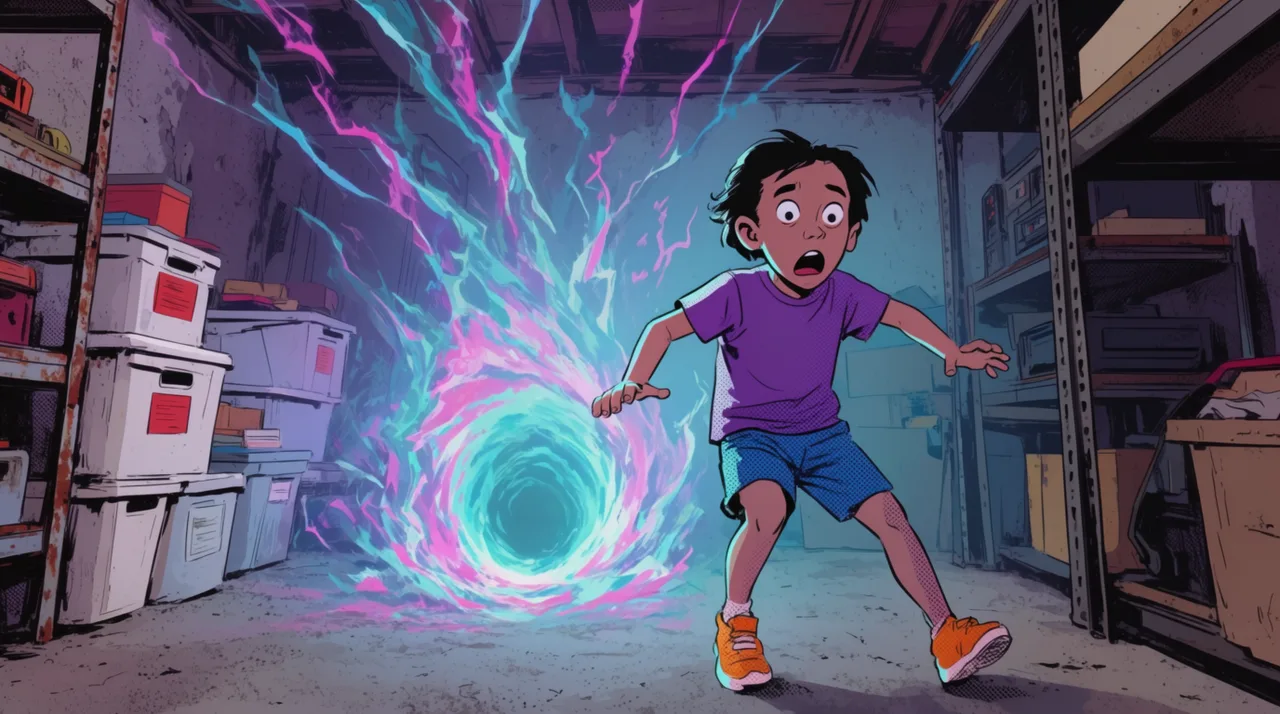
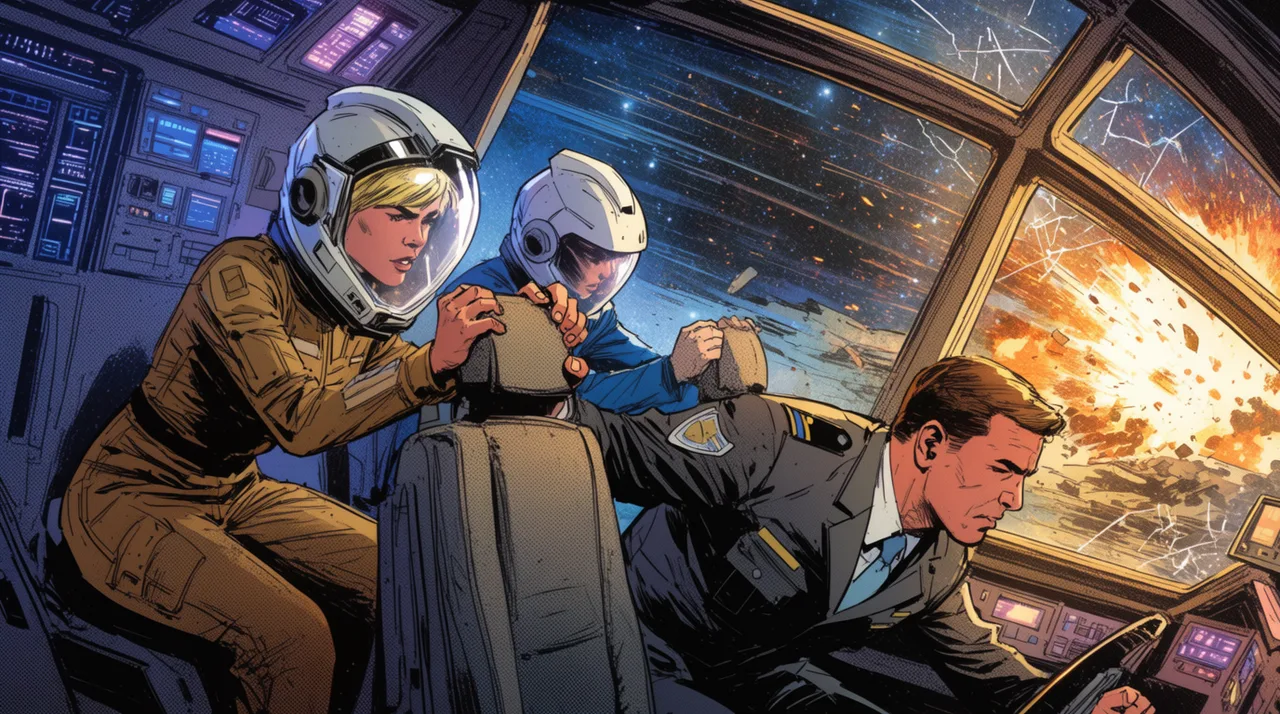
AI COMIC GENERATOR EXAMPLES
HOW IT WORKS
STEP 1
SKETCH THE STORY IN CHAT
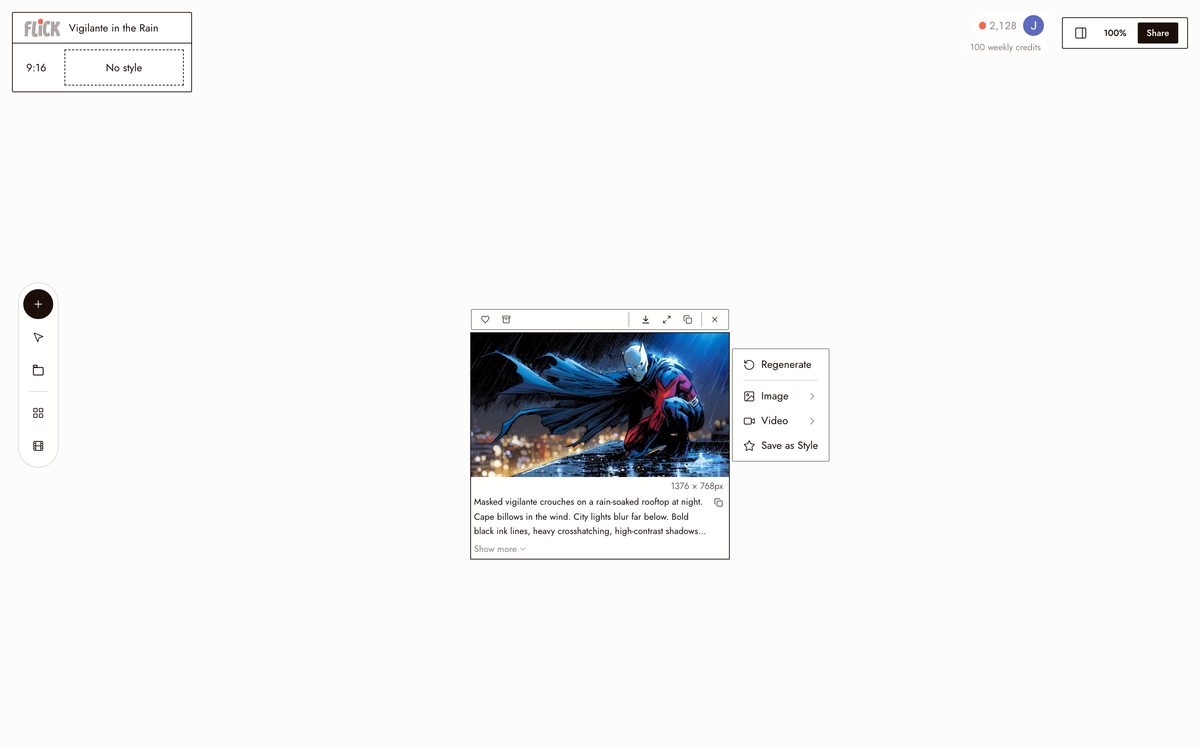
Start in chat: describe your characters and the arc you want to tell, and Flick breaks it into scenes you can draw from. Settle the look here too, inked noir, flat pop-art, painted splash, so every panel that follows shares one style.
Made in Flick STEP 2
GENERATE THE PANELS
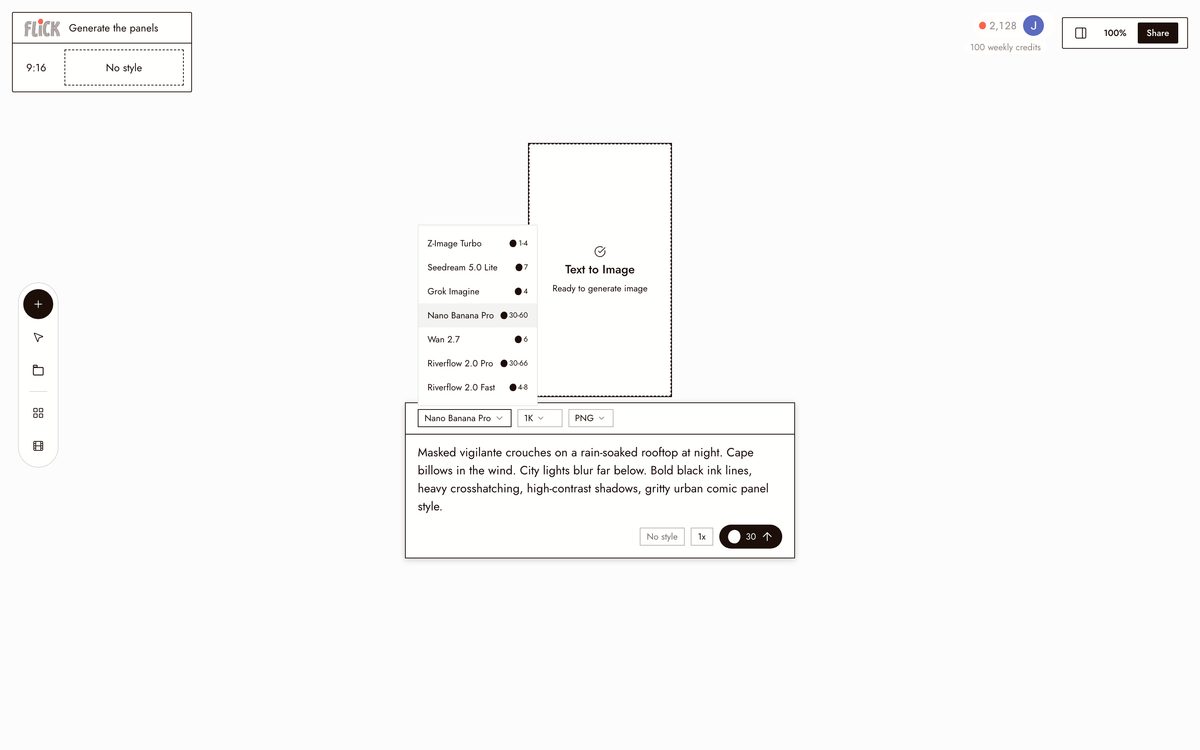
Generate each scene as its own panel with its beat of action and dialogue. Lock your lead with Character Reference so the same face and costume carry from the first panel to the last, and regenerate any single panel that misses without redoing the page.
Made in Flick STEP 3
LAY THE PANELS INTO A STRIP
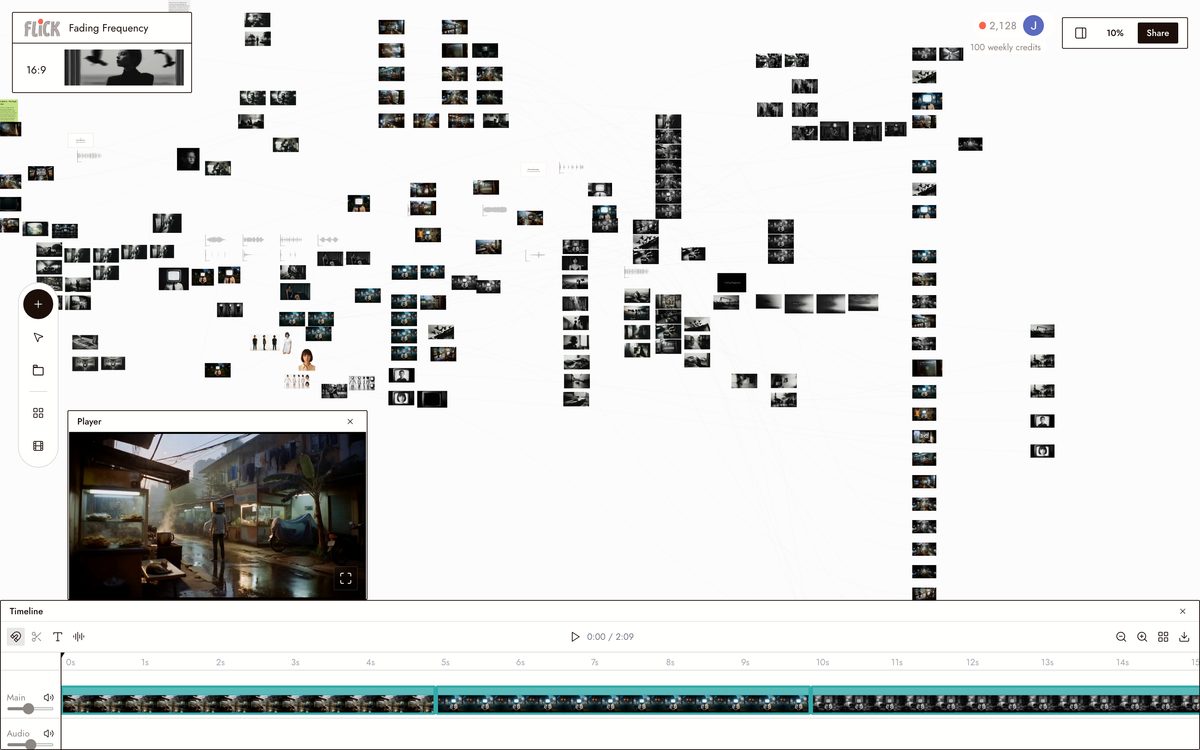
Arrange the finished panels on the canvas and use Edit Image to set the gutters, captions, and speech. The page comes together as one comic strip in the same place you generated it.
Made in Flick STEP 4
ANIMATE IT INTO VIDEO
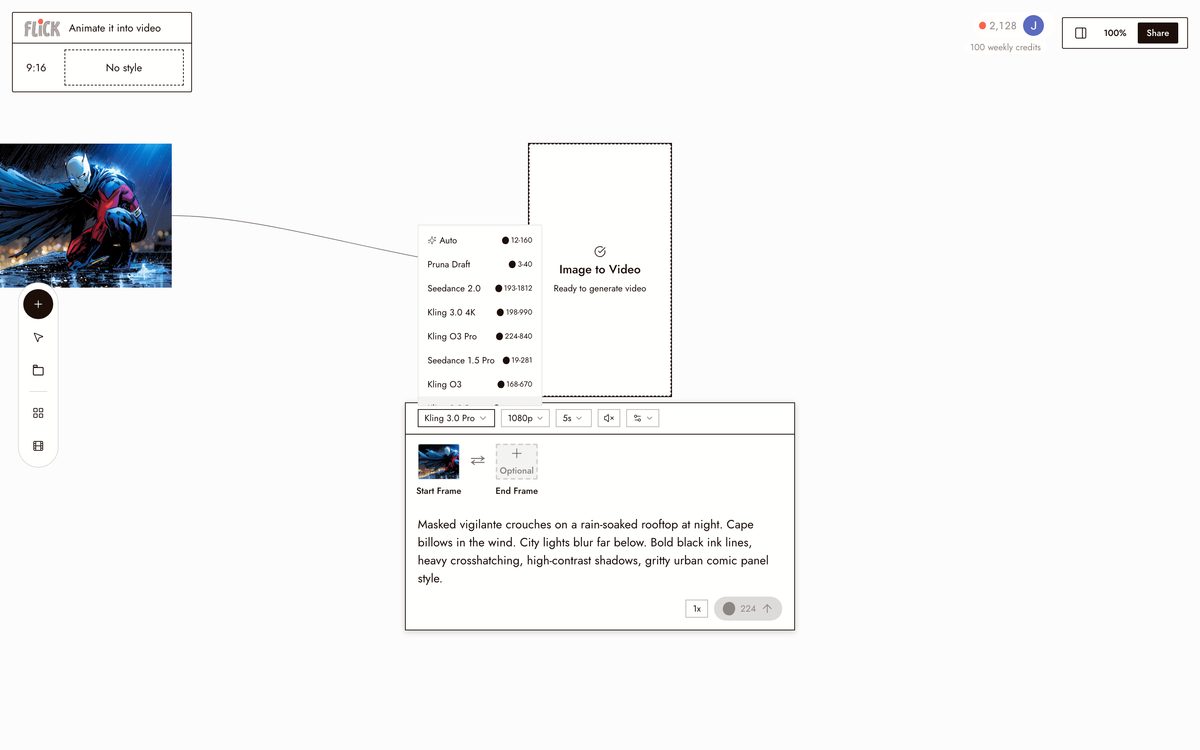
Send a panel, or the whole strip, to Kling and let it move. The ink read of your page carries into a rendered shot, so the comic you laid out becomes a short animated sequence you can trim on the timeline.
Made in Flick


AI COMIC GENERATOR FAQS
WHAT IS AN AI COMIC GENERATOR?
An AI comic generator takes a story prompt and renders it as sequential illustrated panels. Describe the scene, character, and style, and the model produces each panel. Flick uses Nano Banana Pro for comic-style stills, then lets you animate any panel into video on the same canvas.
HOW DO I KEEP THE SAME CHARACTER ACROSS EVERY PANEL?
Use Character Reference. Upload or generate one image of your character, lock it, and every panel pulls from that reference. Face, costume, and proportions stay consistent from a rain-soaked rooftop shot to a bright pop-art basement scene.
CAN I ANIMATE MY COMIC PANELS INTO VIDEO?
Send any panel directly into an image-to-video model from the canvas. Use Kling for motion and physics, Seedance for fast high-quality generation, or Veo 3.1 for cinematic quality with native audio and dialogue. The character stays locked across all three.
WHAT COMIC STYLES CAN I GENERATE?
Bold ink, high-contrast noir, bright pop-art, dramatic splash page, manga, halftone, and more. Specify the style in your prompt or supply a visual reference image. Nano Banana Pro follows both written style descriptors and reference images.
IS FLICK FREE TO USE?
Flick has a free tier: up to 300 free credits (100 at signup plus 200 for joining our Discord) plus 100 weekly credits, no credit card required. Every image model, including Nano Banana and GPT Image, is on every plan, free included, and so are MiniMax H3 Fast, MiniMax H3 Max and Pruna Draft video. Kling, Veo 3.1, Seedance and the full video model list come with the Standard plan. Paid plans start at $5/month for more credits.
IS THE OUTPUT MINE TO USE?
Images and video you generate in Flick are yours. You hold the rights to the output for personal and commercial projects. Check the terms of service for full details, as upstream model licenses may apply to specific outputs.




TRY THE AI COMIC GENERATOR FREE