How to Keep a Character Consistent in Seedance
SEEDANCE
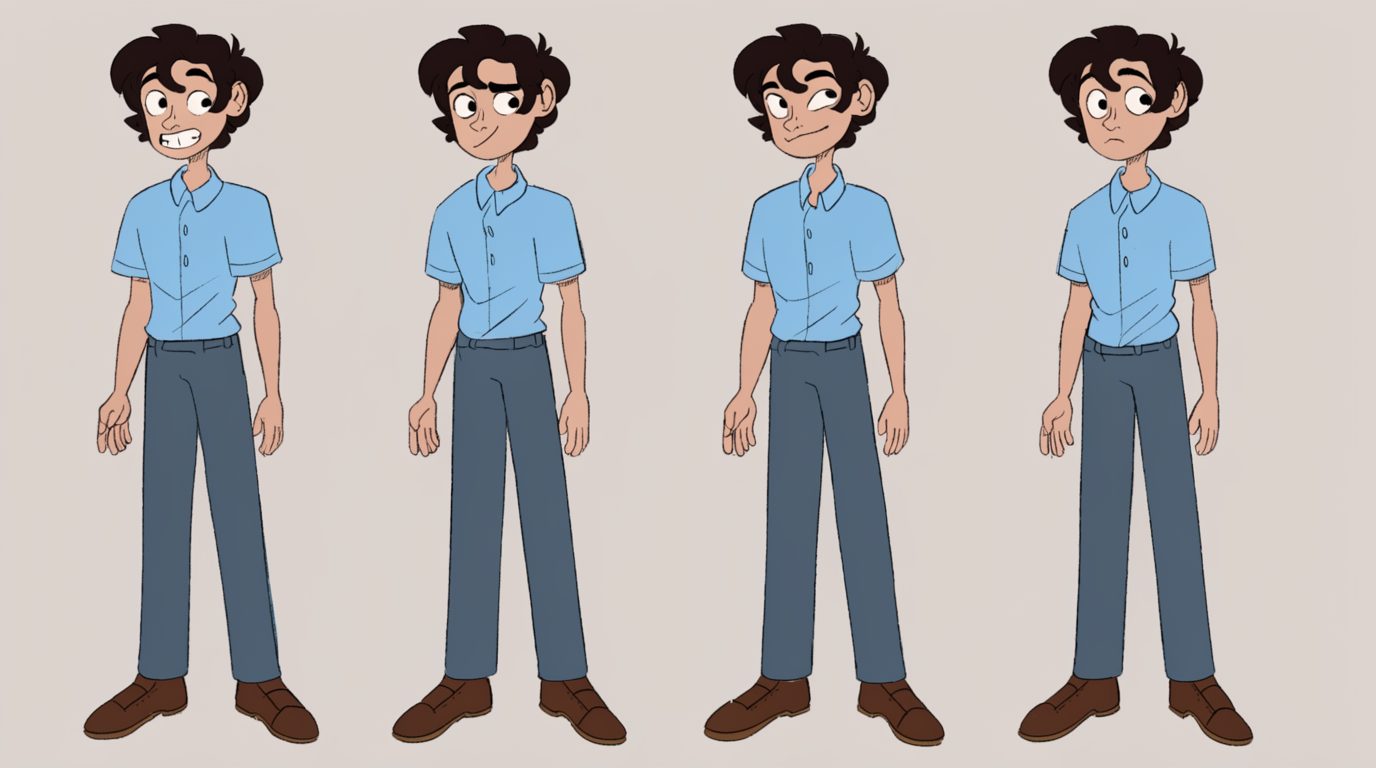
ByteDance's Seedance keeps a character consistent across a multi-shot clip in one generation. Define the character with reference images, add motion or audio references, and it holds the face, wardrobe, and even the voice across shots.
HOW IT WORKS
STEP 1
GATHER YOUR REFERENCES
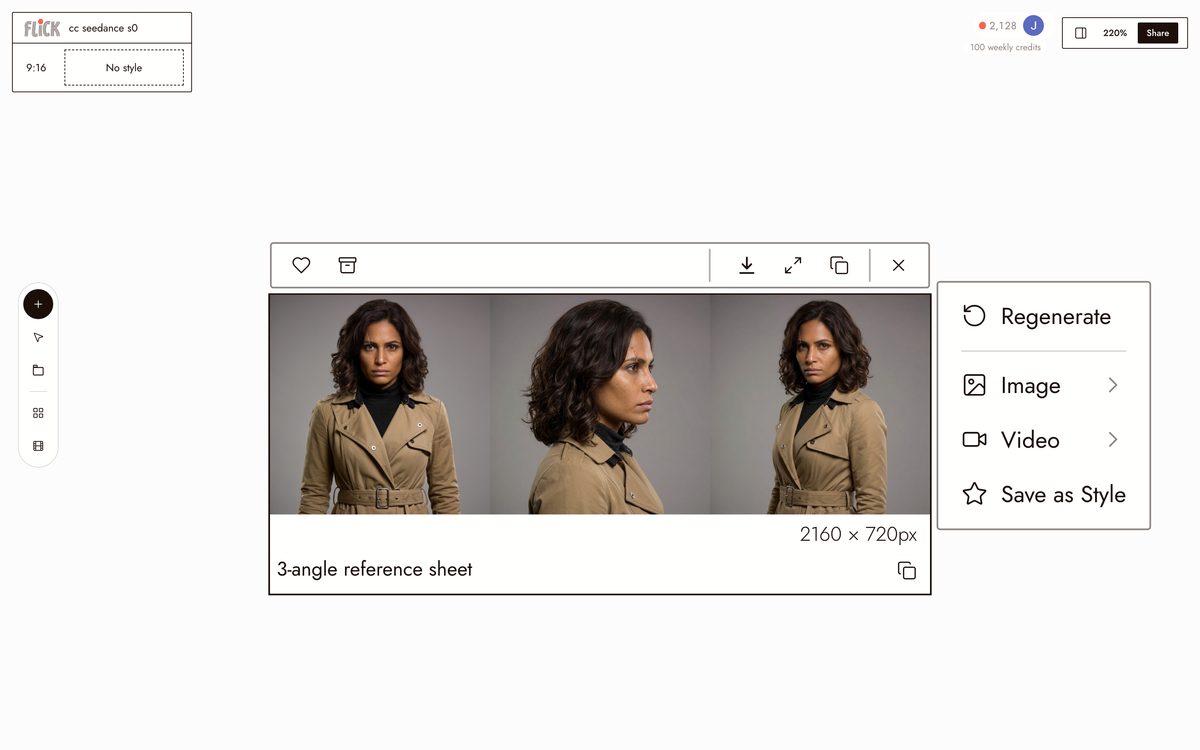
Choose clear images that define your character. Seedance 2.0 accepts up to nine images plus optional video and audio references.
Made in Flick STEP 2
OPEN SEEDANCE IN FLICK
Start a Seedance generation and attach your reference images as the character to keep consistent.
Made in Flick STEP 3
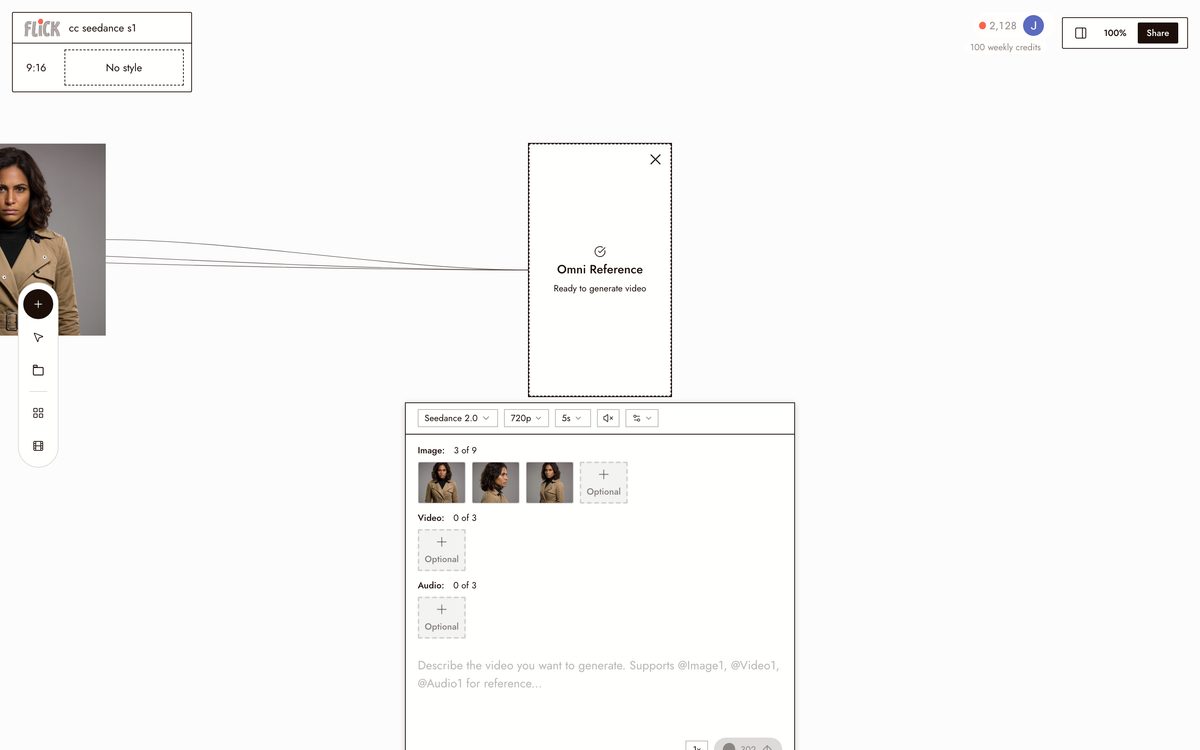
DESCRIBE THE MULTI-SHOT STORY
Write instructions for the shots and what the character does in each. Seedance plans the cuts within one generation.
Made in Flick STEP 4
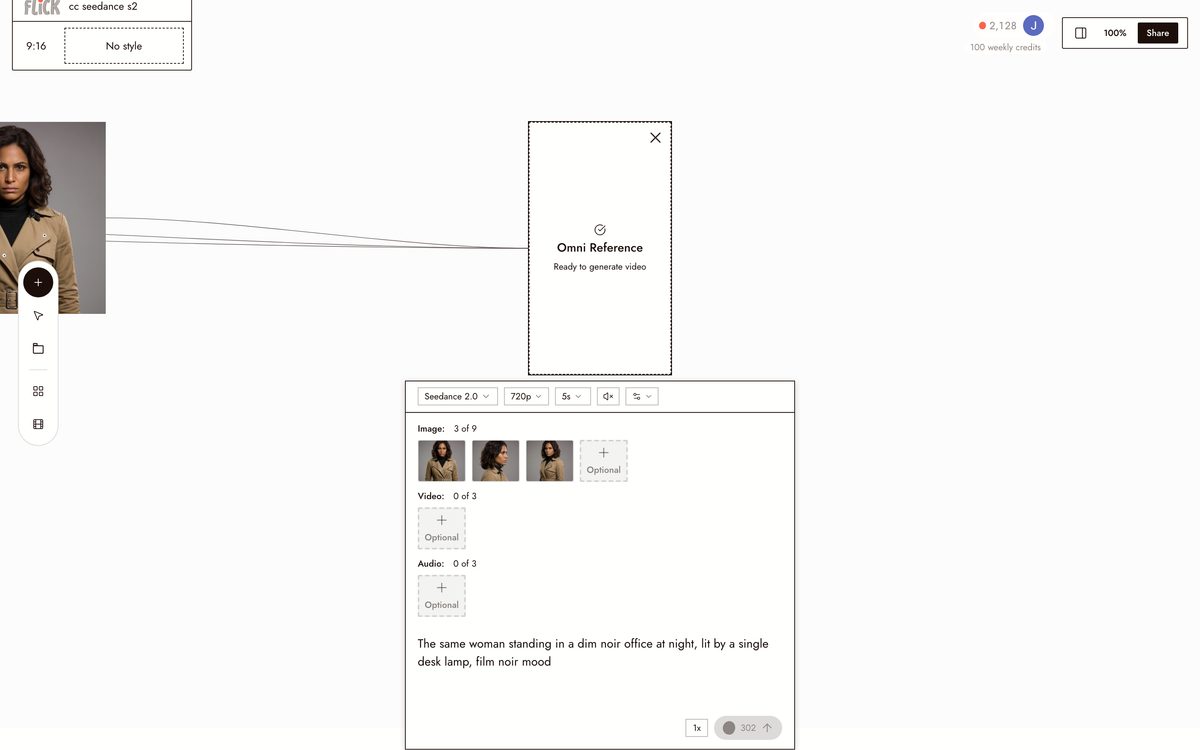
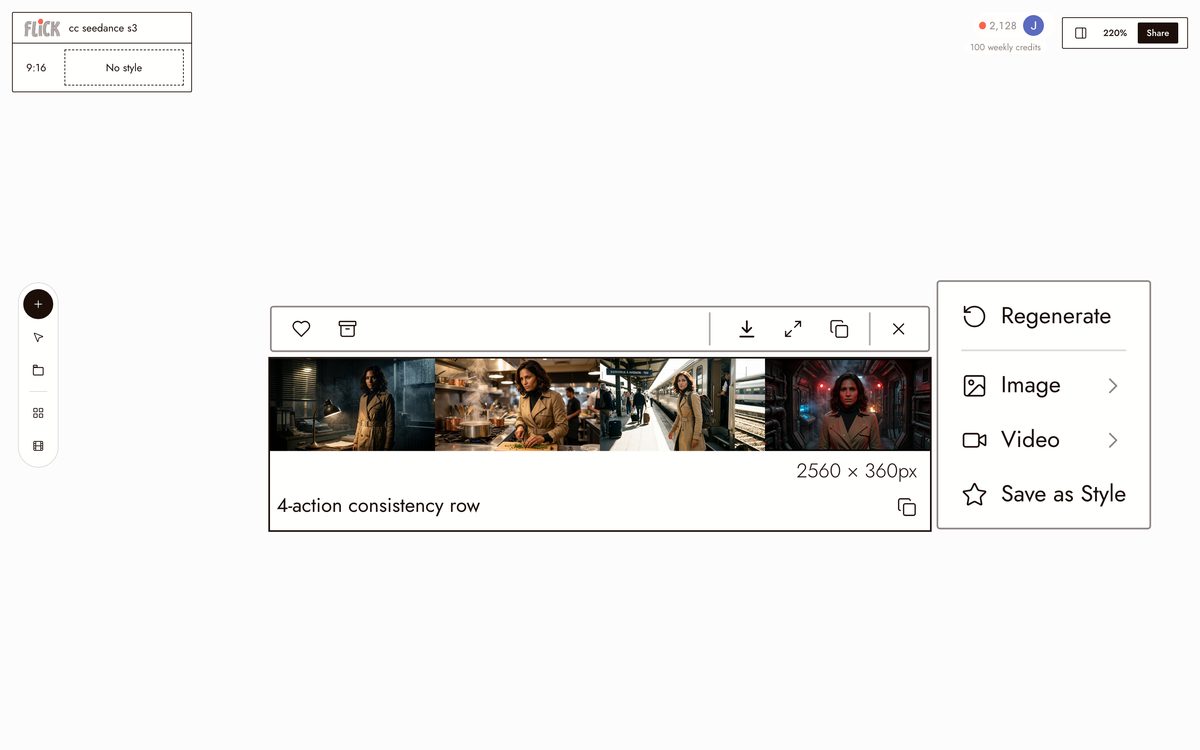
GENERATE THE SEQUENCE
Produce a multi-shot clip with native audio. The character stays consistent across the shots in that output.
Made in Flick STEP 5
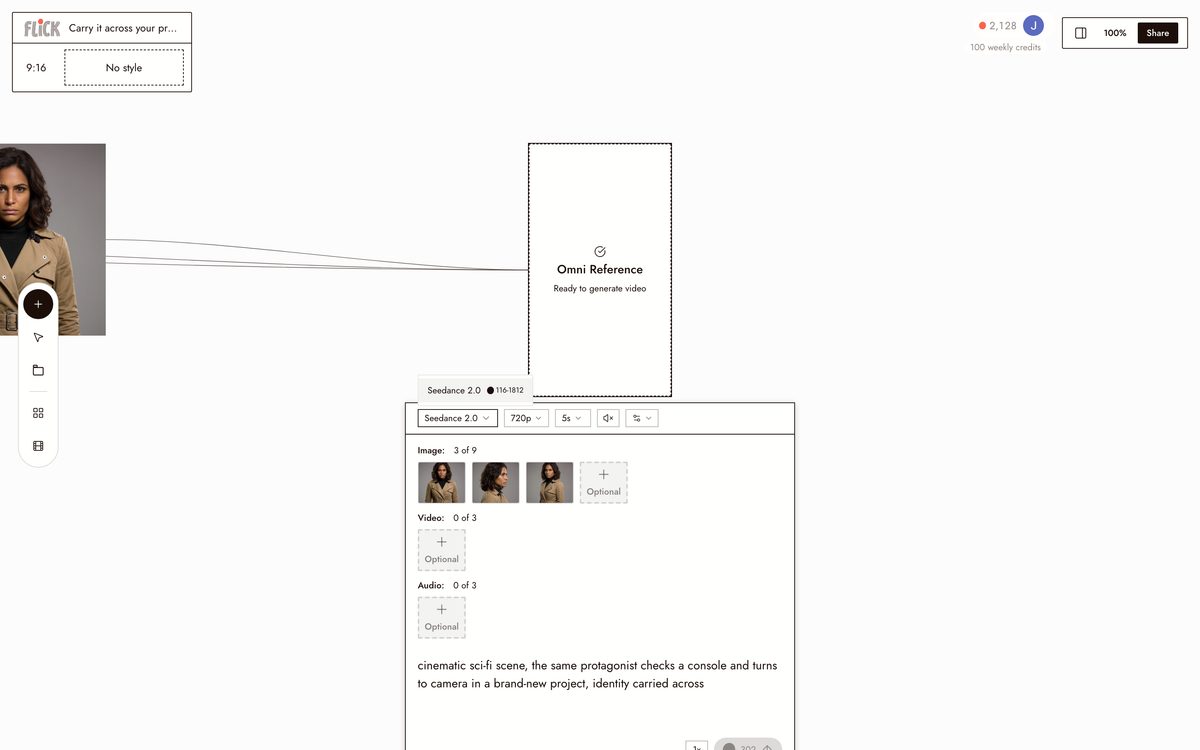
CARRY IT ACROSS YOUR PROJECT
Reuse the same references for new generations. For one identity across every model, lock the character in Flick and reuse it everywhere.
Made in Flick


HOW SEEDANCE HOLDS A CHARACTER
REFERENCE MATERIALS
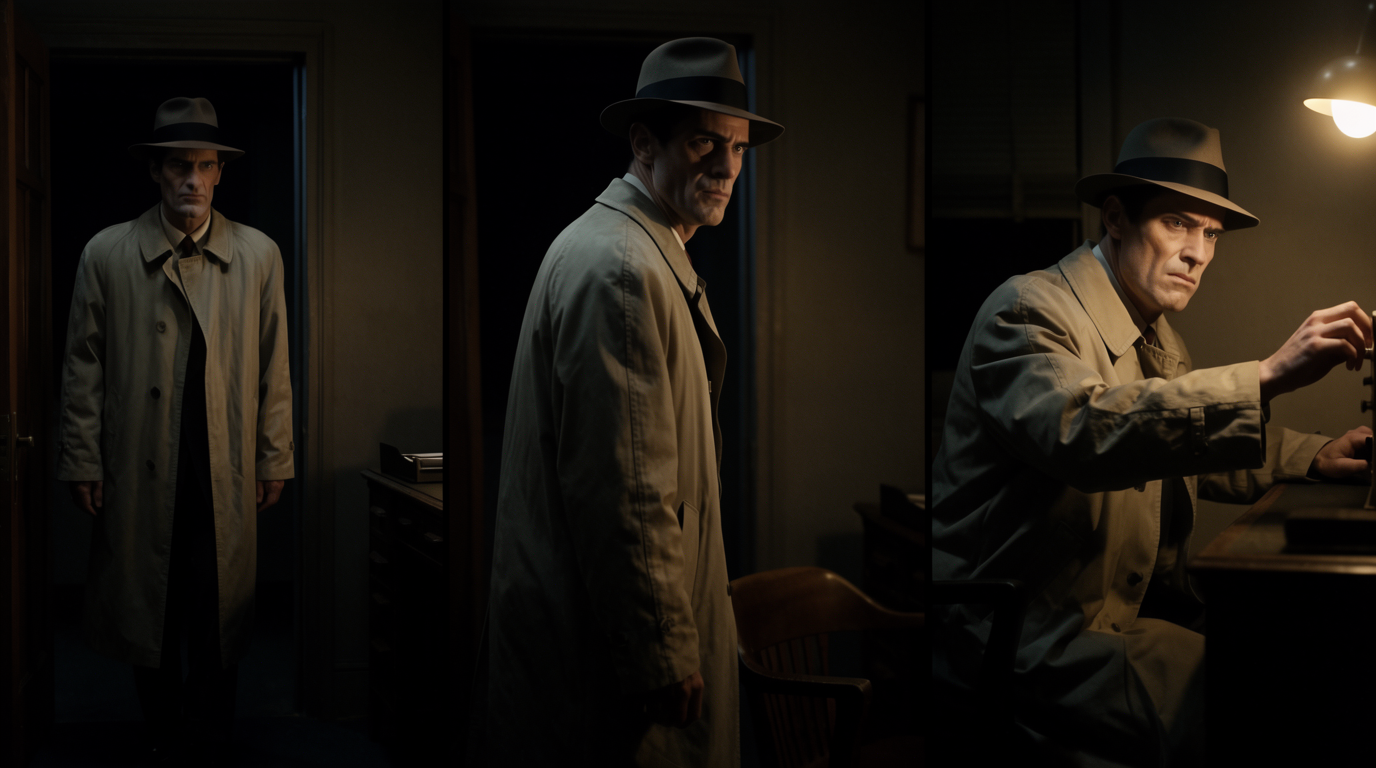
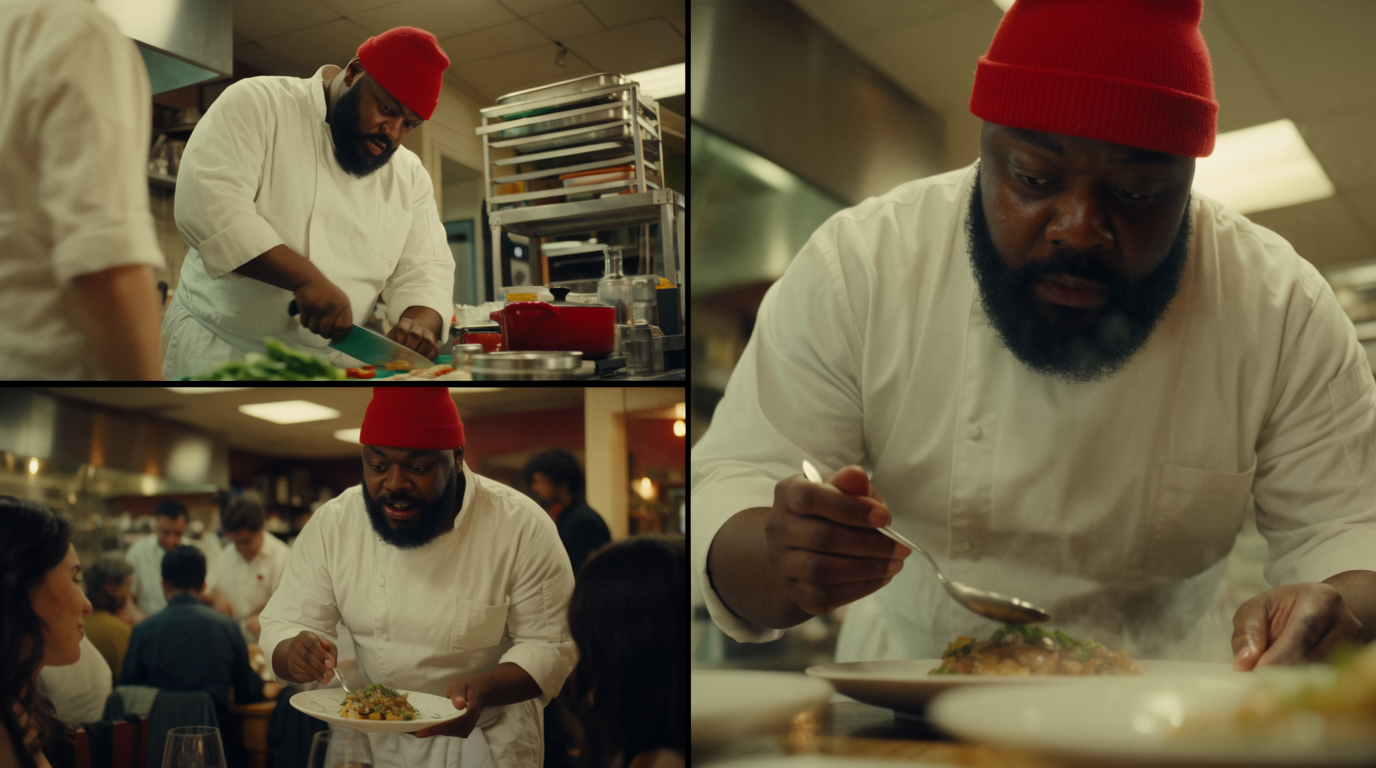
9 reference images plus video and audio clips in one generation, defining a character once so it stays locked across the output.NATIVE MULTI-SHOT OUTPUT
VOICE CONSISTENCY


SEEDANCE FOR CHARACTER CONSISTENCY: PROS AND CONS
Strengths
- Very high reference capacity: up to nine images and twelve assets in 2.0
- Native multi-shot output in a single generation
- Preserves appearance and voice together with synced audio
- Strong instruction following for complex multi-character stories
Limitations
- Multi-subject consistency is weaker than single-character lock
- Clips cap around fifteen seconds, so long form is still limited
- Access is fragmented across third-party platforms and regions
- The newest 2.5 specs are announced, not yet generally available
SEEDANCE CHARACTER CONSISTENCY FAQS
HOW DOES SEEDANCE KEEP A CHARACTER CONSISTENT?
You define the character with reference images, and Seedance keeps that face and wardrobe locked across a multi-shot clip generated in a single pass.
HOW MANY REFERENCE IMAGES CAN SEEDANCE USE?
Seedance 2.0 accepts up to nine reference images plus a few video and audio clips, twelve assets in total, in one generation.
DOES SEEDANCE KEEP MULTIPLE CHARACTERS CONSISTENT?
Single-character lock is strongest. ByteDance notes multi-subject consistency, several characters in one scene, still has room to improve.
HOW LONG CAN A CONSISTENT SEEDANCE CLIP BE?
Around fifteen seconds in Seedance 2.0. Newer 2.5 specs promise longer clips, but treat those as announced rather than generally available.
DOES IT KEEP THE VOICE CONSISTENT?
Yes. With native synced audio, Seedance preserves both the appearance and the voice across the shots in a generation.
HOW DO I REUSE THE CHARACTER IN OTHER TOOLS?
Lock it once with Flick's Character Reference, then generate across Seedance, Veo 3, and Kling from one reference.
CONSISTENT CHARACTERS IN OTHER TOOLS
RELATED FLICK TOOLS
ONE LOCKED CHARACTER, EVERY SHOT.