Storyboard to Video AI
WHY GENERATE WITH FLICK?
A storyboard is the scene before it exists: what each shot shows, in what order. On the Flick canvas each panel becomes a finished frame that keeps its layout, Nano Banana Pro at 30 credits a frame, and each frame becomes a clip, with the panels, frames and clips laid out in story order.

STORYBOARD TO VIDEO AI EXAMPLES
A wide shot of a knight walking to a toy castle, from a storyboard panel, from A Proper Introduction

A knight shading his eyes from the sun, the next panel in the same scene, from A Proper Introduction

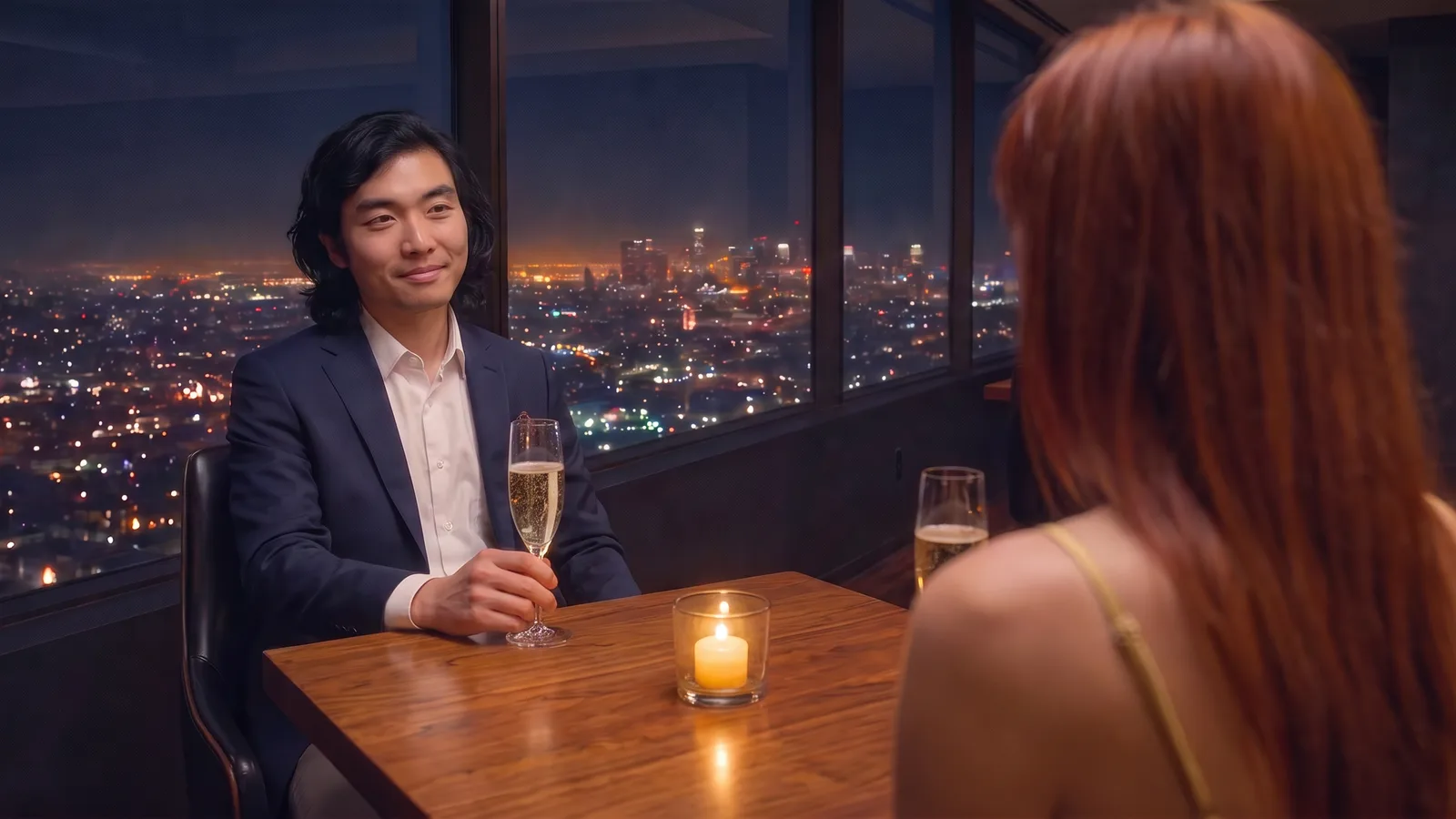
A close shot with a spoken line, staged from its panel, from Nightmare

The reply in the same scene, cut from the next panel, from Nightmare
HOW IT WORKS
STEP 1
BOARD THE SCENE
Put one panel per shot on the canvas, in story order. Use your own drawings, or ask Nano Banana Pro for "a simple storyboard sketch" of a shot from a character reference; plain lines and flat blocks of color read best as panels.
STEP 2
TURN EACH PANEL INTO A FINISHED FRAME
Connect a panel to an Edit & Merge Images node with Nano Banana Pro and tell it to keep the panel's composition and camera angle unchanged. Connect the same character sheet to every shot, so the cast looks the same from panel to panel.
STEP 3
ANIMATE THE SHOTS AND CUT THE SCENE
Connect each frame to an Image to Video node and describe the action and the camera. Kling O3 Pro runs 5, 10 or 15 second clips at 140 credits by default, on the Standard plan. Put the clips on the timeline in panel order and the board becomes the cut.
STORYBOARD TO VIDEO AI FAQS
WHAT IS STORYBOARD TO VIDEO AI?
Storyboard to video AI turns a sequence of storyboard panels into the shots of a scene. On Flick each panel becomes a finished frame with the same composition, and each frame becomes a clip; because the panels sit in story order on one canvas, the clips come out in the order of the scene.
HOW IS THIS DIFFERENT FROM AN AI STORYBOARD GENERATOR?
A storyboard generator makes the panels. Storyboard to video starts from panels you already have and turns them into footage. On Flick you can do both on one canvas: see the AI storyboard generator for the panels, then follow the steps above.
HOW DO I KEEP CHARACTERS CONSISTENT FROM SHOT TO SHOT?
Connect the same character sheet to every panel's frame, and say in the prompt that the panel sets the composition and the sheet sets the character. The team films above did this for every shot. Character Reference is another way to place the same character in each frame.
CAN CHARACTERS SPEAK IN THE SHOTS?
Write the line into the video prompt, as the Nightmare examples above do ("he says, me too, me too"), and give the timing: what happens before the line and after it. To voice a character with a chosen voice, generate the dialogue as audio on the canvas and connect it with Omni Reference; see reference to video.
HOW MUCH DOES A STORYBOARDED SCENE COST?
Each shot is a frame and a clip: 30 credits for the frame with Nano Banana Pro, then 140 for a default Kling O3 Pro clip or 120 for Seedance 2.0, on the Standard plan. See pricing. Credit costs on this page were checked against Flick's live prices in October 2026.
IS IT FREE?
The panels and the finished frames can be made on the Free plan, which gives up to 300 free credits plus 100 weekly credits, no credit card required. Animating with the video models above needs the Standard plan; paid plans start at $5 a month.




BOARD IT, THEN SHOOT IT