AI Script to Video Generator
WHY GENERATE WITH FLICK?
Paste a screenplay and Flick turns it into a shot list and storyboard frames, then generates original footage for every scene, all on one canvas.
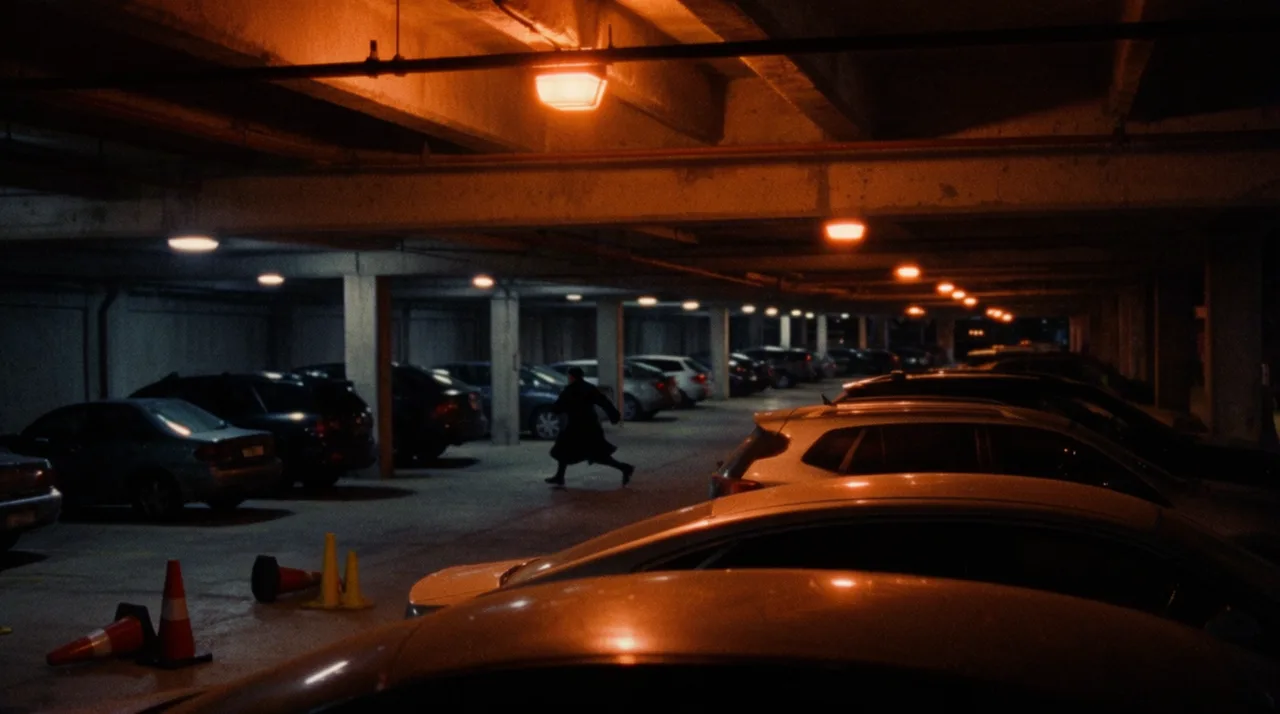
AI SCRIPT TO VIDEO GENERATOR EXAMPLES
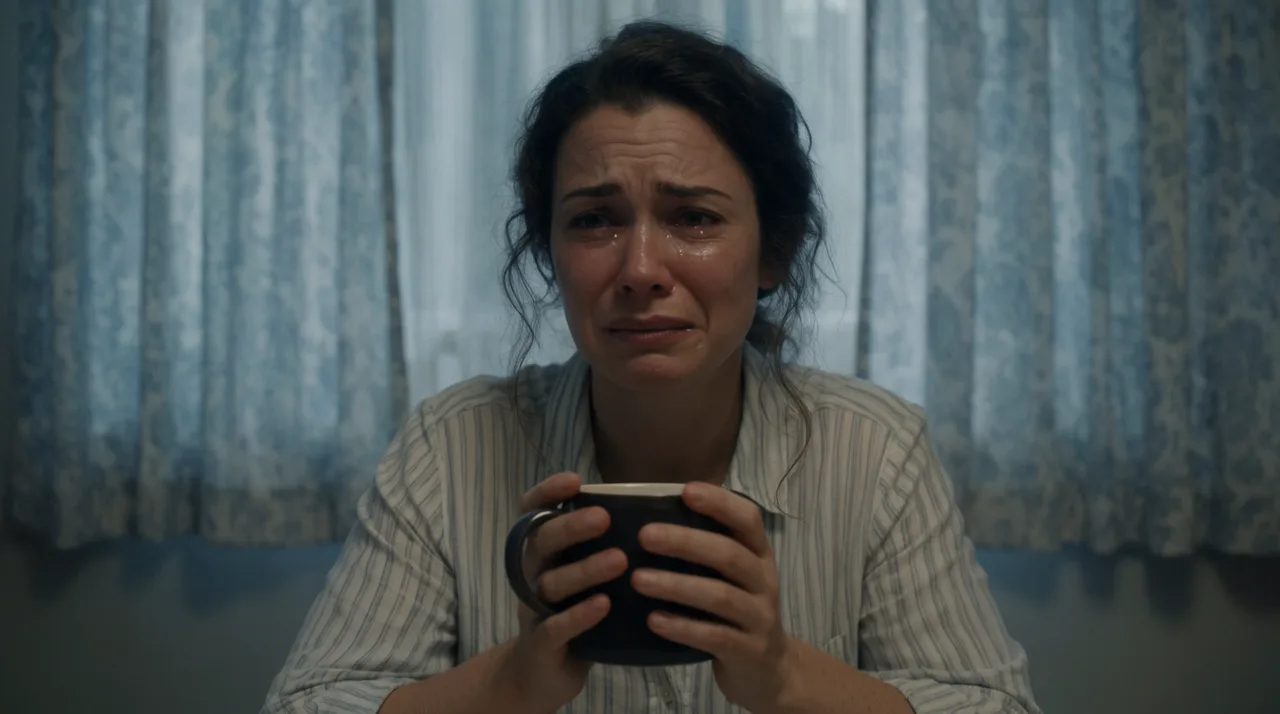
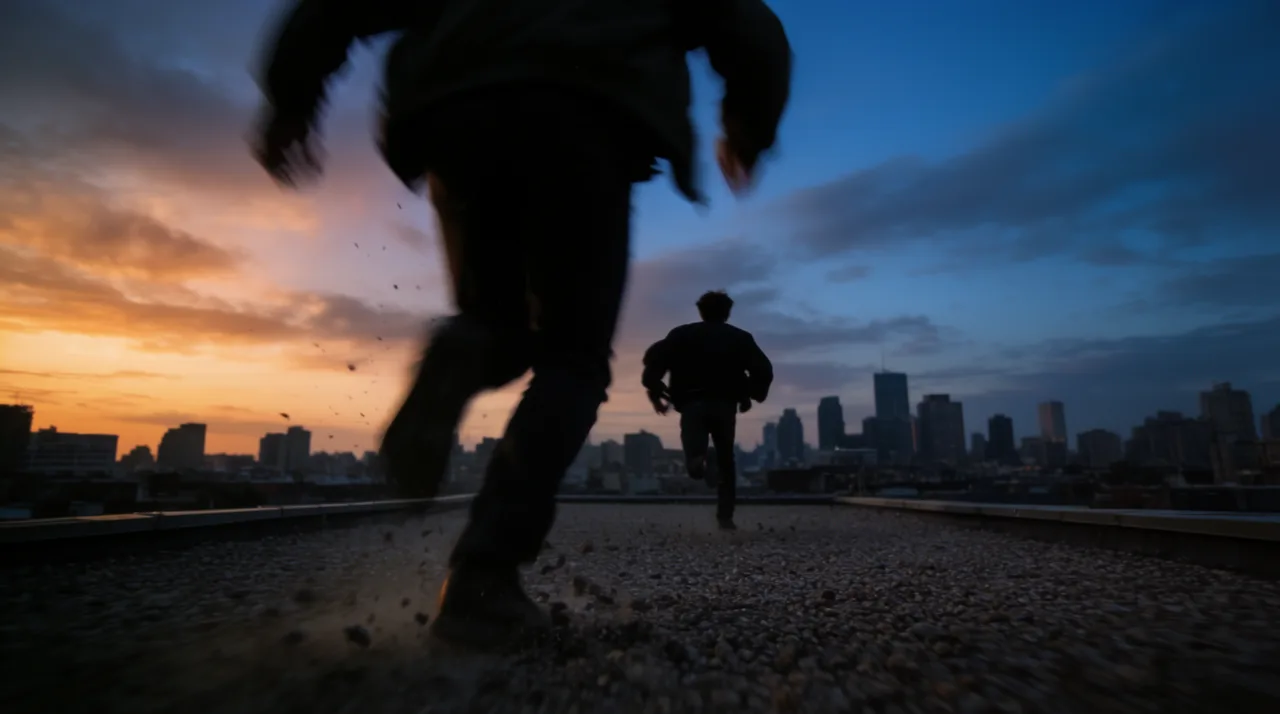
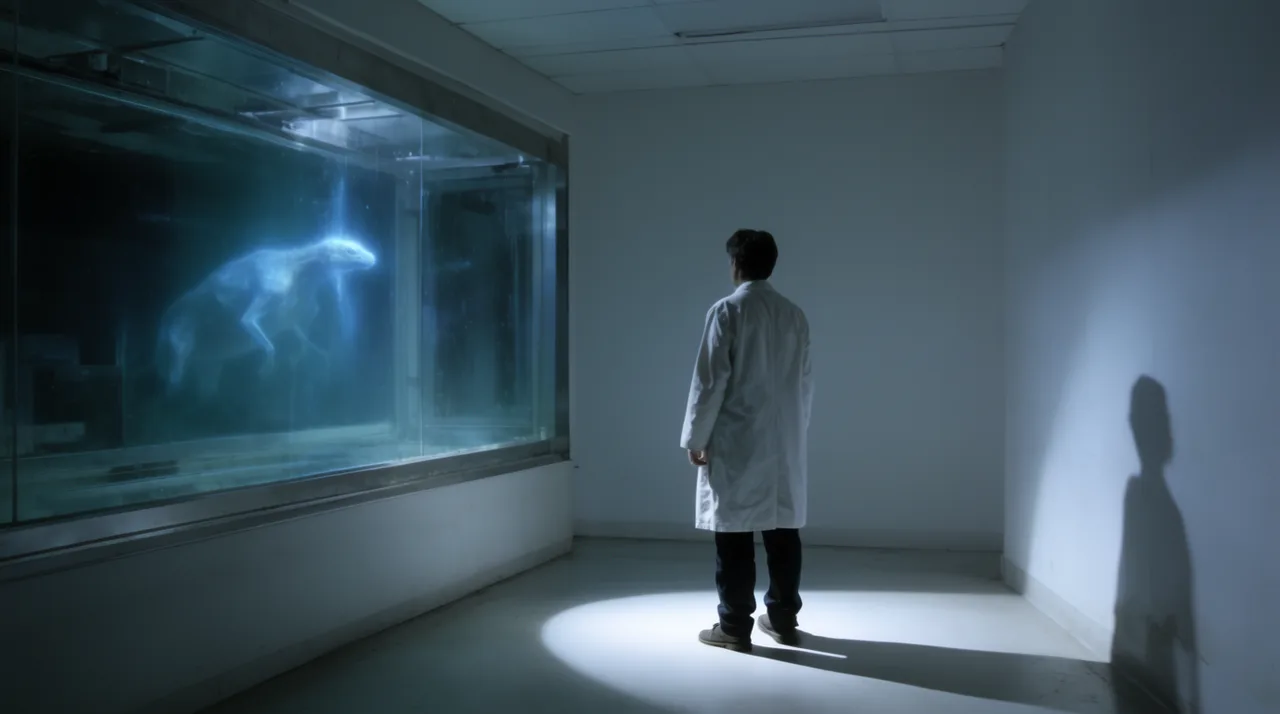
HOW IT WORKS
STEP 1
SPLIT YOUR SCRIPT INTO SCENES
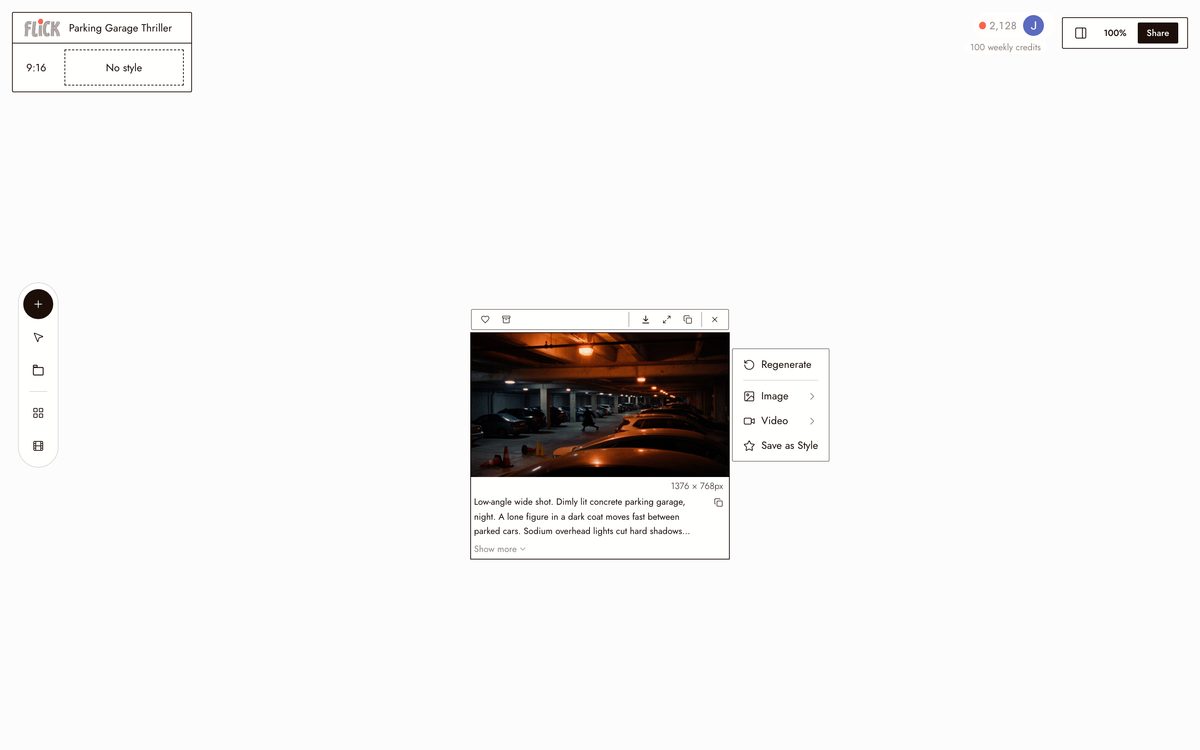
Paste your script and break it into scenes, a parking-garage confrontation, a kitchen monologue, a rooftop chase. Each scene lands as a node with its own shot prompt.
Made in Flick STEP 2
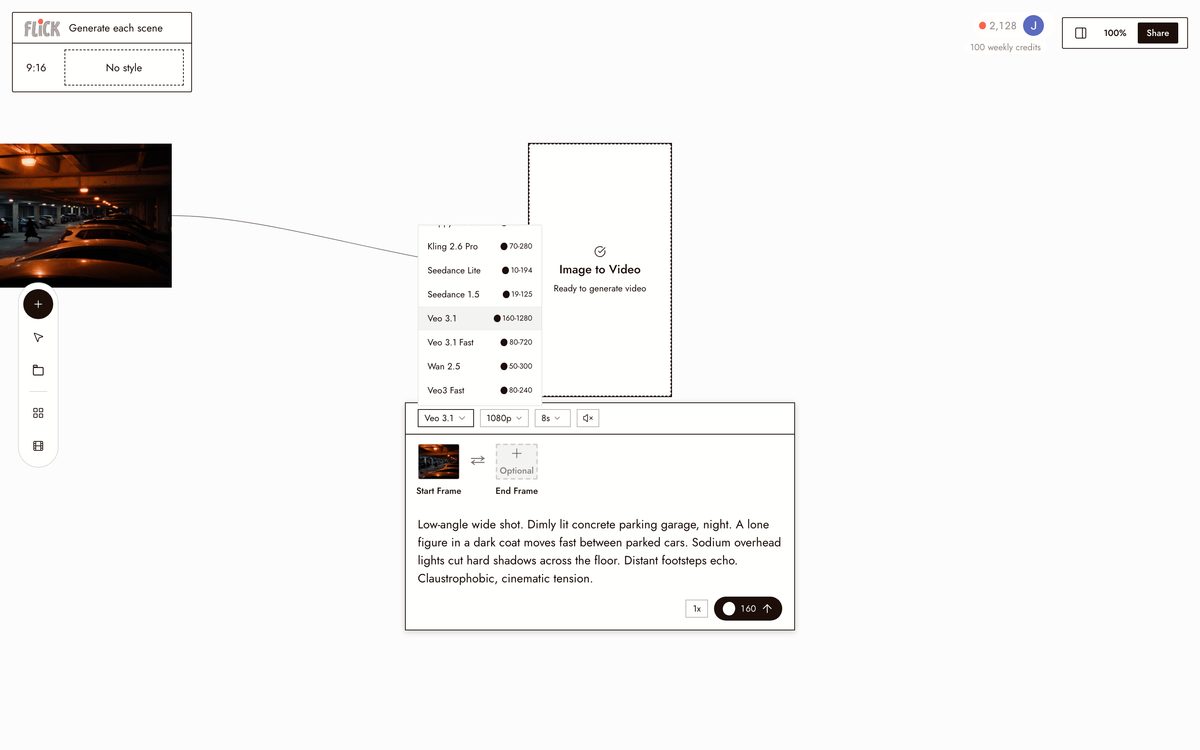
GENERATE EACH SCENE
Choose a model per node, Kling for action, Seedance for speed, Veo 3.1 for cinematic color and audio, and generate the clip on the canvas. You work scene by scene, not in one long take.
Made in Flick STEP 3
KEEP THE CAST, CUT IT TOGETHER
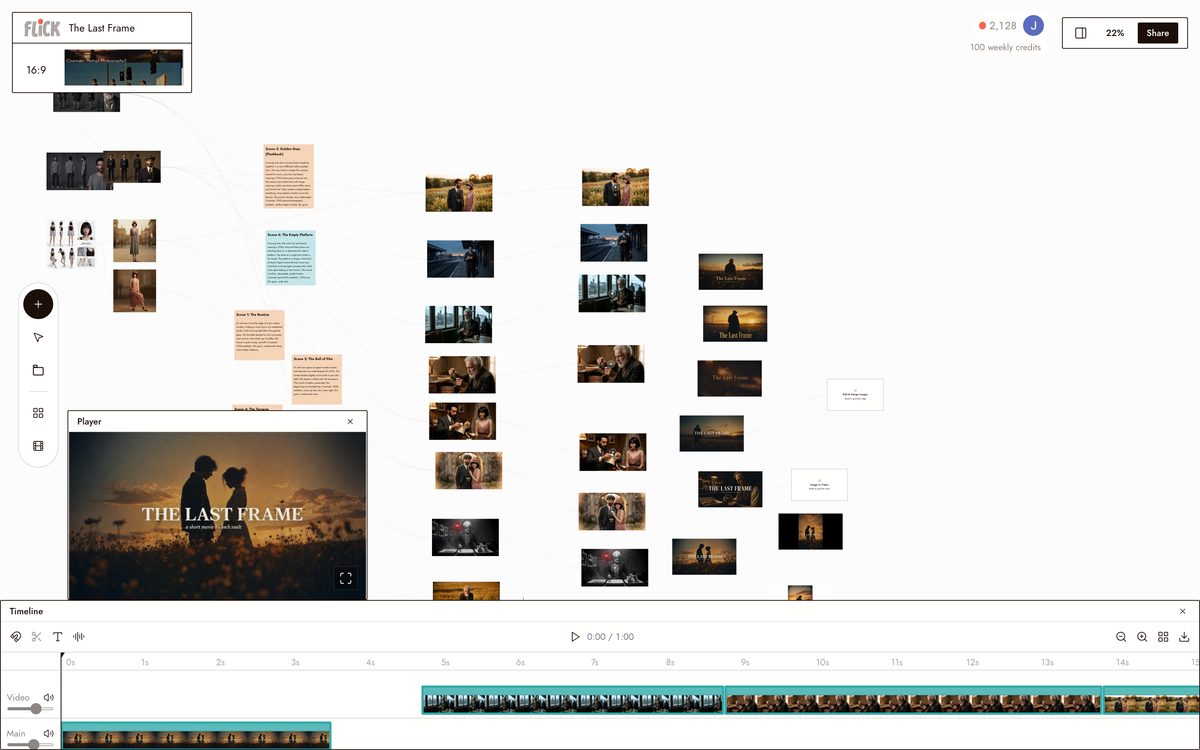
Upload a reference and apply Character Reference so the same actor carries the garage, the lab, and the rooftop without re-prompting. Trim the scenes on the timeline into the finished cut.
Made in Flick


AI SCRIPT TO VIDEO GENERATOR FAQS
WHAT DOES AN AI SCRIPT TO VIDEO GENERATOR ACTUALLY DO?
It reads your script, breaks it into scenes, and generates original footage for each one. Paste a script into Flick and the canvas maps each scene to a shot. Generate that shot using Kling, Veo 3.1, or Seedance. Original footage, not stock clips assembled to match your text.
CAN I KEEP THE SAME CHARACTER CONSISTENT ACROSS EVERY SCENE?
Lock a character once with Character Reference and that face, proportions, and outfit carry into every shot across every hosted model on the canvas. A parking garage scene and a rooftop chase share the same actor. No re-prompting their appearance each time.
WHICH VIDEO MODEL SHOULD I USE FOR MY SCRIPT?
Pick by shot type. Kling handles crowd scenes, vehicle chases, and physical action. Veo 3.1 is the right call for cinematic quality, native audio, and dialogue. Seedance is fast and produces high-quality results when you need to iterate quickly through a multi-scene script. All three are available on every Flick plan.
HOW LONG CAN THE FINAL VIDEO BE?
As long as your script requires. Each generated clip sits on the canvas as a node. Chain as many clips as your scene breakdown demands, trim them, and arrange them in sequence. No cap on the number of shots you can build from a single script.
IS FLICK FREE TO USE?
Flick has a free tier that includes up to 300 free credits (100 at signup plus 200 for joining our Discord) plus 100 weekly credits. That covers real generations with the models on the free plan, no credit card required. Paid plans start at $5/month, or $4/month billed yearly, for more credits. Every image model, including Nano Banana and GPT Image, is on every plan, free included, and so are MiniMax H3 Fast, MiniMax H3 Max and Pruna Draft video. Kling, Veo 3.1, Seedance and the full video model list come with the Standard plan.
IS THE FOOTAGE I GENERATE MINE TO USE?
Footage you generate in Flick belongs to you. Check the terms of service for the specific rights granted per model, since underlying model licenses vary. Veo 3.1 and Kling both have established commercial use terms. Review those before production.
CAN FLICK TURN A SCREENPLAY INTO A STORYBOARD?
Yes. Flick maps each scene of your screenplay to a shot on the canvas, so you get a shot list and storyboard frames before you generate anything. Edit the breakdown, then render each frame as original footage.
CAN I USE FLICK AS AN AI SCRIPT VISUALIZER?
Yes. Paste your script and Flick generates a visual for every scene, a still frame or a moving shot, so you can see your script before committing to a full edit. It works as a script-to-visuals tool, not just a video generator.





TRY THE AI SCRIPT TO VIDEO GENERATOR FREE