Reference to Video AI
WHY GENERATE WITH FLICK?
Reference to video keeps what you show it: a character sheet, a location, a voice. On the Flick canvas it is the Omni Reference action: connect the references, name them in the prompt with @, and Seedance 2.5 takes up to 30 reference images, while MiniMax H3 Max runs on the Free plan at 20 credits.

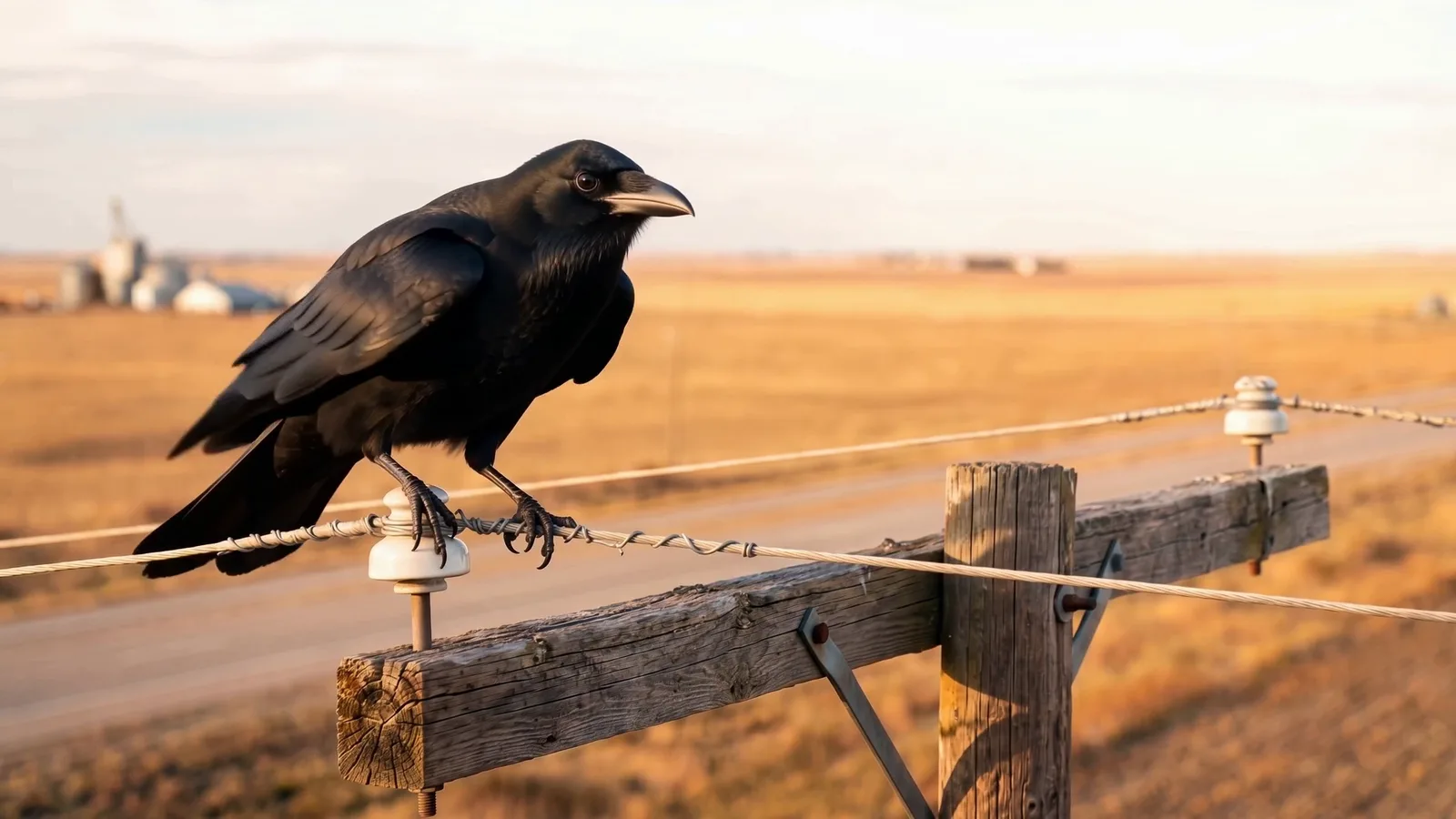
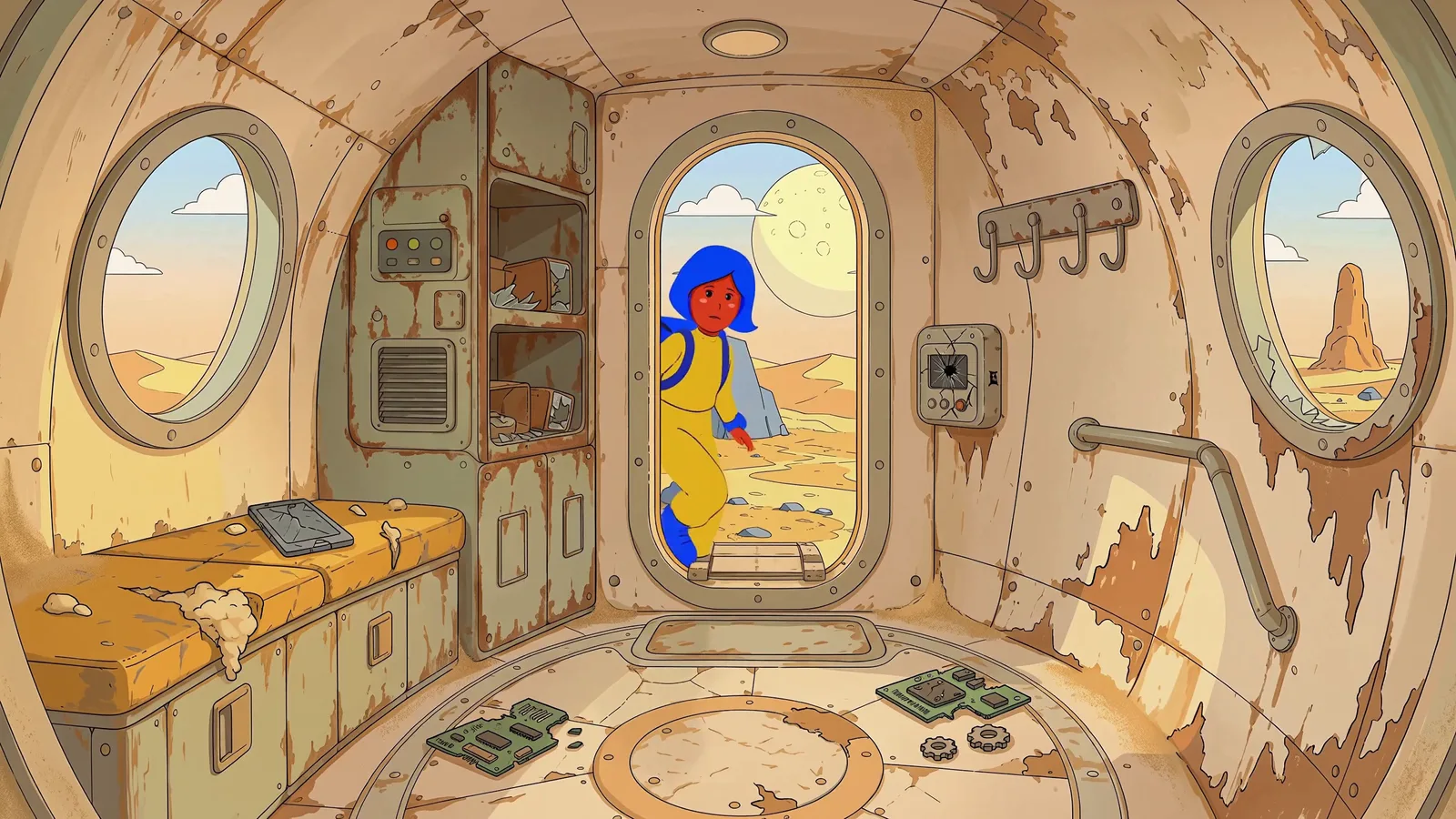
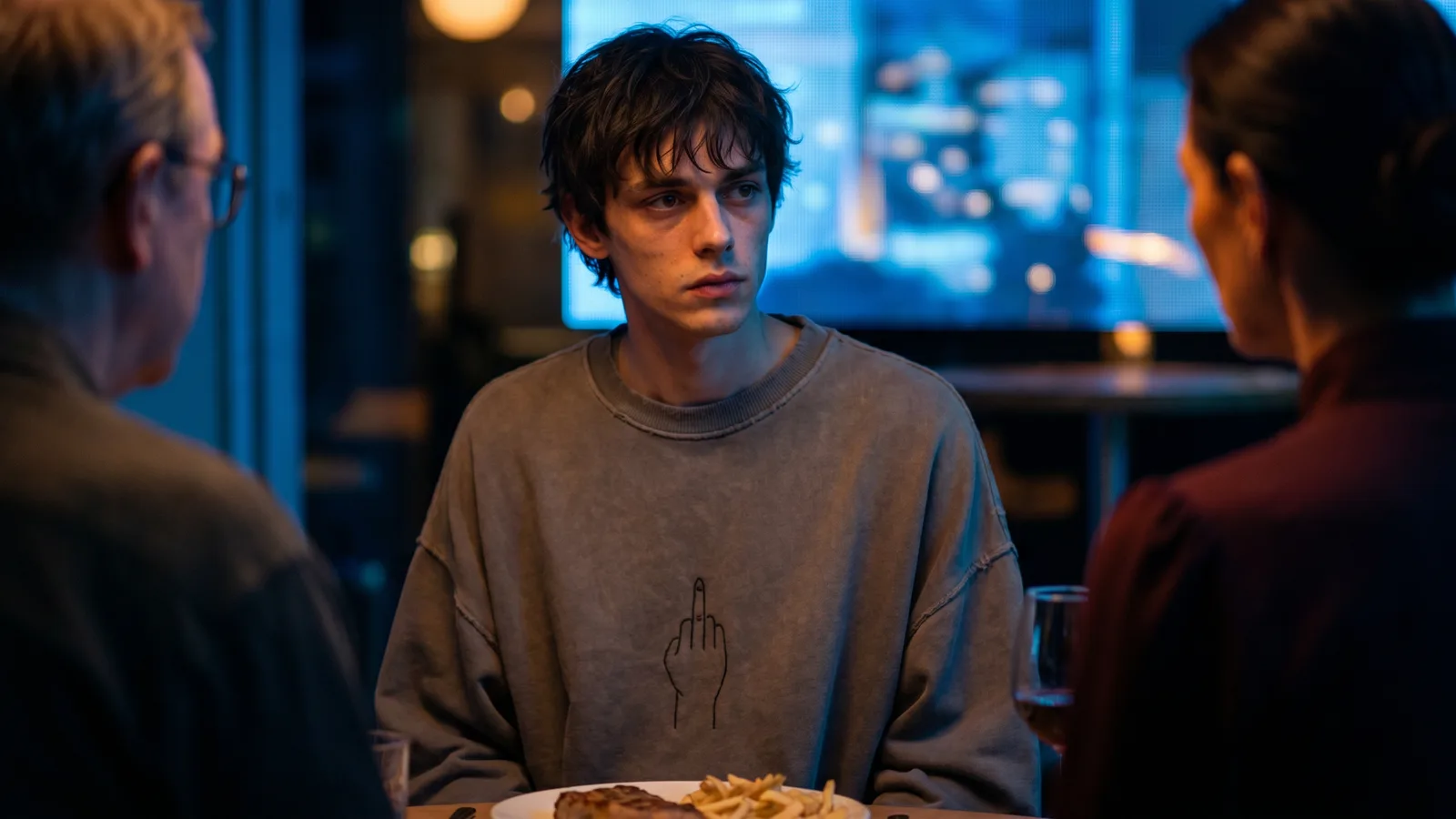
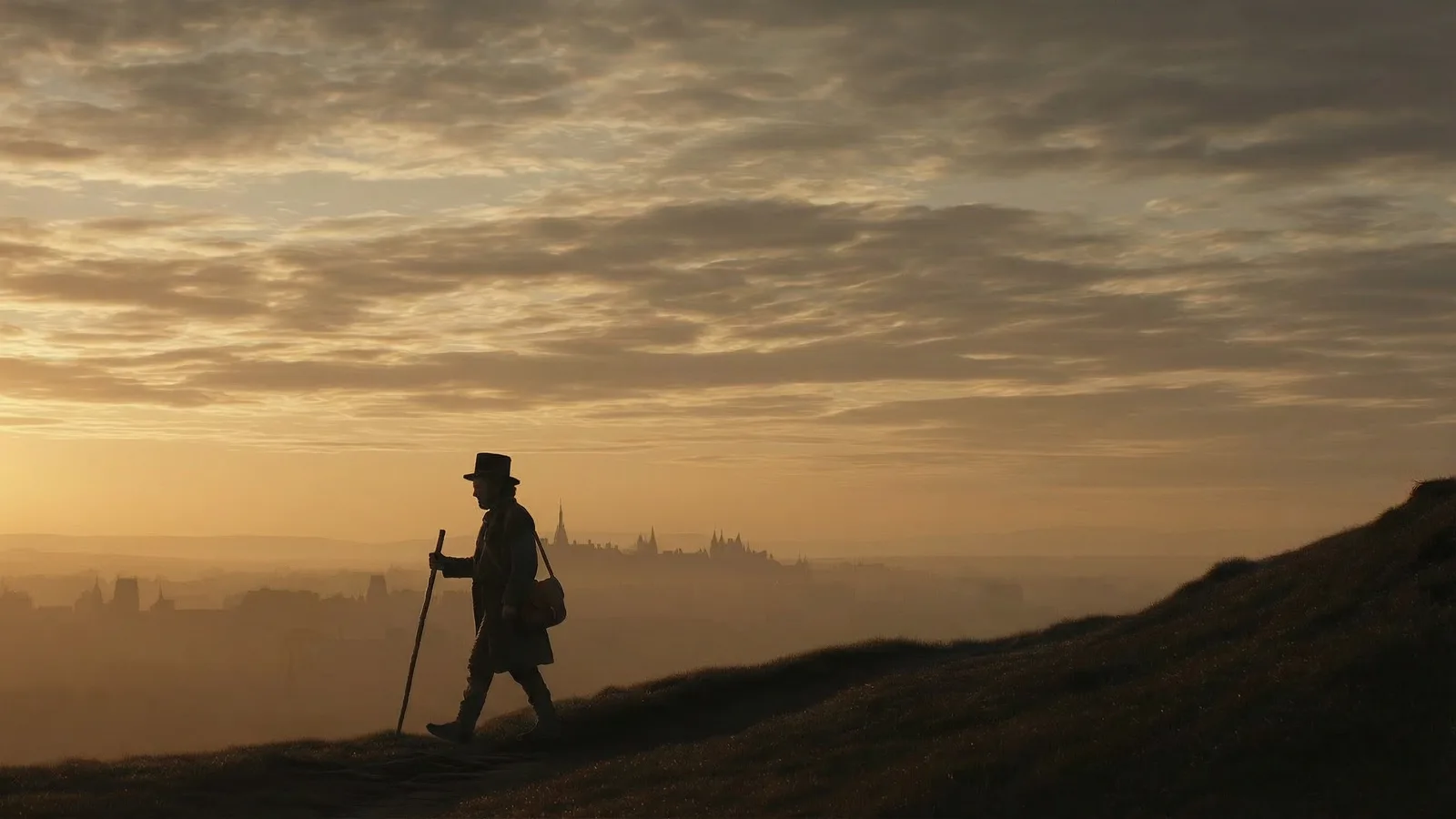
REFERENCE TO VIDEO AI EXAMPLES


HOW IT WORKS
STEP 1
CONNECT THE REFERENCES
Add a video node, switch it to Omni Reference, and connect what the clip must keep: character sheets, a location, a start frame, a reference clip for motion or camera, an audio track for a voice. Seedance 2.5 takes up to 30 reference images; Seedance 2.0 and MiniMax H3 Max take 9.
STEP 2
NAME EACH REFERENCE IN THE PROMPT
Type @ to mention a connected reference, then say what it is for: "Use @Image1 as the start frame", "Reference Amber's appearance from @Image2", "speaks the content of @Audio1". Clear jobs for each reference give steadier characters than a long description.
STEP 3
PICK THE MODEL AND GENERATE
Seedance 2.5 is 240 credits and Seedance 2.0 120 at default settings, on the Standard plan. MiniMax H3 Max is 20 credits on the Free plan, a good way to test references before a longer take.
REFERENCE TO VIDEO AI FAQS
WHAT IS REFERENCE TO VIDEO AI?
Reference to video AI generates a clip guided by media you provide instead of a single start frame: character sheets, locations, motion clips and audio. The model keeps what the references show. On Flick it is the Omni Reference action on the video node, next to Image to Video and the other video actions.
HOW IS REFERENCE TO VIDEO DIFFERENT FROM IMAGE TO VIDEO?
Image to video animates one picture, so the first frame is fixed. Reference to video builds the shot from several references, so a character can appear in a new pose, a new place or a new camera angle and still look like their sheet. Use image to video when you already have the exact frame, reference to video when you have the ingredients.
CAN I USE MY OWN VOICE OR A GENERATED VOICE?
Yes. Connect an audio track as a reference and tell the model to speak it, as in the train example above ("speaks the content of @Audio1"). The audio can be a recording you upload or dialogue generated on the same canvas.
IS REFERENCE TO VIDEO FREE ON FLICK?
MiniMax H3 Max on Omni Reference runs on the Free plan at 20 credits a clip, and the free plan gives up to 300 free credits plus 100 weekly credits, no credit card required. Seedance 2.5 and Seedance 2.0 need the Standard plan; paid plans start at $5 a month.
HOW DO I KEEP A CHARACTER CONSISTENT ACROSS CLIPS?
Use the same character sheet as a reference in every clip and name it in each prompt. Residency filmmakers on Flick built whole films this way, with a front, side and back sheet per character connected to every shot. For still frames, Character Reference does the same job.
HOW LONG CAN A REFERENCE TO VIDEO CLIP BE?
Seedance 2.0 runs up to 15 seconds per clip on Omni Reference. Longer scenes are several clips: continue from the last frame of one clip, or reuse the same references in the next prompt, and cut them together on the timeline.

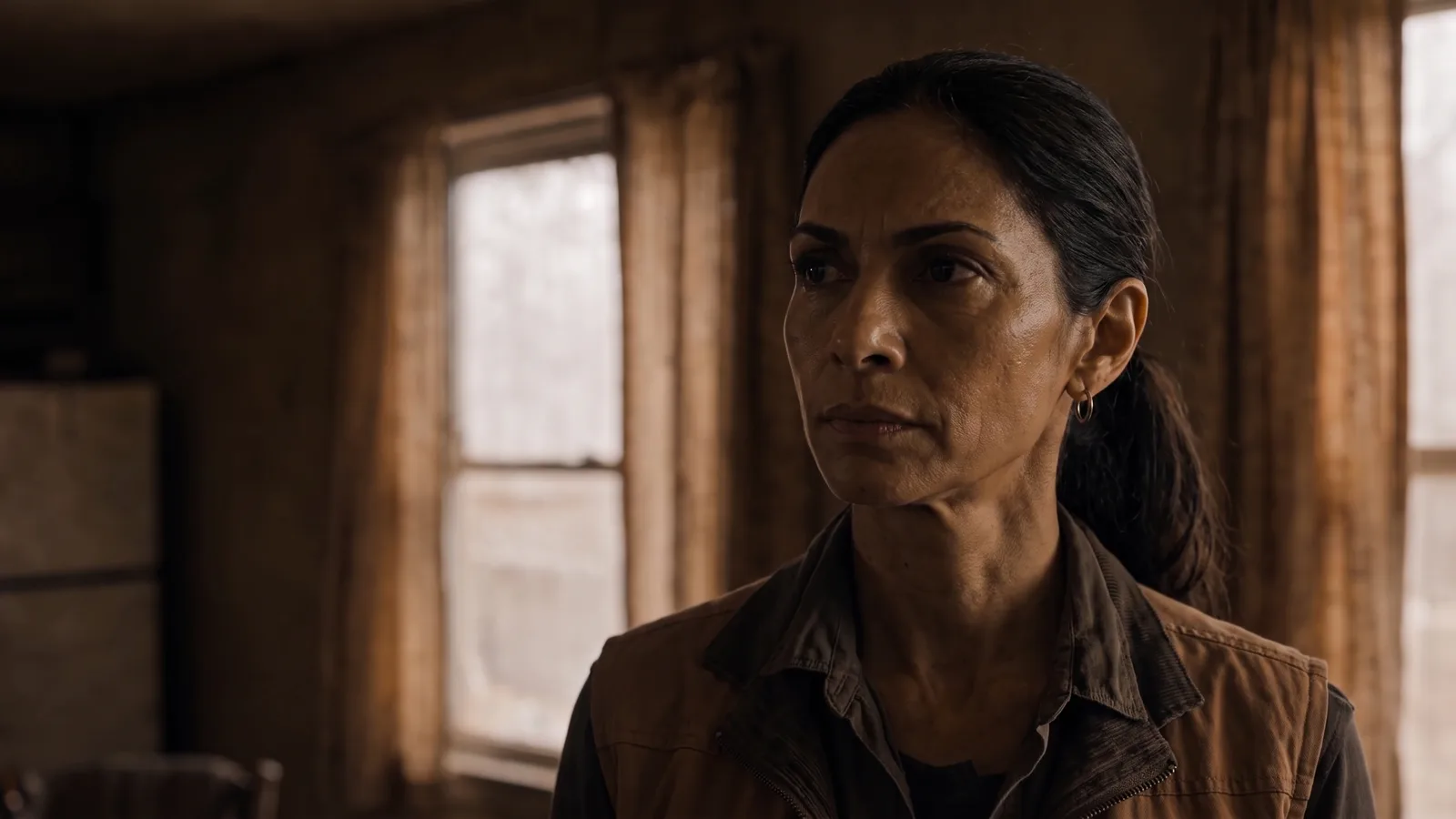
SHOW IT ONCE, KEEP IT IN EVERY SHOT