AI Character Backstory Generator
WHY GENERATE WITH FLICK?
Name a character. Flick writes the full backstory, generates the face, and locks that face across every shot in your workspace.
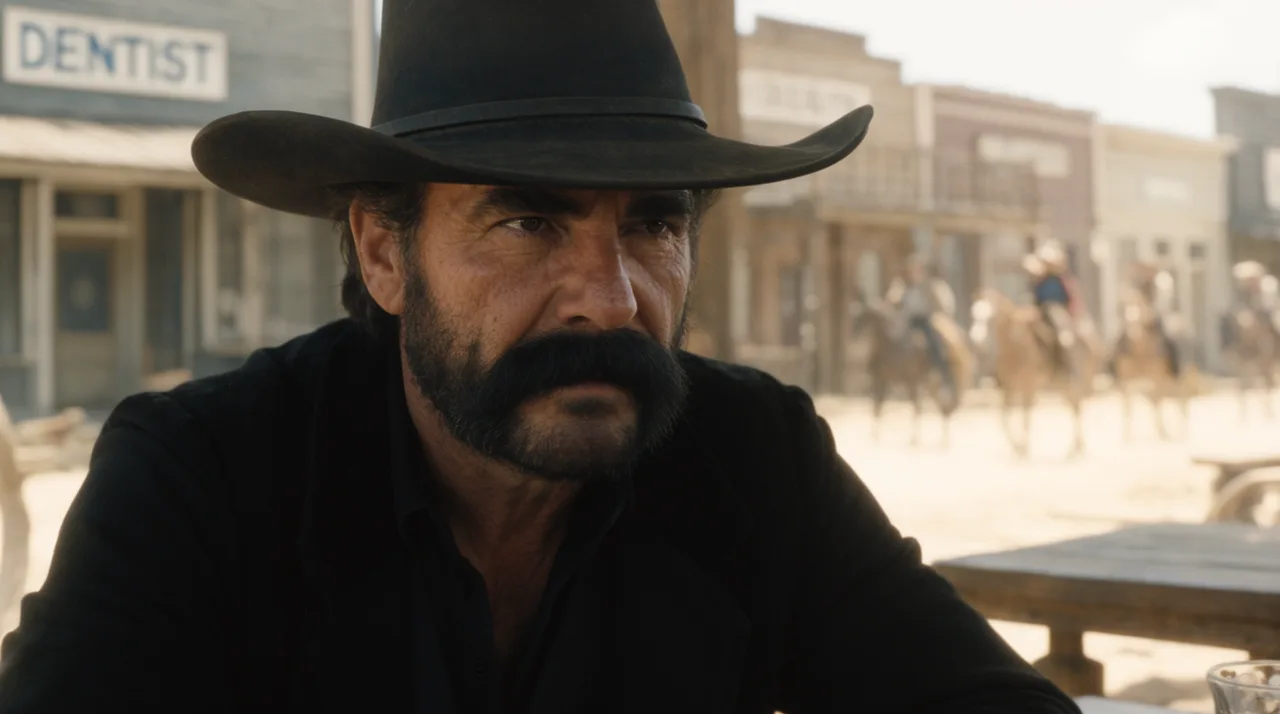
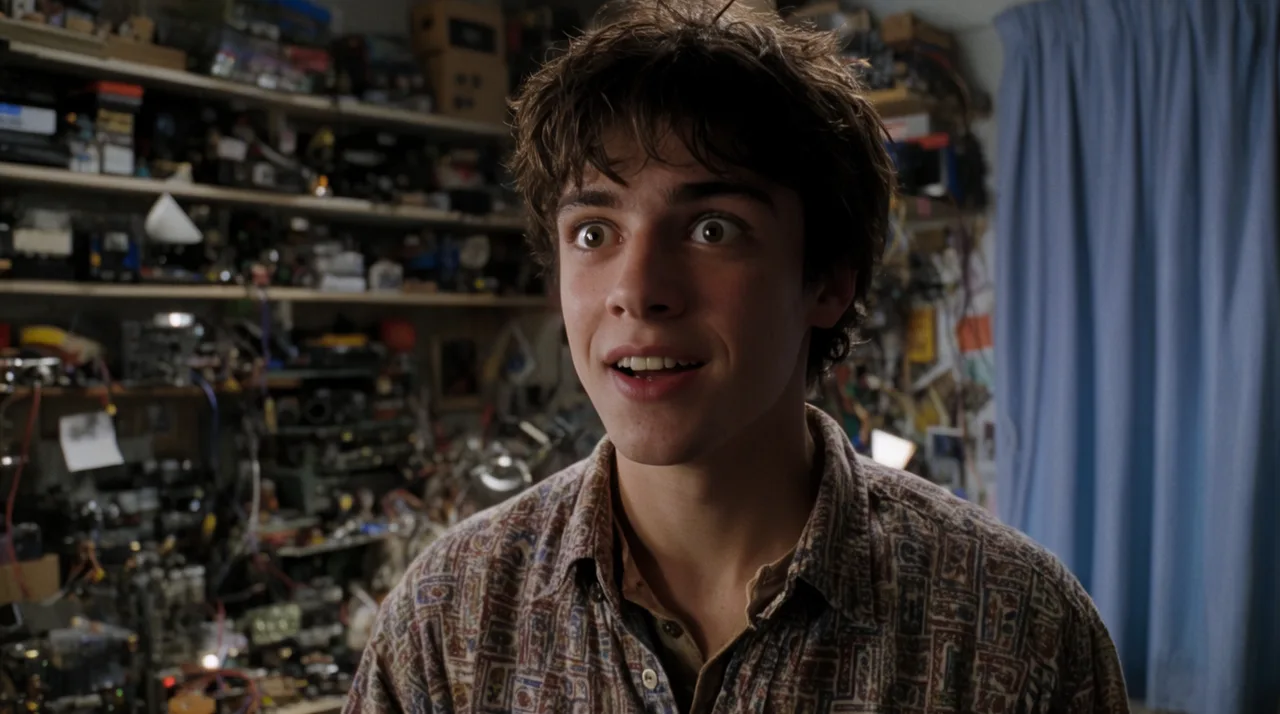
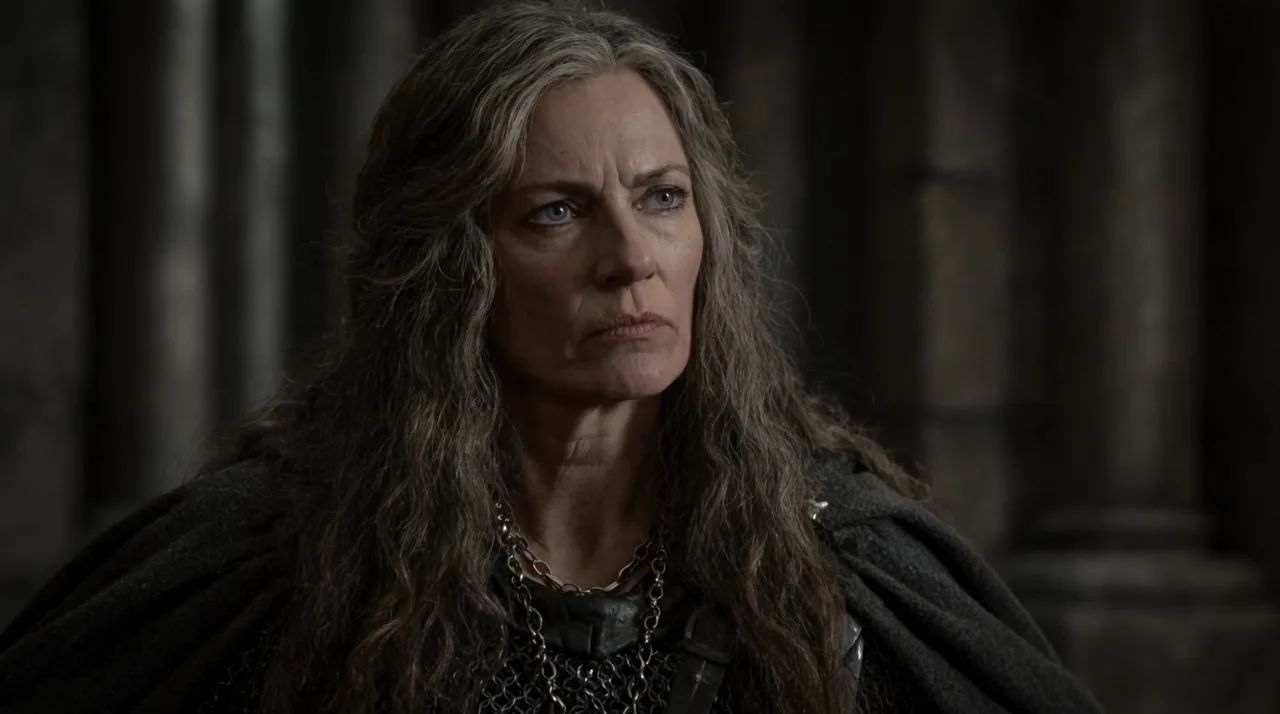
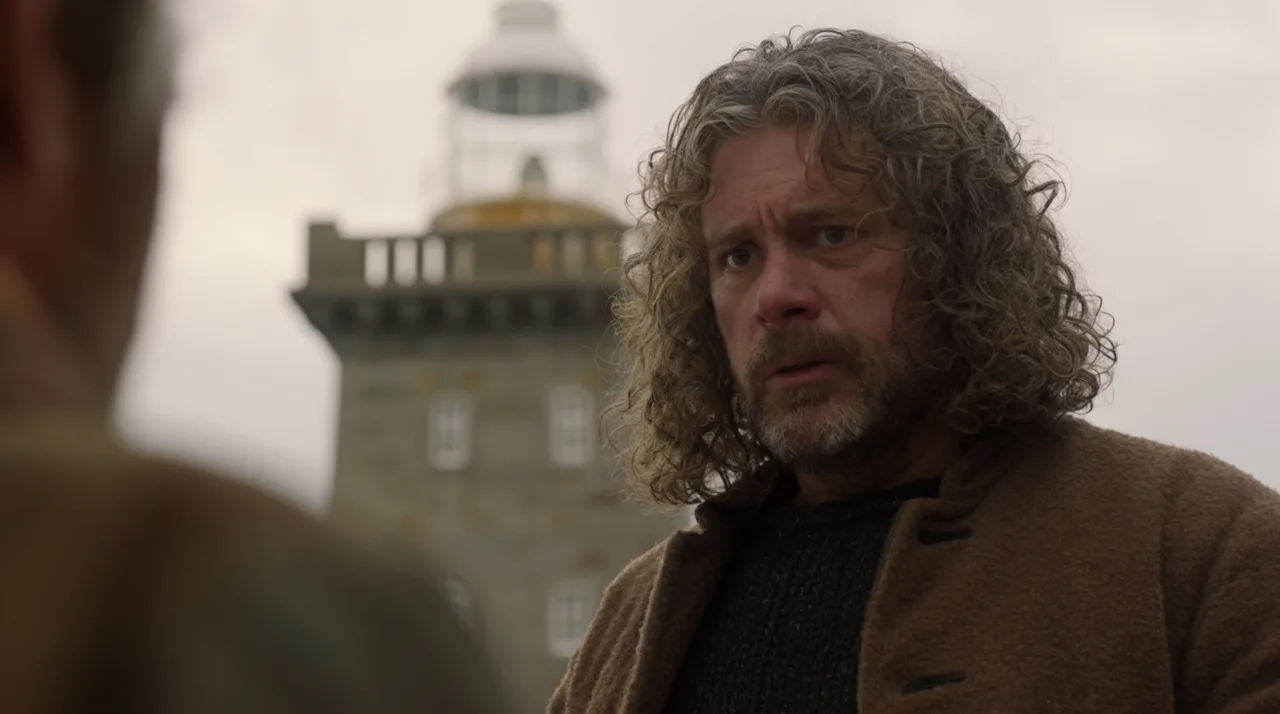
AI CHARACTER BACKSTORY GENERATOR EXAMPLES
HOW IT WORKS
STEP 1
WRITE THE BACKSTORY IN CHAT
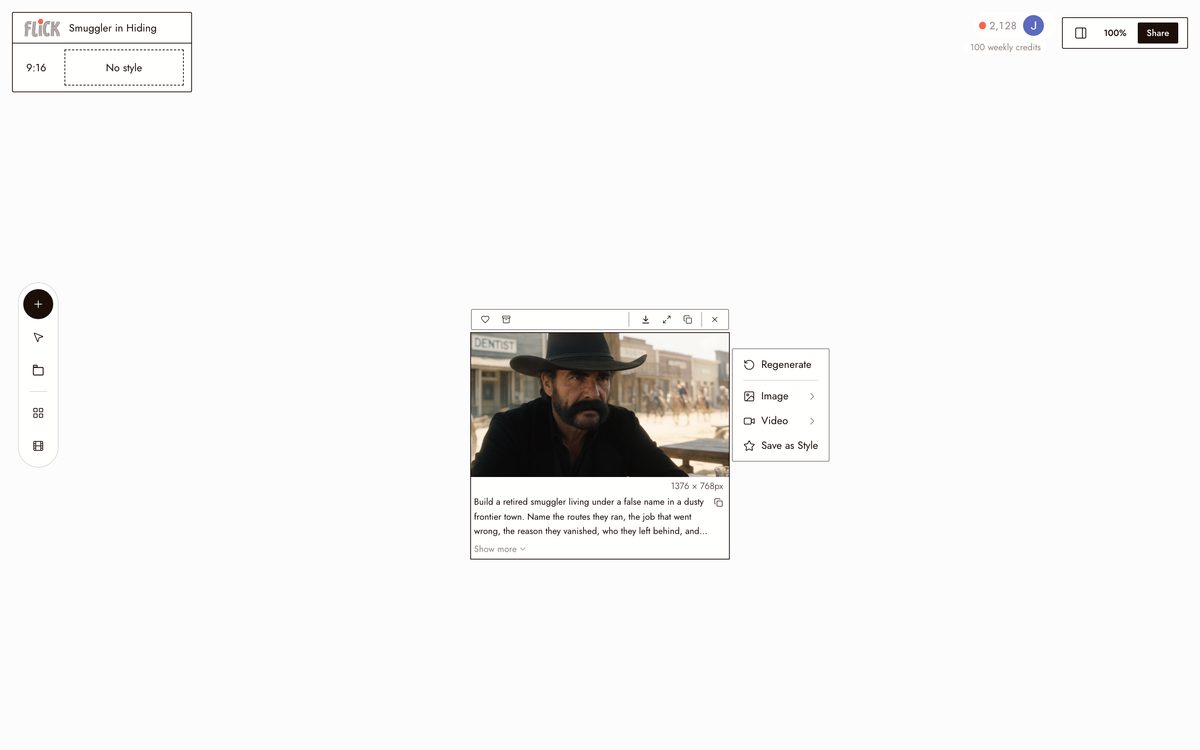
Type a name, a one-liner, or a rough idea, a disgraced knight, a lighthouse keeper who stopped talking, and Flick writes a full backstory: motivation, history, and arc. You shape it in chat until the character feels real.
Made in Flick STEP 2
GIVE THE BACKSTORY A FACE
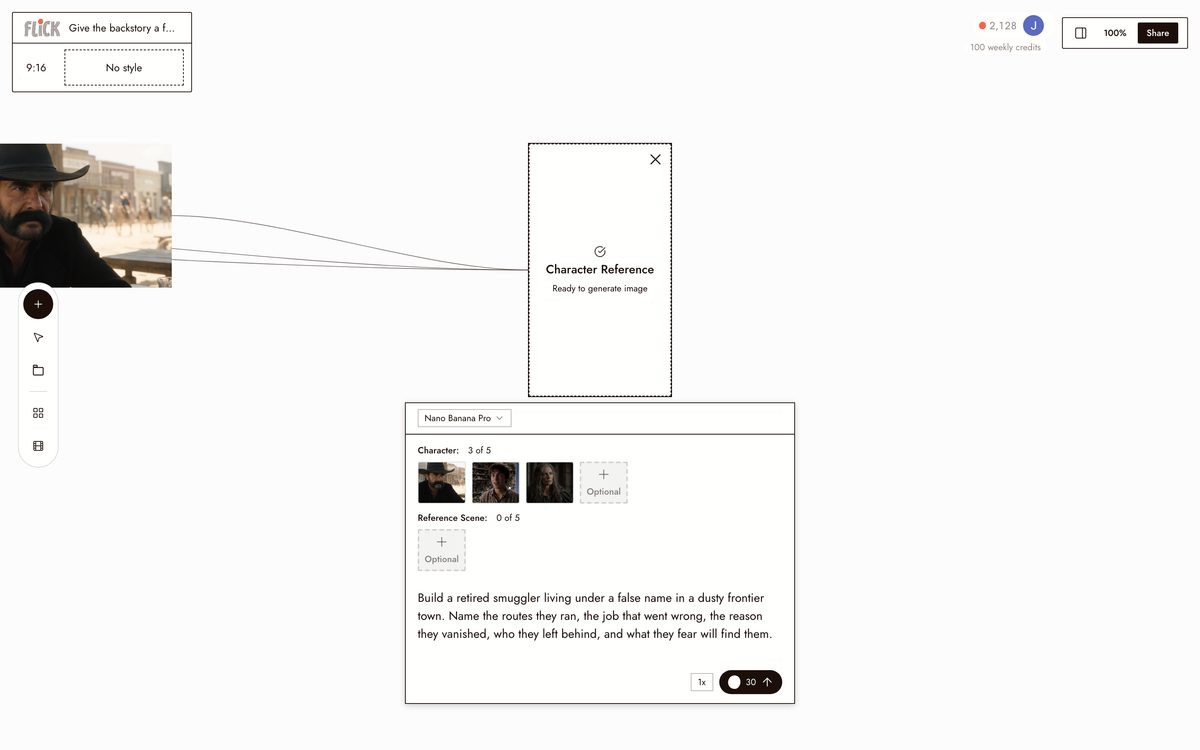
Generate a reference portrait in Nano Banana Pro or GPT Image to match who you wrote, then lock it with Character Reference. The face is now tied to the character across everything you make.
Made in Flick STEP 3
PUT THEM ON SCREEN
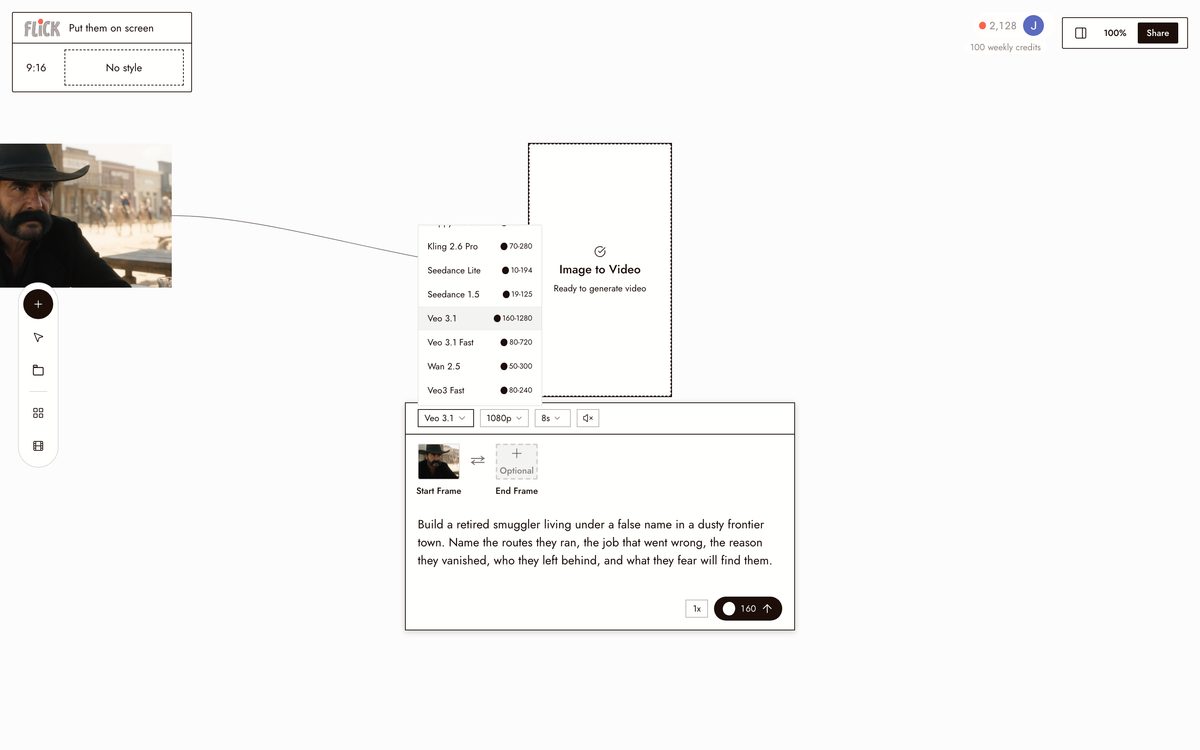
Generate stills and video on the canvas with Kling, Seedance, or Veo 3.1, and trim the takes on the timeline. Character Reference keeps the same face through every clip and scene.
Made in Flick


AI CHARACTER BACKSTORY GENERATOR FAQS
WHAT DOES AN AI CHARACTER BACKSTORY GENERATOR ACTUALLY PRODUCE?
It writes a full character profile from a name or one-line concept: origin, motivation, formative events, and arc. Type "a disgraced knight seeking the lord who betrayed her" and Flick returns a structured backstory with history and internal conflict. From there, design the character's look and place them in consistent shots on the canvas.
HOW DOES FLICK KEEP THE SAME CHARACTER ACROSS EVERY SHOT?
Character Reference locks a character's face, proportions, and costume from a single reference image. Every image and video you generate after that pulls from the same identity: different angles, locations, lighting. That consistency holds cross-model, across Kling, Veo 3.1, and Nano Banana Pro.
CAN I TAKE MY CHARACTER BACKSTORY INTO VIDEO?
Generate a still of your character on the canvas, then send it directly into a video model from the same workspace. Use Kling for motion and physics, Veo 3.1 for cinematic quality and native dialogue, or Seedance for fast high-quality generation. No export step, no separate tool.
HOW IS THIS DIFFERENT FROM A WRITING TOOL OR A CHARACTER SHEET APP?
Writing tools stop at text. Flick takes that backstory into production: design the character's look, lock their identity with Character Reference, and generate consistent stills and video across every model in the workspace. The backstory and the on-screen character stay in the same place.
IS THIS FREE TO USE?
Flick has a free tier: up to 300 free credits (100 at signup plus 200 for joining our Discord) plus 100 credits every week. Backstory generation, character design, and Character Reference are all available on the free tier. Paid plans start at $5/month, or $4/month billed yearly, for more credits. Every image model, including Nano Banana and GPT Image, is on every plan, free included, and so are MiniMax H3 Fast, MiniMax H3 Max and Pruna Draft video. Kling, Veo 3.1, Seedance and the full video model list come with the Standard plan.
IS THE CHARACTER BACKSTORY MINE TO USE?
The text, character designs, and generated images or video you produce in Flick are yours. Use them in commercial projects, pitches, or finished films. Check the terms of service for full details on ownership and usage rights.




TRY THE AI CHARACTER BACKSTORY GENERATOR FREE