All comparisons

Luma Dream Machine Alternatives

Flick runs Kling, Veo 3.1, Seedance, and Nano Banana Pro side by side on one canvas. Luma keeps you inside its own ecosystem. Flick lets Character Reference lock your characters across every model, so a face stays consistent from shot to shot regardless of which engine you use.

GET STARTED

See it in action

We handle AI. You direct stories.

Action and fight scenes

Generate a sword clash, a market chase, or a mid-air punch with motion blur and impact weight that reads on screen. Physical conviction in every frame, the kind of kinetic output that sells the hit before the edit does.

Stylized and animated pieces

Route one project across models built for different aesthetics: cel-shaded anime one shot, stop-motion texture the next, painterly illustration the one after. The canvas holds every style choice together so the final cut reads as one creative decision, not a patchwork.

Character-driven stories

Lock a character's face, build, and costume once. Generate every scene, close-up, wide shot, reaction, flashback, without re-describing them from scratch. The same person walks through every model on the canvas, shot to shot, looking like themselves.

Cinematic short films

Build a complete short film shot by shot on one canvas: establish the world, cut to dialogue, push into an action beat, land on the close-up. Chain every clip into a coherent sequence at a consistent resolution and aspect ratio, then export without leaving the workspace.

How to switch

1

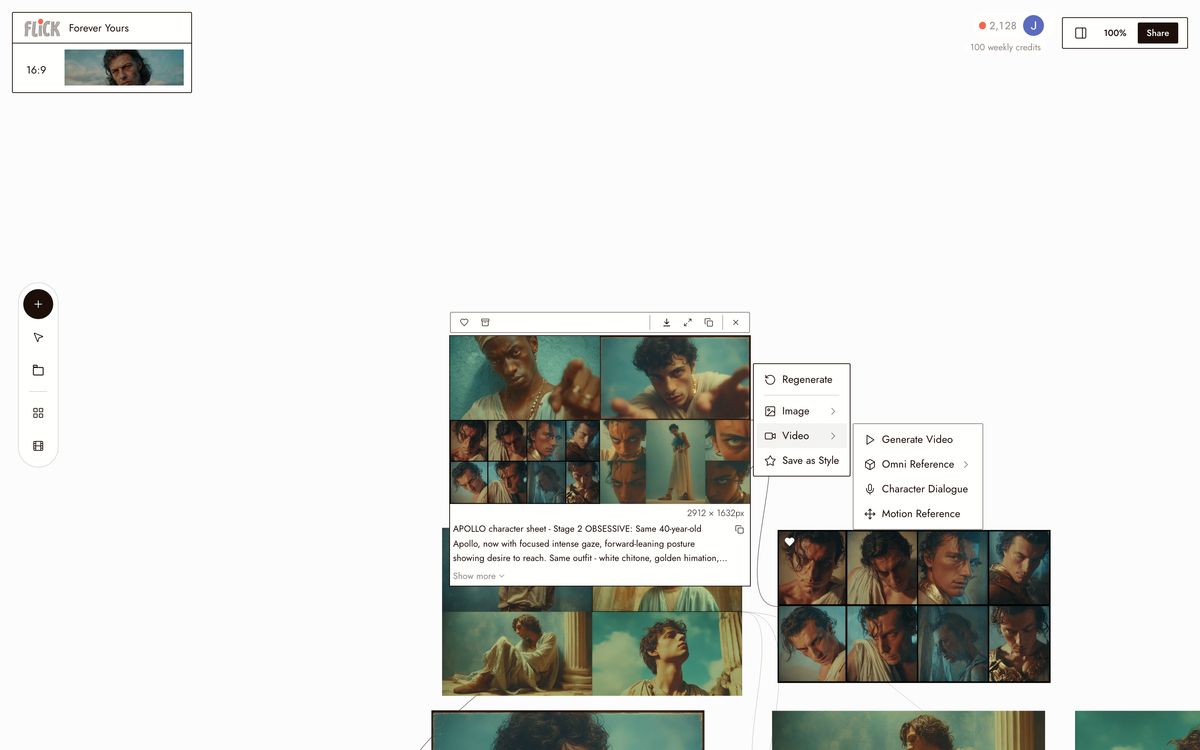
Open the canvas, pick a model

Create a free Flick account and open a new canvas. Pick the model that fits the shot: Kling 3.0 for motion-heavy clips, Veo 3.1 for cinematic quality with native audio, Seedance 3.0 for fast generation, or Nano Banana Pro for stills. No subscription required to start.
Open the canvas, pick a model
2

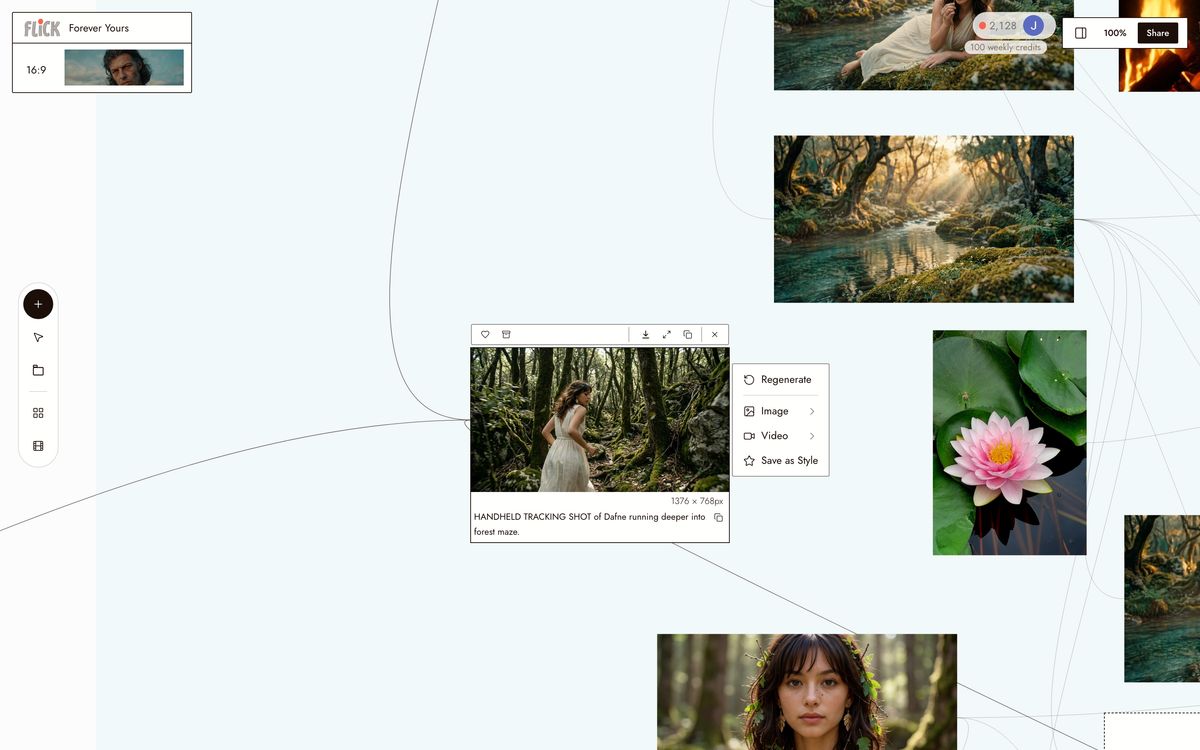
Lock your character, generate shots

Upload one reference image into Character Reference. That identity holds across Kling, Veo 3.1, and Seedance without re-uploading or re-prompting. Queue multiple renders in parallel and generate every shot on the same canvas.
Lock your character, generate shots
3

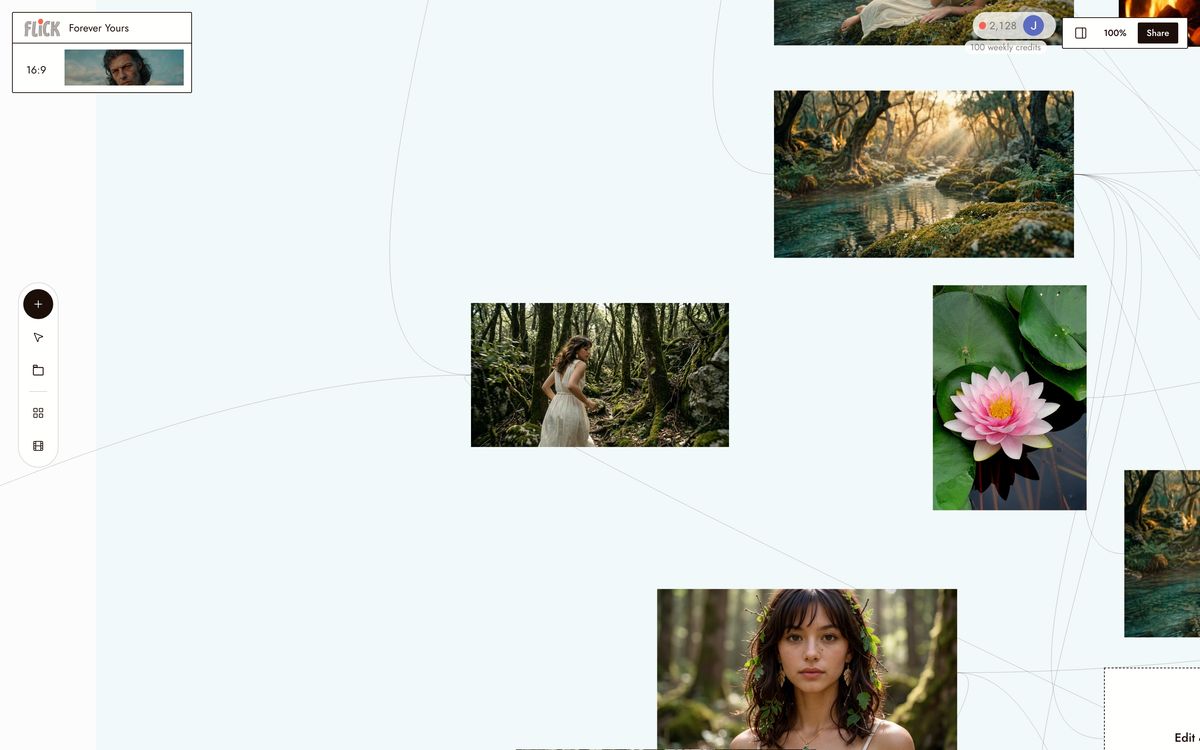
Chain clips, export your cut

Arrange shots on the canvas in sequence. Trim to length, stitch into a full scene, and export. Every model outputs at a consistent resolution and aspect ratio, so clips from different models cut together without reformatting.
Chain clips, export your cut

Why Choose Flick

Free tier, then a plan that fits

Free tier, then a plan that fits

Luma charges a monthly seat fee whether you render or not. Flick has a free tier, then plans from $4/month with monthly credits, deducted per generation across Kling 3.0, Seedance 3.0, and Veo 3.1.

Pick the right model for every shot

Pick the right model for every shot

Each canvas node carries its own model, prompt, and Character Reference settings. Route a wide establishing shot to Kling 3.0 for motion physics, then cut to Veo 3.1 for cinematic quality on the close-up. Luma's engines stay inside one ecosystem; Flick does not.
Queue renders, compare takes, keep moving

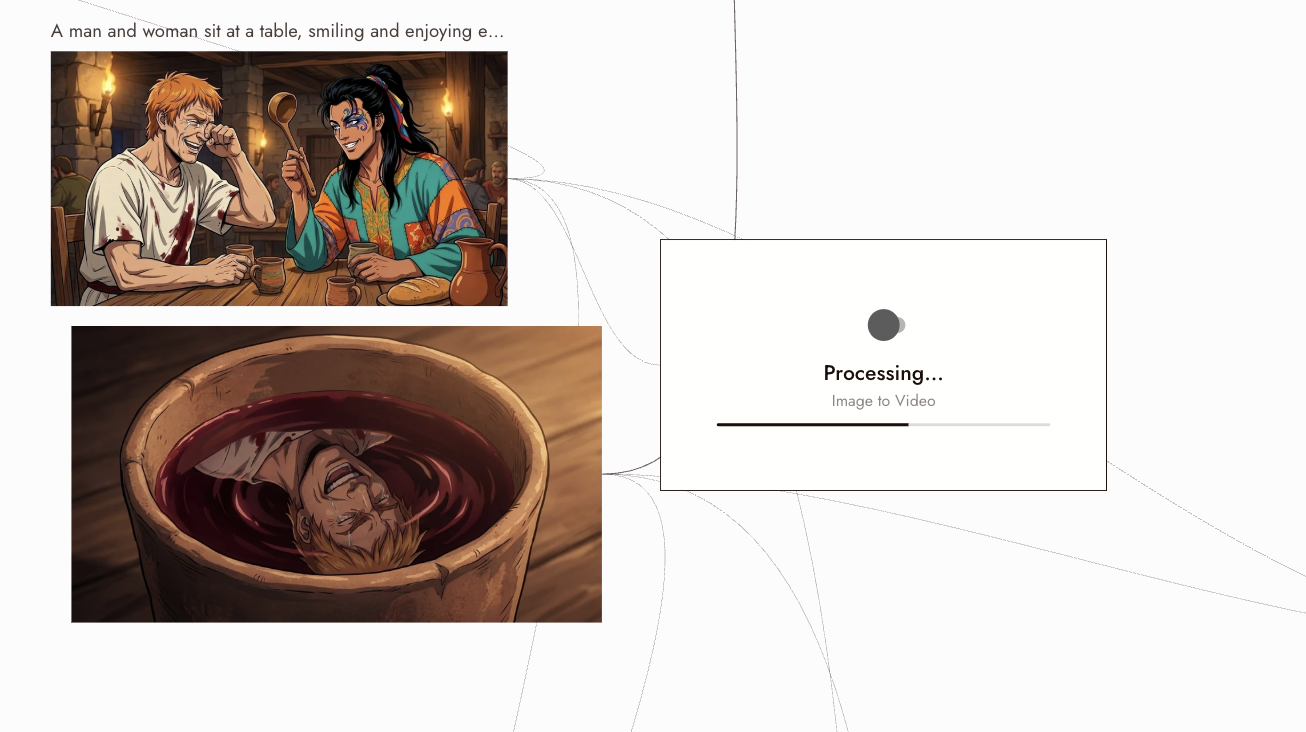
Queue renders, compare takes, keep moving

Run multiple renders in parallel on the canvas and review them side by side. Seedance 3.0 is built for fast, high-quality generation, so usable takes come back quickly.

The Best Luma Alternatives, Compared

FeatureFlickLuma Dream Machine
Models availableKling, Veo, Seedance, Nano Banana ProLuma's own engines only
Character referenceLocks your subject across every engine on the canvasStays inside Luma's own engines
Pricing modelFree tier, then credit-based plansMonthly credit plans
Native audio / dialogueVia Veo 3.1Available on Ray3
Per-shot model switchingRoute each shot to any engine freelyLuma engines only
Cinematic output qualityVeo 3.1 at the top endGenuinely strong; a real strength
Free tierYes, on a plan sized to your work neededYes, credit-limited

Explore more comparisons

Luma Alternatives FAQs

What is Flick?
Flick is an AI filmmaking studio: a node canvas where you generate original cinematic footage with consistent characters across multiple models in one workspace. Lock a character once with Character Reference, then route shots to Kling 3.0, Veo 3.1, Seedance 3.0, or Nano Banana Pro, all in the same project.
What is Luma Dream Machine better for?
Luma Dream Machine runs a polished single-tool interface, good for quick one-off generations with no setup. That's the real strength. The limit is that Luma runs its own engines only, so your character identity stays inside Luma's ecosystem and never reaches Kling 3.0, Veo 3.1, or Seedance 3.0.
How is Flick's pricing different from Luma's?
Luma sells monthly credit plans. Flick has a free tier and credit-based plans with a free tier and plans from $4/month. Pay for what you generate, nothing more. On a production schedule with multiple iterations per shot, that difference compounds fast.
Can I keep the same character across Kling, Veo, and Seedance?
Character Reference locks your character's identity across every model on the Flick canvas. Generate a still with Nano Banana Pro, animate it with Kling 3.0 for motion physics, then cut to a Veo 3.1 shot for cinematic quality. The character reads as the same person in every clip.
Which models does Flick run?
Flick hosts Kling 3.0 for motion and physics, Veo 3.1 for cinematic quality and native audio, Seedance 3.0 for fast high-quality generation, and Nano Banana Pro for stills and image work. Pick the right model per shot. The canvas holds all of them.
Do I have to commit to a subscription to try Flick?
Flick's free tier lets you generate on the canvas before spending anything. Paid access is credit-based, so cost scales with what you actually produce. Luma requires a monthly credit plan to access higher-resolution outputs and faster queues.

Create your first AI film with Flick

GET STARTED