AI Villain Generator
WHY GENERATE WITH FLICK?
Design a villain once. Character Reference locks their face across every model and every scene.
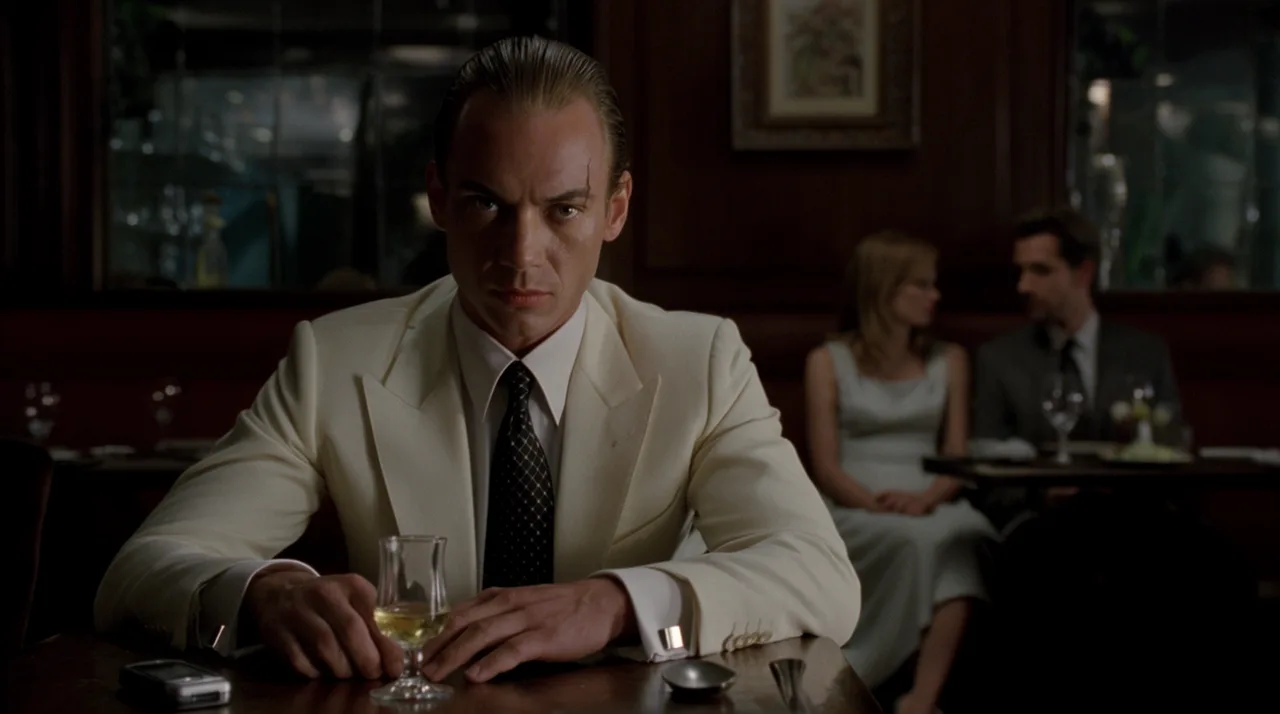
AI VILLAIN GENERATOR EXAMPLES
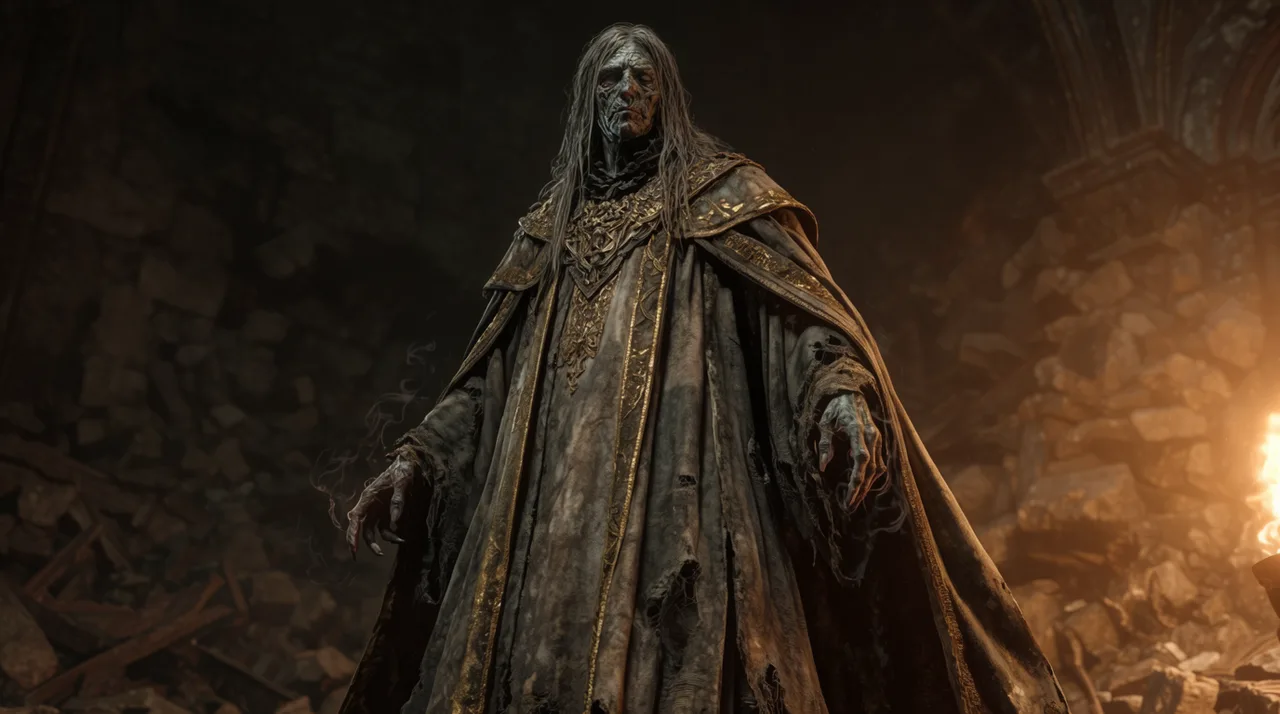
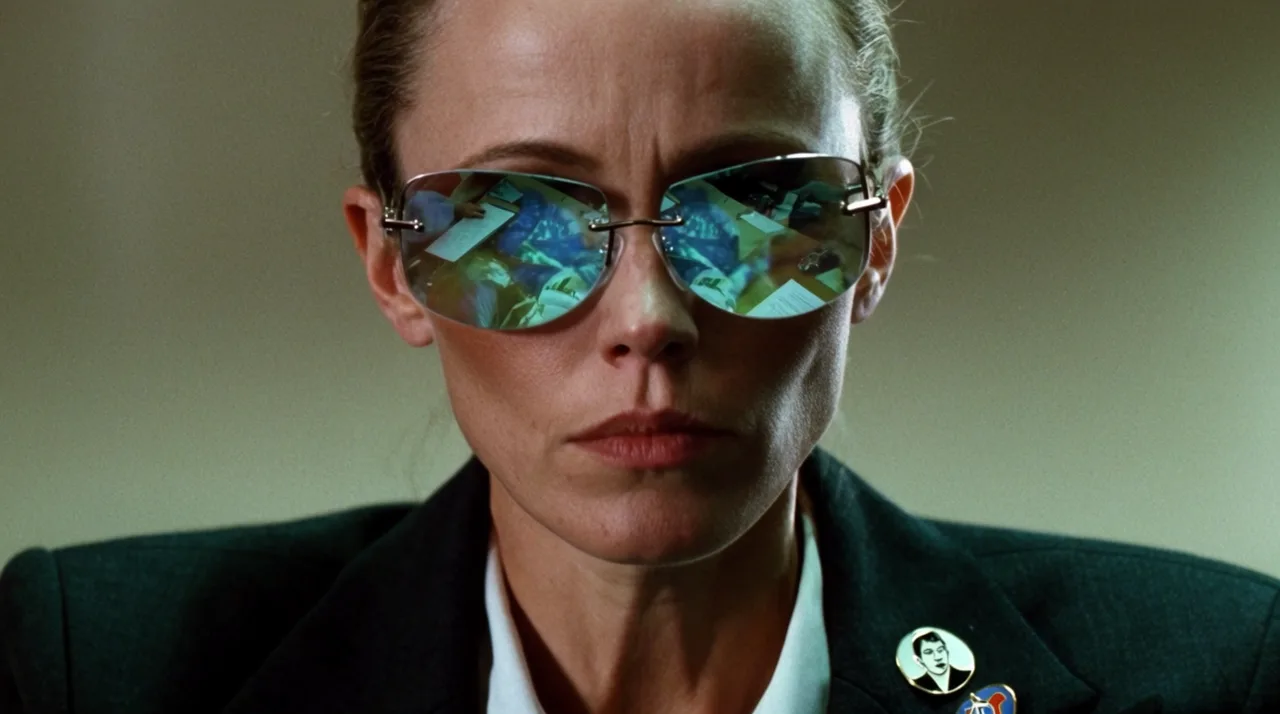
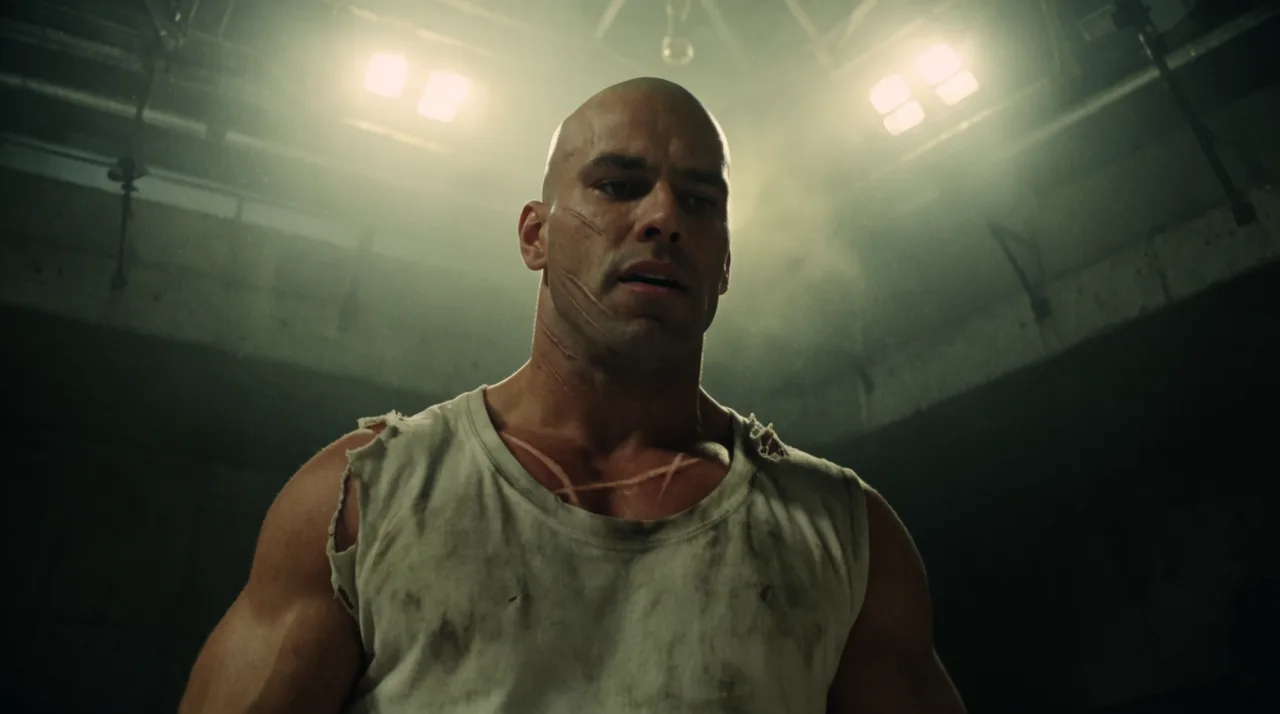
HOW IT WORKS
STEP 1
DESIGN THE VILLAIN
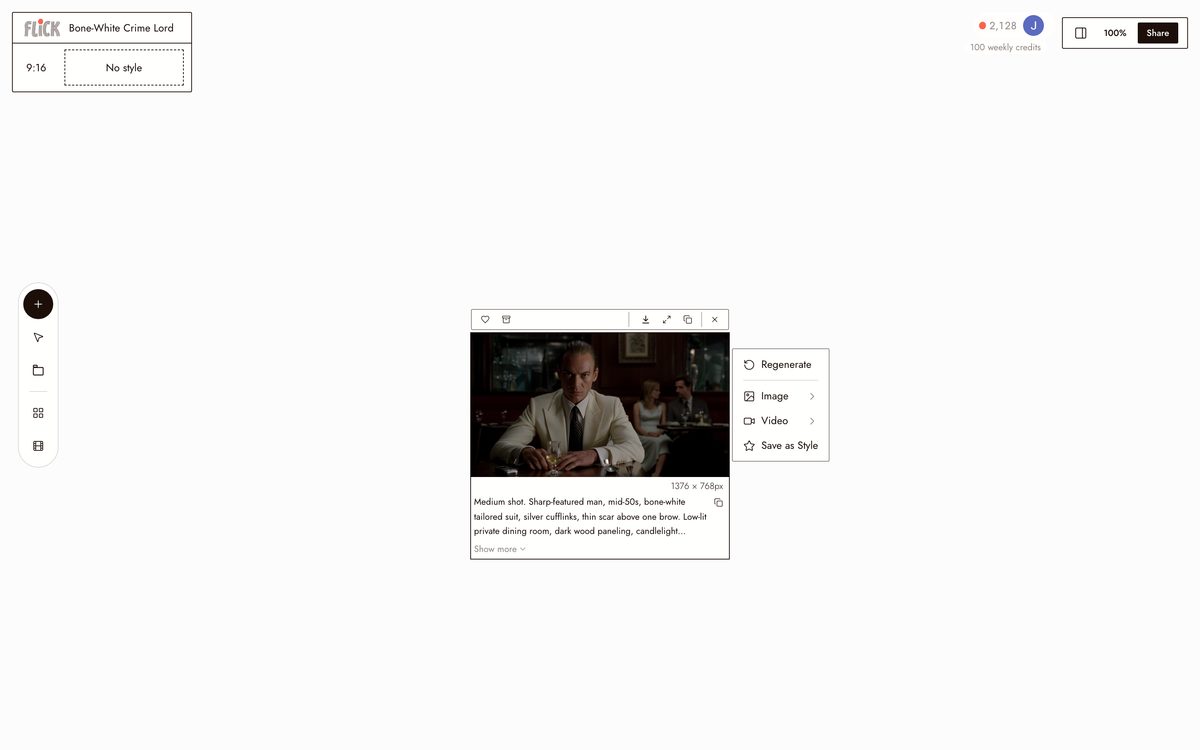
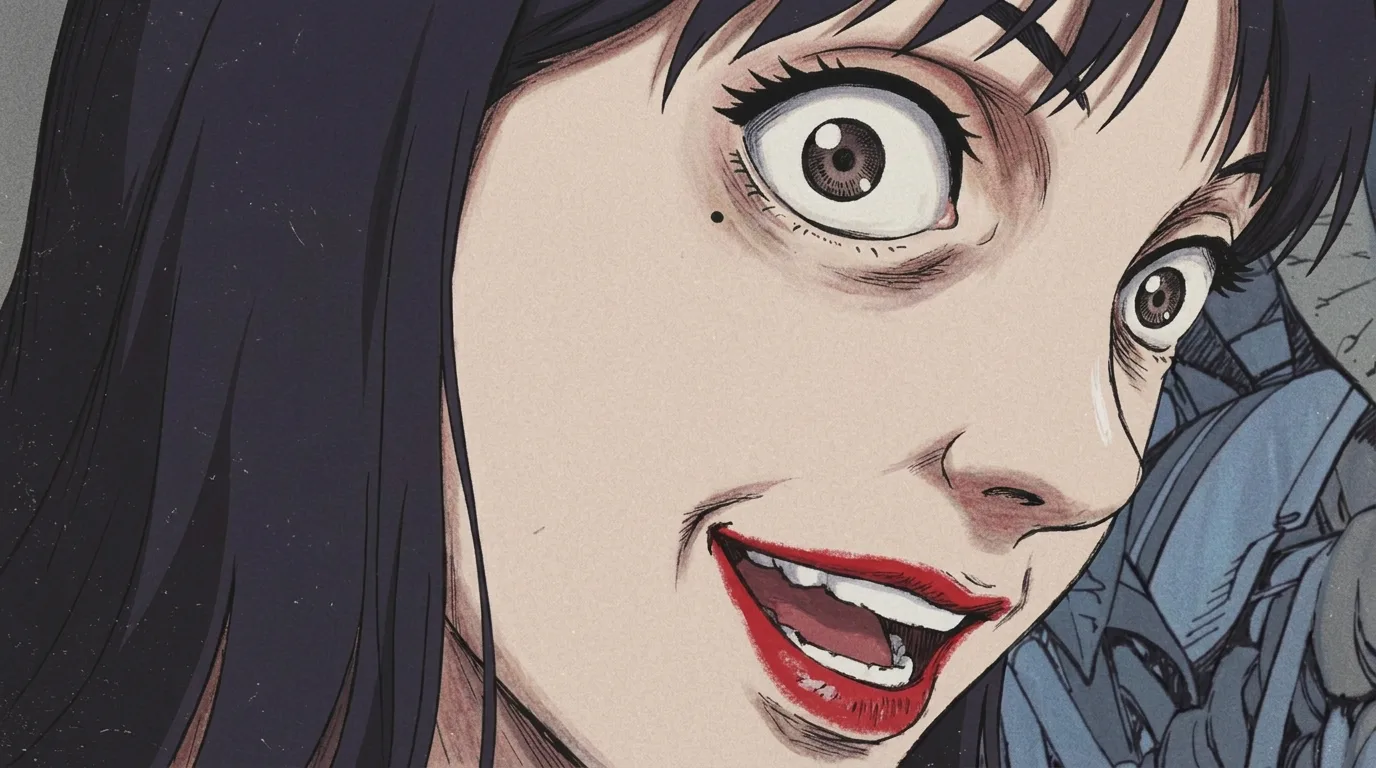
Name the silhouette, the materials, the scars, and the palette, and Nano Banana Pro renders a high-fidelity portrait. Ask Flick for the backstory in the same breath, motivation, origin, and voice, so the character is directed before the first scene.
Made in Flick STEP 2
LOCK THE FACE, PICK A MODEL
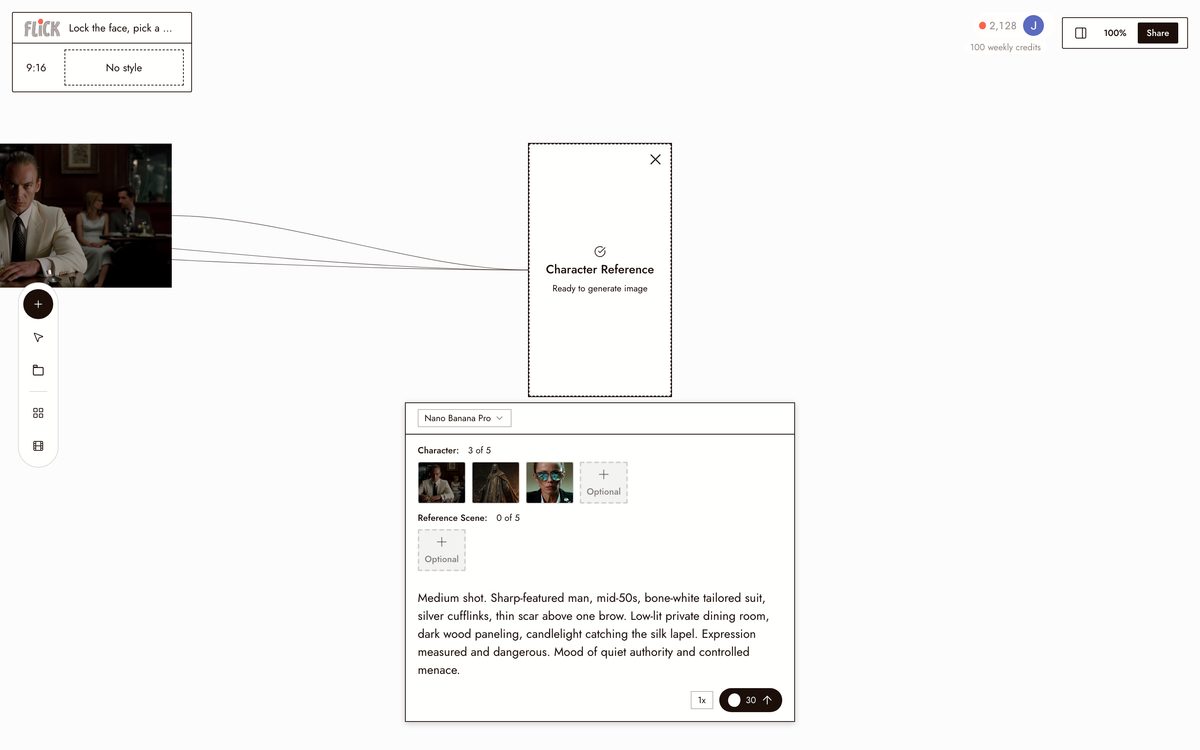
Click Character Reference on the portrait to make it reusable, then choose your model, Kling for a menacing entrance, Veo 3.1 for cinematic color and audio. The villain keeps the same face and presence in every shot.
Made in Flick STEP 3
CUT THE SCENES
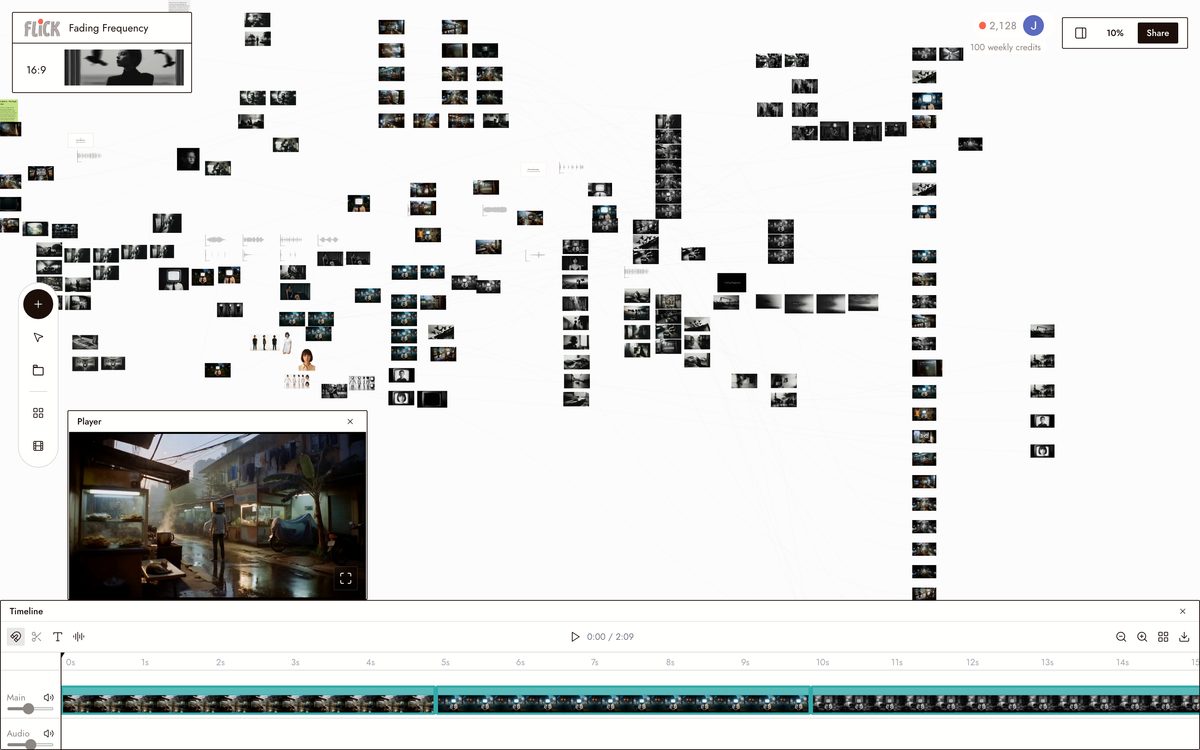
Trim the takes on the timeline and cut the villain's scenes together. Costume, scars, and presence hold across the whole project.
Made in Flick


AI VILLAIN GENERATOR FAQS
WHAT IS AN AI VILLAIN GENERATOR?
An AI villain generator turns a text prompt into a character image and backstory. Describe the look, the power, the motive -- the AI produces both. Flick adds the next step: design the villain with Nano Banana Pro, write the backstory in the chat panel, then lock the face and costume with Character Reference so that exact character carries into every scene you shoot.
HOW DOES CHARACTER REFERENCE KEEP MY VILLAIN CONSISTENT?
Generate your villain's portrait once. Feed it into Character Reference and Flick pins the face, silhouette, and costume across every model in the workspace. Generate a still of them in a throne room, then a video of them mid-speech -- same character, not a variation.
CAN I PUT MY VILLAIN INTO A VIDEO SCENE?
Send any villain still straight into an image-to-video model from the canvas. Use Kling for weight and physical motion, or Veo 3.1 for cinematic quality with native audio and dialogue. Chain multiple clips on the canvas to build a full scene.
HOW IS THIS DIFFERENT FROM A STANDALONE VILLAIN OR CHARACTER GENERATOR?
A standalone generator stops at the image. Flick pairs the visual with a backstory written in chat, locks that character across every subsequent generation, and animates them into video on the same canvas. Design, story, stills, and motion -- one tool.
IS FLICK FREE TO USE?
Flick has a free tier: up to 300 free credits (100 at signup plus 200 for joining our Discord) plus 100 weekly credits, no credit card required. Every image model, including Nano Banana and GPT Image, is on every plan, free included, and so are MiniMax H3 Fast, MiniMax H3 Max and Pruna Draft video. Kling, Veo 3.1, Seedance and the full video model list come with the Standard plan. Paid plans start at $5 per month for more credits.
IS THE VILLAIN I GENERATE MINE TO USE?
Images and videos you generate in Flick are yours, including for commercial work. Review the terms of service for full details -- the output belongs to you, not Flick.




TRY THE AI VILLAIN GENERATOR FREE