AI Trailer Generator
WHY GENERATE WITH FLICK?
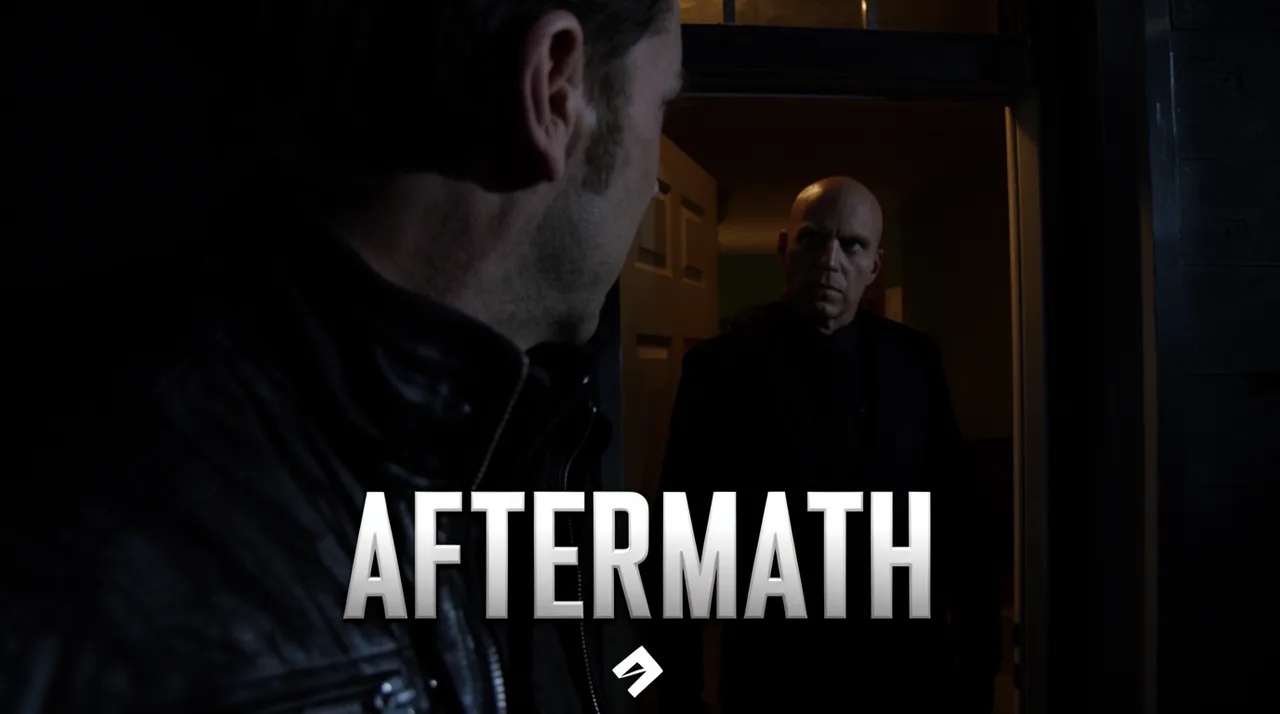
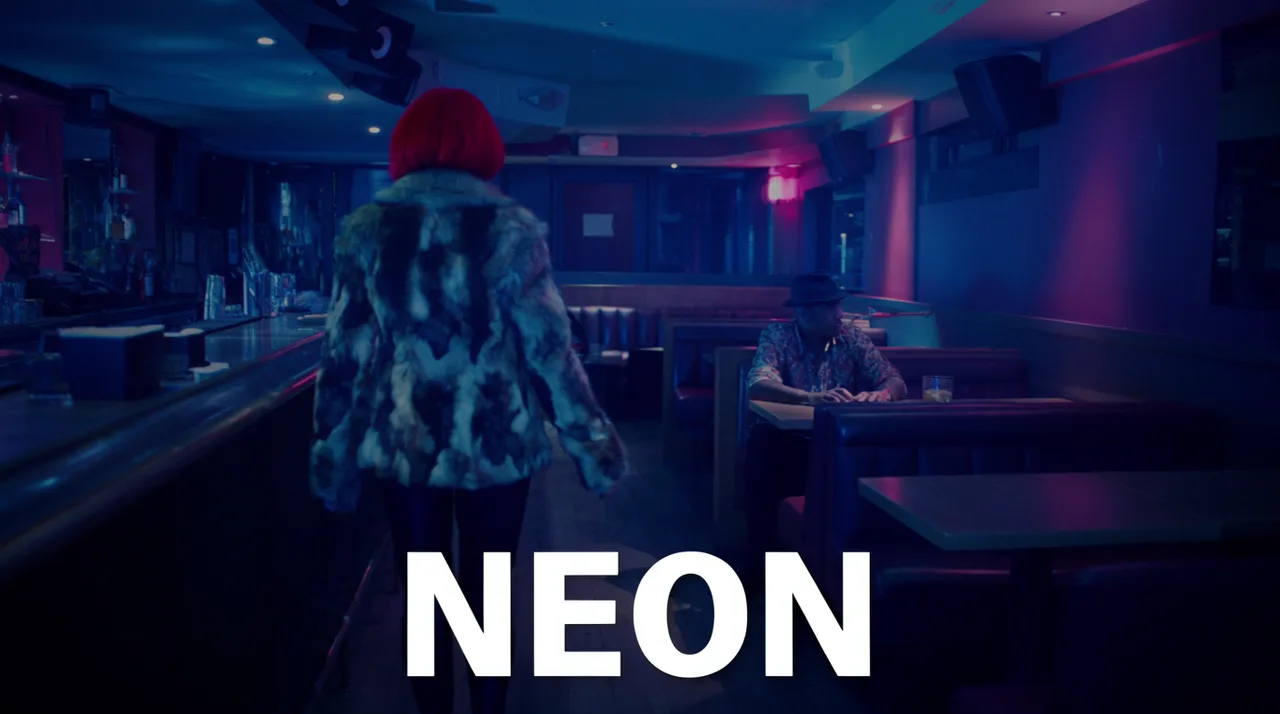
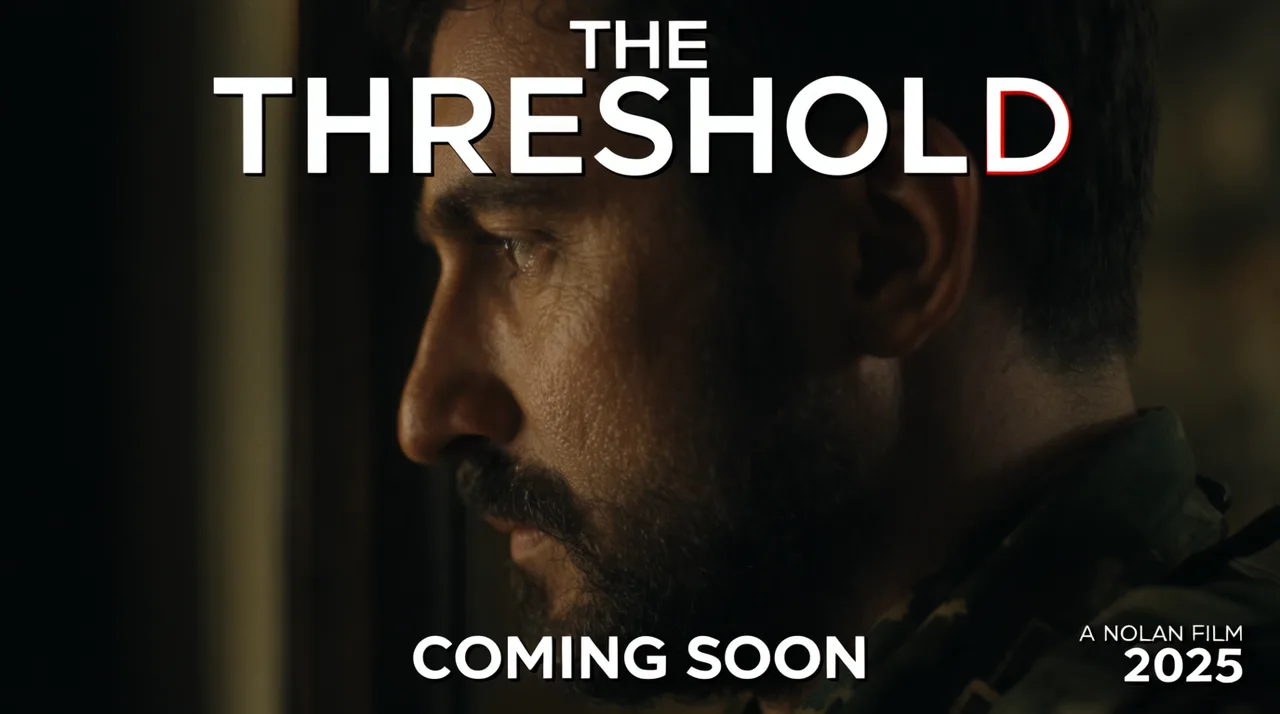
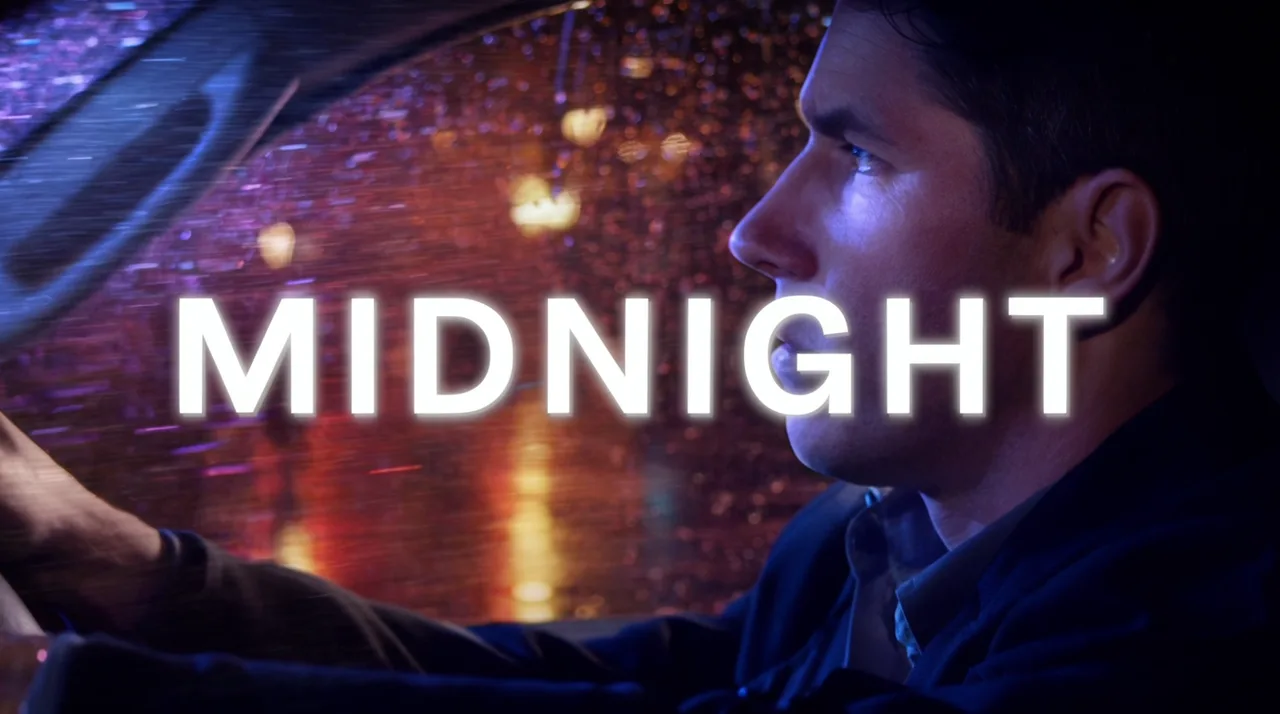
Most movie trailer makers cut stock clips to a template. Flick generates original shots, locks your character across every cut, and stitches them to a trailer beat on one canvas.
HOW IT WORKS
STEP 1
MAP YOUR TRAILER BEATS
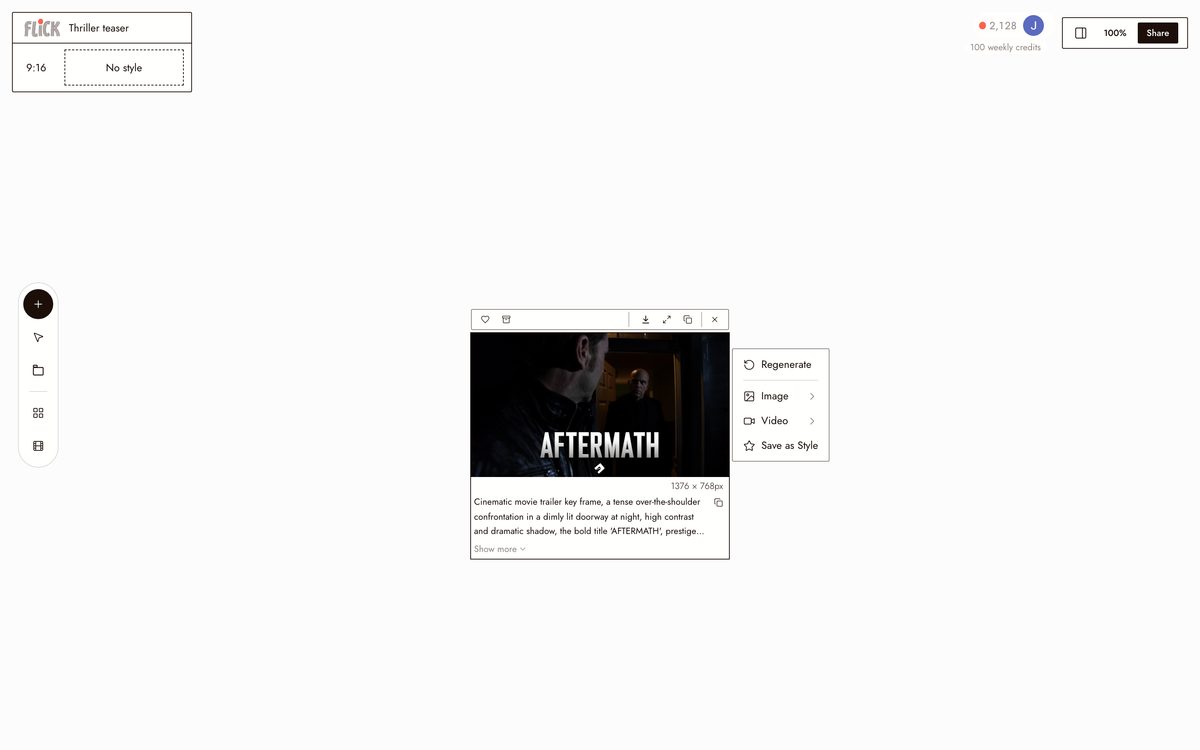
Drop shot nodes onto the Flick canvas before generating a single frame. Label each node: slow build, inciting moment, fast-cut climax. Every clip has a fixed place in the cut from the start.
Made in Flick STEP 2
GENERATE EACH SHOT
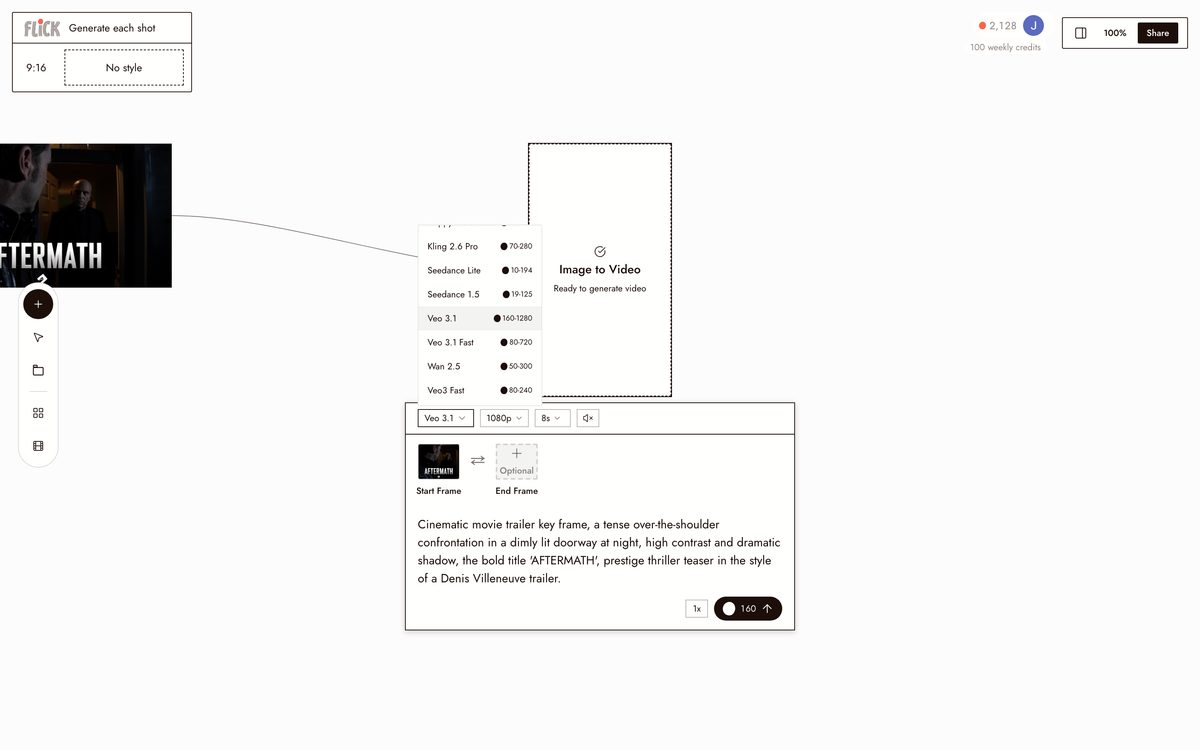
Prompt each node with its specific action and mood. Use Kling for physical weight and movement, Seedance when you need fast high-quality iteration, Veo 3.1 for cinematic frames with native audio and dialogue.
Made in Flick STEP 3
LOCK CHARACTER, STITCH CUT
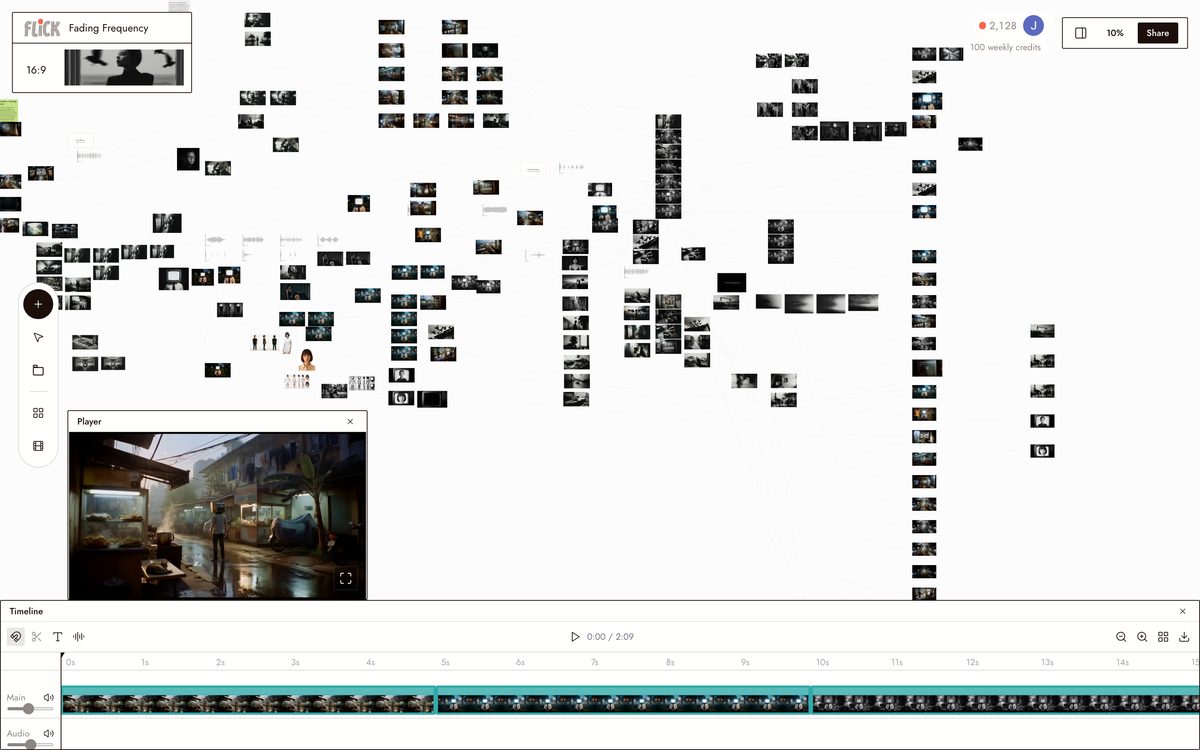
Apply Character Reference once. Your lead's identity holds across every shot and every model. Chain the nodes in sequence on the canvas and stitch the clips into a finished trailer at a consistent resolution and aspect ratio.
Made in Flick


AI TRAILER GENERATOR FAQS
WHAT DOES AN AI TRAILER GENERATOR ACTUALLY DO?
It generates original footage from your concept and cuts it to a trailer rhythm. Describe your film's tone, pacing, and characters. Flick produces individual shots using models like Kling and Seedance, holds your character consistent across every shot with Character Reference, then lets you stitch those clips into a timed trailer sequence on the canvas.
HOW IS THIS DIFFERENT FROM TRAILER-MAKER APPS?
Most trailer tools drop your text or photos into a pre-built template over stock clips. Flick generates original footage from your concept. Every shot is built for your specific story, not pulled from a library.
CAN I KEEP THE SAME CHARACTER ACROSS EVERY SHOT IN THE TRAILER?
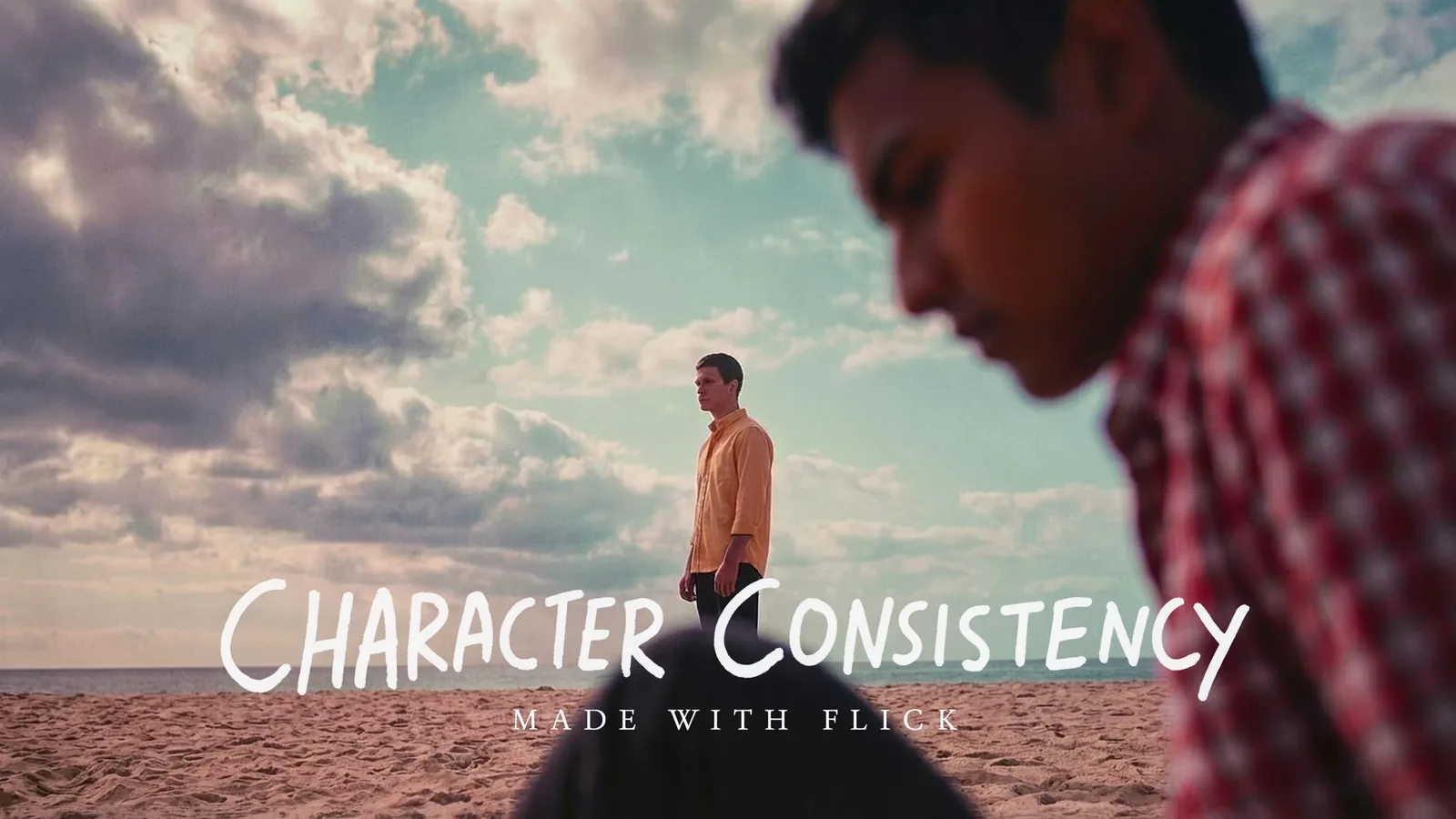
Lock your character once with Character Reference, then generate that character into every shot on the canvas. Face, costume, and proportions stay consistent whether the shot is a close-up, a wide, or an action beat.
WHICH MODELS SHOULD I USE FOR A TRAILER?
Use Kling for shots that need strong motion and physics. Use Seedance for fast, high-quality generation when you are cutting through many shots quickly. Use Veo 3.1 for cinematic quality, native audio, and dialogue scenes. Mix models across shots on the same canvas to match the right tool to each beat.
IS IT FREE TO USE?
Yes. Flick has a free tier: up to 300 free credits (100 at signup plus 200 for joining our Discord) plus 100 weekly credits, no credit card required. Generate shots and build a rough cut on it. Paid plans start at $5/month, or $4/month billed yearly. Character Reference, which locks your character across every cut, is on every plan. Kling, Veo 3.1 and Seedance need the Standard plan.
IS THE OUTPUT MINE TO USE?
Footage you generate on Flick is yours to publish and distribute. Review the Terms of Service for the full detail. Flick does not claim ownership of your generated output.




RELATED
TRY THE AI TRAILER GENERATOR FREE