AI Veo 3 Prompt Generator
WHY GENERATE WITH FLICK?
Type a rough idea. Get a structured prompt with camera, lighting, and motion. Generate with Veo 3.1 without leaving Flick.
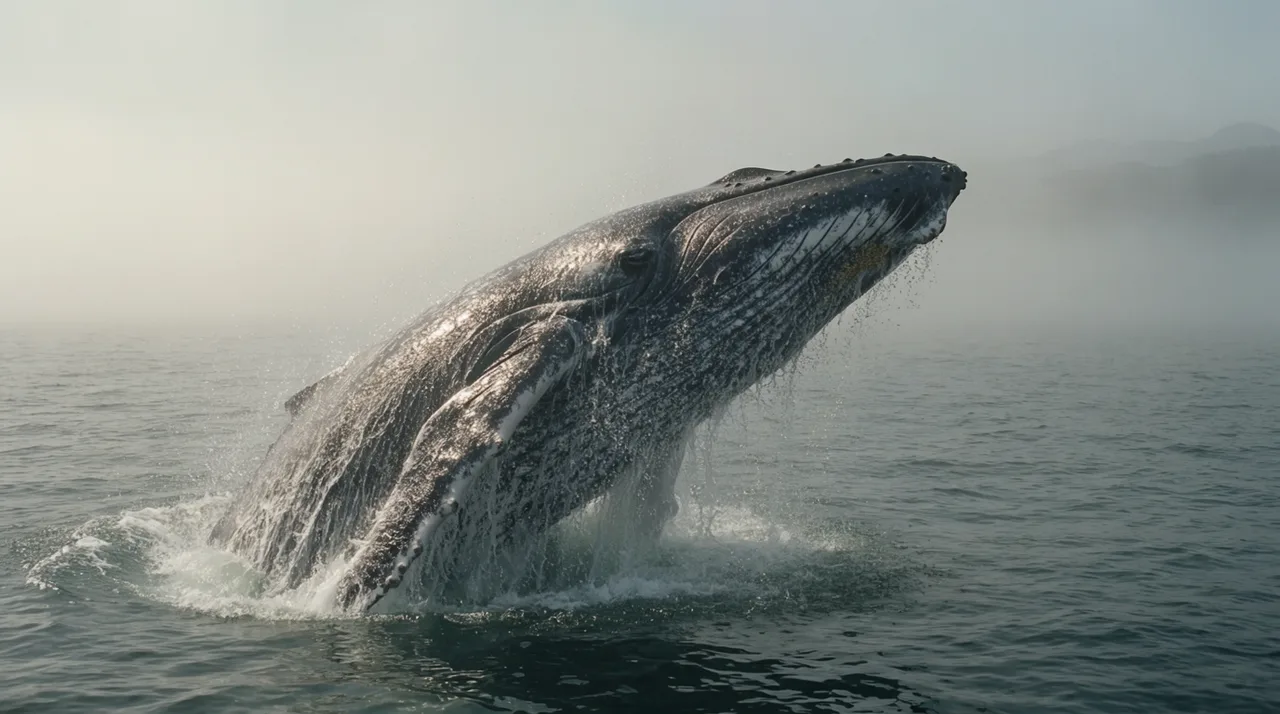
AI VEO 3 PROMPT GENERATOR EXAMPLES

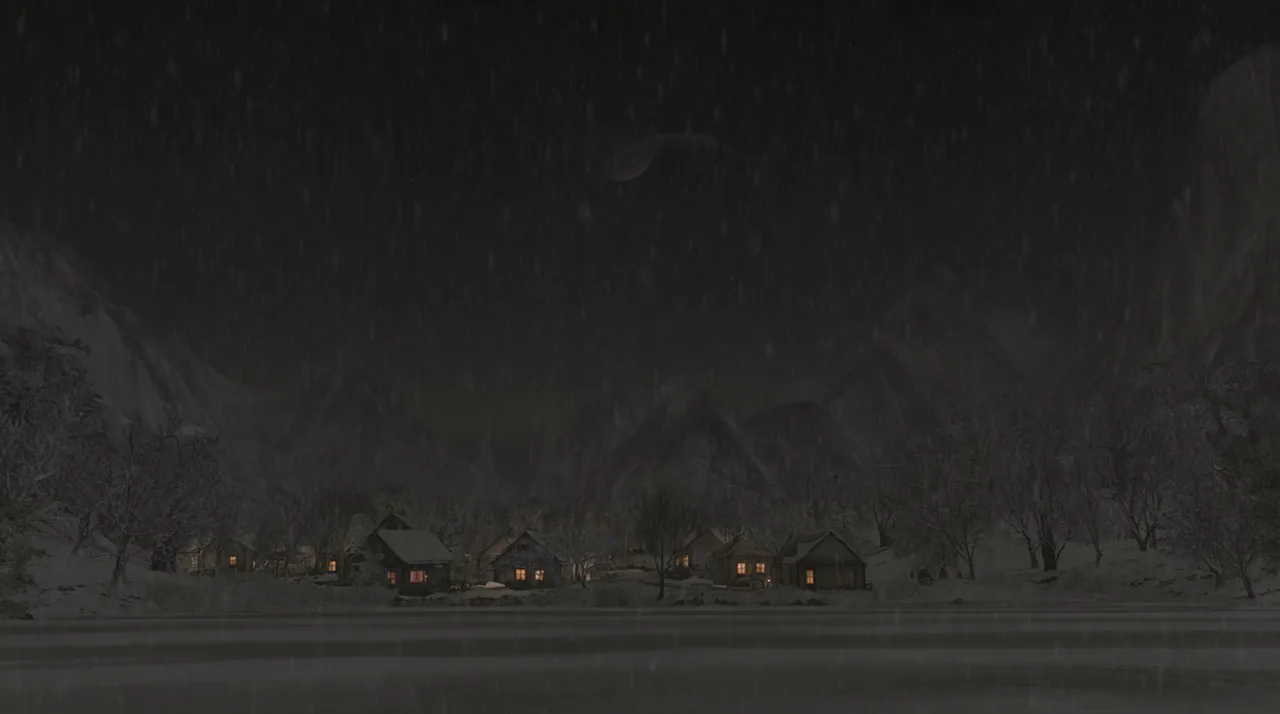
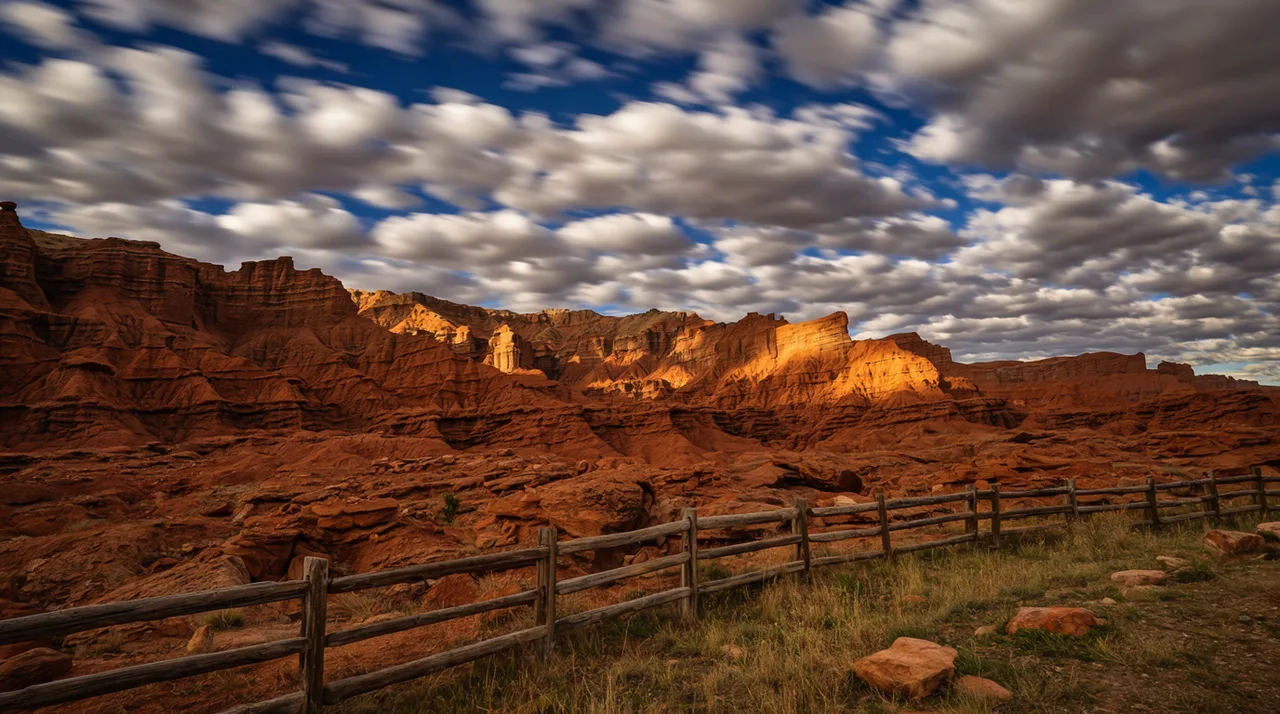
HOW IT WORKS
STEP 1
TURN AN IDEA INTO A VEO PROMPT
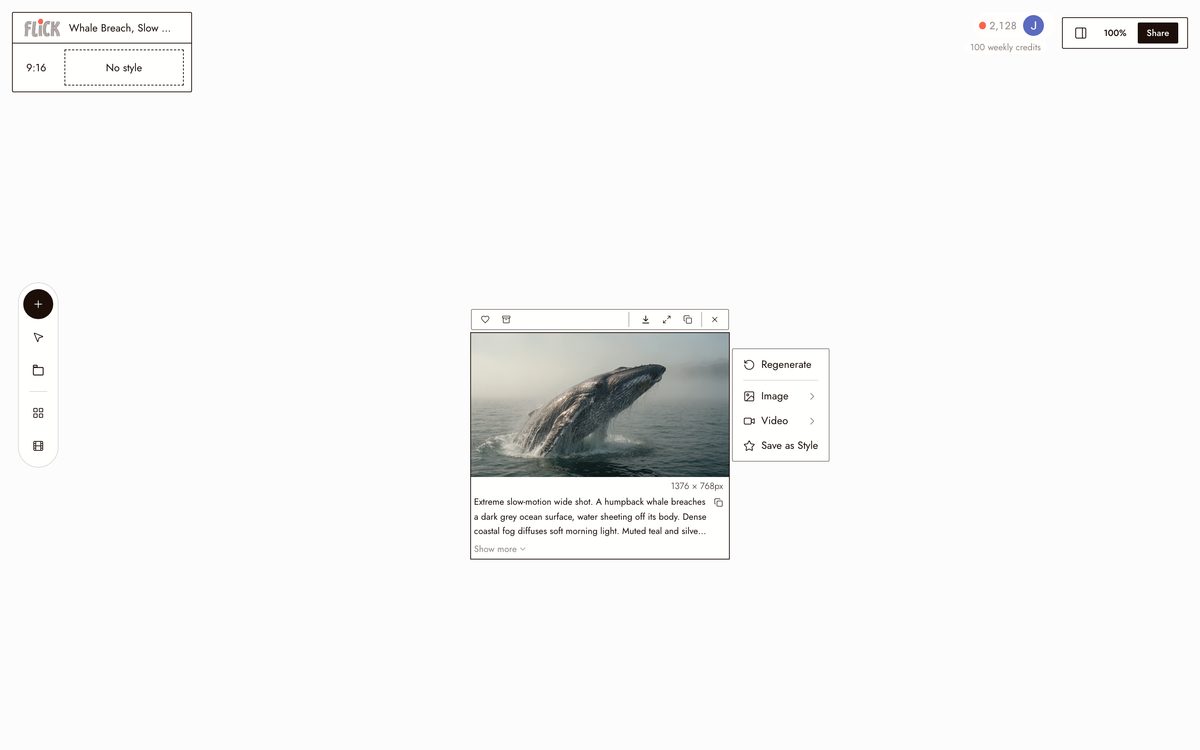
Type the subject, the mood, the location, or the action, and Flick fills it out into a Veo 3.1-ready prompt: camera angle, lighting, and motion detail all specified.
Made in Flick STEP 2
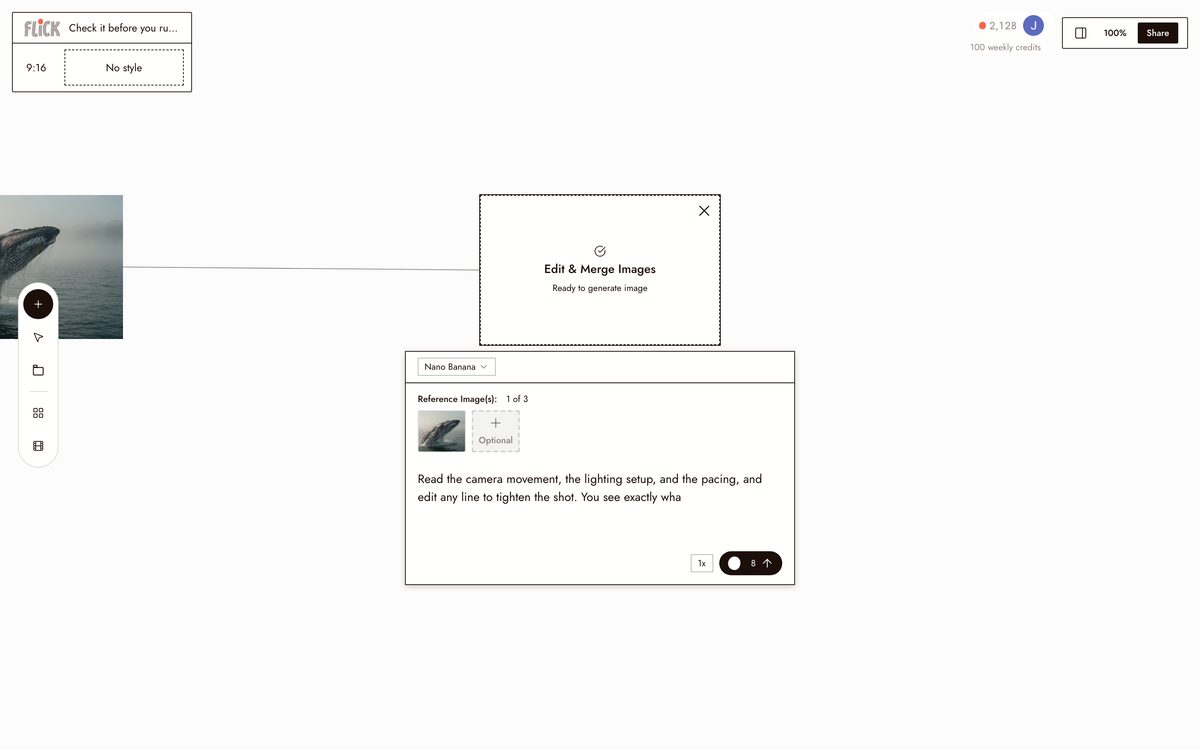
CHECK IT BEFORE YOU RUN IT
Read the camera movement, the lighting setup, and the pacing, and edit any line to tighten the shot. You see exactly what Veo will act on.
Made in Flick STEP 3
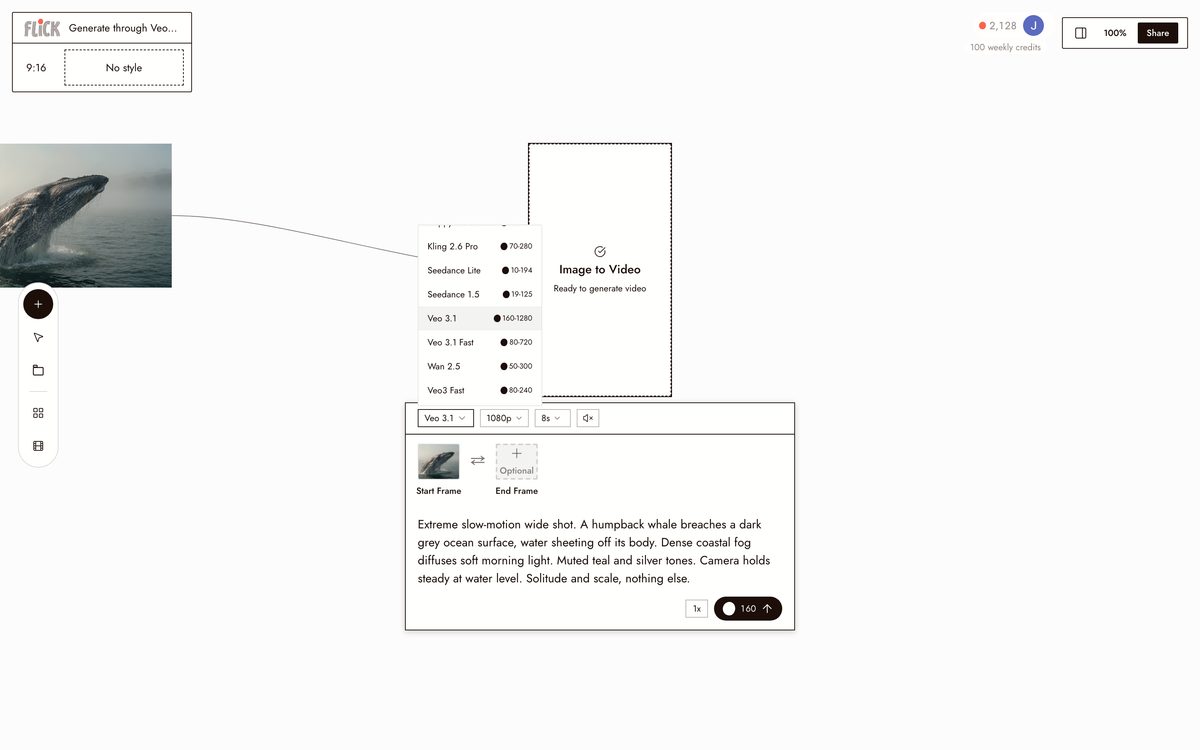
GENERATE THROUGH VEO 3.1
Run the prompt and Flick returns Veo 3.1 footage on the canvas, cinematic color and native audio in one pass, without copy-pasting into another tool.
Made in Flick


AI VEO 3 PROMPT GENERATOR FAQS
WHAT DOES A VEO 3 PROMPT GENERATOR ACTUALLY DO?
It takes a rough idea and structures it into a prompt tuned for Veo 3.1: camera angle, lighting, motion, and atmosphere. Veo 3.1 rewards specificity. Name a dolly move, a time of day, and a focal length, and the output is noticeably sharper than a two-word brief.
HOW IS THIS DIFFERENT FROM A STANDALONE PROMPT GENERATOR?
A standalone generator stops at the text. Flick writes the Veo-ready prompt and runs it on Veo 3.1 in the same canvas. No copying, no pasting, no context lost between steps.
CAN I USE THE GENERATED CLIP IN A COMMERCIAL PROJECT?
Clips generated on Flick are yours to use commercially. Check Google's Veo usage terms for platform-level restrictions on Veo 3.1 outputs. Flick places no additional claim on what you create.
IS FLICK FREE TO USE?
Flick has a free tier: up to 300 free credits (100 at signup plus 200 for joining our Discord) plus 100 weekly credits, no credit card required. Paid plans start at $5/month, or $4/month billed yearly, for more credits. Every image model, including Nano Banana and GPT Image, is on every plan, free included, and so are MiniMax H3 Fast, MiniMax H3 Max and Pruna Draft video. Veo 3.1, Kling, Seedance and the full video model list come with the Standard plan. Credits are spent per generation.
WHICH MODEL SHOULD I USE FOR MY SHOT?
Use Veo 3.1 for cinematic quality, native audio, and dialogue. Use Kling when motion physics and smooth movement matter most. Use Seedance for fast, high-quality generation. All three run on the same canvas, so test the same prompt across models without leaving your project.
CAN I KEEP THE SAME CHARACTER ACROSS MULTIPLE VEO 3.1 SHOTS?
Character Reference locks a character's identity from a single reference image and carries it across every model in the workspace. Generate a character portrait with Nano Banana Pro, then put that character into a Veo 3.1 clip without re-describing them from scratch.





TRY THE AI VEO 3 PROMPT GENERATOR FREE