AI Anime Opening Generator
WHY GENERATE WITH FLICK?
Describe your show. Flick generates anime-style shots with Kling and stitches them into a sequence.
AI ANIME OPENING GENERATOR EXAMPLES
HOW IT WORKS
STEP 1
WRITE THE SHOTS, LOCK YOUR HERO
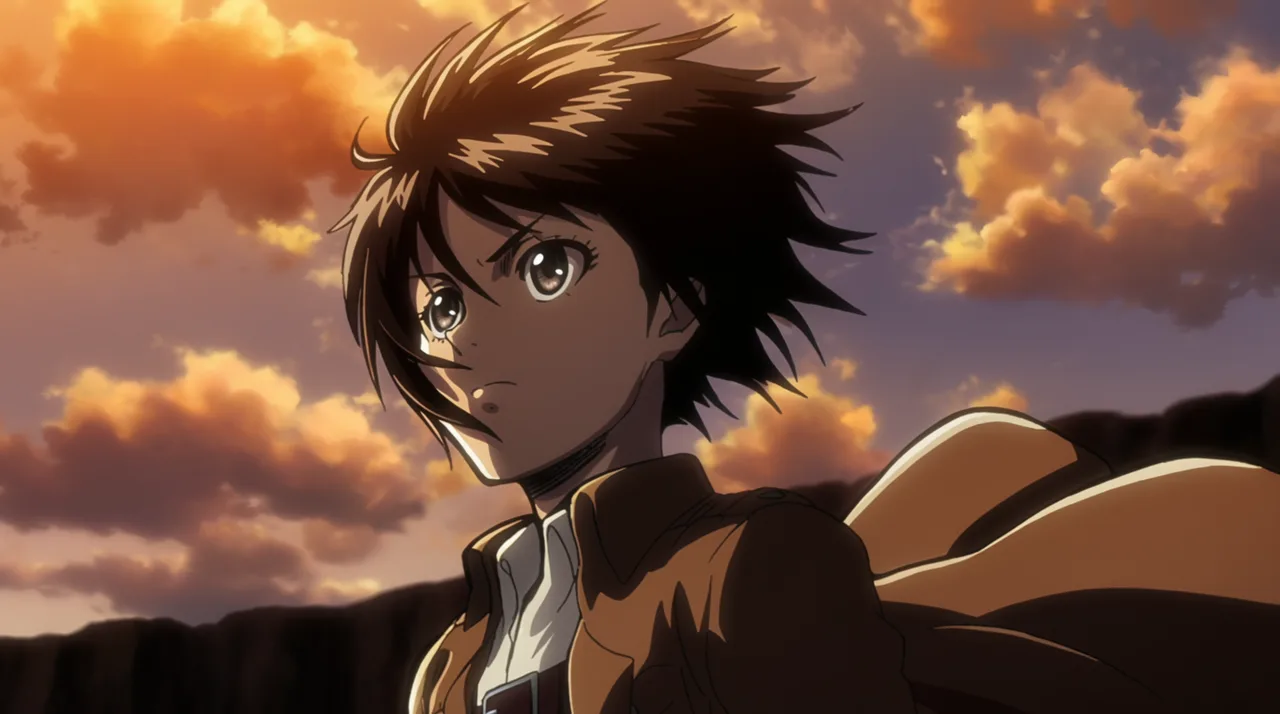
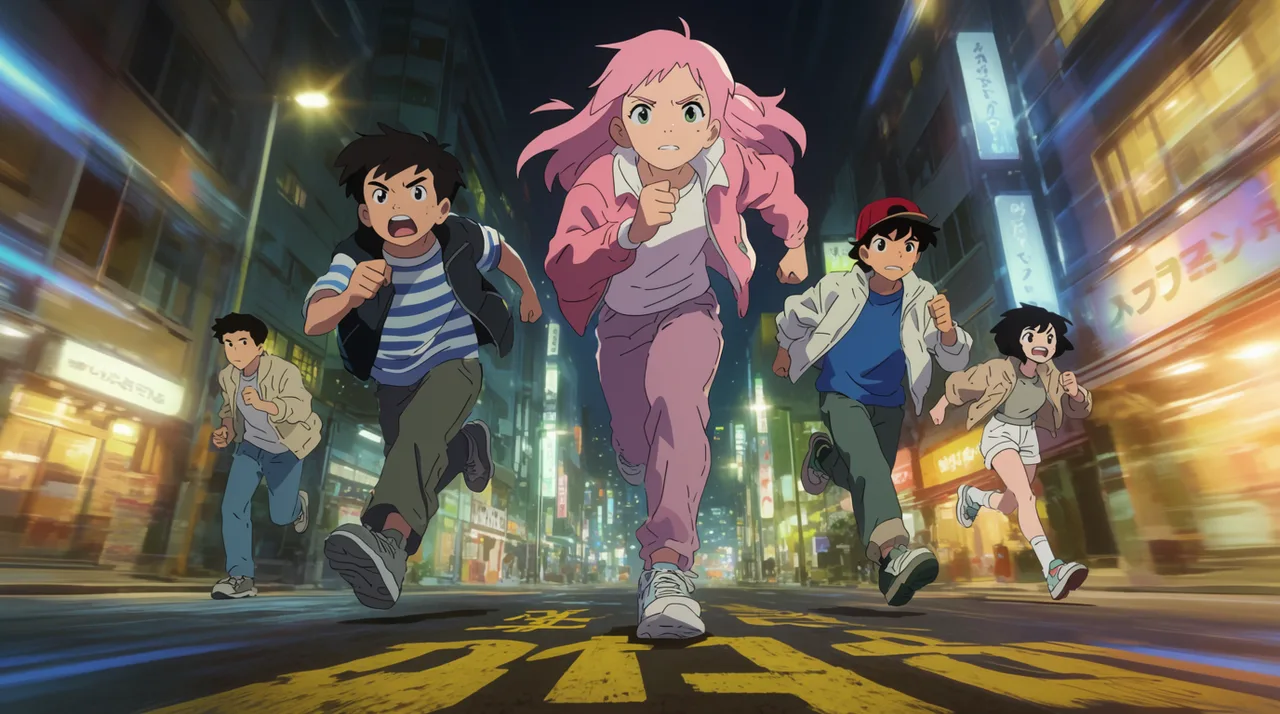
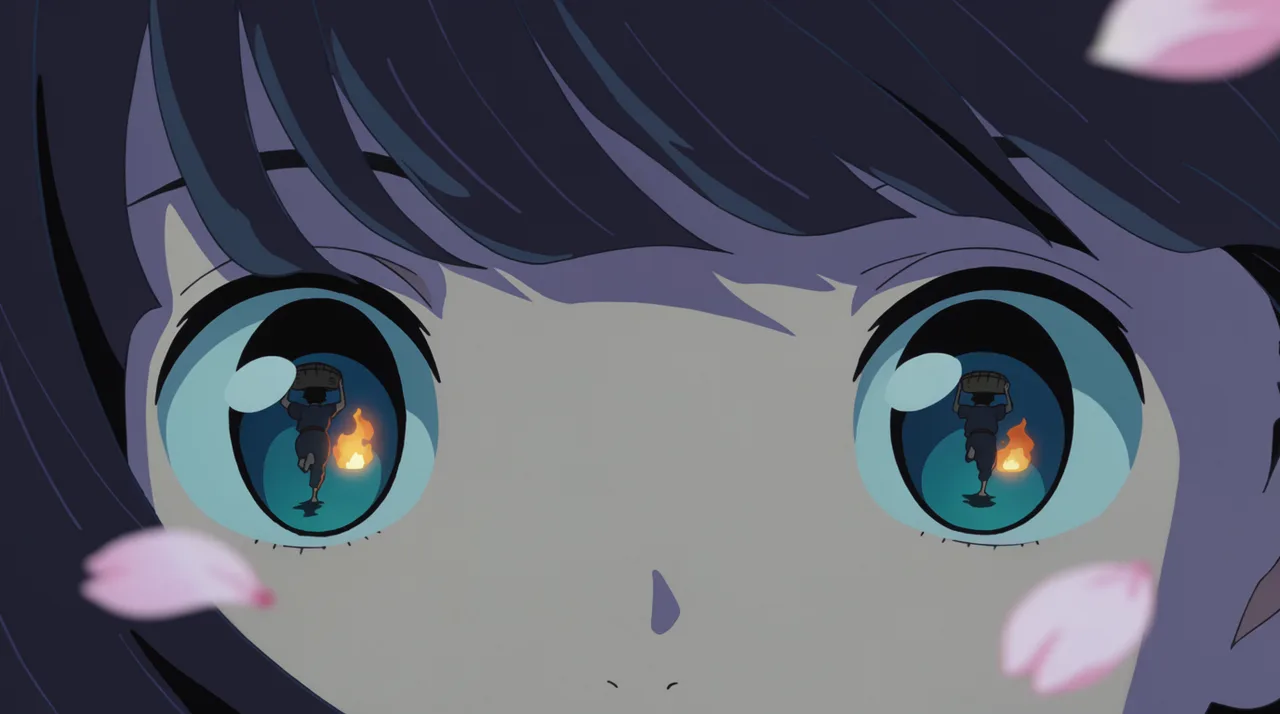
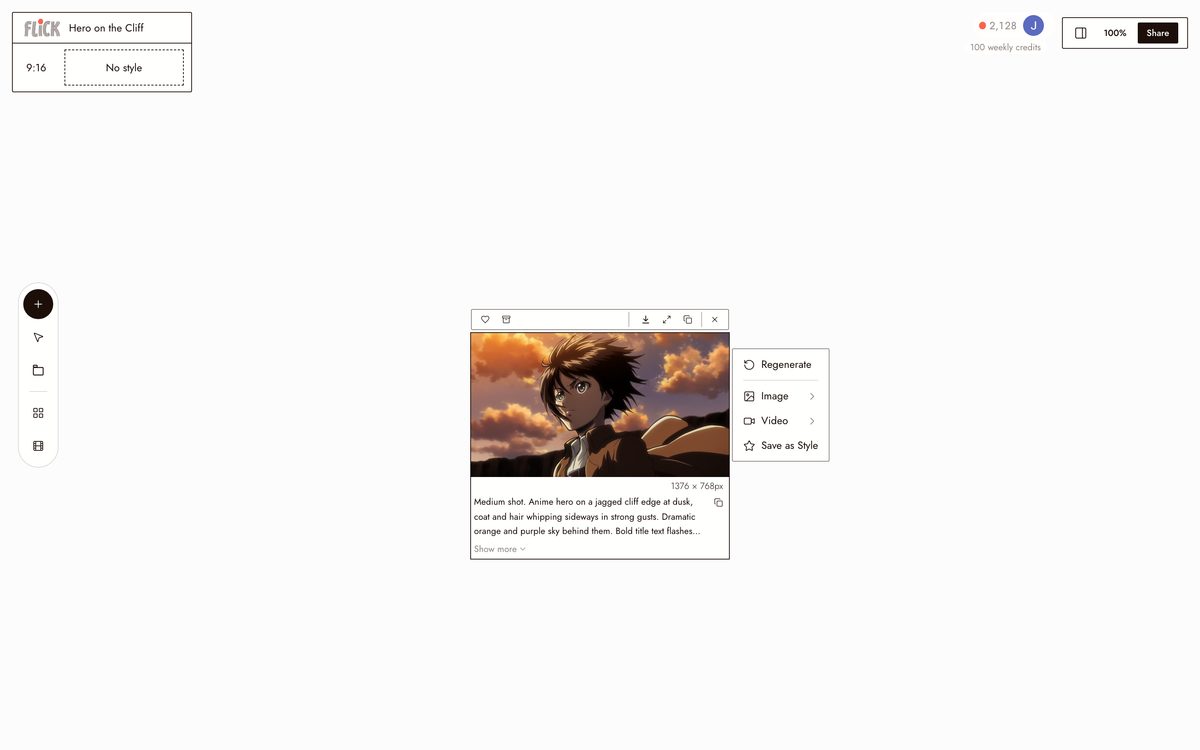
Write a prompt per shot, a wind-swept hero on a cliff, a team running at camera, a close on determined eyes, and upload one character reference. Character Reference locks that face and design across every shot in the opening.
Made in Flick STEP 2
GENERATE WITH KLING
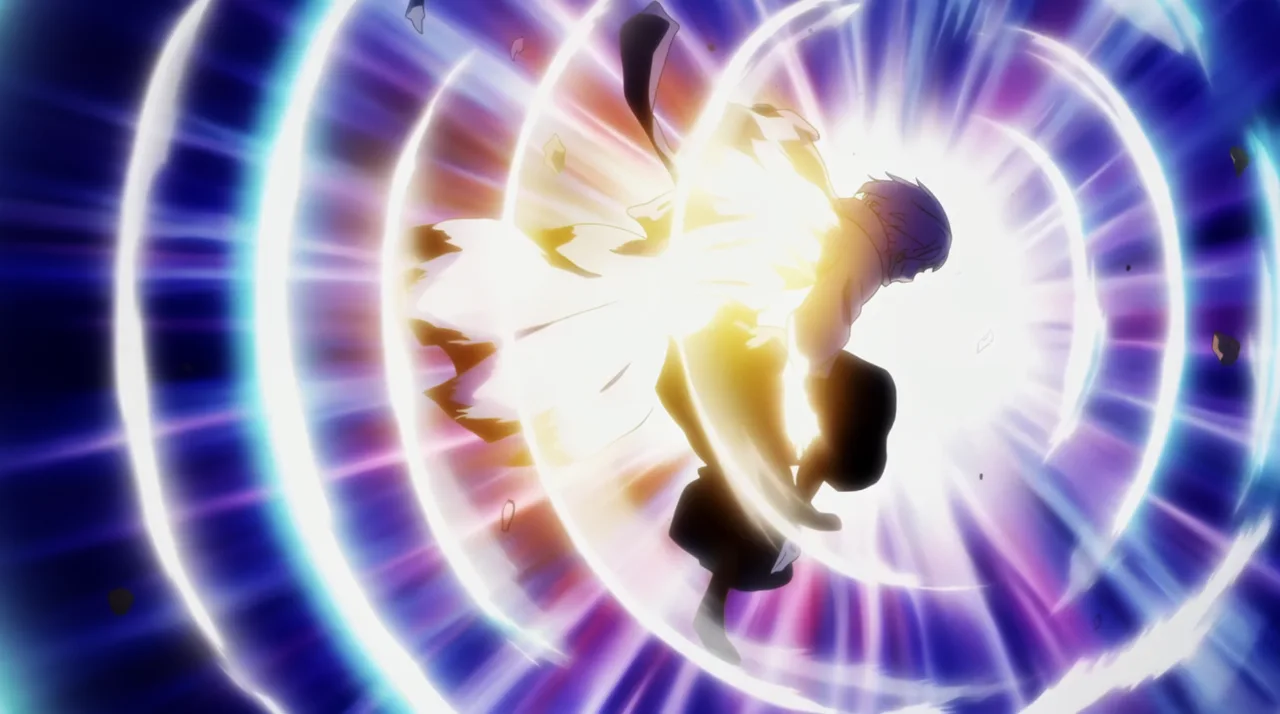
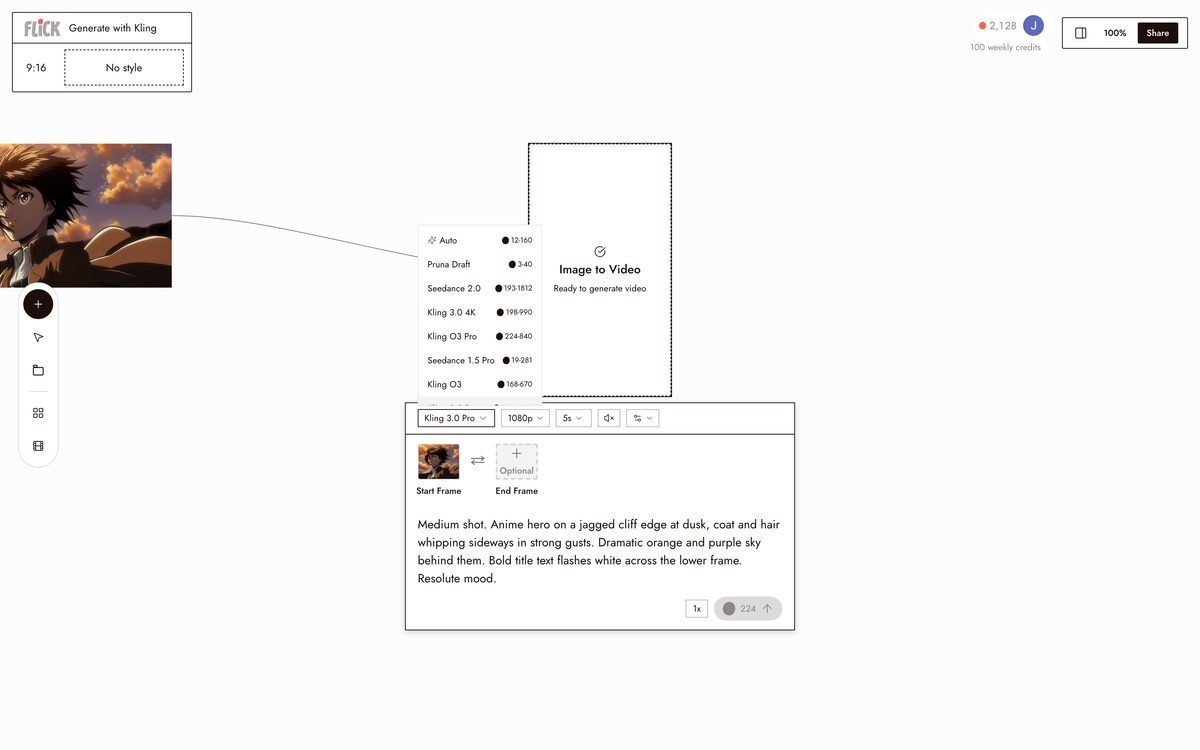
Set your anime style and send each prompt to Kling. It handles the kind of motion an anime opening lives on, running strides, transformation bursts, hair whipping in the wind, and each clip lands as a node on the canvas.
Made in Flick STEP 3
CUT THE INTRO TO A BEAT
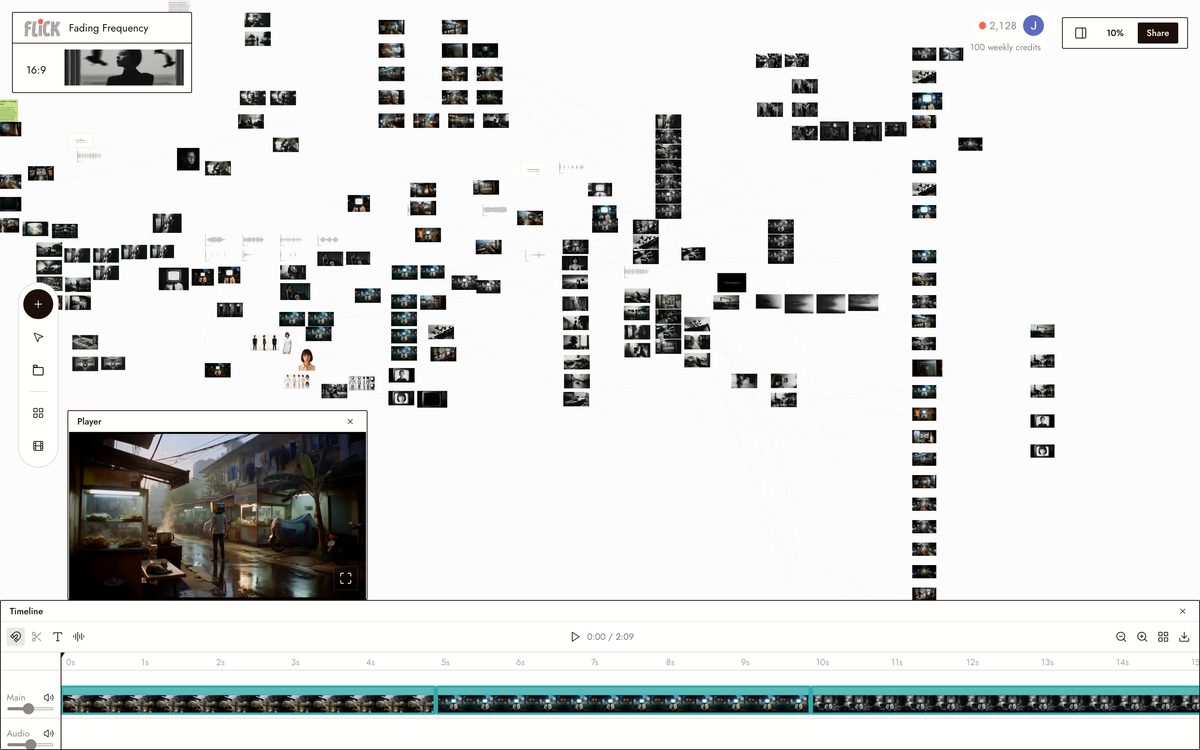
Drag the clip nodes into sequence and trim each to the rhythm of your track. Stitched together, they run like a broadcast anime intro.
Made in Flick


AI ANIME OPENING GENERATOR FAQS
WHAT IS AN AI ANIME OPENING GENERATOR?
It builds anime-style video sequences from your characters and concept. Describe your show, design characters in an anime style, then use Kling to produce dynamic shots — a hero on a cliff, a team running toward camera, a transformation burst — and stitch them into an opening sequence on Flick's canvas.
CAN I KEEP THE SAME CHARACTER ACROSS EVERY SHOT IN THE OPENING?
Lock a character from one reference image using Character Reference. Generate that character into every shot — different angles, lighting, action poses — and the face, outfit, and proportions stay consistent across all of them.
HOW DO I BUILD A FULL OPENING SEQUENCE, NOT JUST SINGLE CLIPS?
Generate each shot individually on the canvas, trim to your edit points, then stitch the clips into a sequence. Kling handles the motion-heavy shots: running sequences, dramatic poses, physics-driven effects. Chain as many shots as the opening needs.
IS FLICK FREE TO USE?
Flick has a free tier: up to 300 free credits (100 at signup plus 200 for joining our Discord) plus 100 weekly credits, no credit card required. Every image model, including Nano Banana and GPT Image, is on every plan, free included, and so are MiniMax H3 Fast, MiniMax H3 Max and Pruna Draft video. Kling, Veo 3.1, Seedance and the full video model list come with the Standard plan. Paid plans start at $5/month and add more credits per cycle.
IS THE OUTPUT REALLY MINE TO USE?
You own the content you generate on Flick. Read the Terms of Service for the full IP terms. For commercial projects, check the underlying model's licensing as well — Flick surfaces that information in the docs.
CAN I ADD AUDIO TO THE ANIME OPENING?
Route dialogue and voiceover shots through Veo 3.1, which generates native audio and dialogue alongside video. For action cuts and motion sequences, Kling produces the animation and you layer audio in your edit.




TRY THE AI ANIME OPENING GENERATOR FREE