AI Anime Video Generator
TRY IT YOURSELFWHY AI ANIME?
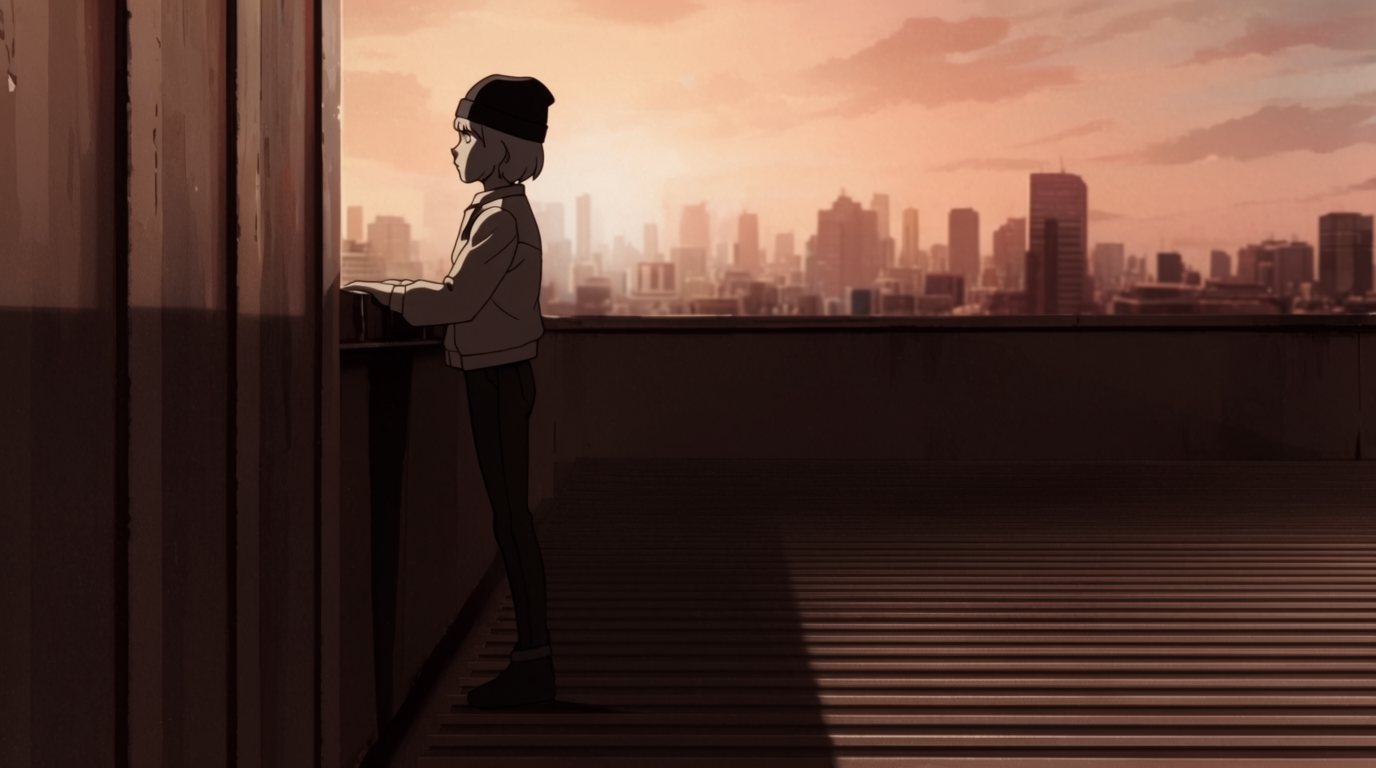
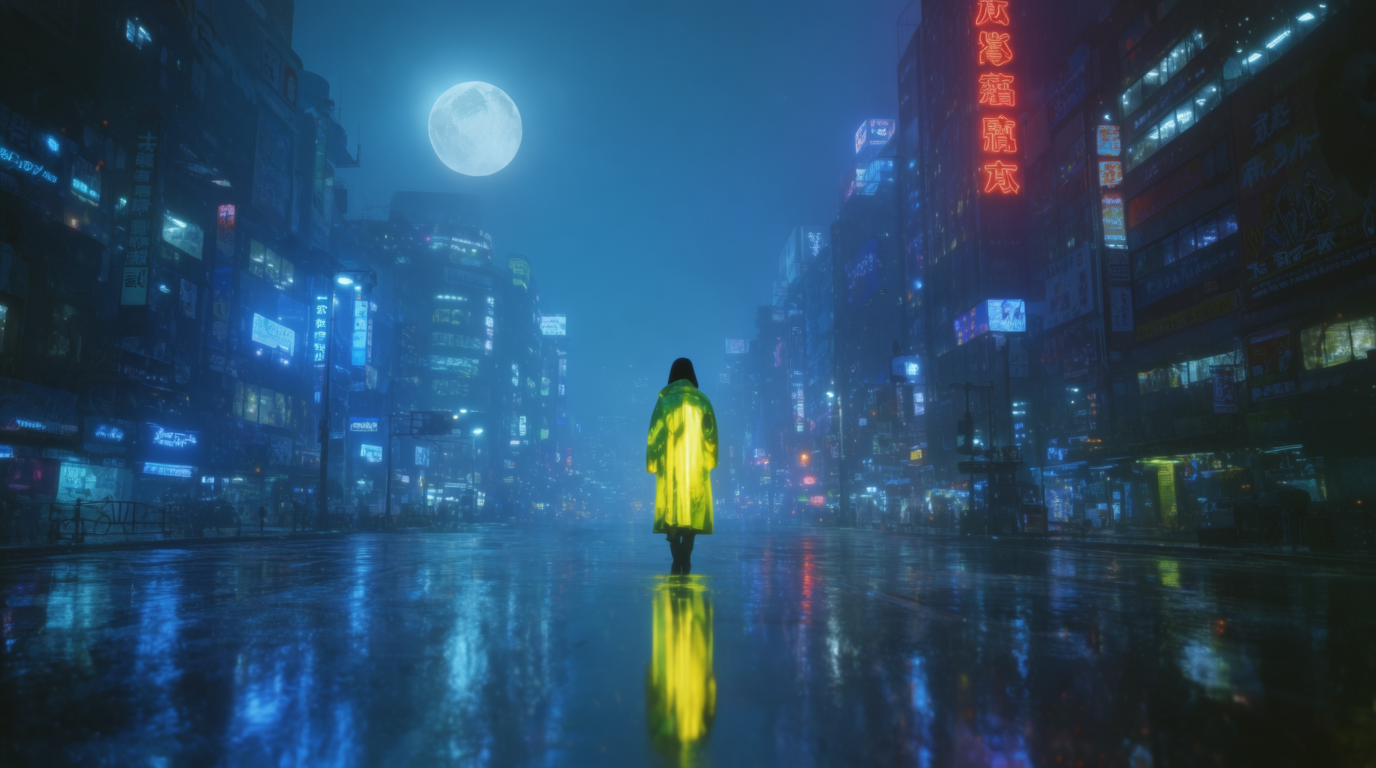
Generate anime-style video, from an opening sequence to one shot. Describe the scene, pick the anime style, and Flick animates it. Start with a single cut. Add more and you have a sequence.
STEP 1
DESCRIBE YOUR SCENE
Write the shot as a plain description: a swordswoman on a rooftop at sunset, cape in the wind. If the idea is rough, type it into chat and Flick expands it into a full prompt with camera angle and mood.
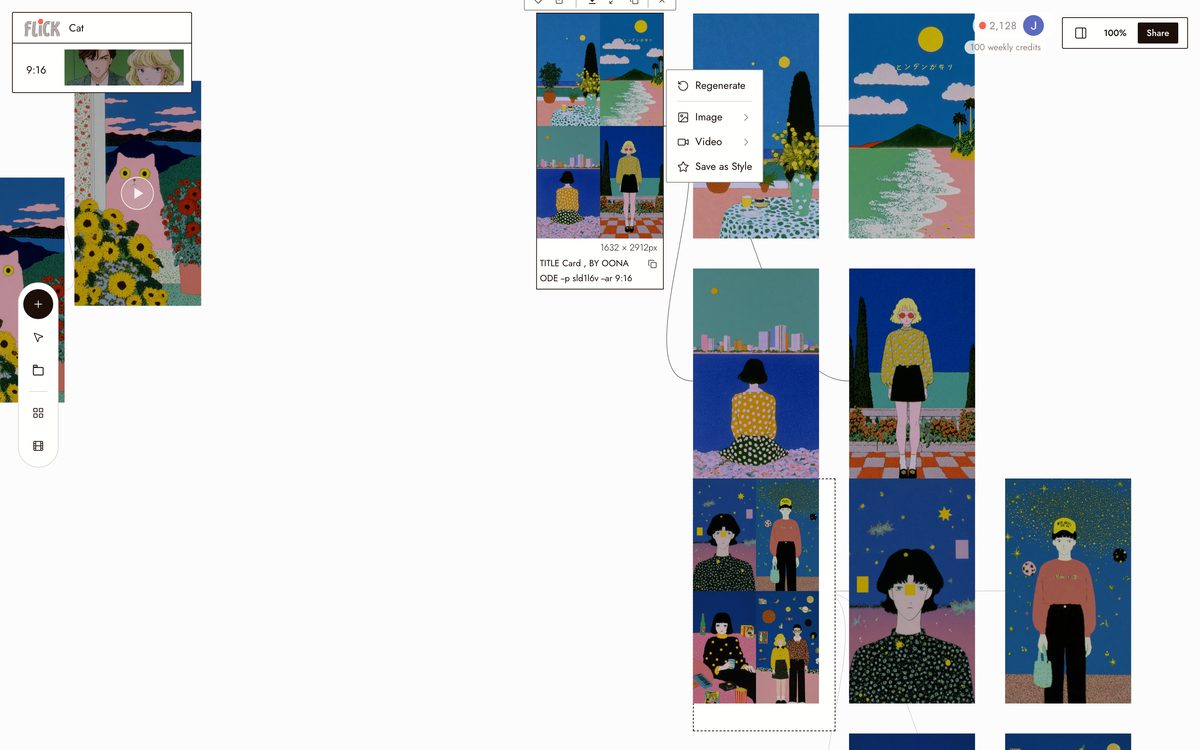
Canvas by Oona Ode STEP 2
PICK THE ANIME STYLE
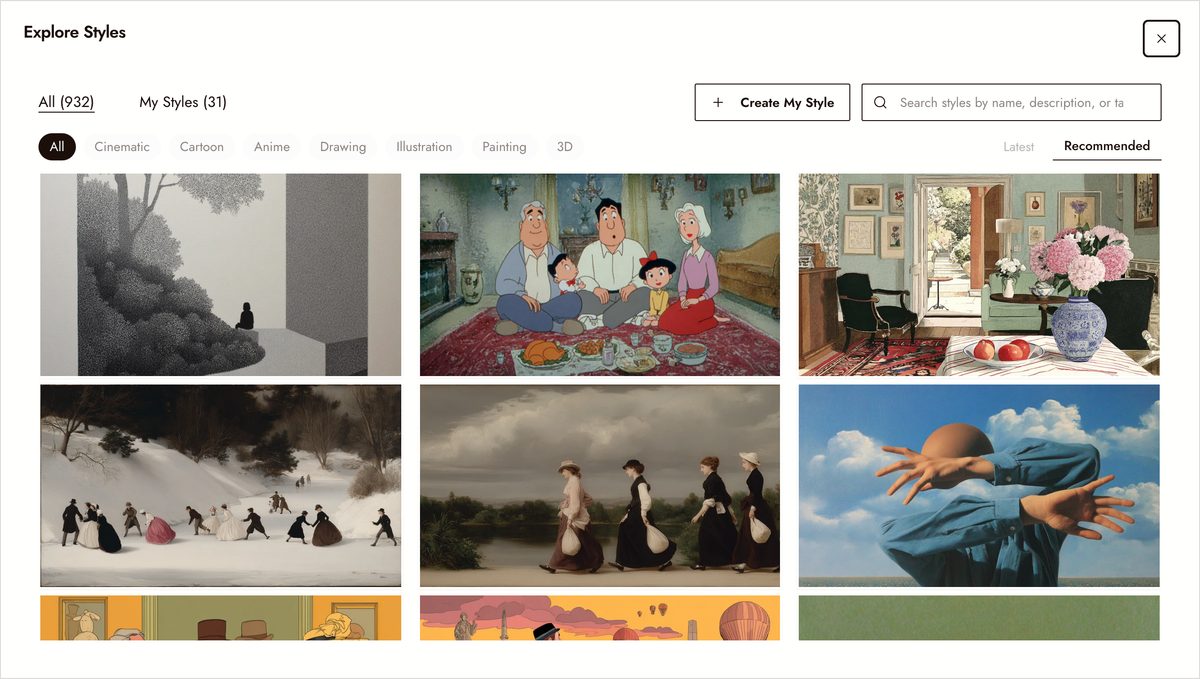
Apply the anime style once and every shot inherits it: clean line work, cel shading, and saturated color. It's one of 900+ styles in the library and stays consistent across the sequence, so your opening, inserts, and closer look drawn by the same hand. Save a version you like as your own style.
Canvas by Joe Welch STEP 3
GENERATE AND KEEP GOING
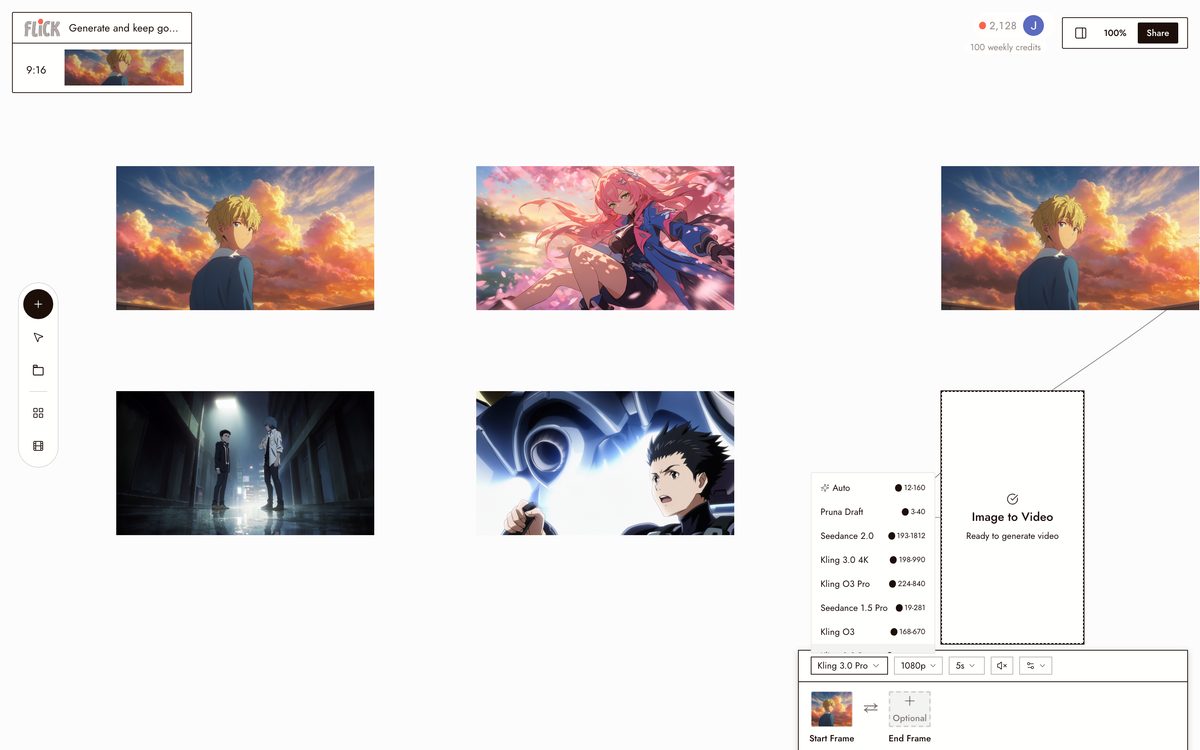
Your first clip returns in under a minute. Regenerate a single shot without touching the others, chain them on the canvas, trim on the timeline, and export. The line work and color hold shot to shot, so the sequence cuts together cleanly.
Made in Flick


MAKE YOUR OWN ANIME VIDEO
Start from a prompt, pick a model, and generate. Or tap an example to load it.
AI ANIME VIDEO GENERATOR FAQS
CAN AI MAKE ANIME?
Yes. Flick generates anime-style video from a text description, from an opening sequence to a single shot, in a clean cel-shaded look.
HOW DO I MAKE AN ANIME VIDEO WITH AI?
Describe your scene, pick the anime style, and generate. It is free to start.
CAN AI MAKE A FULL ANIME EPISODE?
Not in one go yet. Flick makes short anime-style scenes today. Stitch them together on the canvas and you can build toward a full episode.
WHAT MAKES A GOOD ANIME PROMPT?
Name a character and a strong moment, like two rivals facing off in a neon alley. A mood or time of day helps Flick set the lighting.
CAN I KEEP THE SAME CHARACTER ACROSS SHOTS?
Yes. Lock a character once and reuse it across every cut, so they stay consistent through the sequence.
IS THE ANIME GENERATOR FREE?
Yes. It is free to use with 100 weekly credits and no credit card.