AI Cartoon Generator
WHY GENERATE WITH FLICK?
Generate a cartoon still from any photo or prompt, then animate it with Kling or Seedance on one canvas.
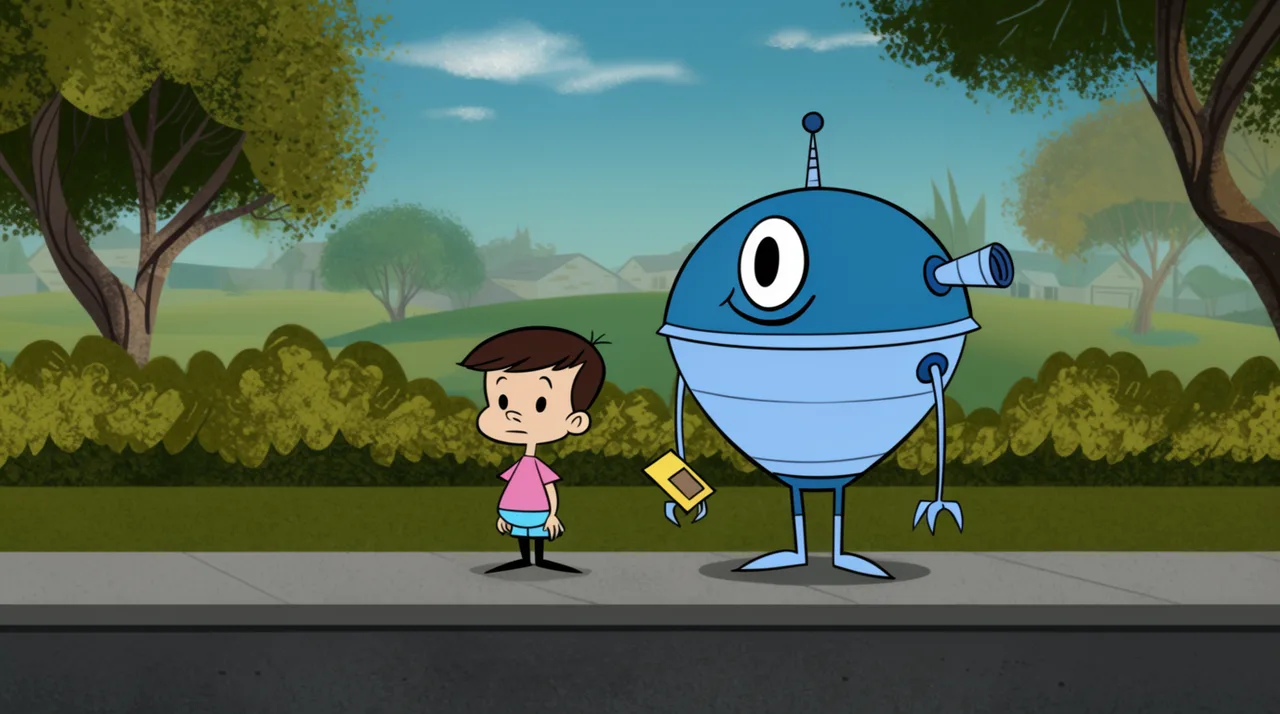
AI CARTOON GENERATOR EXAMPLES
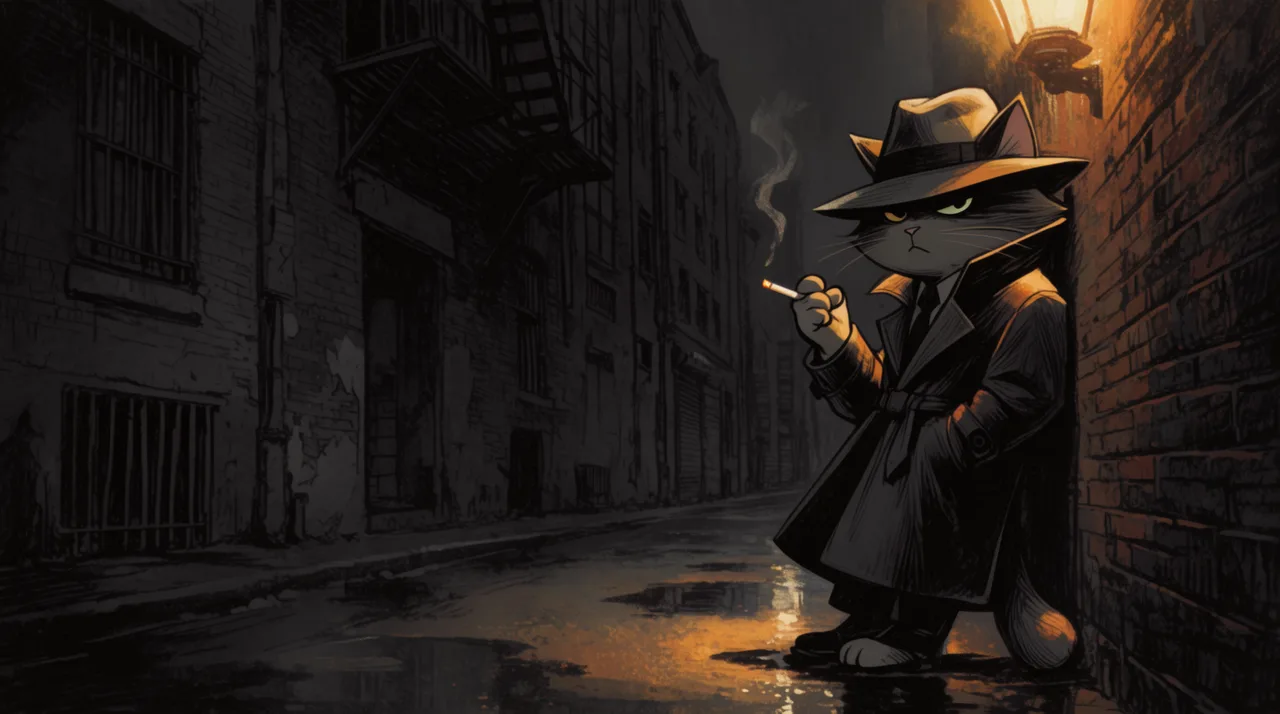
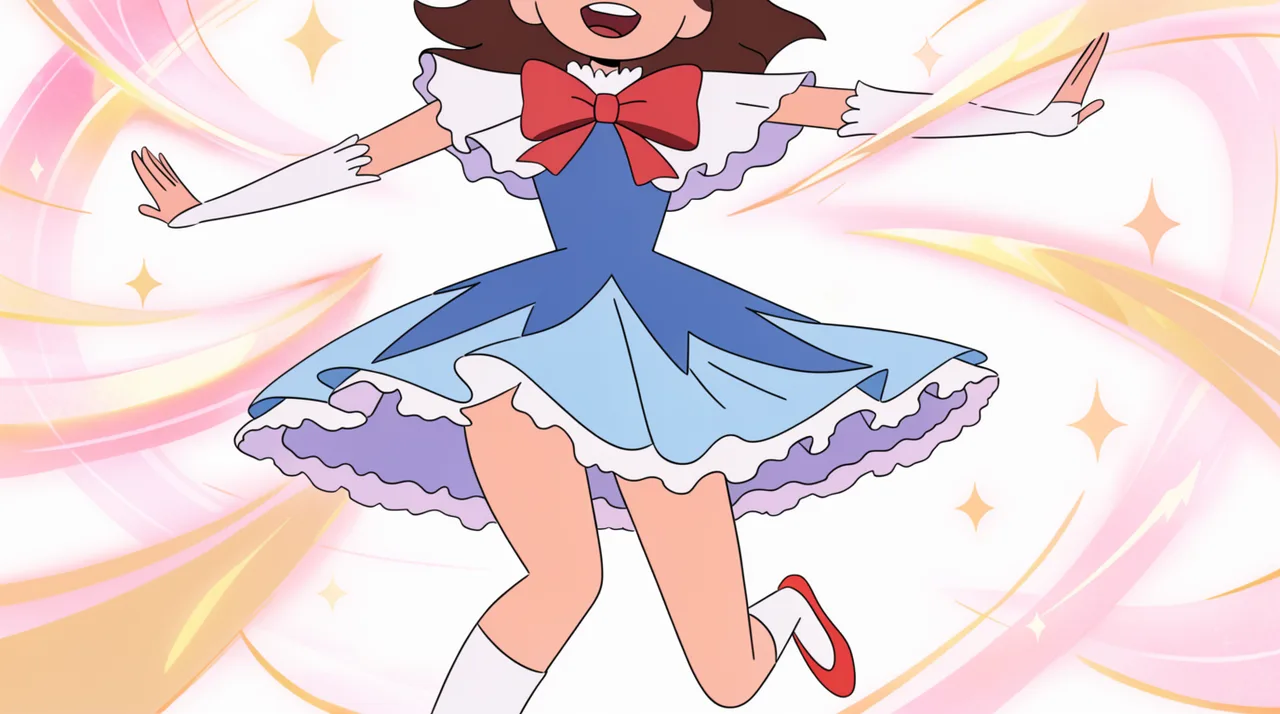
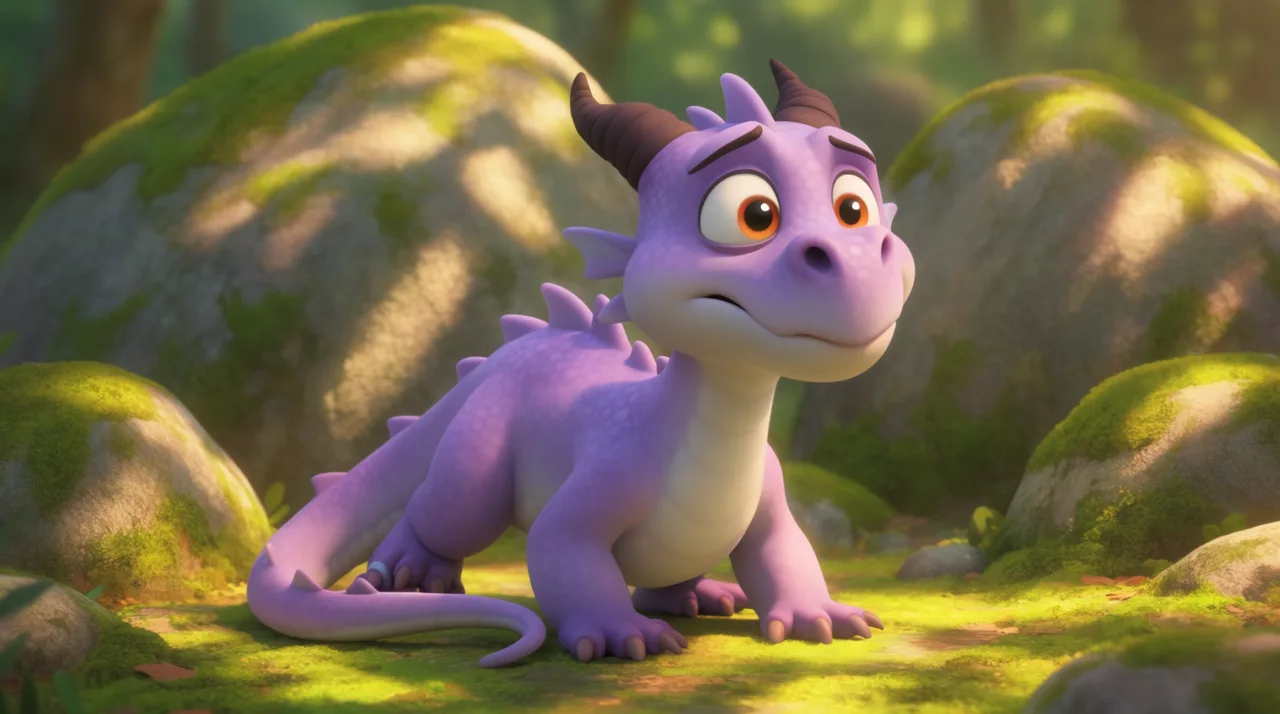
HOW IT WORKS
STEP 1
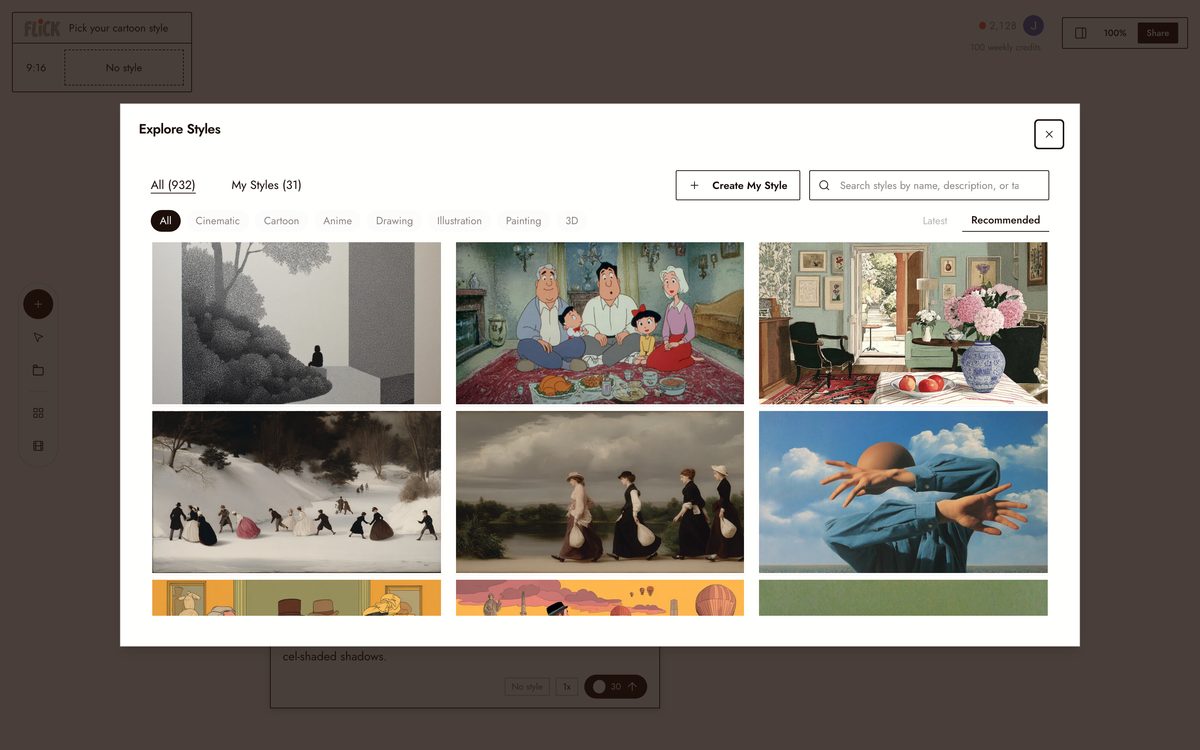
PICK YOUR CARTOON STYLE
Choose a look from the library, Saturday-morning, hand-inked comic, retro anime, soft 3D, or describe your own in the prompt. Whatever you pick holds across every still and clip, so the cartoon stays one style.
Made in Flick STEP 2
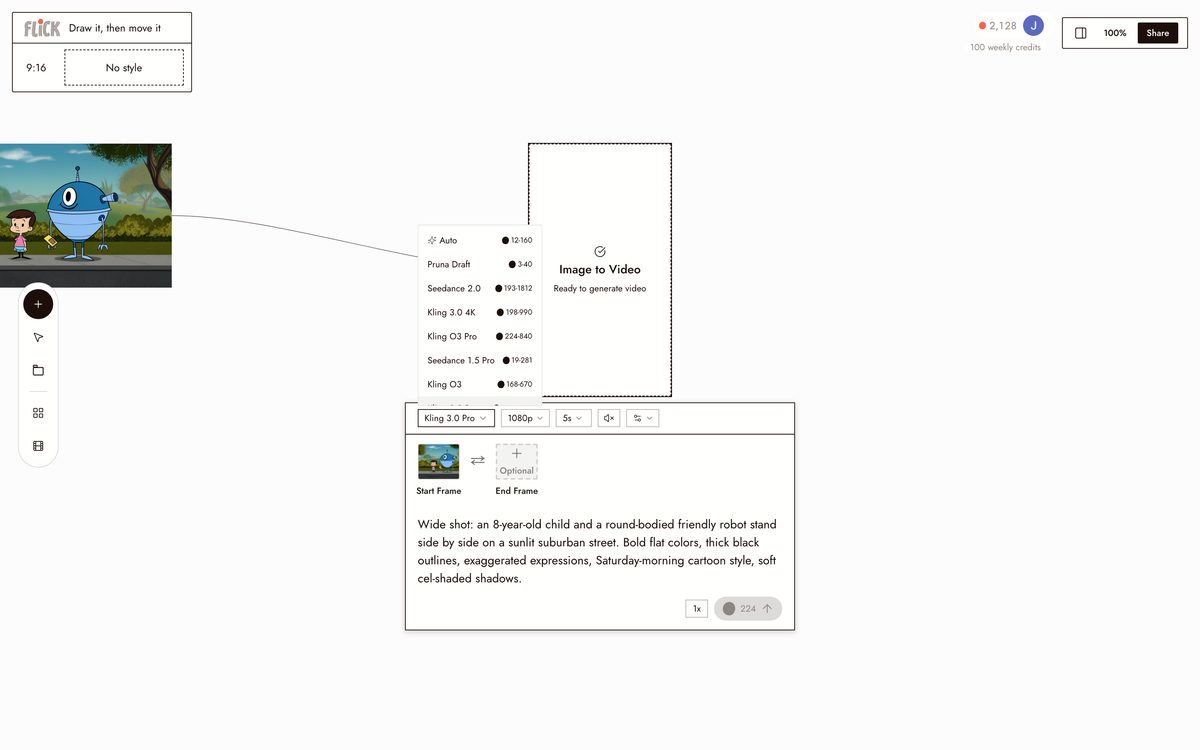
DRAW IT, THEN MOVE IT
Upload a photo or describe the scene and Flick renders the cartoon still on the canvas. Send it to Kling for physical motion or Seedance for a fast take, and the character starts moving in the same style you drew it.
Made in Flick STEP 3
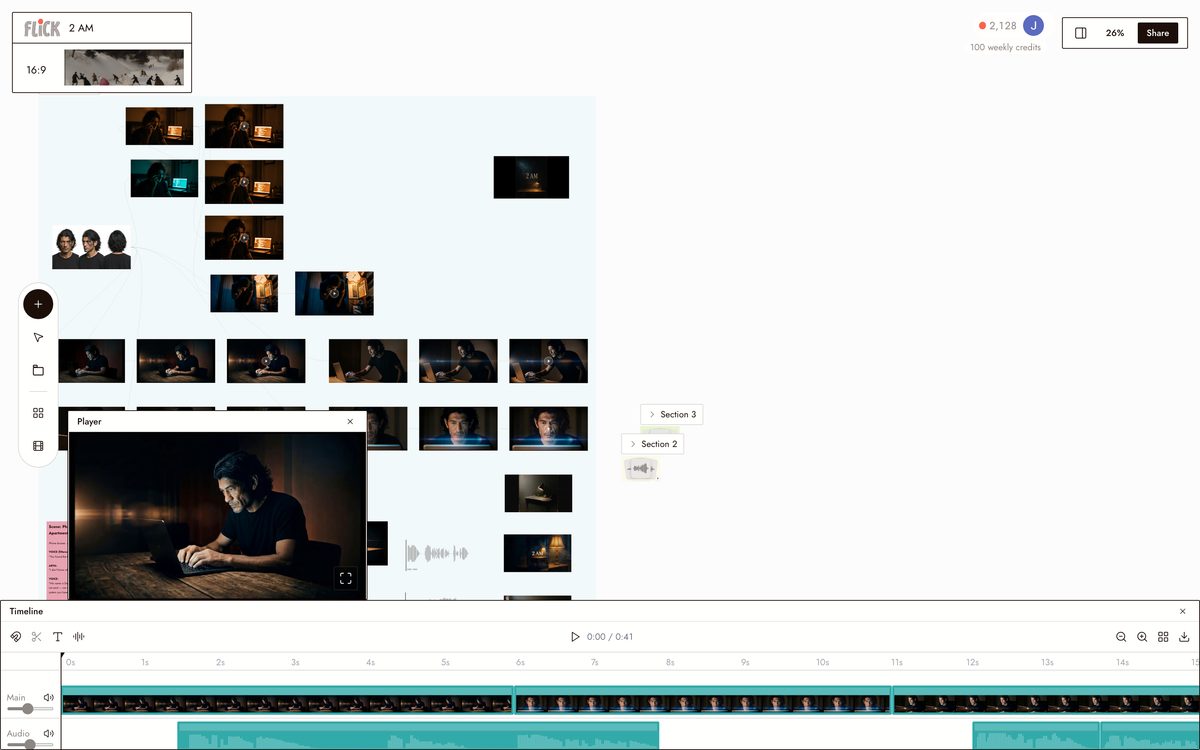
CUT IT TOGETHER
Trim each clip on the timeline and chain them in order. The cartoon plays as one continuous scene, cut on the same canvas you drew it on.
Canvas by Baskoro Schnyder


AI CARTOON GENERATOR FAQS
WHAT IS AN AI CARTOON GENERATOR?
An AI cartoon generator takes a photo or text prompt and renders it in a cartoon art style: flat color, hand-inked, retro anime, soft 3D, and more. Flick goes further. Generate the cartoon still, then animate it into video with Kling or Seedance on the same canvas, no tool-switching required.
HOW IS THIS DIFFERENT FROM A CARTOON FILTER APP?
Filter apps apply one look to a photo and stop. Flick gives you a library of cartoon and animation styles, lets you pick the right one per shot, then brings the result to life as a video clip. A Saturday-morning cartoon still becomes a moving scene in the same workspace.
CAN I KEEP THE SAME CARTOON CHARACTER ACROSS MULTIPLE SHOTS?
Use Character Reference to lock your cartoon character from a single generated image. Drop that character into new scenes, different backgrounds, different angles. Face, outfit, and proportions stay consistent across every generation and every model.
CAN I ANIMATE MY CARTOON INTO VIDEO?
Send any cartoon still into an image-to-video model directly from the canvas. Use Kling for motion and physics, Seedance for fast high-quality generation, or Veo 3.1 for cinematic quality with native audio and dialogue. Chain multiple clips into a full scene.
IS FLICK FREE TO USE?
Flick has a free tier: up to 300 free credits (100 at signup plus 200 for joining our Discord) plus 100 weekly credits, no credit card required. Every image model, including Nano Banana and GPT Image, is on every plan, free included, and so are MiniMax H3 Fast, MiniMax H3 Max and Pruna Draft video. Kling, Veo 3.1, Seedance and the full video model list come with the Standard plan. Paid plans start at $5 per month and increase your credit allowance.
IS THE OUTPUT REALLY MINE TO USE?
Images and video clips you generate in Flick are yours. Use them in personal projects, client work, or commercial productions. Check the terms of service for the full policy. Flick does not claim ownership of your generations.



TRY THE AI CARTOON GENERATOR FREE