AI Claymation Video Generator
TRY IT YOURSELFWHY AI CLAYMATION?
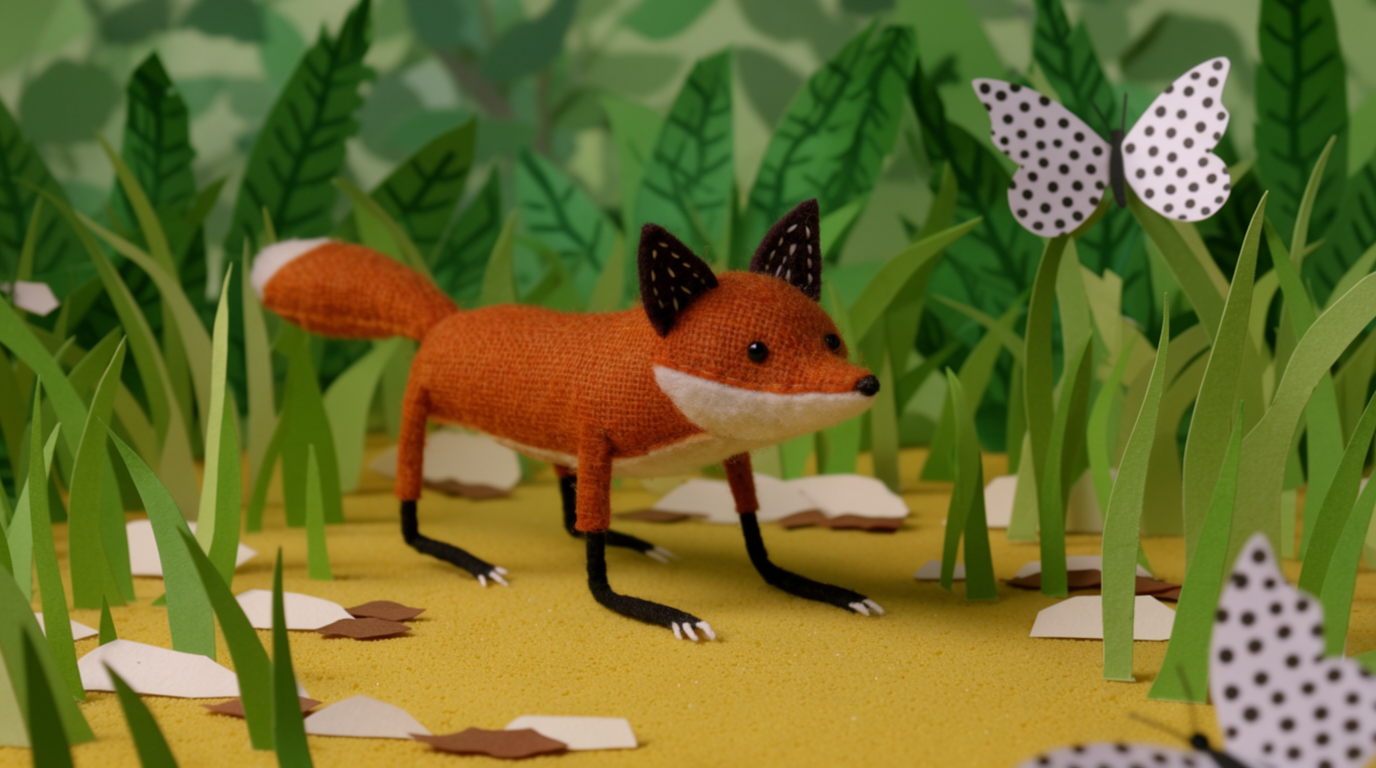
Claymation is stop-motion made from clay. Flick fakes the clay look with AI, so there are no figures to sculpt and no frame-by-frame shooting. Describe a scene, pick the style, and generate. Like the result? Build the rest of the film on the same canvas.
STEP 1
DESCRIBE YOUR SCENE
Describe the shot in plain terms: a clay fox padding through an autumn forest, leaves stuck to its paws. If it's still loose, type it into chat and Flick turns it into a full prompt with camera and lighting.
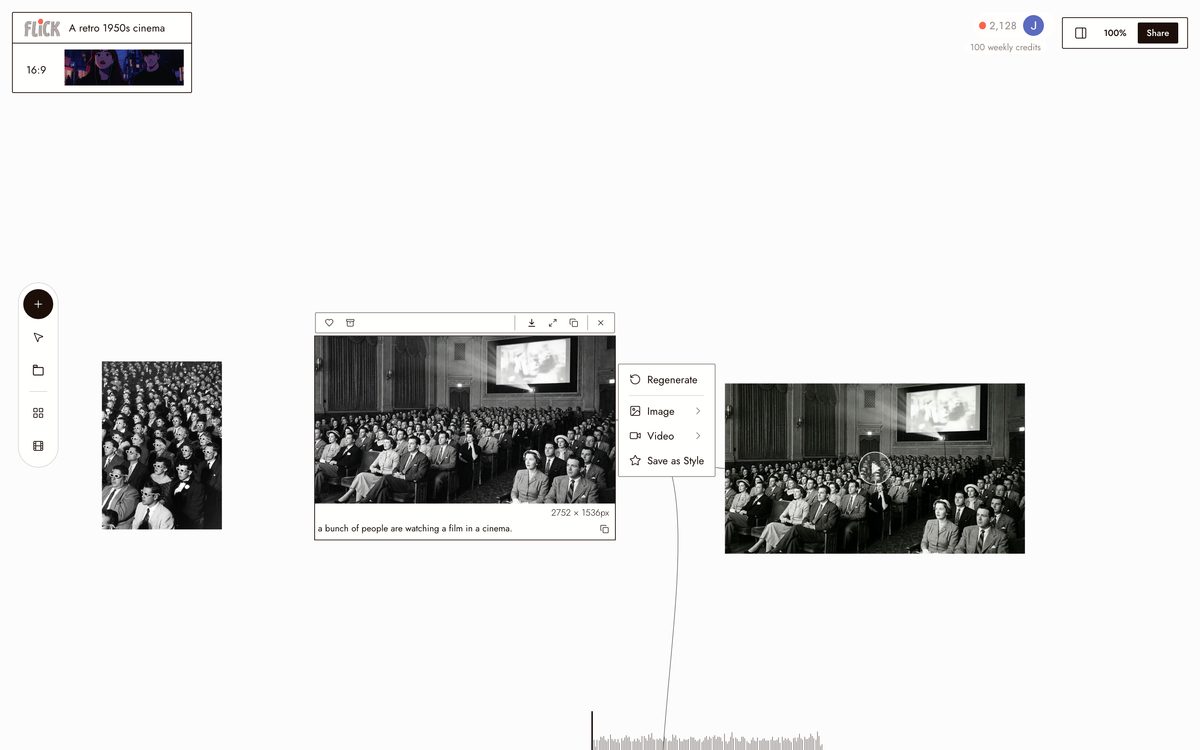
Canvas by Zoey Z. STEP 2
PICK THE CLAYMATION STYLE
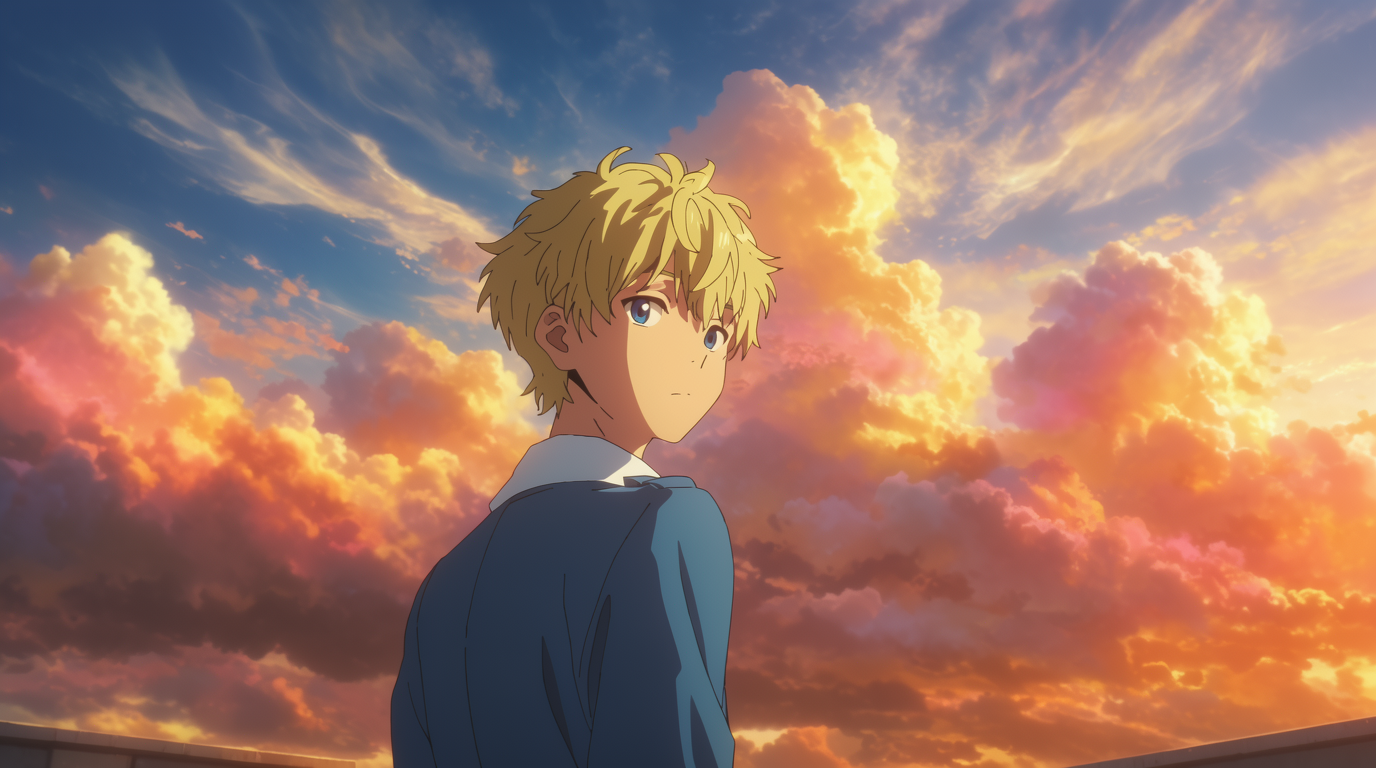
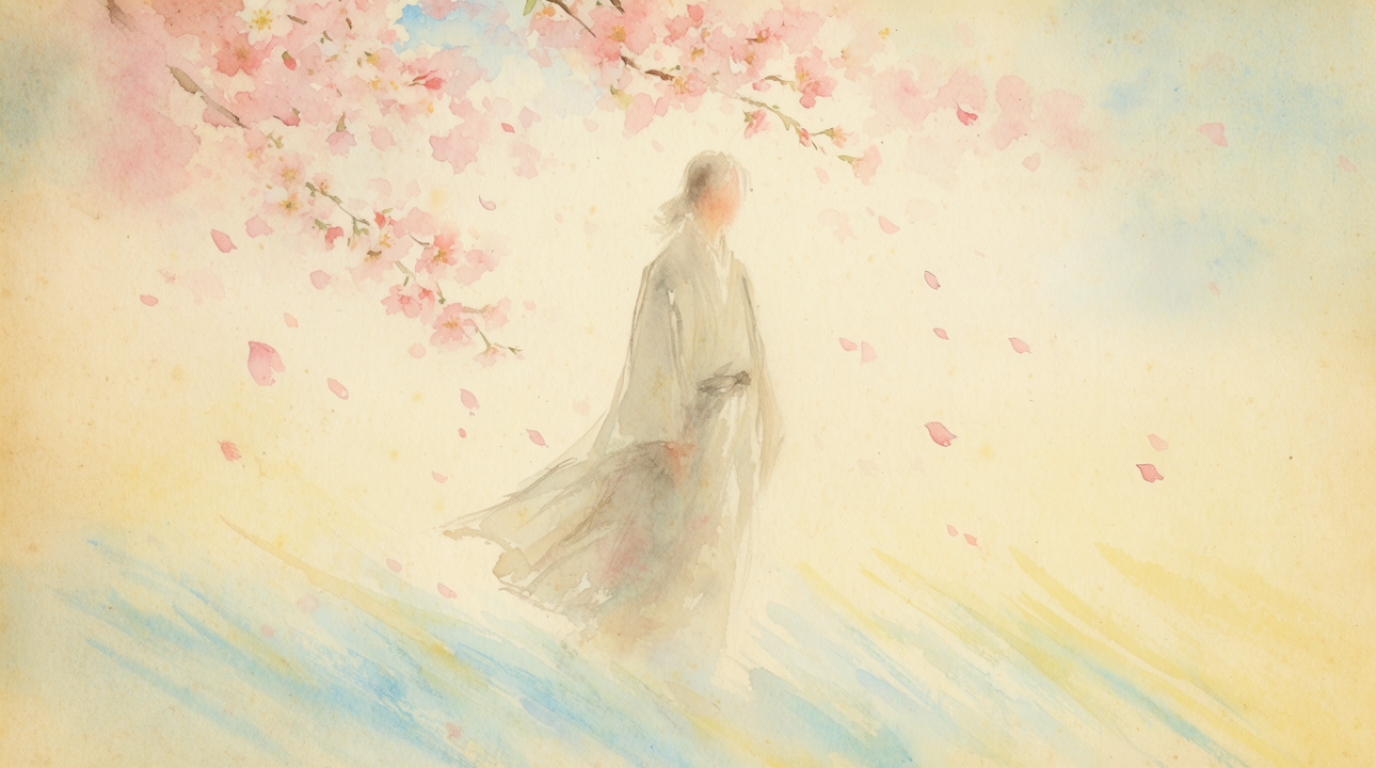
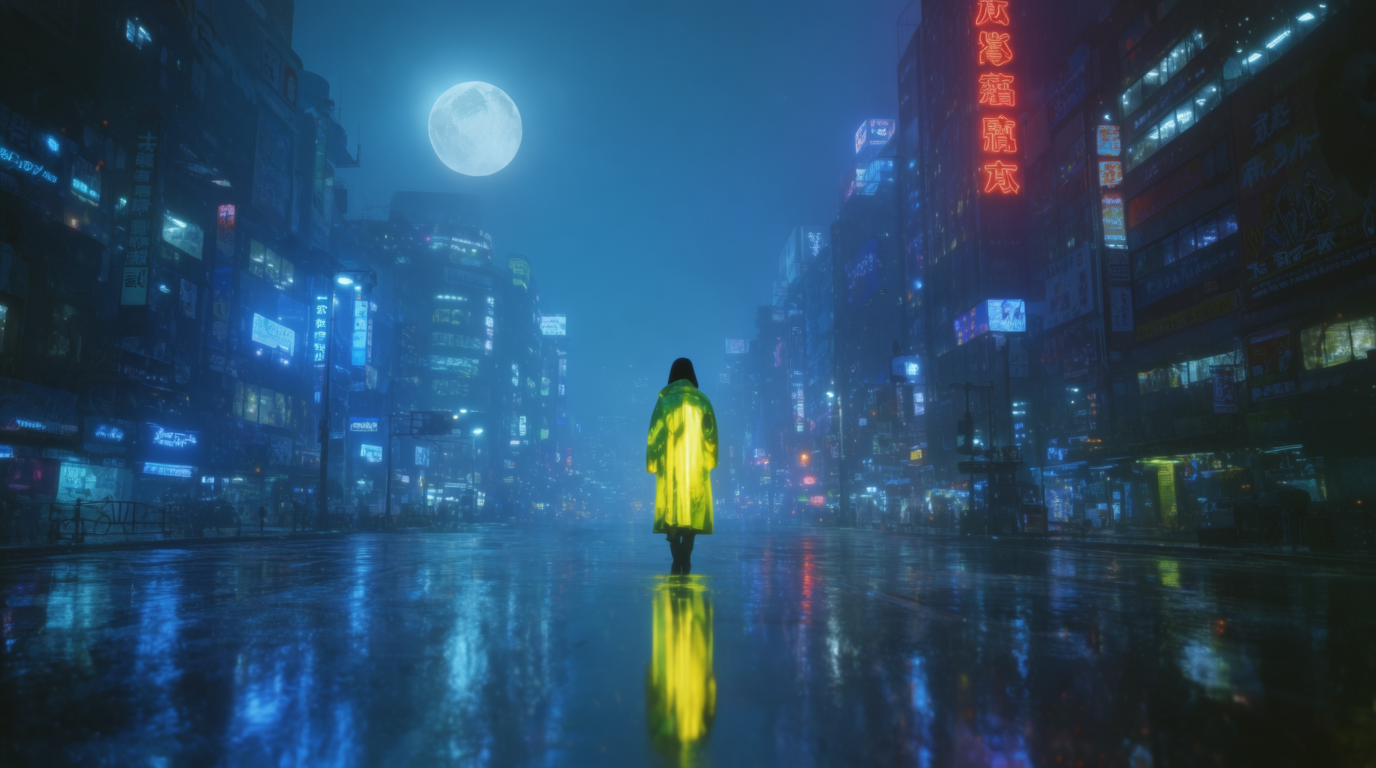
Pick the claymation style once and every generated shot inherits it: fingerprint dents, uneven clay surfaces, and the soft light of a miniature set. It's one of 900+ styles in the library and stays locked across the sequence. Save any version as your own style to reuse.
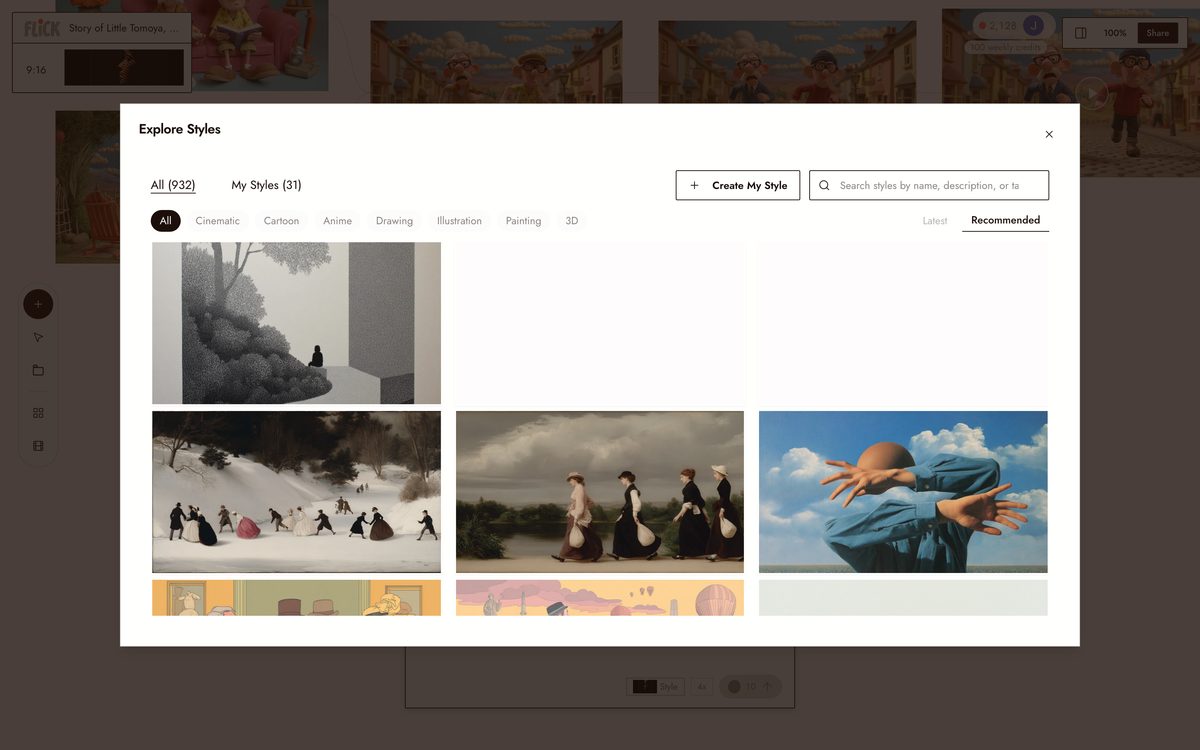
Canvas by Sihar Black STEP 3
GENERATE AND KEEP GOING
A clip comes back in under a minute. Regenerate any shot on its own, connect the clips on the canvas into a scene, trim on the timeline, and export. The clay texture and lighting hold from first shot to last, so the cut looks sculpted as one piece.
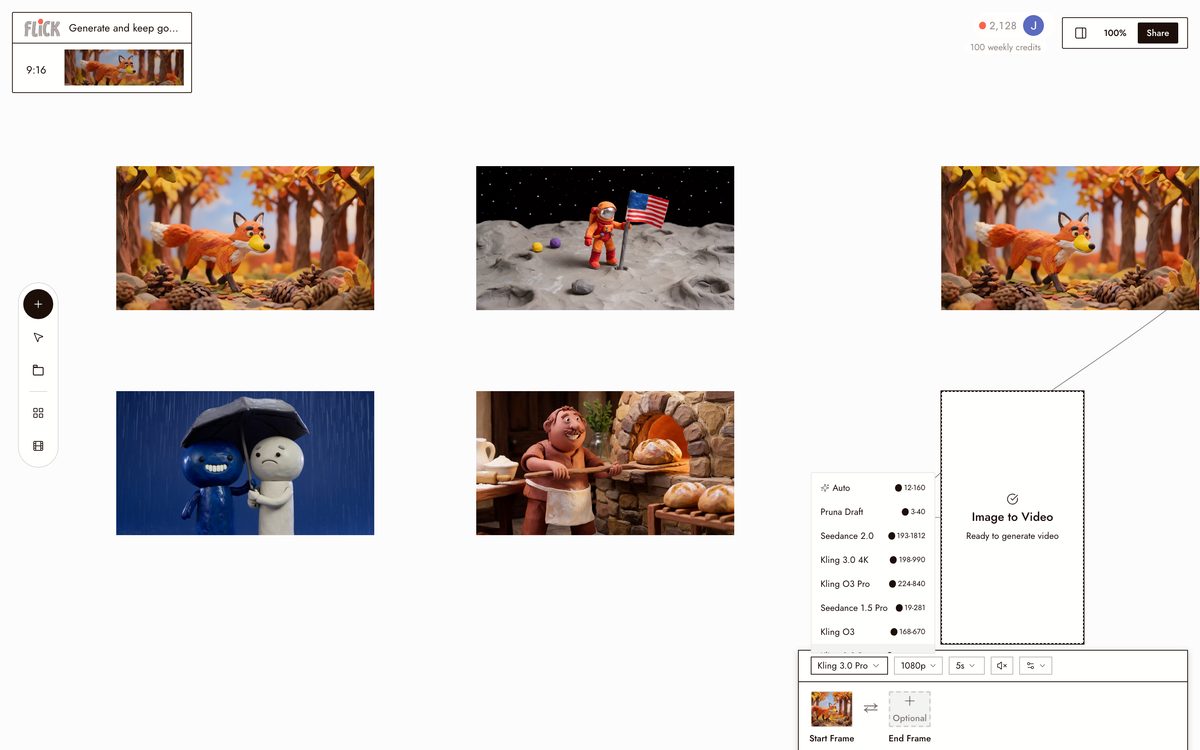
Made in Flick


CLAYMATION VIDEOS MADE WITH FLICK
MAKE YOUR OWN CLAYMATION VIDEO
Start from a prompt, pick a model, and generate. Or tap an example to load it.
AI CLAYMATION VIDEO GENERATOR FAQS
CAN AI MAKE CLAYMATION?
Yes. Flick generates claymation-style video from a text description, recreating the clay, stop-motion look without a physical rig.
HOW DO I MAKE A CLAYMATION VIDEO WITH AI?
Describe your character and scene, pick the claymation style, and generate. It is free to start.
WHAT MAKES A GOOD CLAYMATION PROMPT?
Name a clay character and a simple setting, like a clay baker pulling bread from a stone oven. Add a mood or a time of day if you want. Flick handles the clay texture and the lighting.
CAN I MAKE A LONGER CLAYMATION FILM?
Yes. Start with one clip, then add scenes on the canvas and edit them together into a full film, all in Flick.
CAN I KEEP THE SAME CLAY CHARACTER ACROSS SHOTS?
Yes. Lock a character once and reuse it across every shot, so your clay figure stays consistent from scene to scene.
IS THE CLAYMATION GENERATOR FREE?
Yes. It is free to use with 100 weekly credits and no credit card.