Higgsfield Alternatives
WHY LOOK FOR HIGGSFIELD ALTERNATIVES
Flick is the alternative for filmmakers: Kling 3.0, Seedance 2.5, Veo 3.1, MiniMax H3 and the Nano Banana and GPT Image models on one canvas, a free plan with up to 300 credits plus 100 a week, and Character Reference, which locks a face from one image with no training step, runs on the four current Nano Banana versions at 10 to 30 credits a run, and feeds any model that takes a reference image or a start frame.

HOW TO SWITCH
STEP 1
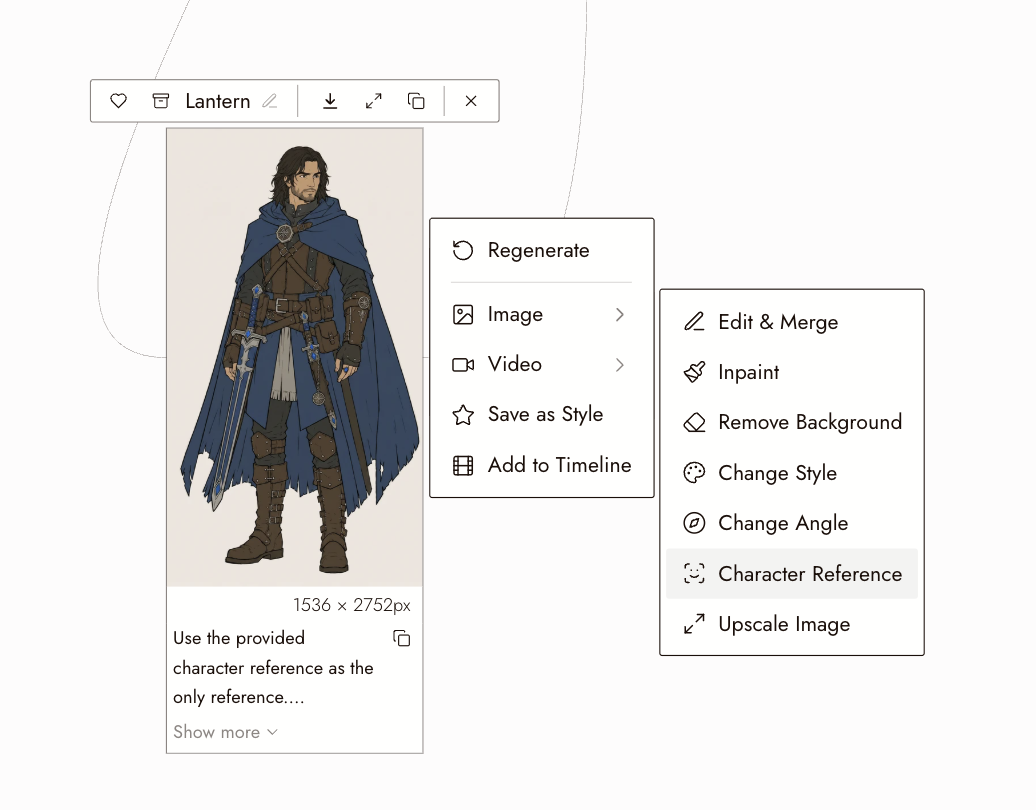
LOCK YOUR CHARACTER ONCE
Open the Flick canvas and upload one image of your character. Character Reference reads it directly: no training run, 10 to 30 credits per character frame on the four current Nano Banana versions, and it works on the free plan.
STEP 2
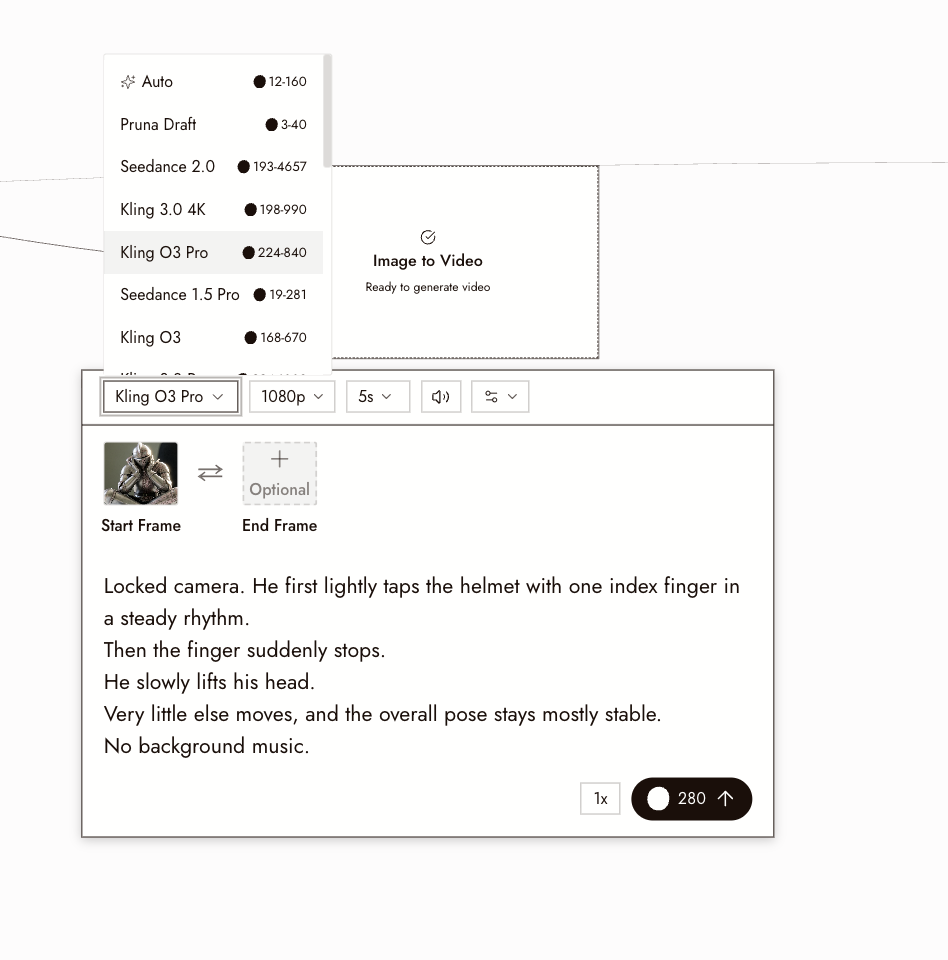
GIVE EACH SHOT TO A MODEL
Add video nodes and pick the model per shot: Kling for a close-up, Seedance 2.5 for a 30 second take with audio, Veo 3.1 for a polished 8 seconds, MiniMax H3 Fast for a draft on the free plan. The node shows the credits before you run.
STEP 3
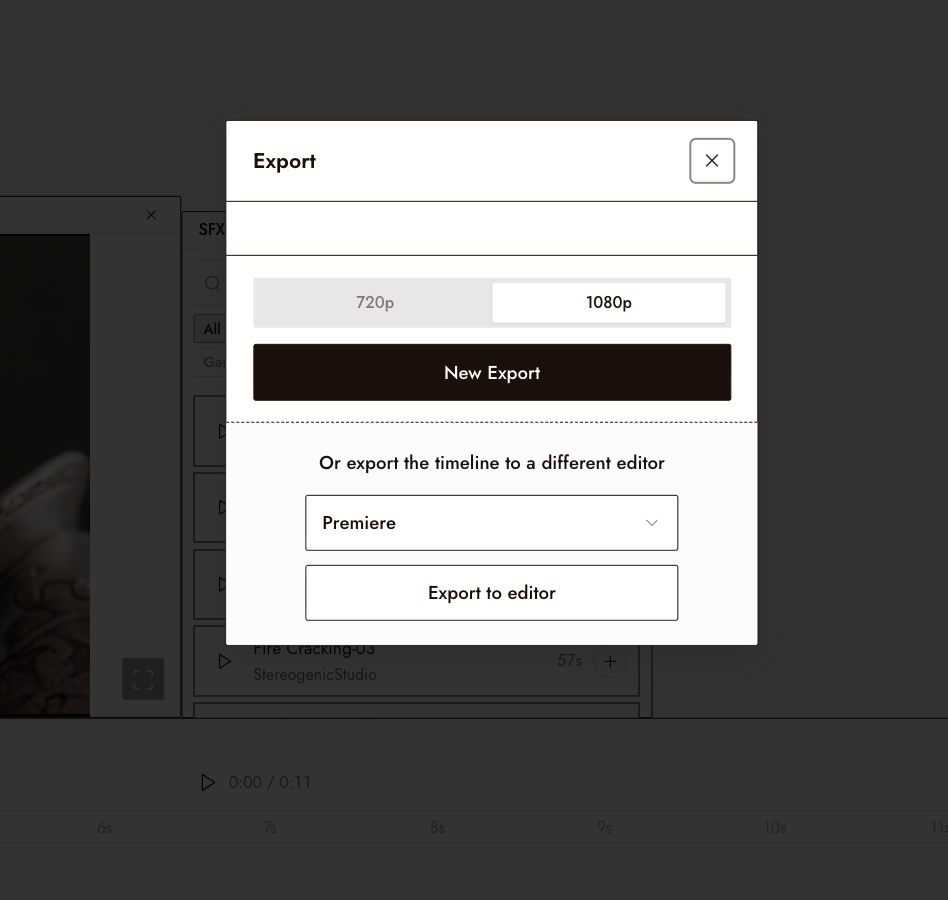
CUT AND EXPORT ON THE CANVAS
Clips land as nodes. Chain shots, trim and stitch them in the editor, and export the sequence. Nothing leaves the canvas until you want it to.
WHY CHOOSE FLICK
A FACE LOCK ON THE FREE PLAN
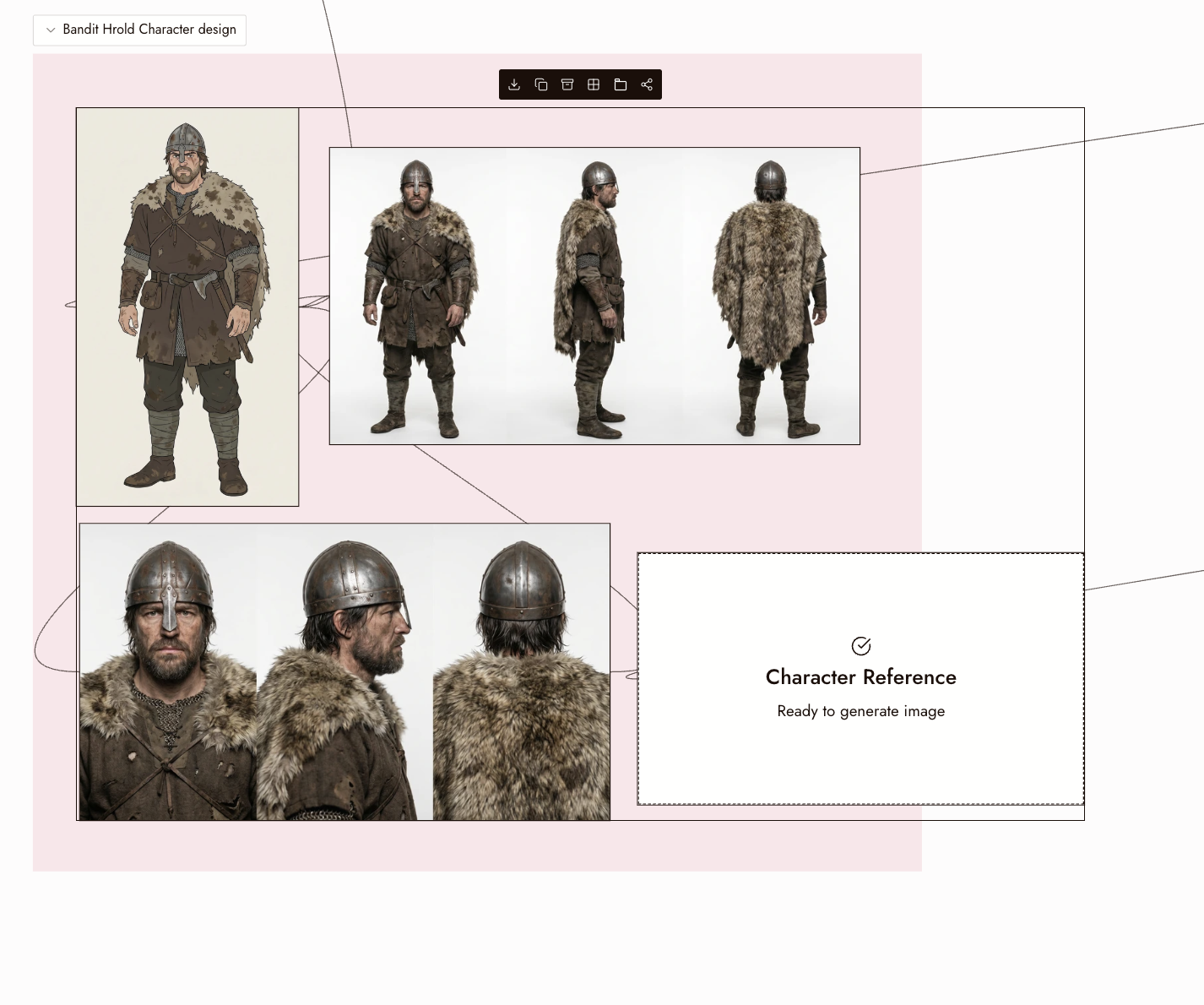
Higgsfield's Soul ID is trained on 20 or more photos of one person, and its Elements save a character, location or prop from an image for reuse across shots, per its help center. Character Reference on Flick can work from a single image, makes the character frame on a Nano Banana model, and that frame can feed Kling, Seedance, Veo, MiniMax and every image model that takes a reference image. Available on the free plan.
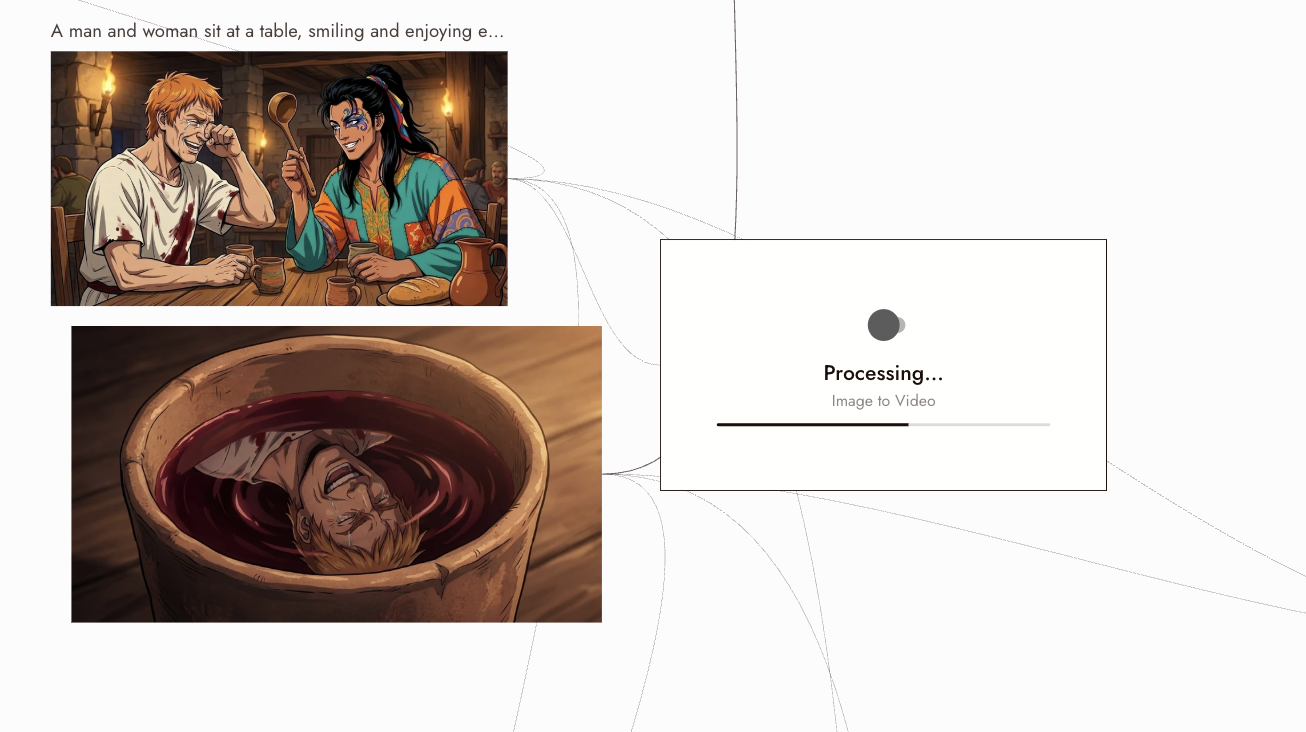
START FREE, THEN A PLAN THAT FITS
Flick's free plan gives up to 300 credits plus 100 a week and includes every image model and three video models. Standard is $20 a month for 2,500 credits. Higgsfield's pricing page lists Starter at $19 a month and Plus at $59.
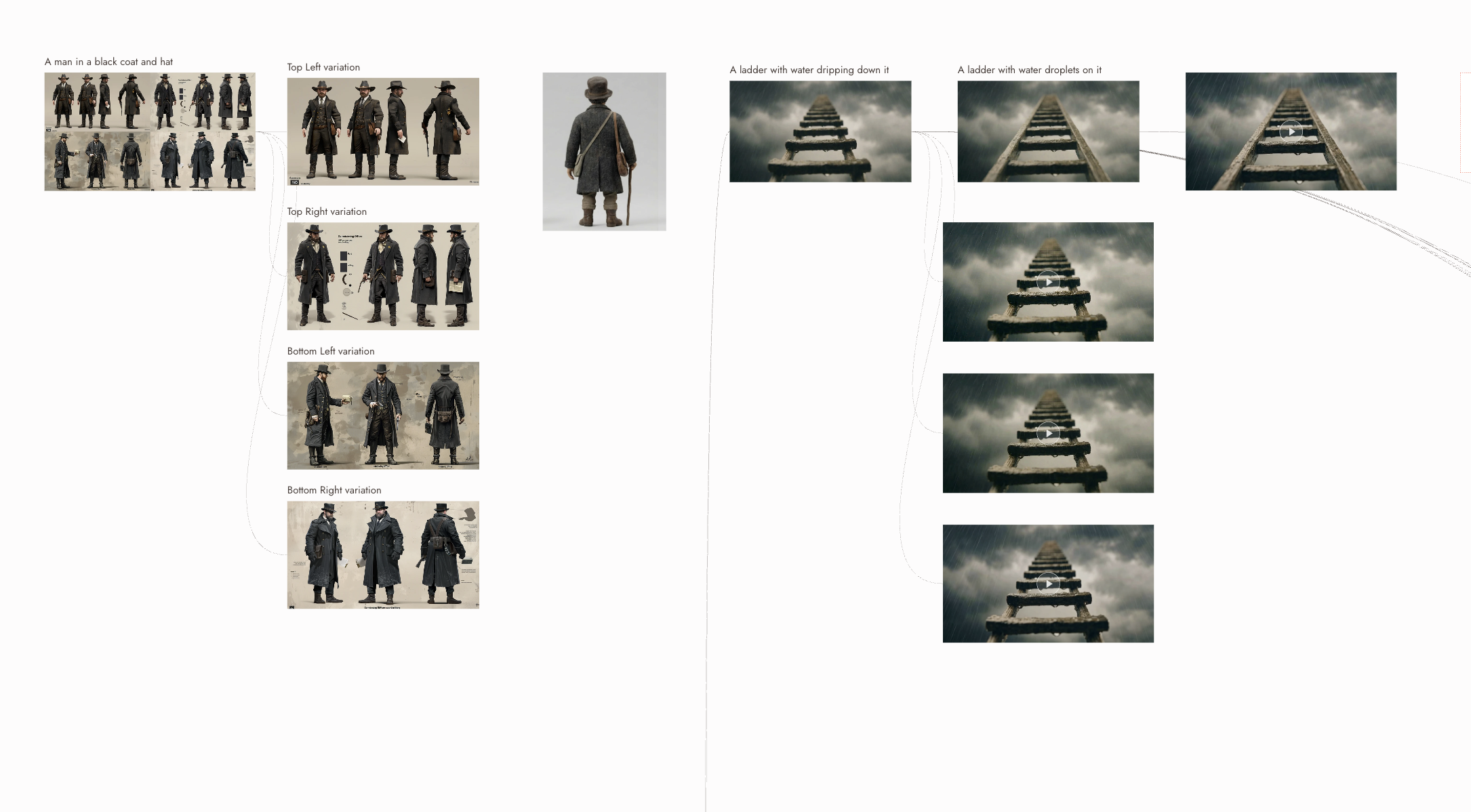
FILM TOOLS ON THE SAME CANVAS
Shots sit on a canvas where they are chained, trimmed and stitched, and 3D Stage turns a frame into a scene you can reframe. The sequence is cut and exported in the same place.
THE BEST HIGGSFIELD ALTERNATIVES, COMPARED
HIGGSFIELD ALTERNATIVES FAQS
WHAT IS THE BEST HIGGSFIELD ALTERNATIVE?
For filmmakers, Flick. It is a browser canvas for making AI films: Kling, Seedance, Veo 3.1, MiniMax H3 and the image models run as nodes on one canvas, Character Reference, on the free plan, can hold the cast from shot to shot, and the clips are trimmed, stitched and exported from the same place.
IS THERE A FREE HIGGSFIELD ALTERNATIVE?
Flick has a free plan: up to 300 free credits (100 at signup plus 200 for joining our Discord) plus 100 weekly credits, no credit card required. It includes every image model and the MiniMax H3 Fast, MiniMax H3 Max and Pruna Draft video models.
IS THERE AN ALTERNATIVE TO HIGGSFIELD SOUL ID?
Yes: Character Reference. Upload one image of the character and it makes a character frame on a Nano Banana model (10 to 30 credits a run), with no training step; the frame feeds any model that takes a reference image or a start frame. It is available on the free plan.
HOW DOES FLICK PRICING COMPARE TO HIGGSFIELD?
Flick's paid plans start at $5 a month (Casual, 500 credits) and Standard is $20 a month for 2,500 credits, which unlocks every video model; $16 a month billed yearly. Higgsfield's pricing page lists Starter at $19 a month and Plus at $59 a month, or $47 a month billed yearly. Both sets of prices were checked in October 2026. See Flick pricing.
WHICH VIDEO MODELS DOES FLICK RUN?
Kling 3.0, 3.0 Pro, 3.0 4K, O3 and O3 Pro, Seedance 2.5 and 2.0, Veo 3.1 and 3.1 Fast, MiniMax H3, H3 Fast and H3 Max, Wan, Grok Imagine, FLUX 3 and more, all in one model picker. See Generate Video for the full list and settings.
CAN I BRING WORK FROM HIGGSFIELD INTO FLICK?
Yes. Upload the stills and clips you have to the canvas. A still becomes a Character Reference or the start frame of a new clip, and a clip can be trimmed and stitched with new shots in the editor.
CREATE YOUR FIRST AI FILM WITH FLICK