AI Horror Video Generator
WHY GENERATE WITH FLICK?
Most tools drop your monster between shots. Flick locks one character across every model and chains scenes into a full sequence.
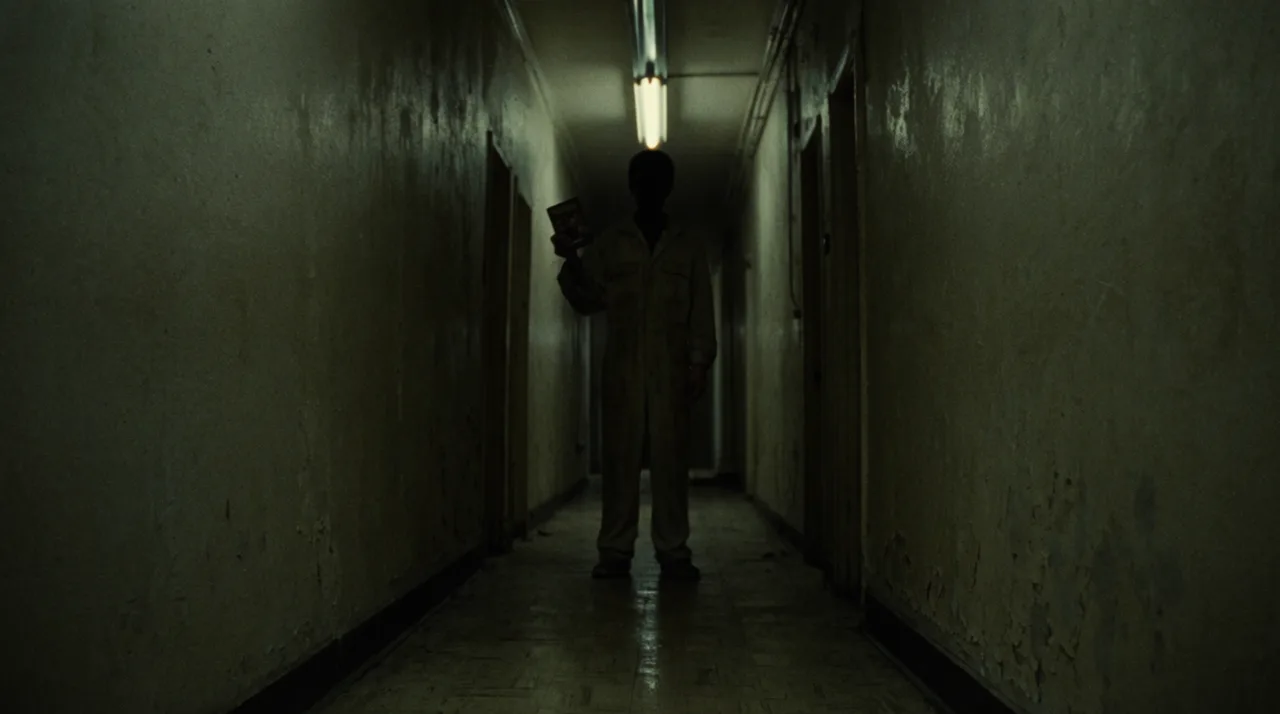
AI HORROR VIDEO GENERATOR EXAMPLES
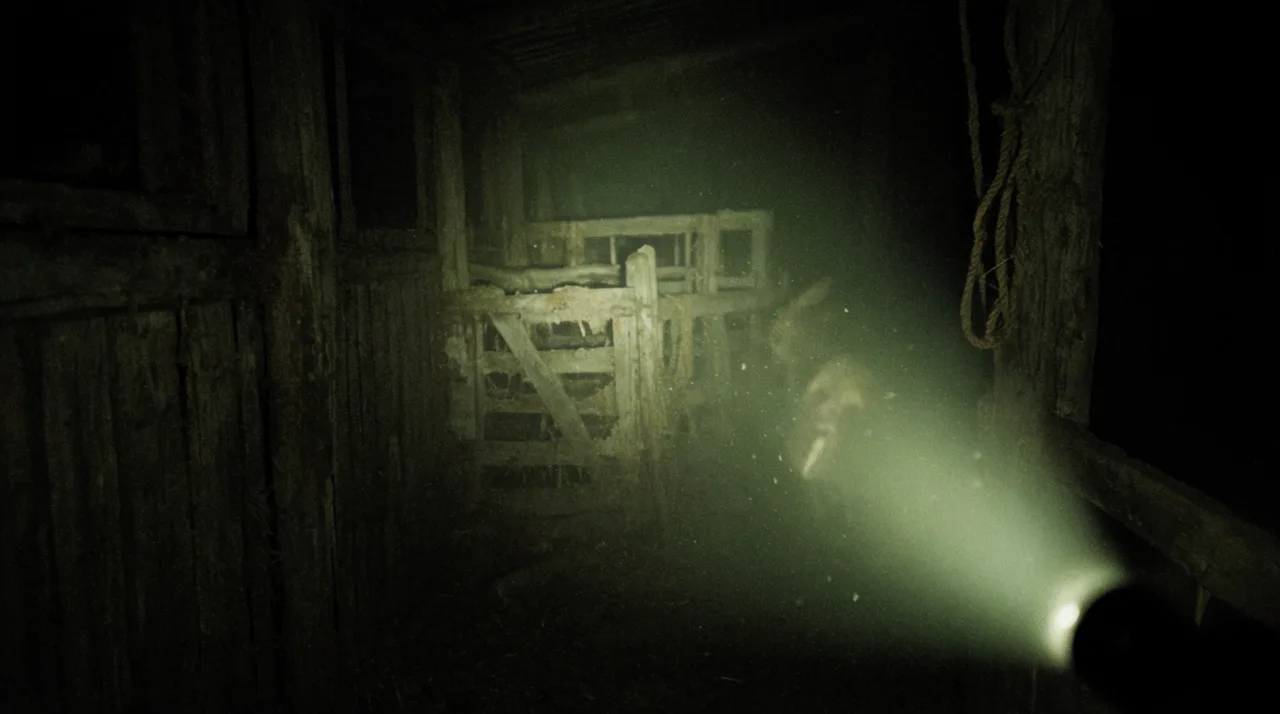

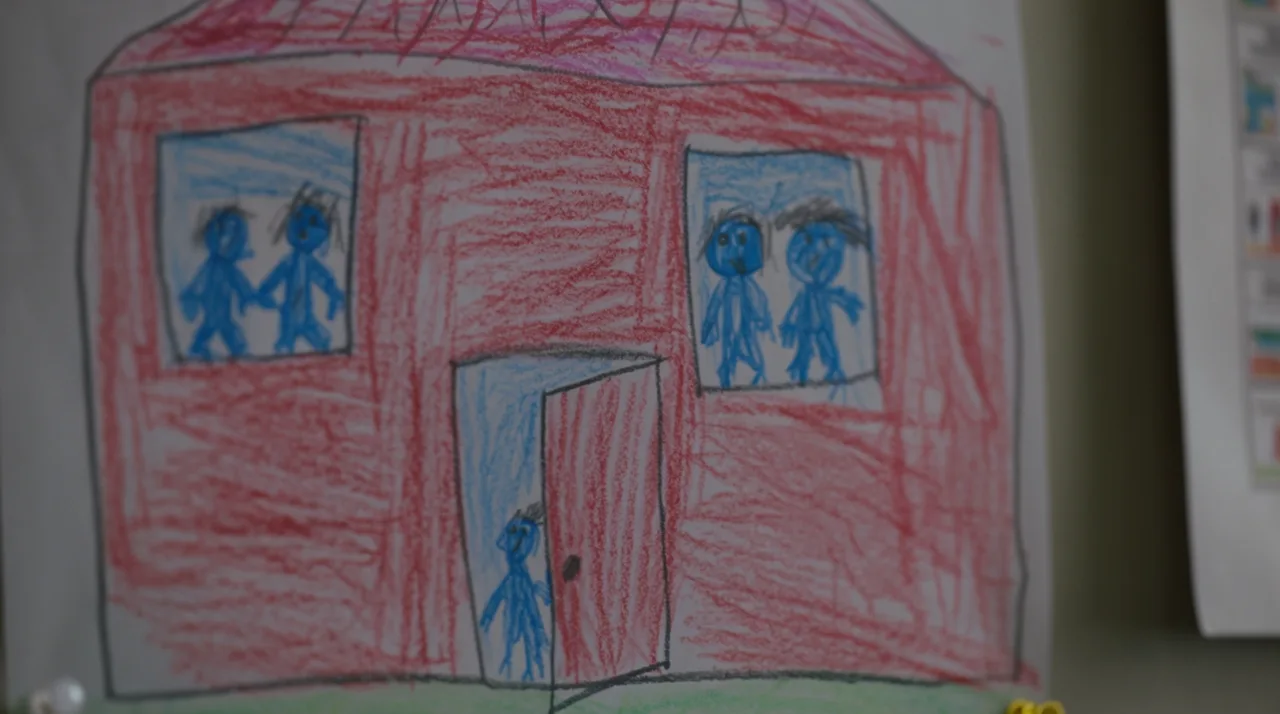
HOW IT WORKS
STEP 1
SET THE ATMOSPHERE
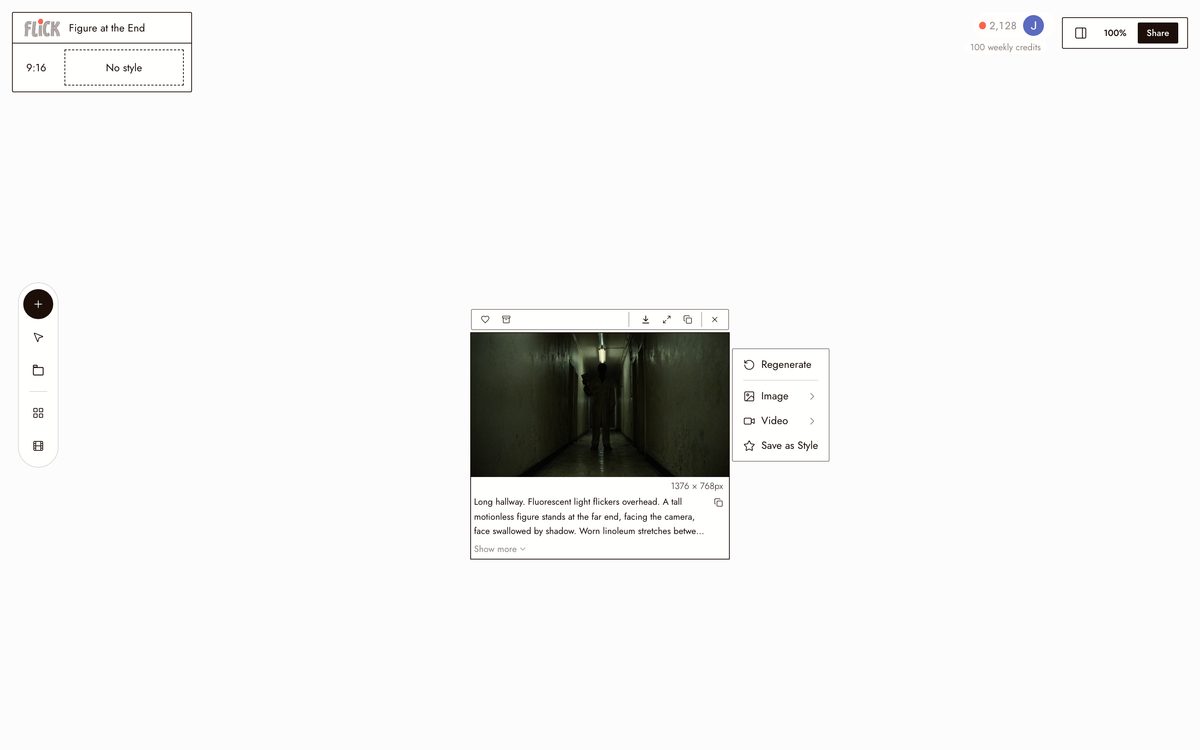
Name the location, the one light source, the threat, and the exact register: dread, unease, or shock. Give the model a specific scene to build, not a mood board.
Made in Flick STEP 2
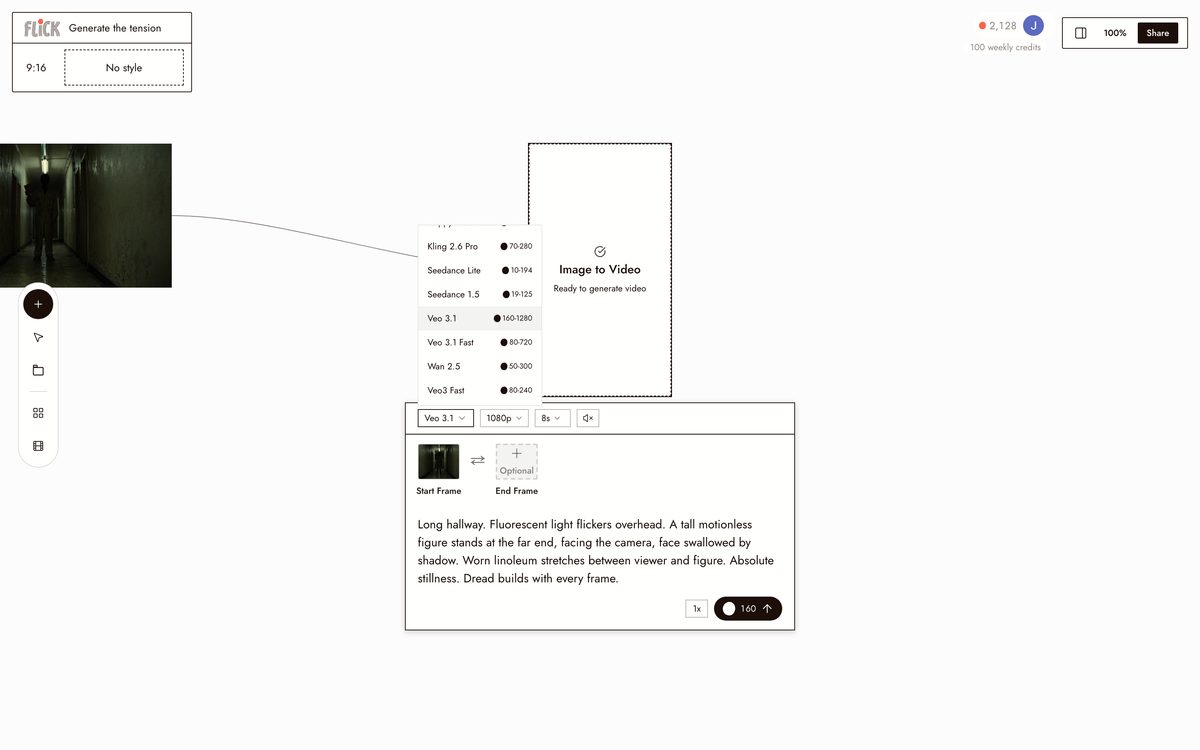
GENERATE THE TENSION
Use Kling for slow-burn, physical movement and Veo 3.1 for deep shadow with native audio that carries the sound design. The clip generates on the canvas so you can push the atmosphere shot by shot.
Made in Flick STEP 3
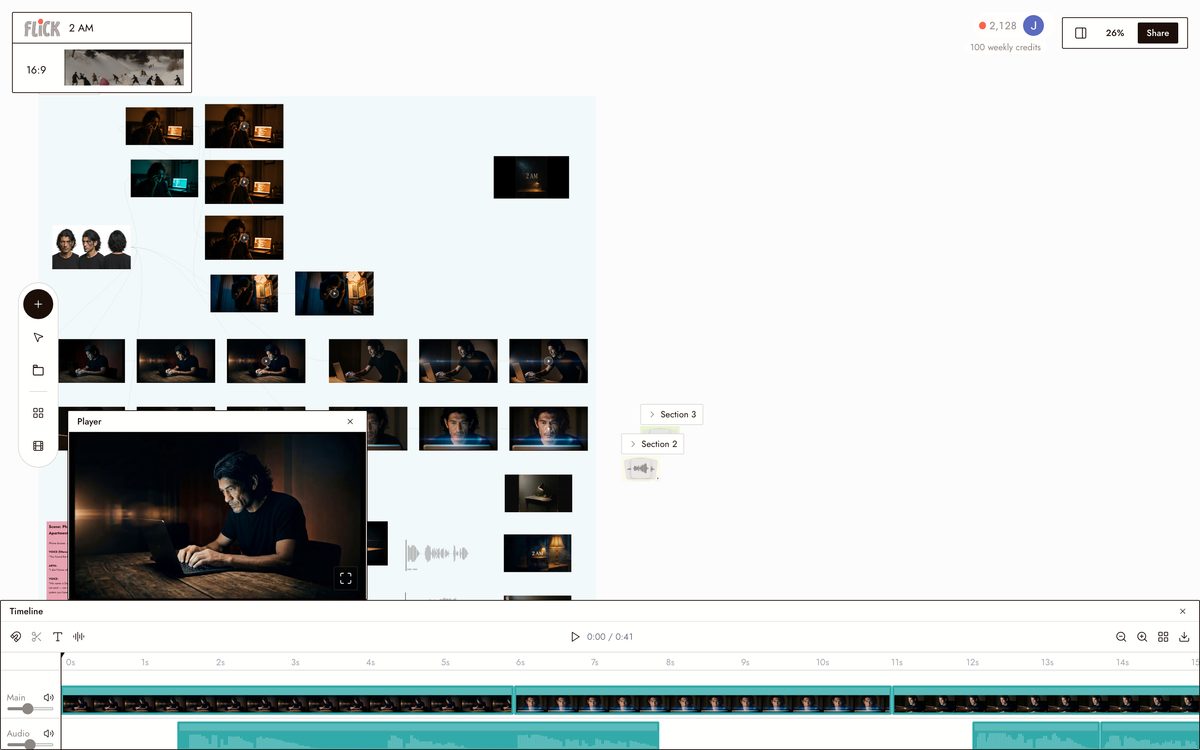
CUT FOR DREAD
Trim the takes on the timeline and hold the beat before each scare. Lock your figure or creature with Character Reference and it keeps its identity whether you cut wide or push into a close-up.
Canvas by Baskoro Schnyder


AI HORROR VIDEO GENERATOR FAQS
WHAT IS AN AI HORROR VIDEO GENERATOR?
It takes a text prompt and produces footage built around dread, atmosphere, and horror-specific visual language: low light, slow movement, unnatural stillness. In Flick, describe the shot, pick a model like Kling or Veo 3.1, and generate directly onto a canvas where you chain shots into a full scene.
CAN I KEEP THE SAME CHARACTER CONSISTENT ACROSS MULTIPLE HORROR SHOTS?
Use Character Reference to lock a character from one reference image. Generate that character into every shot: dim hallway, fogged window, empty barn at 3am. Face and silhouette hold across models and lighting conditions.
WHICH MODEL SHOULD I USE FOR HORROR FOOTAGE?
Kling handles slow, physics-correct movement: a figure at the end of a hallway, a door drifting open. Veo 3.1 adds cinematic grading and native audio, so ambient sound and atmosphere are baked into the clip. Generate a still first with Nano Banana Pro, then push it into video from the same canvas.
IS FLICK FREE TO USE?
Flick has a free tier: up to 300 free credits (100 at signup plus 200 for joining our Discord) plus 100 weekly credits, no credit card required. Every image model, including Nano Banana and GPT Image, is on every plan, free included, and so are MiniMax H3 Fast, MiniMax H3 Max and Pruna Draft video. Kling, Veo 3.1, Seedance and the full video model list come with the Standard plan. Paid plans start at $5 per month for more credits per generation.
CAN I BUILD A MULTI-SHOT HORROR SEQUENCE, NOT JUST ONE CLIP?
The canvas lets you generate, trim, and arrange multiple clips into a sequence. Generate an establishing shot, cut to a close-up reaction, chain a reveal, all at a consistent resolution and aspect ratio. A prompt generator stops at the prompt. Flick carries you through to the finished sequence.
DO I OWN THE FOOTAGE I GENERATE?
You retain the rights to the output you generate on Flick. Review the full terms at flick.video/terms for specifics on commercial use and redistribution.




TRY THE AI HORROR VIDEO GENERATOR FREE