AI Documentary Generator
WHY GENERATE WITH FLICK?
Describe your subject and era. Flick generates original observational and archival-style footage across Kling, Seedance, and Veo.
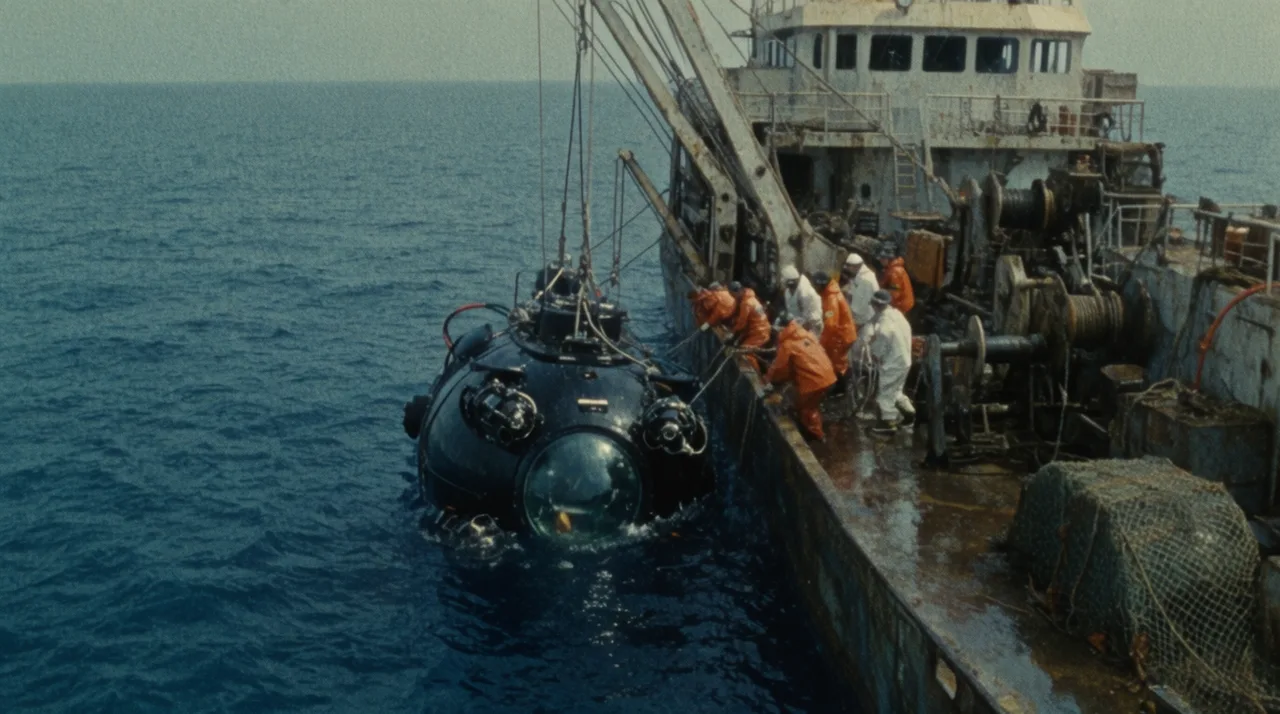
AI DOCUMENTARY GENERATOR EXAMPLES
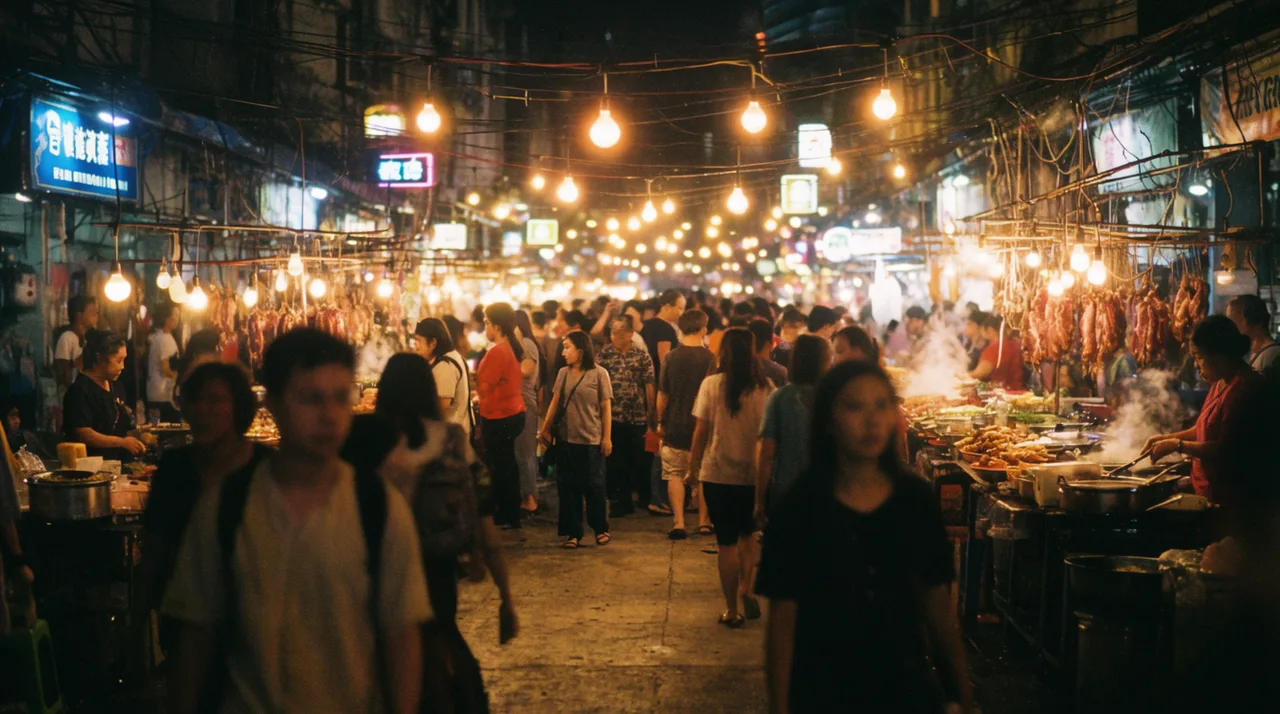
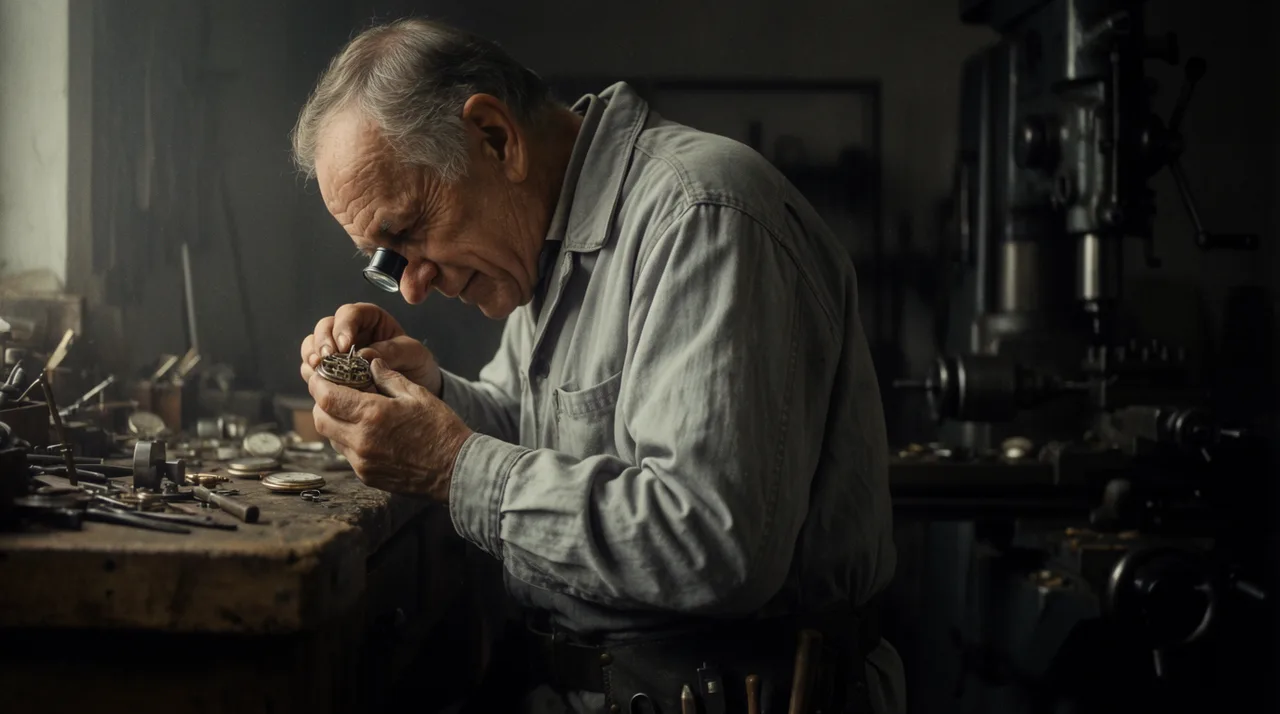
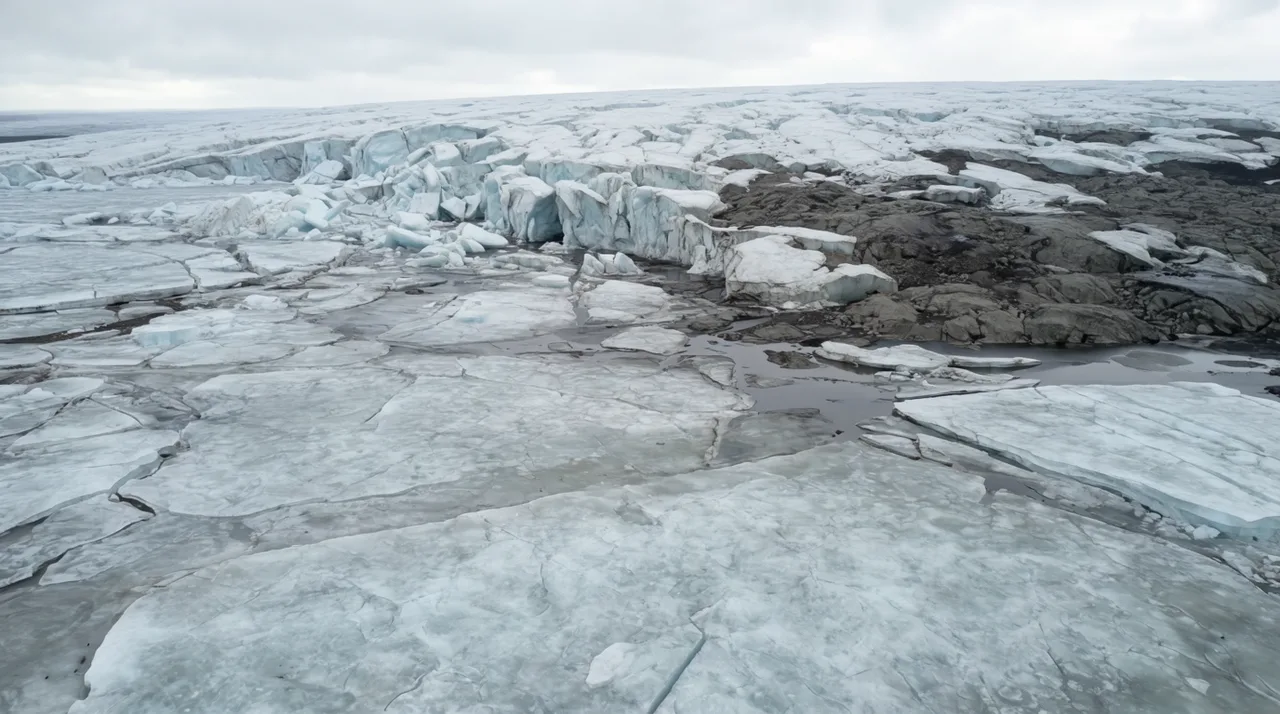
HOW IT WORKS
STEP 1
WRITE THE BRIEF
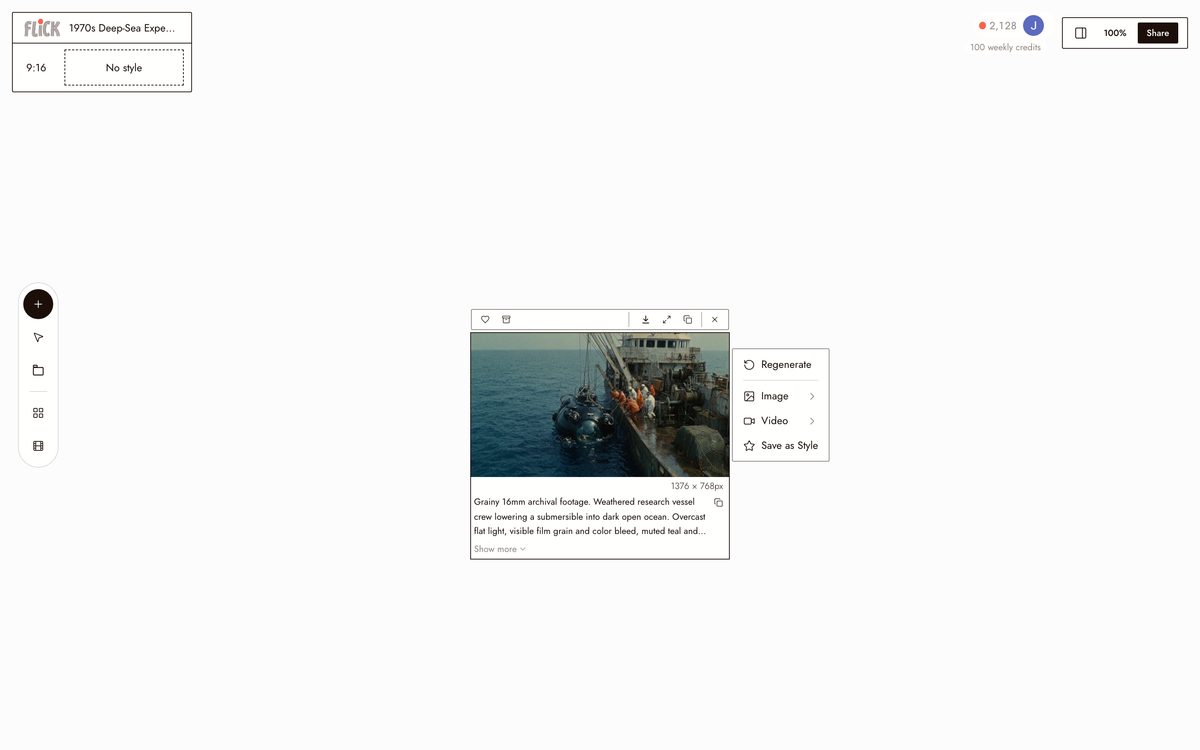
Name the subject, the period, the texture, and the camera style in one prompt: a 1970s deep-sea expedition in grainy 16mm, an aerial survey of a vanishing glacier. Flick frames the generation from that brief.
Made in Flick STEP 2
GENERATE AND COMPARE MODELS
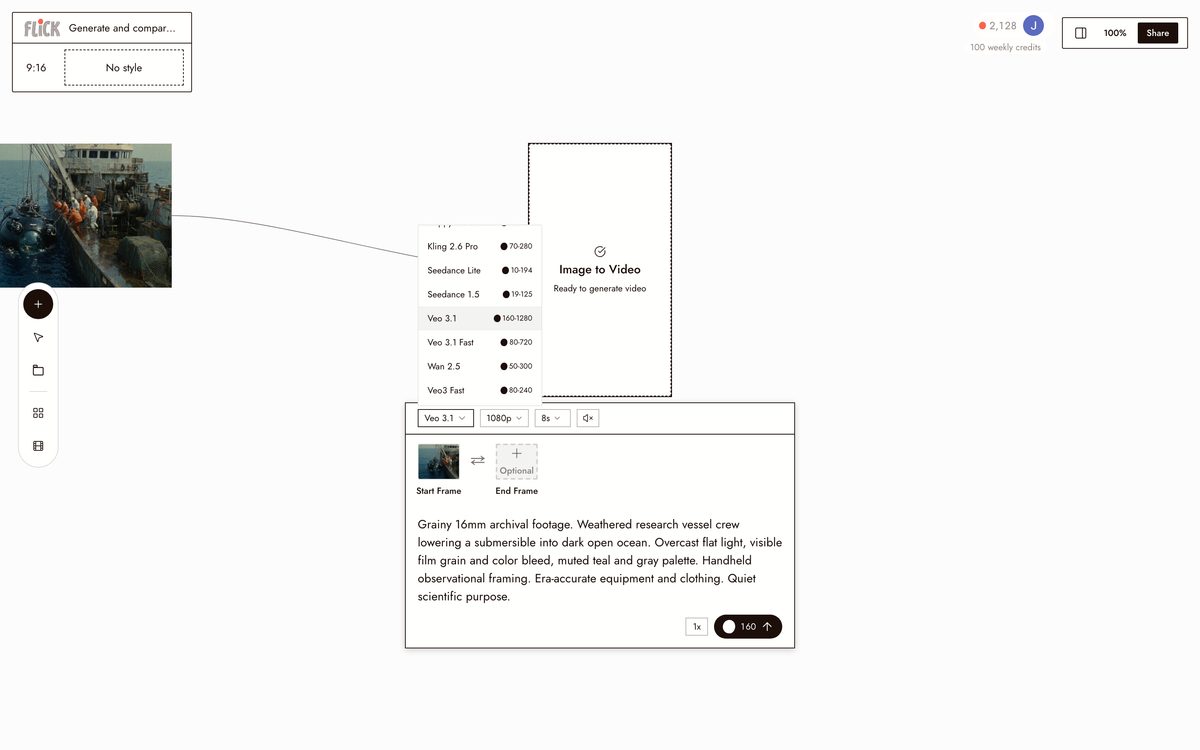
Choose Kling for handheld realism, Veo 3.1 for cinematic footage with native audio, or Seedance for speed. Run the same brief through more than one and compare the takes side by side on the canvas.
Made in Flick STEP 3
BUILD THE SEQUENCE
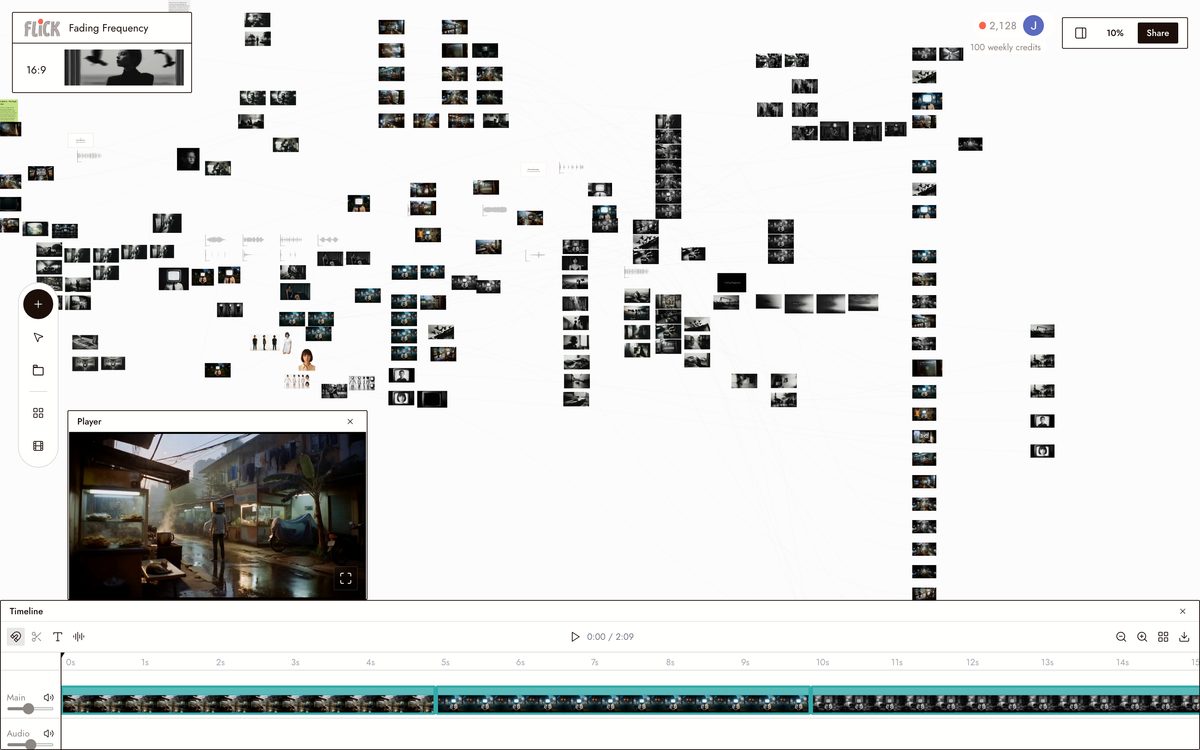
Trim what you keep, refine the prompt, and generate the next shot. The scene builds one observation at a time, holding a consistent aspect ratio and visual register across the cut.
Made in Flick


AI DOCUMENTARY GENERATOR FAQS
WHAT IS AN AI DOCUMENTARY GENERATOR?
An AI documentary generator produces original footage in the visual language of documentary film: observational handheld framing, archival grain, naturalistic lighting. Describe the subject, era, and mood. Flick generates doc-style video clips using Kling, Seedance, and Veo 3.1, and every clip lands on one canvas so you can sequence shots into a full scene.
HOW DO I GET AN ARCHIVAL OR PERIOD LOOK?
Write the era and texture directly into your prompt. "1970s deep-sea expedition, 16mm grain, desaturated" steers any model toward period-accurate color and texture. For cinematic grading with native audio on top of that, route the clip through Veo 3.1.
CAN I KEEP THE SAME SUBJECT CONSISTENT ACROSS MULTIPLE SHOTS?
Character Reference locks a person or subject from a single reference image and carries that identity into every subsequent shot. Same face and proportions from a tight profile to a wide observational frame.
CAN I ADD NARRATION OR AMBIENT SOUND TO THE FOOTAGE?
Veo 3.1 generates native audio alongside video, including dialogue and ambient sound. Describe the soundscape in your prompt, for example "distant market noise, low wind", and Veo 3.1 renders it into the clip. Reach for Kling when the priority is physical motion and camera movement rather than audio.
IS FLICK FREE TO USE?
Flick has a free tier: up to 300 free credits (100 at signup plus 200 for joining our Discord) plus 100 weekly credits, no credit card required. Every image model, including Nano Banana and GPT Image, is on every plan, free included, and so are MiniMax H3 Fast, MiniMax H3 Max and Pruna Draft video. Kling, Veo 3.1, Seedance and the full video model list come with the Standard plan. Paid plans start at $5 per month and add more credits per billing cycle.
IS THE FOOTAGE I GENERATE MINE TO USE?
Footage you generate in Flick belongs to you. Use it in your documentary, film, or commercial project. Review the Terms of Service for the full licensing terms.




TRY THE AI DOCUMENTARY GENERATOR FREE