AI City Generator
WHY GENERATE WITH FLICK?
Establish one wide, then edit it. Base-image locks keep the same city standing across Nano Banana, GPT Image 2, and Seedance.
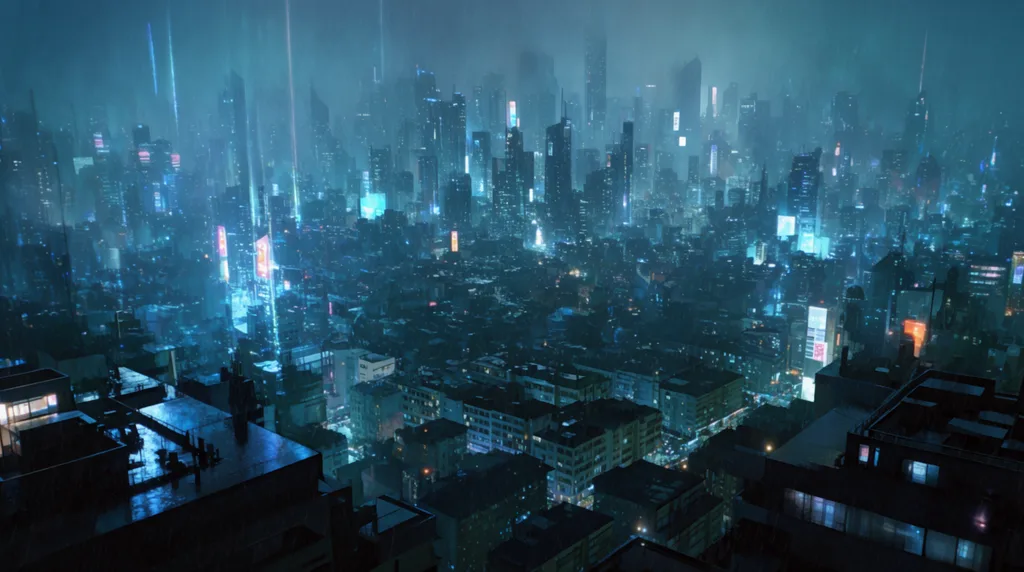
AI CITY GENERATOR EXAMPLES
HOW IT WORKS
STEP 1
ESTABLISH THE WIDE FIRST
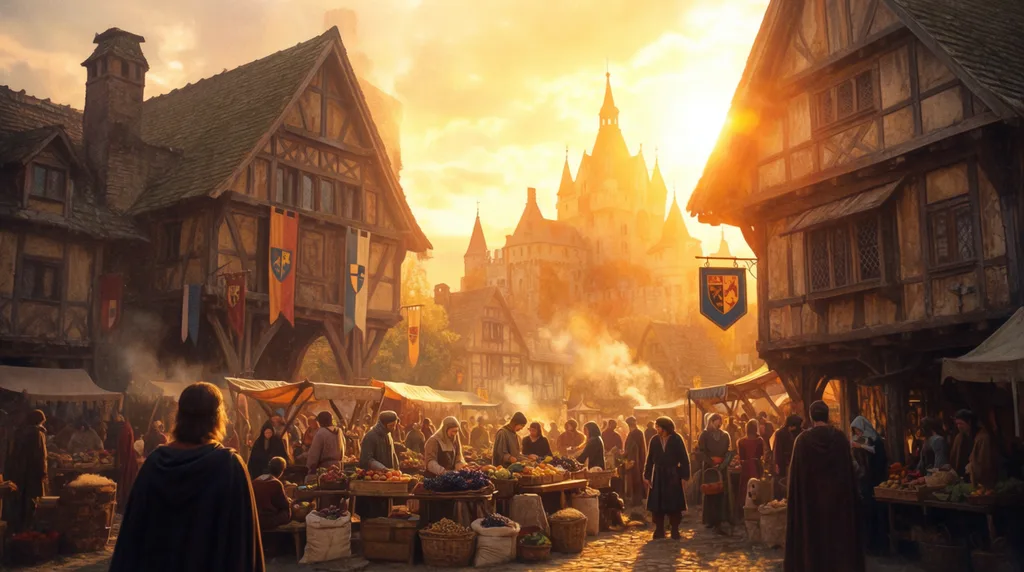
Describe the whole city once: the era, the materials, the weather, and the hour of day. The wides in this shot come from Midjourney, where the working prompt was simply: peaceful village street view. On the WITCH canvas each new wide also carries a style reference to an earlier one, so the architecture and palette stay consistent. Pick one candidate as your anchor; every later shot answers to it.
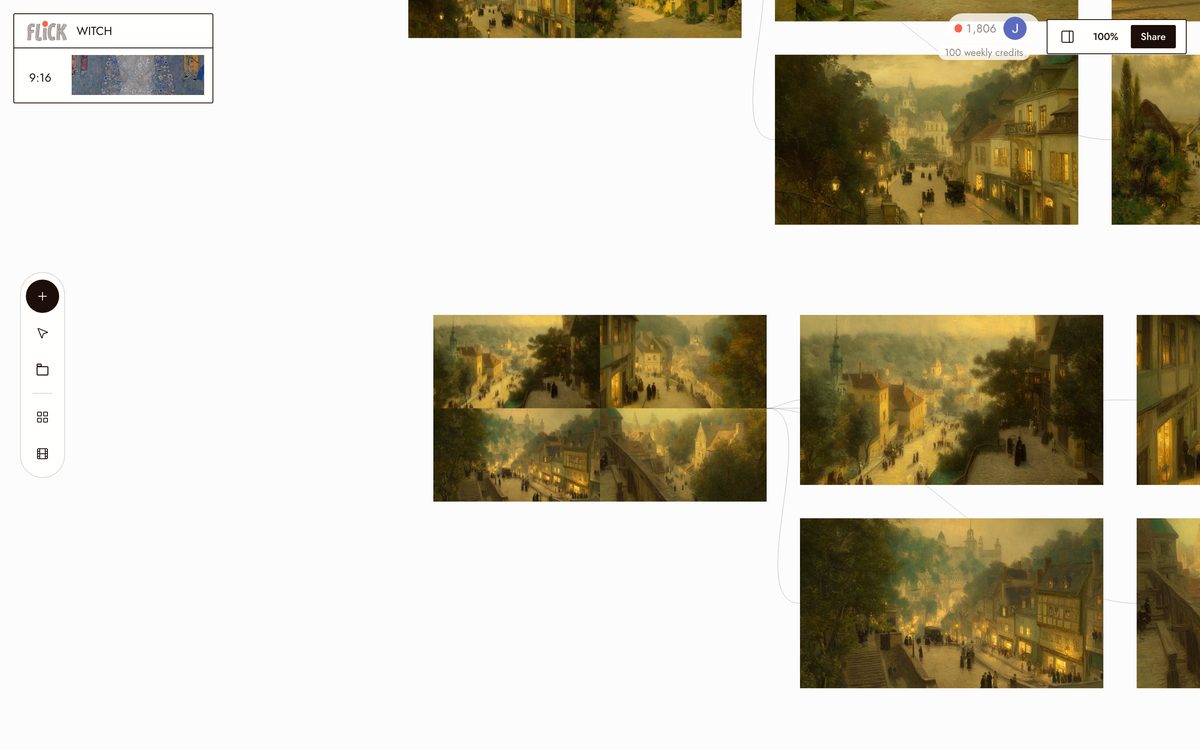
From the WITCH canvas STEP 2
EDIT THE CITY, DO NOT RE-DESCRIBE IT
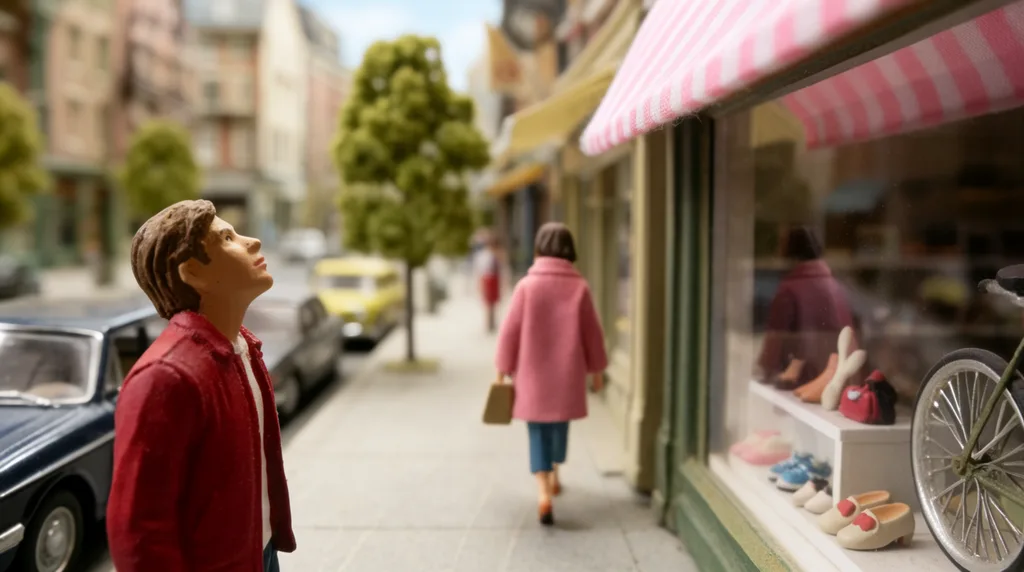
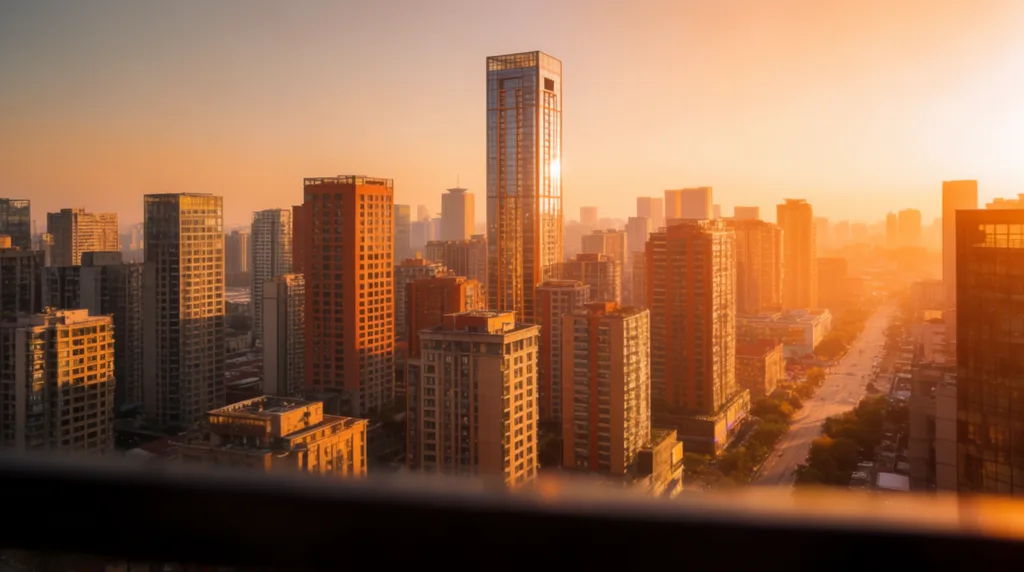
To get a new shot, hand the anchor wide to Nano Banana or GPT Image 2 as the base image and write the do-not-change list into the prompt: camera position, framing, perspective, subject scale, depth of field. Then move exactly one variable. The working edits on The Herder canvas turn golden sunset into just-after-rain light, swap a single walker in an alley, or regrade the same block into a macro miniature, and nothing else shifts.
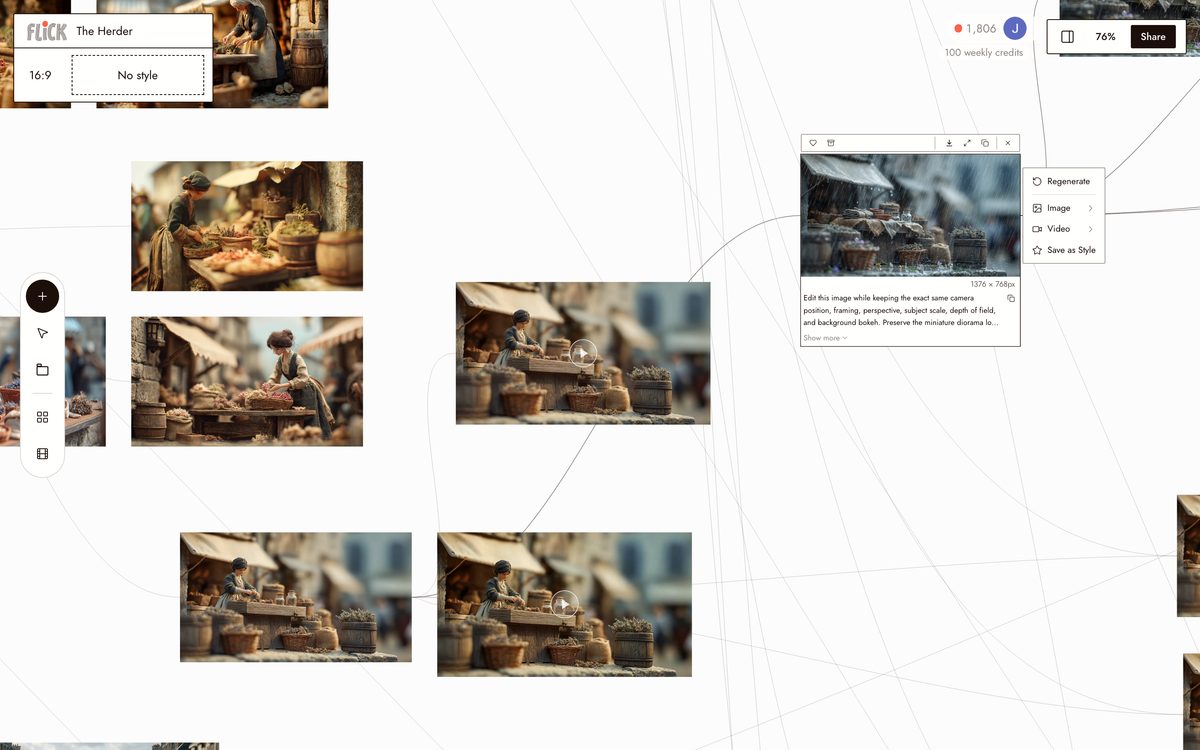
From The Herder canvas STEP 3
ANIMATE THE STREETS
Pick an approved still and pin it as the first frame in image to video. Give Seedance a locked-camera prompt: no zoom, no pan, no reframing, keep the buildings exactly as they are. Then ask for motion inside the scene, rain streaking the signage, crowds crossing, traffic rolling through, and the street comes alive while the skyline holds.
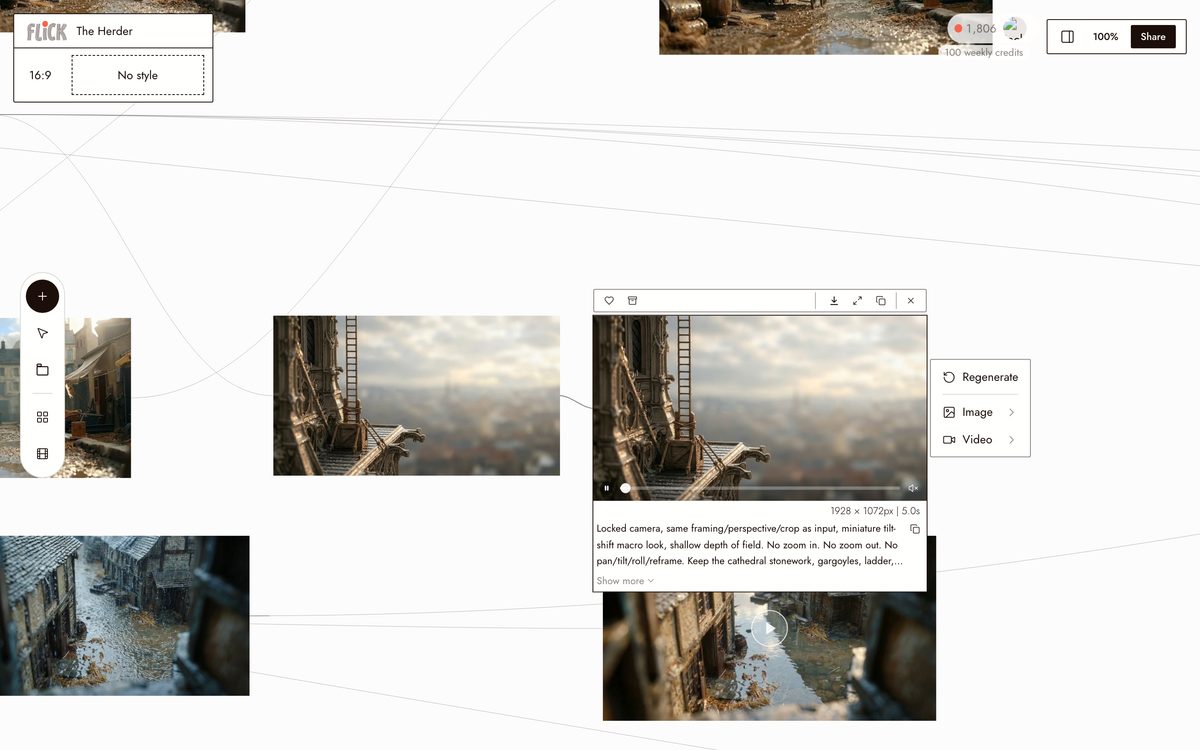
From The Herder canvas


AI CITY GENERATOR FAQS
WHAT IS AN AI CITY GENERATOR?
An AI city generator builds cityscapes, streets, and urban environments from text or reference images. City and street prompts are the most generated environment family on Flick: 4,267 successful generations in the last 60 days, powering films like The Herder and WITCH.
HOW DO I KEEP THE SAME CITY ACROSS SHOTS?
Establish one wide, then edit it with base-image locks instead of re-describing it: the working prompts keep camera position, framing, and layout locked while changing one variable. Change the weather, the hour, the angle. The city stays.
CAN IT DO MEDIEVAL VILLAGES AND FUTURE CITIES, NOT JUST MODERN SKYLINES?
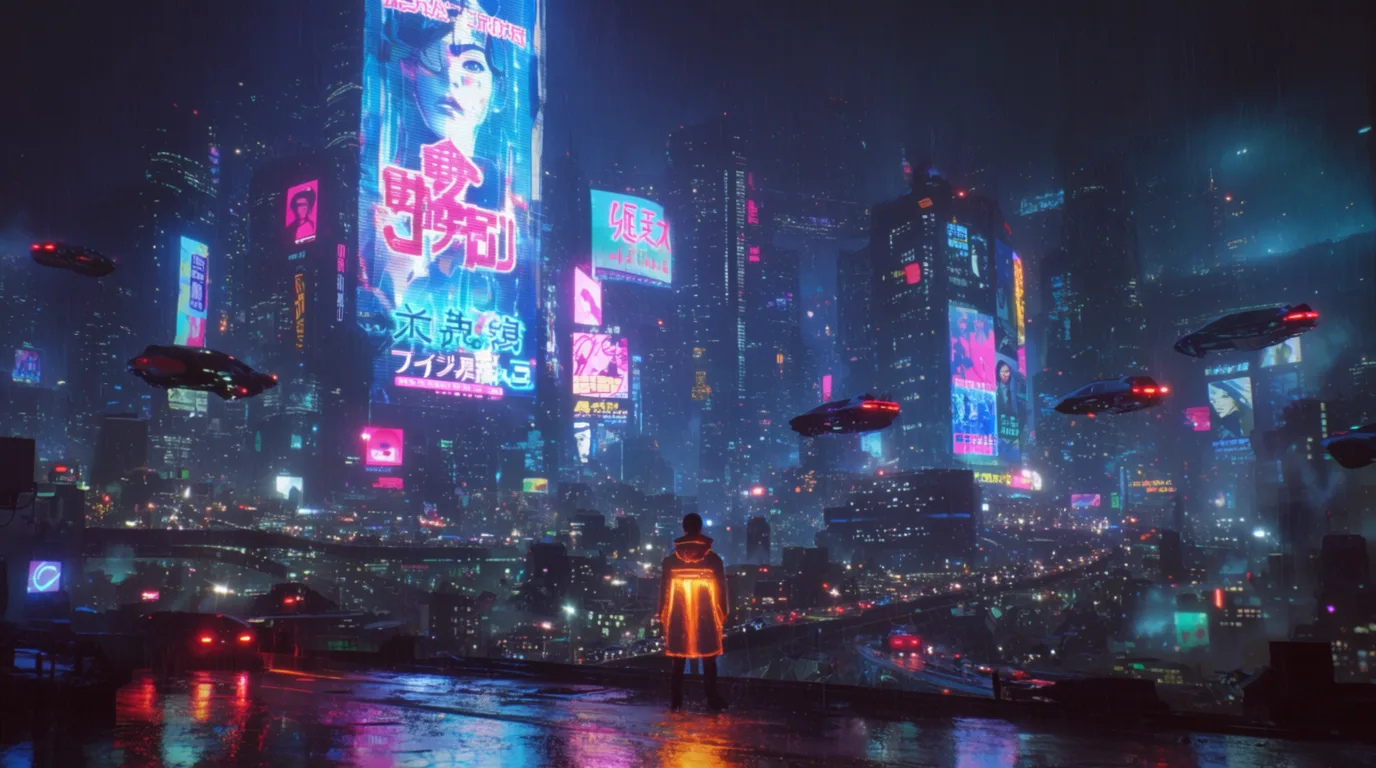
Yes. The WITCH canvas holds a medieval village consistent across 1,274 nodes, and the same workflow covers mid-century streets, rain-soaked noir cities, and futuristic skylines. The cyberpunk style page covers the neon end of that range.
CAN I ANIMATE MY CITY?
Yes: rain, crowds, traffic, and light move while the skyline stays put. Pin an approved still as the first frame in image to video, animate weather and people first, and keep the camera move small and single-purpose.
IS THIS FREE?
Flick has a free tier: up to 300 free credits (100 at signup plus 200 for joining our Discord) plus 100 weekly credits, no credit card required. That covers establishing a wide and editing it into street shots. Paid plans start at 500 credits a month for $5, or $4/month billed yearly. Every image model, including Nano Banana and GPT Image, is on every plan, free included, and so are MiniMax H3 Fast, MiniMax H3 Max and Pruna Draft video. Kling, Veo 3.1, Seedance and the full video model list come with the Standard plan.
HOW IS THIS DIFFERENT FROM A ONE-SHOT CITY GENERATOR?
Most city generators return one skyline per prompt. Flick treats the city as a set: auto mode picked the model on 1,545 city generations in the last 60 days, base-image locks hold the geography, and the same wide feeds street-level shots and motion on one canvas.


TRY THE AI CITY GENERATOR FREE