AI VFX Generator
WHY GENERATE WITH FLICK?
Type the effect. Flick generates the shot, physics included, ready to stitch into your scene.

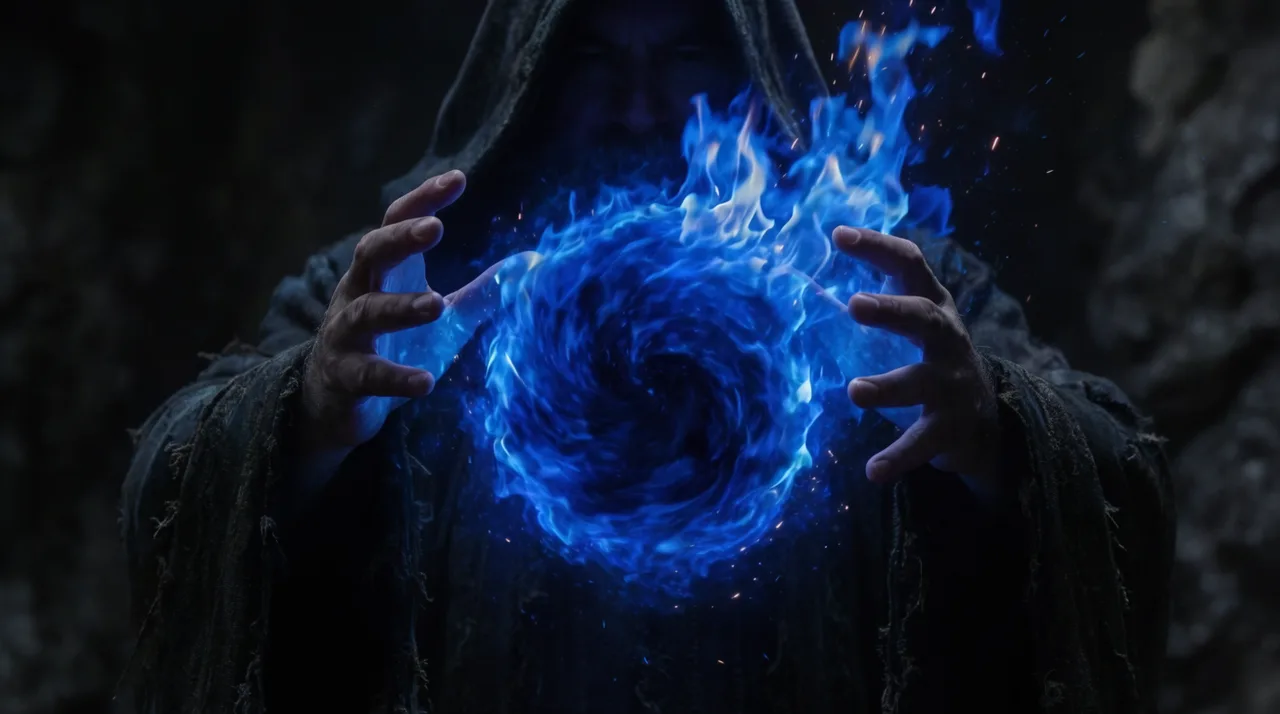
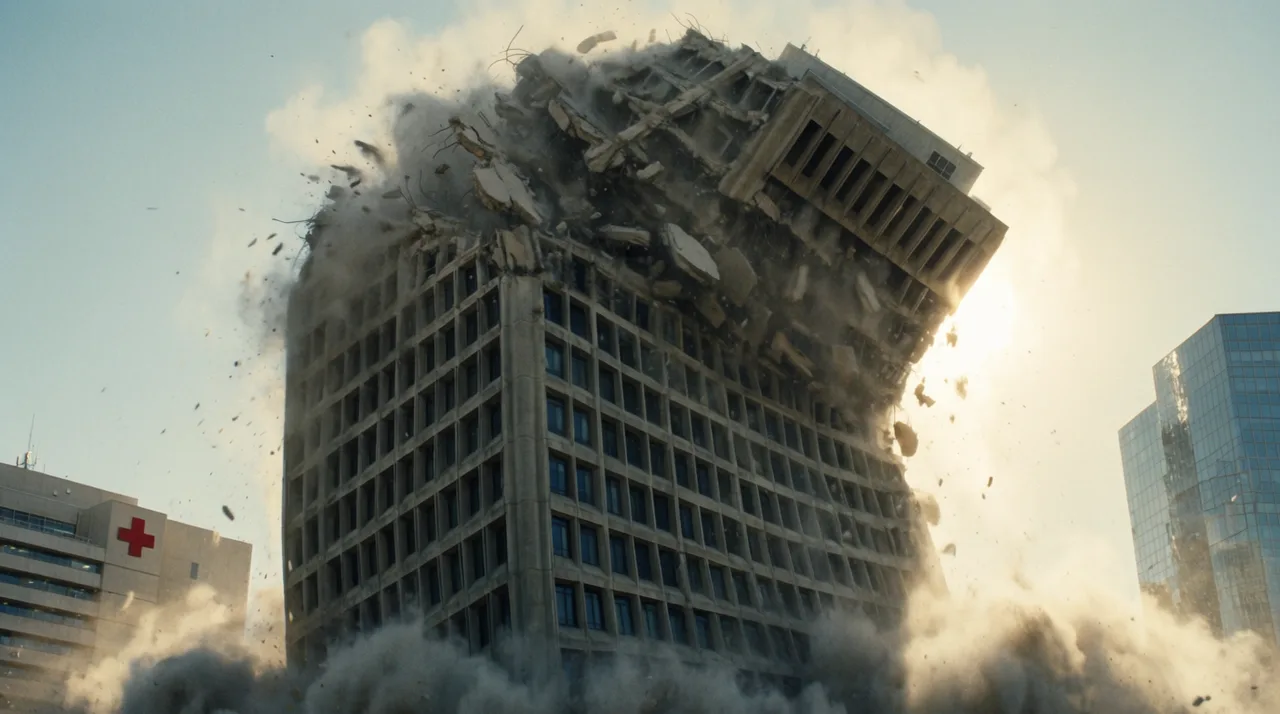
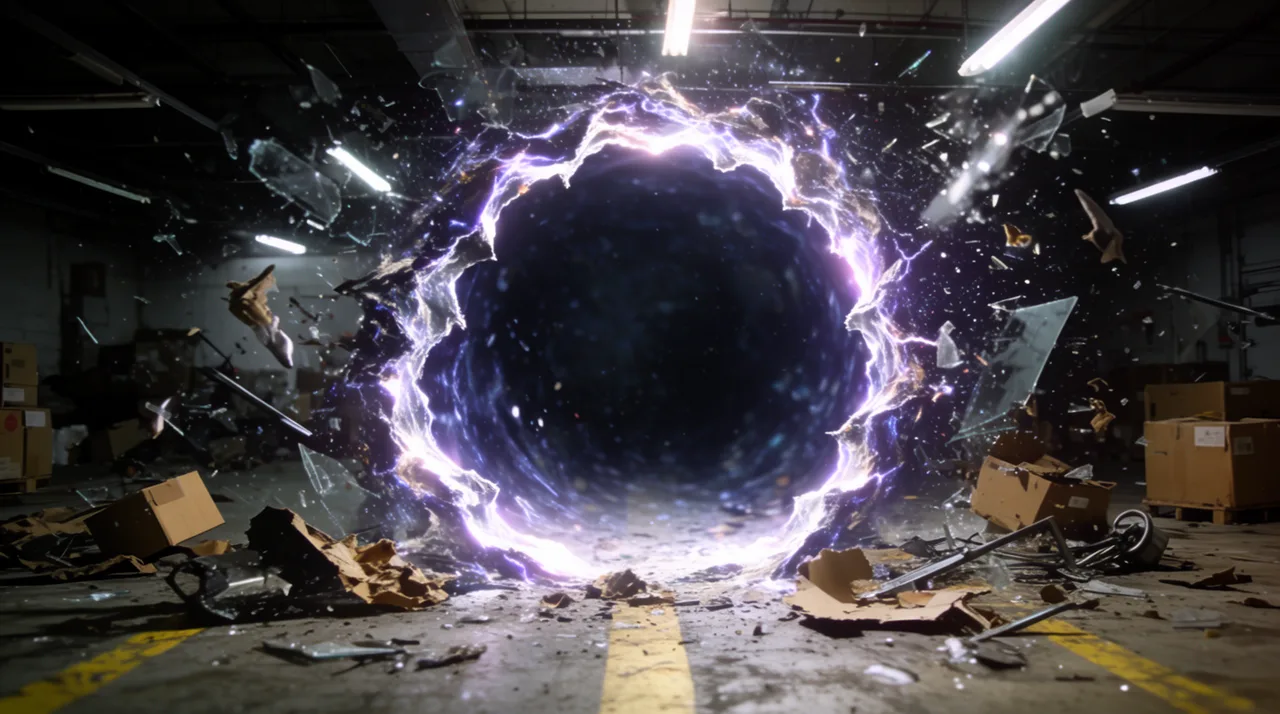
AI VFX GENERATOR EXAMPLES
HOW IT WORKS
STEP 1
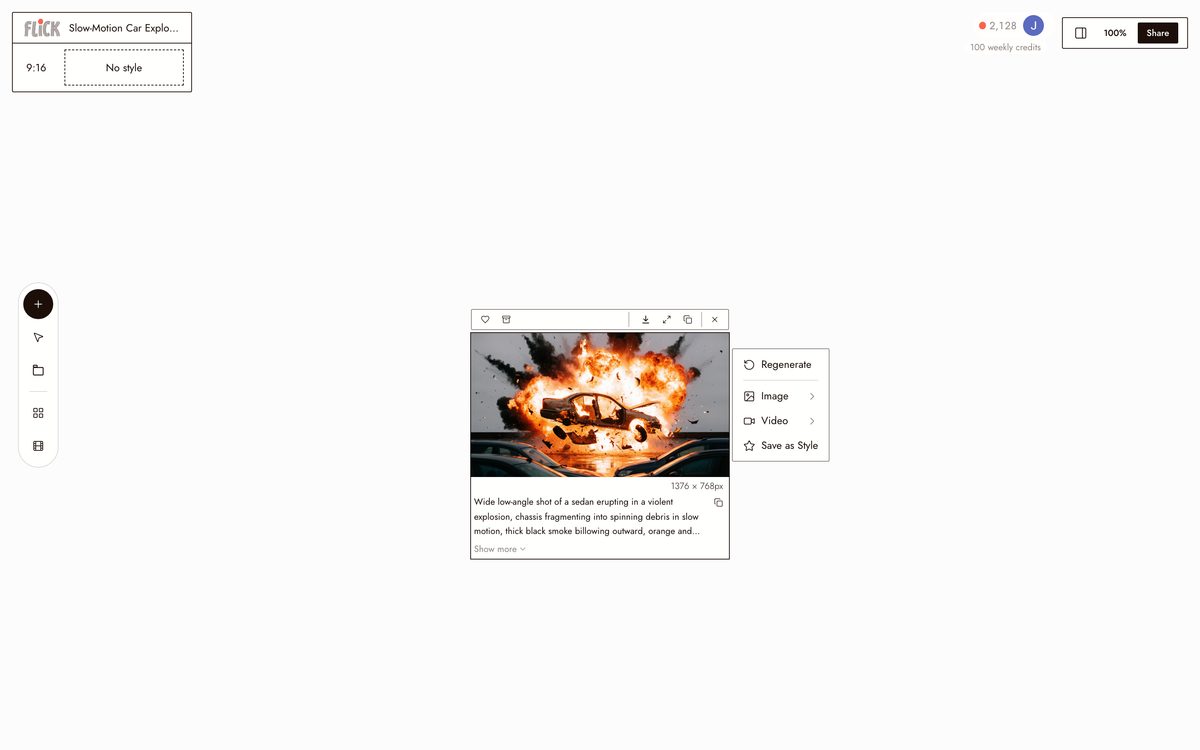
DESCRIBE YOUR EFFECT SHOT
Name the effect, the scale, and how the camera moves: a building caving into a slow dust storm, shot wide at golden hour. Flick queues it on the canvas the moment you submit.
Made in Flick STEP 2
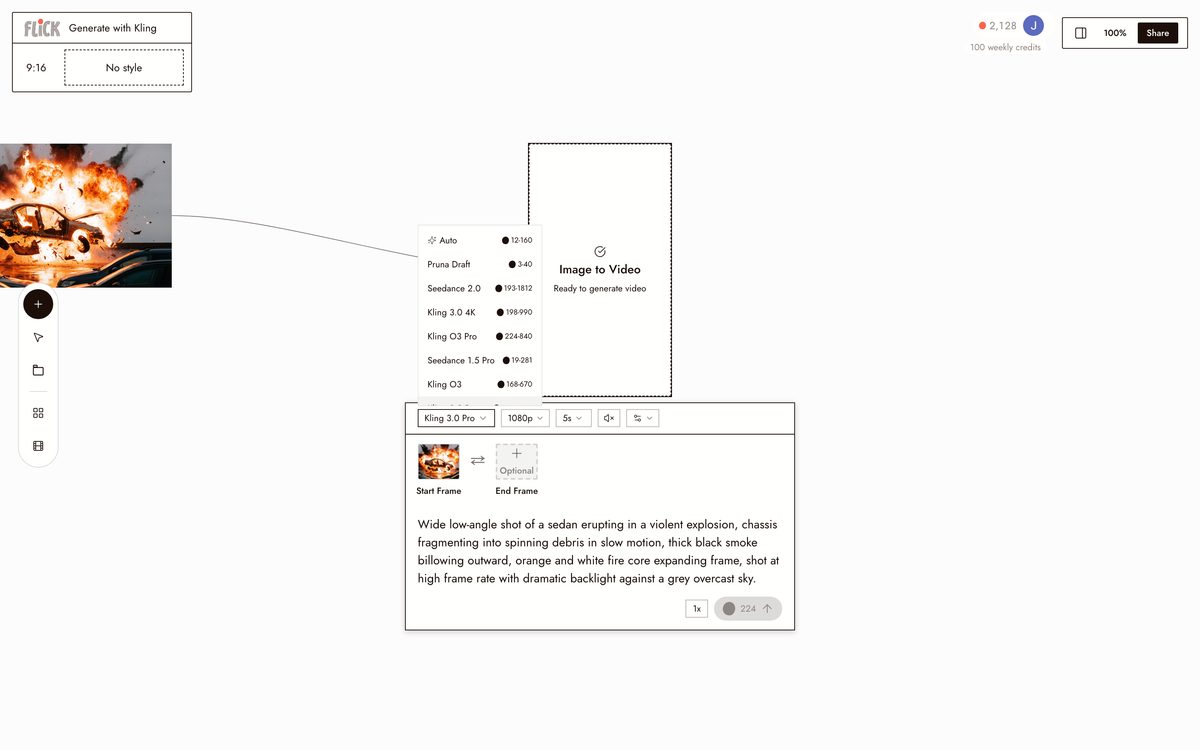
GENERATE WITH KLING
Run it through Kling. It models real physics for fire, smoke, debris, and collapse, so the result moves like a practical effect instead of a filter laid over a plate.
Made in Flick STEP 3
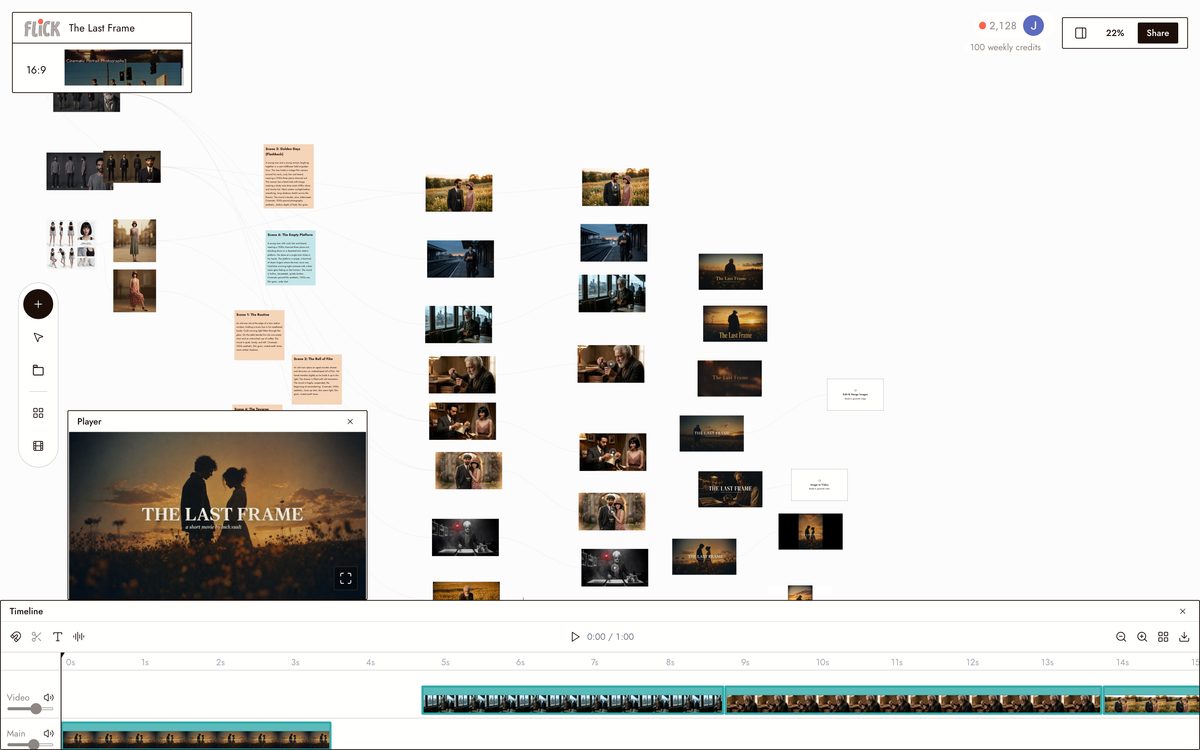
CUT THE SHOT INTO YOUR SEQUENCE
Drop the finished VFX clip onto the canvas next to your other footage, pull it to the exact frame you need, and trim the sequence together in the same editor.
Made in Flick


AI VFX GENERATOR FAQS
WHAT IS AN AI VFX GENERATOR?
An AI VFX generator renders visual effects shots from a text prompt. No green screen, keyframes, or compositing software. Describe the effect, fire, smoke, destruction, a magic portal, and the model outputs a video clip. In Flick, that clip lands on the canvas and slots directly into your sequence.
WHICH MODEL HANDLES VFX SHOTS?
Kling handles physics-driven effects: debris trajectories, fluid dynamics, collapsing structures. For cinematic quality with native audio, Veo 3.1 is the stronger call. Both run from the same canvas. Pick per shot.
CAN I COMBINE A VFX SHOT WITH REAL FOOTAGE?
Generate the effect clip, place it on the Flick canvas alongside your other shots, then trim and sequence everything in the editor. No export to a separate compositing tool. The stitching happens in the same workspace where you generated the effect.
CAN I KEEP A CHARACTER CONSISTENT ACROSS AN EFFECTS SEQUENCE?
Character Reference locks a character from one reference image. Generate that character into every VFX shot: engulfed in flames, thrown by an explosion, stepping through a portal. Face, build, and costume stay consistent across every model on the canvas.
IS THIS FREE TO USE?
Flick has a free tier: up to 300 free credits (100 at signup plus 200 for joining our Discord) plus 100 weekly credits, no credit card required. Every image model is on the free tier, and so are MiniMax H3 Fast, MiniMax H3 Max and Pruna Draft video. Kling for physics-driven VFX, Veo 3.1, Seedance and the full video model list come with the Standard plan. Paid plans start at $5/month and give you more credits per generation cycle.
IS THE OUTPUT MINE TO USE?
Clips and stills you generate in Flick are yours to use commercially. Flick does not claim ownership of your output. Check the terms of the specific underlying model if your project has particular licensing requirements.





TRY THE AI VFX GENERATOR FREE