AI Video Prompt Generator
WHY GENERATE WITH FLICK?
Describe a scene, get a structured prompt with camera angle, motion, and lighting detail, then send it straight to Kling, Seedance, or Veo inside Flick.
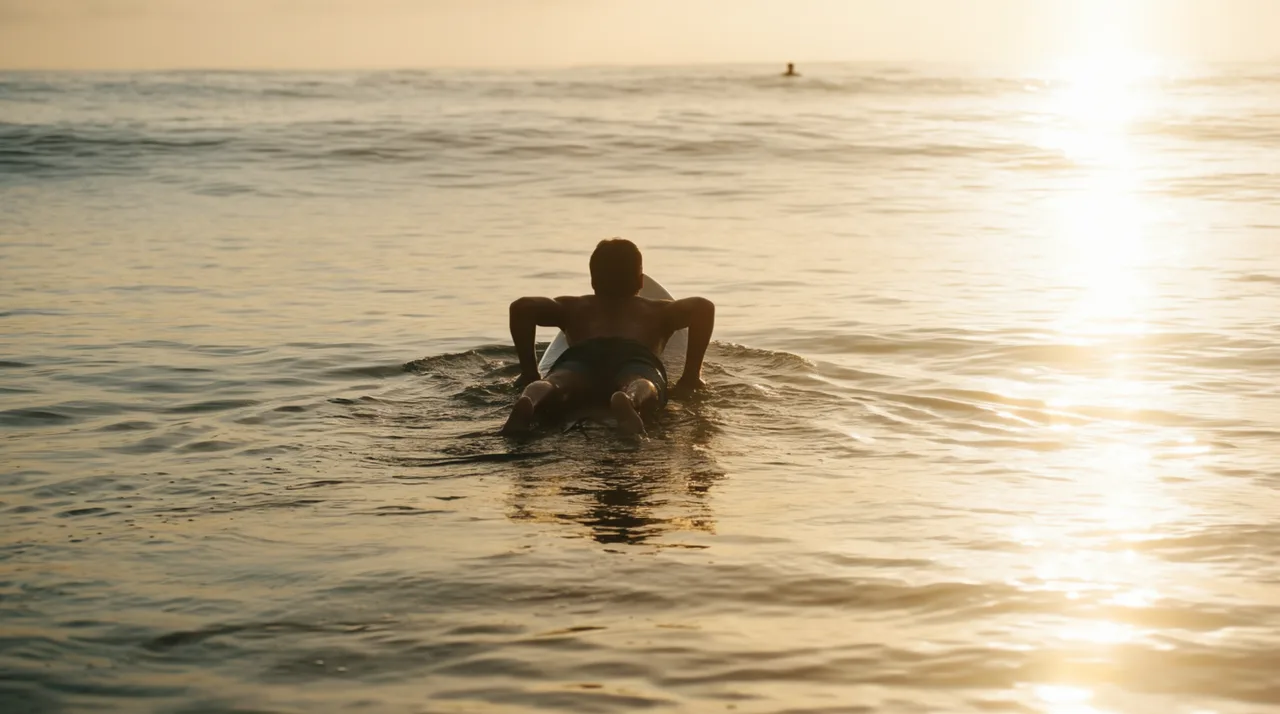
AI VIDEO PROMPT GENERATOR EXAMPLES



HOW IT WORKS
STEP 1
TURN AN IDEA INTO A SHOT PROMPT
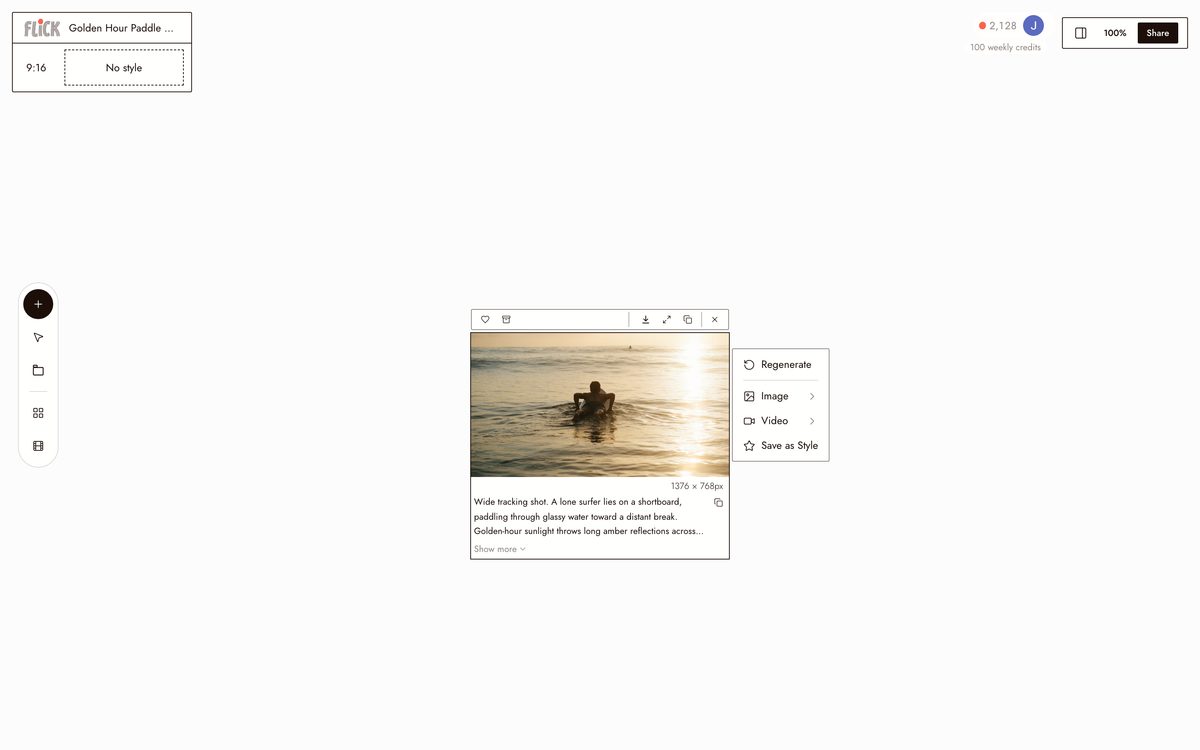
Type a rough idea into the prompt field and Flick structures it into a model-ready shot: camera angle, movement, and lighting spelled out. You start from a rough line, not a blank box.
Made in Flick STEP 2
TUNE THE PROMPT
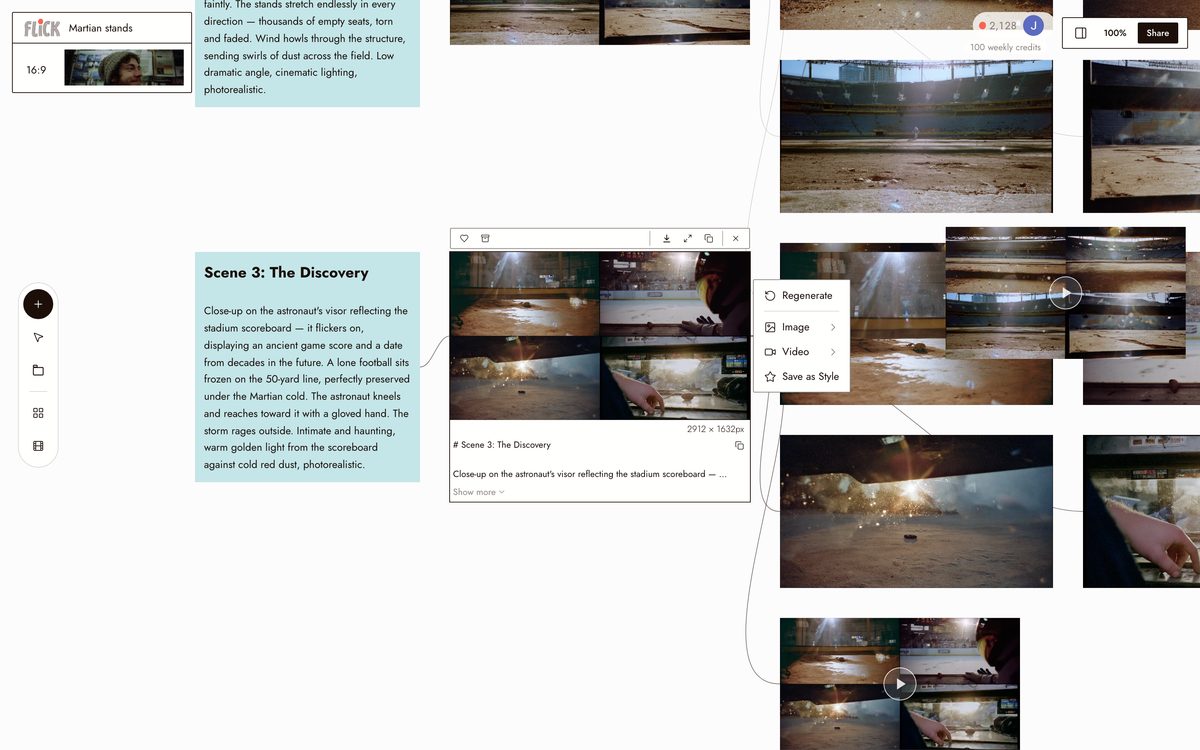
Read it back and adjust, swap the lens, tighten the motion cue, move it to golden hour. The prompt is yours to shape before a single credit is spent.
Canvas by Nelly's Account STEP 3
GENERATE ON THE CANVAS
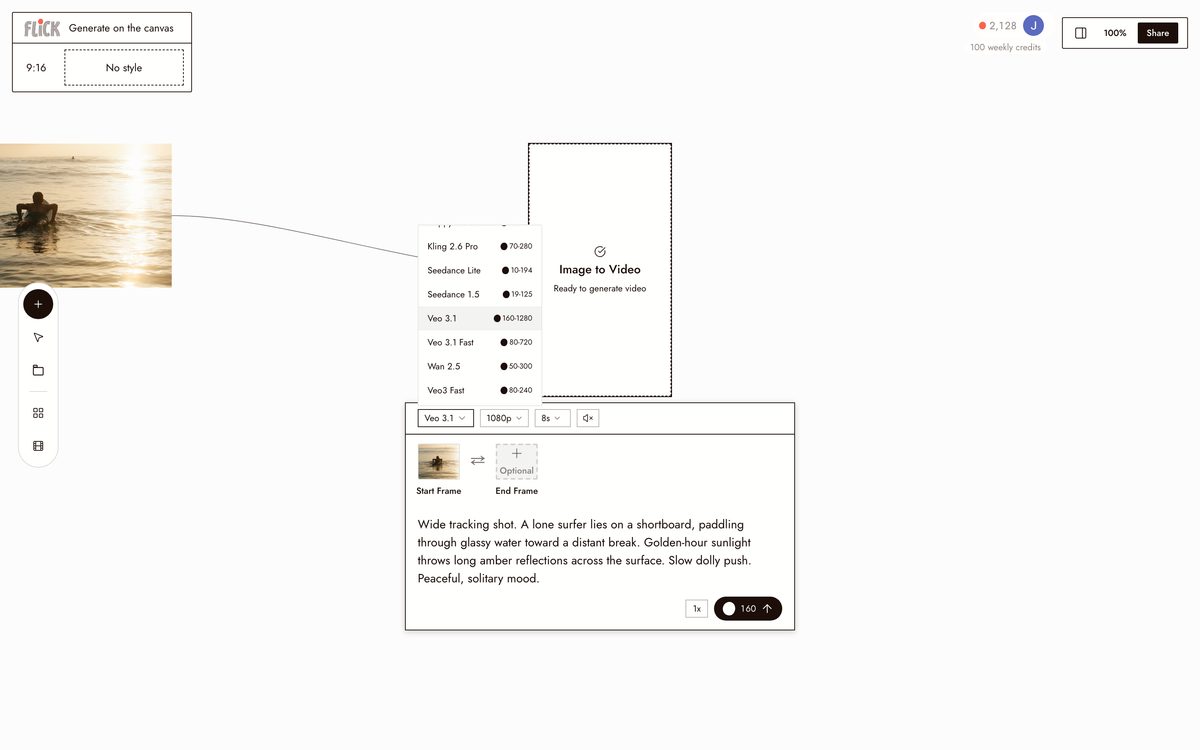
Send the finished prompt to Kling for physical motion, Seedance for speed, or Veo 3.1 for cinematic color and audio. Every model runs on the same canvas, so you can compare the takes.
Made in Flick


AI VIDEO PROMPT GENERATOR FAQS
WHAT DOES AN AI VIDEO PROMPT GENERATOR ACTUALLY DO?
It takes a rough idea and builds a model-ready prompt: shot type, camera movement, lighting, subject motion, mood. "Chef flambes a dish" becomes a precise description a video model can act on. Flick writes that prompt and runs it on Kling, Seedance, or Veo 3.1 without switching tabs.
HOW IS THIS DIFFERENT FROM A STANDALONE PROMPT GENERATOR?
Standalone generators stop at the text. You copy it, open another app, paste it, manage the output elsewhere. Flick writes the structured prompt and generates the clip on the same canvas. Describe a shot, refine the prompt, generate it, chain it into a longer sequence.
WHICH VIDEO MODEL SHOULD I USE FOR MY SHOT?
Use Kling for strong motion and physics: a surfer paddling through chop, a spice market with crowd movement. Use Veo 3.1 for cinematic quality, native audio, and dialogue. Use Seedance when you need fast, high-quality generation and quick iteration. All three are available on every Flick plan.
CAN I KEEP THE SAME CHARACTER ACROSS MULTIPLE GENERATED CLIPS?
Character Reference locks a character's face, build, and costume from a single reference image. Generate that character into any scene across Kling, Seedance, or Veo 3.1 at different angles, lighting, and settings without re-describing them each time.
IS FLICK FREE TO USE?
Flick has a free tier: up to 300 free credits (100 at signup plus 200 for joining our Discord) plus 100 weekly credits, no credit card required. Paid plans start at $5/month and add more credits. Every image model, including Nano Banana and GPT Image, is on every plan, free included, and so are MiniMax H3 Fast, MiniMax H3 Max and Pruna Draft video. Kling, Veo 3.1, Seedance and the full video model list come with the Standard plan. Credits are spent per generation.
IS THE VIDEO OUTPUT MINE TO USE?
Clips you generate on Flick are yours to use, share, and publish. Check the terms of the underlying model before publishing commercially at scale since model providers update their commercial use policies. Flick places no ownership claim on your output.





TRY THE AI VIDEO PROMPT GENERATOR FREE