AI Video Editor
WHY GENERATE WITH FLICK?
Most workflows split generation and editing across different apps. Flick generates, cuts, reorders, and exports your video on one canvas, and you can change any edit just by asking in chat.
HOW IT WORKS
STEP 1
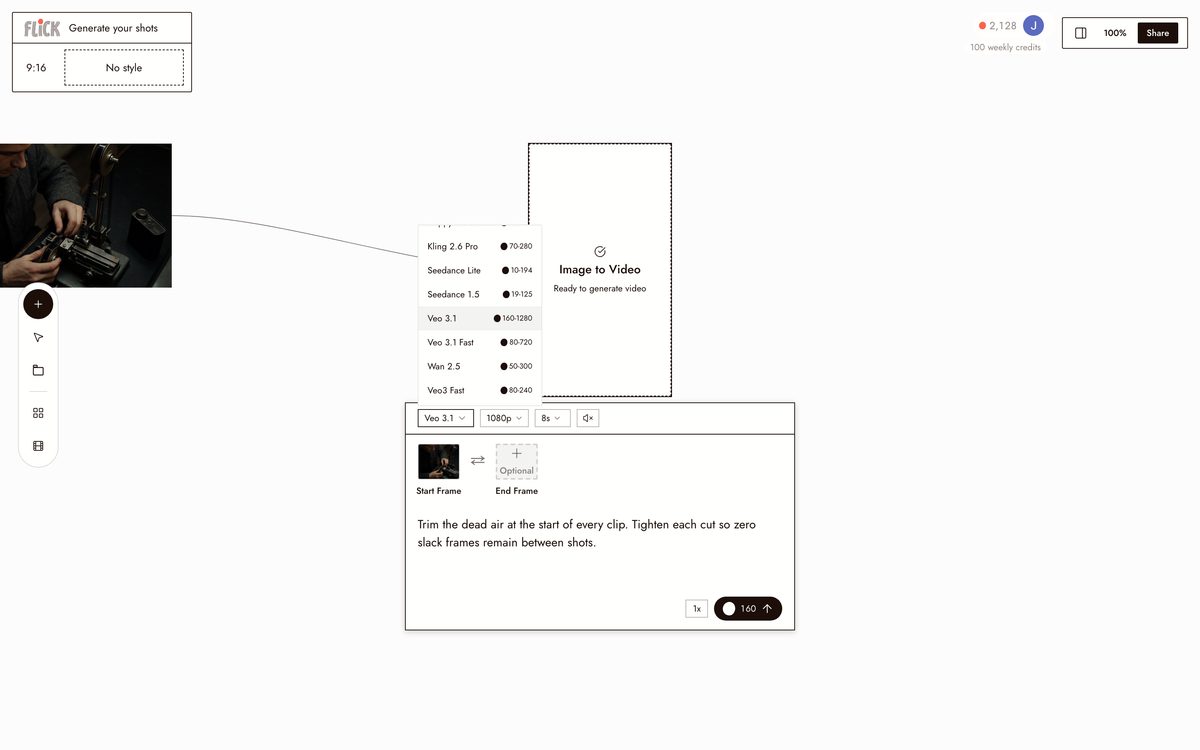
GENERATE YOUR SHOTS
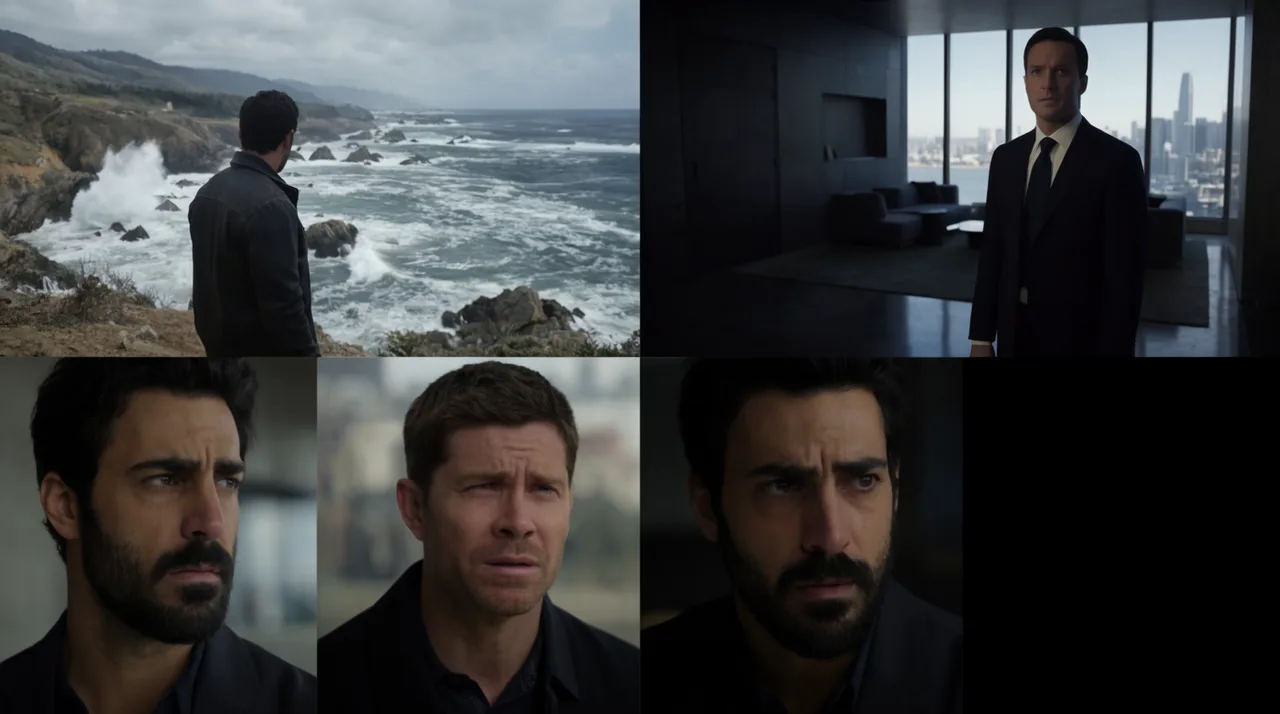
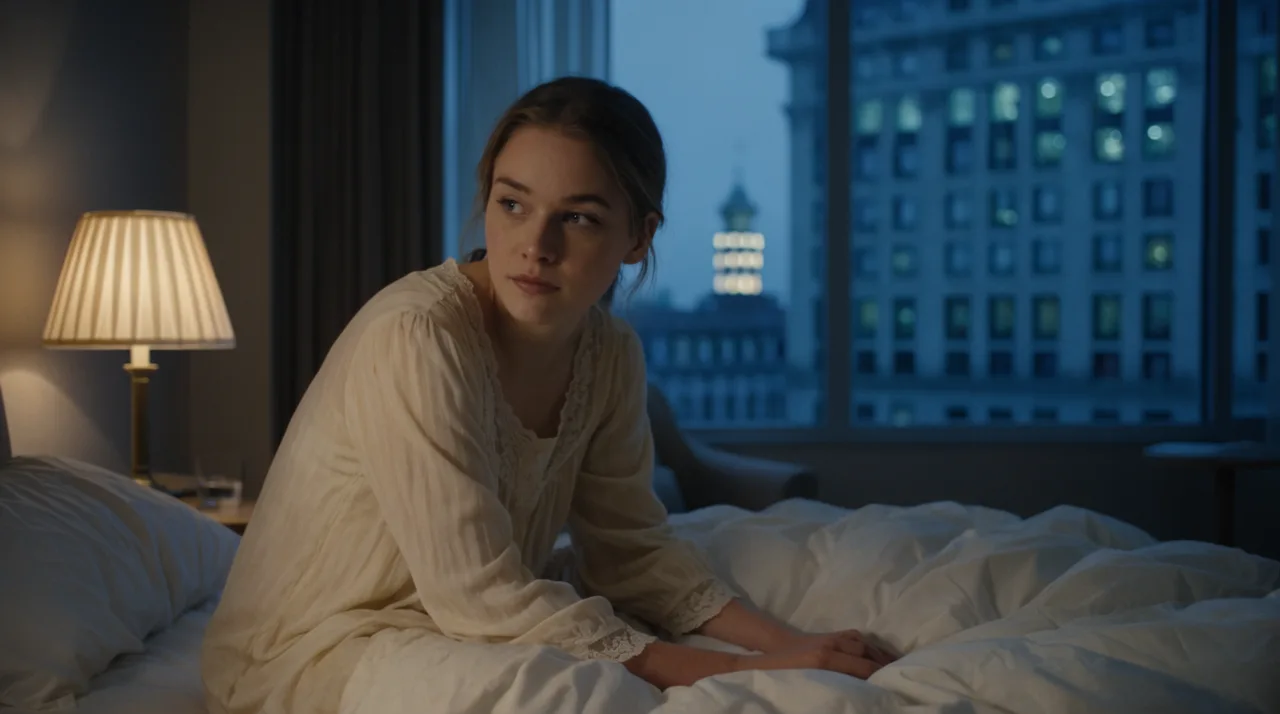
Pick a model and generate each shot straight onto the canvas, Kling for motion and physics, Veo 3.1 for cinematic footage with dialogue, Seedance for speed. Every clip lands where you will edit it.
Made in Flick STEP 2
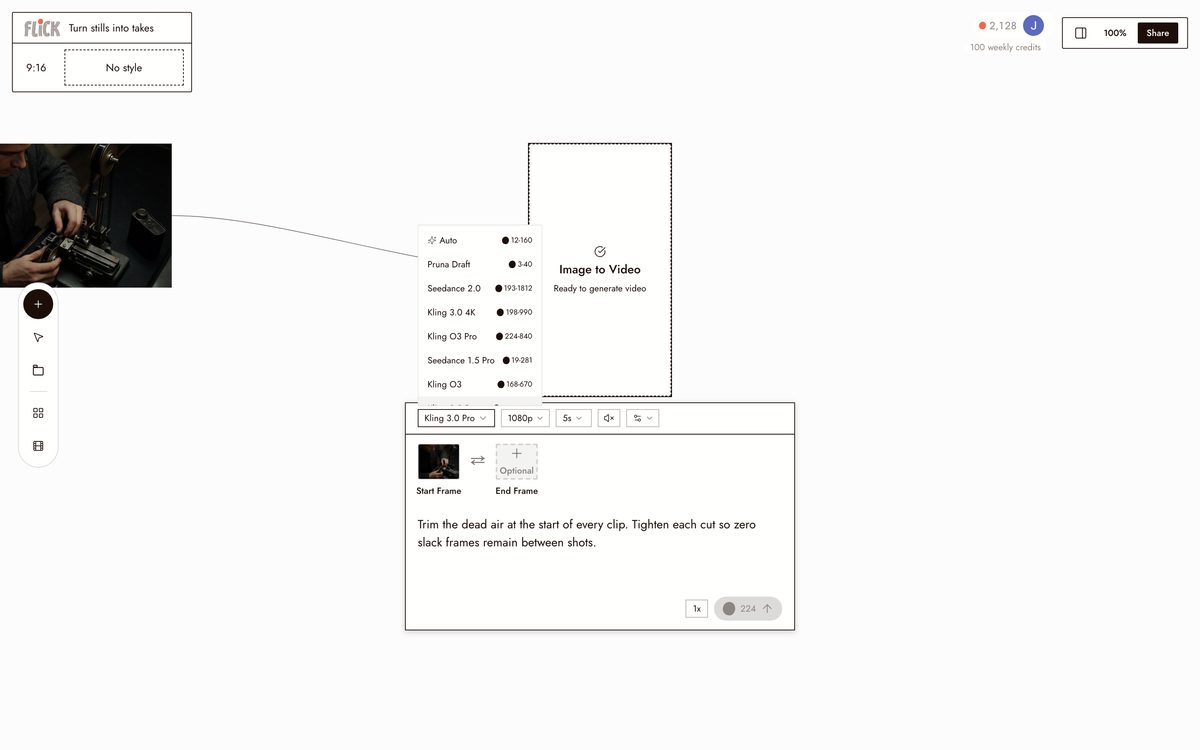
TURN STILLS INTO TAKES
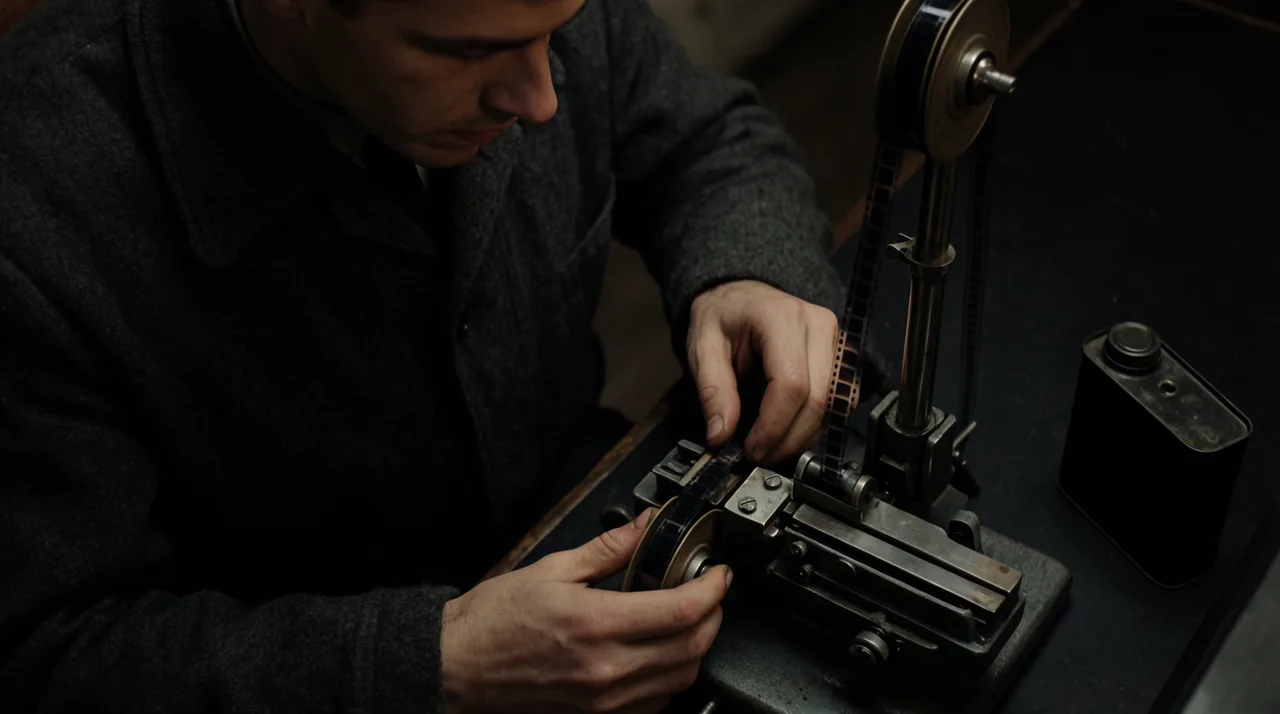
Drop a still onto the canvas and animate it into a moving shot with Kling or Seedance. Even a single frame becomes footage you can cut, not just clips you already recorded.
Made in Flick STEP 3
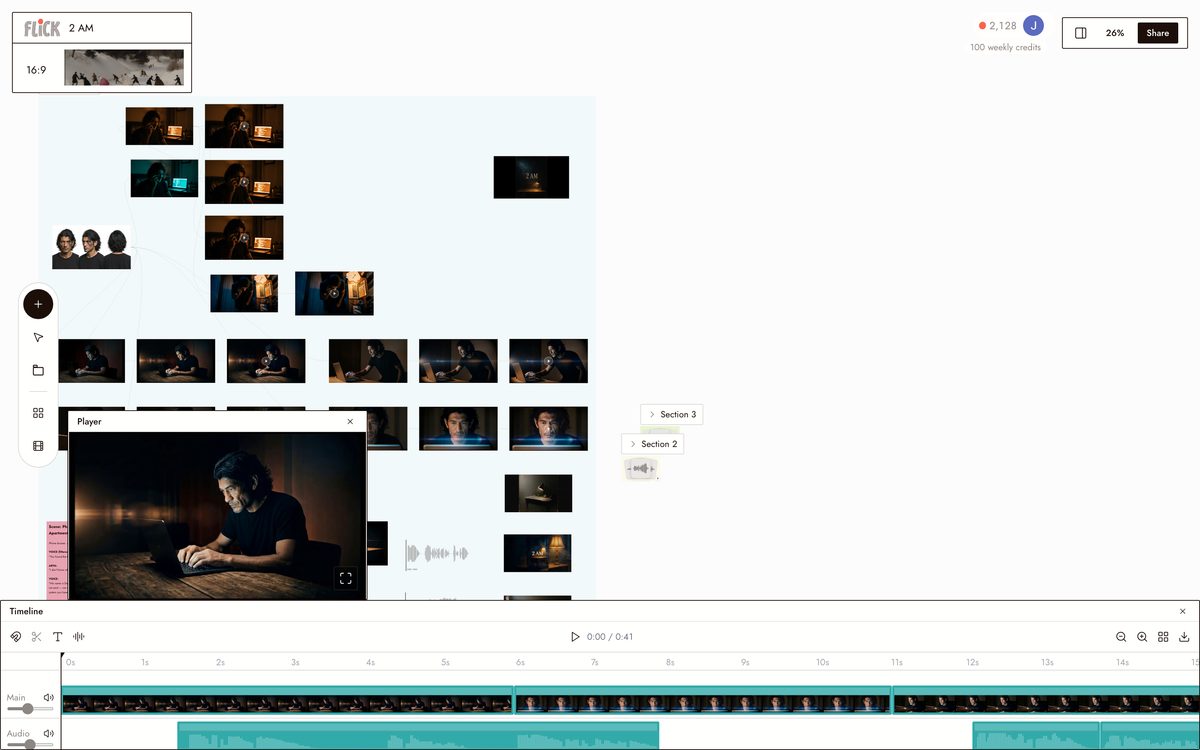
ORDER, TRIM, AND DIRECT IN CHAT
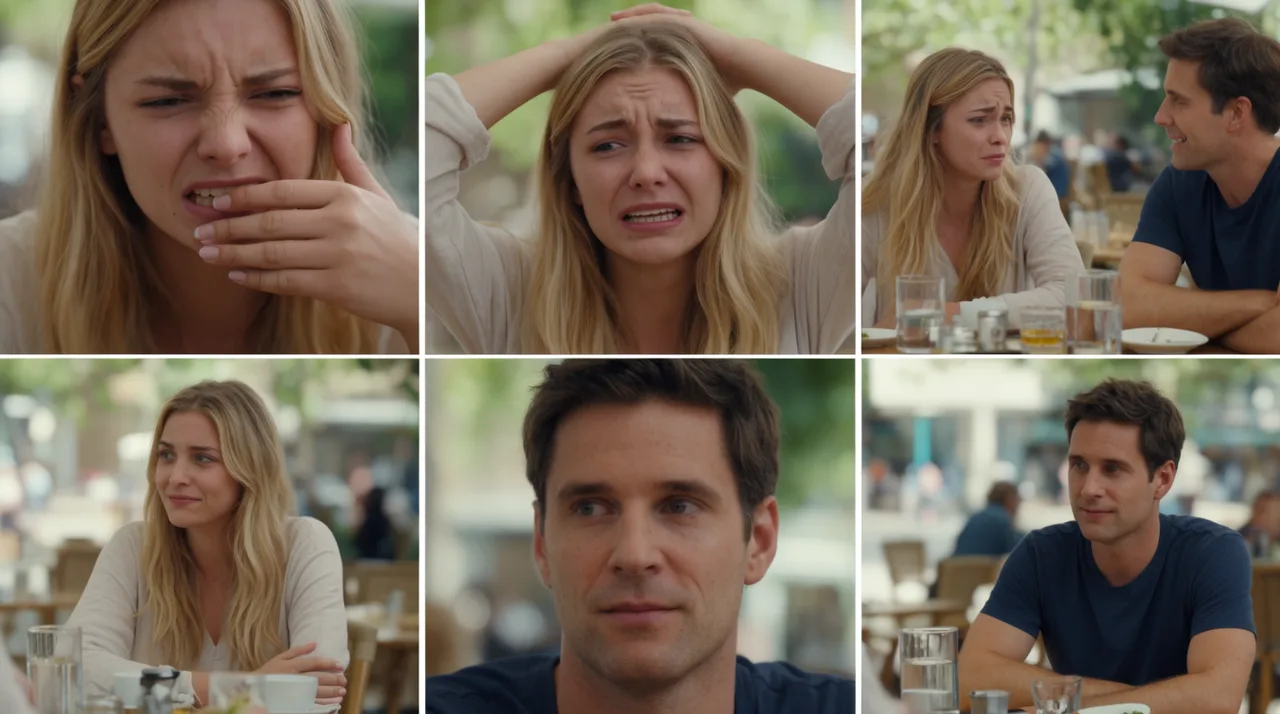
Drag the clips into order and trim the dead air off each head and tail, then type the edit you want: open on the most dramatic shot, add a music bed under the dialogue, tighten this into a thirty-second teaser.
Canvas by Baskoro Schnyder


AI VIDEO EDITOR FAQS
WHAT IS AN AI VIDEO EDITOR?
An AI video editor cuts, reorders, and refines clips through text instructions instead of a traditional timeline. In Flick, generate clips across Kling, Veo 3.1, and Seedance, then edit them on the same canvas. Trim dead air, rearrange shots, balance audio: type the instruction in chat and the canvas updates.
HOW IS THIS DIFFERENT FROM EDITING IN A SEPARATE APP?
Many AI tools focus on generating a single clip and leave the editing to a separate app. Flick keeps generation and editing on one canvas: generate clips, then trim, reorder, add audio, and export without moving to another tool.
WHAT EDITING TASKS CAN I DO IN CHAT?
Trim dead air at the start of every clip. Arrange shots by dramatic impact. Add a music bed and balance it under dialogue. Reorder scenes entirely. The canvas updates after each instruction. Make manual adjustments directly on the canvas for finer control.
CAN I KEEP A CONSISTENT CHARACTER ACROSS EVERY CLIP I EDIT?
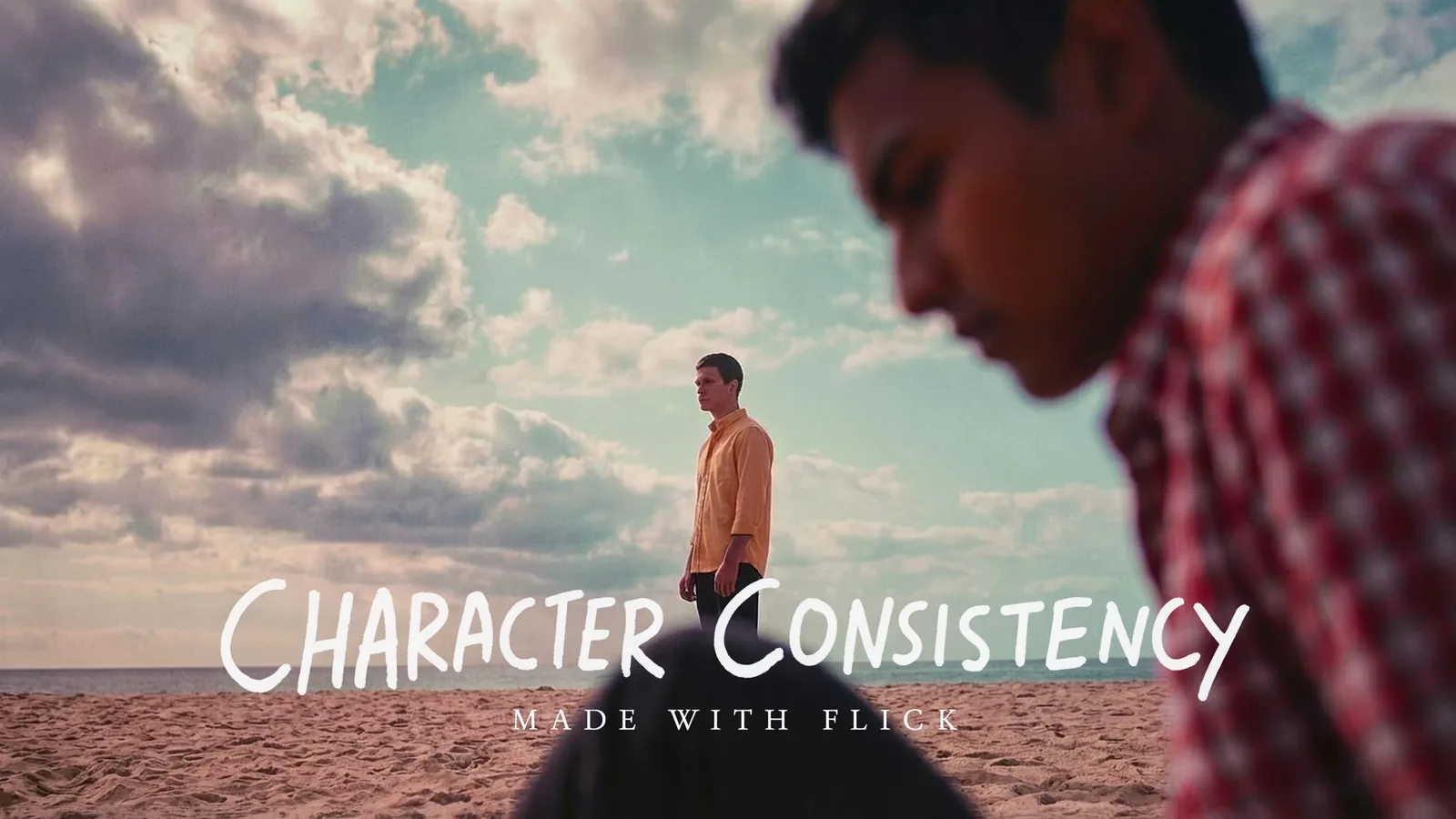
Use Character Reference to lock a character from a single reference image. Generate that character into every shot across Kling, Veo 3.1, Seedance, and every other hosted model. Edit and arrange those clips on the canvas: the character stays visually consistent throughout.
IS FLICK FREE TO USE?
Flick has a free tier: up to 300 free credits (100 at signup plus 200 for joining our Discord) plus 100 weekly credits, no credit card required. Generate clips, edit on the canvas, and test chat-based edits at no cost. Paid plans start at $5/month, or $4/month billed yearly, for more credits. Every image model, including Nano Banana and GPT Image, is on every plan, free included, and so are MiniMax H3 Fast, MiniMax H3 Max and Pruna Draft video. Kling, Veo 3.1, Seedance and the full video model list come with the Standard plan.
IS THE OUTPUT MINE TO USE?
The clips you generate and edit in Flick are yours to export and use. Check the terms of the underlying model for commercial use cases: Flick passes through each model's licensing terms. The edited video you export from the canvas belongs to you.




TRY THE AI VIDEO EDITOR FREE