AI Motion Graphics Generator
WHY GENERATE WITH FLICK?
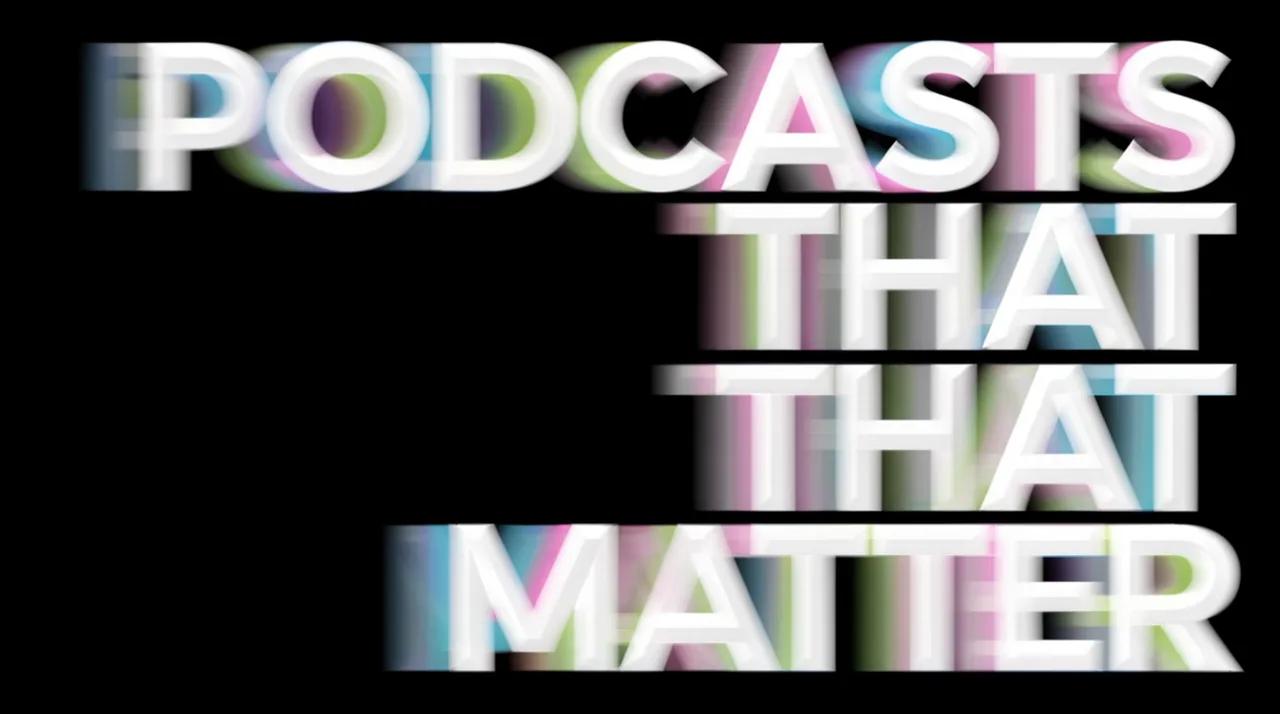
Skip the keyframes. Describe a title card, logo reveal, or kinetic sequence and Flick generates it, ready to refine and chain on the canvas.

AI MOTION GRAPHICS GENERATOR EXAMPLES

HOW IT WORKS
STEP 1
DESCRIBE THE MOTION AND THE LOOK
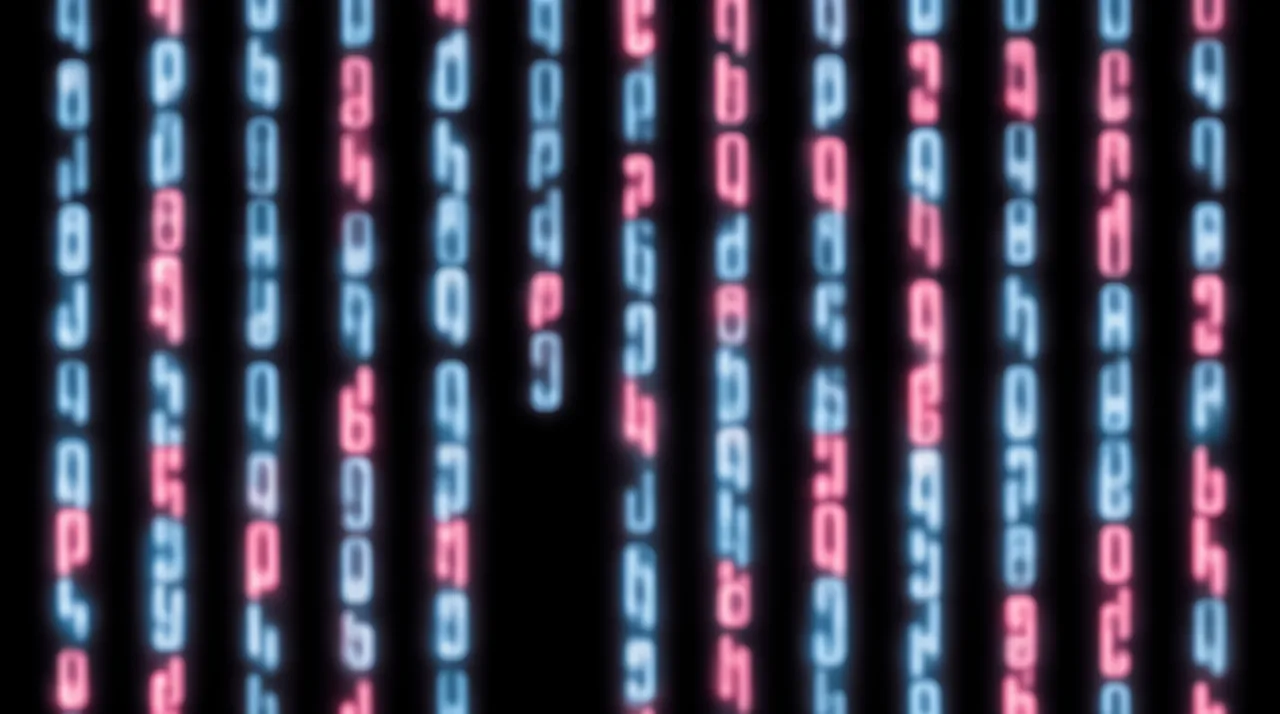
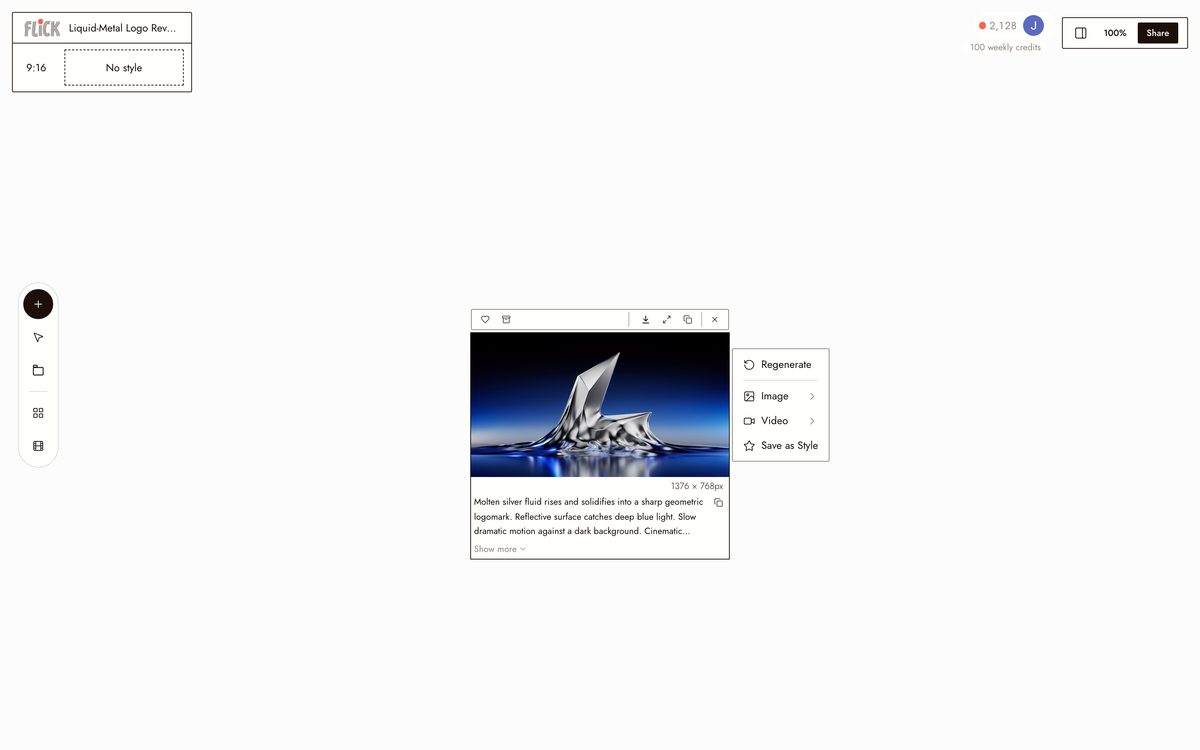
Write the style, the animation, and the mood in one line: a liquid-metal logo reveal, a neon data-stream loop. Flick routes it to the model that fits the intent.
Made in Flick STEP 2
COMPARE MODELS BEFORE YOU COMMIT
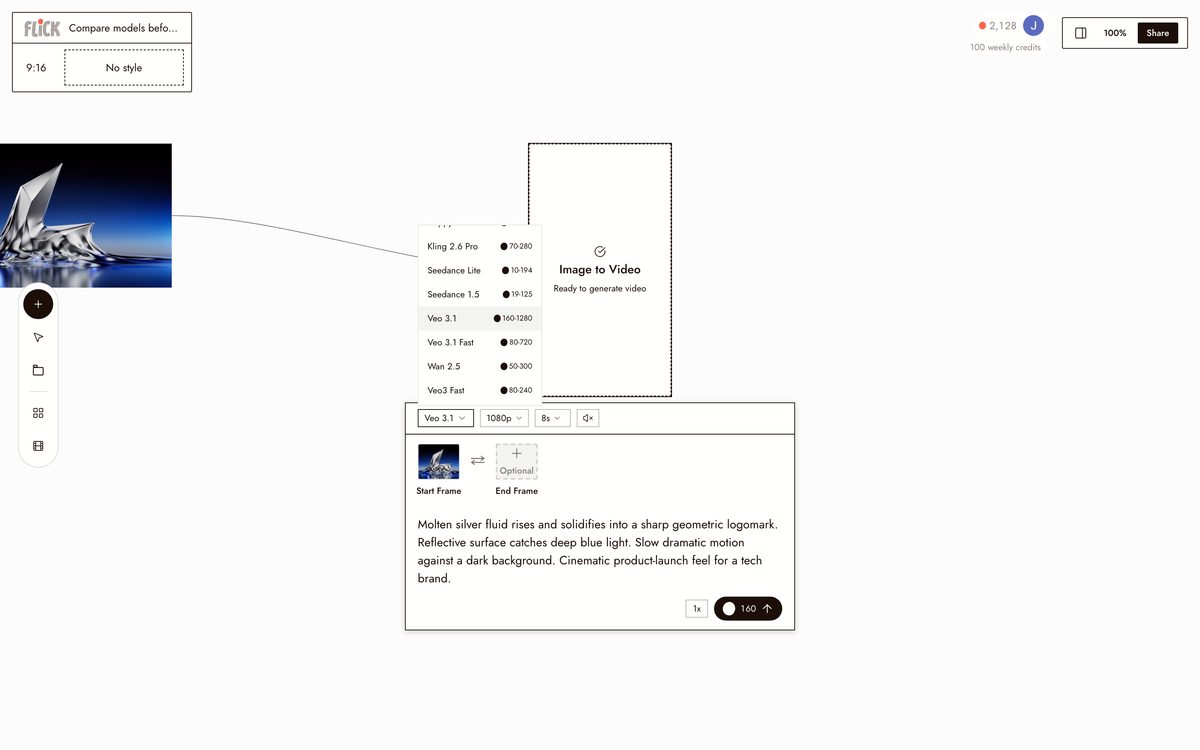
Generate the same idea through Kling for physical motion, Veo 3.1 for graded color and sound, or Seedance for speed, and line the results up side by side on the canvas before you pick.
Made in Flick STEP 3
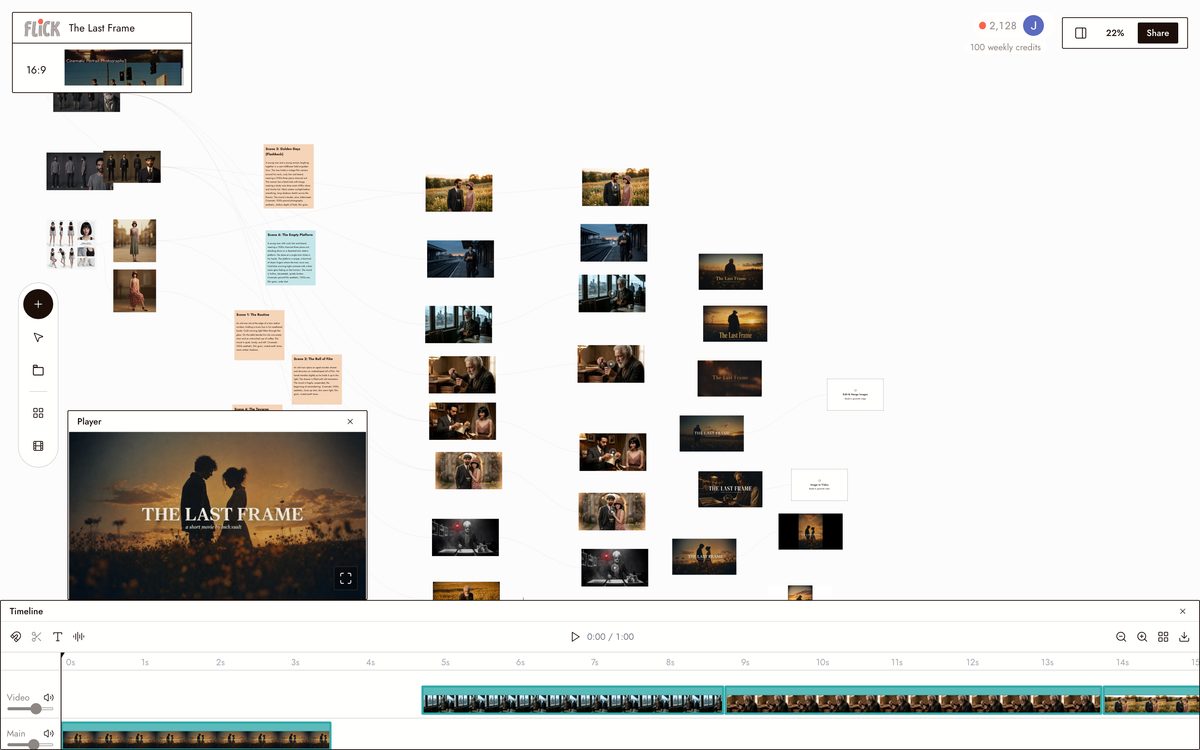
CHAIN THE PIECES INTO ONE SEQUENCE
Stitch an intro, a transition, and a title card into a single run on the node canvas. Trim each piece to the timing you want and export the whole animation as one file.
Made in Flick


AI MOTION GRAPHICS GENERATOR FAQS
WHAT IS AN AI MOTION GRAPHICS GENERATOR?
An AI motion graphics generator takes a text prompt and produces animated visual sequences: logo reveals, kinetic typography, particle transitions, data-stream loops. Describe the look and the motion, and the model builds the animation. Flick generates those sequences with hosted models like Kling and Veo 3.1, then lets you refine and combine them on the canvas. No separate timeline tool required.
DO I NEED TO KNOW KEYFRAMES OR ANIMATION SOFTWARE?
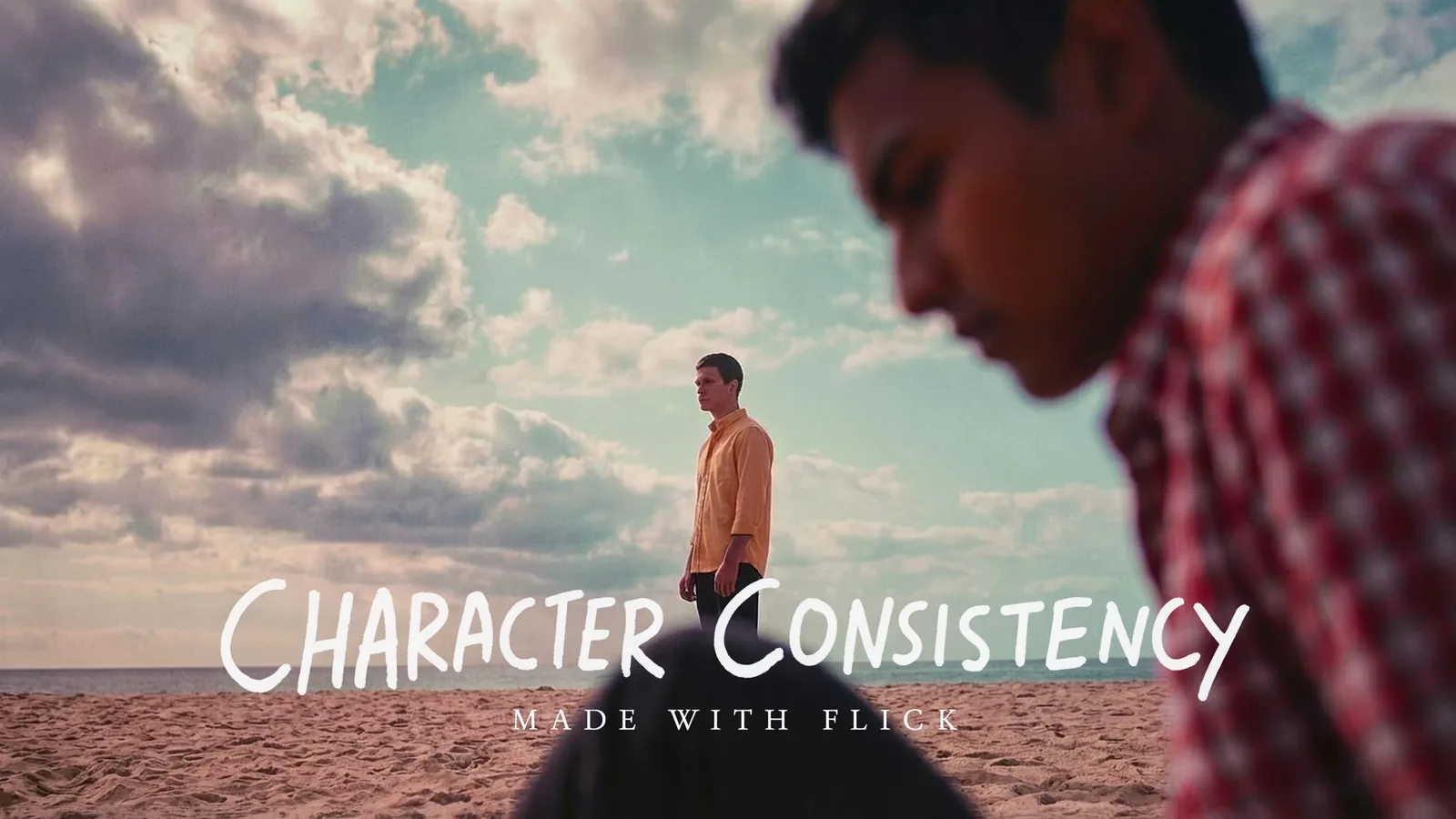
No. Write what you want to move and how, generate the clip, then chain multiple clips on the canvas into a full sequence. Traditional motion graphics demand a timeline, keyframe curves, and easing controls. Flick replaces all of that with a prompt. Use Character Reference to keep logos or visual elements consistent across every generated shot.
WHICH MODELS PRODUCE THE BEST MOTION-GRAPHICS RESULTS?
Kling handles physics-driven motion and complex object movement well. Veo 3.1 delivers cinematic grading with native audio, useful for title cards that need an integrated sound layer. Seedance is fast with high output quality when you need to iterate quickly on a look. Run the same prompt through multiple models on the same canvas and pick the version that fits the shot.
IS FLICK FREE TO USE?
Flick has a free tier: up to 300 free credits (100 at signup plus 200 for joining our Discord) plus 100 weekly credits, no credit card required. Every image model is on the free tier, and so are MiniMax H3 Fast, MiniMax H3 Max and Pruna Draft video, so generate a neon logo reveal or a kinetic-typography intro before committing to anything. Kling, Veo 3.1, Seedance and the full video model list come with the Standard plan. Paid plans start at $5 per month and add more credits per billing cycle.
DO I OWN THE MOTION GRAPHICS I GENERATE?
Yes. Anything you generate on Flick is yours to use commercially. Export the clip and drop it into your edit, use it as a broadcast lower-third, or publish it as a standalone asset. Check the Flick terms for the full IP policy. The output belongs to you.
HOW IS THIS DIFFERENT FROM AFTER EFFECTS OR A DEDICATED MOTION-GRAPHICS TOOL?
After Effects gives you precise control over every property but requires hours of setup per shot. Flick trades granular control for speed: describe a particle burst transition, generate it in seconds, and move on. For projects where the goal is a finished deliverable rather than frame-level polish, generating on Flick and exporting into your NLE is faster than building the same element by hand.




TRY THE AI MOTION GRAPHICS GENERATOR FREE