AI Story Generator
WHY GENERATE WITH FLICK?
Type a premise. Flick writes the story, casts the characters, and generates every scene as real footage.
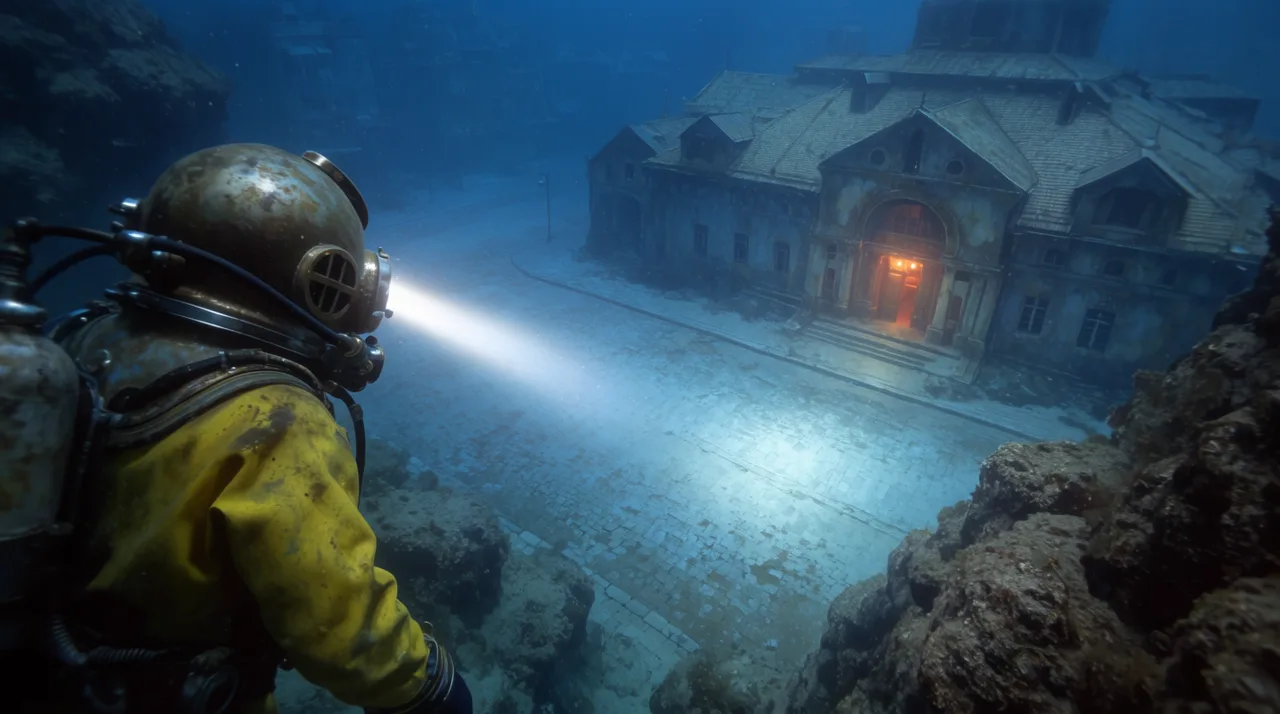
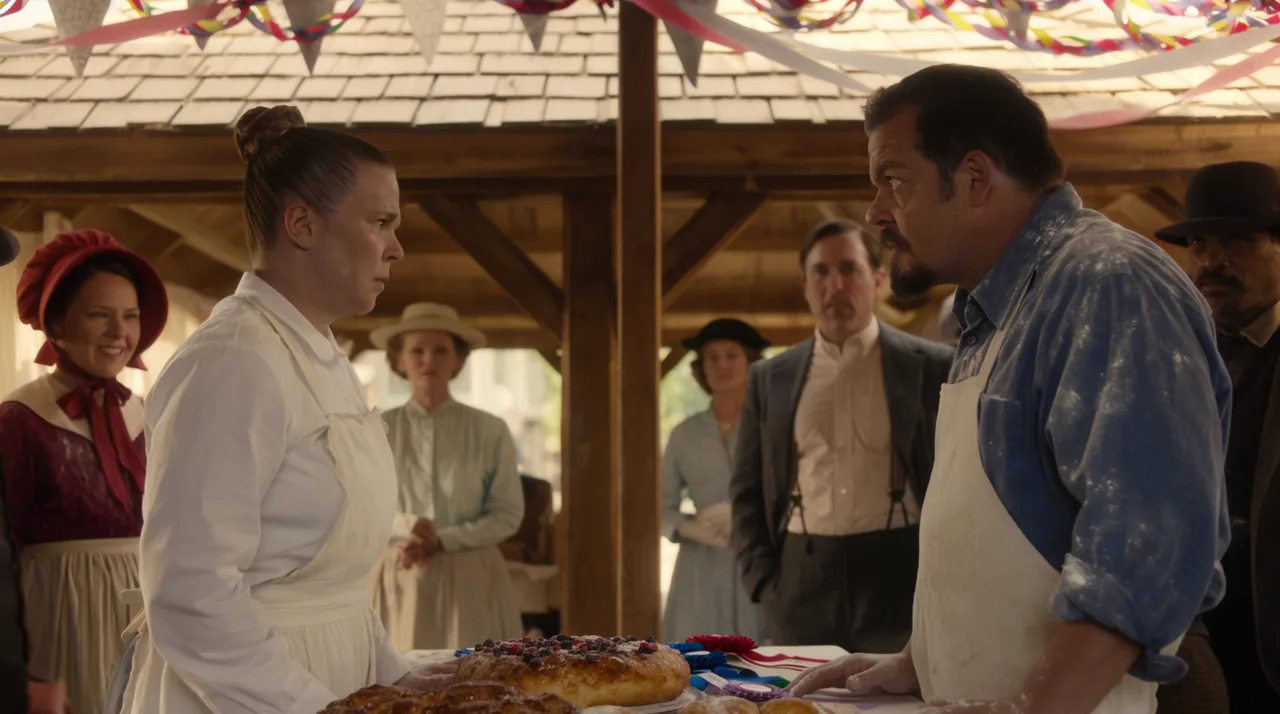
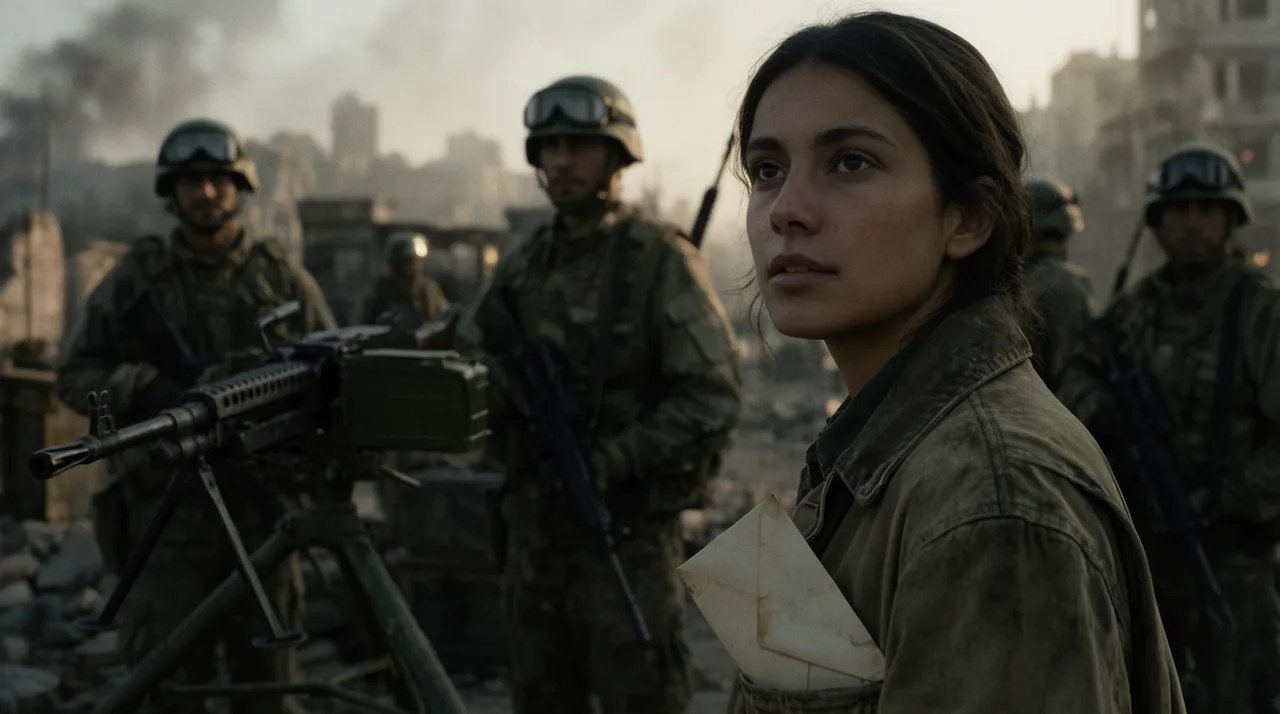
AI STORY GENERATOR EXAMPLES

HOW IT WORKS
STEP 1
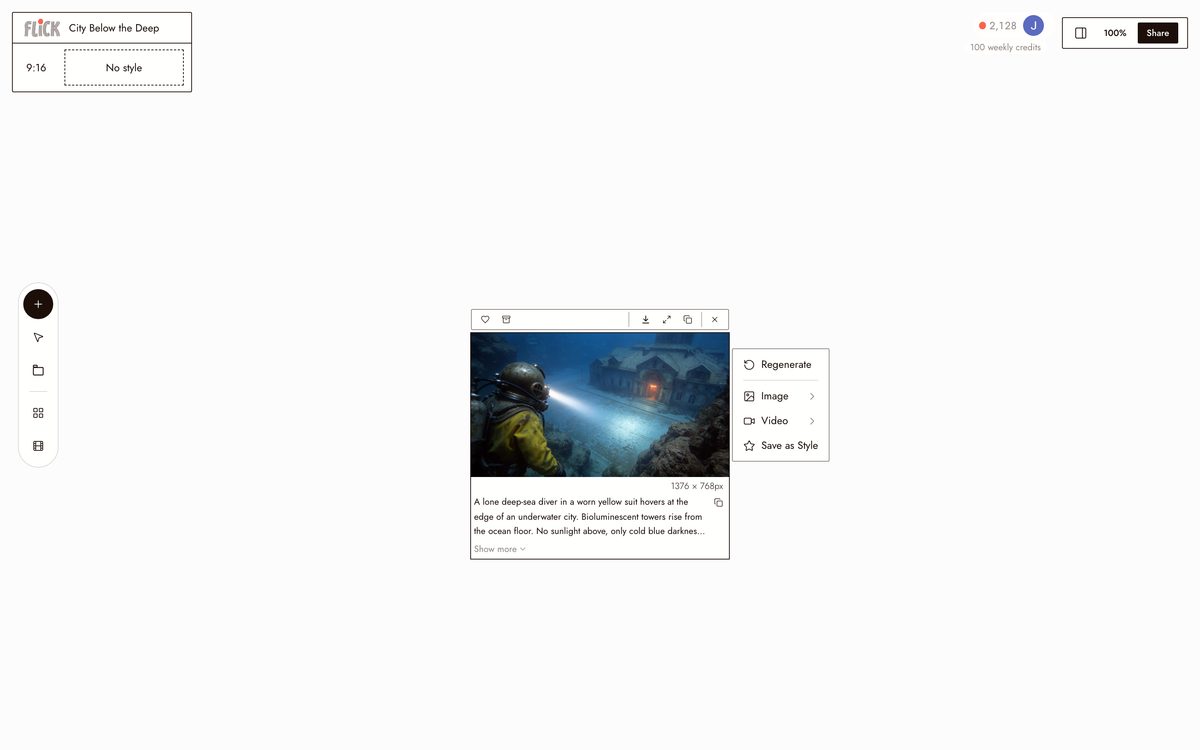
BUILD THE STORY IN CHAT
Start with one sentence and develop it in conversation, the plot, the characters, the scene list, until the story is ready to shoot. Flick holds the thread so each answer builds on the last.
Made in Flick STEP 2
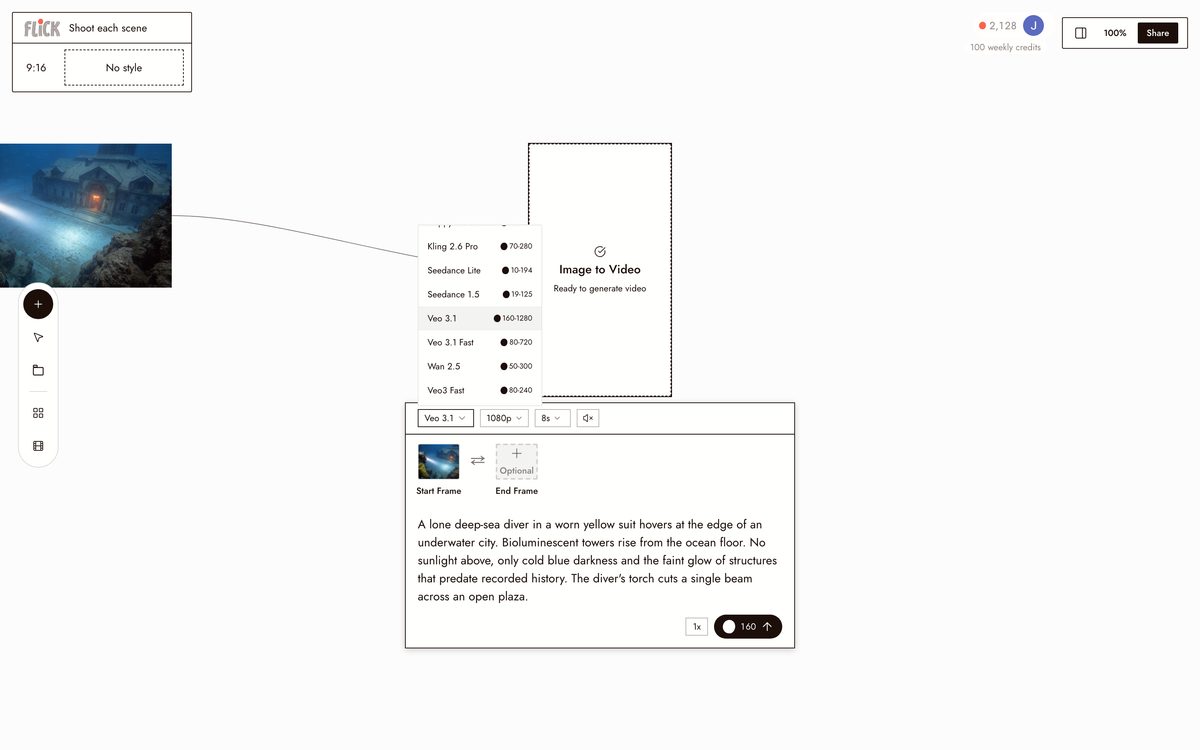
SHOOT EACH SCENE
Place every scene as a node on the canvas and generate footage with the model that fits the beat, Kling for action, Seedance for speed, Veo 3.1 for cinematic color and dialogue.
Made in Flick STEP 3
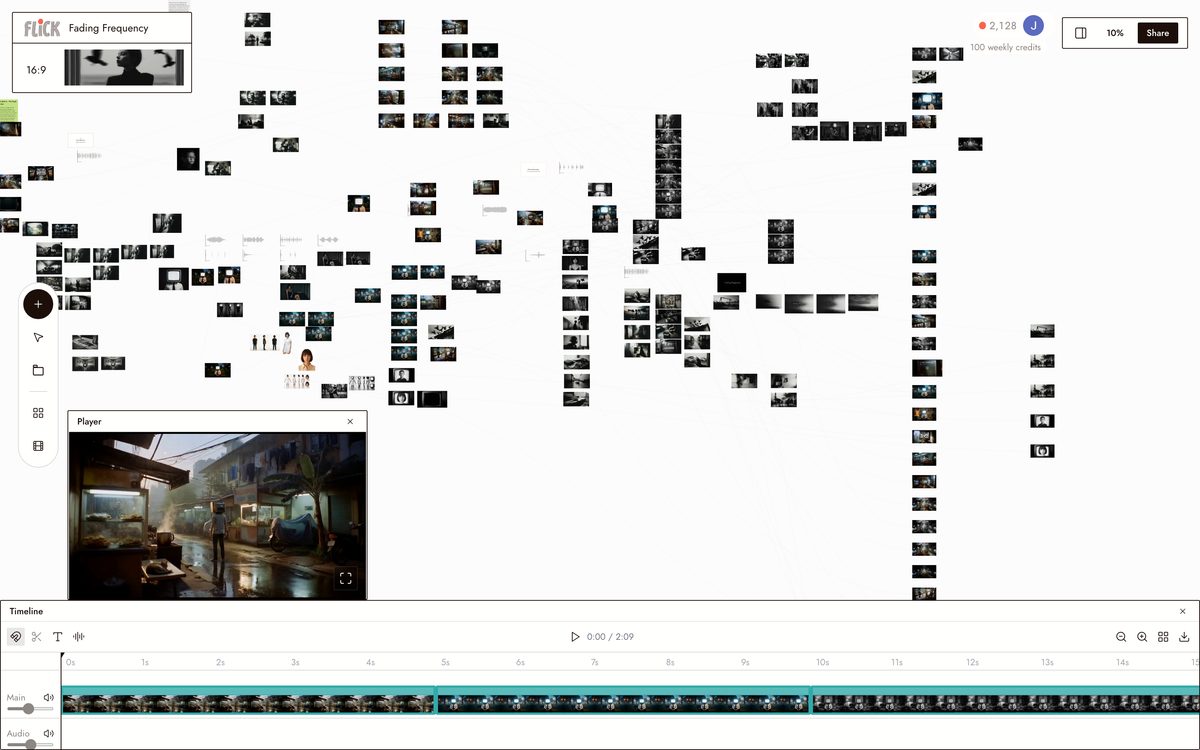
KEEP THE CAST, LAY IT OUT
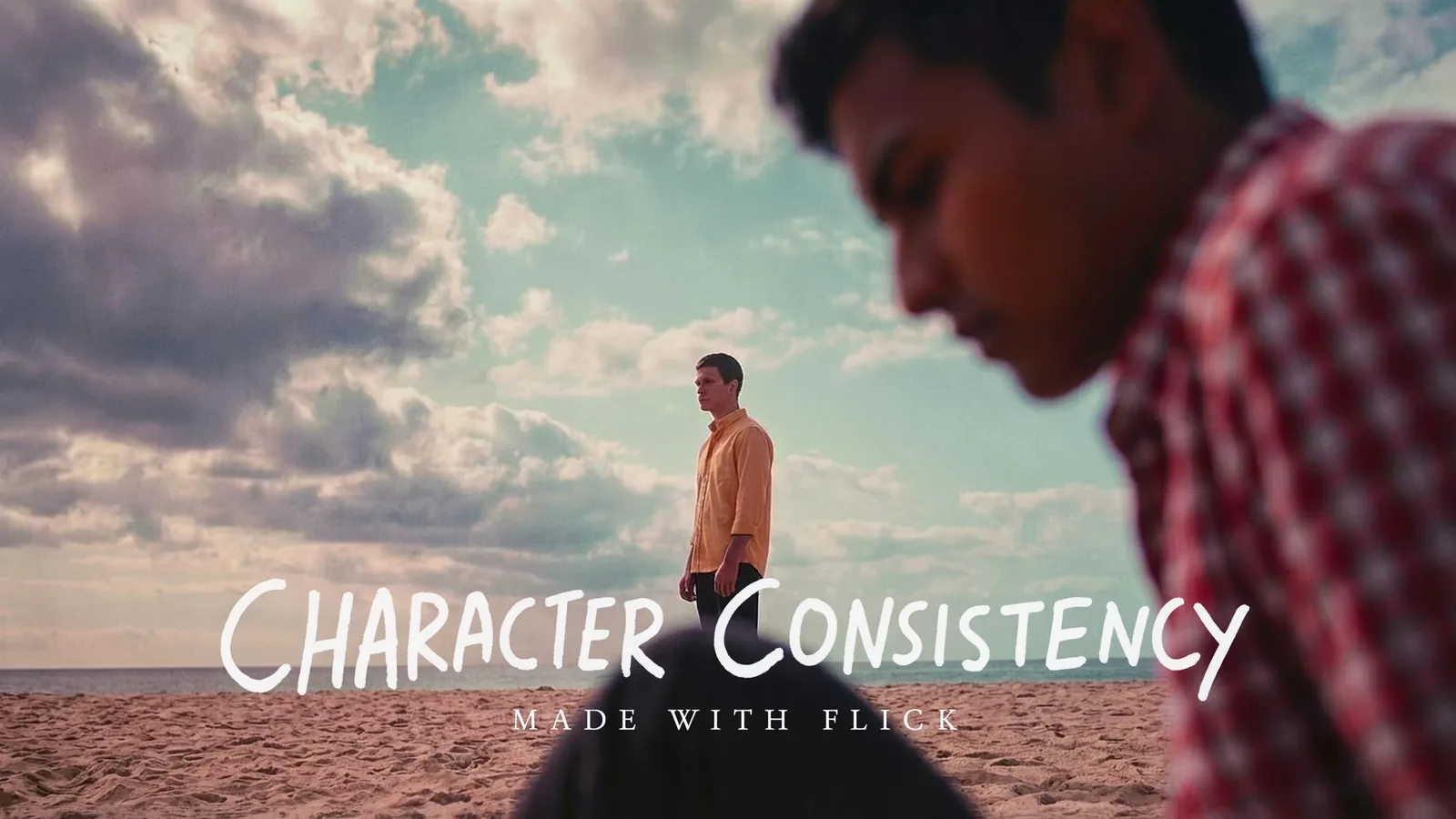
Upload one reference per character and apply Character Reference once, so each face carries across every scene and model. Arrange the scenes on the canvas and the story lines up end to end.
Made in Flick


AI STORY GENERATOR FAQS
WHAT DOES AN AI STORY GENERATOR ACTUALLY DO?
Plenty of tools will write you a story and stop at the page. Flick takes a one-line idea, builds it into characters, scenes, and plot beats, then moves that story onto a canvas where you storyboard each scene and generate it as real footage.
HOW DO I KEEP THE SAME CHARACTER CONSISTENT ACROSS EVERY SCENE?
Lock a character once with Character Reference using a single image. Every scene after that — different angles, lighting, settings — keeps the same face, outfit, and proportions. That consistency holds across every model on the canvas.
WHICH VIDEO MODEL SHOULD I USE FOR MY STORY?
Pick by what the scene needs. Kling handles motion and physics. Veo 3.1 delivers cinematic quality with native audio and dialogue. Seedance is fast and produces high-quality results when you need to move quickly through a scene list. All three are available on every Flick plan.
IS FLICK FREE TO USE?
Flick has a free tier: up to 300 free credits (100 at signup plus 200 for joining our Discord) plus 100 credits weekly. That covers story development, storyboarding, and a real set of generations with the models on the free plan. Paid plans start at $5/month, or $4/month billed yearly, for more credits. Every image model, including Nano Banana and GPT Image, is on every plan, free included, and so are MiniMax H3 Fast, MiniMax H3 Max and Pruna Draft video. Kling, Veo 3.1, Seedance and the full video model list come with the Standard plan.
IS THE OUTPUT MINE TO USE?
Everything you generate in Flick belongs to you. Images, video clips, and assembled sequences are yours to distribute, publish, or sell. Check the terms of the specific underlying model for commercial use at scale. Flick does not claim ownership of your output.
HOW IS THIS DIFFERENT FROM CHATGPT OR A WRITING TOOL?
A chat assistant can write you a story, but it stops at text. Flick develops the plot and characters in chat, breaks the story into scenes on the canvas, then generates each one as footage with hosted video models. You finish with a film, not a document.



TRY THE AI STORY GENERATOR FREE