AI Explainer Video Generator
WHY GENERATE WITH FLICK?
Generate a matched visual for every step, then arrange the full sequence on one canvas.
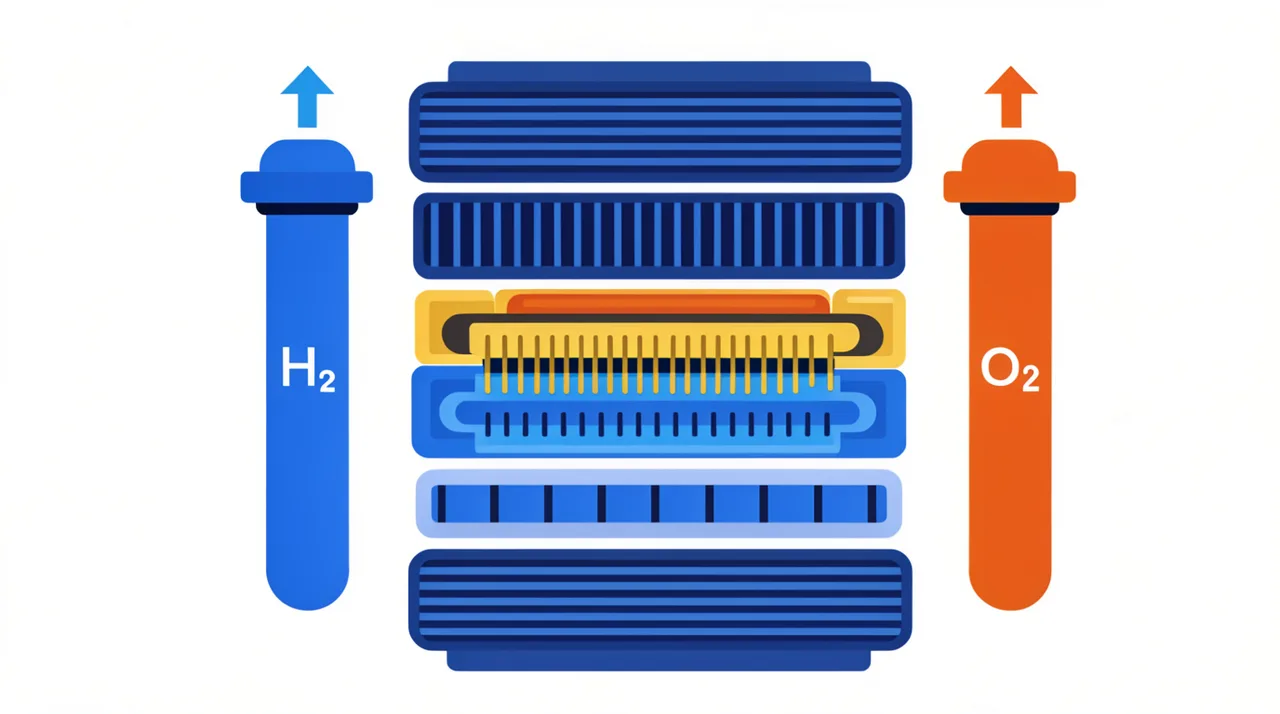
AI EXPLAINER VIDEO GENERATOR EXAMPLES
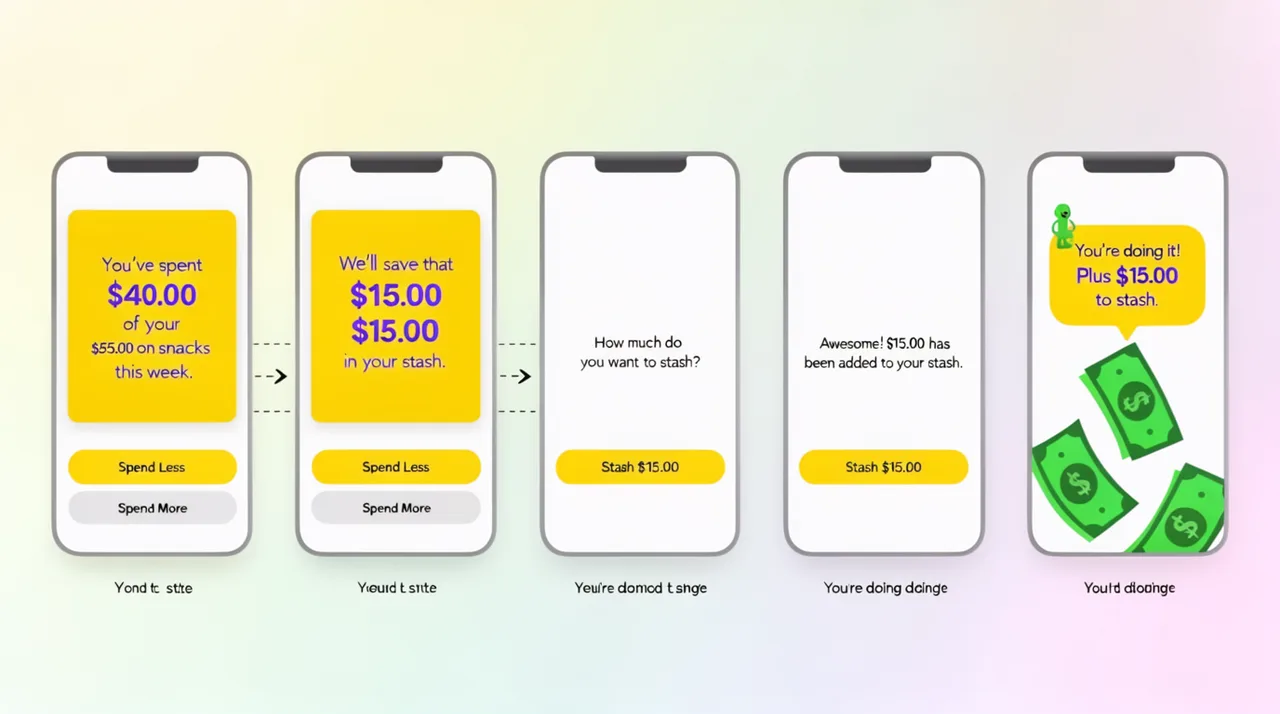
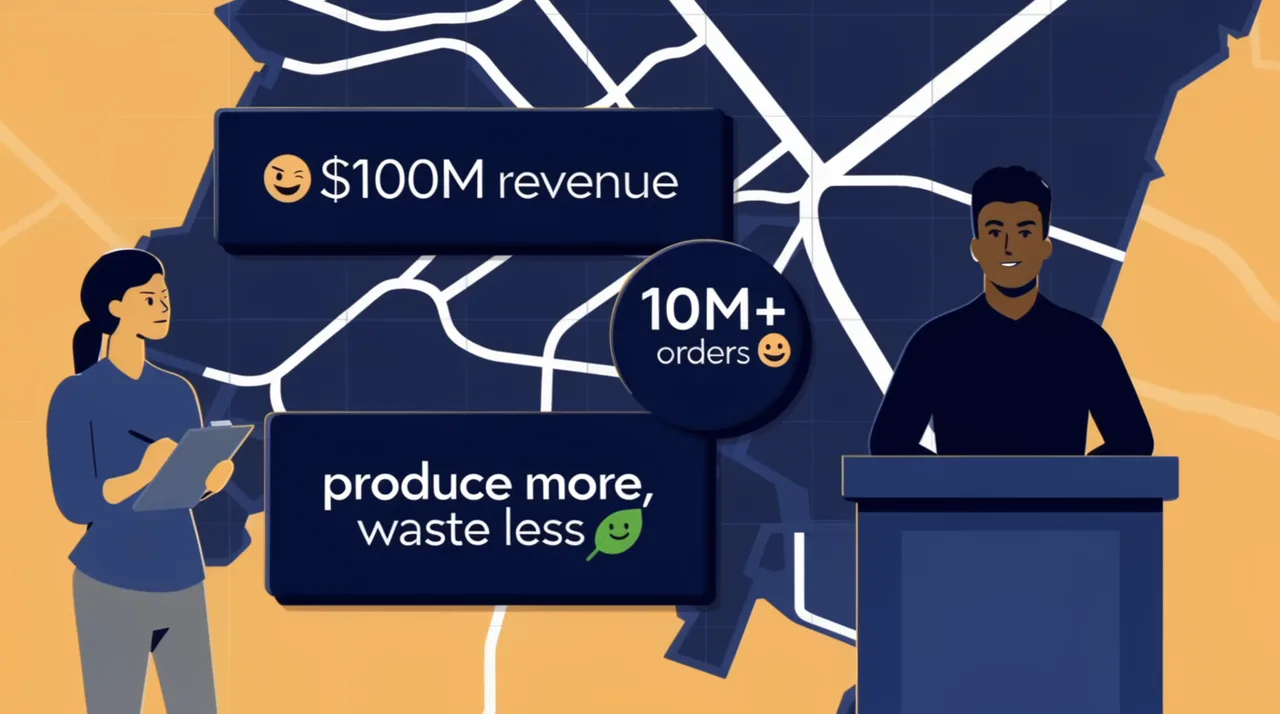
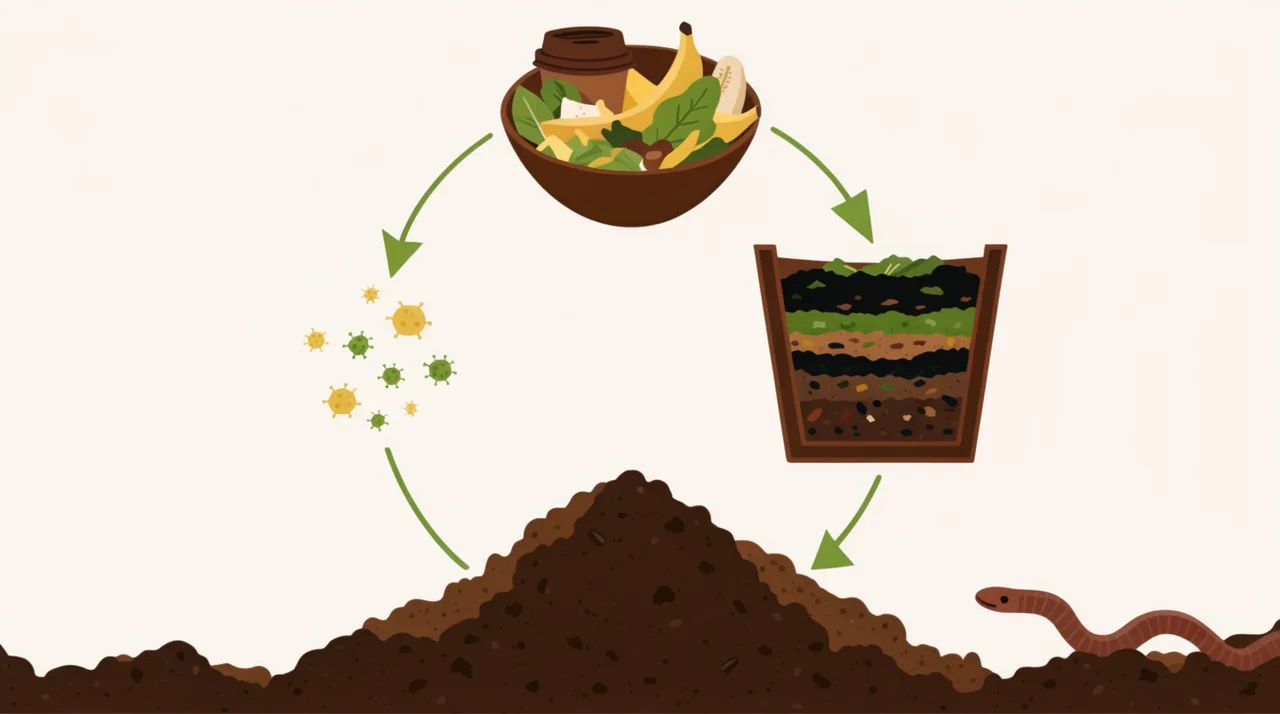
HOW IT WORKS
STEP 1
SPLIT YOUR SCRIPT INTO BEATS
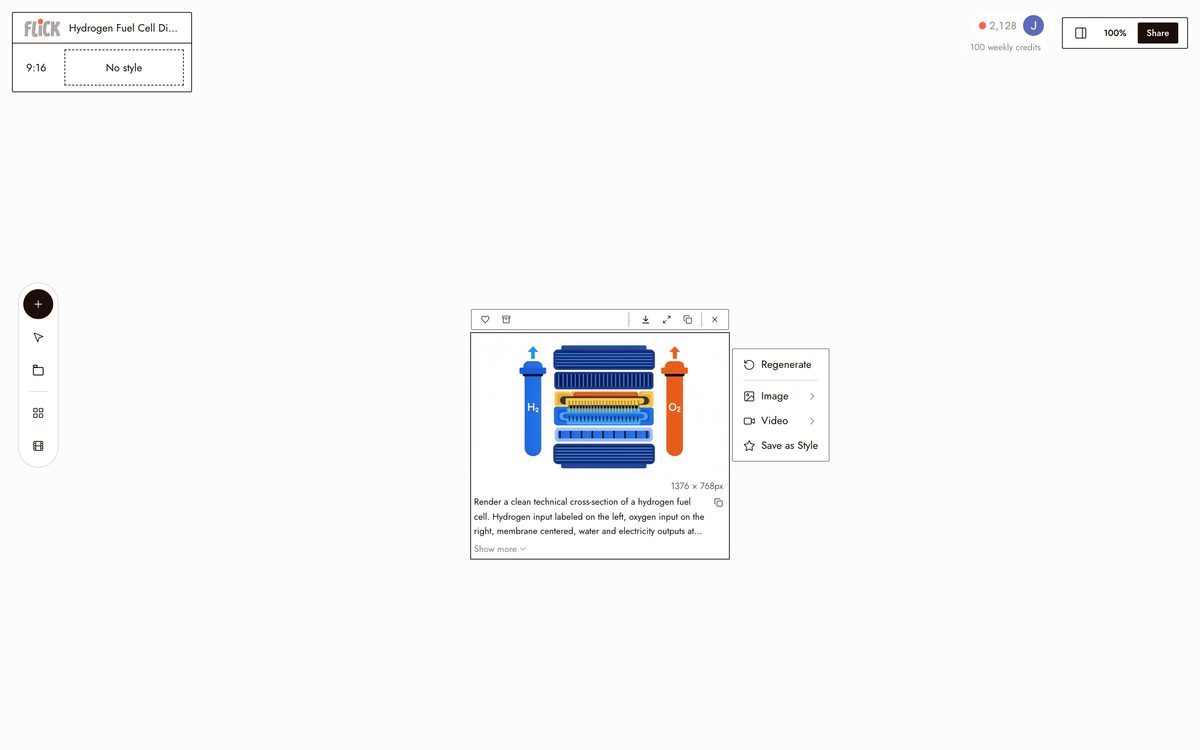
Paste the script into chat and break it by concept or step. Each beat becomes one visual node on the canvas, so the shape of the video matches the shape of the script.
Made in Flick STEP 2
MATCH A MODEL TO EACH BEAT
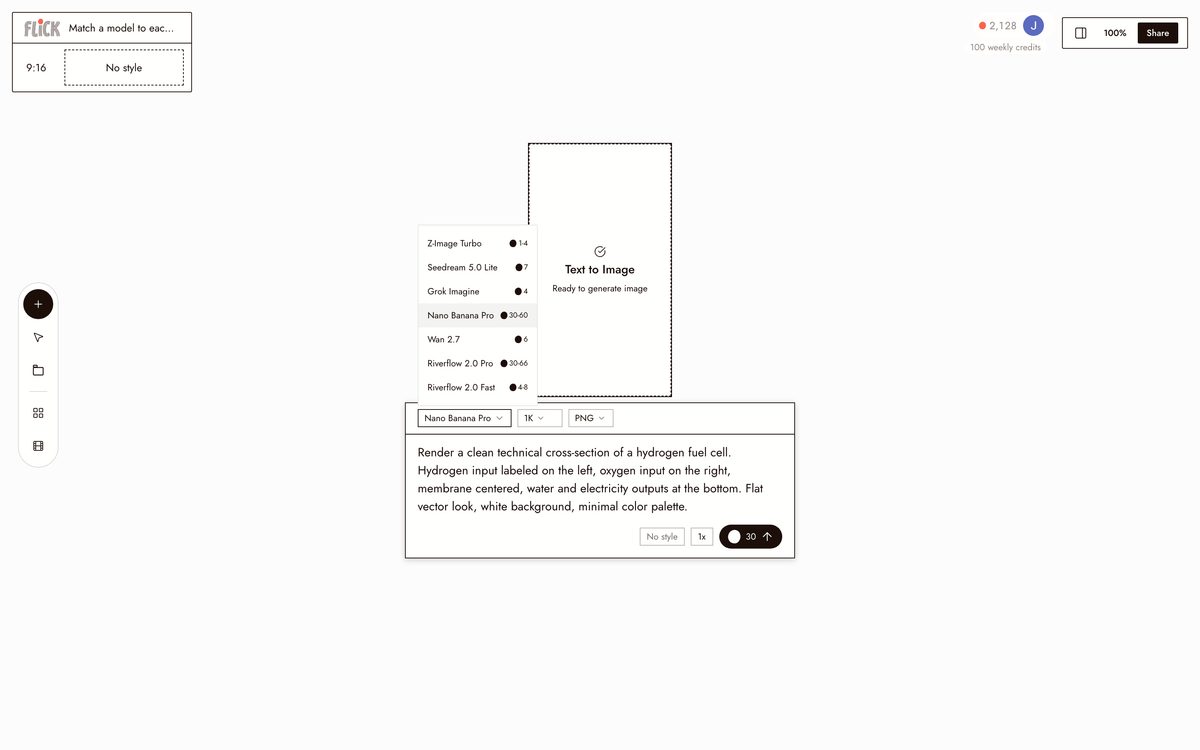
Use Nano Banana Pro or GPT Image for diagrams and stills, Kling for motion scenes, and Veo 3.1 where you want narration with native audio. Different beats can use different models.
Made in Flick STEP 3
ORDER AND TRIM ON THE CANVAS
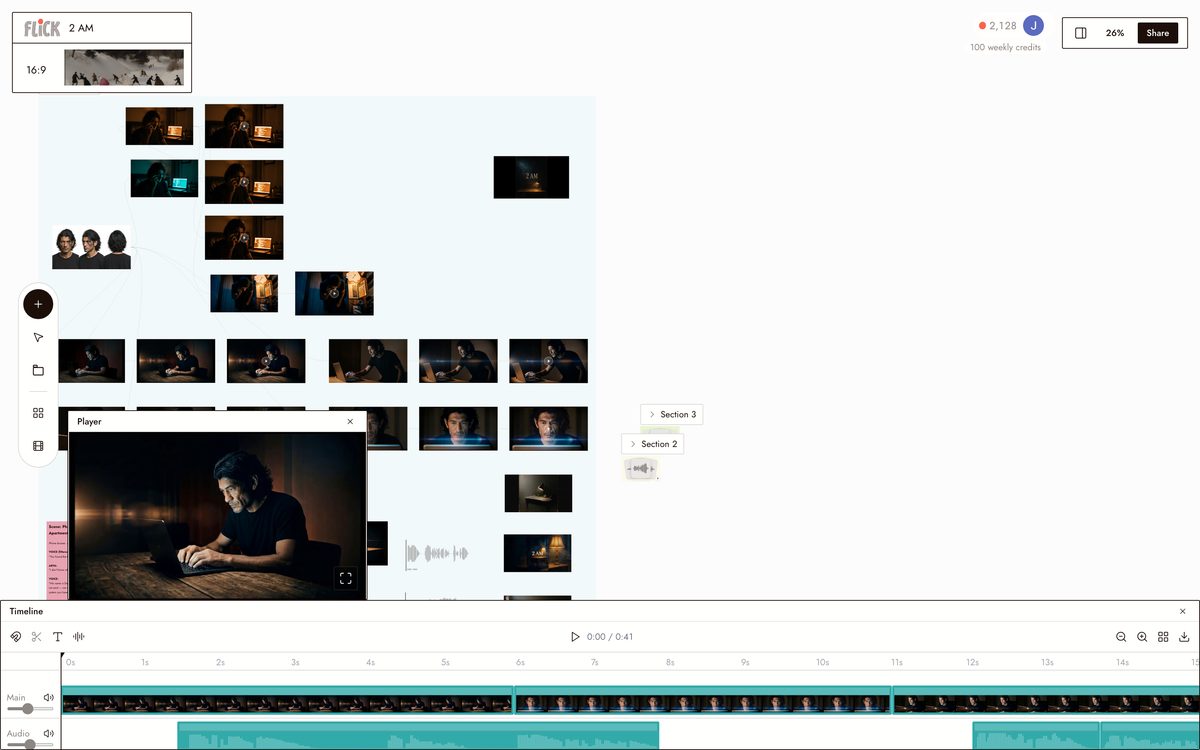
Drag the visuals into script order, trim each clip to its line, and lock the full explainer. Every frame stays tied to the beat it illustrates.
Canvas by Baskoro Schnyder


AI EXPLAINER VIDEO GENERATOR FAQS
WHAT IS AN AI EXPLAINER VIDEO GENERATOR?
It takes a script, topic, or step-by-step outline and produces matching visuals for each part. In Flick, describe what to explain in chat, generate a visual for each step using models like Nano Banana Pro or Veo 3.1, then arrange every clip on the canvas into a finished sequence.
HOW DOES FLICK DIFFER FROM TEMPLATE-BASED EXPLAINER TOOLS?
Template tools slot your script into pre-built animations. Flick generates original visuals from your exact prompt: a hydrogen fuel cell diagram, a budgeting app onboarding flow, a compost breakdown. The output matches your concept, not a generic template.
CAN I KEEP THE SAME CHARACTER OR VISUAL STYLE ACROSS EVERY SCENE?
Lock a character from one reference image using Character Reference, then generate that character into every scene in your explainer. Style stays consistent across all shots on the canvas regardless of which model you use.
CAN I ADD MOTION OR AUDIO TO THE EXPLAINER SCENES?
Send any still directly into a video model from the same canvas. Use Kling for motion and physics, or Veo 3.1 for cinematic quality with native audio and dialogue. No file export and re-import required.
IS THIS FREE TO USE?
Flick has a free tier: up to 300 free credits (100 at signup plus 200 for joining our Discord) plus 100 weekly credits, no credit card required. That covers generating multiple scenes, testing different models, and arranging a short explainer on the canvas. Paid plans start at $5/month, or $4/month billed yearly, for more credits. Every image model, including Nano Banana and GPT Image, is on every plan, free included, and so are MiniMax H3 Fast, MiniMax H3 Max and Pruna Draft video. Kling, Veo 3.1, Seedance and the full video model list come with the Standard plan.
IS THE OUTPUT MINE TO USE?
Visuals you generate in Flick are yours to use, publish, and distribute. Check the terms for the specific model that produced your output, as individual model providers may have their own usage policies. Flick does not claim ownership of your generations.





TRY THE AI EXPLAINER VIDEO GENERATOR FREE